All Blogs

How to Convert Google Docs to Google Slides?

How to Convert Google Docs to Google Slides?

Converting a document into a presentation is one of the most common productivity tasks today. Whether you’re a student preparing a class presentation, a professional creating a pitch, or a teacher summarizing lessons, turning content from Google Docs into Google Slides can save time and improve clarity.

How to Save a Picture from PowerPoint?

How to Save a Picture from PowerPoint?

Sometimes you might want to save a picture from a PowerPoint slide, maybe it’s a logo, a photo, or a graphic you want to reuse somewhere else. The good news is, PowerPoint makes it easy to save images without losing quality. In this guide, we’ll show you quick and simple ways to export pictures from PowerPoint so you can use them wherever you need.

How to Find Word Count in PowerPoint?

How to Find Word Count in PowerPoint?

PowerPoint doesn’t exactly make it easy to check how many words you’ve got in your slides. Unlike Word, there’s no little counter-ticking away as you type. But if you need a word count in PowerPoint for timing, clarity, or a school/work requirement, don’t worry. There are a few simple ways to get the numbers. You just have to know where to look.

How to Convert Canva to PowerPoint?

How to Convert Canva to PowerPoint?

Have you built a beautiful presentation in Canva but need to present or edit it in PowerPoint? Converting Canva to PowerPoint is a smart move for broader reach! The good news? Canva makes it easy to download your design as a PowerPoint file. Here’s everything you need to know to get it done smoothly.

How Do You Hide & Unhide a Slide in PowerPoint?

How Do You Hide & Unhide a Slide in PowerPoint?

Ever had a slide in your deck that’s not quite ready, or maybe only relevant for a specific audience? Do you know that you can just hide it instead of deleting it or creating multiple presentations? It’s one of those little tricks in PowerPoint that makes life easier.

How to Reduce PPT File Size: Quick Tips for Faster, Lighter Presentations

How to Reduce PPT File Size: Quick Tips for Faster, Lighter Presentations

PowerPoint files can grow large quickly, especially when they contain numerous pictures, videos, or elaborate designs. Large files can be slow to open, difficult to share, and consume excessive storage space. Whether you’re a designer, teacher, business owner, or student, it’s important to keep your presentation files small and easy to work with. In this […]

How to Make a Dotted Line in PPT: Quick & Easy Guide for Better Slides

How to Make a Dotted Line in PPT: Quick & Easy Guide for Better Slides

Dotted lines are a simple way to make your PowerPoint slides clearer and more professional. You can use them to connect shapes, highlight important areas, or add style to your design. In this guide, we’ll show you easy steps to draw and customize dotted lines in PPT so your presentations look clean and polished.

How to Group & Ungroup Objects in PowerPoint

How to Group & Ungroup Objects in PowerPoint

Creating a polished PowerPoint presentation isn’t just about great content; it’s also about clean, well-organized slides. That’s where grouping objects comes in. Whether you’re working with shapes, pictures, text boxes, or icons, grouping lets you move, resize, and format multiple items at once, saving time and keeping your design neat. In this guide, we’ll show you how to regroup, group, and ungroup objects in PowerPoint so you can work smarter and faster on your slides.

How to Blur an Image in PowerPoint?

How to Blur an Image in PowerPoint?

Have you ever dropped an awesome photo onto a slide only to realize your text disappears into the background? Or maybe you need to show a screenshot, but first need to hide private information? Blurring images in PowerPoint is a simple trick that solves both problems. And it only takes a few clicks! This post […]

How to Upload a PowerPoint to Google Drive?

How to Upload a PowerPoint to Google Drive?

Do you have a PowerPoint file you need to share, backup, or edit on the go? Uploading it to Google Drive is the easiest way to make it accessible across devices. Once uploaded, you can open your PowerPoint in Google Slides, make edits online, or share it with anyone in just a few clicks. Additionally, […]

27 Best PowerPoint Add-ins to Supercharge Your Presentations (2026)

27 Best PowerPoint Add-ins to Supercharge Your Presentations (2026)

Creating a presentation can feel like a chore until you discover the right PowerPoint add-ins. These tools save time, boost creativity, and bring your slides to life without needing a design degree. This guide walks you through the 27 best add-ins for PowerPoint to make your work stand out. What are PowerPoint Add-ins? PowerPoint add-ins […]

How to Create a Mind Map in PowerPoint: A Step-by-Step Guide

How to Create a Mind Map in PowerPoint: A Step-by-Step Guide

A mind map is a simple way to show ideas and how they connect. You start with one main idea in the centre, then draw branches for related thoughts or topics. Each branch can have smaller branches that add more detail.

How to Create an Org Chart in PowerPoint: Steps + Template

How to Create an Org Chart in PowerPoint: Steps + Template

Learn how to create an org chart in PowerPoint using SlidesAI’s template, shapes, and SmartArt. Simplify reporting & boost transparency.

How to Change Google Slides Defaults for a Smoother Workflow?

How to Change Google Slides Defaults for a Smoother Workflow?

Customizing default settings in Google Slides helps streamline your presentation process and ensures design consistency. Whether you update the default font, adjust colors, or set preferred layouts, making these changes saves time and keeps your slides professional. This guide will walk you through how to change Google Slide defaults quickly and easily.

How to Add Background Music to Google Slides: Step by Step Guide

How to Add Background Music to Google Slides: Step by Step Guide

Adding background music to a Google Slides presentation can make it more engaging and impactful. Whether you’re presenting in a classroom or a business meeting, the right music sets the tone and keeps your audience interested. In this blog, you’ll learn simple methods on how to add background music in Google Slides quickly and easily. […]

How to Get Normal Google Slides Templates Back?

How to Get Normal Google Slides Templates Back?

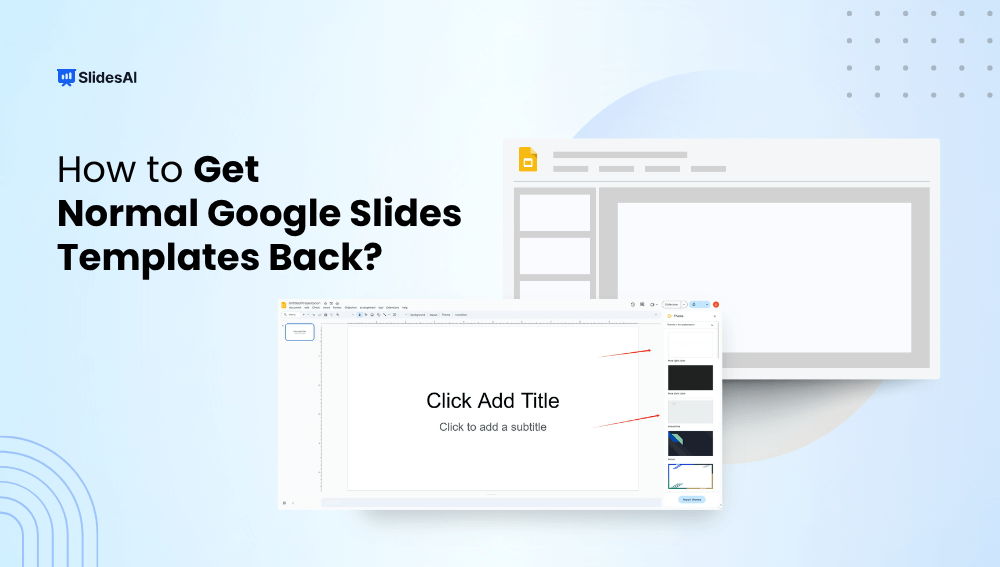
Accidentally lost your default Google Slides templates or switched to a custom theme you don’t like? Don’t worry, getting back to the original, clean Google Slides templates is quick and easy. Whether you’re working on a school project, business presentation, or anything in between, this guide will walk you through simple steps on how to get normal Google slide templates back.

How To Change Existing Text to WordArt in PowerPoint

How To Change Existing Text to WordArt in PowerPoint

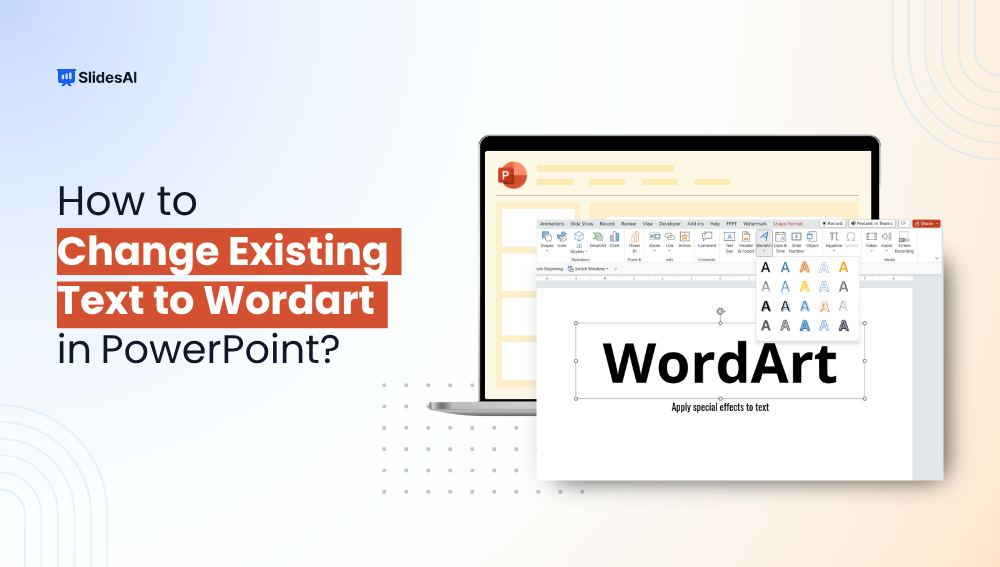
Adding visual interest to your PowerPoint slides can be easy. One simple way to do this is by using WordArt. This is an inbuilt feature, and it lets you turn plain text into colorful and creative designs. WordArt is great for making titles stand out or adding style to important points in the form of stylish graphics. In this blog, we’ll show you how to convert text to WordArt in PowerPoint mindfully and with a few simple steps.

How to Convert an InDesign file to a PowerPoint Presentation?

How to Convert an InDesign file to a PowerPoint Presentation?

Whether you’re preparing a pitch deck, a client presentation, or repurposing existing content, converting your InDesign files into a PowerPoint-friendly format can save hours of redesign.

How to Make a Graph in Google Slides?

How to Make a Graph in Google Slides?

Graphs bring numbers to life. Instead of overwhelming your audience with rows of data, a clean, well-designed graph in Google Slides can instantly show patterns, comparisons, and trends.

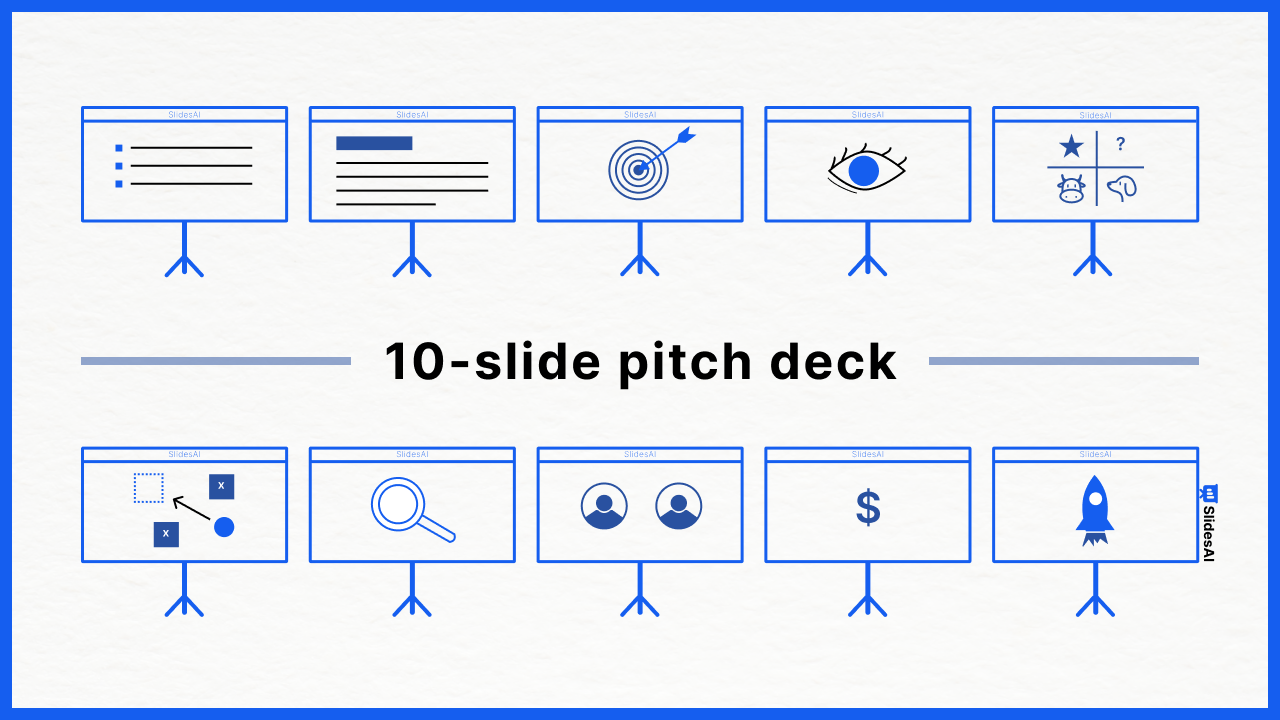
How to Create a Pitch Deck (and the 10 Slides You Need)

How to Create a Pitch Deck (and the 10 Slides You Need)

This article shows you how to create a pitch deck and the ten essential slides you need. We’ll also explain what makes a good pitch deck (including examples), the 10/20/30 rule, and how to avoid common mistakes.

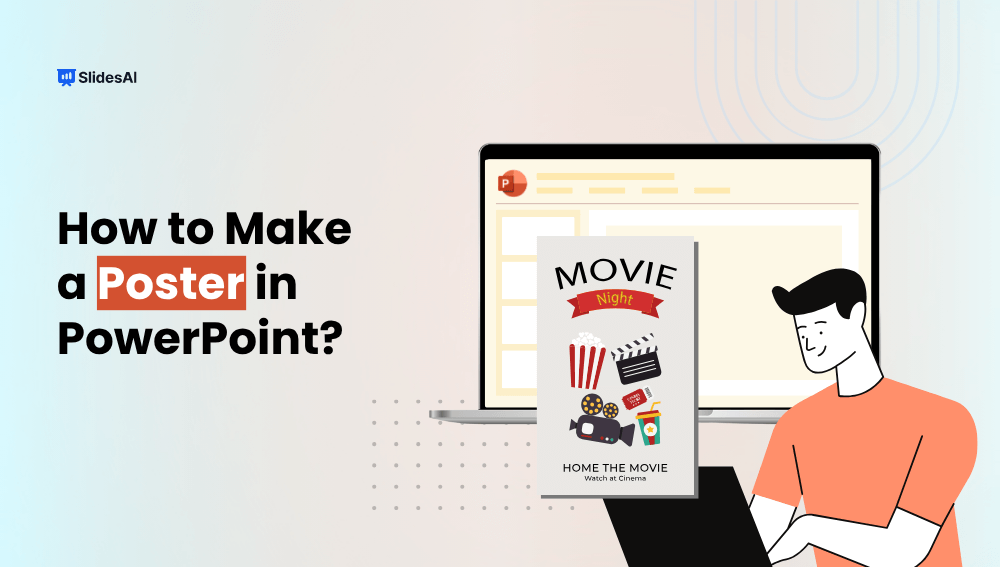
How to Make a Poster in PowerPoint?

How to Make a Poster in PowerPoint?

This guide will show you how to make a poster in PowerPoint, whether for school, conference, exhibition, or work project.

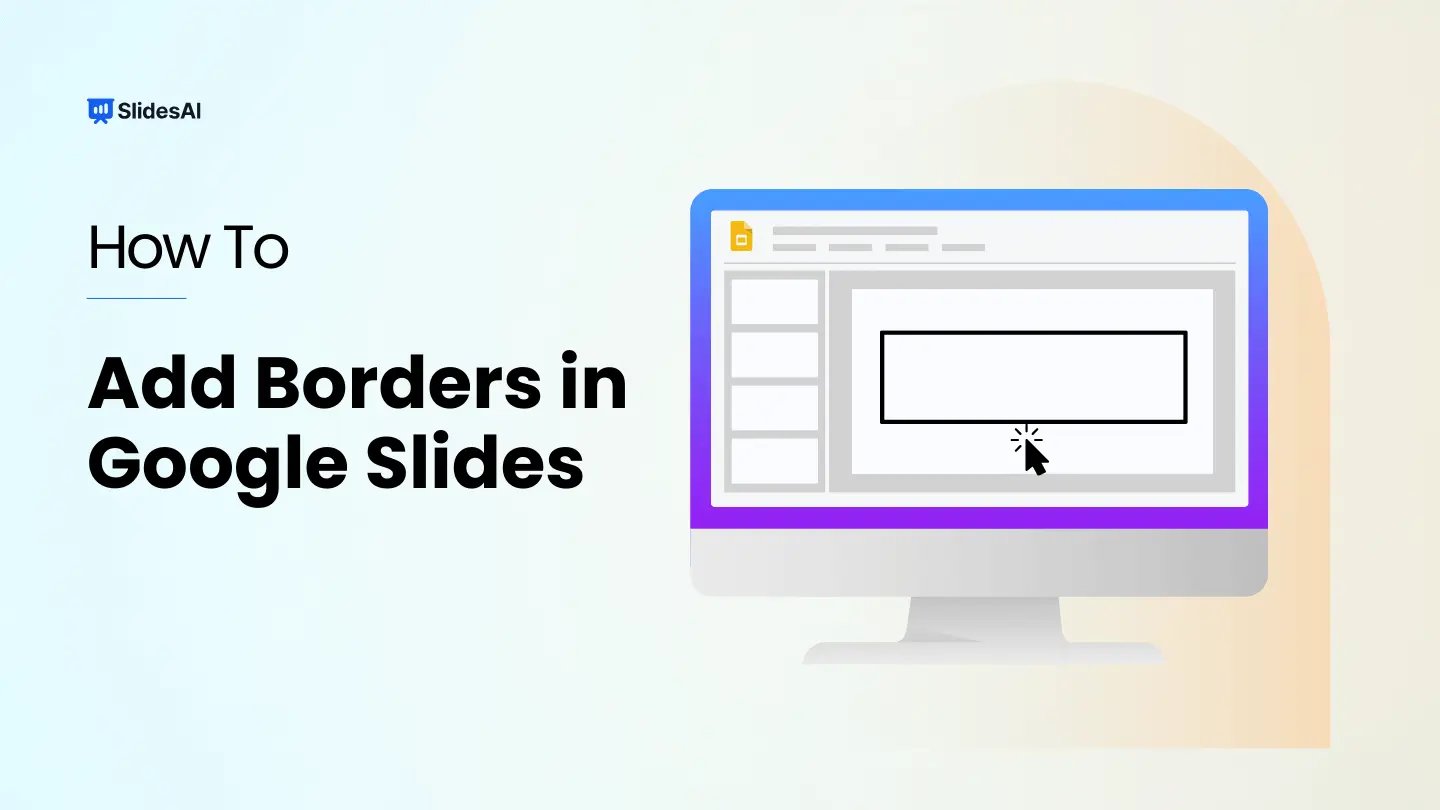
How to Add a Border in Google Slides + Free Template

How to Add a Border in Google Slides + Free Template

Borders can be a handy way to make your slides look a bit more interesting without going overboard. They can help improve the visual appeal of your presentation and make it easier for your audience to follow along.  In Google Slides, you can add borders to your entire slide design, to text boxes, and even to shapes. The best part? You can customize them to fit your needs!

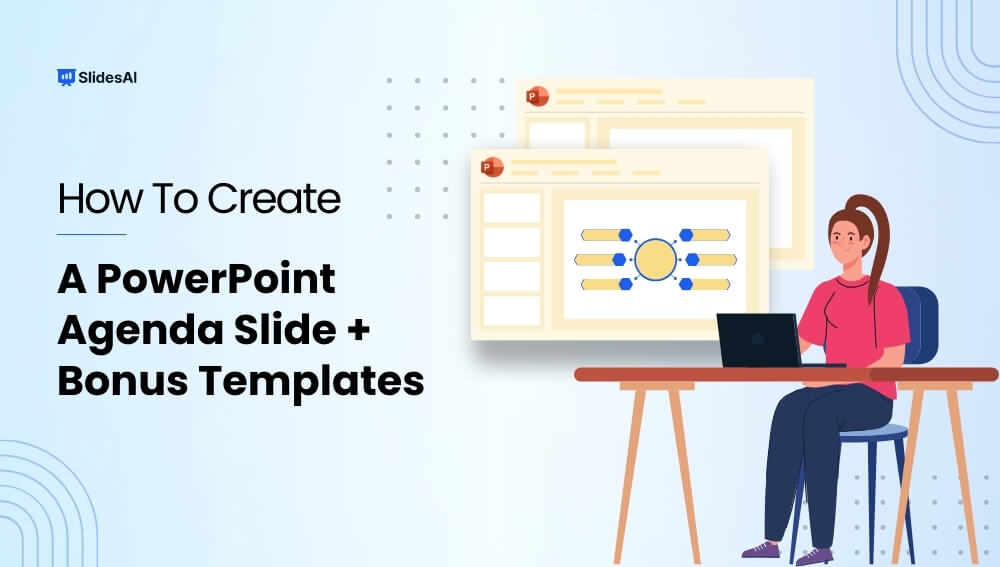
How to Create Agenda Slide in PowerPoint?

How to Create Agenda Slide in PowerPoint?

Ever feel like your PowerPoint presentations could benefit from a strong start? Using an agenda slide at the beginning can be a helpful way to take charge of your presentation from the get-go.

How to Translate Google Slides Presentations?

How to Translate Google Slides Presentations?

The world is becoming increasingly connected, and sharing your ideas with a global audience is easier than ever. But when your presentation is in one language and your audience speaks another, you might face a hurdle. Fear not! While Google Slides doesn’t have a built-in translation feature, several methods can help you bridge the language gap with ease.