Slides Setup Themes

How to Get Normal Google Slides Templates Back?

How to Get Normal Google Slides Templates Back?

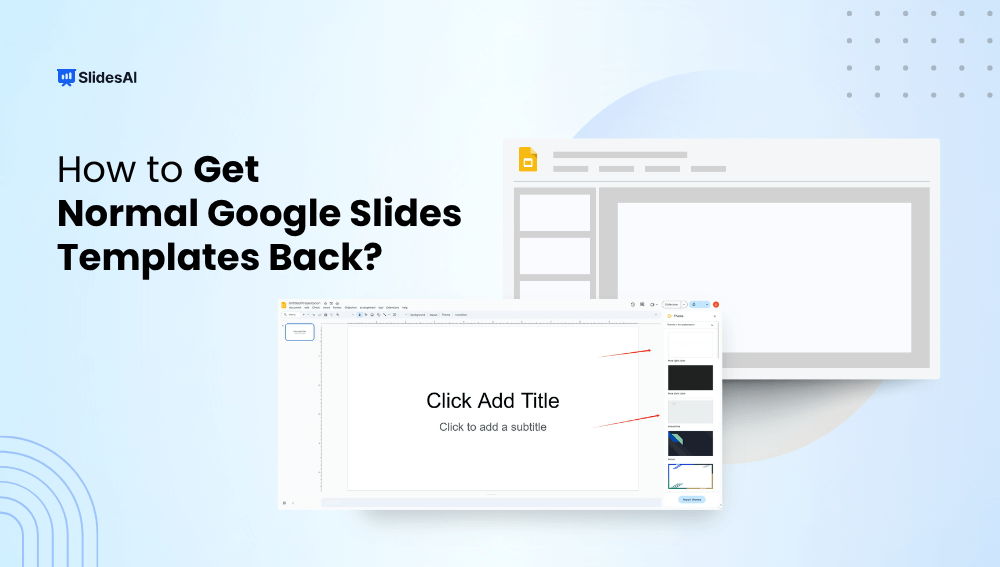
Accidentally lost your default Google Slides templates or switched to a custom theme you don’t like? Don’t worry, getting back to the original, clean Google Slides templates is quick and easy. Whether you’re working on a school project, business presentation, or anything in between, this guide will walk you through simple steps on how to get normal Google slide templates back.


How to Change the Size of a Google Slide? A Step-by-Step Tutorial

How to Change the Size of a Google Slide? A Step-by-Step Tutorial

The size of your slides is crucial, especially when presenting on big screens or for different types of content. For larger screens, using a widescreen format is essential, and you might need to tweak it to fit perfectly. Likewise, certain infographics and illustrations may need adjustments in slide orientation to show up right during your presentation. Just like in PowerPoint, you can also modify slide dimensions in Google Slides.

How to Import Themes into Google Slides – 6 Simple Steps

How to Import Themes into Google Slides – 6 Simple Steps

How long have you been staring at that default white Google Slides theme and wishing you could make your presentations reflect your own style? We’ve all been there. As functional as Google Slides is, it lacks new-age templates. But don’t settle for bland and boring! Your slides deserve better. Dressing them up with a gorgeous […]

How To Make Google Slides Vertical?

How To Make Google Slides Vertical?

Traditional landscape mode slides are well-suited for laptop or desktop viewing, but they fall short in terms of mobile convenience, limiting the implementation of certain graphics and charts at times. In such cases, you need a vertical aspect ratio.