Images Media In Ppt

How to Blur an Image in PowerPoint?

How to Blur an Image in PowerPoint?

Have you ever dropped an awesome photo onto a slide only to realize your text disappears into the background? Or maybe you need to show a screenshot, but first need to hide private information? Blurring images in PowerPoint is a simple trick that solves both problems. And it only takes a few clicks! This post […]
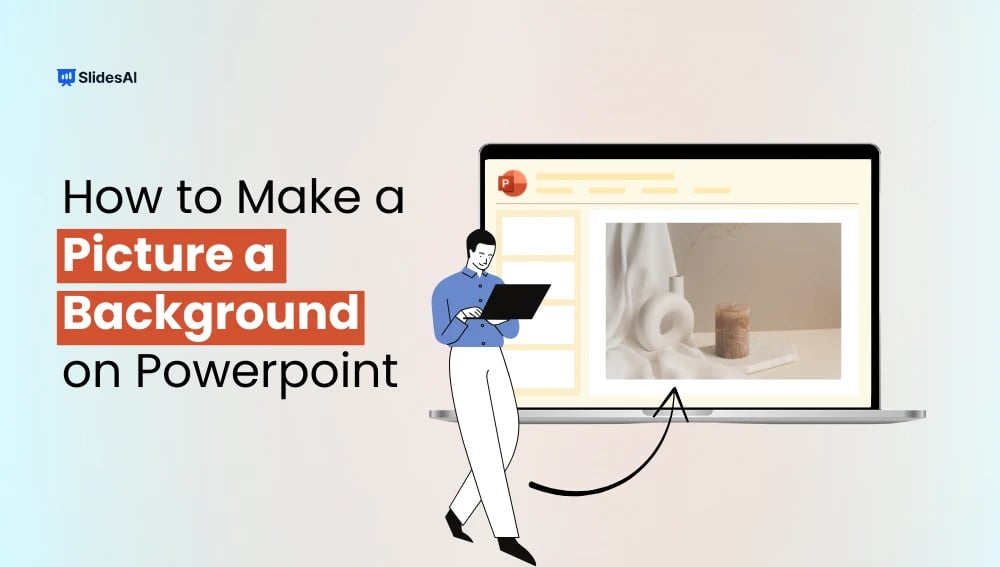
How to Insert a Picture as a Background in PowerPoint?

How to Insert a Picture as a Background in PowerPoint?

To add a background image in PowerPoint, right-click on a blank area of a slide, select Format Background, choose Picture or Texture Fill, and click Insert to select your image. You can adjust the transparency for better readability, and click Apply to All if you want the same background across your entire presentation. In this […]

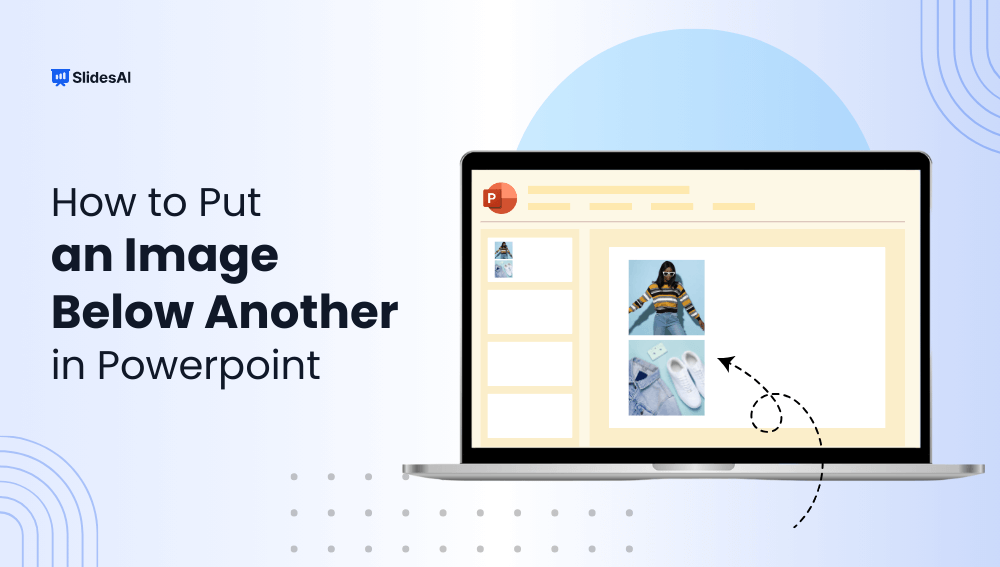
How to Put an Image Below Another in PowerPoint?

How to Put an Image Below Another in PowerPoint?

“Learn how to place an image below another in PowerPoint. Follow these simple steps to enhance visual hierarchy and create a polished, professional presentation that captivates your audience.

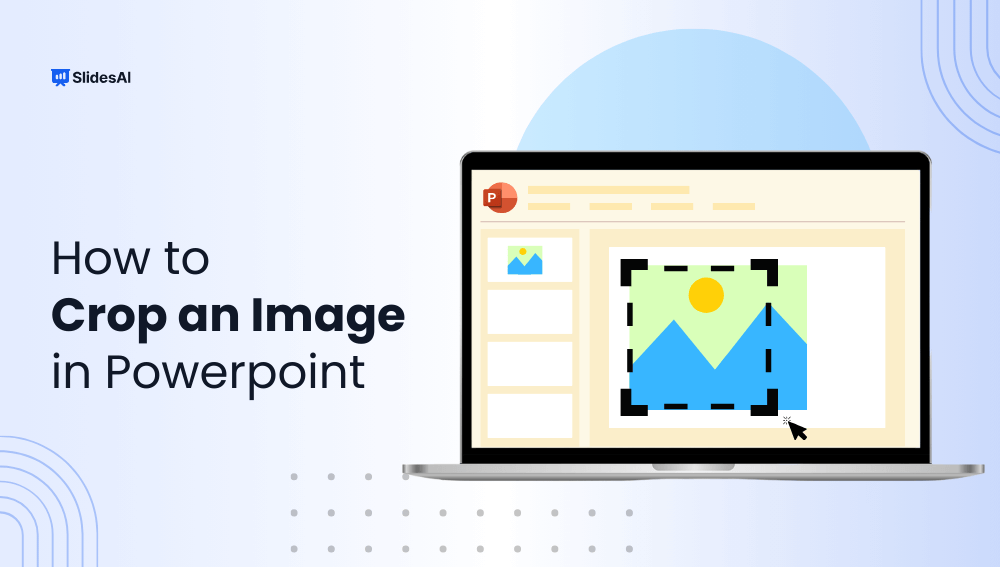
How to Crop an Image in PowerPoint?

How to Crop an Image in PowerPoint?

Have you ever added an image to your PowerPoint presentation and found it filled with unnecessary background details? Cropping is a simple way to clean up your images, focusing your audience on the important parts that support your message.

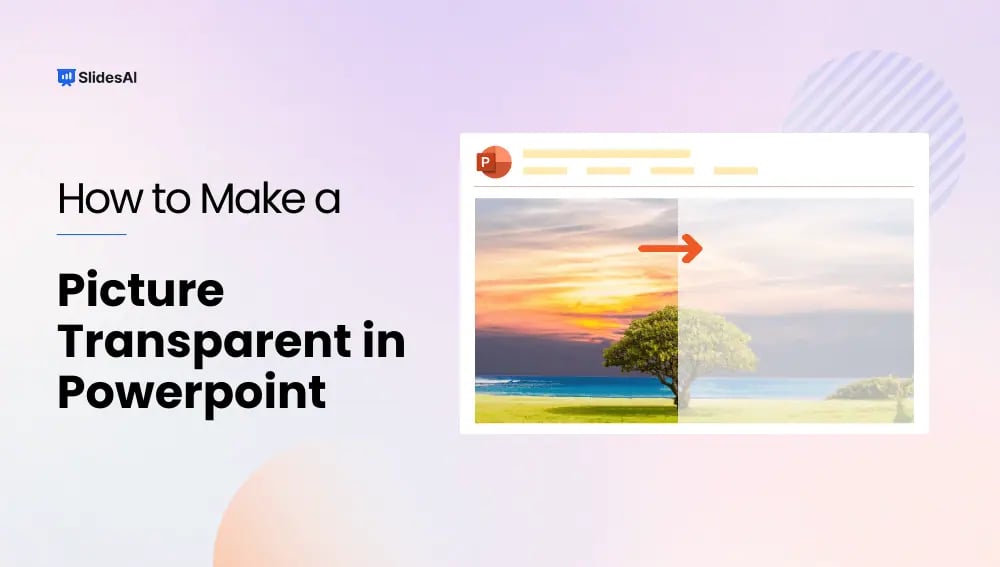
How to Make a Picture Transparent in PowerPoint?

How to Make a Picture Transparent in PowerPoint?

Visuals can really make presentations more interesting! Pictures, charts, and graphs can help break up text, keep viewers engaged, and make a memorable impression. But have you ever used an image where the background takes away from your message?

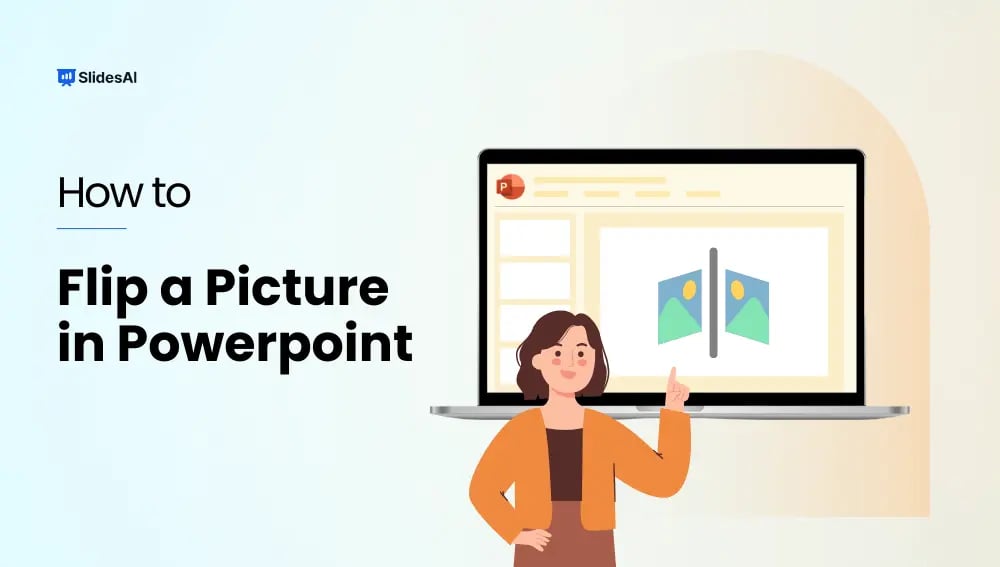
How to Flip a Picture in PowerPoint?

How to Flip a Picture in PowerPoint?

Ever added an image to your PowerPoint presentation only to realize it’s facing the wrong way? Don’t worry, fixing image orientation is easy! In this blog, we’ll walk you through the simple steps on how to flip a picture in PowerPoint, whether you need to mirror it horizontally or flip it vertically. With this quick trick, you can ensure your visuals perfectly complement your presentation content.

How to Format a Picture in PowerPoint for Maximum Impact?

How to Format a Picture in PowerPoint for Maximum Impact?

An image carries immense communicative power, a timeless reality when dealing with presentations rich in visuals. Yet, the mere inclusion of an image in your slides falls short; you must also skillfully format it to elevate its visual appeal and captivate your audience’s attention. In this blog, you’ll learn how to format a picture in […]

How to Highlight Pictures in PowerPoint?

How to Highlight Pictures in PowerPoint?

Picture this — you’re working on a PowerPoint presentation for your quarterly marketing meeting. You’ve got a bunch of pictures, statistics, and text to put together. But It’s all a bit overwhelming, right?  When you create presentation slides, the most important thing is to get your audience glued to your message and eliminate distractions. One […]

How to Change the Color of an Image in PowerPoint: A Detailed Guide

How to Change the Color of an Image in PowerPoint: A Detailed Guide

To change the color of an image in PowerPoint, select the picture, go to the Picture Format tab, and click Color in the Adjust group. You can choose preset color variations, adjust saturation and tone, or use Recolor options like grayscale or sepia to match your presentation theme. This guide explains step-by-step methods to recolor […]