Ppt Design

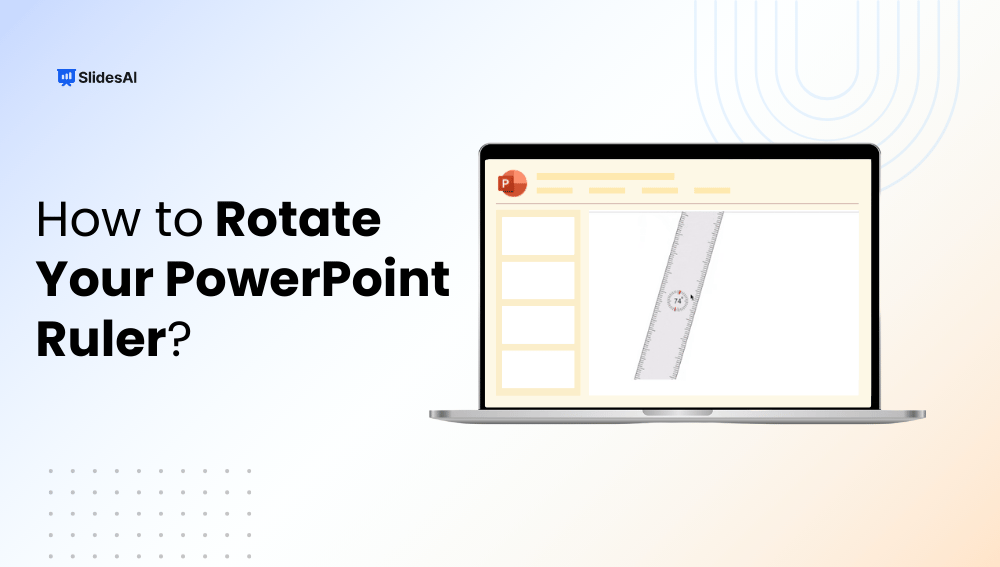
How to Show & Use Ruler in PowerPoint: Step-by-Step Guide

How to Show & Use Ruler in PowerPoint: Step-by-Step Guide

Key Takeaways PowerPoint’s ruler helps align slide elements accurately for a cleaner layout. You can activate it easily from the “View” or “Draw” tab. The on-slide ruler allows precise rotation and positioning of shapes Using rulers improves slide readability and visual balance. Combine rulers with guides or gridlines for even better control. Ever tried to […]

How to Change Background in PowerPoint: Simple Step-By-Step Guide

How to Change Background in PowerPoint: Simple Step-By-Step Guide

Creating an engaging presentation isn’t just about the content. It’s also about how it looks, and the background of your slide plays a crucial role in its appearance. If you wondered how to change the slide background in PowerPoint to make it more appealing, you are in the right place! This quick guide walks you […]

How to Choose the Best PowerPoint Slide Size for Every Presentation

How to Choose the Best PowerPoint Slide Size for Every Presentation

Getting your PowerPoint slide size right is one of the easiest ways to make your presentation look sharp, professional, and easy to follow. The right dimensions ensure your visuals display perfectly, whether on a big screen, a laptop, or in print, without stretching, cropping, or distortion. In this guide, you’ll learn everything about PowerPoint slide […]

How to Change Text Transparency in PowerPoint?

How to Change Text Transparency in PowerPoint?

PowerPoint offers a variety of formatting tools to make your slides more engaging, and one of the most underused yet powerful features is text transparency. By learning how to make text transparent in PowerPoint, you can blend text seamlessly with backgrounds, create professional overlays, highlight key content without overpowering visuals, and instantly elevate the visual […]

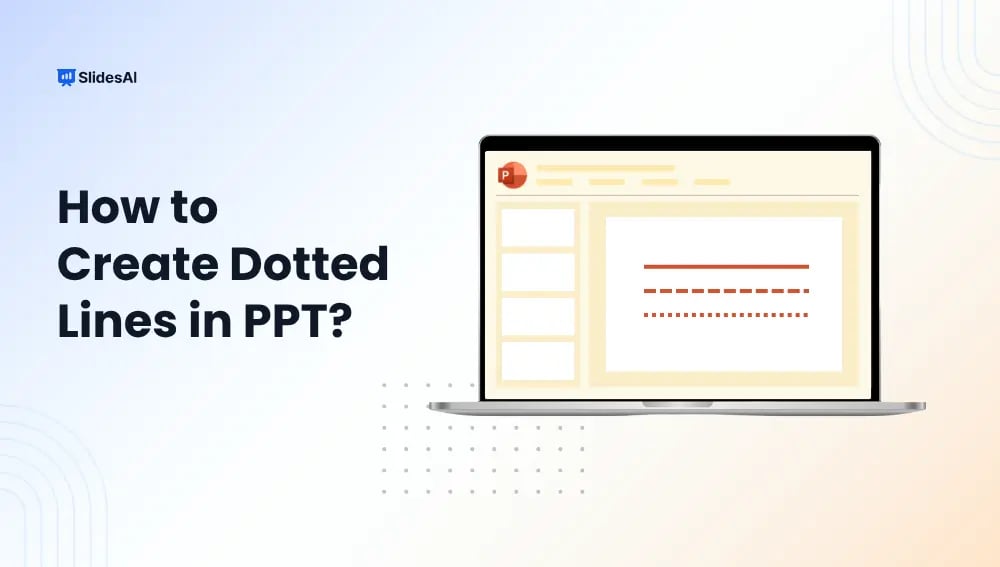
How to Make a Dotted Line in PPT: Quick & Easy Guide for Better Slides

How to Make a Dotted Line in PPT: Quick & Easy Guide for Better Slides

Dotted lines are a simple way to make your PowerPoint slides clearer and more professional. You can use them to connect shapes, highlight important areas, or add style to your design. In this guide, we’ll show you easy steps to draw and customize dotted lines in PPT so your presentations look clean and polished.

How to Group & Ungroup Objects in PowerPoint

How to Group & Ungroup Objects in PowerPoint

Creating a polished PowerPoint presentation isn’t just about great content; it’s also about clean, well-organized slides. That’s where grouping objects comes in. Whether you’re working with shapes, pictures, text boxes, or icons, grouping lets you move, resize, and format multiple items at once, saving time and keeping your design neat. In this guide, we’ll show you how to regroup, group, and ungroup objects in PowerPoint so you can work smarter and faster on your slides.

How to Blur an Image in PowerPoint?

How to Blur an Image in PowerPoint?

Have you ever dropped an awesome photo onto a slide only to realize your text disappears into the background? Or maybe you need to show a screenshot, but first need to hide private information? Blurring images in PowerPoint is a simple trick that solves both problems. And it only takes a few clicks! This post […]

How to Make a Poster in PowerPoint?

How to Make a Poster in PowerPoint?

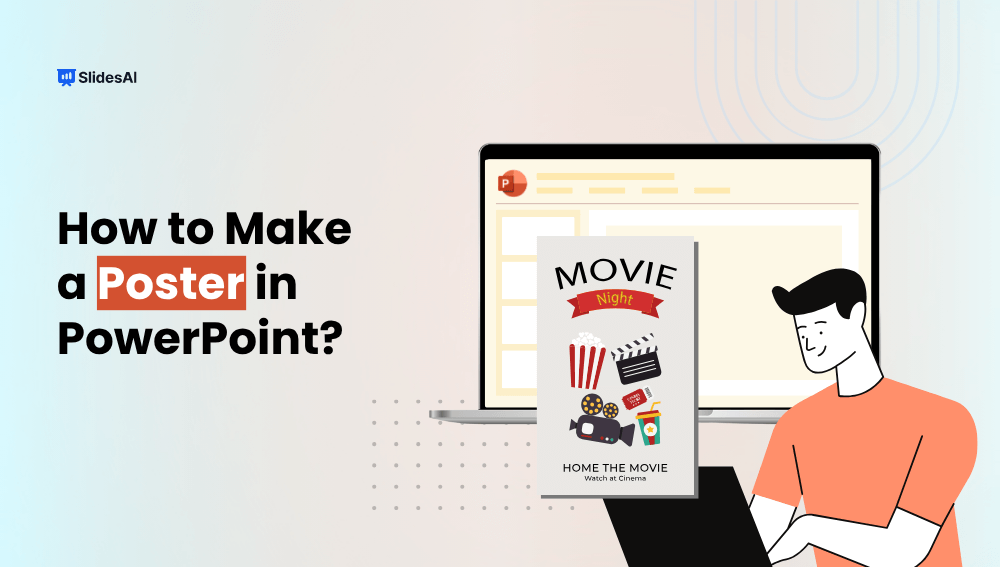
This guide will show you how to make a poster in PowerPoint, whether for school, conference, exhibition, or work project.

How to Use Format Painter in PowerPoint?

How to Use Format Painter in PowerPoint?

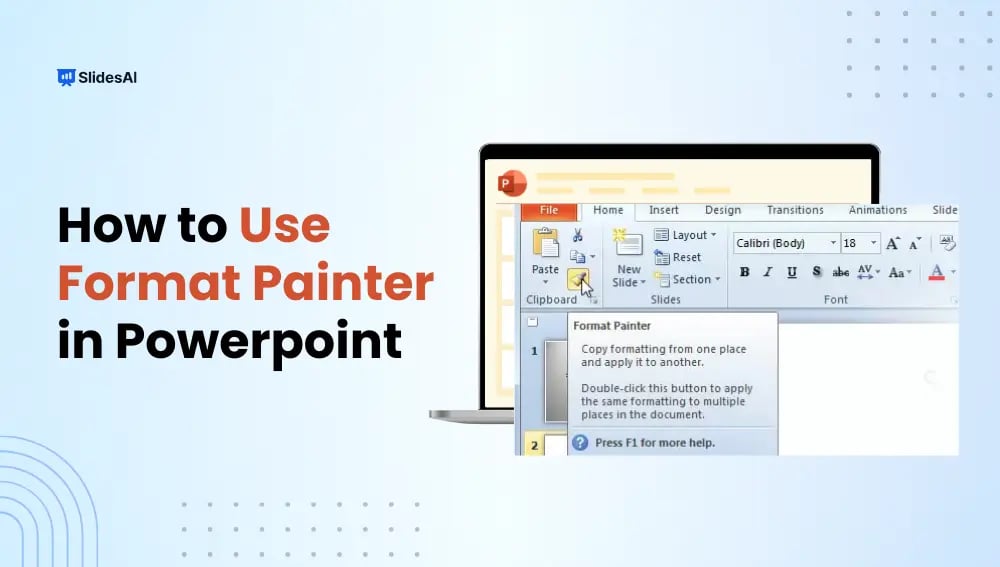
Do you use PowerPoint to present your ideas effectively and capture your audience’s attention? If so, you must know how to use Format Painter in PowerPoint. It is one of the most useful tools that can enhance your presentation’s visual appeal. Moreover, it can save you time and ensure consistency across your slides.

How to Highlight Text in PowerPoint? 4 Easy Methods

How to Highlight Text in PowerPoint? 4 Easy Methods

When creating a presentation, sometimes you need to make certain words or sentences stand out. This is where highlighting text in PPT becomes important. It helps draw attention to key points, emphasizes important details, and keeps your audience engaged. Whether you’re sharing statistics, key takeaways, or quotes, using text highlights in PPT ensures your message […]

How to Insert a Picture as a Background in PowerPoint?

How to Insert a Picture as a Background in PowerPoint?

To add a background image in PowerPoint, right-click on a blank area of a slide, select Format Background, choose Picture or Texture Fill, and click Insert to select your image. You can adjust the transparency for better readability, and click Apply to All if you want the same background across your entire presentation. In this […]

How to Make a Collage in PowerPoint: A Step-by-Step Guide

How to Make a Collage in PowerPoint: A Step-by-Step Guide

Creating a collage in PowerPoint is a simple way to bring multiple images together in a visually appealing format. Whether you are working on a school project, a presentation, or just putting together memories from a trip, PowerPoint gives you the tools to arrange your pictures exactly how you want. You’ve got a bunch of […]

How to Add a Template to PowerPoint?

How to Add a Template to PowerPoint?

PowerPoint presentations play an important part in efficient communication, and using the proper template improves both professionalism and visual appeal. If you created a presentation and want to give it a new look with a new template, there are numerous options available depending on your unique needs.

How to Evenly Space Objects in PowerPoint?

How to Evenly Space Objects in PowerPoint?

Messy and unorganized slides in a presentation can be confusing for the viewer. When you don’t place the text boxes, images, and shapes evenly, your slides can look unprofessional and cluttered. You want to be able to present presentations that are polished and professional because they are easier to understand. 

How to Change Line Spacing in PowerPoint?

How to Change Line Spacing in PowerPoint?

When you are making a PowerPoint presentation, line spacing is what makes the presentation clear and easy to read. If the text is too close together it looks very cramped, if it is far apart it looks like a waste of space. If you know how to change line spacing in a presentation, it will make your presentation look neat and professional.

How to Create a Storyboard in PowerPoint?

How to Create a Storyboard in PowerPoint?

A storyboard presentation is a visual, step-by-step plan for a presentation, project, or video.

How to Align Text Boxes in PPT: A Comprehensive Guide

How to Align Text Boxes in PPT: A Comprehensive Guide

Master the art of aligning text boxes in PowerPoint with these two easy methods. Whether you’re preparing a presentation or refining your design, these tips will help you achieve perfectly aligned and professional-looking slides effortlessly. Enhance the visual appeal of your PowerPoint decks with precision and simplicity using these practical techniques.

How to Make a Curved Arrow in PowerPoint?

How to Make a Curved Arrow in PowerPoint?

Do you regularly make presentations using PowerPoint to communicate your ideas and plans? If so, don’t underestimate the power of curving arrows. They can efficiently guide your audience’s attention when you are presenting a procedure or emphasizing important topics.

How to Change Slide Layout in PowerPoint?

How to Change Slide Layout in PowerPoint?

PowerPoint is one of those tools that most of us use, but we don’t always explore all the features it offers. When making presentations, you might end up sticking with the default slide layout without realizing that there are plenty of options to customize it. Changing the layout of your slides can make your presentation […]

How to Change Bullets Color in PPT?

How to Change Bullets Color in PPT?

Have you ever thought about changing the color of your bullet points in PowerPoint? It’s a small change, but it can really make your slides look better and more interesting. In this guide, we’ll show you how to easily adjust the color of your bullet points in PowerPoint. By following a few simple steps, you’ll be able to give your presentations a fresh, professional look that grabs attention without being over the top.

How to Put an Image Below Another in PowerPoint?

How to Put an Image Below Another in PowerPoint?

“Learn how to place an image below another in PowerPoint. Follow these simple steps to enhance visual hierarchy and create a polished, professional presentation that captivates your audience.

How to Crop an Image in PowerPoint?

How to Crop an Image in PowerPoint?

Have you ever added an image to your PowerPoint presentation and found it filled with unnecessary background details? Cropping is a simple way to clean up your images, focusing your audience on the important parts that support your message.

How to Subscript and Superscript in Google Slides?

How to Subscript and Superscript in Google Slides?

Consider the iconic formula: E=mc², Einstein’s equation of relativity. It wouldn’t carry the same meaning if written as E=mc2, would it? While many use the simpler version because it’s well-known and won’t lead to confusion, the precise notation matters. This is where superscript and subscript come into play. Do you know how to use them in equations, trademarks, or footnotes in your presentations? Let’s explore how.

How to Make a Picture Transparent in PowerPoint?

How to Make a Picture Transparent in PowerPoint?

Visuals can really make presentations more interesting! Pictures, charts, and graphs can help break up text, keep viewers engaged, and make a memorable impression. But have you ever used an image where the background takes away from your message?