 Install Google Slides Add-on












AI Google Slides Generator
From Blank Page to Engaging Google Slides. In a Flash!
Say goodbye to blank page. Create, design, and edit your entire presentation with our AI slides maker, right inside Google Slides.
- Get started for free
- No design skills required
- Built for Google Slides


Trusted by 14M+ Users
Trusted by leading companies and educational institutions










How It Works
How to Create a Google Slides Presentation With SlidesAI
Google Slides
Open Google Slides and install the SlidesAI add-on. Add your topic or content, choose your presentation type, tone, audience, and style, review the outline, and generate slides you can keep editing directly in Google Slides.
Install for Google SlidesFeatures
What Makes Our AI Google Slides Generator Worth Switching To
Everything you need to build, design, and refine decks without leaving Google Slides.
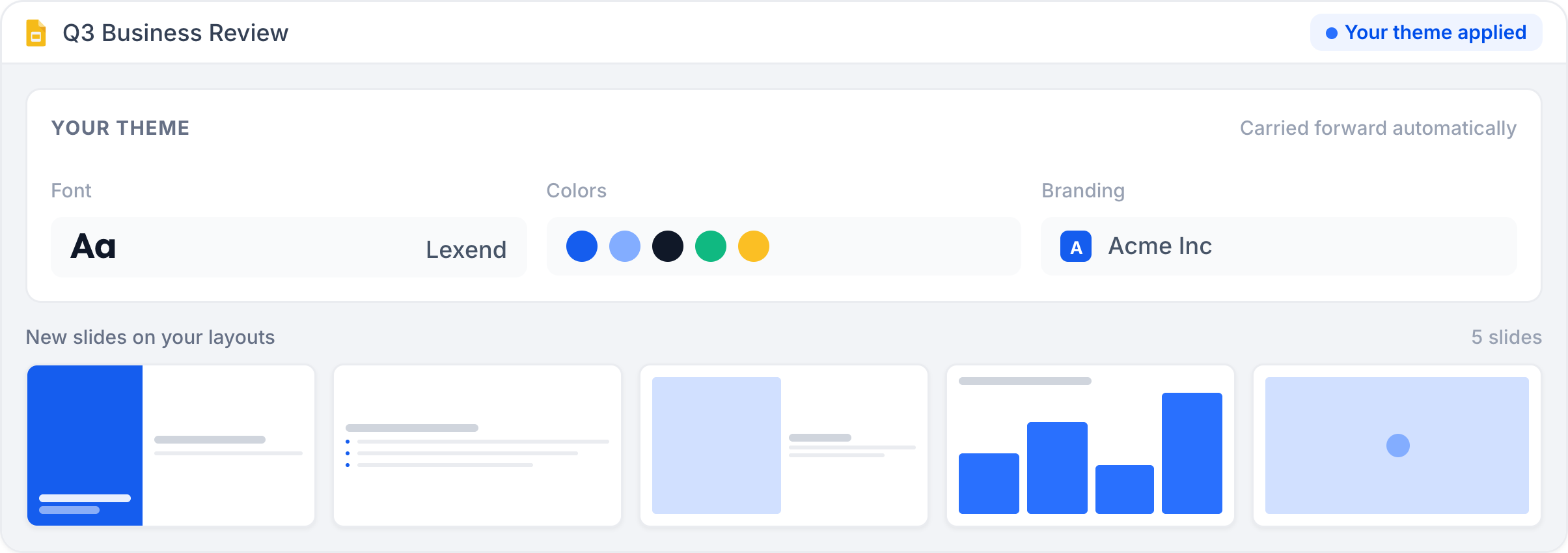
Stays on your slide theme and layouts
SlidesAI creates decks directly onto your existing Google Slides theme, master slide, and layouts, so nothing needs a reformat. Set your fonts, colors, and branding once, and every new slide carries it forward automatically.
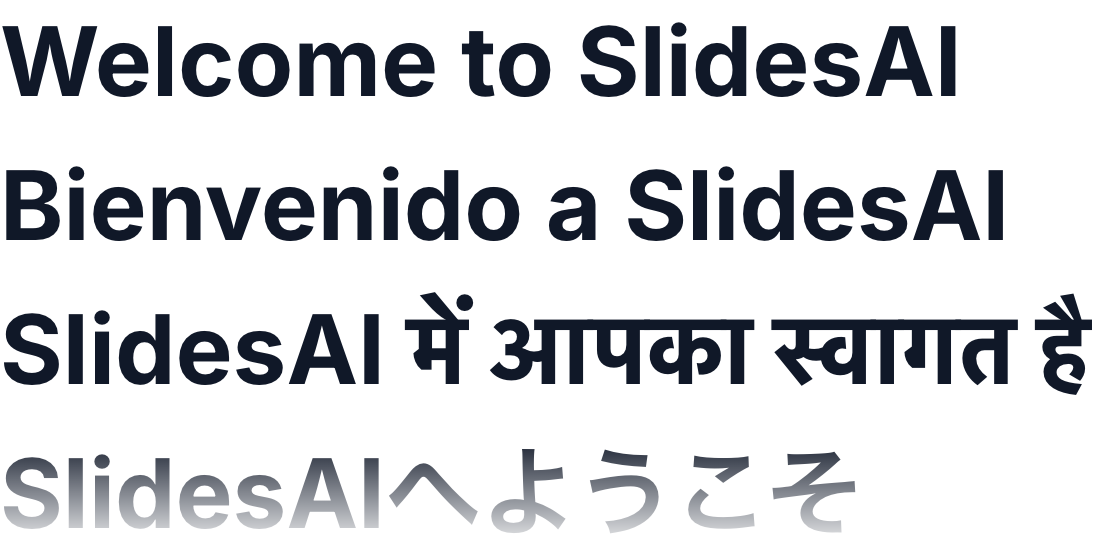
100+ languages, one click to translate
Build presentations in 100+ languages, or translate an existing deck into another language without starting over. Useful for global teams, classrooms, and cross-region work.
Add AI visuals inside the editor
Make images, icons, and supporting visuals with AI, or pick from stock, and place them straight onto your slide without opening a separate design tool.
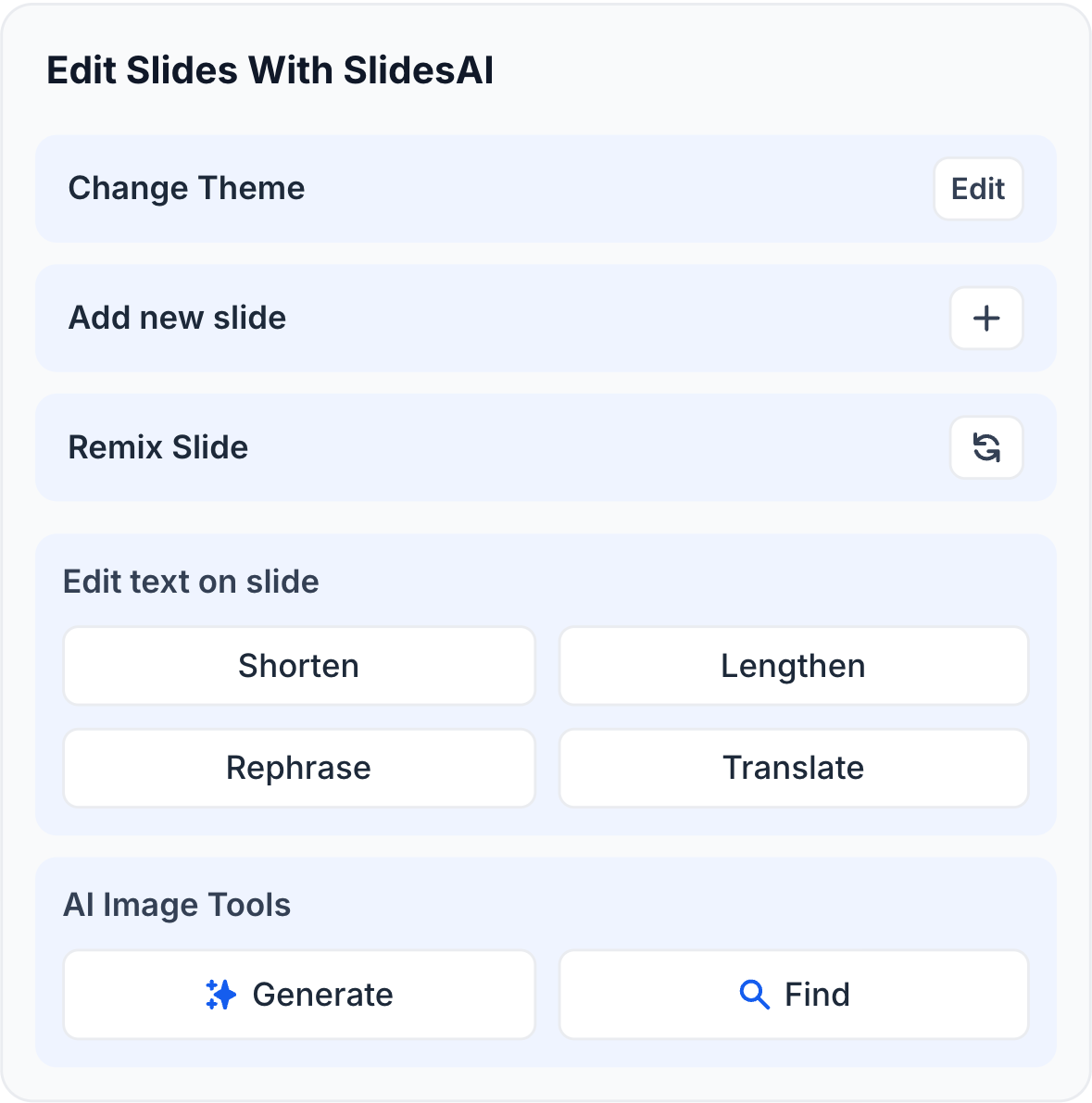
Build and refine, right in the sidebar
Open the SlidesAI panel from the Google Slides Extensions menu to create, revise, or rephrase slides on the spot, without exporting, switching tabs, or leaving your presentation.
No Gemini license required
SlidesAI works inside Google Slides on any Google account, personal or Workspace, so you can build full decks without a paid Gemini add-on or admin approval to get started.
Real-time collaboration, the way Google Slides already works
Because SlidesAI builds directly into your file, sharing, commenting, and co-editing all work exactly the way your team already uses Google Slides.

One tool, every kind of deck
From lectures and study guides to reports and client pitches, SlidesAI understands each presentation needs a different flow, tone, and design, and adapts to fit the use case.
Powerful, Simple, Effective
Built for Everyone Who Uses Google Slides
Whether you are a teacher building lecture slides, a student turning research notes into a thesis presentation, or a professional who needs polished decks fast, our AI slides maker does the job in a fraction of the time.

Professionals
Build business updates, meeting decks, reports, and proposals.
Build business updates, meeting decks, reports, and proposals.

Educators
Create lesson slides, lecture decks, and classroom material.
Create lesson slides, lecture decks, and classroom material.

Students
Turn assignments, notes, and research into presentations.
Turn assignments, notes, and research into presentations.

Sales Teams
Create pitch decks, client presentations, and product explainers.
Create pitch decks, client presentations, and product explainers.

Founders
Build pitch decks, investor updates, and strategy presentations.
Build pitch decks, investor updates, and strategy presentations.

Marketers
Create campaign plans, marketing reports, and go-to-market decks.
Create campaign plans, marketing reports, and go-to-market decks.
Google Slides Templates
See What You Can Create with Our AI Slide Generator
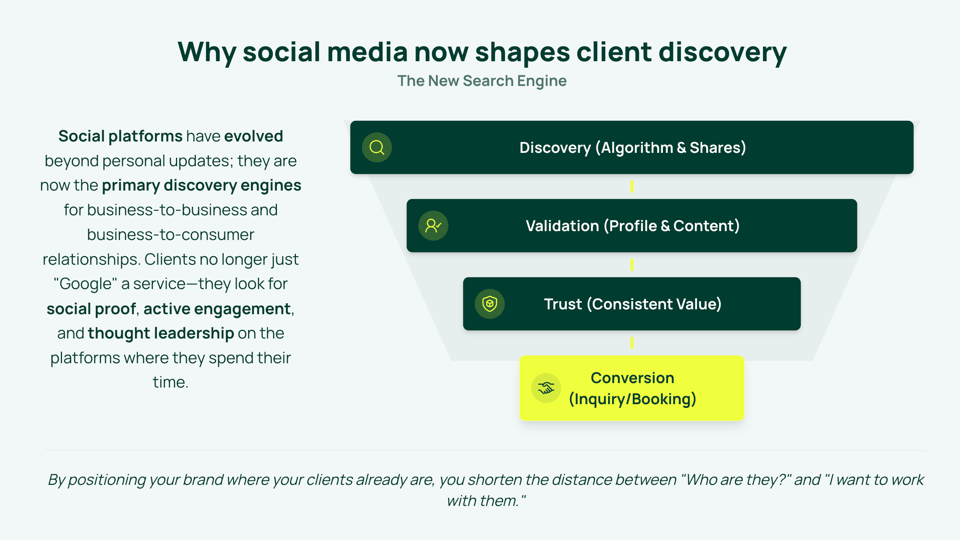
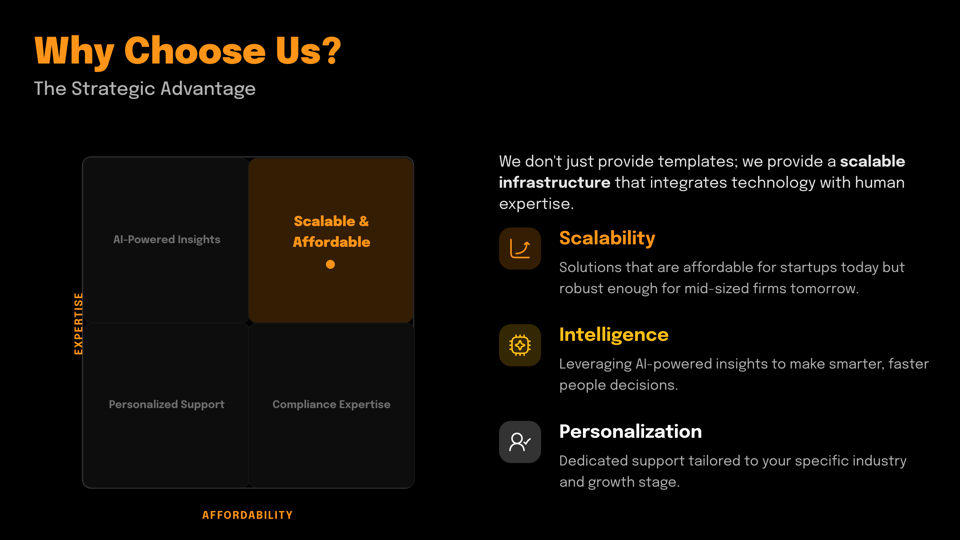
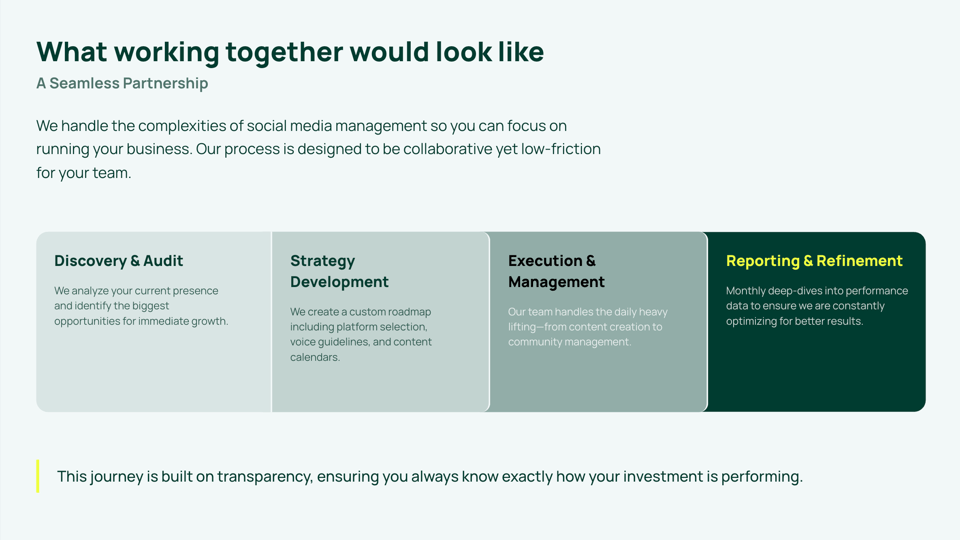
Pitch decks, lesson plans, marketing reports, sales presentations, whatever you're building, there's a Google Slides template designed for it. Just enter your notes or idea, pick a template, and create stunning slides in just a few clicks.
Browse Templates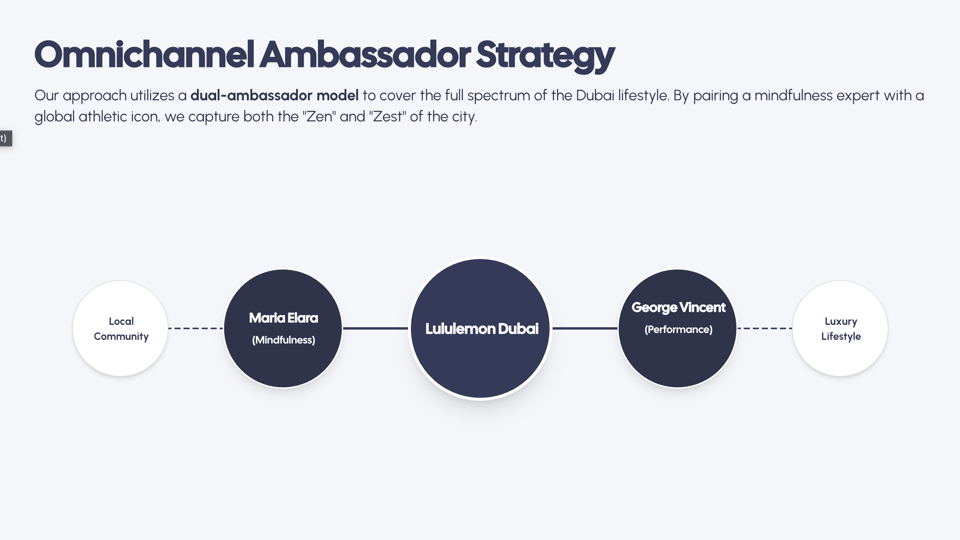


Customer Testimonials
Loved by Google Slides Users Everywhere

Shubham Sinha
First time using the Slides AI add-on in Google Slides, and I’m really impressed! It took my simple prompts and transformed them into beautifully structured, visually engaging slides in minutes. Multiple style options and layouts let me quickly match my theme, and I can add images from my computer or AI.
Jennie Glass
I tried this to create slides from a marketing plan document, and it did a great job! It has lots of great templates to choose from, and it integrates well with Slides, so it was super easy to use.
Andrew M
Easy to navigate and set up, with many options and several templates to import for my design. I pasted my outline, selected a few options, and the results were solid — a template for my students’ class project. SlidesAI even added relevant stock photos that matched my research topic.
Bhayu Pramesworo
My first experience was remarkably efficient, transforming simple prompts into a polished, well-structured presentation in minutes. Its intuitive interface and flexible design options, including AI-generated imagery, significantly streamlined my workflow.
Morgan Chidley
I signed up month-to-month as I didn’t want to commit to a full year without knowing how it performed. I did my first presentation and immediately signed up for the yearly plan. Amazing product and very easy to use.
Jamie Mcbride
I am so impressed with Slides AI! I am not a tech pro but it was so easy to create a professional slide show on my first try.
Pricing
Simple Pricing for Everyone
Find Your Ideal Plan
MonthlyMonthly BillingYearlyYearly Billing2 months free
Basic
Good enough to get started
$0
/month- 200 AI credits per month
- Lite & Balanced AI models
- 2,500 Character Input / Presentation
- Create from a topic or notes
- 1 Brand Kit: Import your branded PPTX template
🎉 SAVE 16%
Pro
Perfect plan for students
$10.00
/user/monthBilled at $120 /user/year
$120.00
- 30,000 AI credits per year
- Lite, Balanced & Advanced AI models
- 50,000 Character Input / Presentation
- Create from a script, documents, topic or notes
- Upload PDF & Word documents
- 3 Brand Kits: Import your branded PPTX template
- Upload your own fonts
🎉 SAVE 16%
Premium
For Educators and Professionals
$20.83
/user/monthBilled at $250 /user/year
$250.00
- 84,000 AI credits per year
- Every AI model, including Ultra
- 100,000 Character Input / Presentation
- Create from a script, documents, topic or notes
- Upload PDF & Word documents
- 6 Brand Kits: Import your branded PPTX template
- Upload your own fonts
Refund Policy
All prices shown are exclusive of applicable taxes. Any taxes due are calculated and added at checkout based on your billing location.
Individual and Team plans are sold by Dodo Payments, acting as the official Merchant Of Record (MoR)/Reseller of SlidesAI for those plans. It is not a subsidiary, a related entity, nor a distinct person for SlidesAI.
SlidesAI vs Gemini
SlidesAI vs Gemini in Google Slides
Both generate slides inside Google Slides. Here's what actually differs.
| Feature | SlidesAI | Gemini in Google Slides |
|---|---|---|
| Free plan | Yes, generate full decks free, no card required | No full-deck generation on a free personal account; requires a paid Workspace plan with Gemini, or Google AI Pro/Ultra |
| Requires a paid subscription | No, the free plan includes a presentation every month at no cost. Upgrade only if you need more volume, higher character limits, or extra AI credits. | Yes, full deck generation needs a paid Gemini add-on for Workspace Business or Enterprise, roughly $20 to $30 a user a month, on top of a qualifying base plan. |
| Full deck from a single prompt | Yes, on the free tier | Yes, but only on paid tiers - Google's own guidance still points to "review and rewrite" for anything the free tier misses |
| Where it lives | Sidebar inside Google Slides via Extensions menu, no tab switching | Side panel inside Google Slides (paid tiers) or the separate Gemini web app's Canvas tool |
| Language support | 100+ languages | English only at launch |
| Also works in | Google Slides, PowerPoint, web app, ChatGPT | Google Slides only (plus other Workspace apps under the same Gemini license) |
| Setup | Install the add-on from Google Workspace Marketplace, start generating | Requires a qualifying paid Workspace/Gemini plan, sometimes admin-enabled |


Frequently Asked Questions
Everything you need to know about creating presentations with SlidesAI.
Yes. The free plan lets you generate a full Google Slides deck every month with no card required. Upgrade only if you need more volume, higher character limits, or extra AI credits. See our pricing page for the full breakdown.
Yes. SlidesAI runs inside Google Slides as an add-on from the Google Workspace Marketplace. Install it once, then open Extensions > SlidesAI.io > Generate Slides and build decks without leaving your presentation. It also works in the web app, in PowerPoint, and in ChatGPT.
Pitch decks, lesson slides, study guides, research presentations, marketing reports, sales decks, training material, project updates, and more. SlidesAI adapts the flow, tone, and design to the presentation type you choose.
Yes. You set the presentation type, slide count, tone, audience, and style up front, and you review the outline before any slides are created. After generation every slide is a normal Google Slides object, so you can edit text, layouts, colors, and images as usual.
Yes. SlidesAI generates directly onto your existing Google Slides theme, master slide, and layouts. Set your fonts, colors, and branding once and every new slide carries them forward automatically, so nothing needs a reformat.
Yes. Open the SlidesAI sidebar in an existing deck to add slides, rewrite or rephrase content, and restructure sections without starting over.
Yes. Start from your own branded Google Slides file and SlidesAI builds into its theme and layouts. You can also pick one of our ready-made templates and let SlidesAI fit your content to it.
Yes. You can upload and place your own images, and mix them with stock images, icons, and AI-generated visuals on the same slide.
Yes. You can create images, icons, and supporting visuals with AI from the sidebar and drop them straight onto your slide, without opening a separate design tool.
Yes. SlidesAI builds presentations in 100+ languages, and you can translate an existing deck into another language in one click instead of rebuilding it.
Because SlidesAI works inside Google Slides, your deck is already saved in Google Drive. From the File menu you can download it as PPTX, PDF, images, or plain text.
Yes. You can generate slides from a topic, prompt, pasted text, notes, or an uploaded document such as a PDF or Word file, subject to the limits on your plan.
Yes. SlidesAI builds directly into your Google Slides file, so sharing, commenting, and co-editing work exactly the way your team already uses Google Slides.
The presentations you create with SlidesAI belong to you, and the structure and wording are generated for your use. Stock and AI-generated images may carry their own licensing terms, so check those before commercial use.
Yes. Your content is processed securely, is not stored permanently, and is never used to train our AI models. We comply with GDPR and other privacy regulations. For more details, see our Privacy Policy.
You do not need to create a separate account. Running SlidesAI from a Google Slides presentation signs you in with your existing Google account, personal or Workspace, and creates your SlidesAI account automatically. No Gemini license or admin approval is required.
Most decks are ready in about a minute or two. Longer inputs, uploaded documents, and AI-generated images can take a little longer.
No. SlidesAI handles the structure, layout, and visuals for you and stays on your slide theme, so a finished deck looks consistent without any design work. Everything stays editable if you want to fine-tune it.
Ready to Power Your Google Slides with AI?
Install SlidesAI and start creating AI-powered Google Slides presentations in minutes.