
You’ve got the lesson plan ready, but now comes the time-consuming part where you turn it into a presentation that will keep your students engaged. Many teachers feel like this step is just as much work as preparing the lesson itself.
But what if you could let AI take care of the heavy lifting? With AI-powered tools, you can easily create a professional, eye-catching lesson plan presentation.
In this article, we’ll show you the best AI presentation tools that can save you time and effort in the classroom. Let’s get started.
Best AI Presentation Tools to Create Lesson Plan Slides
Let’s walk through some of the best AI tools that can help teachers to create slides with less effort and more impact.
1. SlidesAI
SlidesAI is a multi-platform AI presentation maker that helps teachers turn lesson plans, teaching notes, and educational content into engaging presentation slides in minutes. Whether you work with Google Slides, Microsoft PowerPoint, or ChatGPT, SlidesAI lets you create lesson plan slides within your preferred platform.
Teachers can start with a lesson topic, enter bullet points, paste a complete lesson plan, or upload existing content to generate structured slides. With support for 100+ languages and access to over 1.5 million visuals and icons, SlidesAI makes it easier to prepare classroom presentations, organize teaching materials, and explain complex topics to students.
Features for Lesson Plan Slides:
- Generate lesson plan slides from a single topic, idea, or bullet points.
- Convert full lesson plans, notes, and existing educational content into presentation slides.
- Works across Google Slides, Microsoft PowerPoint, and ChatGPT.
- Supports 100+ languages for creating presentations for diverse classrooms.
- Customize presentation themes, layouts, and content to match your teaching requirements.
- Generate classroom-ready slides in minutes and spend more time focusing on teaching.
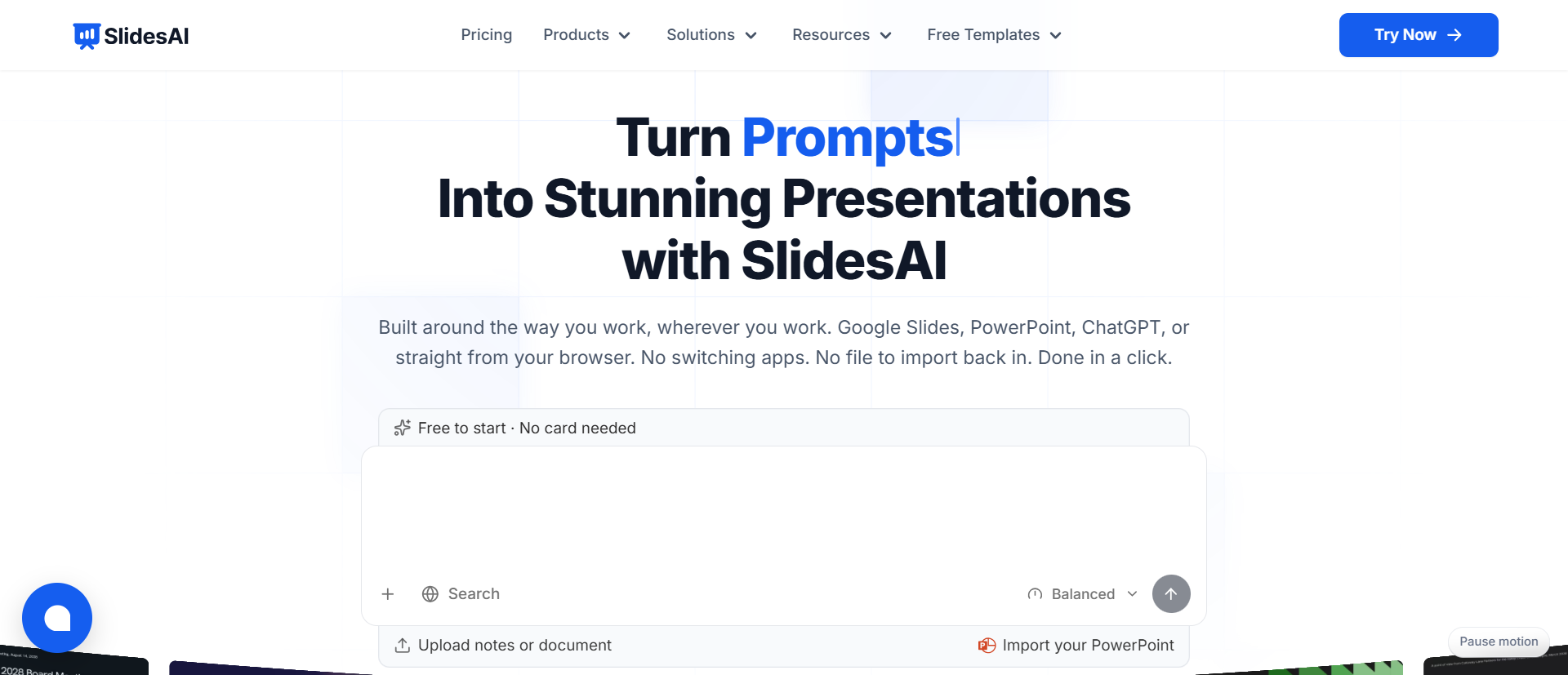
Try AI Presentation Maker by SlidesAI
- Start with a topic, text, notes, or PDF
- Generate slides in minutes
- Customize your presentation with ease
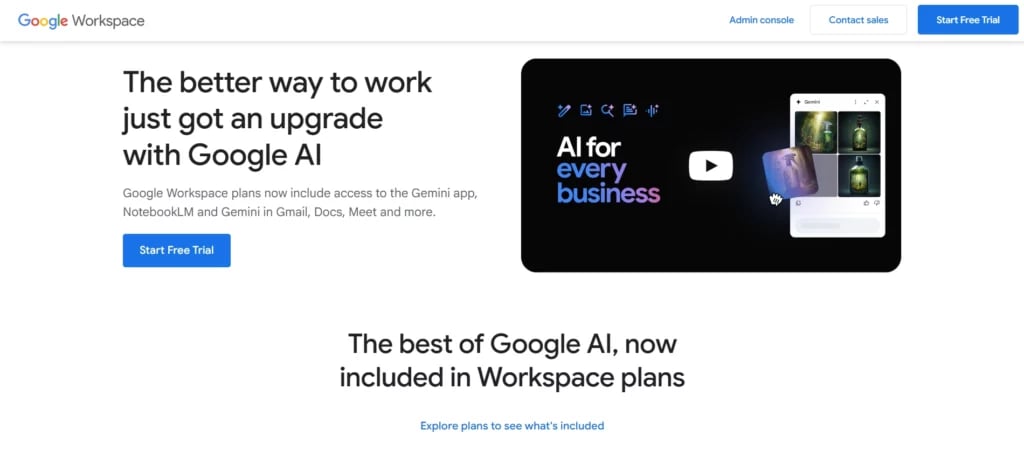
2. Google Slides with Gemini AI
Google Slides is already familiar to many teachers, but with Gemini AI, it becomes a more powerful tool. You can now use smart extensions to generate content, summarize information, or even create interactive elements like quizzes.
It also comes with handy tools like voice typing, which lets you speak your notes instead of typing them out. Image search is built in, and everything stays in one place, so you can collaborate with other teachers easily.
Features for Lesson Plan Slides:
- Add AI-powered Google Slides extensions from the Workspace Marketplace
- Use voice typing to save time while creating content
- Built-in image search helps you find visuals without leaving your slides
- Collaborate easily with fellow teachers on shared lessons
- Smart suggestions based on your subject
3. Microsoft Designer
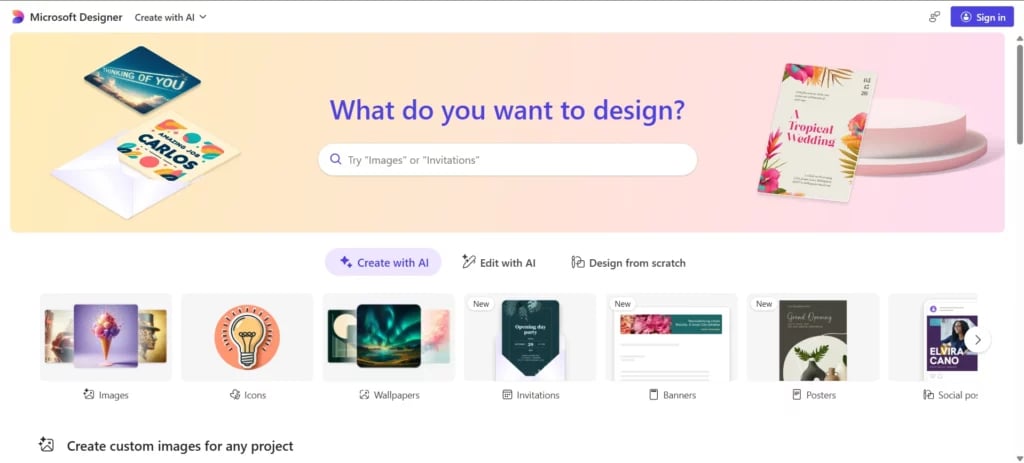
Microsoft Designer is a great choice if you’re already working within the Microsoft ecosystem. It’s built to make presentations look professional without needing design skills. Just enter your content, and the AI will offer layout and visual suggestions that fit.
You can also pull content from Word, Excel, or OneNote and turn it into polished slides for your classroom.
Features for Lesson Plan Slides:
- AI recommends designs that suit your lesson topic
- Personalize layouts and visuals to match your teaching style
- Collaborate with other educators in real time
- Automatically arranges text and visuals in a clean format
- Works smoothly with other Microsoft Office tools
4. Kuraplan
Kuraplan is built specifically for teachers. It focuses on simplifying lesson planning while making sure your content is strong and visually well presented. If you teach multiple grades or subjects, this one can really help with tailoring each lesson.
You’ll also get access to a wide range of teaching materials, including worksheets and videos.
Features for Lesson Plan Slides:
- Personalized recommendations based on your subject and grade level
- Cuts down planning time with smart automation
- Includes a large library of educational materials
- Helps you create strong, focused lesson slides without starting from scratch

5. Canva
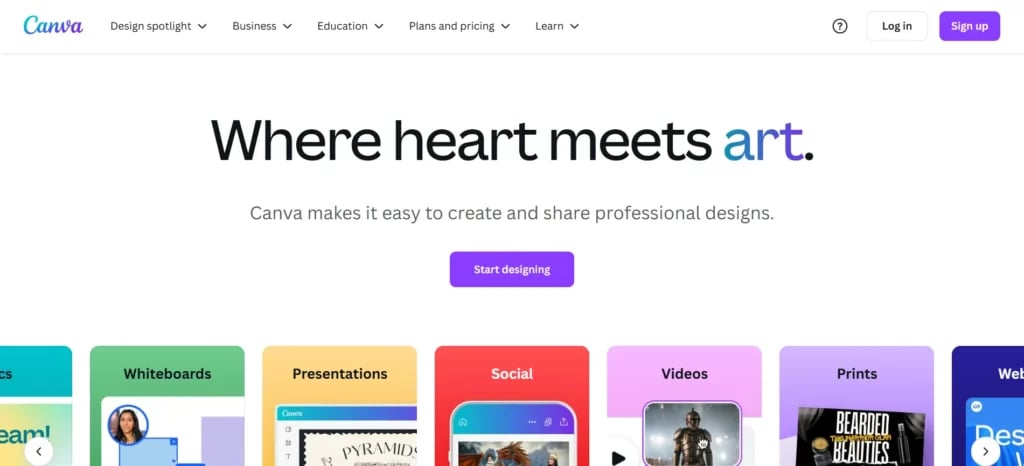
Canva is simple to use and ideal for teachers who want attractive slides without diving deep into design. Just type in your topic and Canva’s AI will suggest templates, images, and even the right fonts to go with your content.
If you want custom visuals, you can use its AI image generator to create things like diagrams or historical figures.
Features for Lesson Plan Slides:
- Access ready-made templates made for classrooms
- Drag and drop your content into place with no design experience needed
- Get layout suggestions that match your content
- Collaborate with other teachers easily on shared slides
- Use educational graphics and charts from Canva’s content library
6. Simplified
Simplified is a great tool if you’re looking for speed. It’s designed to help you put together lessons quickly without compromising on quality. The tool is straightforward, and the templates are clean and functional.
Whether you’re planning a quick revision lesson or a detailed topic walkthrough, Simplified can help you get it done fast.
Features for Lesson Plan Slides:
- Pre-designed lesson plan templates are ready to use
- AI generates content once you input your lesson topic
- Layouts can be customized based on your subject and teaching style
- Saves time so you can focus more on interacting with students
- Includes access to icons and graphics suited for education

7. Prezi
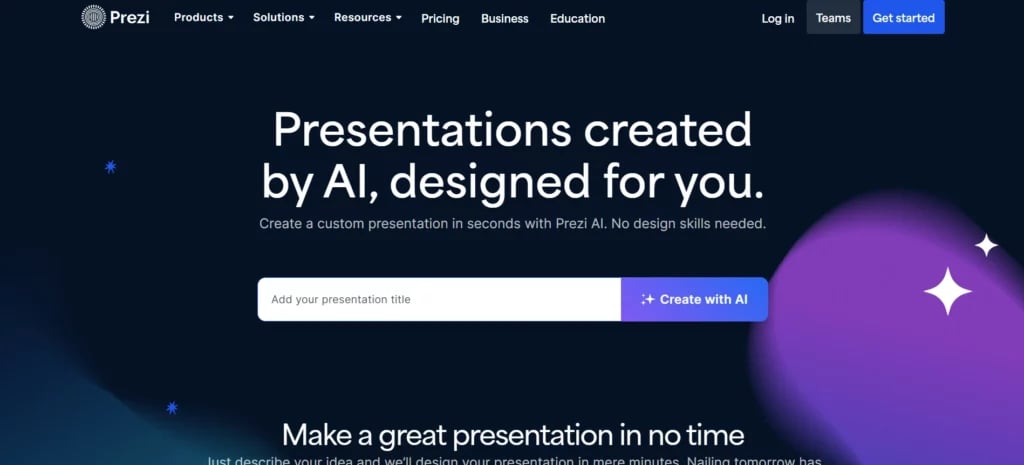
If you’re tired of the usual slide-by-slide format, Prezi gives you something different. It allows you to zoom in and out of topics, which makes lessons more interactive. It’s a fun way to explain connections between ideas, especially for complex subjects.
Features for Lesson Plan Slides:
- Use a zoomable canvas to make lessons interactive and engaging
- AI helps create well-designed layouts based on your content
- Smooth transitions between topics hold students’ attention
- Work with other teachers on shared presentations
- Easily embed videos, images, and charts to support your lesson
How to Use SlidesAI to Create Lesson Plan Slides?
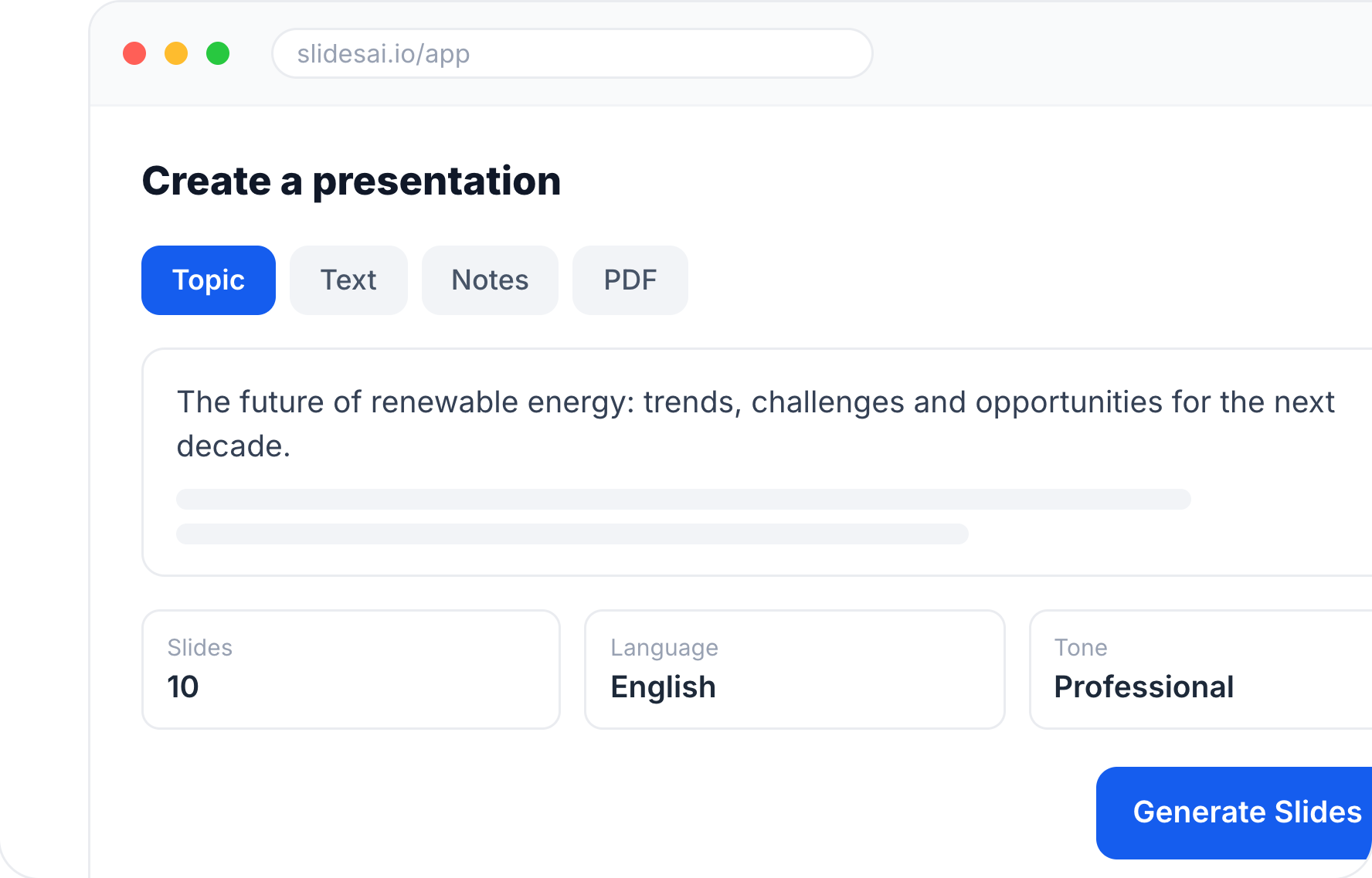
SlidesAI offers multiple ways to create lesson plan presentations, including its web-based AI presentation maker, Microsoft PowerPoint add-in, Google Slides add-on, and ChatGPT Plugin. If you prefer creating presentations directly online, you can use the SlidesAI web app to turn lesson topics, teaching notes, and existing educational materials into structured slides. Follow these steps to get started.
Step 1: Open SlidesAI on Your Preferred Platform
Choose how you want to create your presentation: through the SlidesAI web app, Microsoft PowerPoint add-in, Google Slides add-on, or ChatGPT integration. Sign in or install the relevant integration to get started.
Step 2: Enter Your Lesson Topic or Upload Content
Start with a lesson topic, enter a text prompt, paste your teaching notes, or upload an existing document. For example, you can enter “Introduction to Photosynthesis for Grade 6” to create a classroom presentation.
Step 3: Customize Your Presentation Settings
Specify your presentation requirements, including the target audience, grade level, number of slides, language, and tone. You can also include learning objectives and key concepts you want to cover.
Step 4: Review the Generated Outline
SlidesAI creates a structured outline based on your input. Review the suggested slide titles and content, then make changes to ensure the presentation follows your lesson plan.
Step 6: Generate and Customize Your Slides
Generate your presentation and review the completed slides. Edit the text, adjust layouts, add visuals, and refine the content to match your teaching requirements.
Step 7: Export or Present Your Slides
Once you’re happy with the presentation, save or export it using the available options on your chosen platform. You can then use it in the classroom, share it with students, or make further edits whenever needed.
Try AI Presentation Maker by SlidesAI
- Start with a topic, text, notes, or PDF
- Generate slides in minutes
- Customize your presentation with ease
Closing Thoughts
Creating lesson slides doesn’t have to be time-consuming. With AI tools, you can quickly generate clean and engaging presentations. Test out a few options to see which works best for your style. These tools can make your prep time more efficient and stress-free.
Frequently Asked Questions Related to AI Presentation Tools to Create Lesson Plan Slides
What is the best AI tool for making lesson plan slides?
SlidesAI is one of the best options for educators because it quickly converts topics, notes, or full drafts into ready-to-use slides. The best part? You can use SlidesAI as a web-based AI presentation maker, directly in Google Slides and PowerPoint, or through ChatGPT, so you don’t have to switch between different tools or learn a new platform.
Can AI create lesson plan slides automatically?
Yes. Many AI tools can generate slide outlines, content, and visuals automatically based on your topic or input text.
Are AI presentation tools suitable for teachers?
Absolutely. Many tools are designed specifically for educators and support grade-level customization, educational templates, and collaborative lesson planning.
Do I need design skills to use AI slide tools?
No. AI tools handle layout, formatting, and visuals, making them ideal for teachers with little or no design experience.
Can AI tools replace traditional lesson planning?
AI tools support lesson planning by saving time and improving presentation quality, but teachers should still review and personalize content.
Are AI-generated lesson slides accurate?
Most tools provide accurate summaries, but educators should always review content to ensure correctness and alignment with curriculum standards.