All Blogs

Pitch Deck vs Business Plan: Differences and Which to Use

Pitch Deck vs Business Plan: Differences and Which to Use

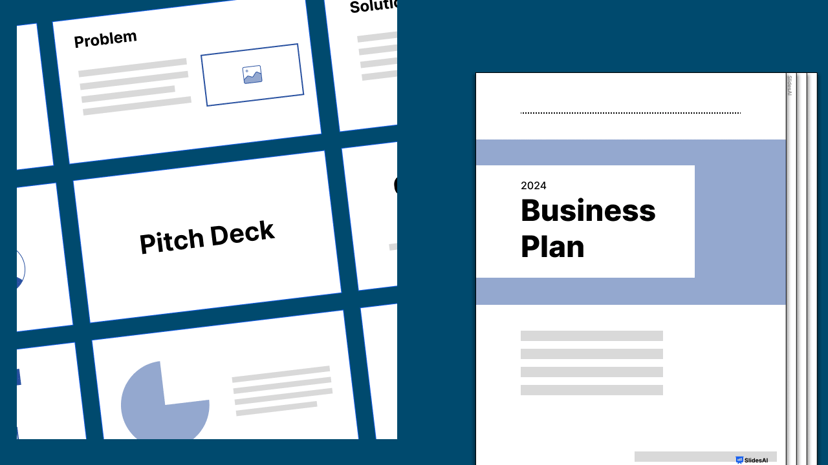
Have you ever spent time deciding between creating a pitch deck vs business plan? For startups and new business owners, where every minute counts, it’s crucial to concentrate on activities that deliver the most significant impact.

How to Make Columns in Google Slides?

How to Make Columns in Google Slides?

Presentations aim to share information clearly and visually with the audience, and using columns can help. They help organize slides and make the best use of space. If you’re using Google Slides, knowing how to add columns can make your presentations more effective and consistent. This article helps you learn this skill easily and become a master at it.

How to Add a Timer to Google Slides? 2 Easy Methods

How to Add a Timer to Google Slides? 2 Easy Methods

In professional presentations, timing is crucial. Adding a timer to your Google Slides can keep you on track and your audience engaged. In this guide, we’ll explore simple ways to integrate timers, like embedding YouTube countdowns or using timer add-ons. These techniques ensure your presentation flows smoothly and captivates your audience from start to finish.

How to Make an Image Transparent in Google Slides​?

How to Make an Image Transparent in Google Slides​?

When making a presentation or a slide, using images is crucial, even in educational settings. It’s important to present a clear idea or objective to the audience. Making sure that the visuals, words, and backgrounds are well-matched helps convey the complete message effectively.

How to Add Bullet Points in Google Slides? A Step-by-Step Guide

How to Add Bullet Points in Google Slides? A Step-by-Step Guide

n today’s fast-paced world, people have short attention spans when it comes to reading and understanding information. Whether it’s blogs, posts, or presentations, people usually skim through the content. To make sure people read what you share, it’s crucial to present it in an easy-to-understand format. There are many ways to display lots of information in a presentation.

How to Change the Size of a Google Slide? A Step-by-Step Tutorial

How to Change the Size of a Google Slide? A Step-by-Step Tutorial

The size of your slides is crucial, especially when presenting on big screens or for different types of content. For larger screens, using a widescreen format is essential, and you might need to tweak it to fit perfectly. Likewise, certain infographics and illustrations may need adjustments in slide orientation to show up right during your presentation. Just like in PowerPoint, you can also modify slide dimensions in Google Slides.

How Many Slides for a 10-Minute Presentation?

How Many Slides for a 10-Minute Presentation?

Learn the ideal number of slides you need for a 10 minute presentation, including tips on content and staying on time.

How to Add Transitions on Google Slides?

How to Add Transitions on Google Slides?

Learn how to add transitions to Google Slides to make your presentation more dynamic. Also learn how to set auto-advance timings, and delete transitions.

How to Import Themes into Google Slides – 6 Simple Steps

How to Import Themes into Google Slides – 6 Simple Steps

How long have you been staring at that default white Google Slides theme and wishing you could make your presentations reflect your own style? We’ve all been there. As functional as Google Slides is, it lacks new-age templates. But don’t settle for bland and boring! Your slides deserve better. Dressing them up with a gorgeous […]

How to Convert Text to Images in PPT?

How to Convert Text to Images in PPT?

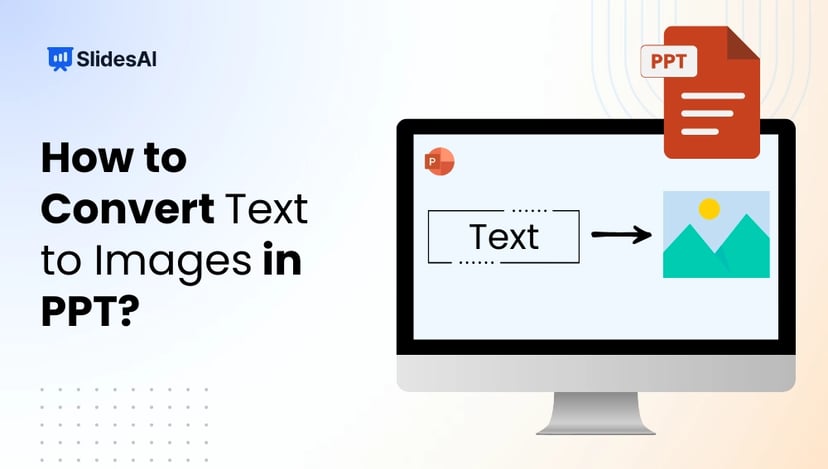
Boring, text-only headings often fade into the background and fail to grab attention in PowerPoint presentations. Even well-formatted titles can feel flat and easy to ignore. The fix? Turn plain text into eye-catching visual graphics that stand out. In this article, we’ll show you simple steps to convert text into images in PPT and instantly level up your slides.

20 PowerPoint Dos and Don’ts You Need to Know!

20 PowerPoint Dos and Don’ts You Need to Know!

Discover 20 PowerPoint dos and don’ts to make your presentation stand out. Avoid common presentation pitfalls using these easy tricks for beginners.

PowerPoint Design Ideas Tool: How to Use it Like a Pro?

PowerPoint Design Ideas Tool: How to Use it Like a Pro?

Ever agonized over choosing the perfect font? Fiddled endlessly with slide layouts trying to make titles fit? Wasted hours manually tweaking colors and misaligning elements? Or worse – made a bland slide deck so boring it put your own audience to sleep?

How to Make a Timeline on Google Slides? 3 Easy Methods

How to Make a Timeline on Google Slides? 3 Easy Methods

Timelines are one of the simplest ways to explain progress, history, or plans without overwhelming your audience. Whether you are presenting a project roadmap, company milestones, or a step-by-step process, Google Slides makes it easy to build clean, visual timelines without needing design experience. This guide explains multiple ways to create a timeline on Google […]

How to Create a Comparison Chart in PowerPoint

How to Create a Comparison Chart in PowerPoint

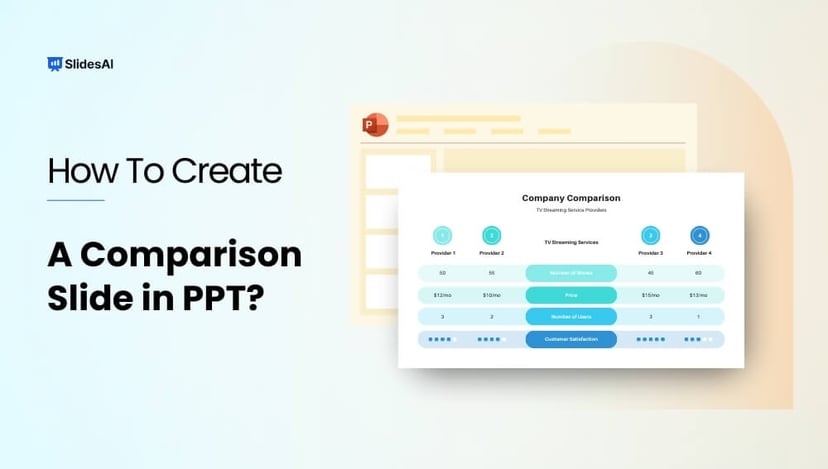
Create professional comparison slides in PowerPoint in minutes using built-in layouts and simple techniques. This guide covers two easy methods to make your slides visually engaging, highlight key differences, and present comparisons clearly—no design skills required. What Is a Powerpoint Comparison Slide? Comparison slides enable visually contrasting two or more elements side-by-side within a single […]

How to Format a Picture in PowerPoint for Maximum Impact?

How to Format a Picture in PowerPoint for Maximum Impact?

An image carries immense communicative power, a timeless reality when dealing with presentations rich in visuals. Yet, the mere inclusion of an image in your slides falls short; you must also skillfully format it to elevate its visual appeal and captivate your audience’s attention. In this blog, you’ll learn how to format a picture in […]

How To Make Google Slides Vertical?

How To Make Google Slides Vertical?

Traditional landscape mode slides are well-suited for laptop or desktop viewing, but they fall short in terms of mobile convenience, limiting the implementation of certain graphics and charts at times. In such cases, you need a vertical aspect ratio.

How to Change Font Color in PowerPoint?

How to Change Font Color in PowerPoint?

Picture this: You’ve poured your heart and soul into creating a presentation for your final college project or an office presentation. It’s got all the right content, relevant images, and even those essential pie charts. But as you step back and look at it, you can’t help but feel like something’s missing. 

How to Start a Presentation?

How to Start a Presentation?

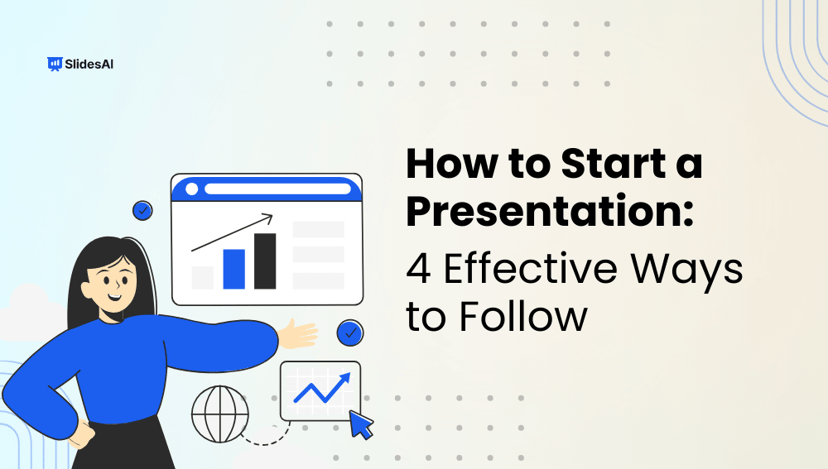
How do you grab your audience’s attention the moment you step into the spotlight? The opening moments of a presentation can make or break its success.

Studies show that people will assess your credibility by observing your body language and vocal traits, forming opinions about your proficiency within half a minute. This emphasizes the importance of not only your message but also your delivery.

How to Convert Google Slides to PowerPoint?

How to Convert Google Slides to PowerPoint?

To convert Google Slides to PowerPoint, open your presentation, click on File in the top menu, select Download, and choose Microsoft PowerPoint (.pptx). The file will be saved to your computer, allowing you to open and edit it in PowerPoint. While the process is quick and straightforward, it’s important to review the file after downloading, […]

How to Highlight Pictures in PowerPoint?

How to Highlight Pictures in PowerPoint?

Picture this — you’re working on a PowerPoint presentation for your quarterly marketing meeting. You’ve got a bunch of pictures, statistics, and text to put together. But It’s all a bit overwhelming, right?  When you create presentation slides, the most important thing is to get your audience glued to your message and eliminate distractions. One […]

How to End a PowerPoint Presentation?

How to End a PowerPoint Presentation?

Picture this: The lights dim, the room hushes, and your presentation is in full swing. But as you near the end, there’s a sense of anticipation, not boredom. Your audience leans in, hungry for that final spark to ignite their minds. That’s the power of a captivating conclusion. The secret sauce that leaves your audience […]

How to Hide a Slide in Google Slides In Easy Steps?

How to Hide a Slide in Google Slides In Easy Steps?

Have you ever had that slide you want to keep up your sleeve but are waiting to reveal at the perfect instant? Hoping to find the perfect way to utilize its elements, but want to keep it hidden from your final presentation? We have the perfect solution! Google Slides empowers you to make that slide […]

How To Do Hanging Indent On Google Slides: 3 Easy Ways

How To Do Hanging Indent On Google Slides: 3 Easy Ways

To create a hanging indent in Google Slides, select your text, go to Format → Format options → Text fitting, and set “Special” to Hanging. You can also create a hanging indent by dragging the indent markers on the ruler or by using the Ctrl + Shift + Enter (Windows) / Cmd + Shift + […]

How to Delete a Slide on Google Slides: A Comprehensive Guide

How to Delete a Slide on Google Slides: A Comprehensive Guide

Imagine crafting a captivating presentation that flows effortlessly, leaving your audience spellbound. But we all know that a masterpiece is not only about creation but also the power of deletion.  Incorporating the relevant elements while eliminating the irrelevant ones is a significant task in maintaining a presentation’s quality. However, a large number of people still […]