Getting Started With Ppt

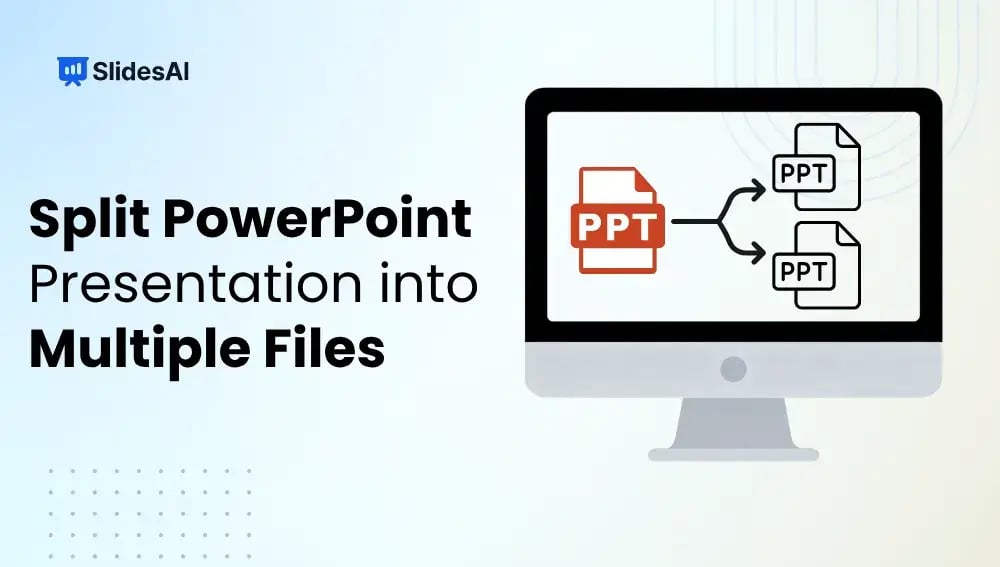
How to Split a PowerPoint Presentation into Multiple Files?

How to Split a PowerPoint Presentation into Multiple Files?

Working with a large PowerPoint presentation can quickly become overwhelming, especially when it covers multiple topics or needs to be shared with different audiences. Splitting your presentation into smaller, focused files makes it easier to manage, share, and present. Whether you are preparing separate decks for different teams, reducing file size for email, or organizing […]

How to Edit PowerPoint Presentation?

How to Edit PowerPoint Presentation?

Are you a student prepping for class, a small business owner pitching ideas, a marketing professional, or a designer crafting client slides? Chances are, you need to edit a PowerPoint presentation at some point. And not just tweak the text, but adjust layouts, images, transitions, and more.

How Do You Hide & Unhide a Slide in PowerPoint?

How Do You Hide & Unhide a Slide in PowerPoint?

Ever had a slide in your deck that’s not quite ready, or maybe only relevant for a specific audience? Do you know that you can just hide it instead of deleting it or creating multiple presentations? It’s one of those little tricks in PowerPoint that makes life easier.

How to Reduce PPT File Size: Quick Tips for Faster, Lighter Presentations

How to Reduce PPT File Size: Quick Tips for Faster, Lighter Presentations

PowerPoint files can grow large quickly, especially when they contain numerous pictures, videos, or elaborate designs. Large files can be slow to open, difficult to share, and consume excessive storage space. Whether you’re a designer, teacher, business owner, or student, it’s important to keep your presentation files small and easy to work with. In this […]

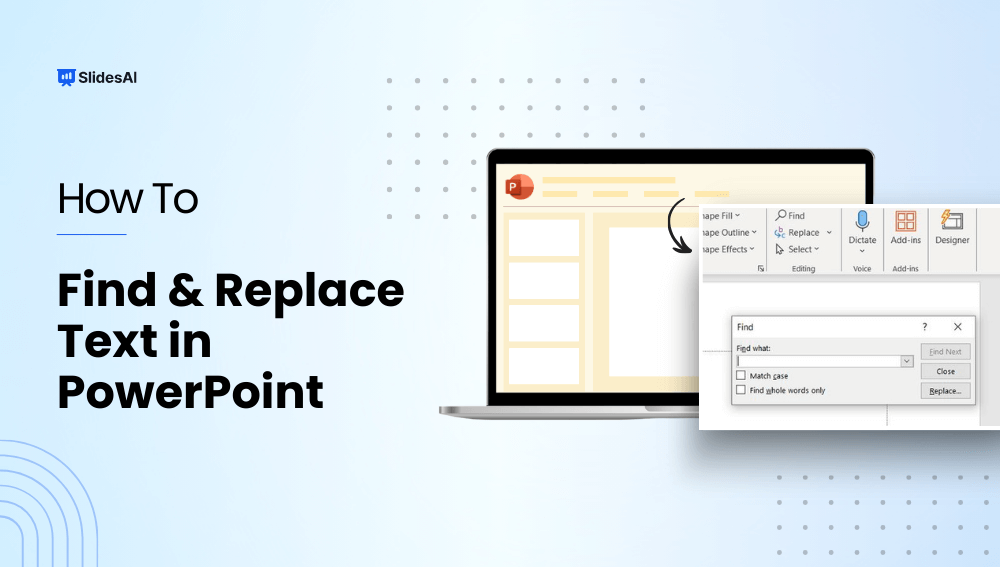
How to Use Find and Replace in PowerPoint to Replace Text?

How to Use Find and Replace in PowerPoint to Replace Text?

Have you ever needed to update a name, date, product feature, or other important word in your presentation slides? The best way to go about it is by using the find and replace in PowerPoint. It allows you to quickly find and change words and phrases across multiple slides instantly.  In this guide, we will […]

300+ PowerPoint Shortcuts for Windows and Mac.

300+ PowerPoint Shortcuts for Windows and Mac.

Learning PowerPoint keyboard shortcuts can save you time, boost productivity, and make editing slides much smoother.

How to Password Protect A PowerPoint Presentation?

How to Password Protect A PowerPoint Presentation?

Imagine creating a PowerPoint presentation with all your effort, only to find out that someone has accessed it without your permission, or even worse, made changes to it. Whether it’s a work project, a personal slideshow, or confidential information, keeping it safe is important. This guide will show you why and how to password-protect a […]

How to Change Language in PowerPoint?

How to Change Language in PowerPoint?

Microsoft’s PowerPoint is used universally for making presentations, but sometimes you do need to present in a language other than English and that could be confusing. Well, the good news is you can do it with PowerPoint. So, how do you change the language? Today, we will discuss how you can change the language preferences in PowerPoint and prepare a presentation with ease. Let’s understand the process of changing the display and proofing languages in PowerPoint, ensuring a smoother experience for you.

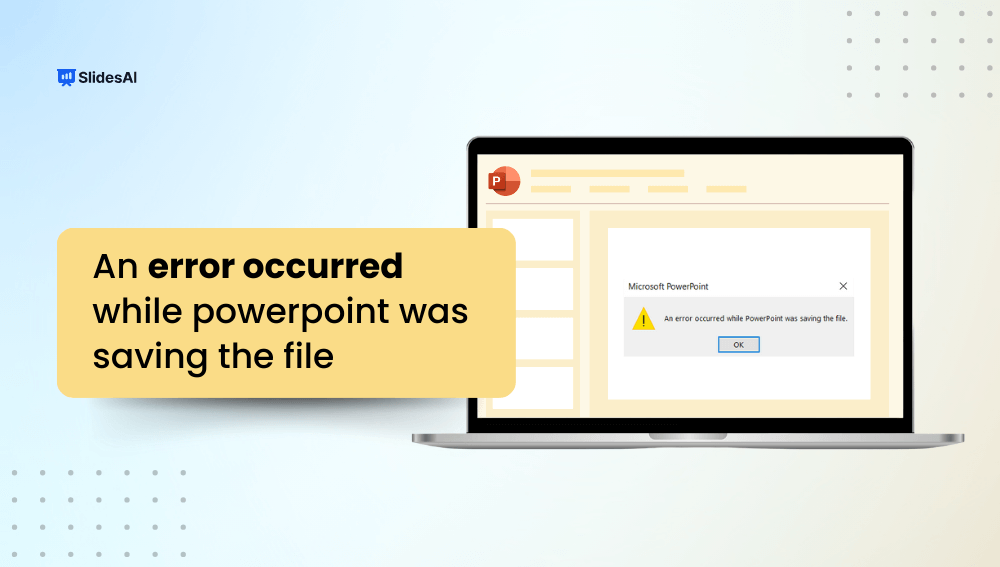
How to Fix “An Error Occurred While PowerPoint Was Saving the File”

How to Fix “An Error Occurred While PowerPoint Was Saving the File”

PowerPoint is everyone’s go-to tool when it comes to preparing presentations. But like every other software, it can throw errors in your face once in a while. One of the most common errors that people face is while saving their presentations. If this sentence “An error occurred while PowerPoint was saving the file.”  looks familiar to you, you may have encountered the error as well.

How to Recover Unsaved PowerPoint Files Like a Pro?

How to Recover Unsaved PowerPoint Files Like a Pro?

Losing an unsaved PowerPoint file can be frustrating, but there are ways to recover it. In this guide, we’ll explore three methods to help you retrieve your lost presentations, from using AutoRecover to exploring temporary files. These simple solutions can save you time and effort in case of accidental loss.

How to Enable Editing in PowerPoint?

How to Enable Editing in PowerPoint?

Have you ever tried to change a PowerPoint presentation only to find that it is locked? Whether you are preparing for an important business meeting or creating a family slideshow, the inability to change your slides might be frustrating. Fortunately, unlocking your PowerPoint for editing is usually only a few clicks away.

How to Star a Slide in PowerPoint? 5 Easy Methods

How to Star a Slide in PowerPoint? 5 Easy Methods

Want to make a specific slide in your PowerPoint presentation stand out? Starring a slide is a great way to draw attention to important content and ensure it doesn’t get overlooked. By starring a slide, you’re marking it as a highlight, giving it the focus it needs to make a strong impact.

How to Combine PowerPoint Slides: 5 Easy Ways to Merge Presentations

How to Combine PowerPoint Slides: 5 Easy Ways to Merge Presentations

If you’re in sales, customer service, or work independently, you probably use similar slides in different presentations. But redoing them every time can be a hassle. That’s why learning to merge PowerPoint slides can be super useful.

What is a Placeholder in PowerPoint: Types & How To Add It?

What is a Placeholder in PowerPoint: Types & How To Add It?

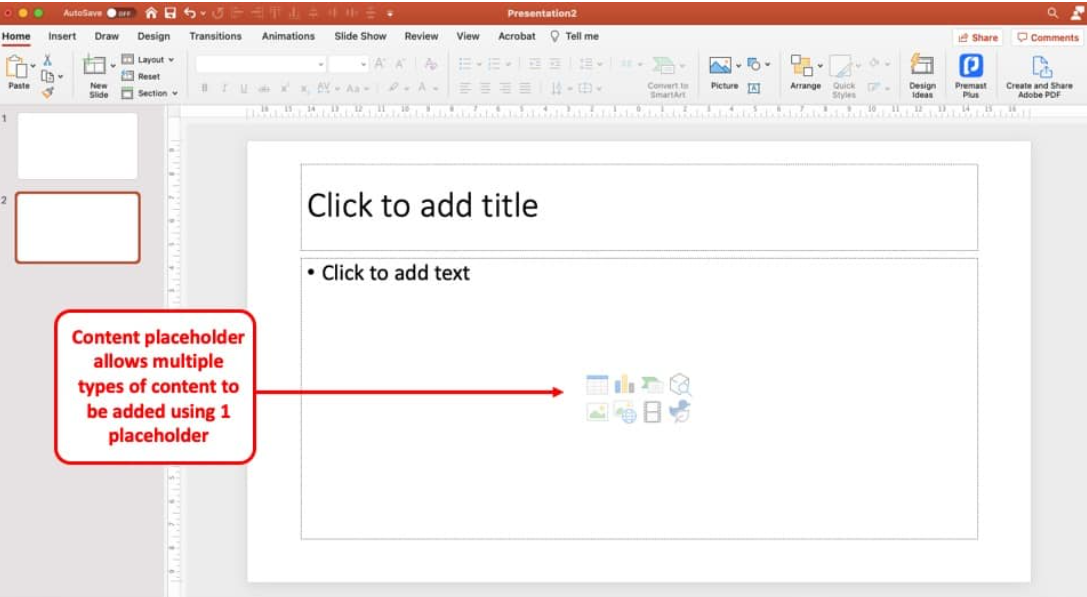
Ever wondered why some PowerPoint presentations look instantly polished? The secret is PowerPoint placeholders. Placeholders may look like simple “Click to add text” boxes, but they help you add and organize text, images, and media while keeping every slide consistent and professional. Want to create cleaner, more engaging slides? Let’s explore what is a placeholder […]