Organizing Your Ppt

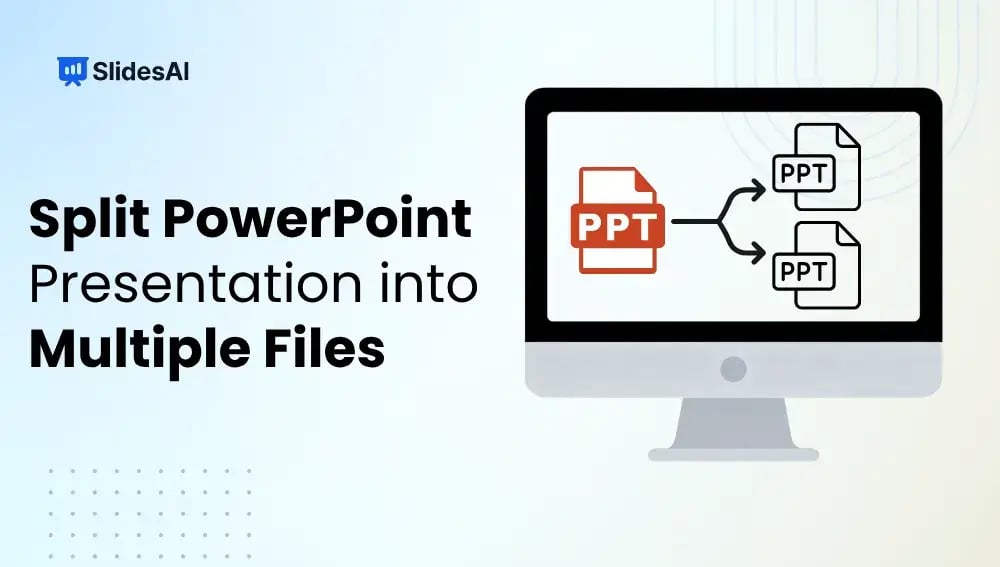
How to Split a PowerPoint Presentation into Multiple Files?

How to Split a PowerPoint Presentation into Multiple Files?

Working with a large PowerPoint presentation can quickly become overwhelming, especially when it covers multiple topics or needs to be shared with different audiences. Splitting your presentation into smaller, focused files makes it easier to manage, share, and present. Whether you are preparing separate decks for different teams, reducing file size for email, or organizing […]

How Do You Hide & Unhide a Slide in PowerPoint?

How Do You Hide & Unhide a Slide in PowerPoint?

Ever had a slide in your deck that’s not quite ready, or maybe only relevant for a specific audience? Do you know that you can just hide it instead of deleting it or creating multiple presentations? It’s one of those little tricks in PowerPoint that makes life easier.

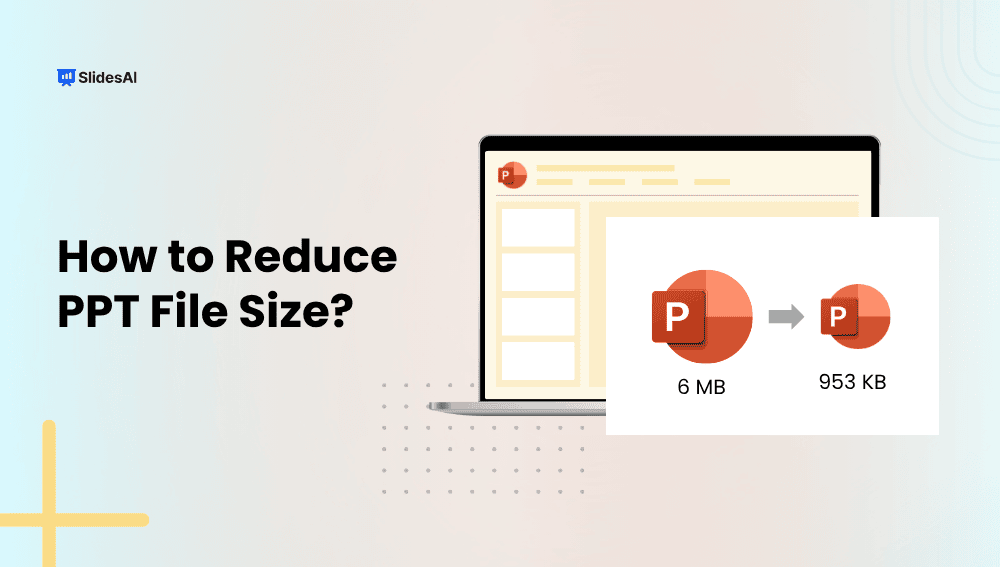
How to Reduce PPT File Size: Quick Tips for Faster, Lighter Presentations

How to Reduce PPT File Size: Quick Tips for Faster, Lighter Presentations

PowerPoint files can grow large quickly, especially when they contain numerous pictures, videos, or elaborate designs. Large files can be slow to open, difficult to share, and consume excessive storage space. Whether you’re a designer, teacher, business owner, or student, it’s important to keep your presentation files small and easy to work with. In this […]

How to Password Protect A PowerPoint Presentation?

How to Password Protect A PowerPoint Presentation?

Imagine creating a PowerPoint presentation with all your effort, only to find out that someone has accessed it without your permission, or even worse, made changes to it. Whether it’s a work project, a personal slideshow, or confidential information, keeping it safe is important. This guide will show you why and how to password-protect a […]

How to Star a Slide in PowerPoint? 5 Easy Methods

How to Star a Slide in PowerPoint? 5 Easy Methods

Want to make a specific slide in your PowerPoint presentation stand out? Starring a slide is a great way to draw attention to important content and ensure it doesn’t get overlooked. By starring a slide, you’re marking it as a highlight, giving it the focus it needs to make a strong impact.

How to Combine PowerPoint Slides: 5 Easy Ways to Merge Presentations

How to Combine PowerPoint Slides: 5 Easy Ways to Merge Presentations

If you’re in sales, customer service, or work independently, you probably use similar slides in different presentations. But redoing them every time can be a hassle. That’s why learning to merge PowerPoint slides can be super useful.