Basic Editing Ppt Navigation

How to Edit PowerPoint Presentation?

How to Edit PowerPoint Presentation?

Are you a student prepping for class, a small business owner pitching ideas, a marketing professional, or a designer crafting client slides? Chances are, you need to edit a PowerPoint presentation at some point. And not just tweak the text, but adjust layouts, images, transitions, and more.

How to Use Find and Replace in PowerPoint to Replace Text?

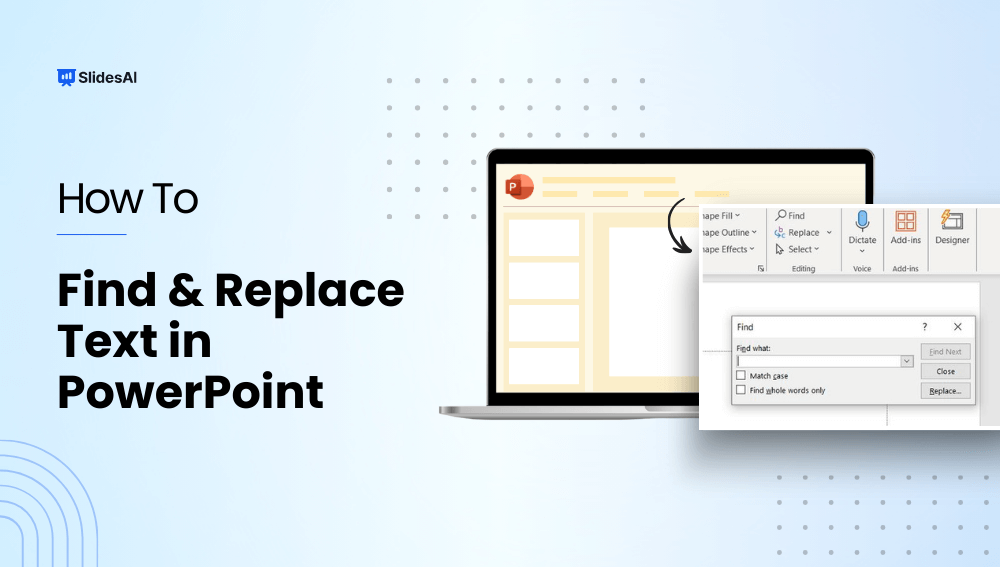
How to Use Find and Replace in PowerPoint to Replace Text?

Have you ever needed to update a name, date, product feature, or other important word in your presentation slides? The best way to go about it is by using the find and replace in PowerPoint. It allows you to quickly find and change words and phrases across multiple slides instantly.  In this guide, we will […]
300+ PowerPoint Shortcuts for Windows and Mac.

300+ PowerPoint Shortcuts for Windows and Mac.

Learning PowerPoint keyboard shortcuts can save you time, boost productivity, and make editing slides much smoother.

How to Enable Editing in PowerPoint?

How to Enable Editing in PowerPoint?

Have you ever tried to change a PowerPoint presentation only to find that it is locked? Whether you are preparing for an important business meeting or creating a family slideshow, the inability to change your slides might be frustrating. Fortunately, unlocking your PowerPoint for editing is usually only a few clicks away.

What is a Placeholder in PowerPoint: Types & How To Add It?

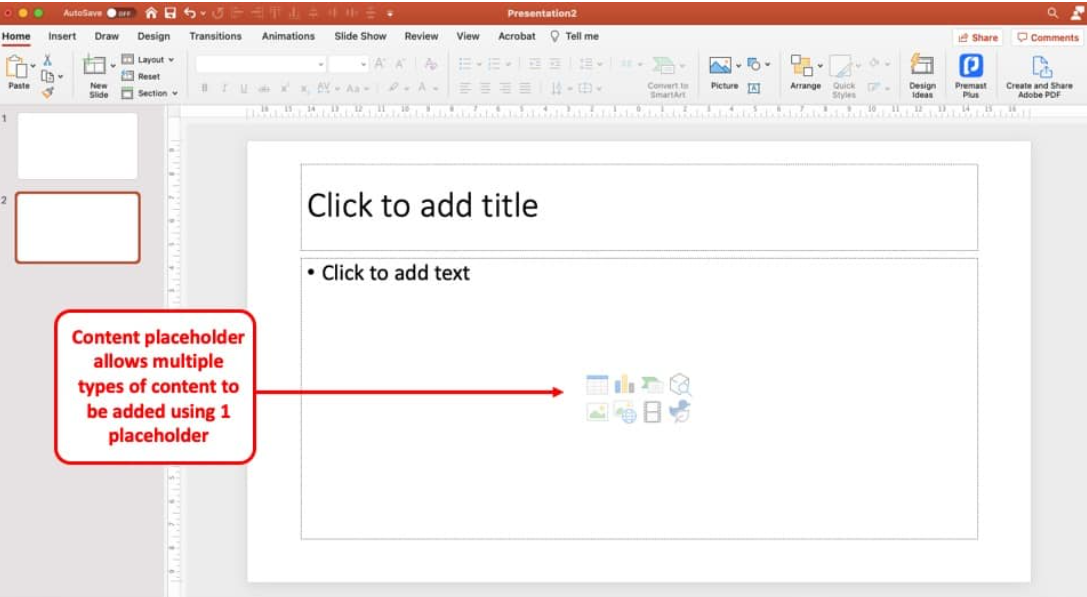
What is a Placeholder in PowerPoint: Types & How To Add It?

Ever wondered why some PowerPoint presentations look instantly polished? The secret is PowerPoint placeholders. Placeholders may look like simple “Click to add text” boxes, but they help you add and organize text, images, and media while keeping every slide consistent and professional. Want to create cleaner, more engaging slides? Let’s explore what is a placeholder […]