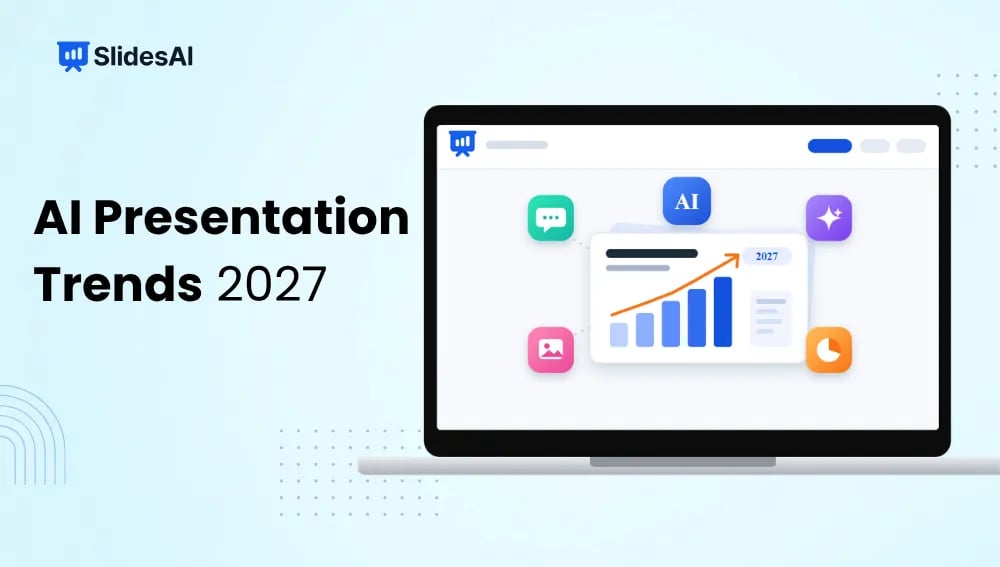
AI presentation tools have come a long way from turning a few lines of text into slides. They are now beginning to handle research, organise information, suggest visuals, and help teams work on presentations together. As these tools become more capable, the way we create and share presentations is likely to change quite a bit. Here are nine AI presentation trends worth watching in 2027.
AI Presentation Trends 2027
Here’s a closer look at the changes that could influence presentation creation in the coming year.
1. From One Prompt to Agentic Workflows
Creating a presentation may soon involve more than entering a topic and waiting for slides. AI tools are moving towards multi-step workflows where they can research a subject, organise information, create an outline, generate slides, and make changes based on your instructions.
For example, you could ask an AI tool to prepare a quarterly business review. It could gather the available information, identify important figures, arrange them into sections, and prepare a presentation for your team. You would still review the final output, but much of the initial work would already be taken care of.
2. Source-Grounded Slides and Citation Review
AI-generated presentations are only useful when the information inside them is reliable. This is why source-grounded content is likely to receive more attention in 2027.
Instead of generating slides using general information alone, AI tools will increasingly connect presentation content to research papers, reports, websites, and uploaded documents. Users will be able to check where a statistic or statement came from before including it in a presentation. This matters particularly for business reports, academic presentations, and financial discussions where incorrect information can cause problems.
3. Editable Output Becomes a Core Requirement
A presentation that looks good but cannot be edited is not particularly useful. Most people need to change text, replace images, adjust layouts, or update figures after the initial draft.
In 2027, editable output will become an important consideration when choosing an AI presentation maker. Users will expect greater control over individual slides instead of being restricted to a fixed design. The ability to export presentations into familiar formats such as PowerPoint will also matter.
4. Brand Systems Move Upstream
Maintaining the same visual identity across presentations can be difficult, especially when multiple people create slides for the same organisation.
AI tools are likely to address this through more advanced brand kits. Users will be able to set their preferred colours, fonts, logos, and design styles before generating a presentation. The AI can then apply these settings throughout the deck instead of requiring manual corrections later.
This will be particularly useful for businesses that prepare client proposals, sales decks, and internal reports regularly.
5. Collaboration Centers on Review State
Creating a presentation is often only the beginning. Teams still need to review slides, suggest changes, approve content, and make sure everyone is working on the latest version.
AI presentation tools are expected to make this process easier by focusing more on collaboration and review stages. Rather than simply allowing multiple people to edit slides, platforms may help track pending changes, highlight sections that need attention, and organise feedback. This can save time when presentations pass through several departments before approval.
6. One Evidence Base, Multiple Delivery Formats
The same information is often used in different ways. A company might prepare a detailed presentation for its leadership team, a shorter version for clients, and a summary for employees.
AI tools could make this process easier by using one central collection of information to create different presentation formats. You could start with a detailed report and ask the AI to turn it into a shorter executive presentation, a training deck, or a visual summary. This reduces the need to recreate the same content from scratch.
7. MCP Protocol Integration
As AI tools become part of everyday work, connecting them with other applications will become increasingly important. This is where the Model Context Protocol (MCP) comes into the picture.
MCP provides a standard way for AI applications to connect with external tools and data sources. In presentation creation, this could allow AI assistants to retrieve information from connected business applications, access relevant files, and work with other services as part of a larger workflow.
For users, the benefit is fairly straightforward. Instead of constantly switching between applications and copying information manually, more of the work could happen through connected AI systems.
8. Voice and Video Narration
Not every presentation is delivered in a live meeting. Some are shared with clients, students, or employees who may go through the slides on their own.
Voice and video features could make these presentations more useful. AI tools are increasingly exploring automated narration, voiceovers, and video-based explanations. Users may be able to turn a slide deck into a narrated presentation without recording every section themselves.
This could be particularly helpful for online courses, employee training, product demonstrations, and presentations shared with remote audiences.
9. Regulatory and Compliance Automation
Businesses often need to follow specific rules when preparing presentations, particularly when they contain financial information, customer data, or internal company details.
AI presentation tools may begin offering more compliance-related checks during the creation process. These could include identifying sensitive information, flagging unsupported claims, checking disclaimers, and highlighting content that needs approval.
Human review will still be necessary, especially in regulated industries. However, automated checks could help teams identify problems before a presentation is shared.
What Will These AI Presentation Trends Mean for Different Users?
These changes will not affect everyone in the same way. The benefits will depend on what you use presentations for and how much work goes into preparing them.
1. Business Leaders and Executives
Benefit: Faster strategic updates and better-informed decisions.
Why: AI agents can bring together financial reports, CRM information, and operational metrics to prepare presentations for leadership meetings. Instead of manually collecting figures from different sources, executives can use AI to organise the information into a readable deck.
Control: Human review remains necessary to check sensitive information, business decisions, and the accuracy of the final presentation.
2. Sales and Account Teams
Benefit: More personalised sales presentations.
Why: AI can use prospect information and previous customer interactions to help create presentations that address specific business needs. It can also suggest relevant case studies, speaker notes, and answers to common objections.
Speed: Sales representatives can update figures, replace examples, and make last-minute changes without having to rebuild the entire presentation.
3. Educators and Trainers
Benefit: Faster lesson preparation and easier content adaptation.
Why: Teachers can turn lecture notes, research documents, or lesson outlines into visual presentations. AI translation features can also help adapt learning materials for students who speak different languages.
Engagement: With less time spent arranging slides, educators can focus more on explaining concepts, answering questions, and assessing student understanding.
4. Marketers and Content Creators
Benefit: Consistent branding and easier content repurposing.
Why: AI can turn blog posts, whitepapers, campaign reports, and other existing material into presentations while following established brand guidelines.
Focus: As slide formatting becomes easier to automate, marketers will have more reason to concentrate on storytelling, original ideas, and understanding their audience.
What Should You Look for in an AI Presentation Maker in 2027?
With so many AI presentation tools available, choosing one based on how quickly it generates slides may not be enough. Here are a few things worth checking before settling on a platform.
1. True Editable Output
Look for a tool that lets you edit individual elements after generating your slides. You should be able to change text, move images, adjust layouts, and update charts without starting over. PowerPoint compatibility is also worth considering.
2. Reasoning and Source-Grounding
The tool should be able to understand your instructions, organise information logically, and work with reliable sources. If you are creating research-based or business presentations, check whether you can verify the information used in your slides.
3. Data Integration and Dynamic Charts
If you regularly prepare reports, choose a platform that can work with data and turn it into visual charts. The ability to update figures and adjust chart elements can save considerable time when preparing business presentations.
4. Brand Kits and Style Locking
For businesses and marketing teams, consistent branding matters. Look for features that let you save brand colours, fonts, logos, and preferred design styles. This makes it easier to create presentations that look consistent across different projects.
5. Agentic and Multi-Step Workflows
A good AI presentation maker should do more than generate slides from a prompt. Look for tools that can help with outlining, rewriting, adding content, researching topics, and making changes through follow-up instructions.
6. Platform Integration
Check whether the tool works with the applications you already use. Integration with document platforms, presentation software, data sources, and other workplace applications can make your existing workflow much easier.
How SlidesAI Is Embracing These Emerging Trends?
At SlidesAI, we are working towards making presentation creation easier without taking away the flexibility users need when editing their slides. The idea is to help you move from an initial topic or document to a presentation that you can actually work with.
Here are some of the features that support this approach:
- Brand Kits: Save your brand colours, fonts, and other visual preferences so you can maintain a consistent appearance across presentations. Read more about SlidesAI brandkits for branded presentation.
- Dynamic Charts: Turn data into visual charts and make adjustments to present information in a way that is easier to understand. Read more about SlidesAI new charting engine for presentation.
- Code Blocks: Add code snippets to your slides, which is particularly useful for technical presentations, programming lessons, and software demonstrations.
- Animations: Add movement to your slides to make presentations more engaging and guide your audience through information. Read more about SlidesAI animation and transistion for presentation.
- Chat-Based Presentation Creation: Create and refine presentations using conversational instructions. You can ask for changes, improve existing content, and work through revisions without repeatedly starting from scratch. Read more about SlidesAI agent for presentation.
- Editable Output: Make changes to your slides after generation instead of being stuck with a finished design that you cannot modify.
- Web Search: Find relevant information online and use it while preparing presentations, particularly when working on topics that require additional research.
As AI presentation tools continue to develop, we want to make sure users have more control over both the creation process and the final result. Whether you are preparing a classroom lesson, a business report, or a sales pitch, SlidesAI gives you tools to spend less time arranging slides and more time working on the content.
Try AI Presentation Maker by SlidesAI
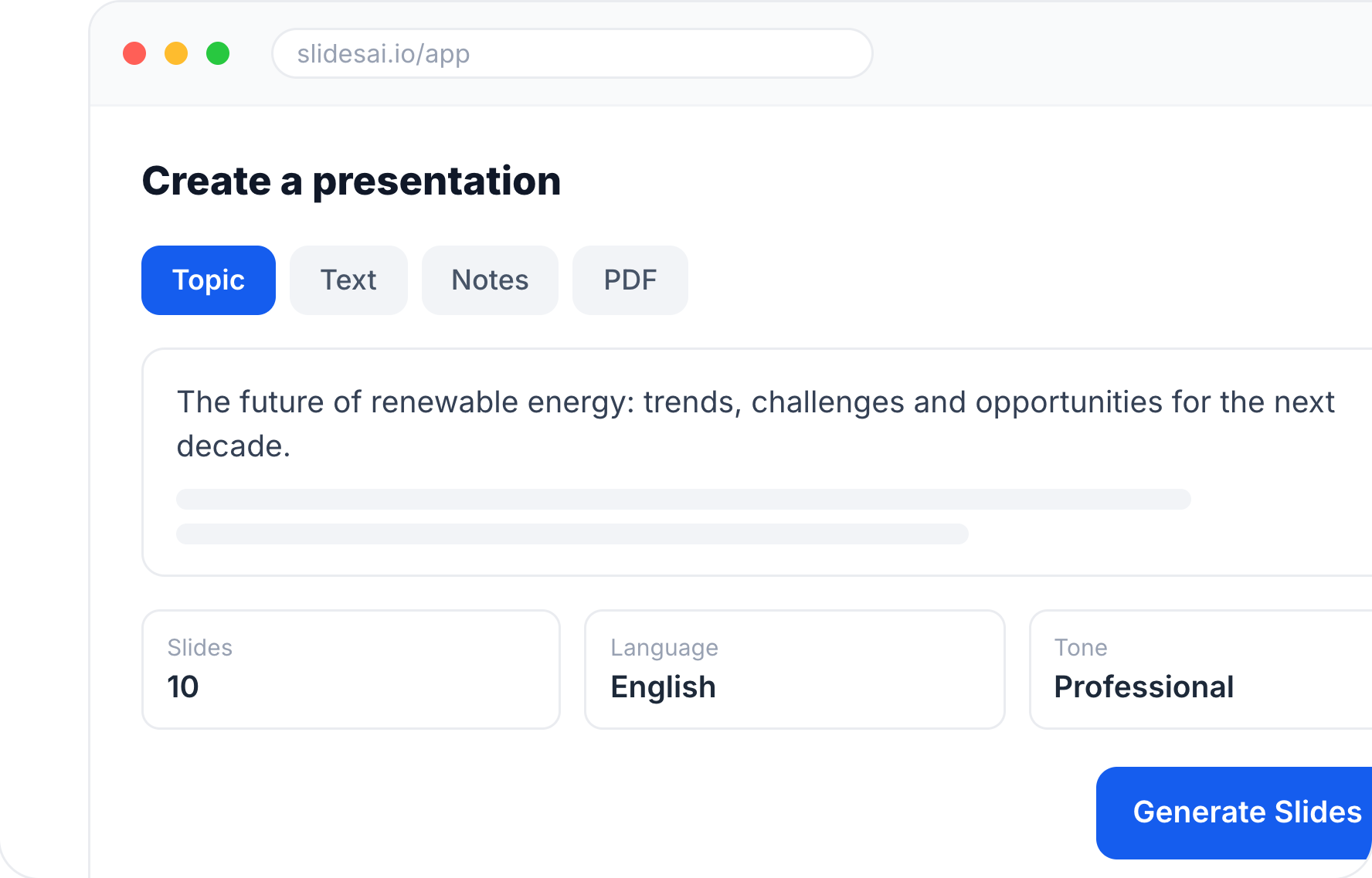
- Start with a topic, text, notes, or PDF
- Generate slides in minutes
- Customize your presentation with ease
Frequently Asked Questions About AI Presentation Trends
1. Will AI presentation tools replace PowerPoint or presentation designers in 2027?
Not entirely. AI presentation tools will make it easier to create initial drafts, arrange content, and work with different layouts. However, PowerPoint will continue to be useful for detailed editing and professional presentations. Designers will also remain important for projects that require original visual concepts, strong storytelling, and a clear understanding of brand identity. AI is more likely to change how these professionals work than replace them completely.
2. Can citations make AI-generated slides trustworthy?
Citations can make presentations easier to verify, but they do not automatically guarantee accuracy. You still need to check whether the cited source is reliable, whether the information supports the claim, and whether the figures are current. Citations provide a starting point for verification and make it easier to identify where information came from.
3. How will AI change the way students and teachers make slides in 2027?
Students will be able to turn research notes, assignments, and written content into presentations with less manual effort. Teachers can use AI to prepare lesson slides, create visual explanations, and adapt learning materials for different student groups. This leaves more time for classroom activities, discussions, and understanding the subject rather than spending hours formatting slides.
4. Which AI presentation trend will matter most in 2027?
Agentic workflows could have the biggest impact because they change how presentations are created in the first place. Instead of handling every step separately, users will be able to give AI tools broader instructions and let them manage several parts of the process. However, editable output and source-grounded content will remain equally important for anyone who needs reliable, professional presentations.
5. How can you prepare for AI presentation trends in 2027?
Start by getting comfortable with AI presentation tools and exploring what they can do beyond basic slide generation. Learn how to write clear prompts, organise your source material, use brand kits, and edit AI-generated content. It is also worth understanding how to verify information and work with charts. These skills will help you get better results as presentation tools become more capable.