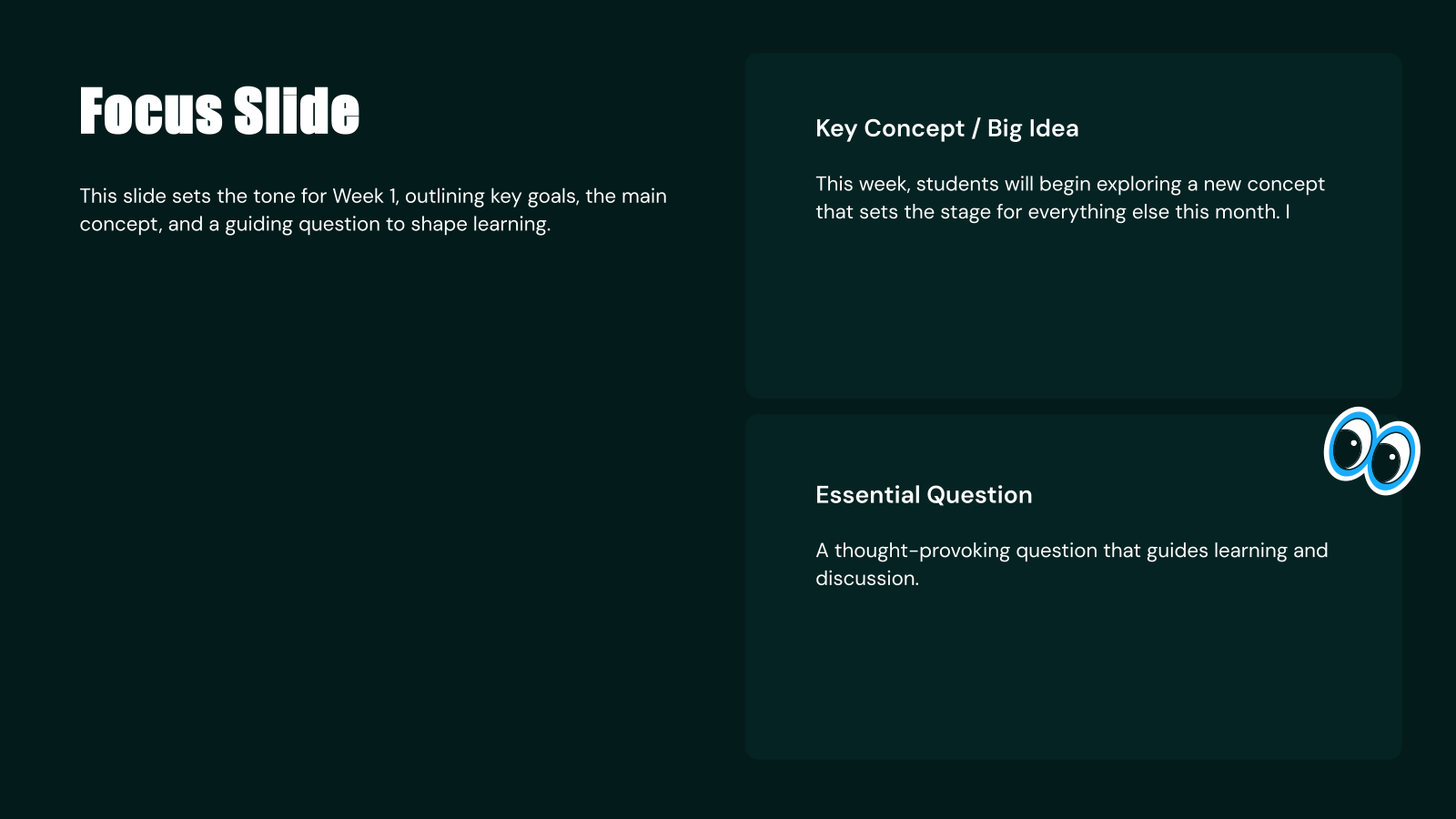
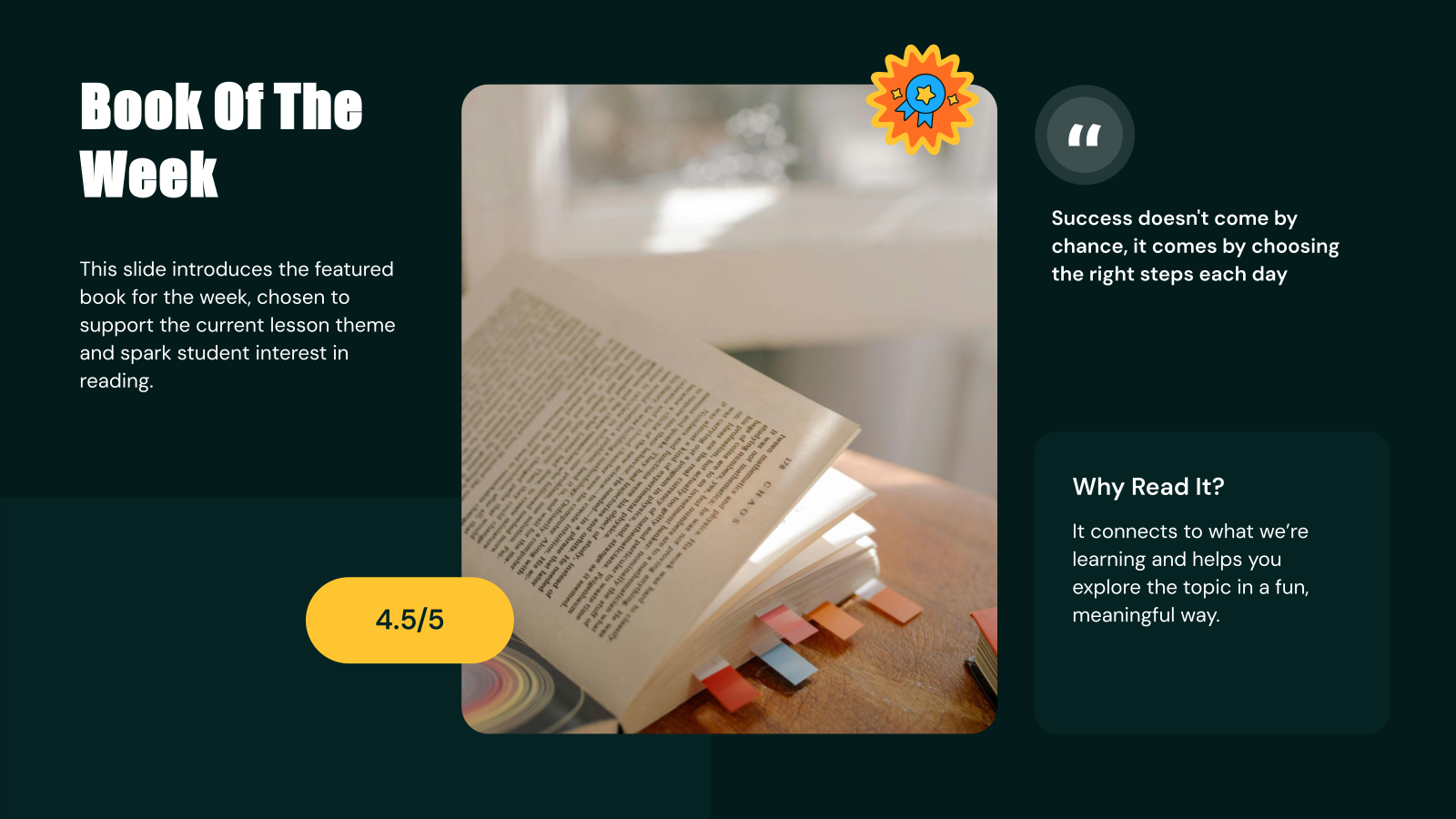
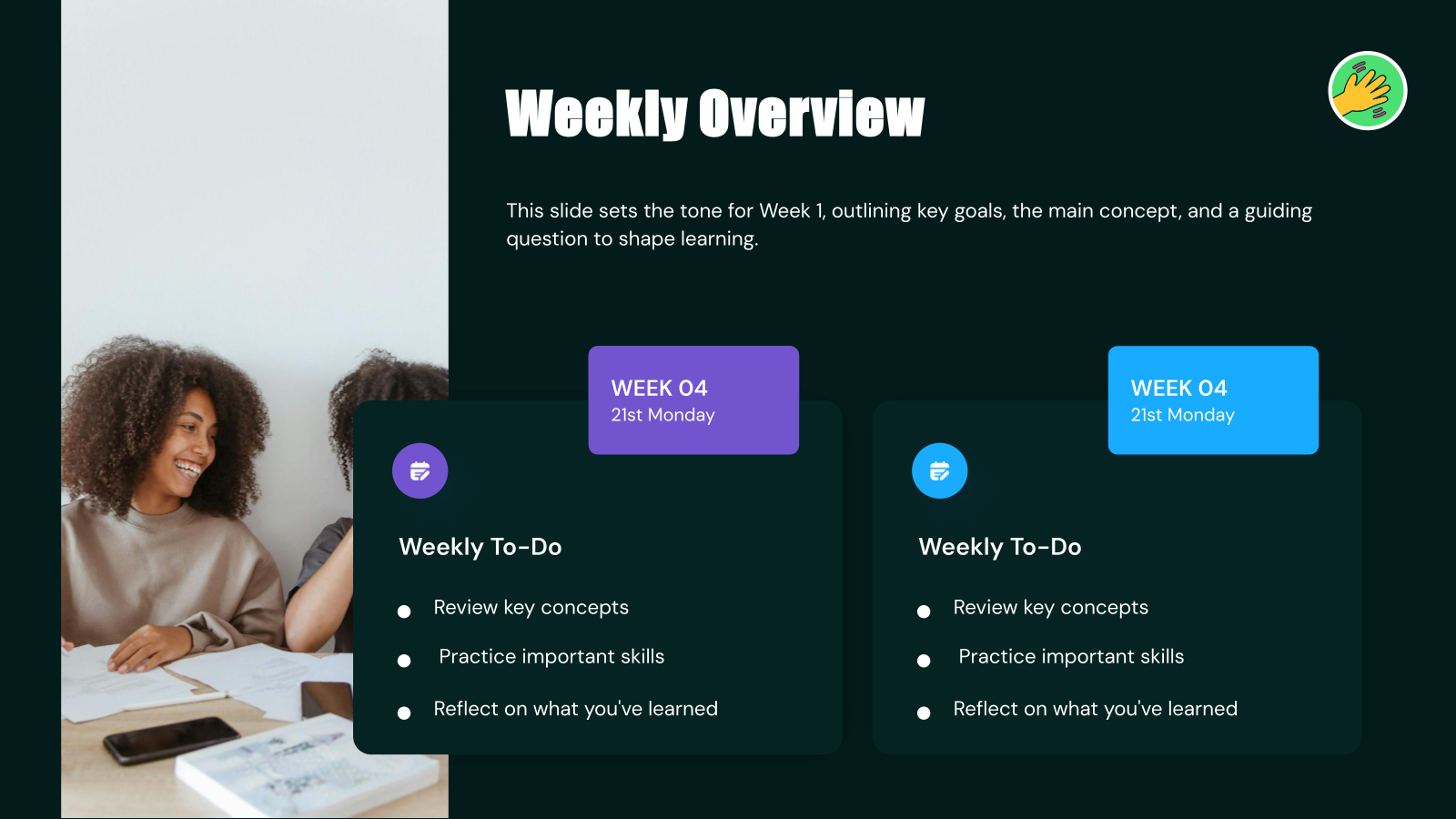
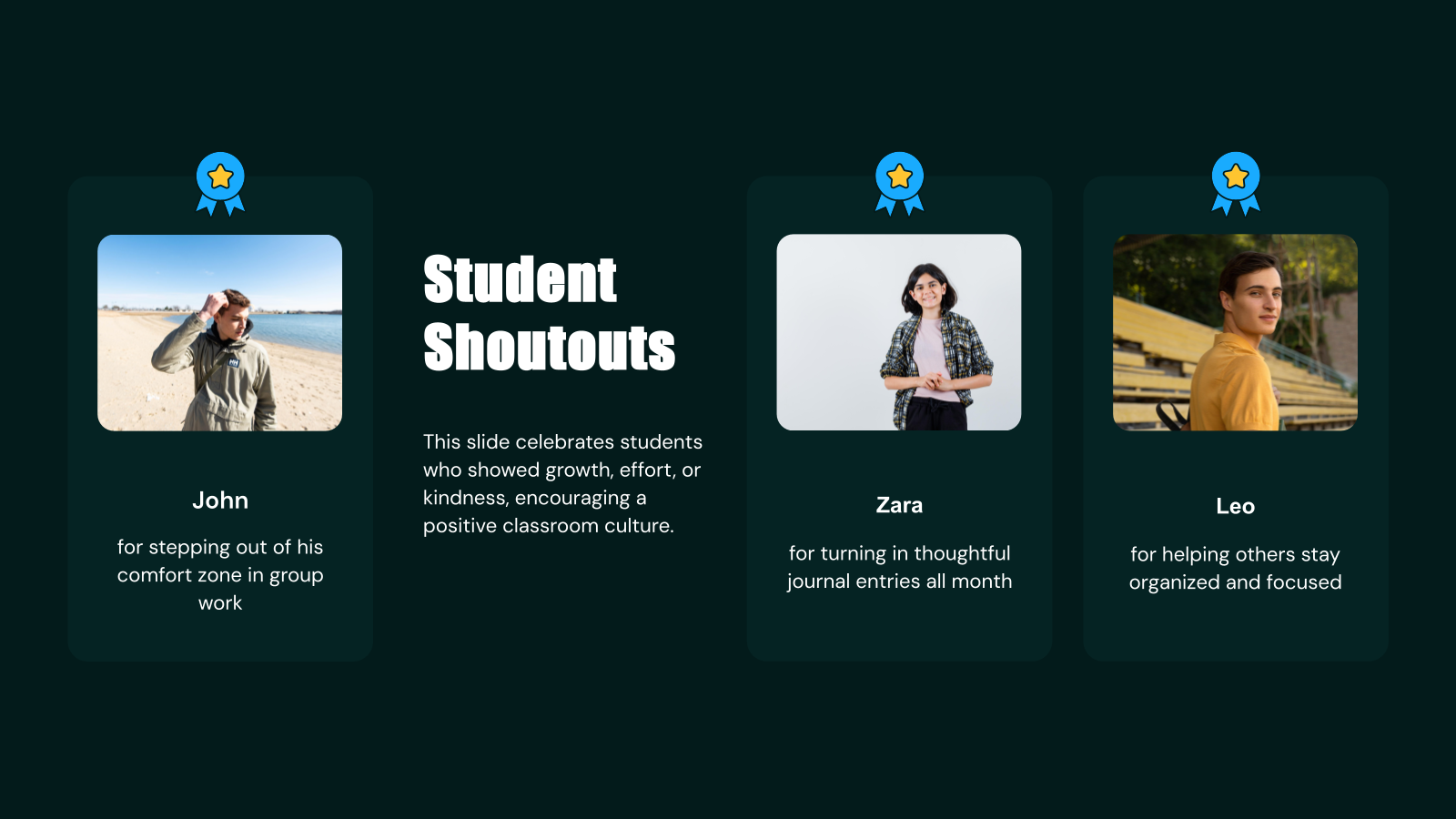







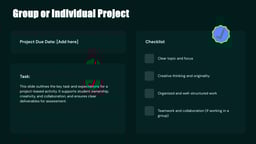


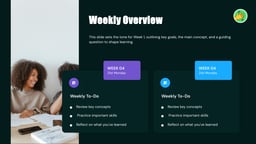


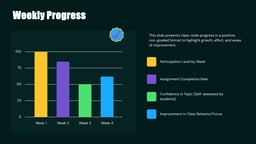
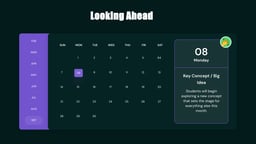

What is this Monthly Lesson Plan Presentation Template?
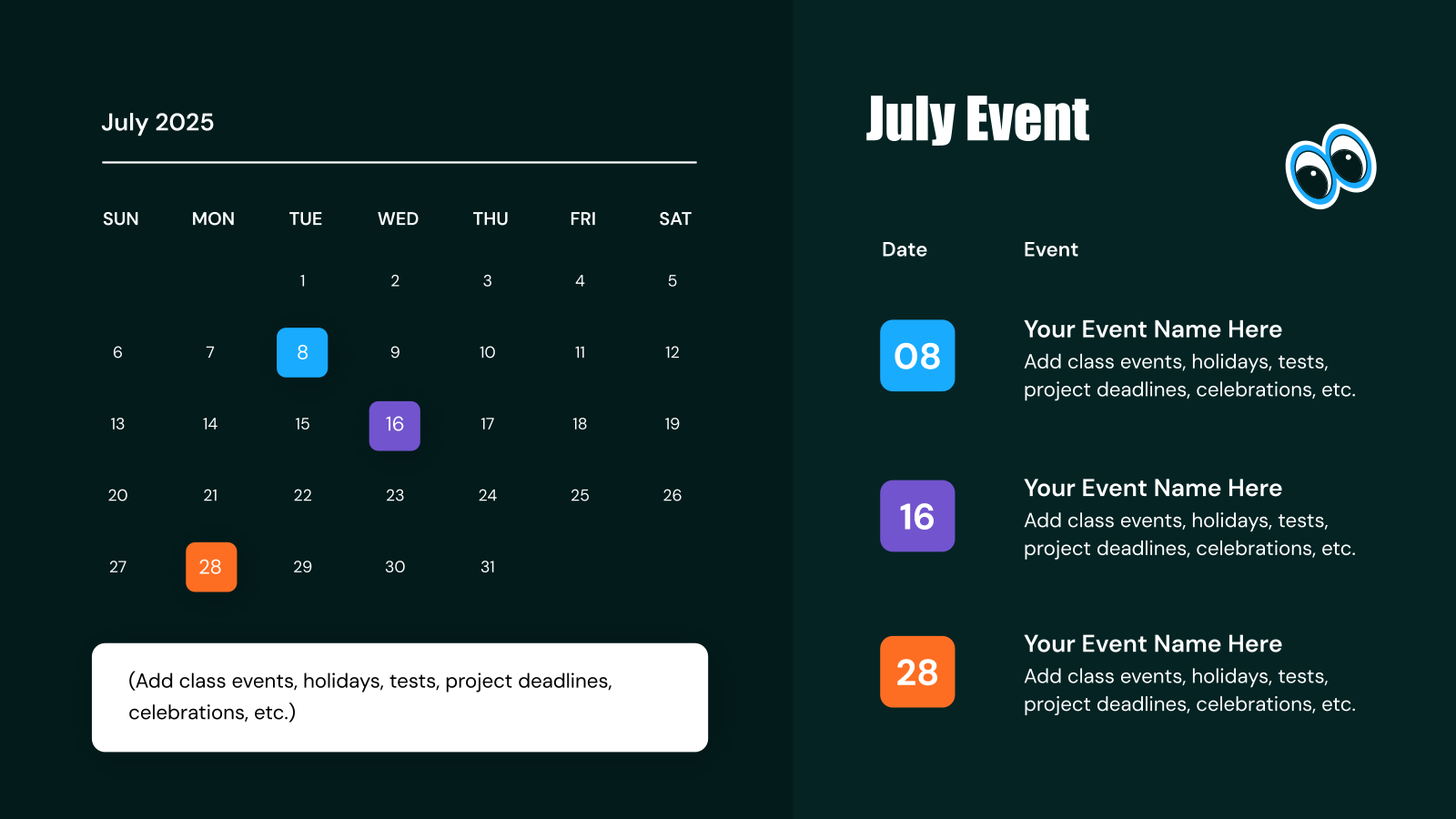
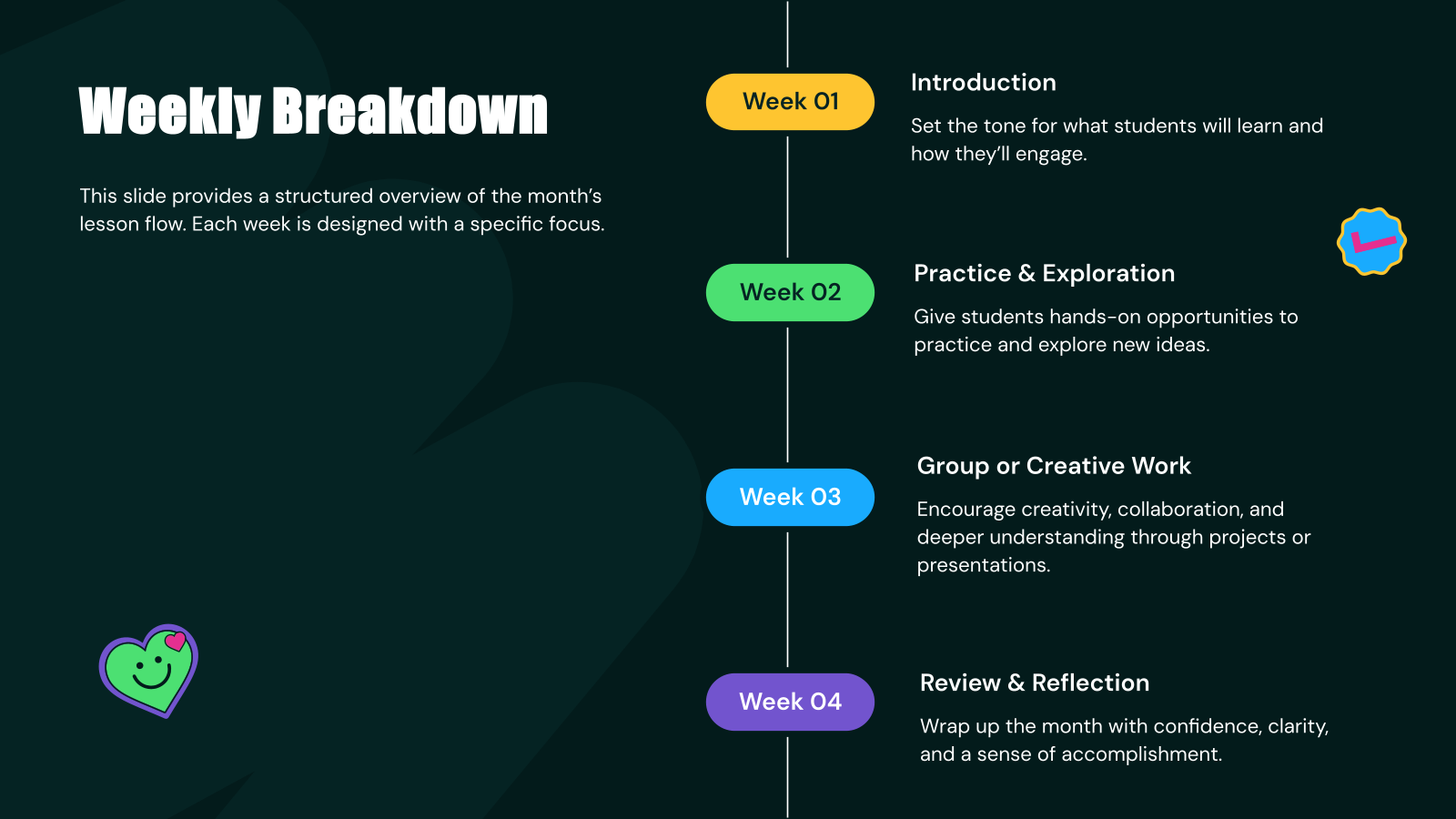
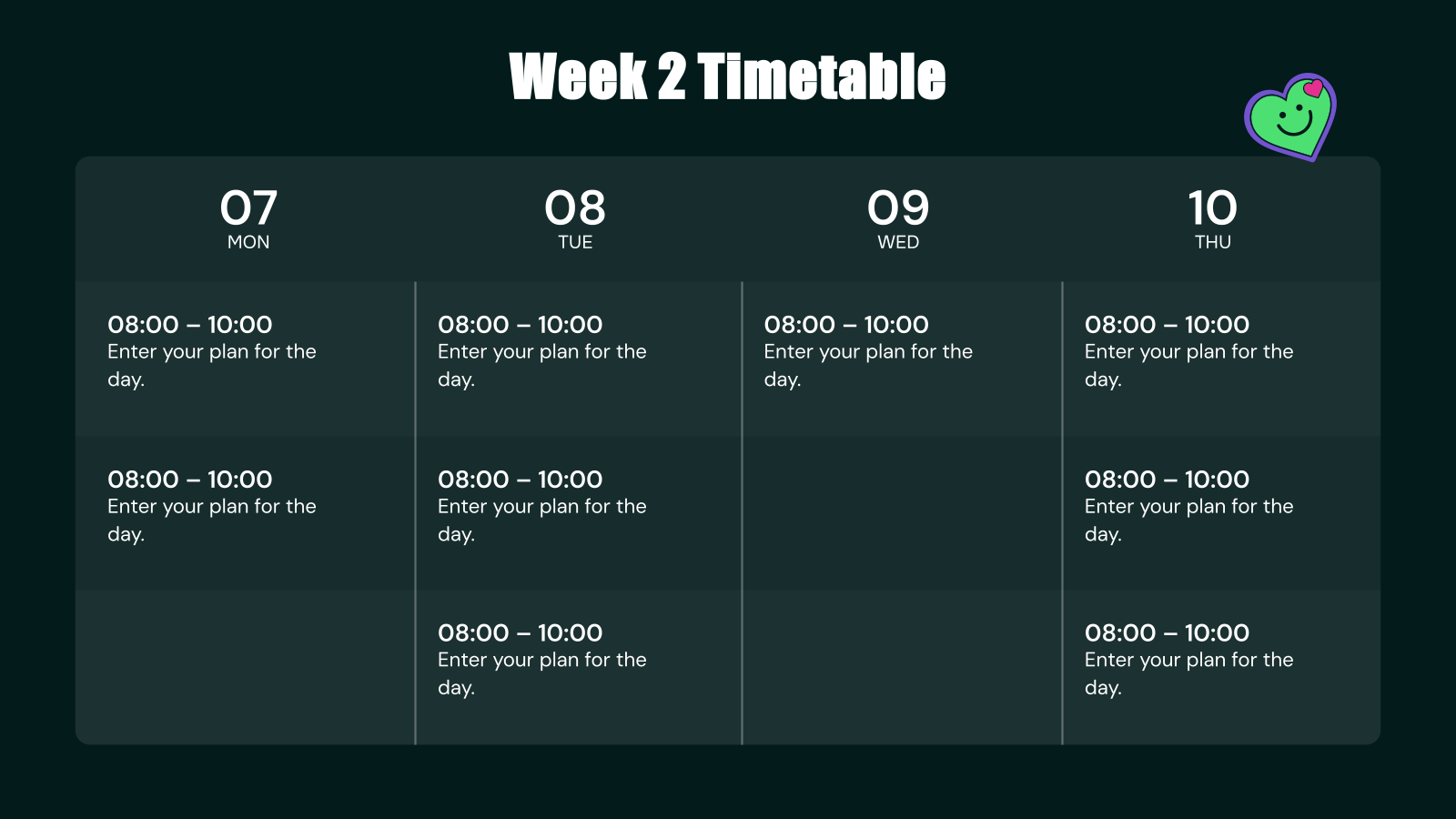
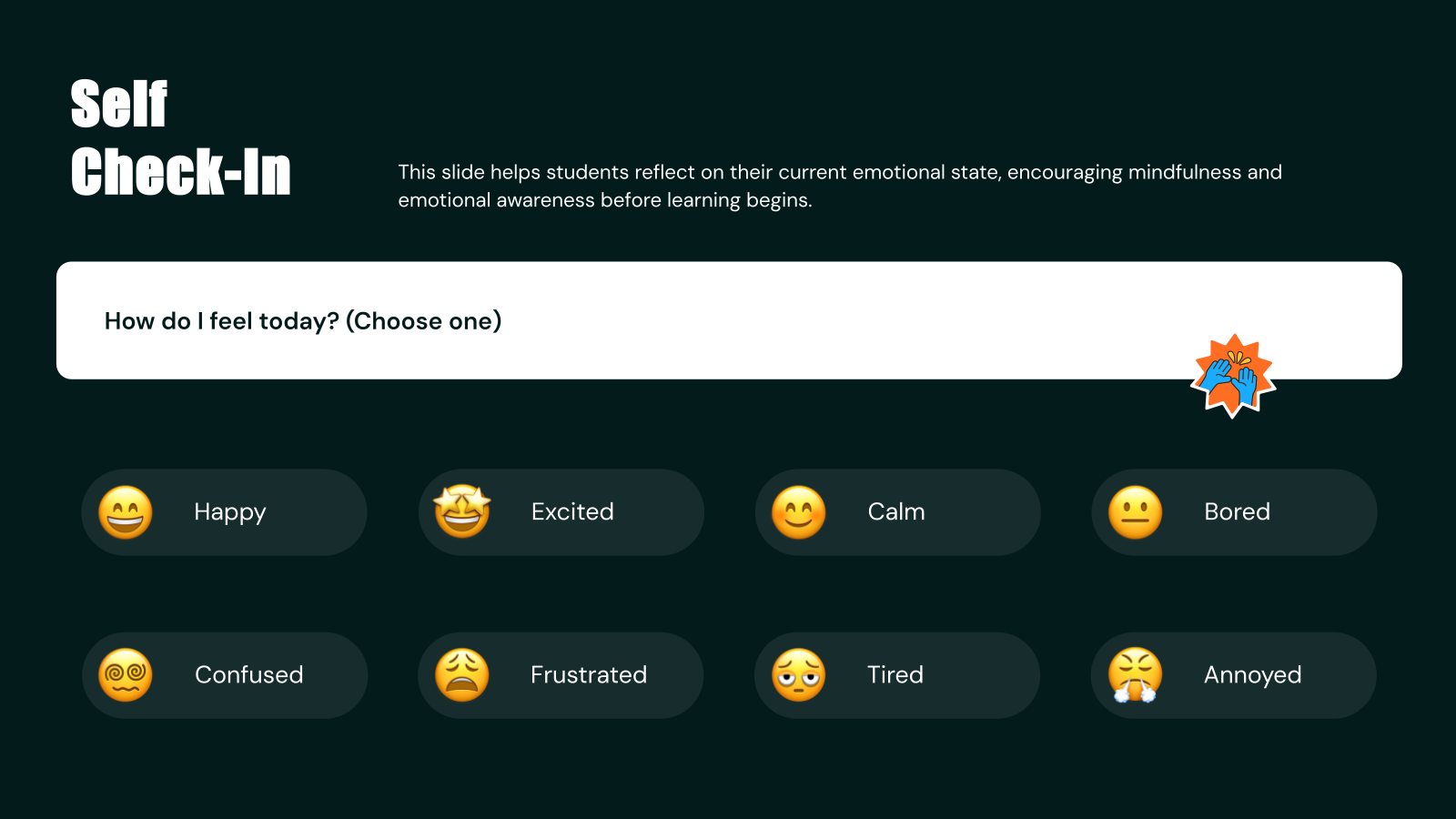
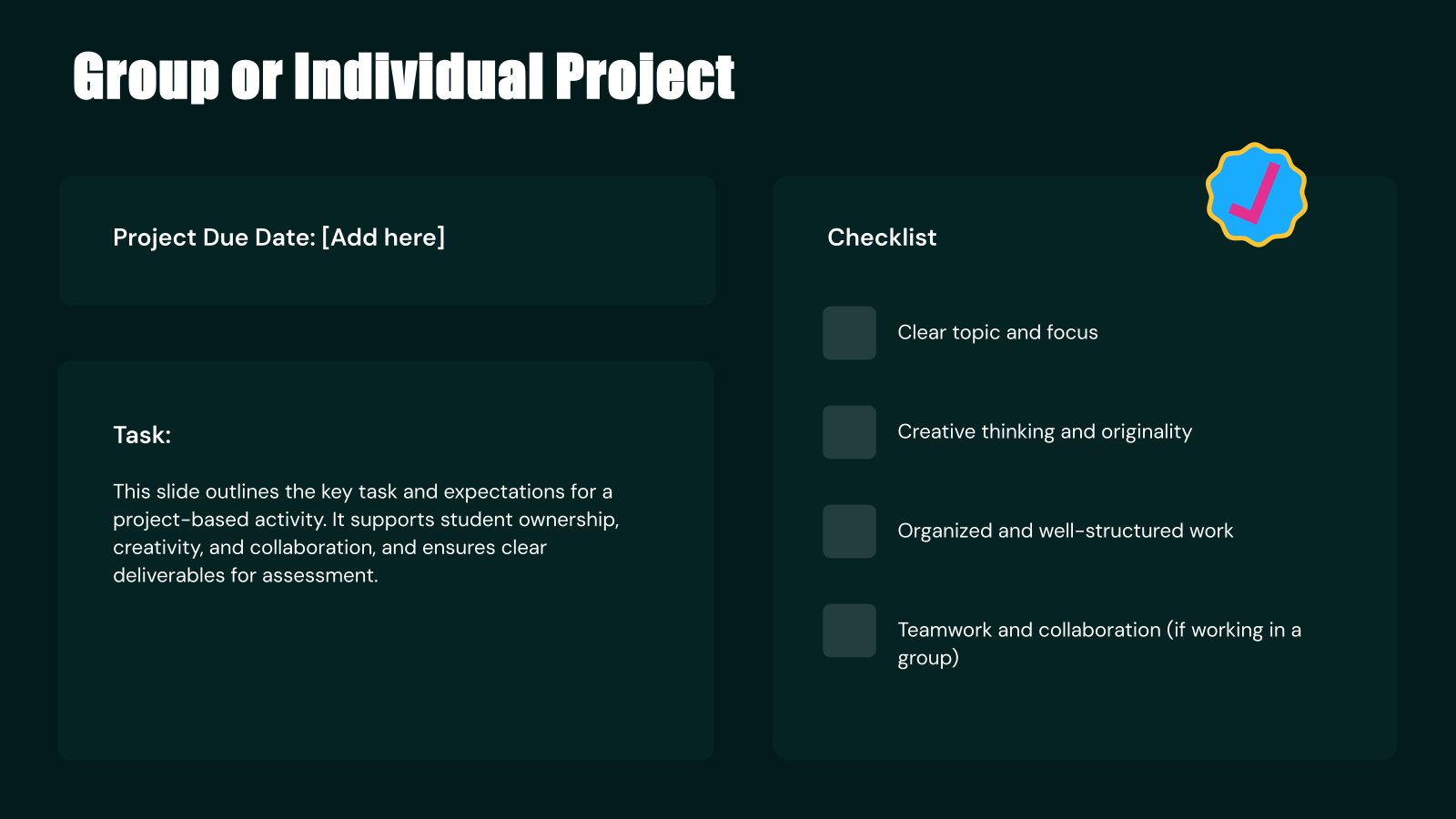
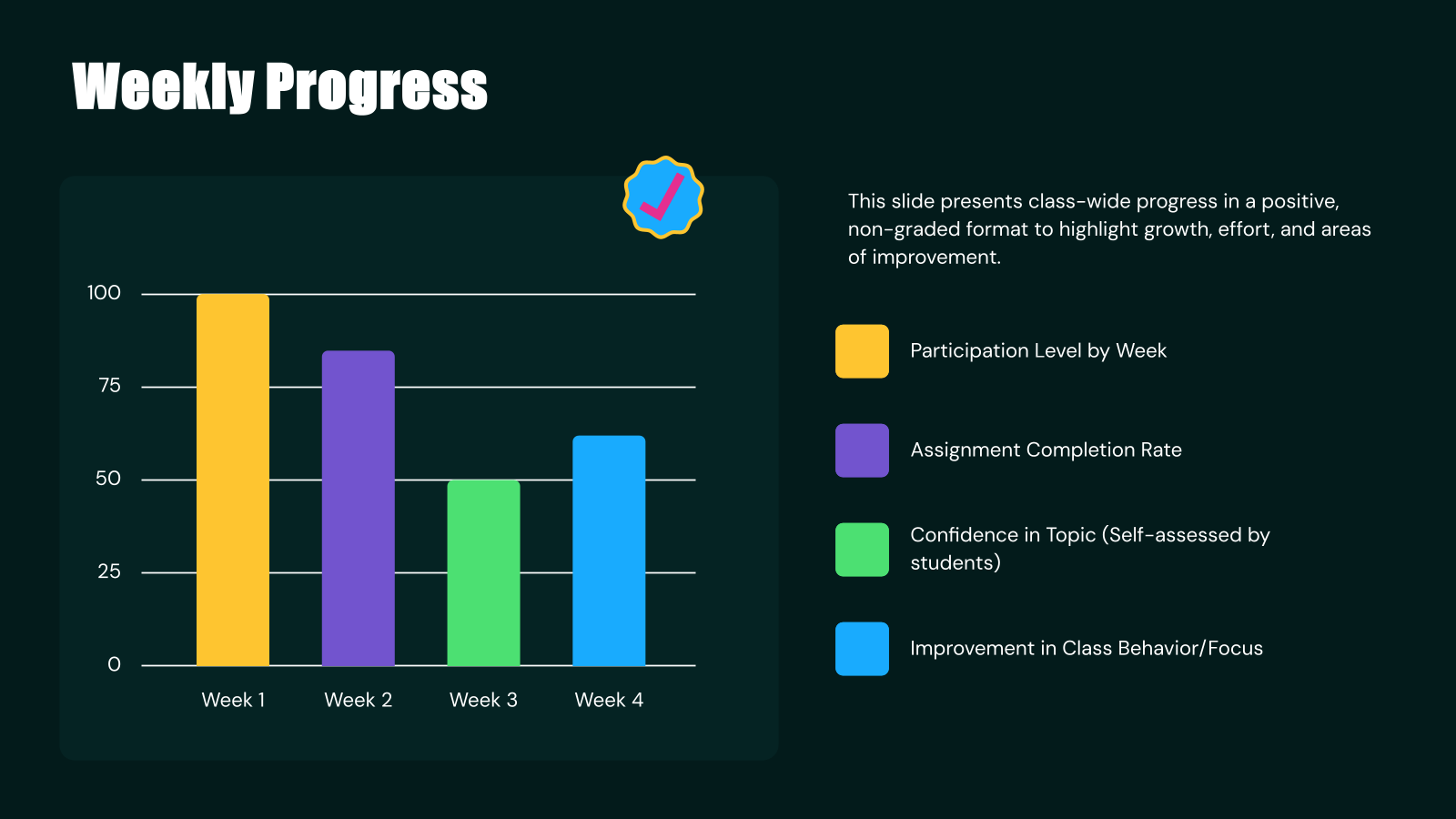
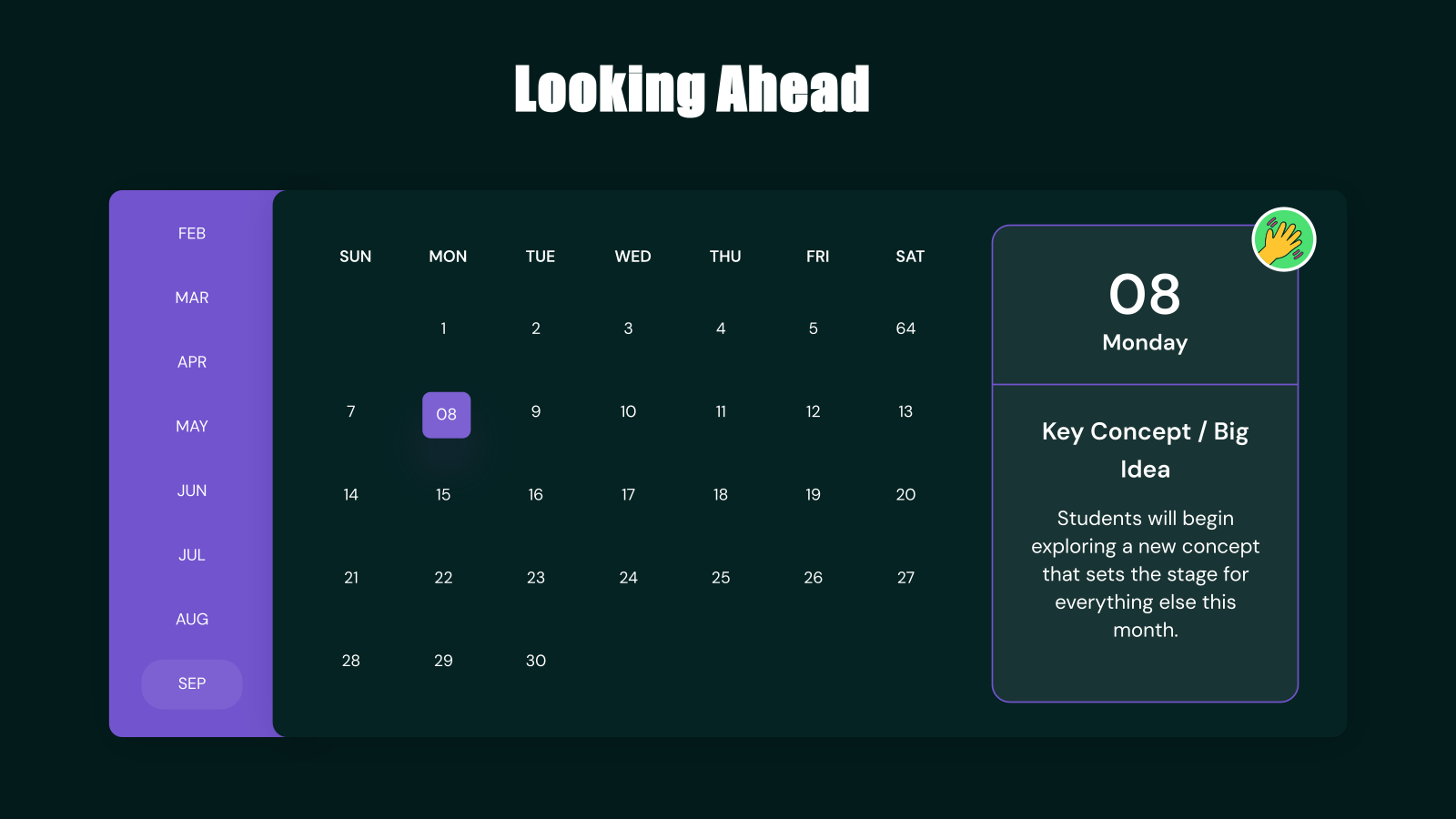
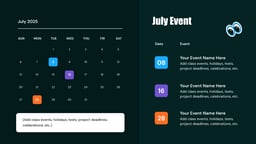
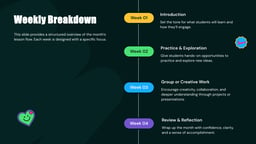
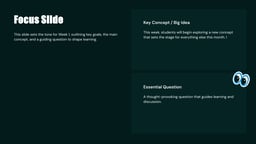
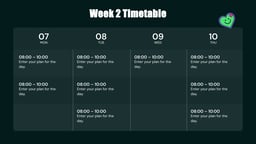
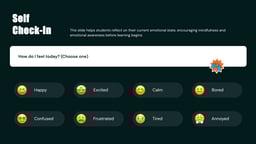
The Monthly Lesson Plan Presentation Template is a structured slide deck designed to help educators organize lessons, objectives, activities, and assessments for an entire month in a clear and visual format. It simplifies planning while ensuring consistent and well-paced learning delivery.
Applications of the Monthly Lesson Plan Presentation Template
- Monthly Curriculum Planning: Plan and structure lessons for the entire month with clearly defined objectives, timelines, and learning outcomes.
- Classroom Teaching & Delivery: Present lessons in a structured, easy-to-follow format that improves student understanding and engagement.
- Academic Presentations & Reviews: Showcase lesson strategies, progress, and outcomes during internal reviews, meetings, or academic evaluations.
- Homeschooling & Personal Teaching Plans: Organize and track learning schedules effectively for homeschooling or personalized teaching setups.
- Teacher Collaboration & Planning: Share standardized lesson plans with other educators to maintain consistency across subjects or classes.
Why use SlidesAI’s Monthly Lesson Plan Presentation Template?
- Saves Time & Effort: Pre-designed sections for objectives, activities, and assessments eliminate the need to build plans from scratch.
- Ensures Structured Learning: Helps maintain a logical flow of lessons, improving both teaching efficiency and student comprehension.
- Fully Customizable: Easily edit text, visuals, and layout to match your subject, teaching style, or curriculum requirements.
- Enhances Classroom Engagement: Clean, visual slides make lessons more interactive and easier for students to follow.
Create Presentations Easily in Google Slides and PowerPoint
- No design skills required
- 3 presentations/month free
- Don't need to learn a new software


How to use SlidesAI’s Monthly Lesson Plan Presentation Template?
- Microsoft PowerPoint: Click on Download > Click on “PowerPoint” > Click on the downloaded file to make a copy and start customising/editing the template
- Google Slides: Click on Download > Click on “Google Slides” > Click on “Use Template” to make a copy and start customising/editing the template
Create presentations in seconds. Enter text and SlidesAI creates customizable slides based on that text in seconds that go well with all our templates, too.
Build Stunning Slides in Seconds with AI
- No design skills required
- 3 presentations/month free
- Don't need to learn a new software

Frequently Asked Questions
1. What subjects can this template be used for?
It can be customized for any subject, including math, science, language arts, social studies, and more.
2. Can I edit this template for my specific curriculum?
Yes, the template is fully customizable, allowing you to modify content, visuals, and structure based on your curriculum needs.
3. Is this template suitable for online teaching?
Absolutely. It works well for virtual classrooms, webinars, and e-learning presentations.
4. How does this template help in lesson planning?
It provides a clear structure, helping educators organize content efficiently and maintain consistency throughout the month.
5. Can I use this template for weekly lesson planning instead?
Yes, you can easily adapt it to focus on weekly or even daily lesson plans.
6. Does this template help improve student engagement?
Yes, visually structured slides make lessons easier to follow and more engaging for students.
7. Can I include multimedia elements in this template?
Yes, you can add images, videos, charts, and other interactive elements to enhance your lessons.