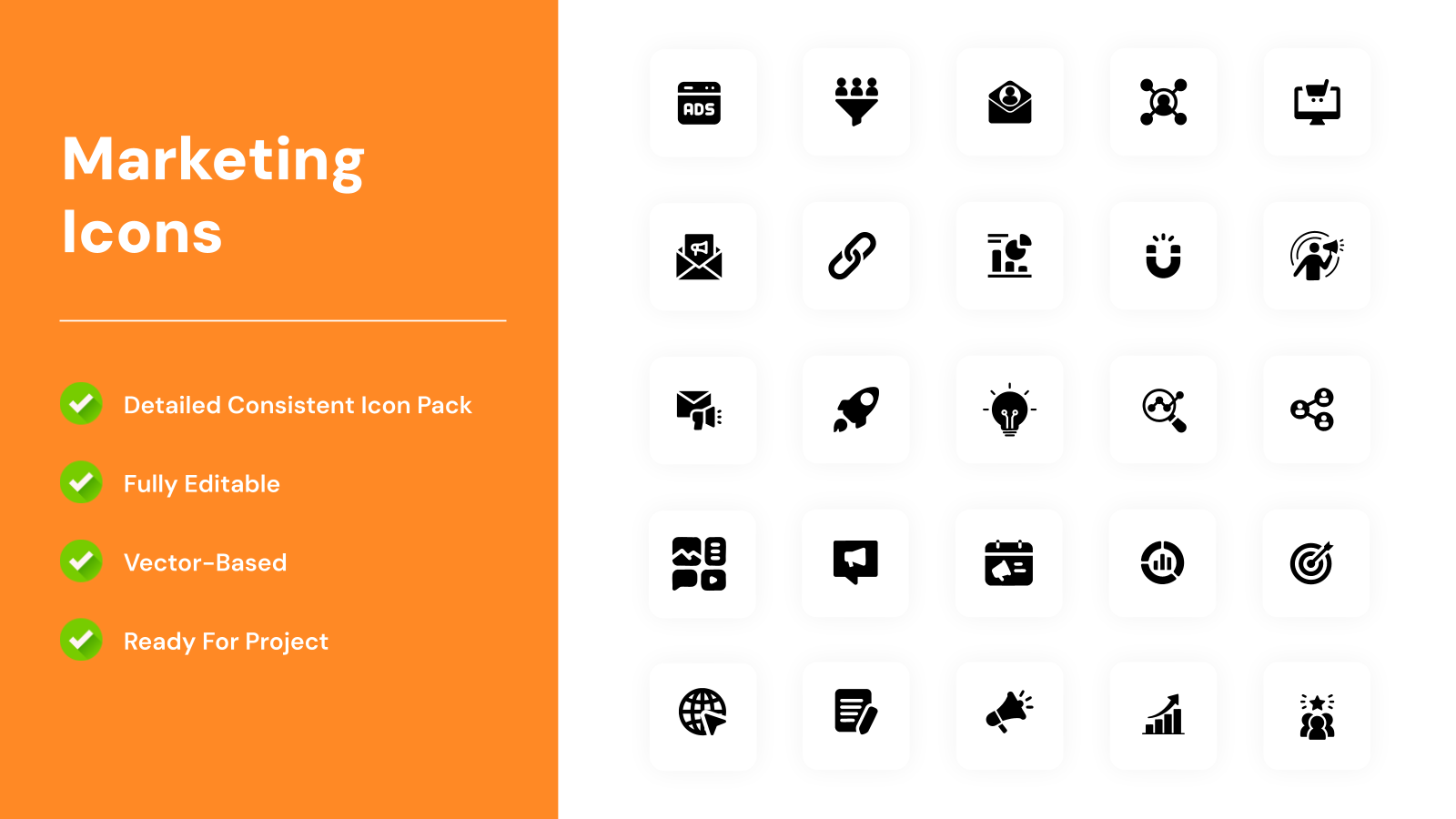
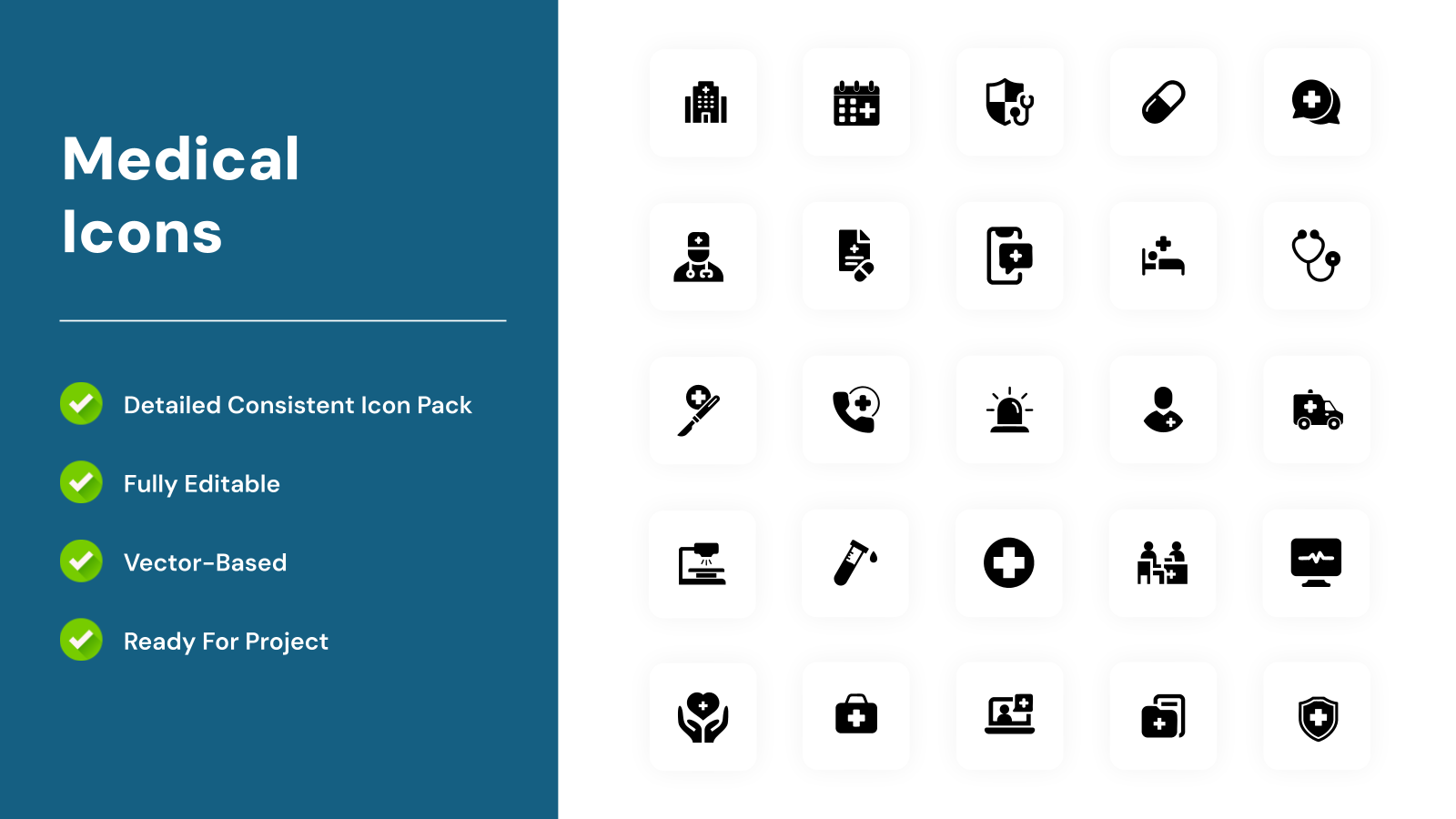
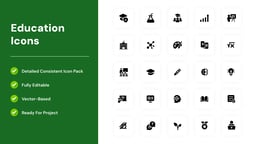
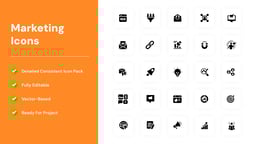
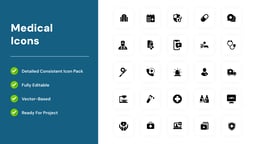
What is this Icons Pack Presentation Template?
This Icons Pack Presentation Template is a professionally designed slide deck that helps you visually enhance presentations using high-quality, customizable icons. It allows users to present ideas more clearly, improve visual storytelling, and maintain a clean, modern design across slides. Designed for PowerPoint and Google Slides, it ensures flexibility, consistency, and ease of customization for any presentation need.
Where can you use this template?
- Business Presentations & Reports – Add visual clarity to data, processes, and strategies using icons.
- Marketing & Branding Decks – Represent concepts, services, and campaigns with engaging visuals.
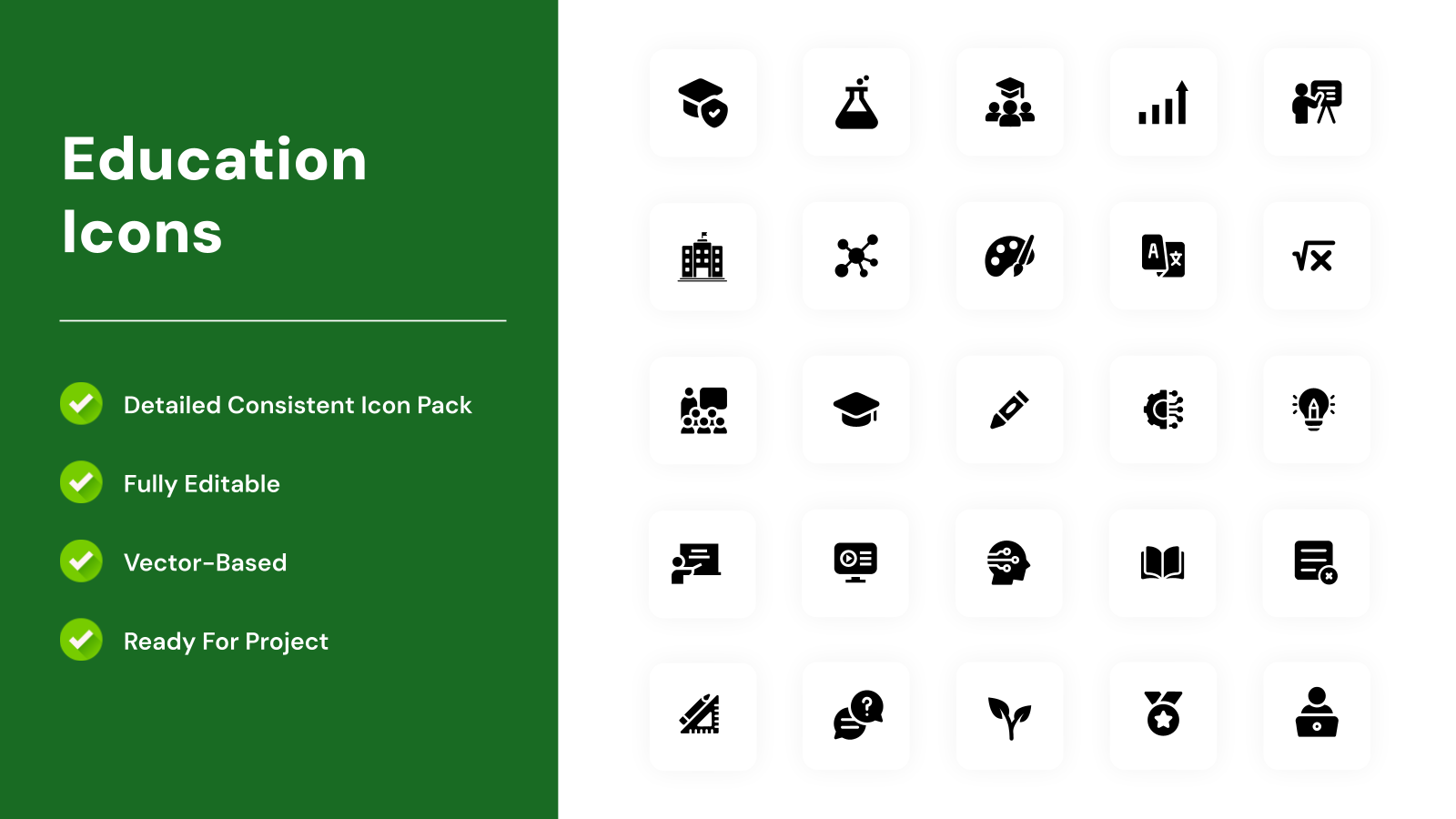
- Educational & Training Slides – Simplify complex topics with easy-to-understand icon-based visuals.
- Startup Pitch Decks – Highlight key points like growth, features, and benefits effectively.
- Website & App Presentations – Showcase UI/UX concepts, features, and workflows visually.
Related Read – How to Insert Icons in Google Slides?
Why choose SlidesAI’s Icons Pack Presentation Template?
- Professionally Designed Layouts – Clean, modern visuals help create impactful presentations.
- Fully Customizable Icons & Slides – Easily adapt colors, sizes, and styles to match your brand.
- Improves Visual Communication – Icons make information easier to understand and more engaging.
- Saves Time & Effort – Ready-to-use slides reduce the need to design from scratch.
- Works with PowerPoint & Google Slides – Flexible across popular presentation platforms.
Build Stunning Slides in Seconds with AI
- No design skills required
- 3 presentations/month free
- Don't need to learn a new software


How to use this Icons Pack Presentation Template?
- Microsoft PowerPoint: Click on Download > Click on “PowerPoint” > Click on the downloaded file to make a copy and start customising/editing the template
- Google Slides: Click on Download > Click on “Google Slides” > Click on “Use Template” to make a copy and start customising/editing the template
Create presentations in seconds. Enter text and SlidesAI creates customizable slides based on that text in seconds that go well with all our templates, too.
Create Presentations Easily in Google Slides and PowerPoint
14M+Installs

Frequently Asked Questions:
1. Why should I use icons in presentations?
Icons improve clarity, make content visually engaging, and help audiences understand information quickly.
2. Are the icons editable?
Yes, all icons are fully editable and scalable without losing quality.
3. How do icons improve presentation quality?
They make slides visually appealing and reduce text-heavy content.
4. Is design experience required to use this template?
No, it is beginner-friendly and easy to customize.
5. Can I use icons for infographics?
Yes, icons are perfect for creating infographics and visual data slides.
6. Are these icons high resolution?
Yes, they are designed to maintain quality across all screen sizes.
7. Does it support animations?
Yes, you can add animations in PowerPoint or Google Slides.
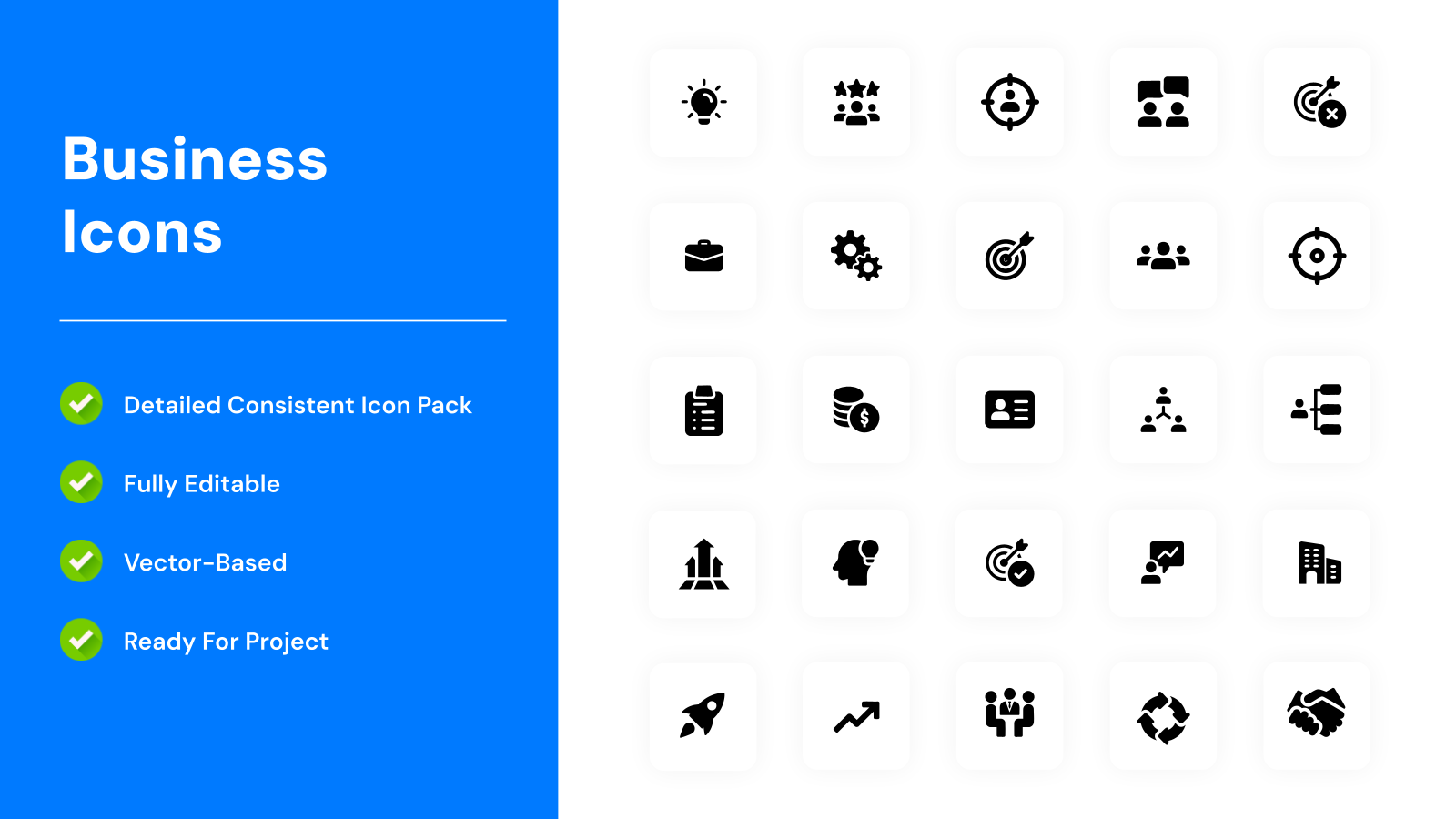
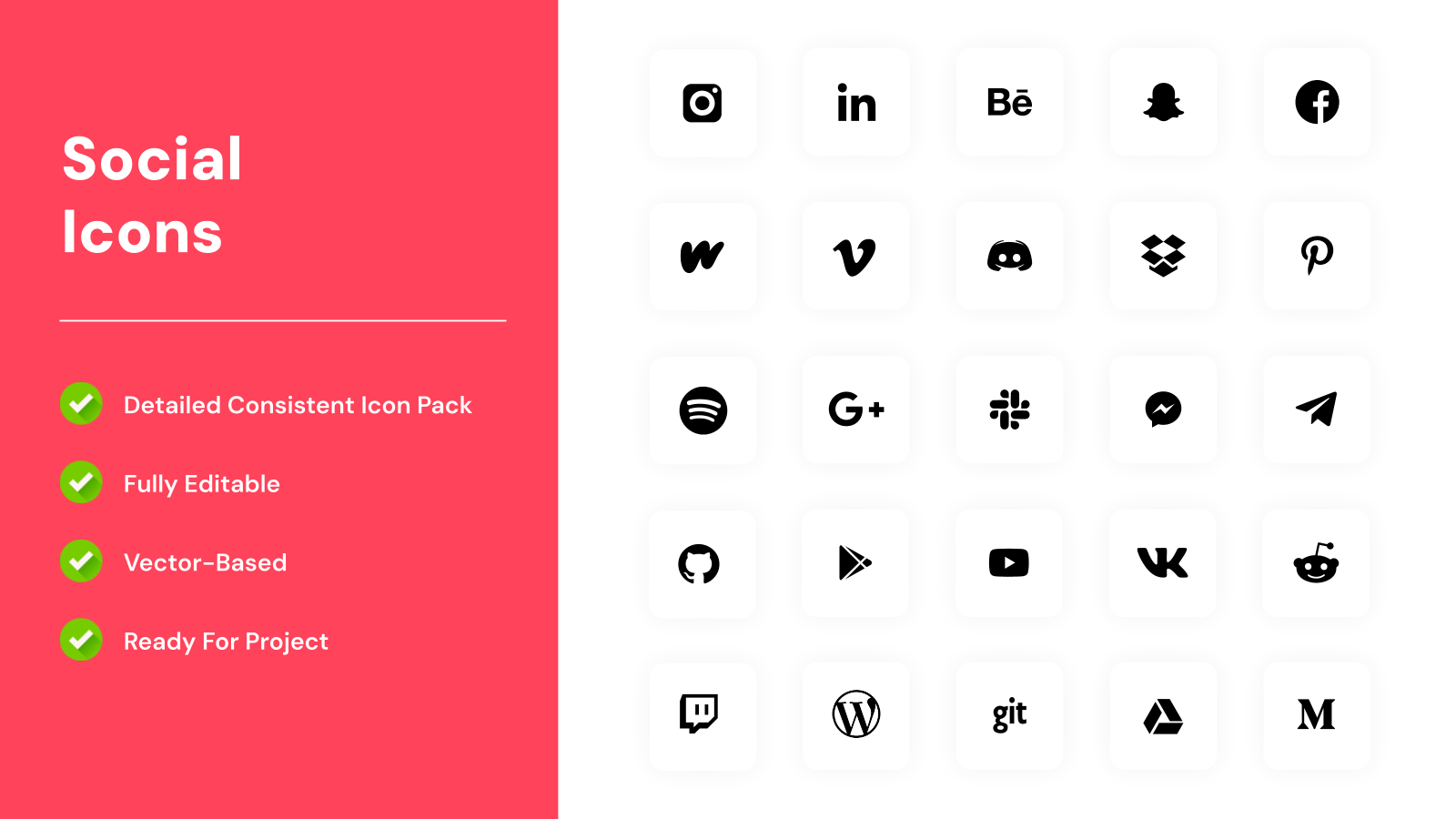
8. What types of icons are included?
It typically includes business, communication, technology, and marketing-related icons.