




What Are Math Lesson Plan Templates?
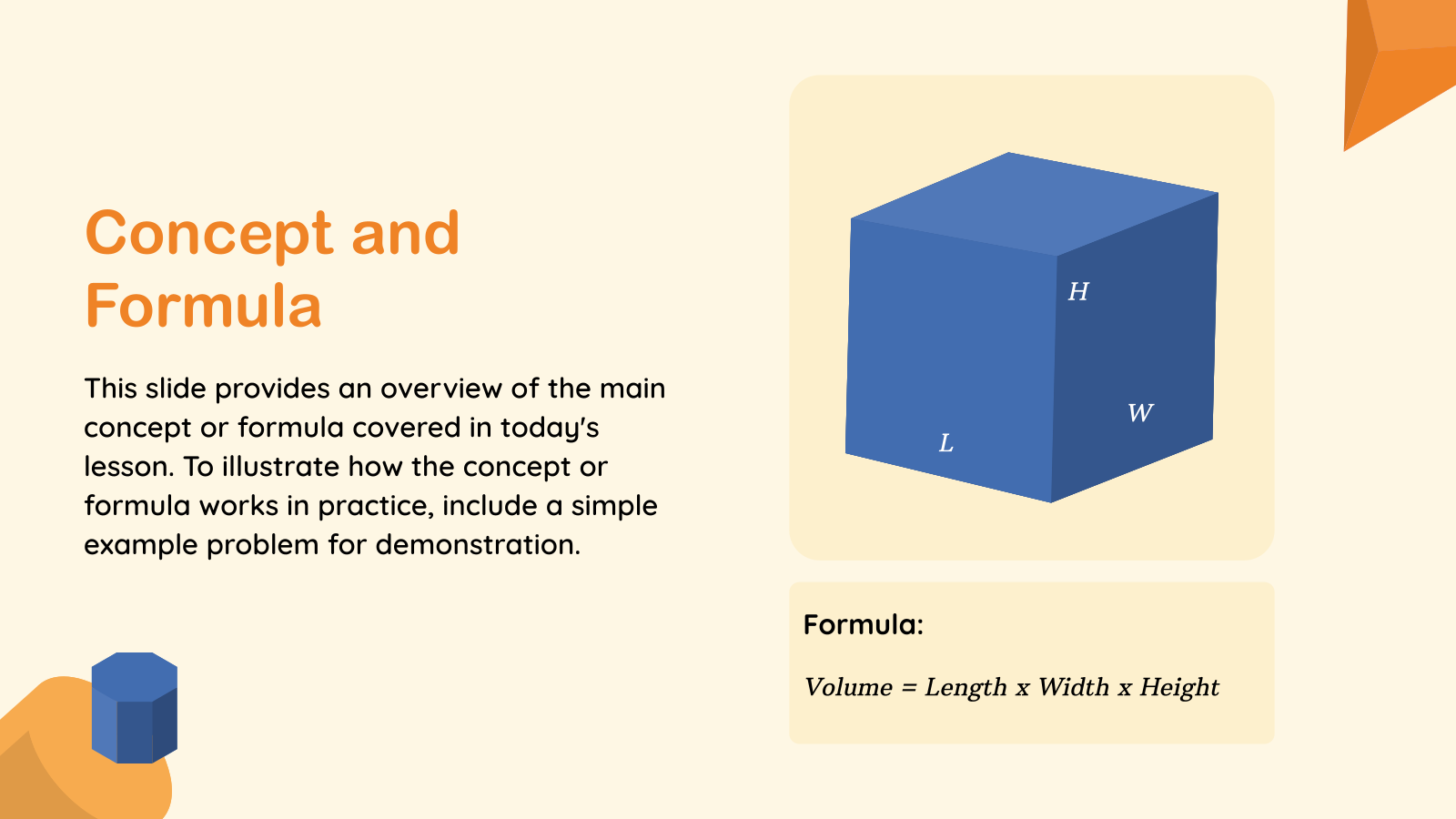
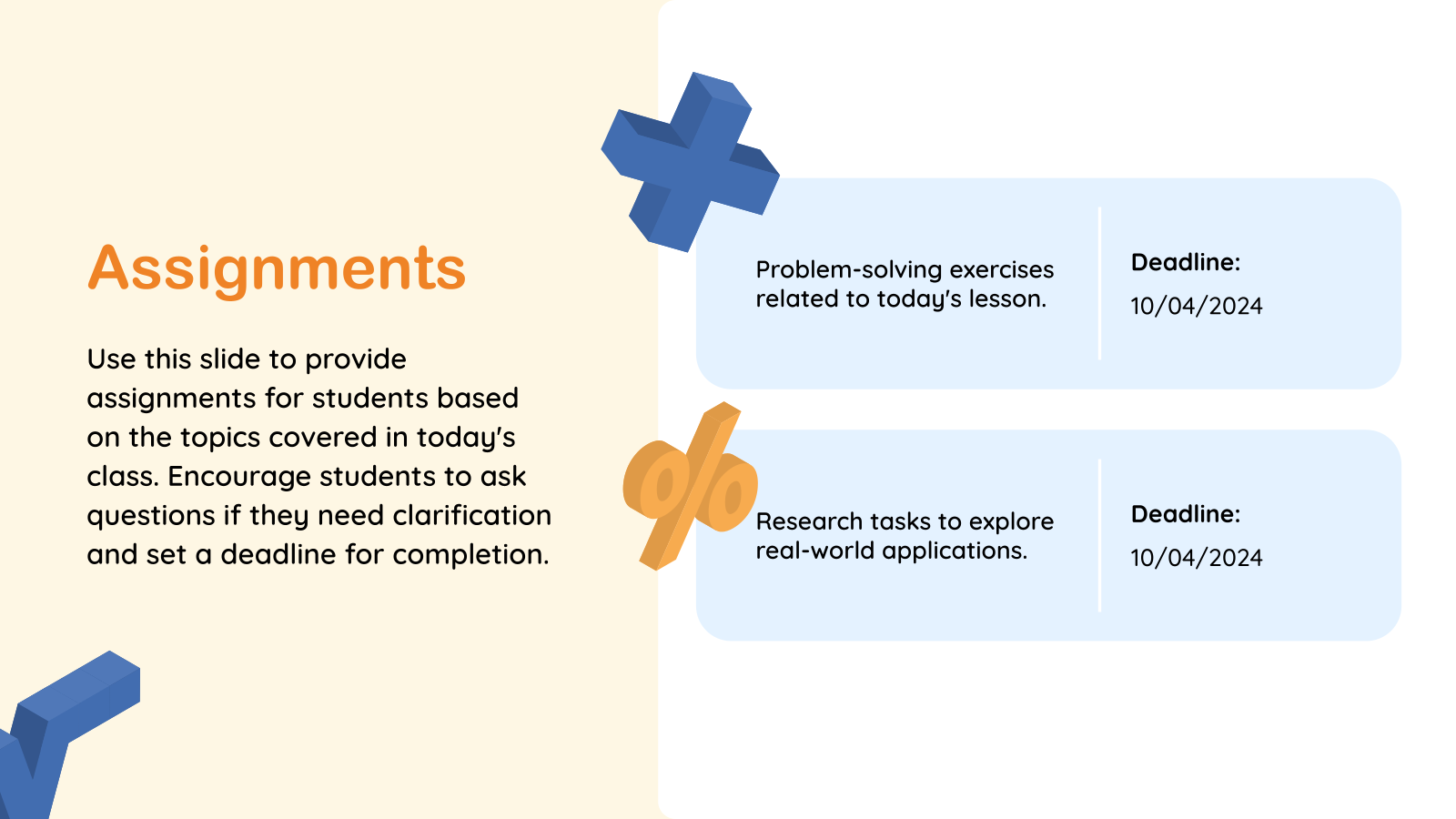
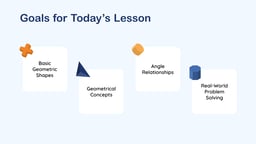
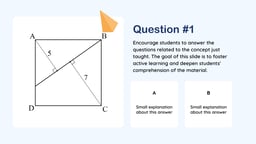
Math Lesson Plan Templates are pre-designed slides or documents used by teachers to plan and organize math lessons. They help structure topics, objectives, activities, and teaching methods in a clear and simple way.
Where Can You Use This Math Lesson Plan?
- Classroom Teaching: Walk students through problem sets and worked examples in a clear, step-by-step sequence.
- Curriculum Planning: Map out topics like fractions, geometry, or algebra across a term so nothing gets skipped.
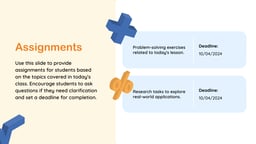
- Student Activities & Practice: Include practice problems, drills, and real-world application exercises.
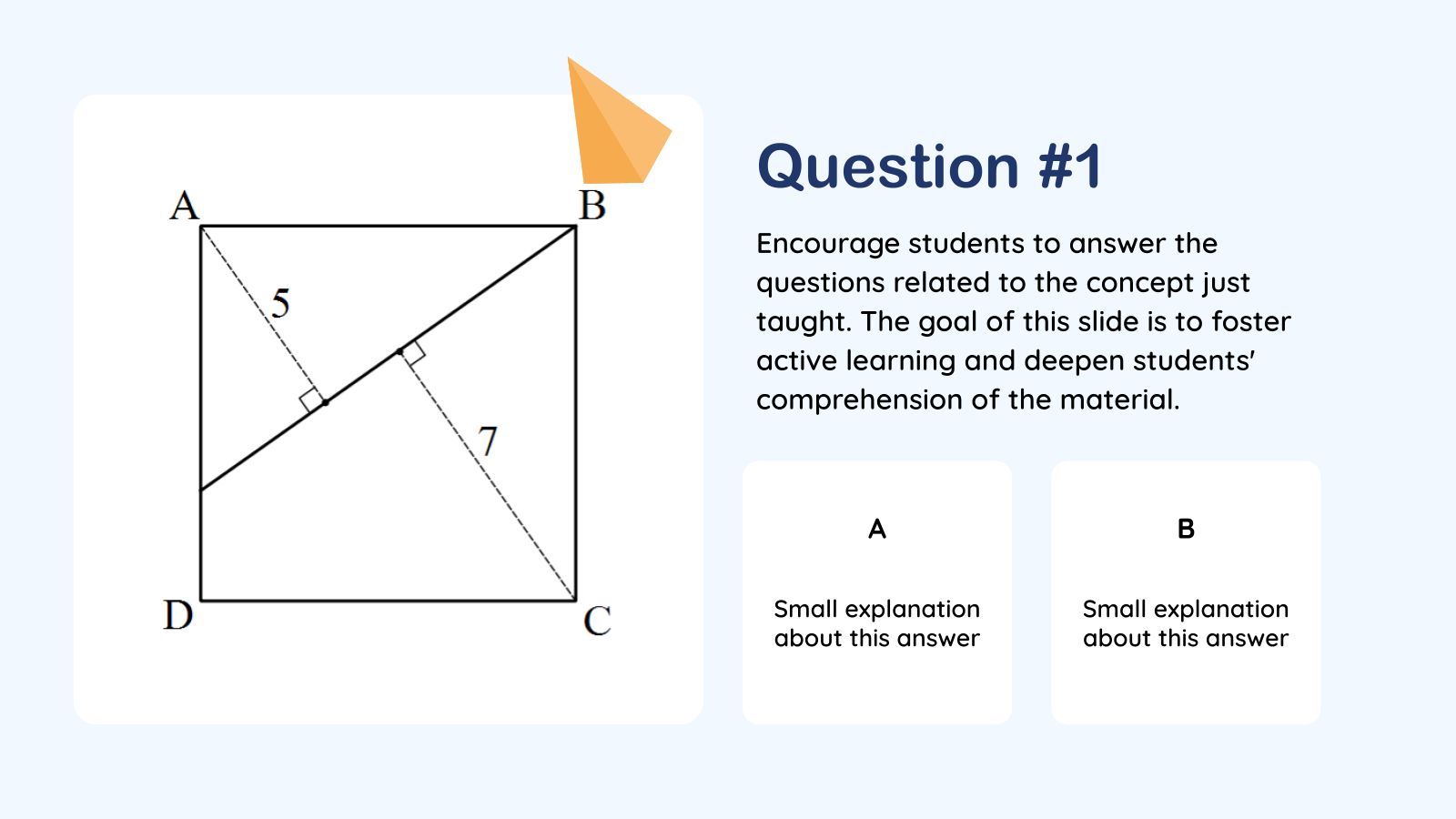
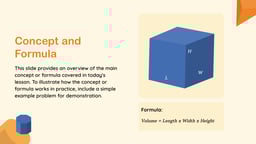
- Online Teaching: Present formulas, diagrams, and problem walkthroughs clearly on virtual whiteboards or shared screens.
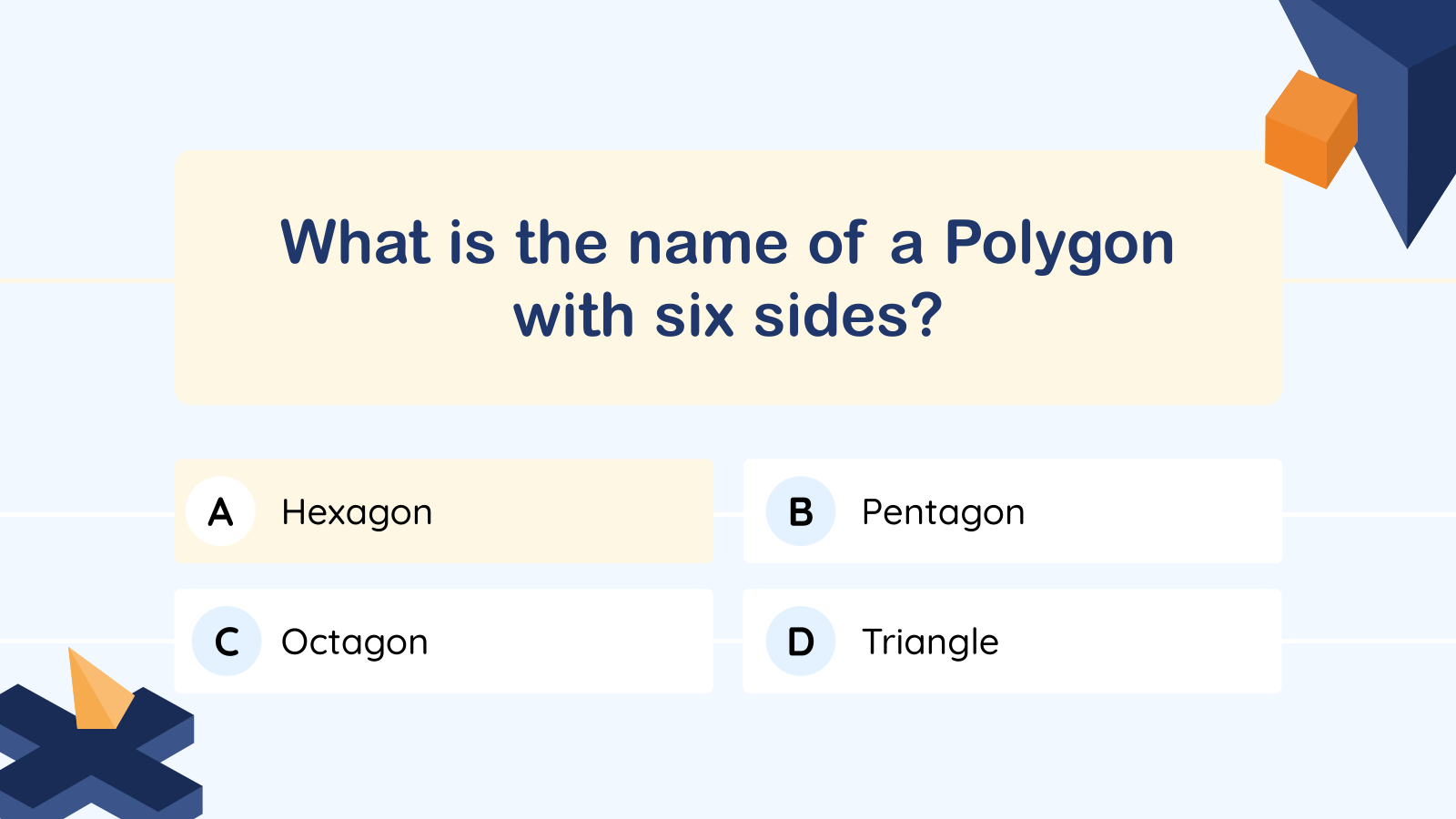
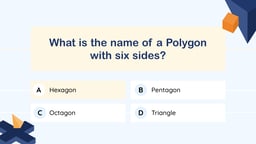
- Assessment Planning: Plan quizzes and tests that check specific skills — like operations, word problems, or unit conversions.
Why Use This Lesson Plan Template?
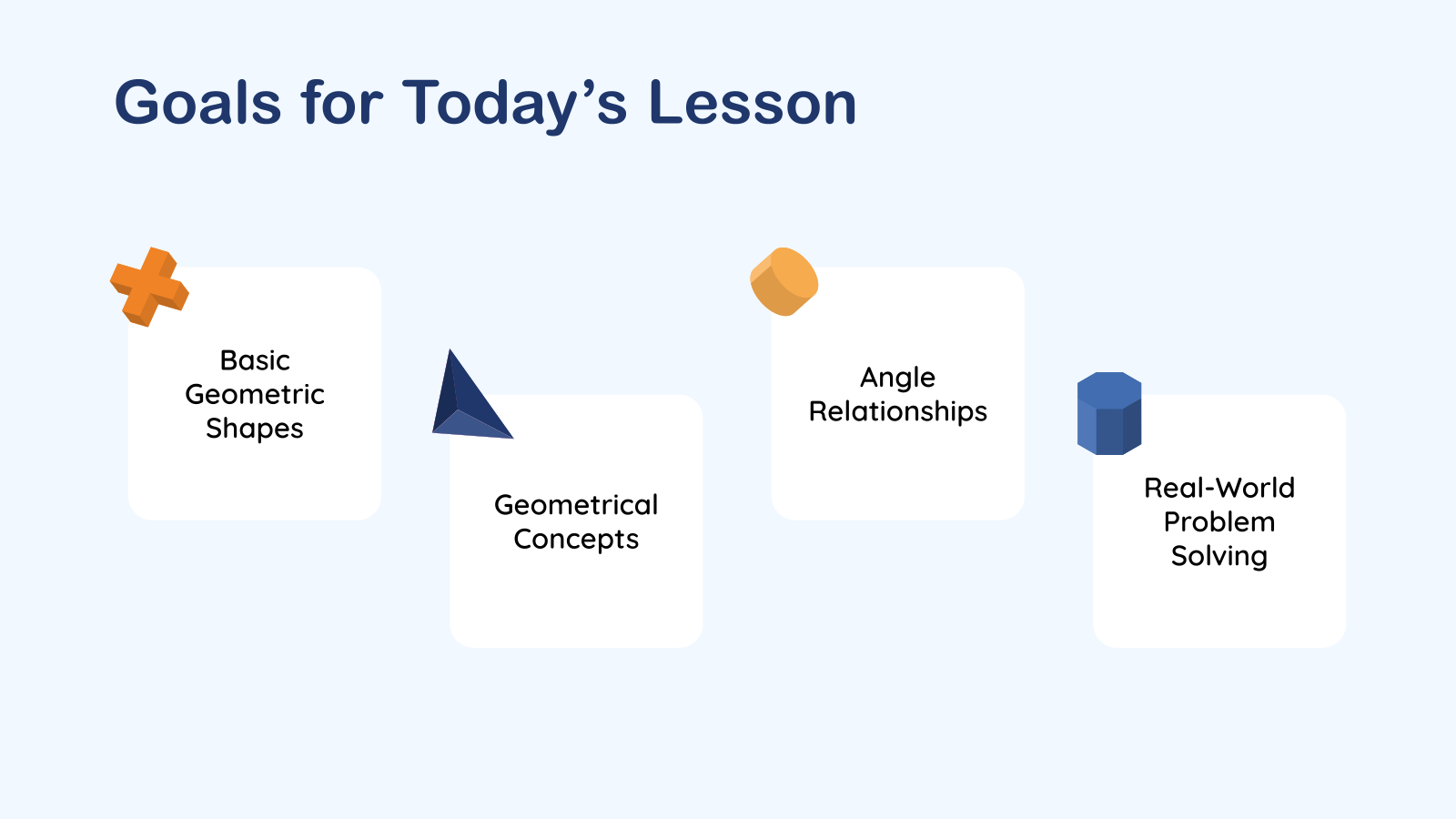
- Simple & Clear Structure: Organize lesson objectives, activities, examples, and assessments in a clear, easy-to-follow format that helps keep every math lesson focused and engaging.
- Easy to Customize: Update topics, grade levels, exercises, visuals, and teaching materials in just a few clicks to match your curriculum and classroom needs.
- Saves Time: Start with a ready-made lesson plan instead of building one from scratch, so you can spend more time teaching and less time formatting slides.
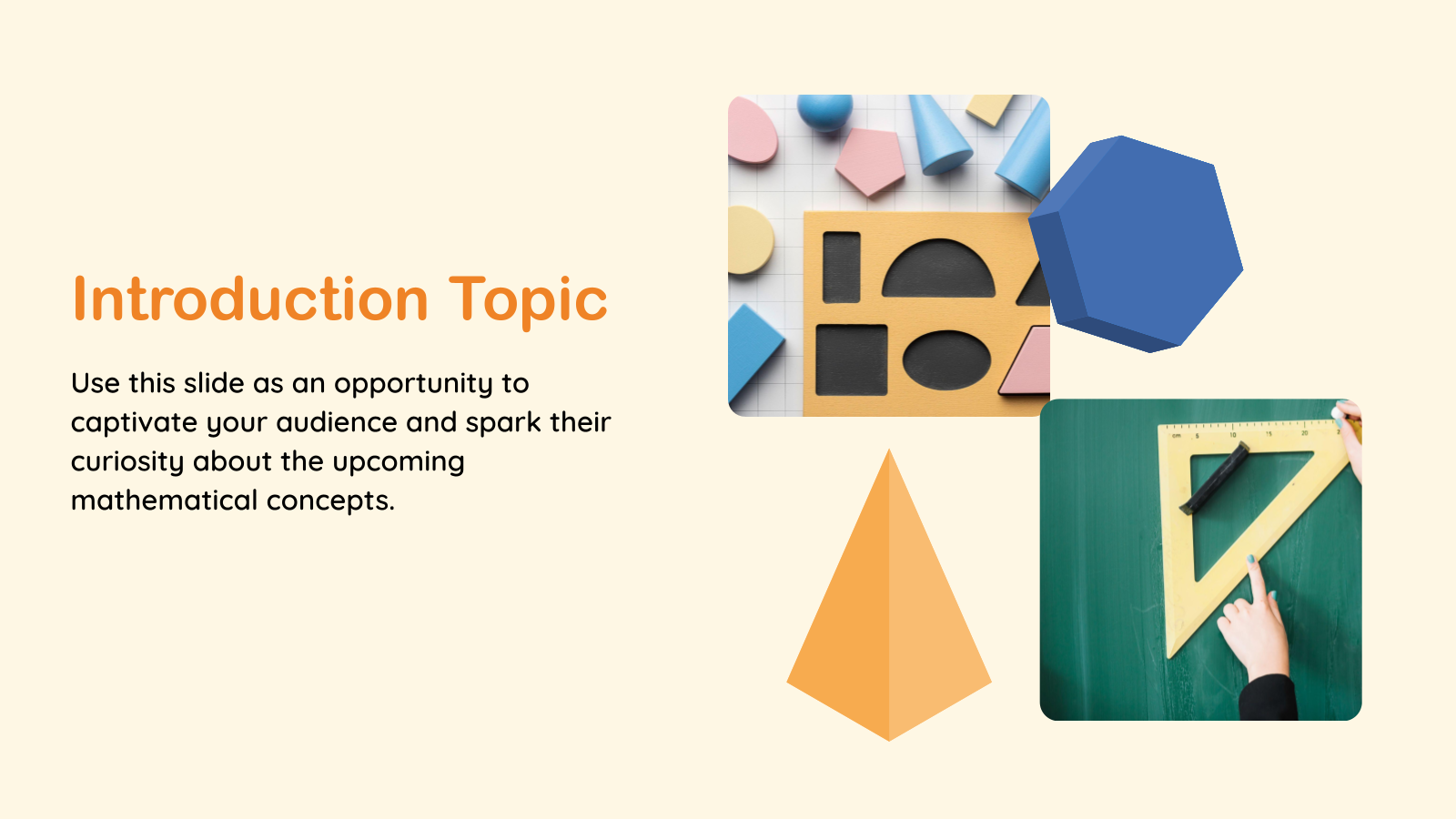
- Engaging Layout: Use clean layouts, visual elements, and organized content to explain mathematical concepts more effectively and keep students involved throughout the lesson.
- Works with Popular Tools: Edit and present using either Google Slides or Microsoft PowerPoint, making it easy to collaborate, customize, and present from your preferred platform.
How to Use This Math Lesson Plan Presentation Template?
- Microsoft PowerPoint: Click on Download > Click on “PowerPoint” > Click on the downloaded file to make a copy and start customising/editing the template
- Google Slides: Click on Download > Click on “Google Slides” > Click on “Use Template” to make a copy and start customising/editing the template
Create Presentations Easily in Google Slides and PowerPoint
14M+Installs
 Install add-in
Frequently Asked Questions
1. What is a math lesson plan template for PPT & Google Slides?
It is a pre-designed slide format that helps teachers plan and present math lessons in an organized way.
2. Why should I use a math lesson plan template?
It saves time and makes your lesson clear, structured, and easy for students to follow.
3. What does a math lesson plan template include?
It usually includes objectives, topics, examples, activities, and assessment slides.
4. Can I use this template in both PowerPoint and Google Slides?
Yes, most templates are compatible with both platforms.
5. Is the template suitable for all grade levels?
Yes, it can be customized for primary, middle, or high school math lessons.