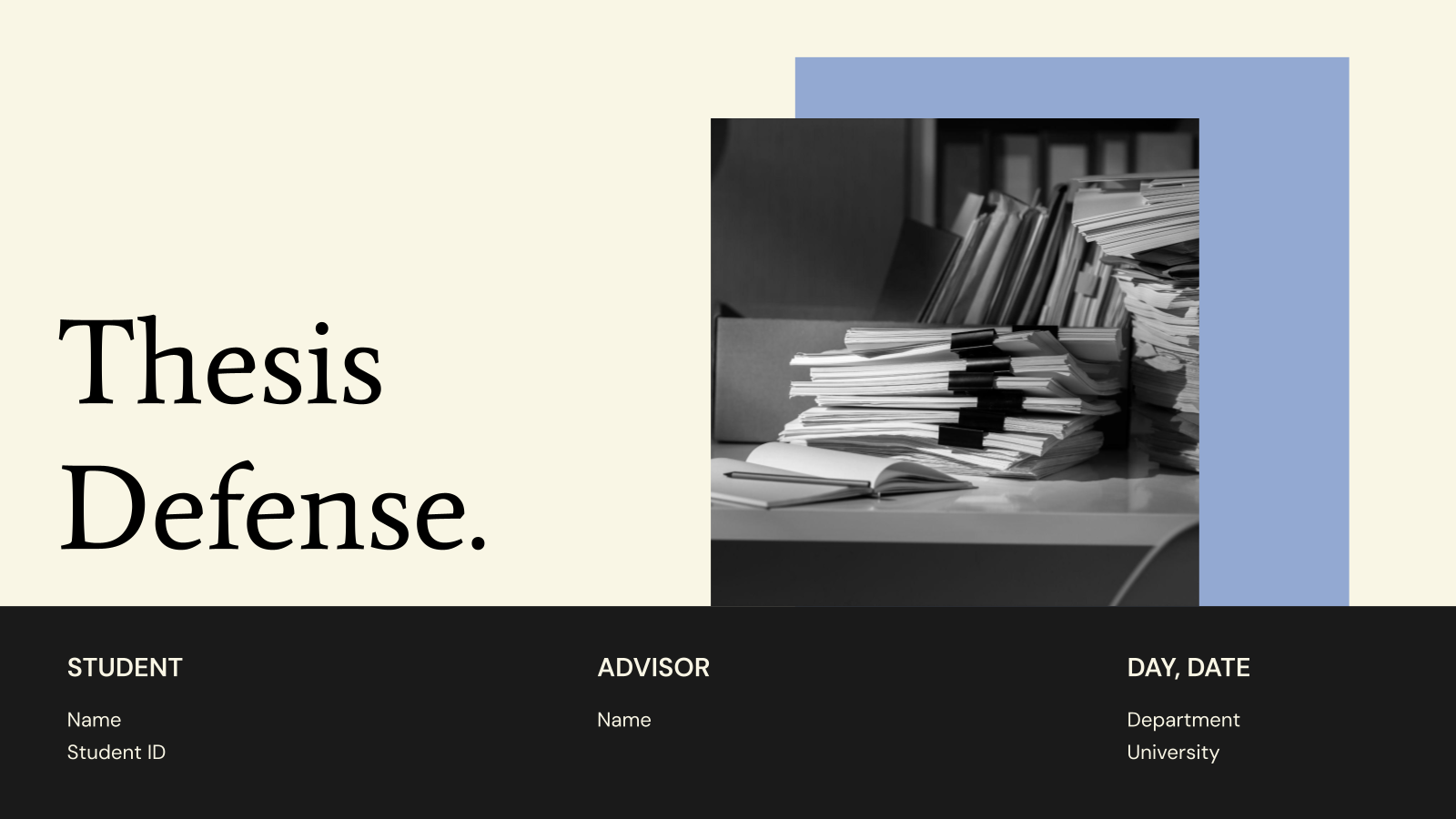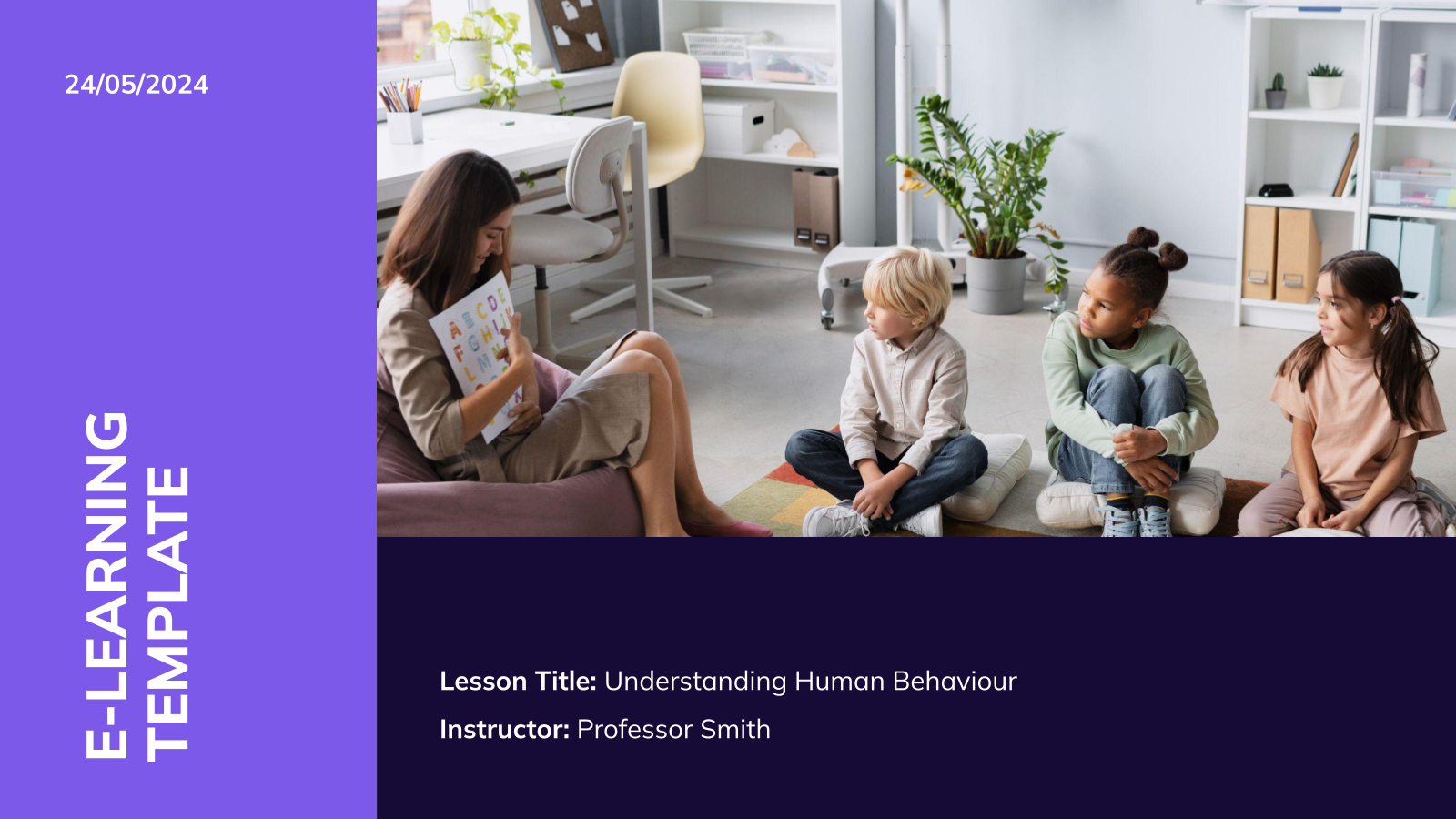
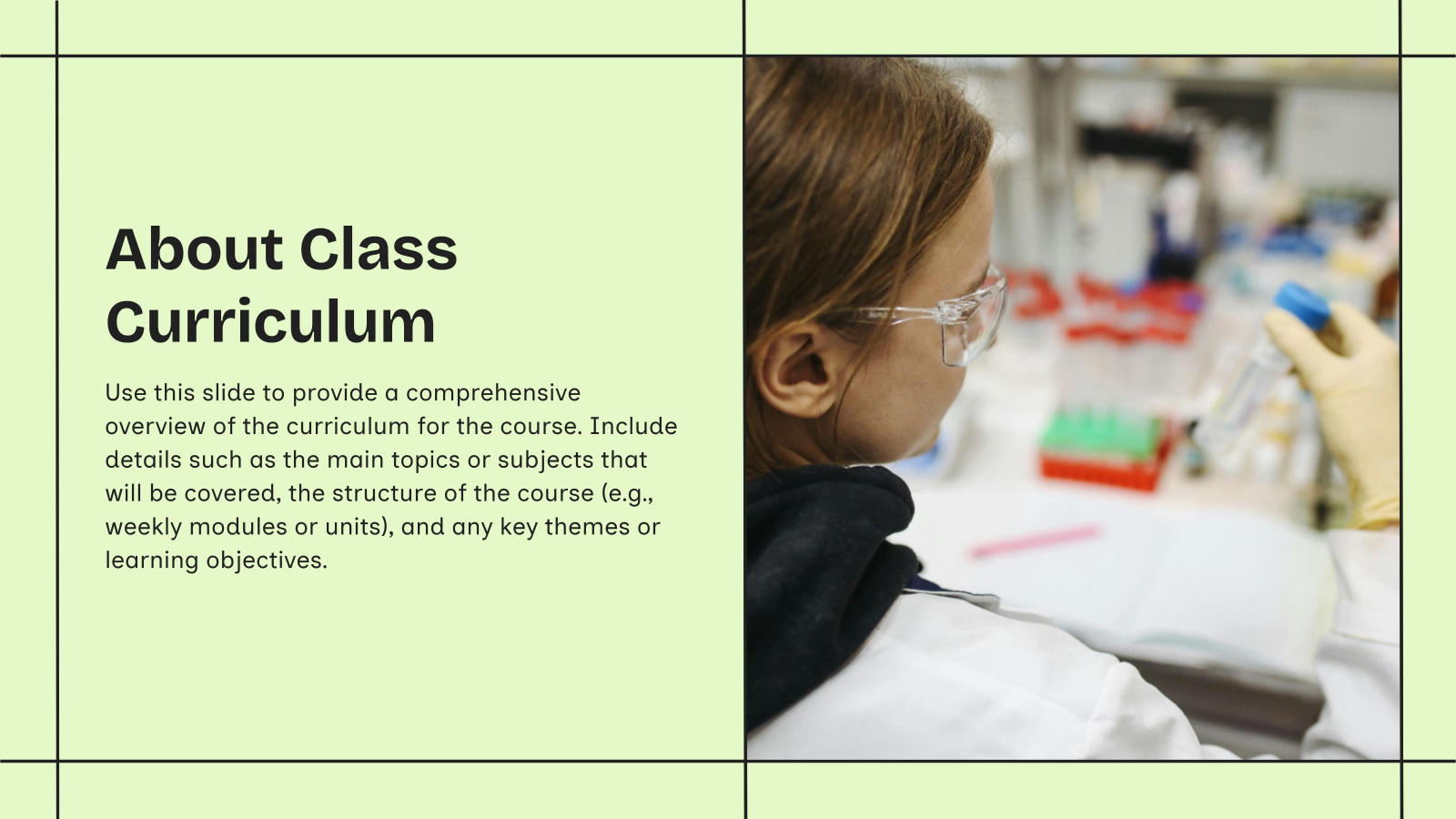






What Are Class Orientation Presentation Templates?
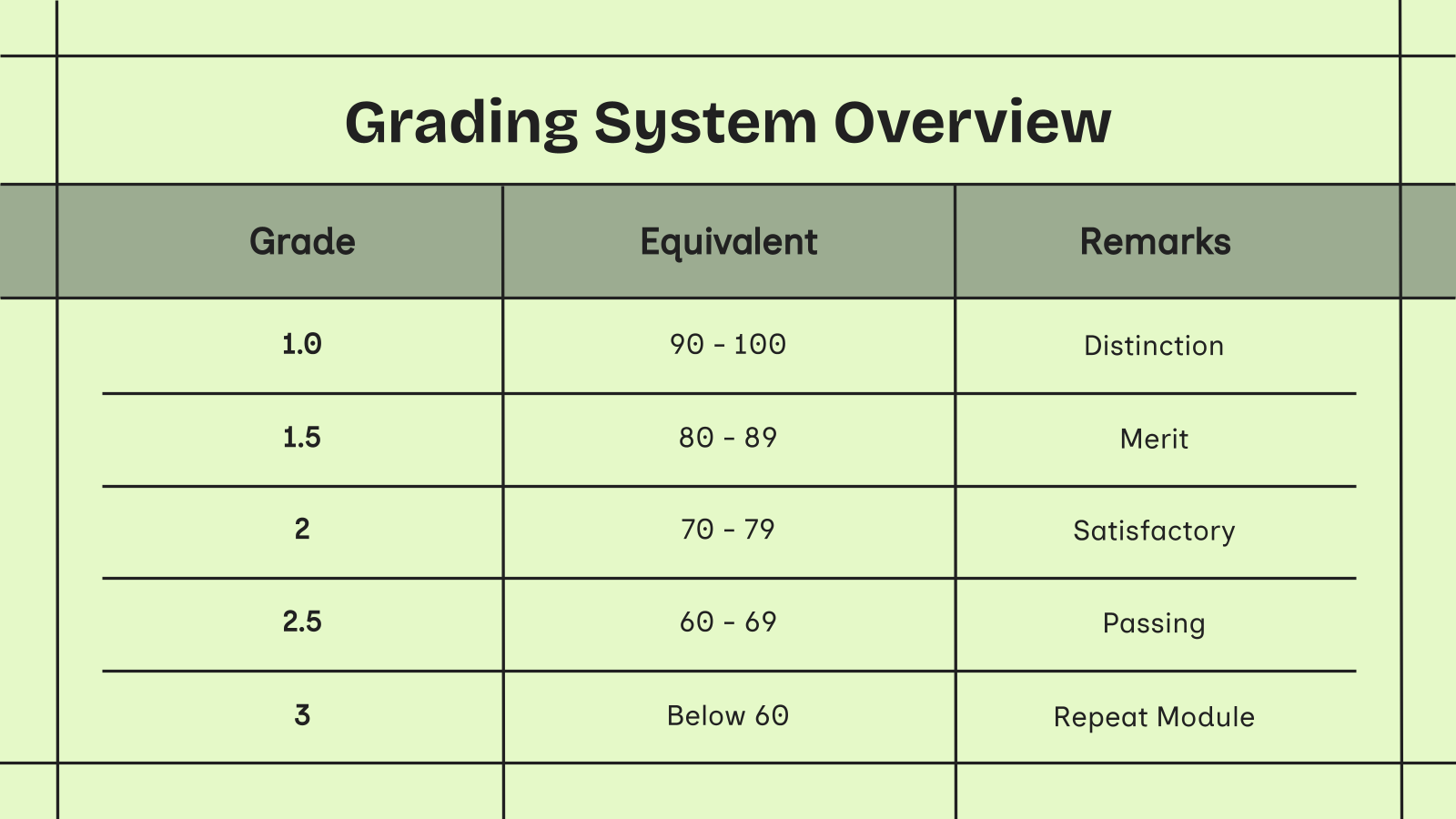
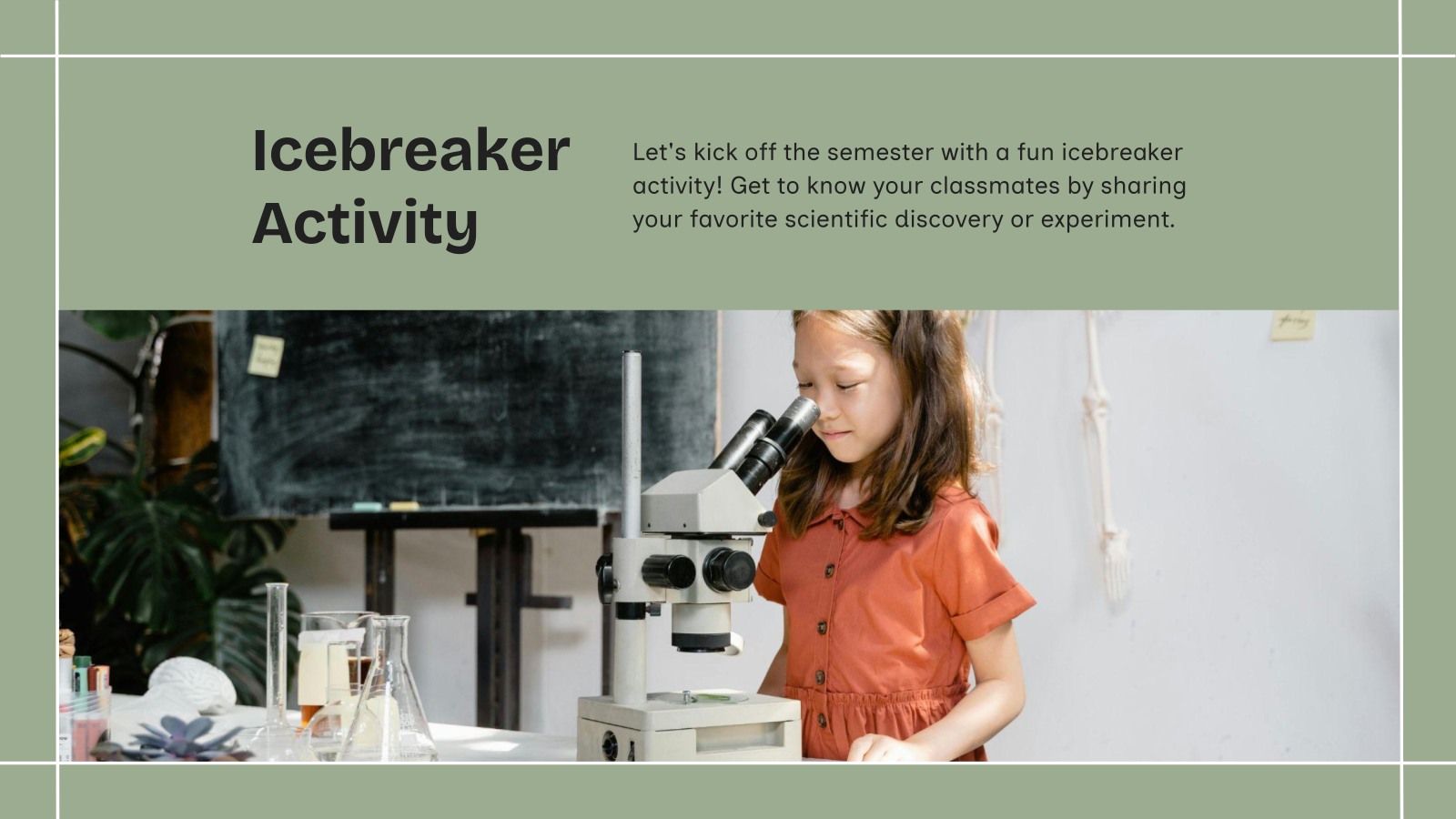
Class Orientation Presentation Templates are pre-designed slides used to introduce students to a new class, course, or academic program. They help present important information like rules, schedule, syllabus, and expectations in a clear and organized way.
Where Can You Use This Template?
- New Student Introduction: Used to welcome students and introduce them to the class environment. It helps students feel comfortable and informed.
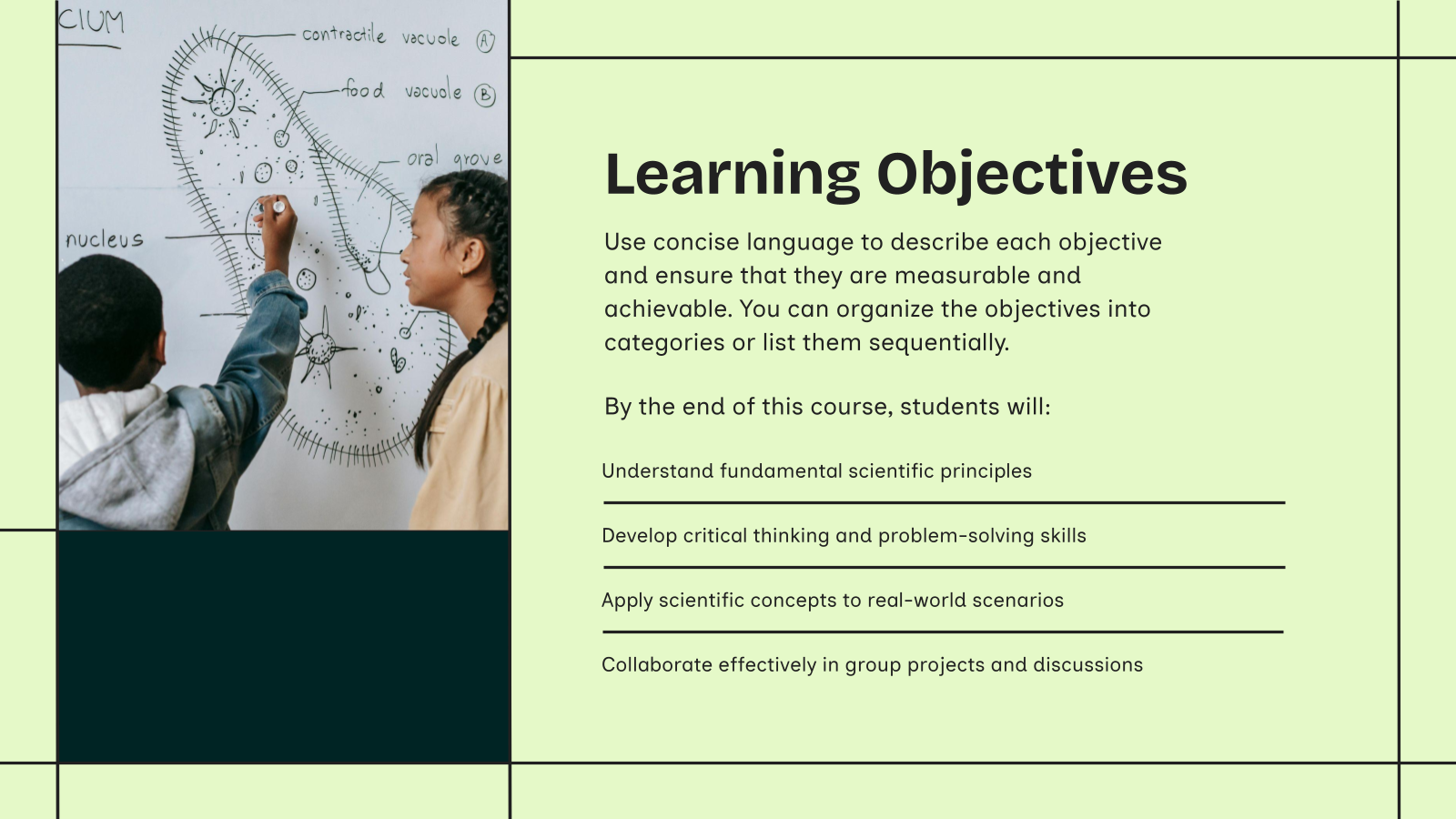
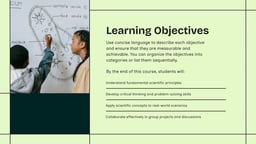
- Course Overview: Helps explain syllabus, topics, and learning objectives. It gives students a clear understanding of what to expect.
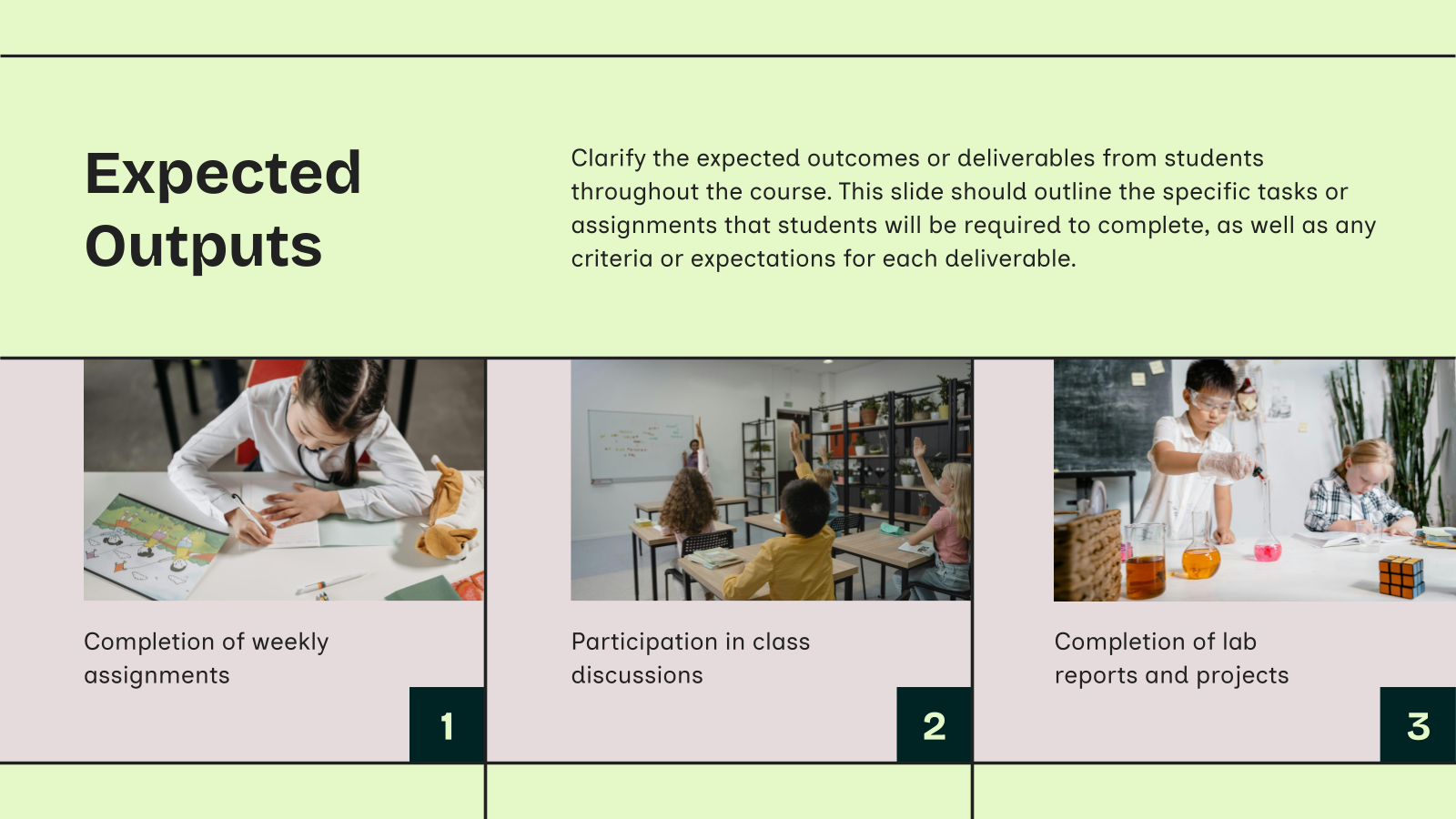
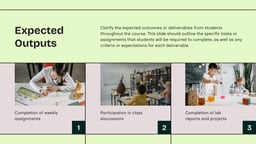
- Rules & Guidelines: Used to share classroom rules, policies, and expectations. It ensures discipline and smooth class management.
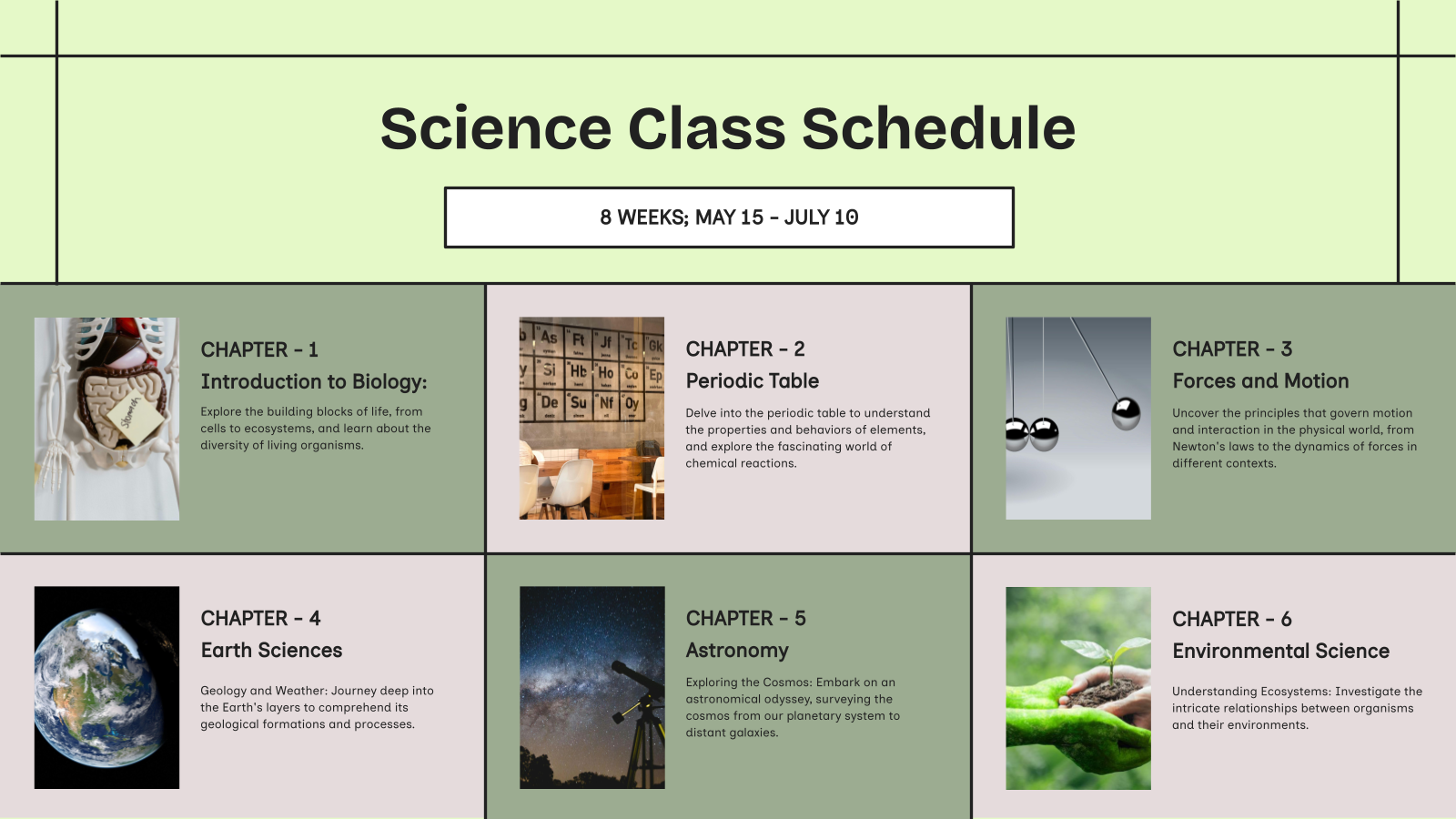
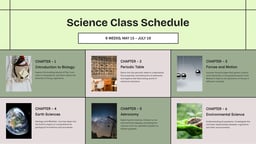
- Schedule & Planning: Helps present class timings, important dates, and activities. It keeps students organized and prepared.
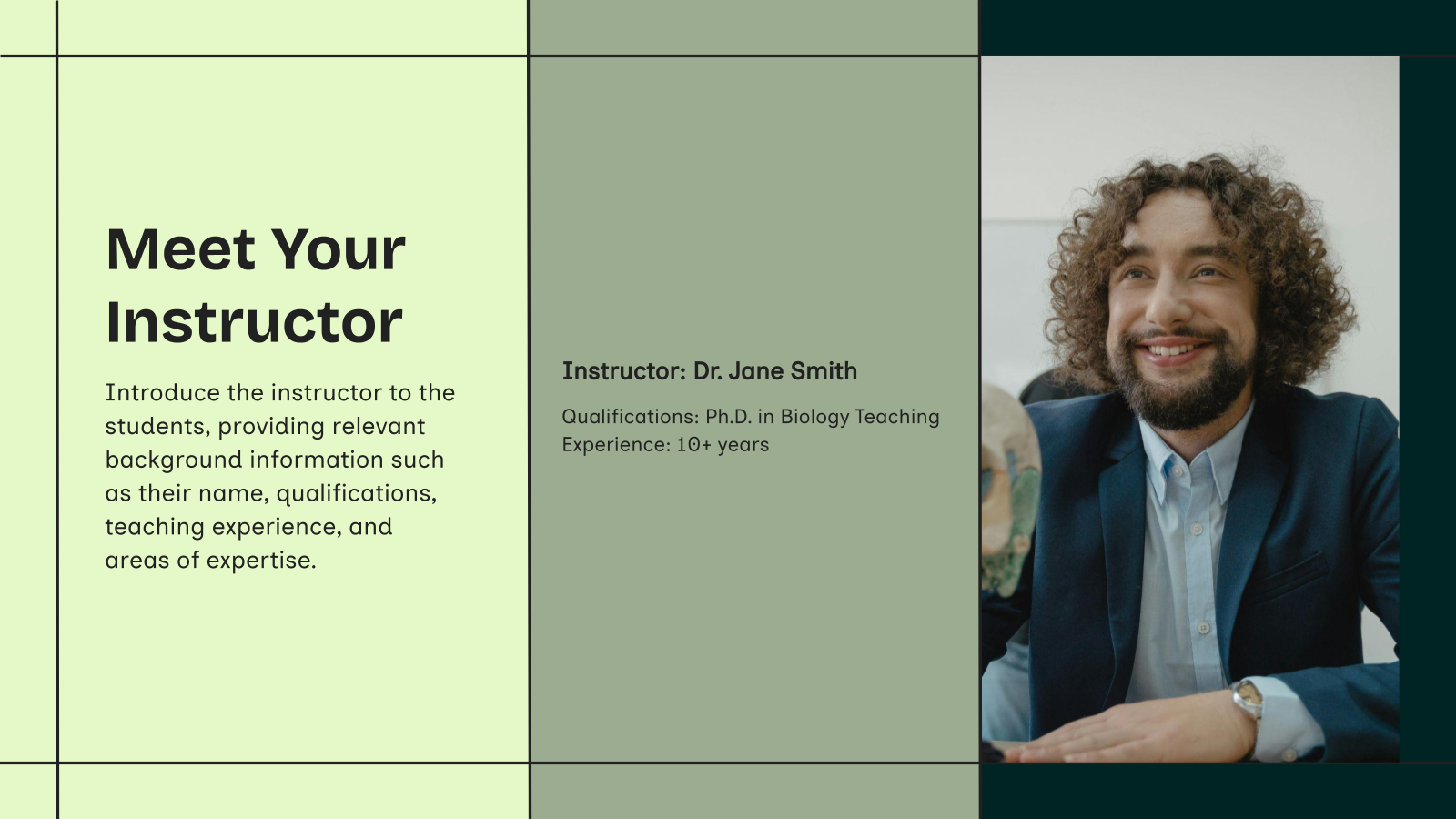
- Teacher Introduction: Used by teachers to introduce themselves and their teaching style. It builds a good connection with students.
Create Presentations Easily in Google Slides and PowerPoint
14M+Installs
 Install add-in
Why Choose Our Presentation Template?
- Simple & Clear Design: Makes it easy to present important information. It helps students understand everything quickly.
- Easy to Customize: Quickly edit text, schedule, and content as per your class needs. No design skills are required.
- Well-Structured Slides: Covers all key sections like rules, syllabus, and schedule. It ensures a complete orientation.
- Saves Time: Ready-made slides help teachers prepare orientation quickly. It reduces effort.
- Engaging Layout: Keeps students interested and attentive during the session. It improves communication.
How to Use Class Orientation Presentation Template?
- Microsoft PowerPoint: Click on Download > Click on “PowerPoint” > Click on the downloaded file to make a copy and start customizing/editing the template
- Google Slides: Click on Download > Click on “Google Slides” > Click on “Use Template” to make a copy and start customizing/editing the template
Build Stunning Slides in Seconds with AI
- No design skills required
- 3 presentations/month free
- Don't need to learn a new software

Frequently Asked Questions
1. Who can use this template?
Teachers, schools, colleges, and trainers can use it for class orientation sessions.
2. What should be included in a class orientation presentation?
It should include syllabus, rules, schedule, teacher introduction, and expectations.
3. Can I customize the template?
Yes, you can easily edit text, colors, and content based on your class needs.
4. Is it suitable for online classes?
Yes, it works well for both classroom and virtual orientation sessions.
5. Does it help students understand the course better?
Yes, it gives a clear overview of the course and expectations from the start.
6. Can I add my own content and slides?
Yes, you can add or modify slides as per your requirements.
7. Which tools support this template?
It works with PowerPoint, Google Slides, and similar presentation tools.