








What Are Thesis Defense Presentation Templates?
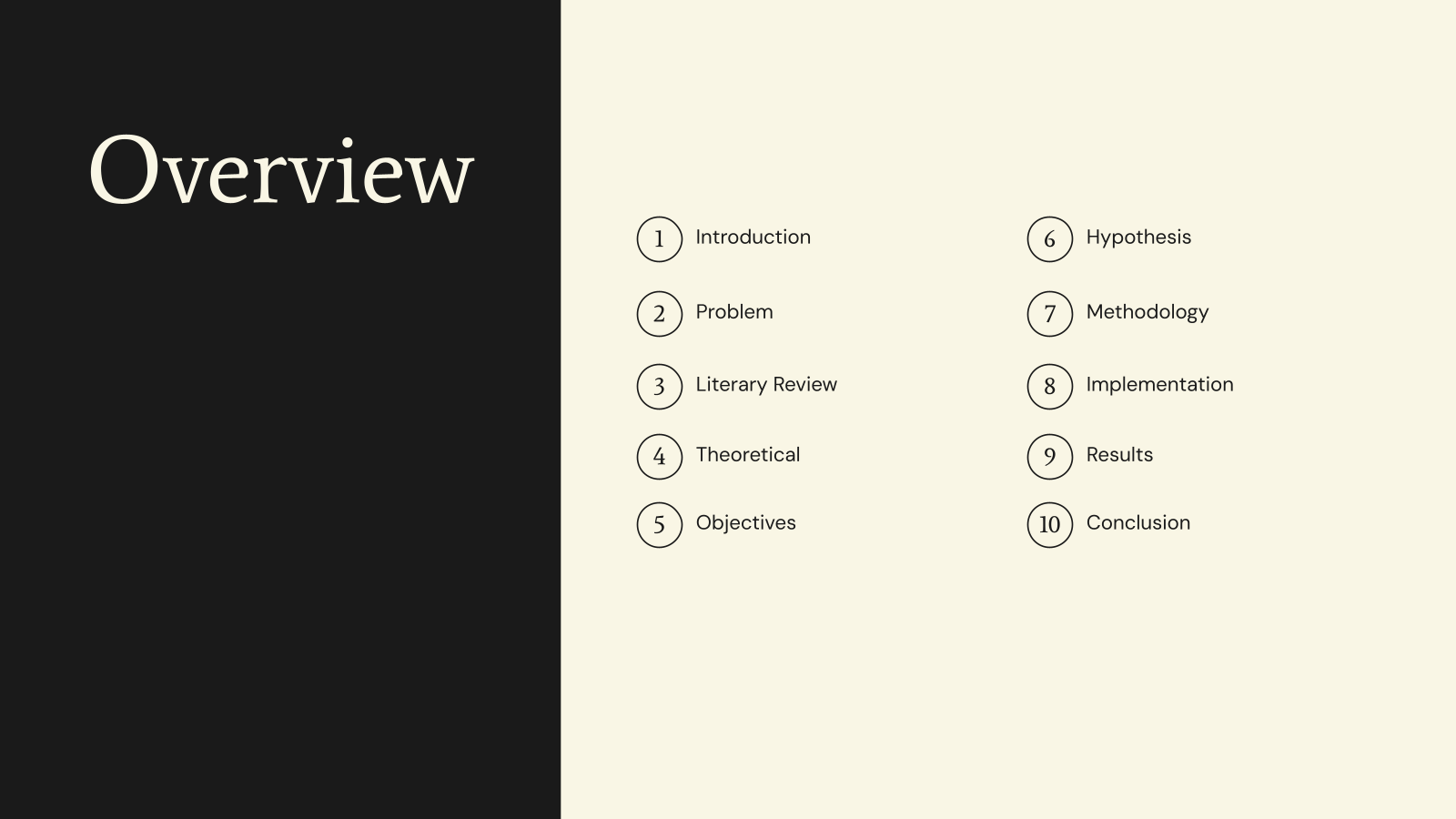
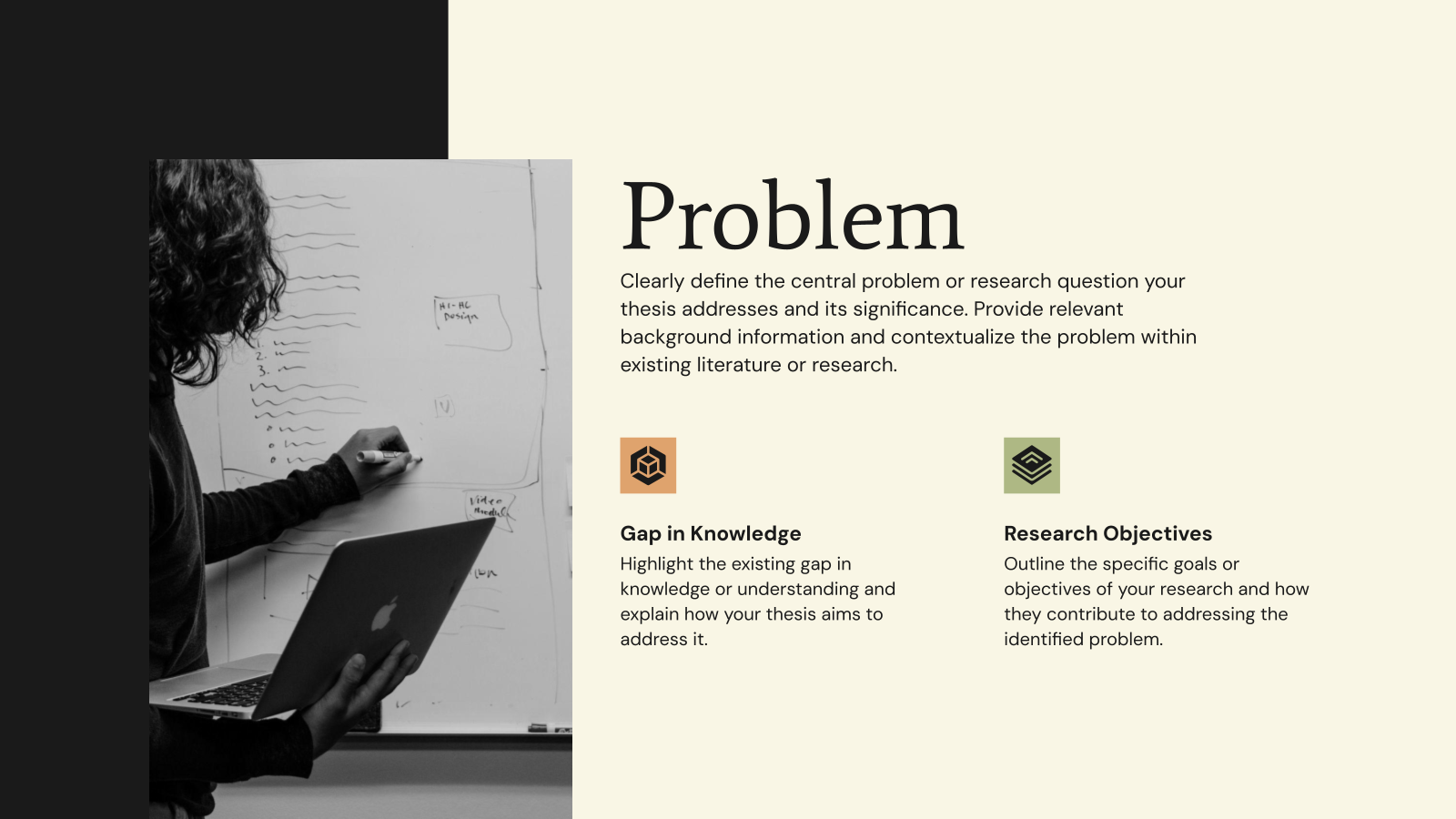
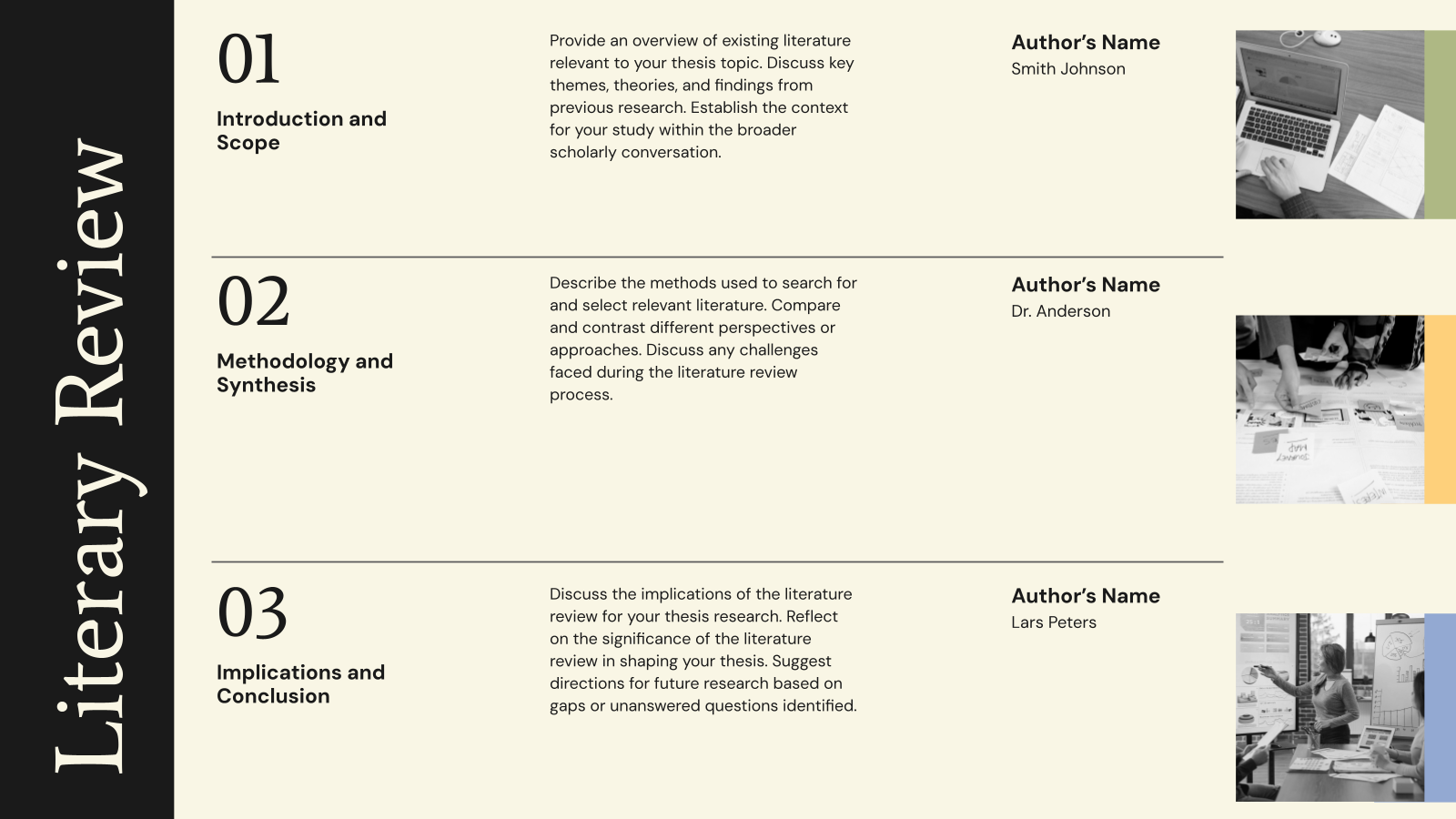
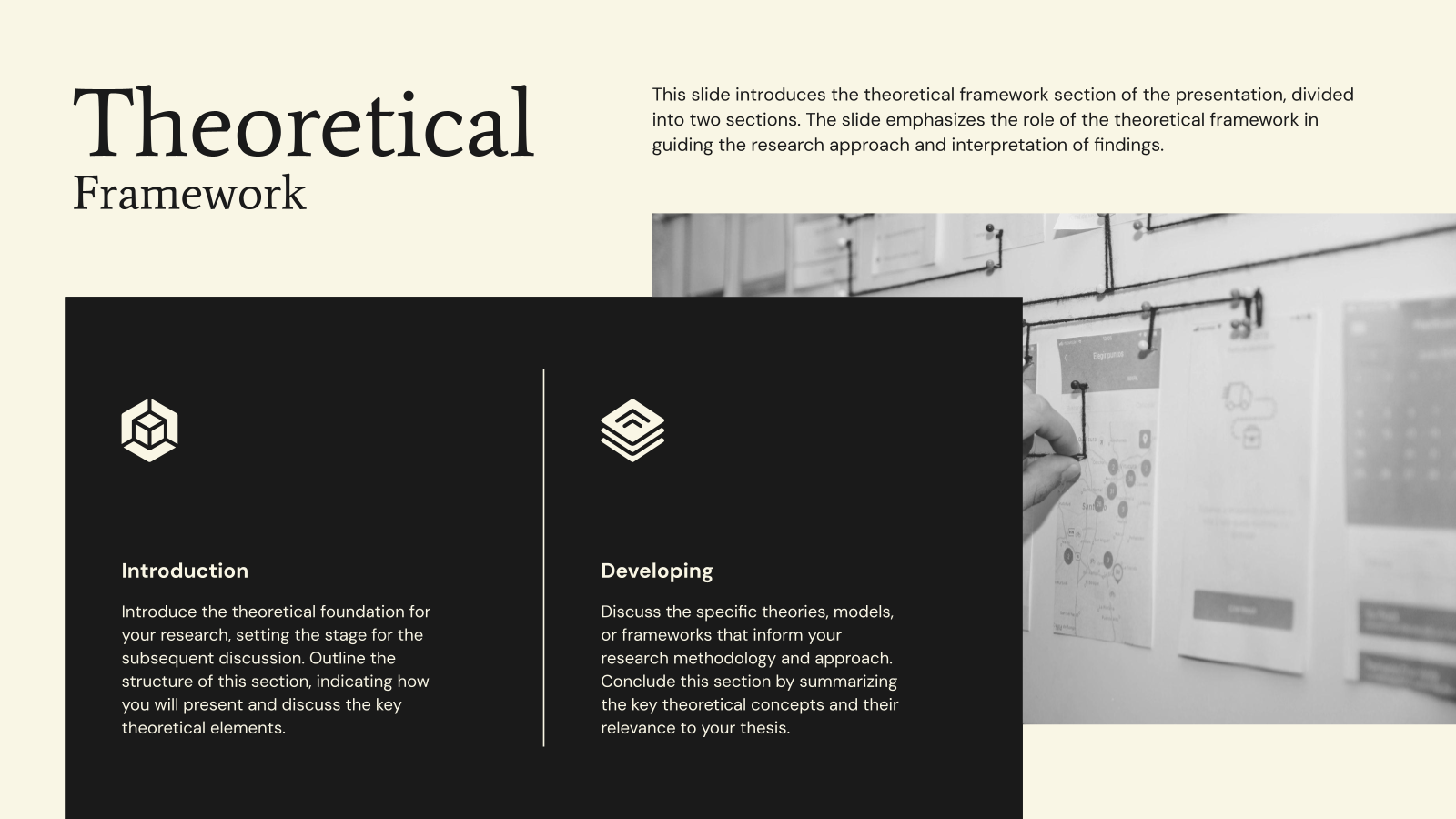
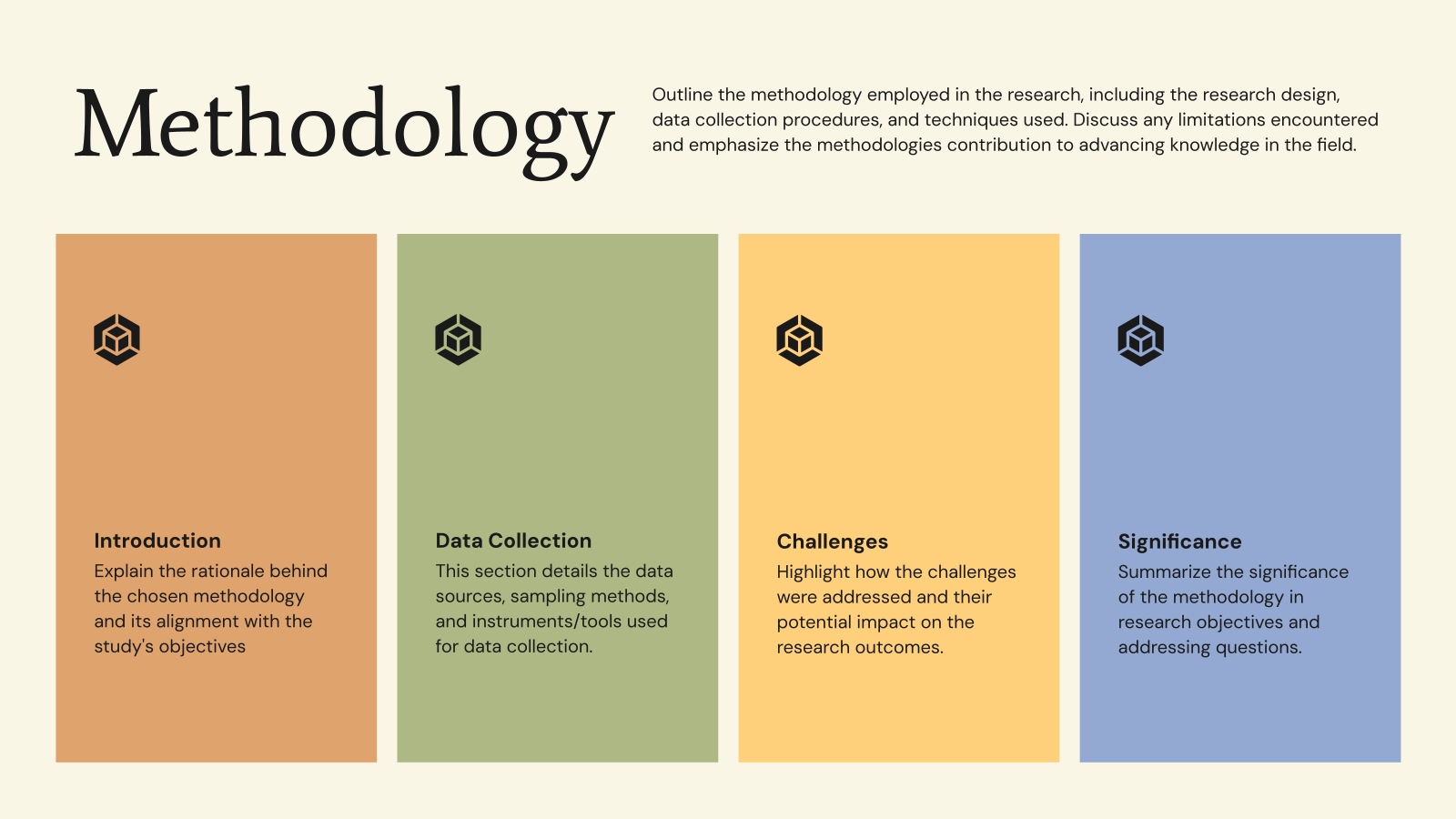
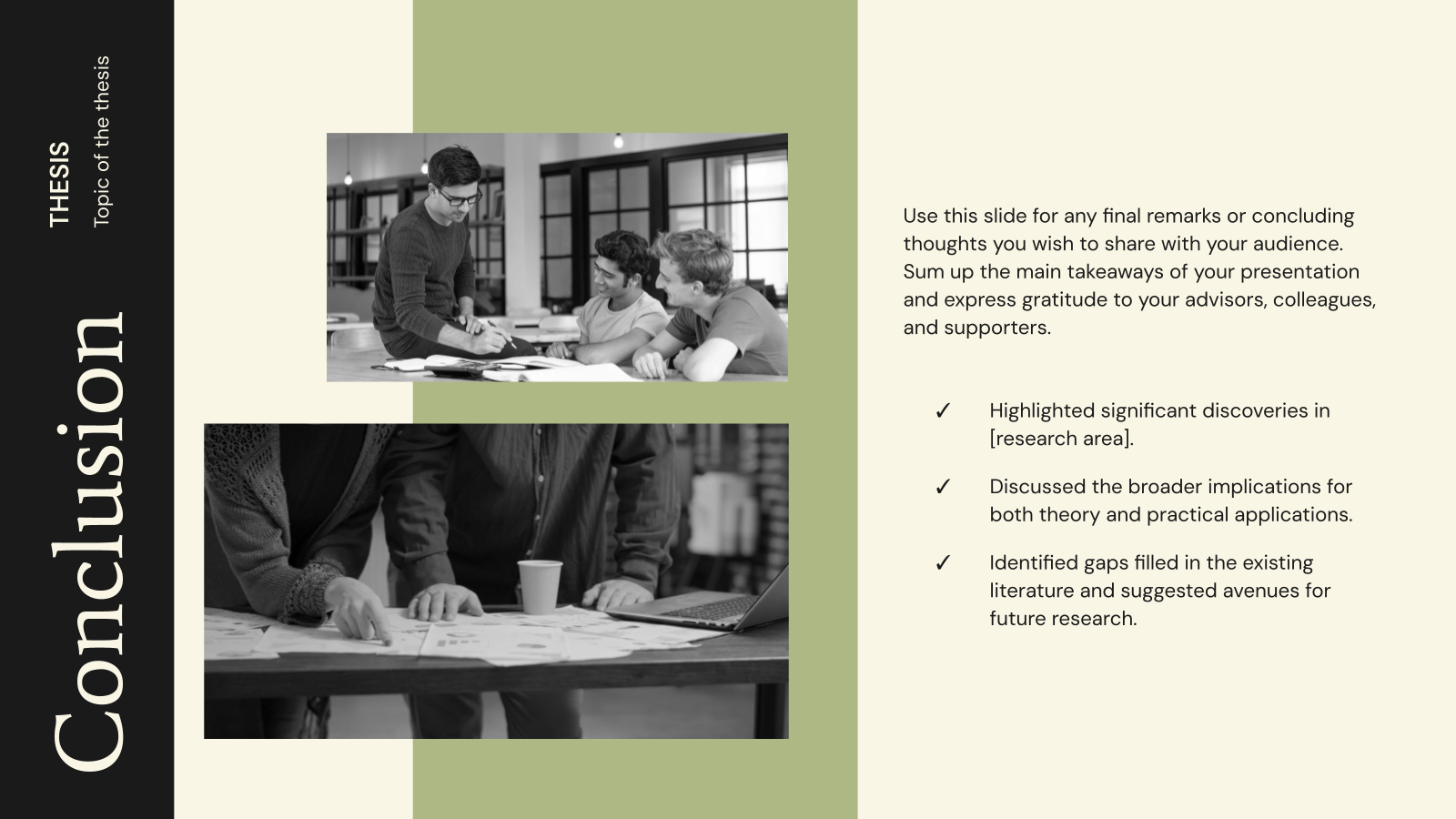
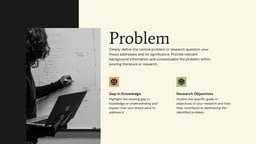
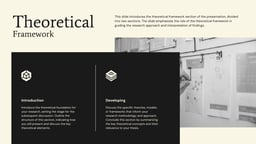
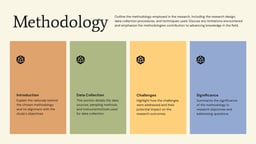
Thesis Defense Presentation Templates are pre-designed slides used by students to present their research during a thesis or dissertation defense. They help organize content like research objectives, methodology, results, and conclusions in a clear and professional way.
How Can This Thesis Defense PPT Template be Used?
- Academic Presentations: Used by students to present their thesis or dissertation.
- Research Explanation: Helps explain research objectives, methods, and findings clearly.
- University Evaluations: Used during viva or defense sessions for evaluation by professors.
- Project Presentations: Suitable for final-year or research project presentations.
- Conference Presentations: Can also be used to present research at academic conferences.
Why Choose Our Thesis Defense Template?
- Professional Academic Design: Suitable for formal presentations.
- Well-Structured Slides: Covers all key sections of a thesis.
- Easy to Customize: Edit text, charts, and visuals easily.
- Clear Data Presentation: Helps present research findings effectively.
- Compatible with Popular Tools: Works with PowerPoint and Google Slides.
Create Presentations Easily in Google Slides and PowerPoint
14M+Installs
 Install add-in
How to Use This Thesis Defense Presentation Template?
Using this thesis defense template is quick and straightforward. You can start editing immediately using the tools you already work with.
- Microsoft PowerPoint: Click on Download > Click on “PowerPoint” > Click on the downloaded file to make a copy and start customizing/editing the template.
- Google Slides: Click on Download > Click on “Google Slides” > Click on “Use Template” to make a copy and start customizing/editing the template.
Add your text, and SlidesAI automatically builds customizable slides that work seamlessly with all templates.
Create presentations in seconds.
Create Presentations Easily in Google Slides and PowerPoint
- No design skills required
- 3 presentations/month free
- Don't need to learn a new software
Frequently Asked Questions
1. What sections are usually included in a thesis defense presentation?
Most thesis defenses cover slides for the introduction, research goals, literature review, methodology, findings, discussion, limitations, conclusions, and proposed future research.
2. Is the thesis defense template adjustable to meet my university’s formatting rules?
Yes. Every slide is fully editable, so you can change layouts, fonts, colors, and the order of sections to align with your institution’s guidelines.
3. Are these templates appropriate for PhD thesis defenses?
Yes. The templates are suitable for undergraduate, master’s, and PhD-level thesis presentations.
4. What is the ideal length of a thesis defense presentation?
Thesis defenses typically run between 20 and 45 minutes, depending on your academic program and university requirements.
5. Is it possible to add extra slides for expected questions?
Yes. Adding backup slides with additional data or explanations is encouraged to help you handle questions confidently.
6. Can I use this thesis defense presentation template in both PowerPoint and Google Slides?
Yes. The templates are designed to work smoothly in both PowerPoint and Google Slides.
7. Should I use animations in a thesis defense presentation?
Animations are not required. If you choose to use them, keep them minimal and professional to avoid distractions.
8. Can charts and tables be added to these slides?
Yes. The templates are optimized for presenting academic charts, graphs, and tables clearly.
9. Do I need prior design experience to use thesis defense templates?
No. The templates are beginner-friendly. You simply add your content and make small customizations if needed.