

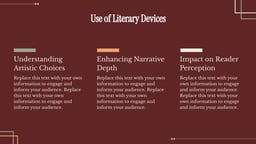

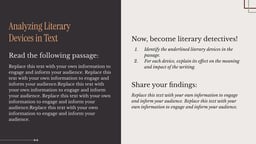

What is Figurative Language Presentation Template?
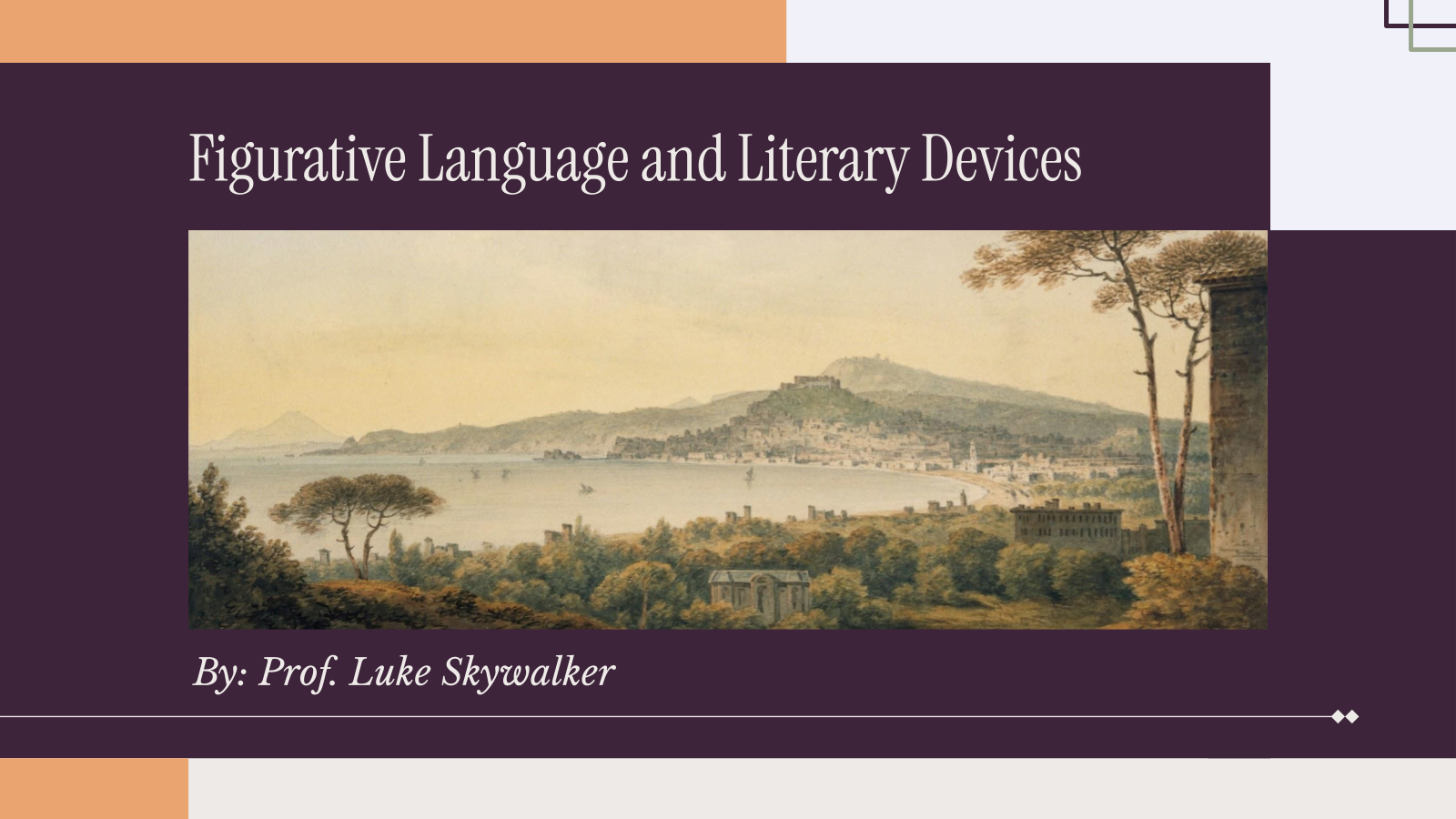
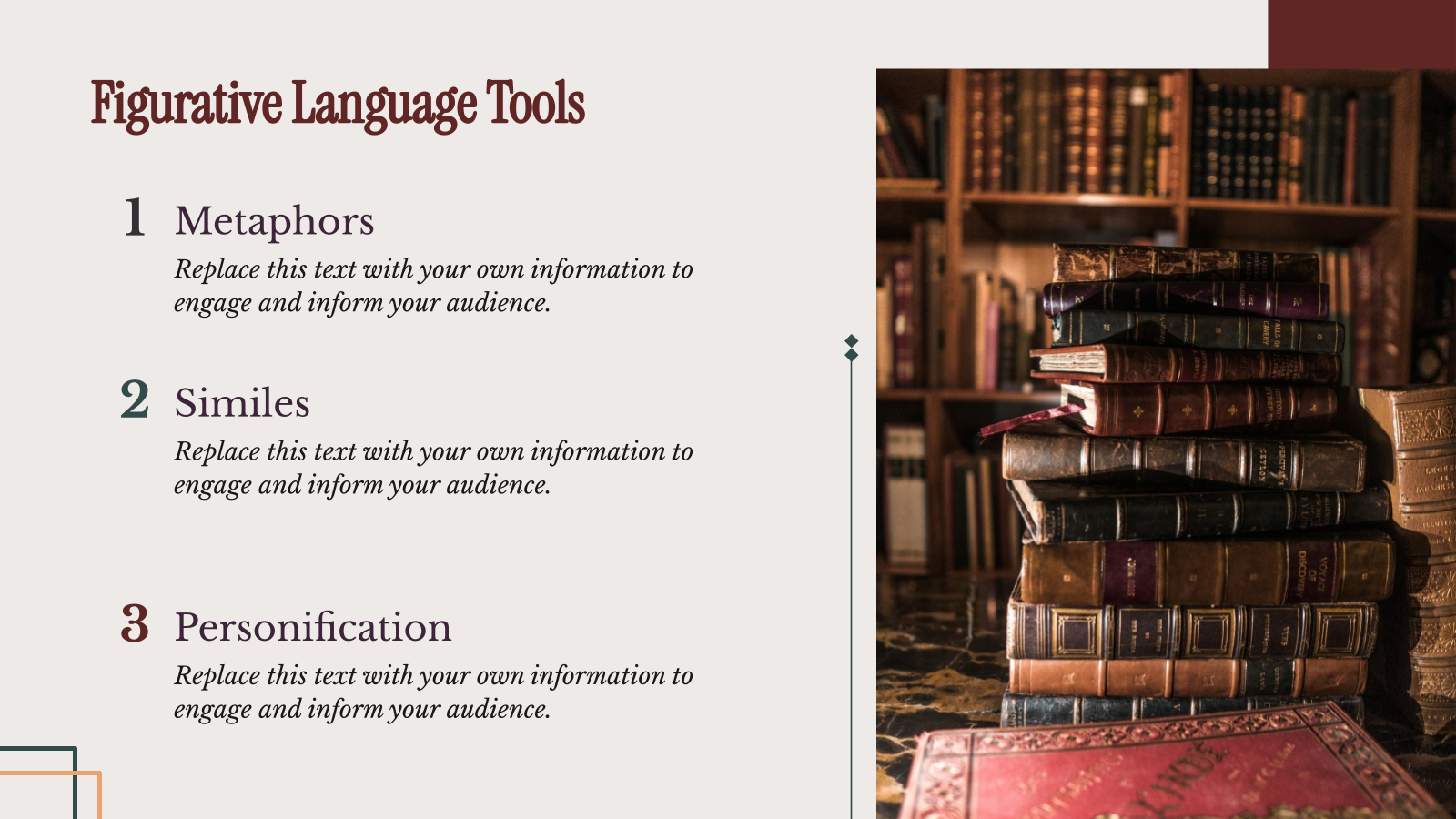
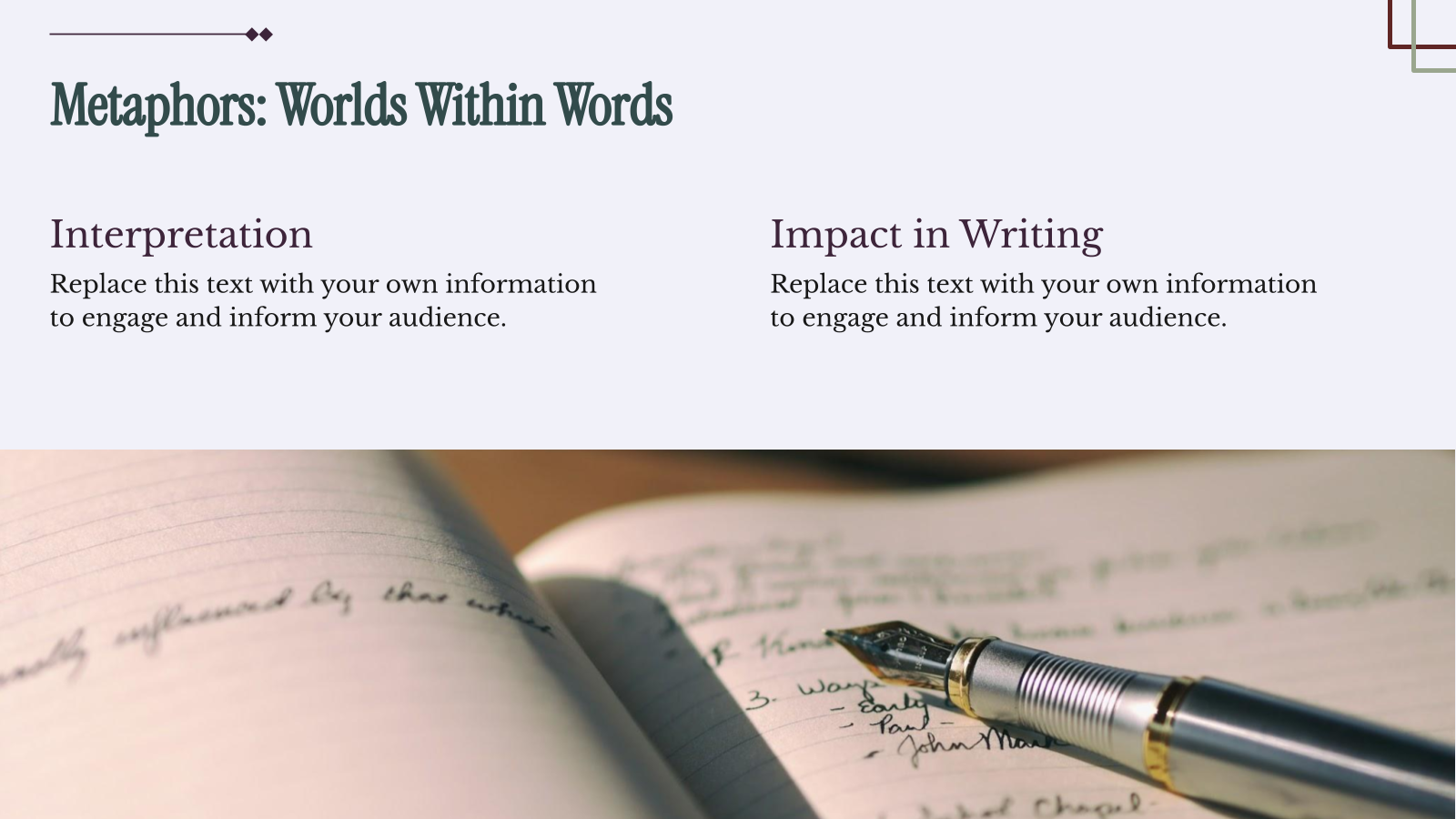
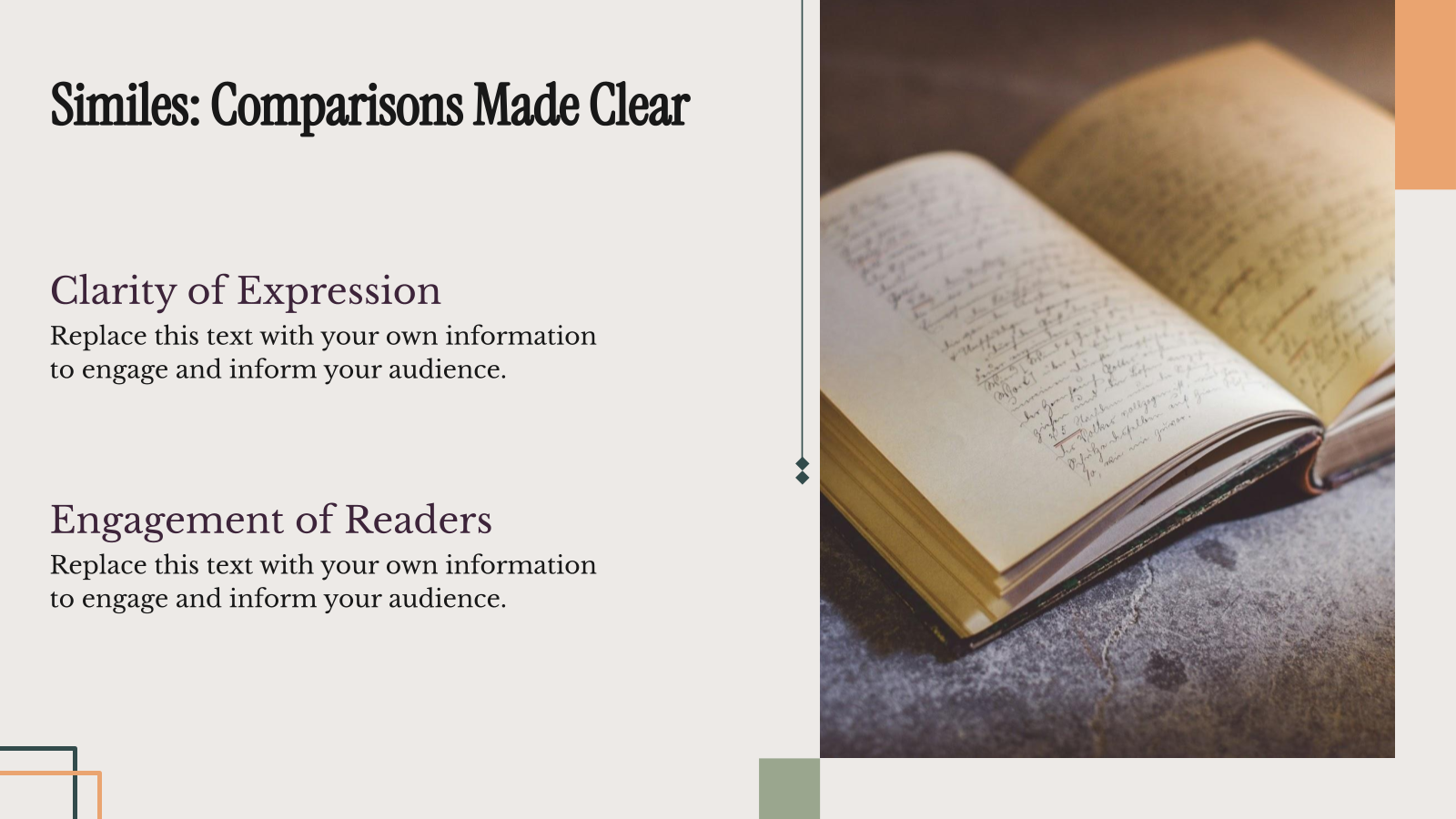
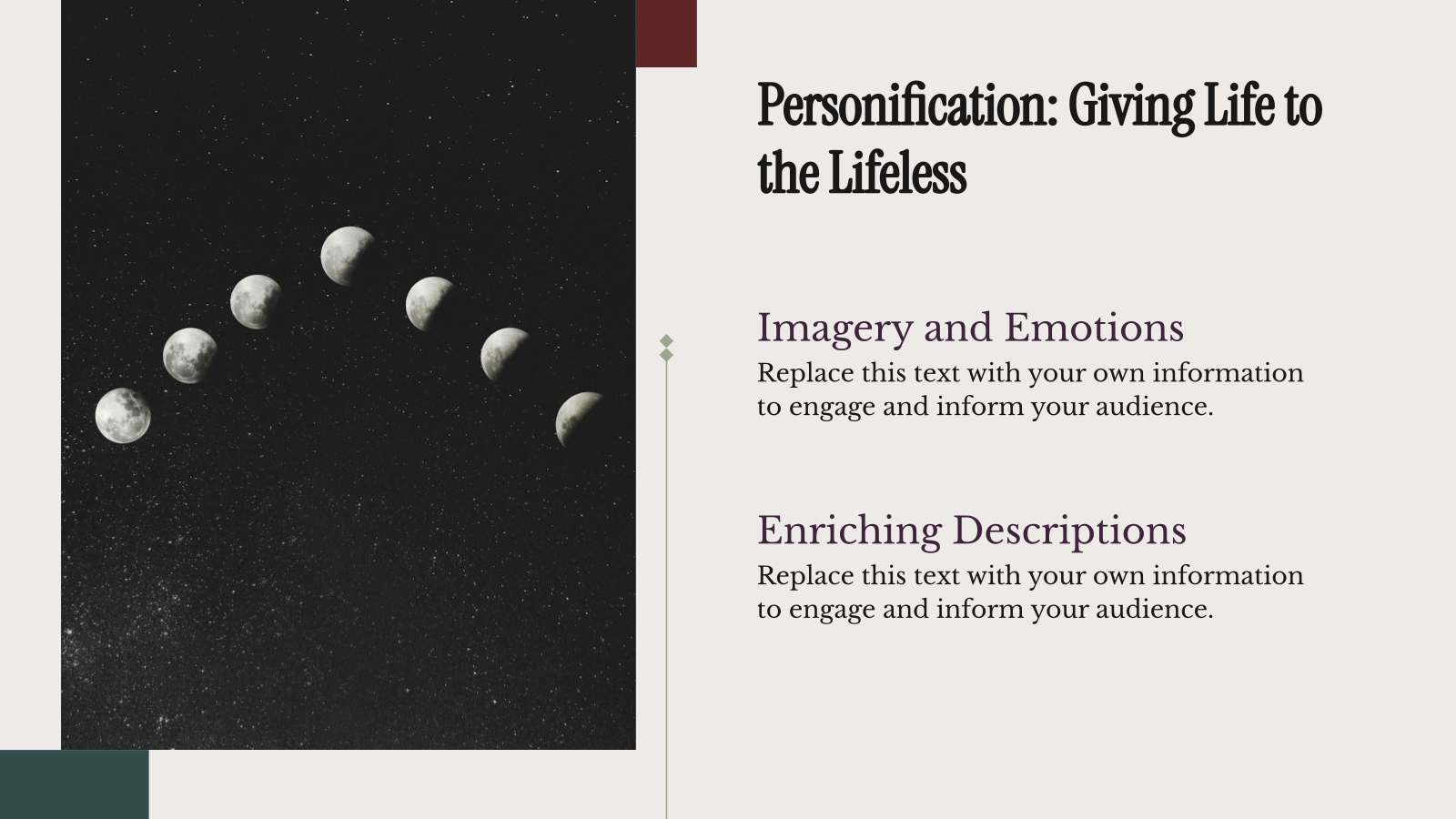
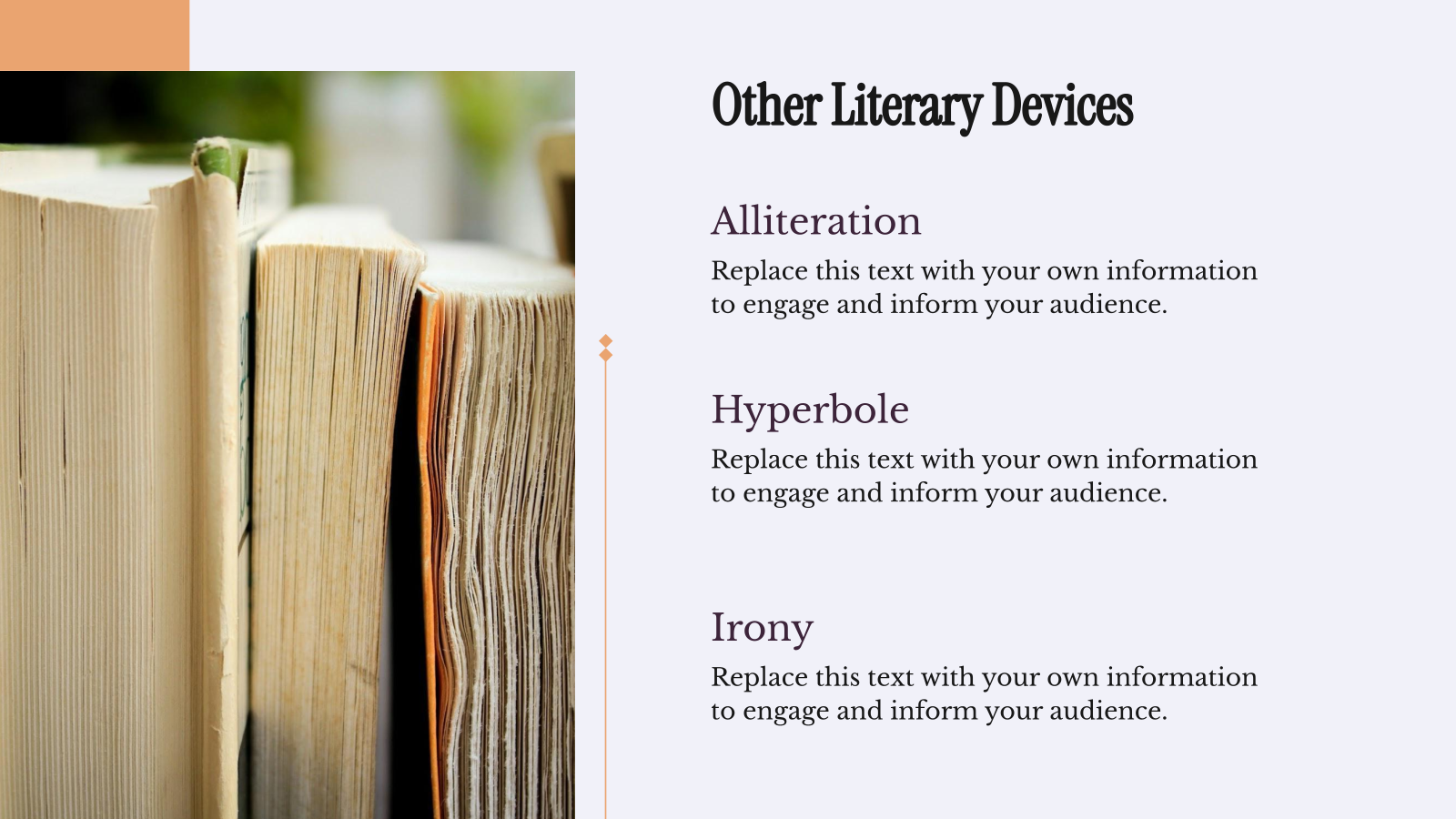
A Figurative Language Presentation Template is a pre-designed slide deck created for teachers, students, and educators to explain literary devices like metaphors, similes, and personification in a clear and engaging way. It includes structured slides for definitions, examples, and explanations, making it easier to present and understand figurative language concepts.
Applications of This Figurative Language Presentation Template
- Literature & Language Arts Lessons: Teach figurative language concepts like similes, metaphors, and personification.
- Poetry Analysis: Explain how figurative expressions add deeper meaning to poems and literary texts.
- Student Classroom Presentations: Help students present literary devices with clear examples and explanations.
- Creative Writing Sessions: Show how figurative language can make writing more vivid and descriptive.
- Exam & Concept Revision: Summarize key figurative language types for quick review before tests.
Why Use SlidesAI’s Figurative Language Presentation Template?
- Ready-to-Use Structure: Comes with pre-designed slides that clearly explain different types of figurative language.
- Engaging Visual Design: Academic-themed visuals help make literary concepts easier and more engaging for students.
- Saves Preparation Time: Reduces the effort needed to design slides from scratch for lessons or presentations.
- Easy to Customize: Teachers and students can quickly edit examples, explanations, and activities.
- Improves Learning Clarity: Organized slides help present definitions and examples in a simple, easy-to-understand way.
Build Stunning Slides in Seconds with AI
- No design skills required
- 3 presentations/month free
- Don't need to learn a new software


How to Use This Figurative Language Presentation Template?
- Microsoft PowerPoint: Click on Download > Click on “PowerPoint” > Click on the downloaded file to make a copy and start customising/editing the template
- Google Slides: Click on Download > Click on “Google Slides” > Click on “Use Template” to make a copy and start customising/editing the template
Create presentations in seconds. Enter text, and SlidesAI creates customizable slides based on that text in seconds, which complement all our templates.
Create Presentations Easily in Google Slides and PowerPoint
14M+Installs

Frequently Asked Questions
1. What topics are usually included in a figurative language presentation?
Common topics include similes, metaphors, personification, hyperbole, idioms, and examples of figurative expressions.
2. Can students use this template for school projects?
Yes, students can easily customize the slides to create presentations for language arts or literature assignments.
3. Can I edit the content in this presentation template?
Yes, the slides are fully editable, allowing you to change text, examples, and images as needed.
4. Does the template include examples of figurative language?
Most figurative language templates include example sentences and explanations to help learners understand each device.
5. Can teachers add activities or exercises to the slides?
Yes, teachers can add quizzes, discussion prompts, or practice examples to make lessons more interactive.
6. Is this template compatible with Google Slides and PowerPoint?
Most templates are designed to work smoothly with both Google Slides and Microsoft PowerPoint.
7. How long does it take to create a presentation using this template?
Since the design and structure are ready, you can create a presentation in just a few minutes.