Advanced Slides Design

How to Create a Flyer in Google Slides?

How to Create a Flyer in Google Slides?

To design a flyer, you don’t necessarily need graphic design software or advanced design expertise. You can create one easily in Google Slides. Creating a flyer in Google Slides is free, simple to use, and accessible from any device. With the right layout and formatting, you can create flyers suitable for events, promotions, school announcements, or marketing campaigns.

How to Create an Impactful Summary Slide on Google Slides?

How to Create an Impactful Summary Slide on Google Slides?

Whether you are a student, teacher, or small business owner, a well-designed Google Slides presentation can make all the difference. However, one essential factor that is sometimes forgotten is the need for summarising. A concise summary slide is vital for conveying your point successfully. It can improve knowledge, retention, and engagement.
How to Make a Title Page in Google Slides?

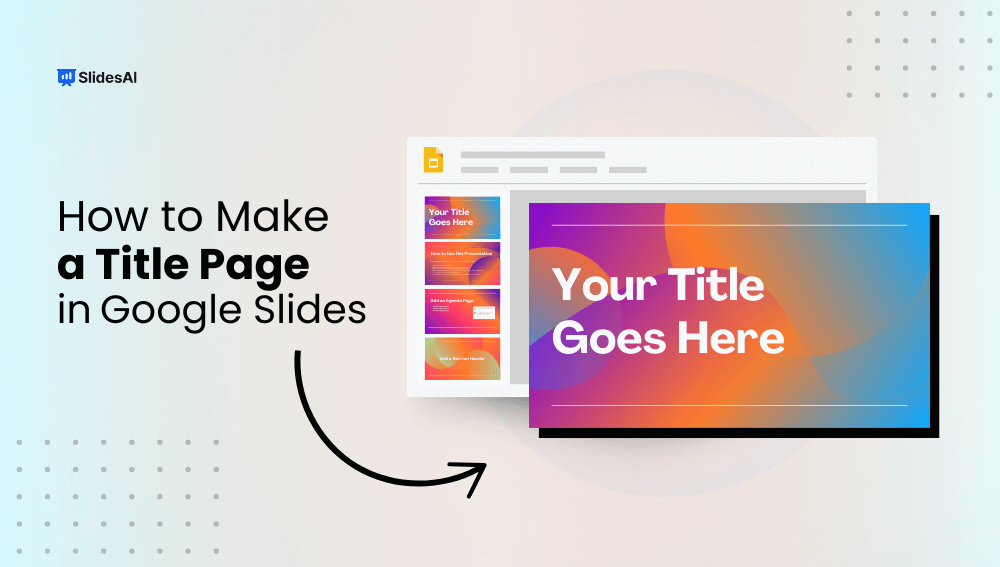
How to Make a Title Page in Google Slides?

Creating a title page in Google Slides is an easy yet essential part of any presentation. Think of it as the cover of a book—it’s the first thing your audience sees and sets the tone for what’s to come. A good title page grabs attention, gives the audience a glimpse of what your presentation is about, and adds a touch of professionalism. It’s not just about slapping a title on a slide; it’s about creating something that speaks to the subject matter and prepares your audience for what’s ahead. Whether it’s for a school project, a business pitch, or any other type of presentation, the title page can make a lasting first impression. So, let’s dive into how to make one in Google Slides that will impress and engage right from the start.

How to Make a Collage on Google Slides?

How to Make a Collage on Google Slides?

Learn how to make a collage on Google Slides with this step-by-step guide. Learn creative techniques to showcase your photos and images in an engaging, visually appealing presentation format.

How to Change the Layers on Google Slides?

How to Change the Layers on Google Slides?

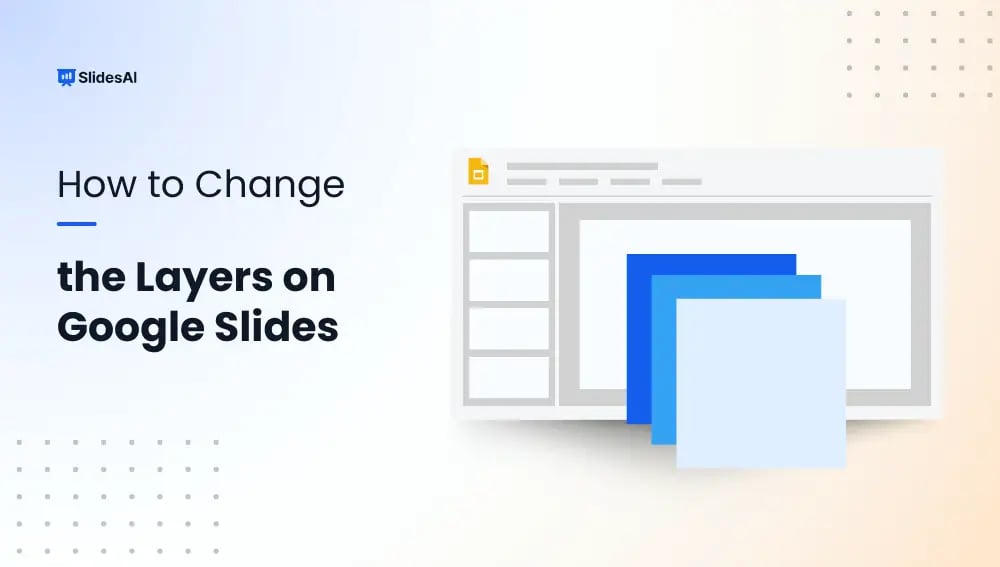
Layering in Google Slides is a technique where you can arrange objects on top of each other to create a visually appealing and organized presentation. Just like real-world layers, objects placed higher in the stacking order appear on top of those placed lower.

How to Make Aesthetic Google Slides?

How to Make Aesthetic Google Slides?

Are your Google Slides presentations feeling a bit plain? If you want to make them more visually appealing and grab your audience’s attention, creating aesthetic Google Slides can make a big difference.

How to Make a Brochure on Google Slides?

How to Make a Brochure on Google Slides?

A brochure is a folded, printed document used for advertising or providing information. Whether you’re promoting a product, service, or event, a well-designed brochure can be a powerful marketing tool.

How to Group or Ungroup in Google Slides?

How to Group or Ungroup in Google Slides?

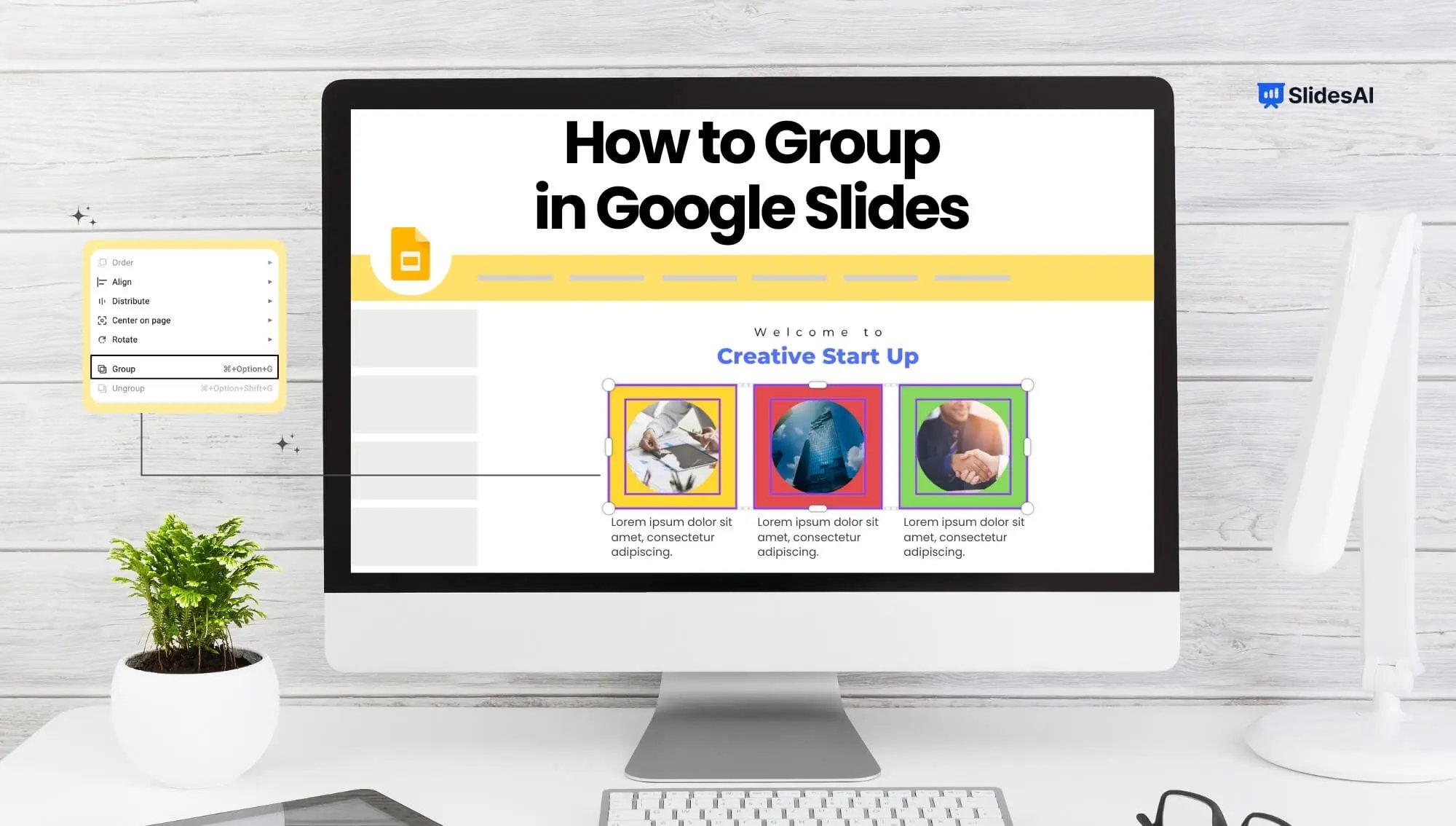
If you’re struggling to organize elements in your Google Slides presentation, this tutorial is here to help. We’ll walk you through the simple process of grouping and ungrouping objects on a slide, making it easier for you to rearrange things.

Lock an Image or an Object in Google Slides

Lock an Image or an Object in Google Slides

Google Slides, a helpful online presentation tool, keeps adding new features to make slides better. One new feature they’ve added lets you lock images and objects in place, which means they won’t move around by mistake when you’re working on a presentation with others.