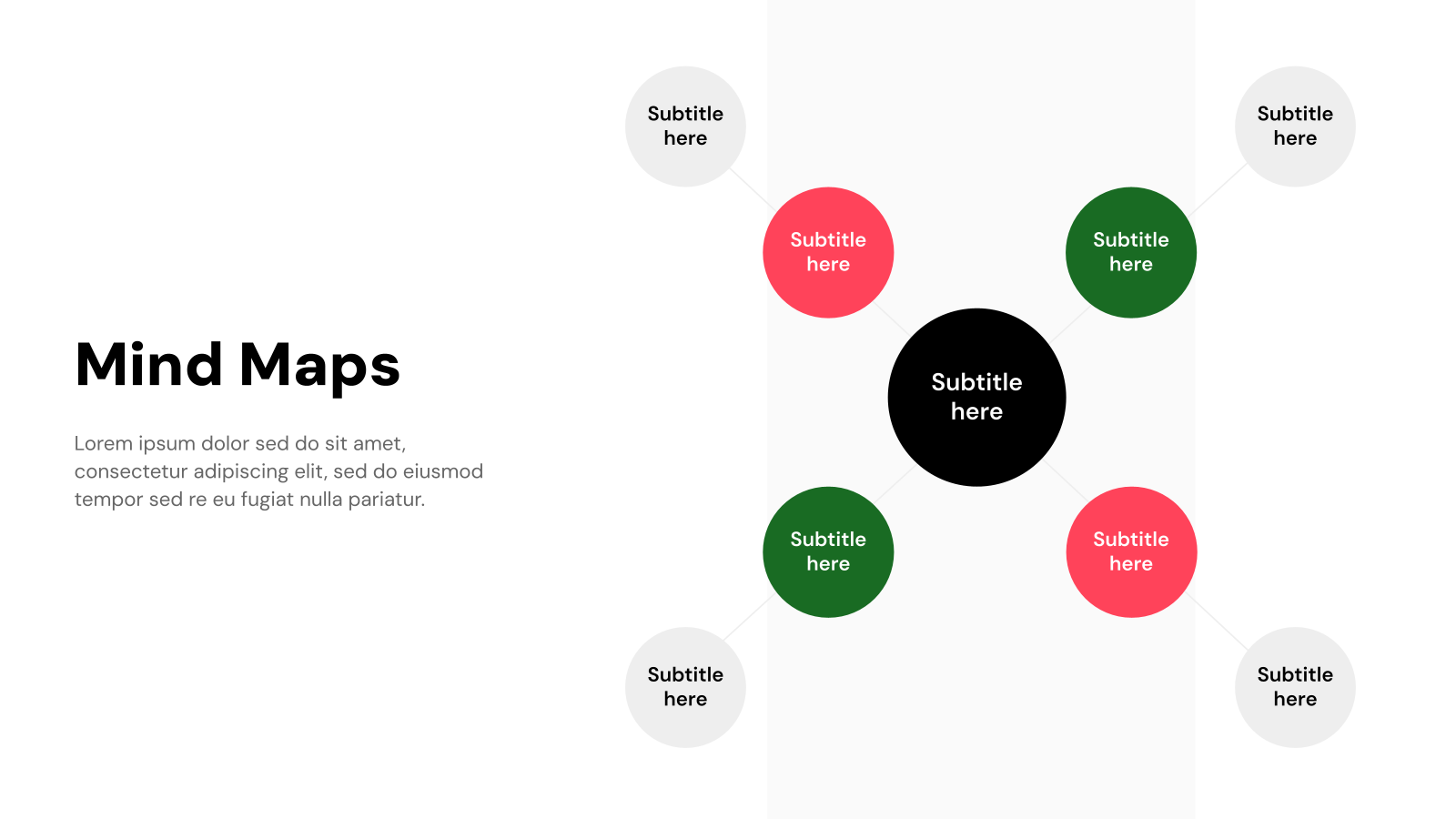
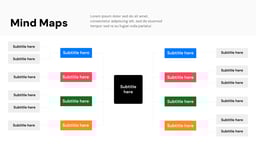
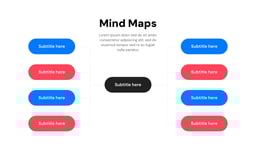
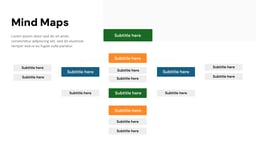
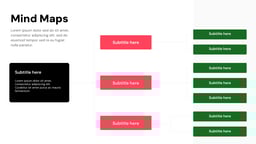
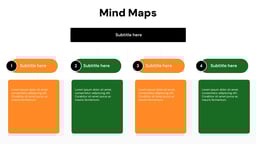
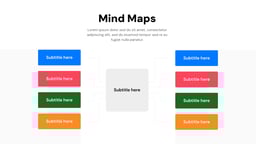
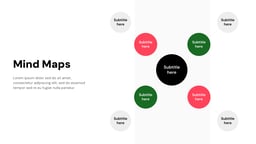
What is this Mind Maps Presentation Template?
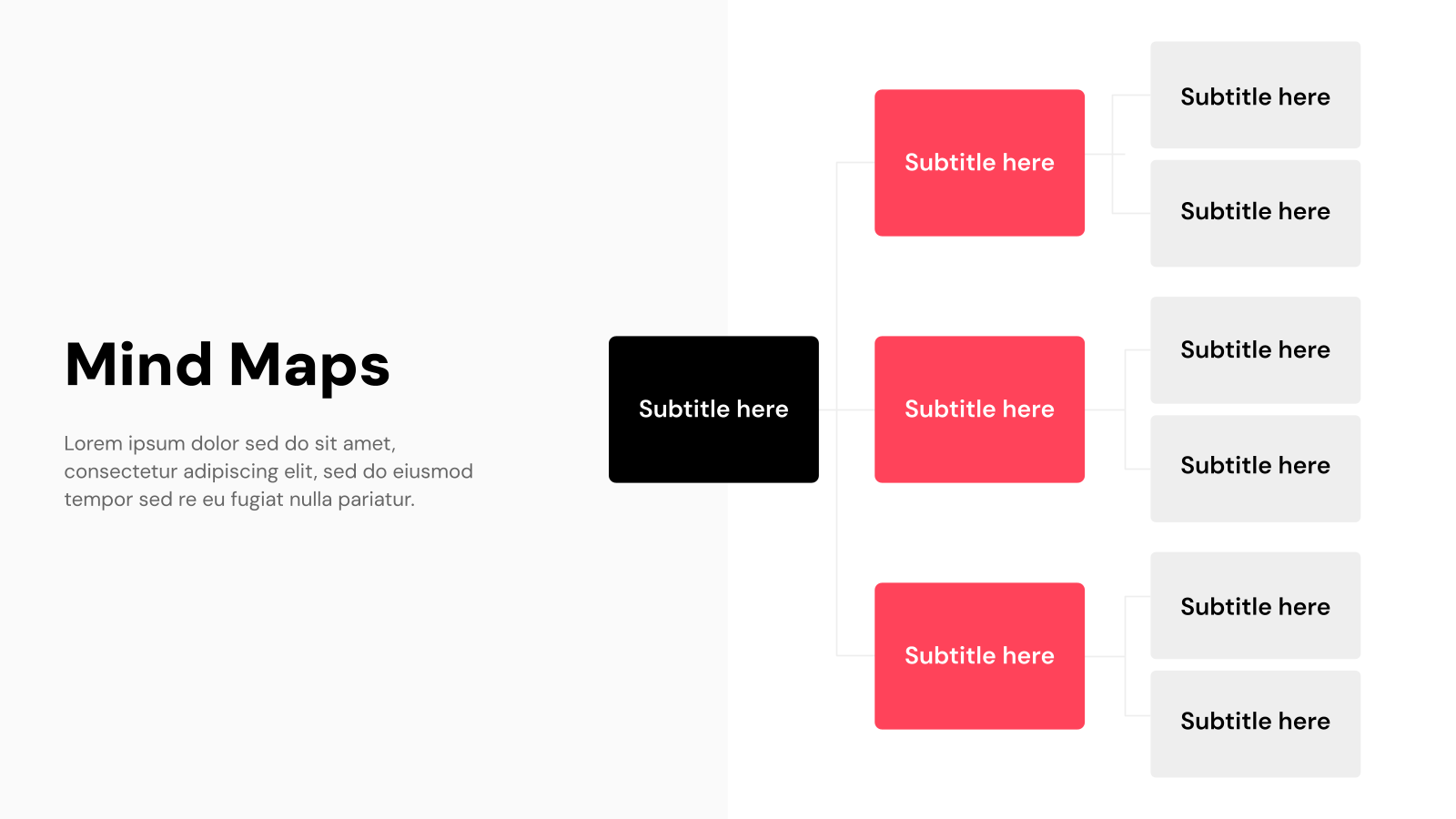
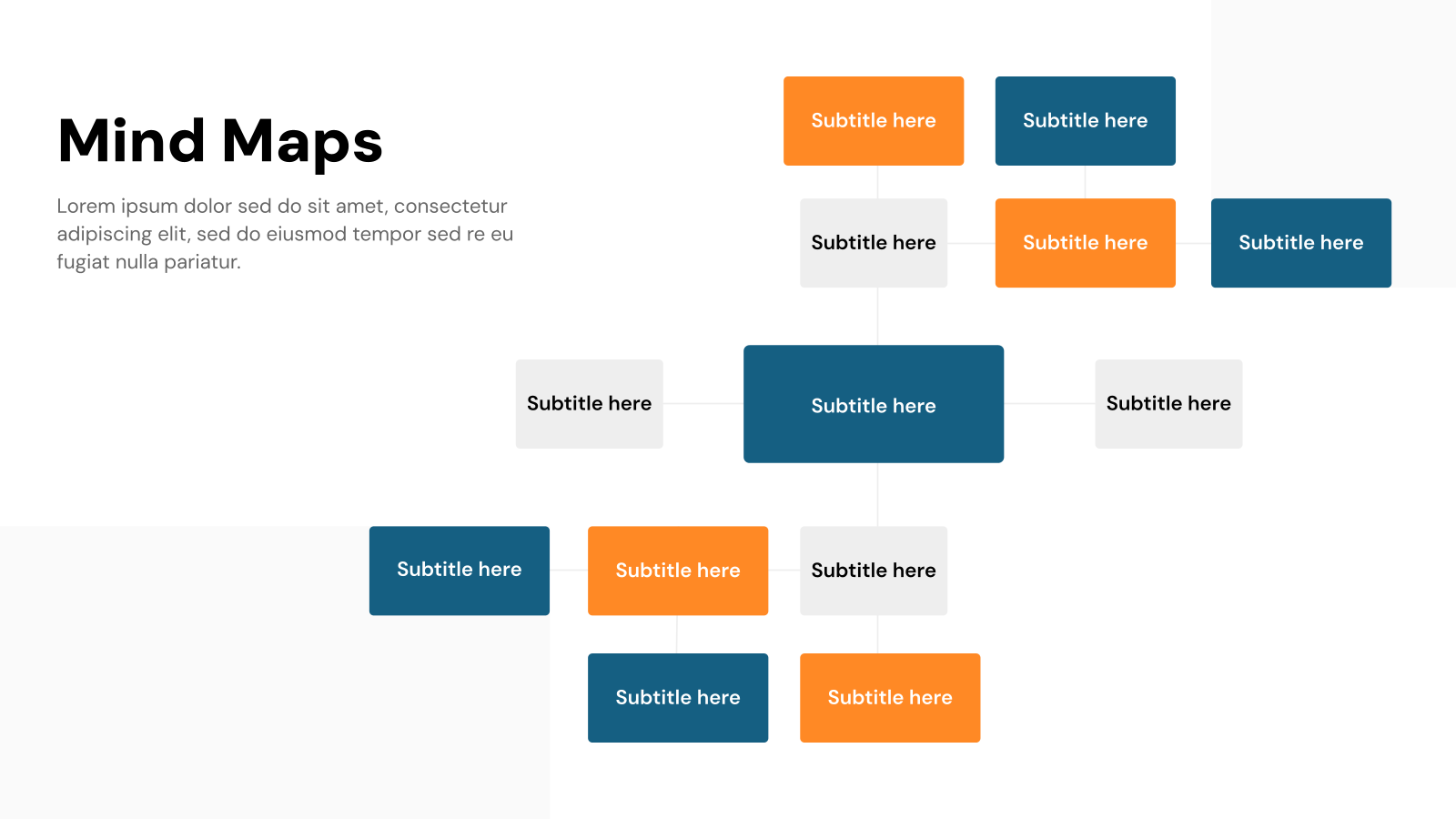
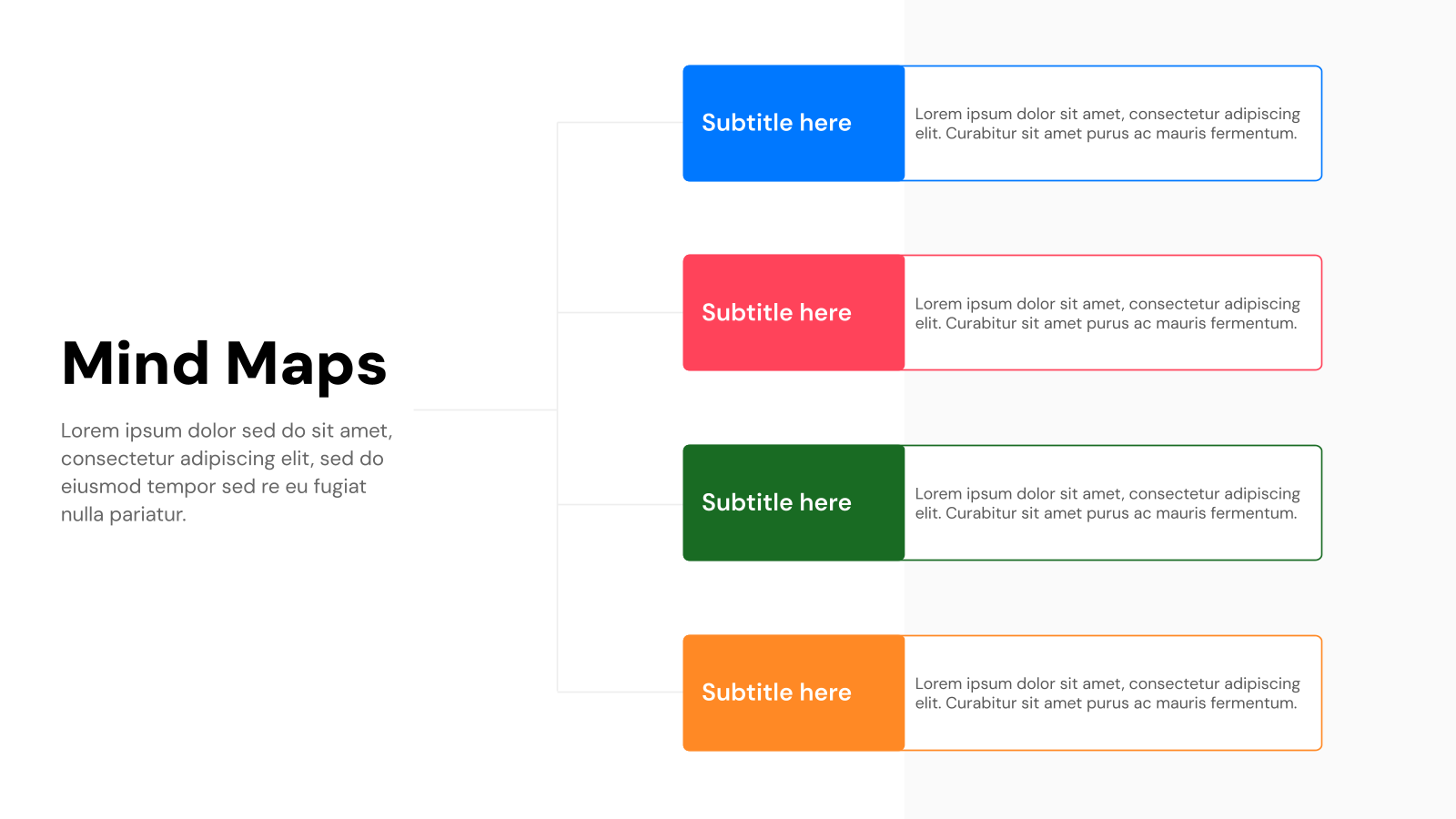
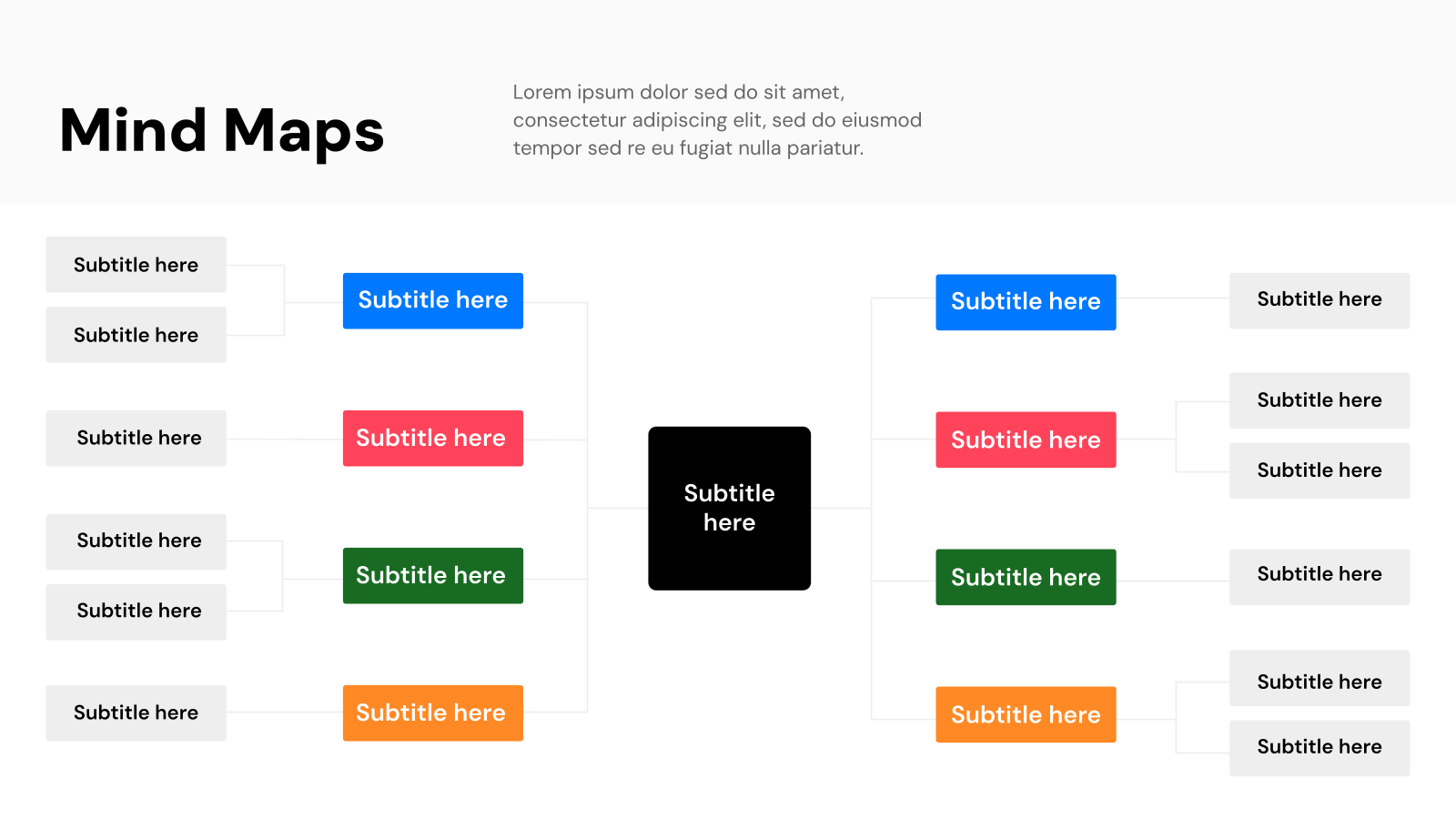
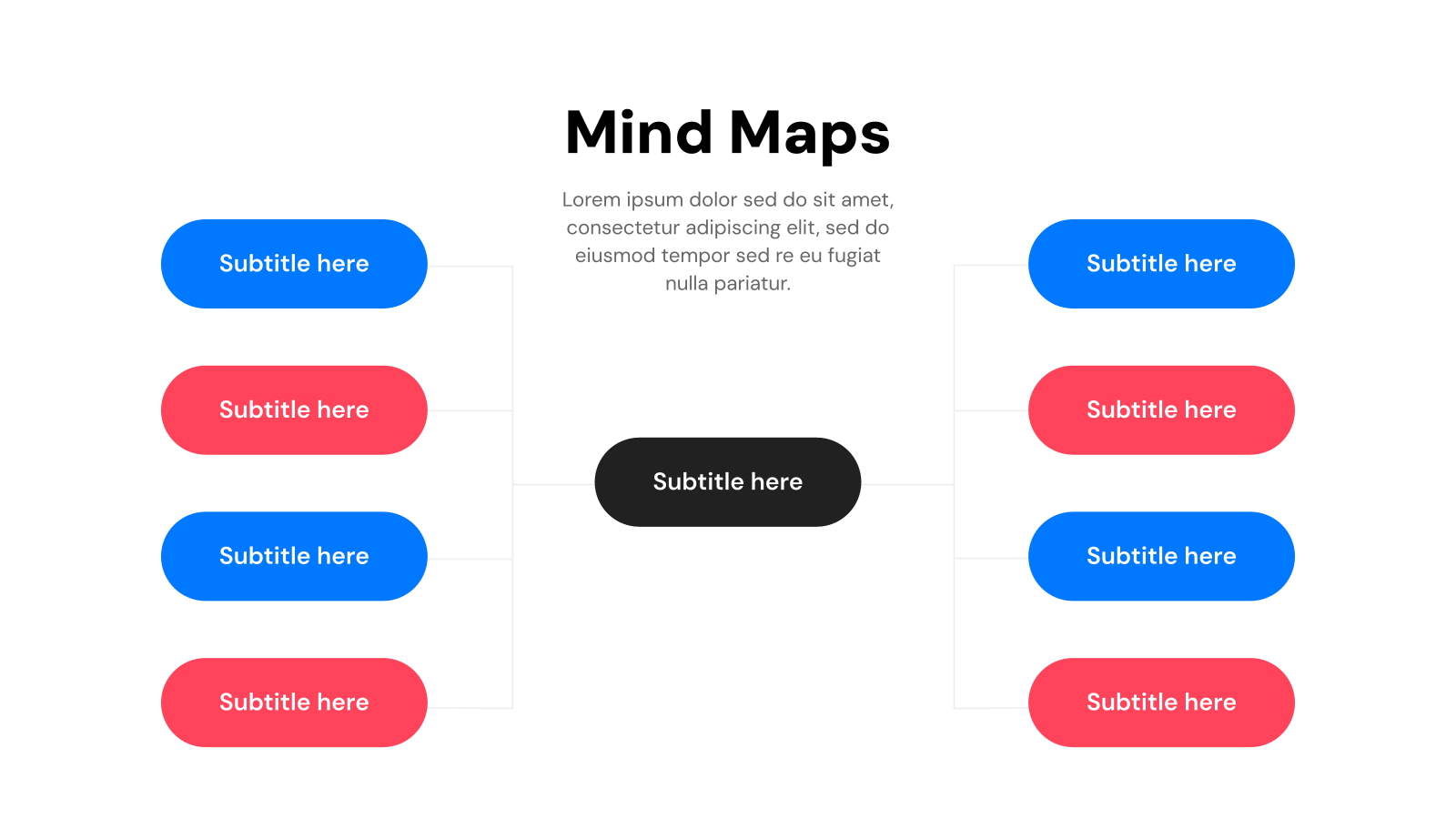
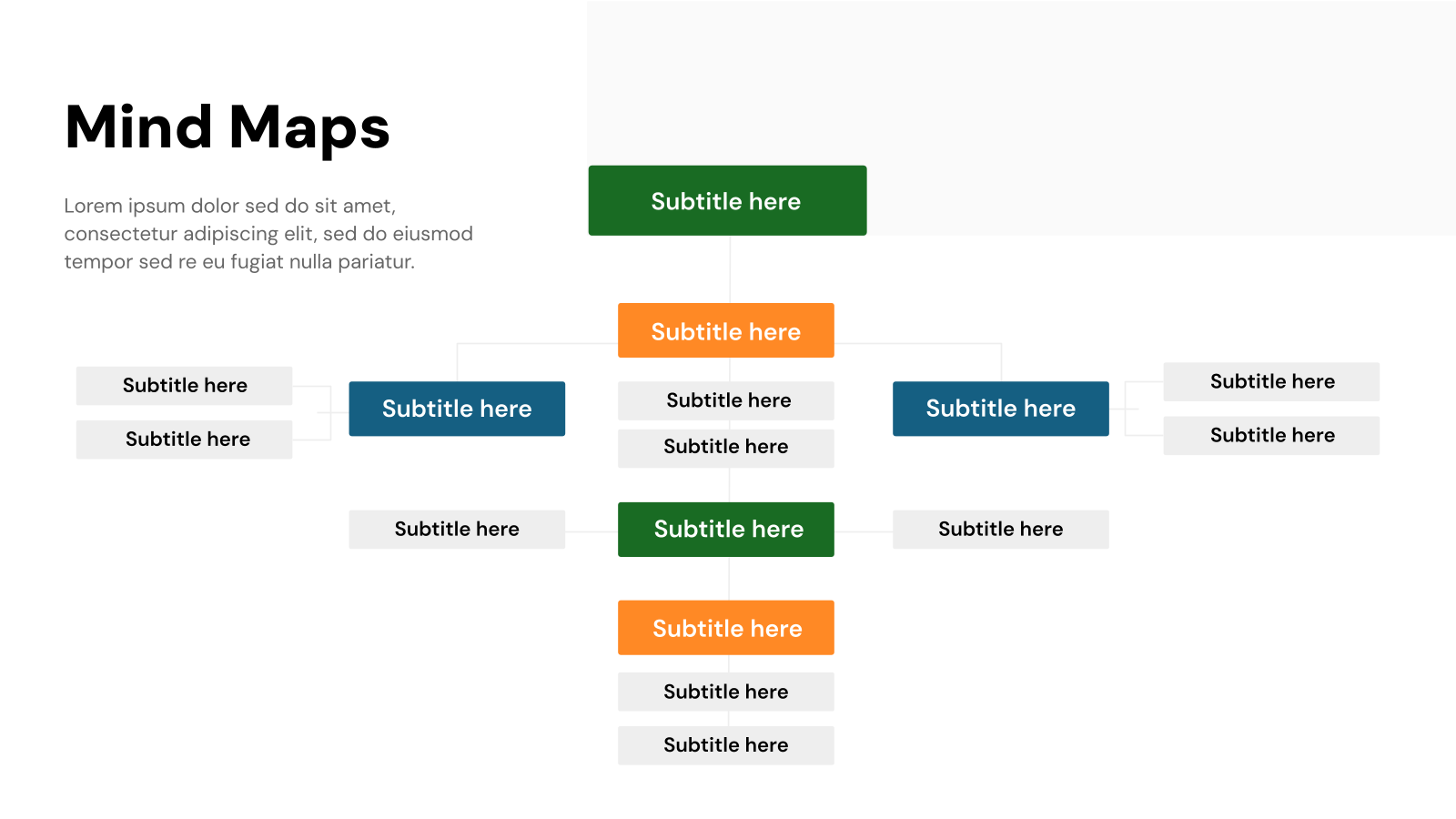
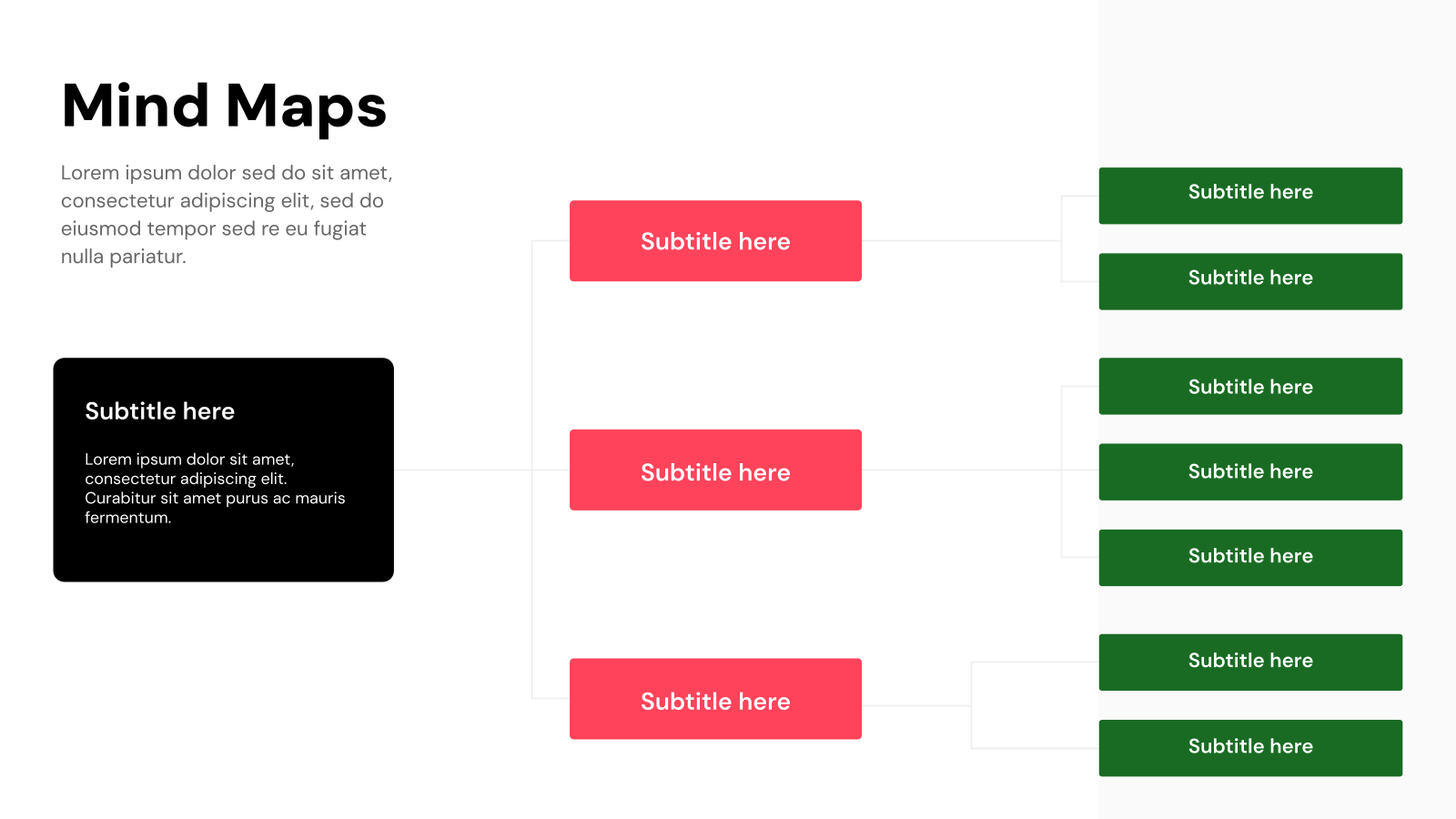
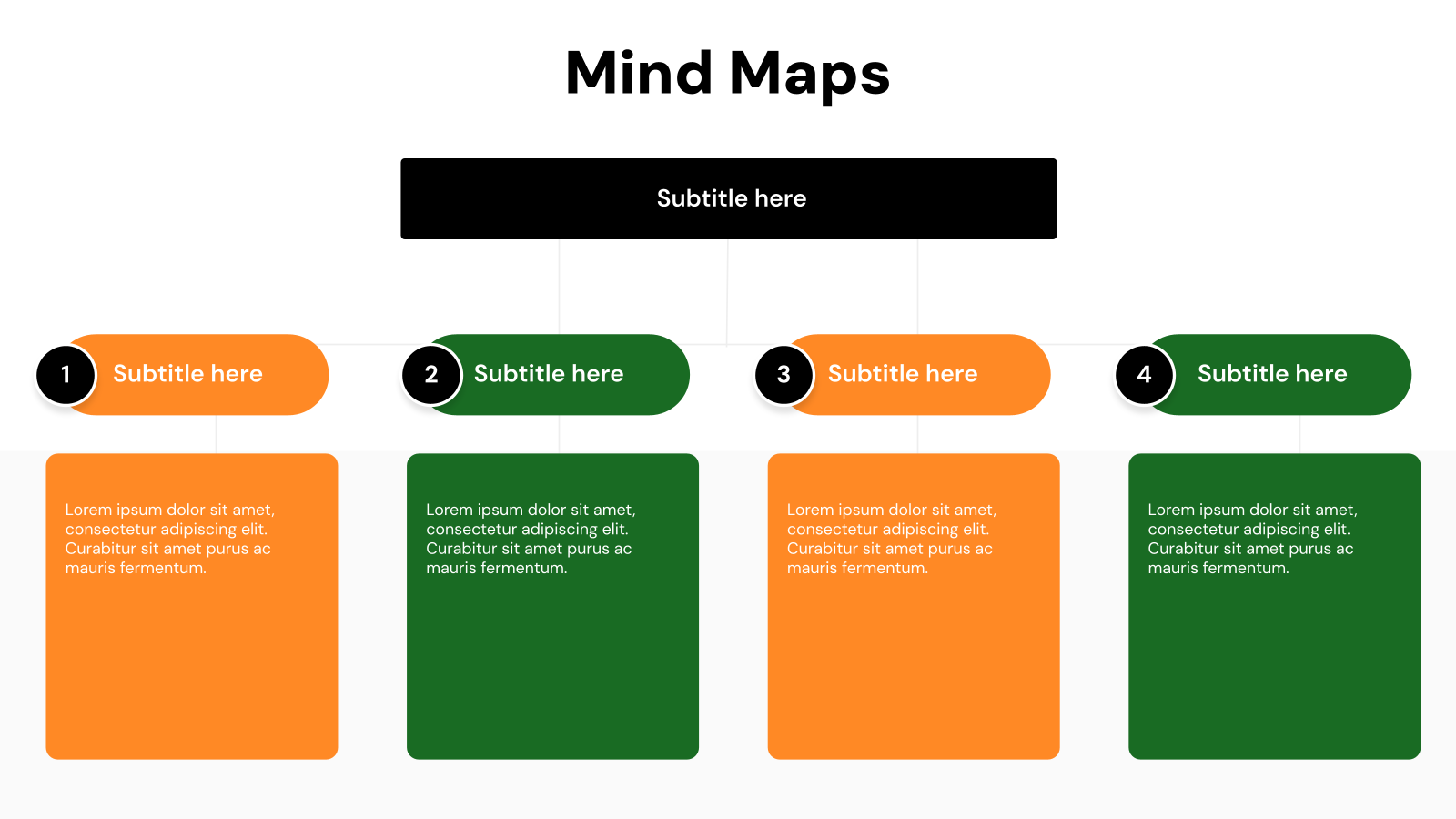
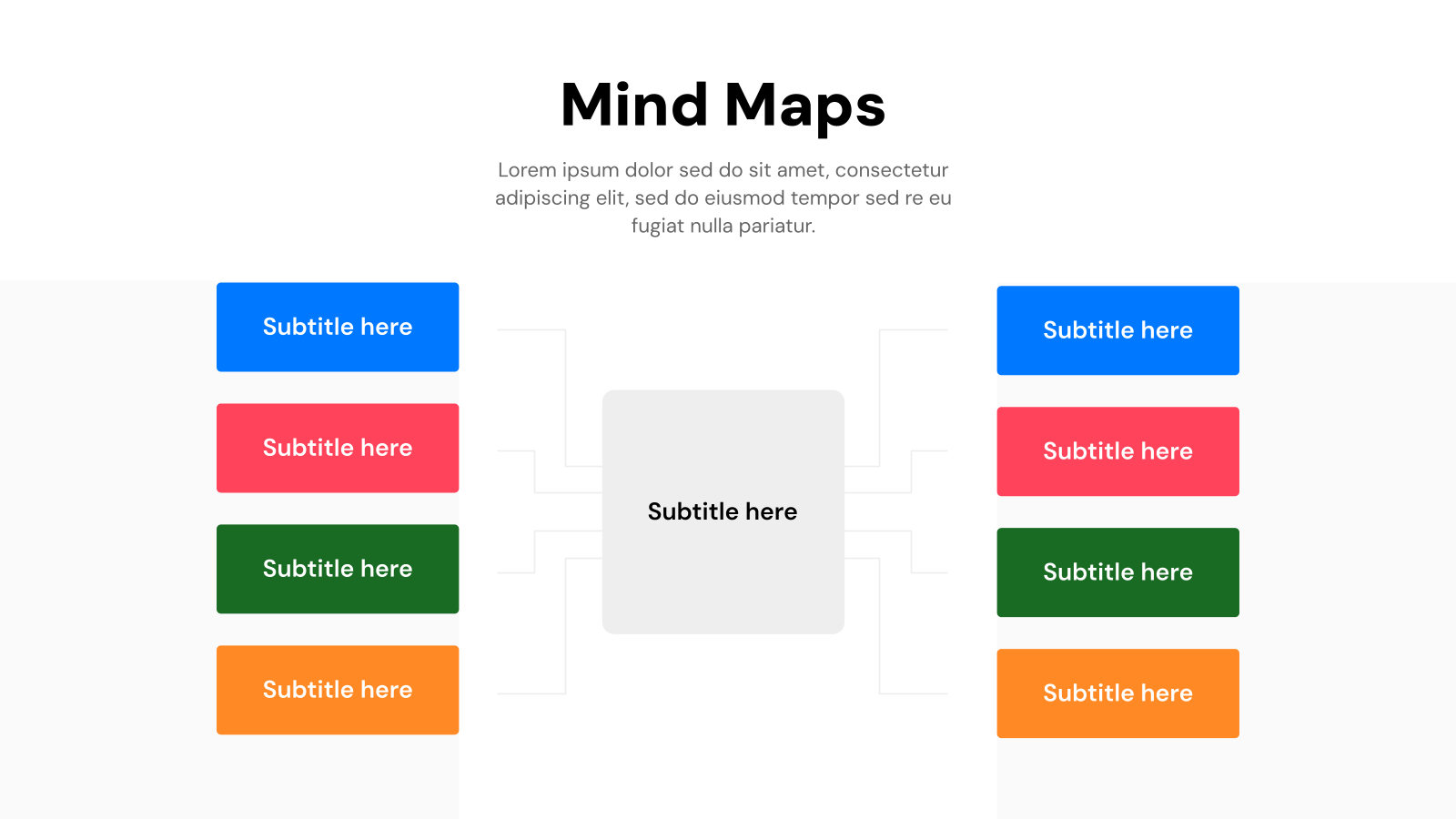
The Mind Maps Presentation Template by SlidesAI is a professionally structured, fully customizable visual framework designed to help you organize ideas, concepts, and information in a clear, branching layout. Whether you’re brainstorming solo or collaborating with a team, this template makes it effortless to connect thoughts and present complex relationships at a glance. Built for Google Slides and PowerPoint, it eliminates the need to design from scratch, so you can focus entirely on your ideas.
Applications of Mind Maps Presentation Template
- Brainstorming & Idea Generation: Ideal for individuals and teams looking to dump, organize, and prioritize ideas visually.
- Project Planning & Task Breakdown: Break down large projects into manageable phases, tasks, and subtasks using a visual hierarchy.
- Academic Study & Lesson Planning: Students and educators can map out topics, subtopics, and key concepts to aid retention and understanding.
- Business Strategy & Decision Making: Use it in boardrooms or strategy sessions to visualize market opportunities, competitive landscapes, SWOT analyses, or decision trees, making complex choices easier to evaluate.
- Content Planning & Marketing Strategy: Content creators and marketers can map out content calendars, campaign structures, audience segments, or SEO topic clusters in one unified visual, keeping strategy clear and connected.
Why use SlidesAI’s Mind Maps Presentation Template?
- Instantly Presentation-Ready: Unlike building a mind map from scratch, this template gives you a polished, professionally designed layout right out of the box, saving you hours of formatting time.
- Fully Customizable Nodes & Branches: Every element, including colors, shapes, text, and connections, can be tailored to match your brand, topic, or audience without any design skills required.
- Compatible with Google Slides & AI-Powered Editing: Seamlessly integrates with SlidesAI’s AI presentation tool, allowing you to auto-generate or refine content directly within Google Slides for a faster, smarter workflow.
- Versatile Across Industries & Use Cases: From educators and students to business professionals and marketers, this template adapts to virtually any field or presentation context.
Create Presentations Easily in Google Slides and PowerPoint
14M+Installs
 Install add-in
How to use SlidesAI’s Mind Maps Presentation Template?
- Microsoft PowerPoint: Click on Download > Click on “PowerPoint” > Click on the downloaded file to make a copy and start customising/editing the template
- Google Slides: Click on Download > Click on “Google Slides” > Click on “Use Template” to make a copy and start customising/editing the template
Create presentations in seconds. Enter text and SlidesAI creates customizable slides based on that text in seconds that go well with all our templates, too.
Create Presentations Easily in Google Slides and PowerPoint
- No design skills required
- 3 presentations/month free
- Don't need to learn a new software
Frequently Asked Questions
1. Can I customize the colors and fonts in this template?
Yes, all elements in the Mind Maps template are fully editable. You can change node colors, branch styles, fonts, and background to match your brand identity or personal preference.
2. Is the Mind Maps template free to use?
Yes, SlidesAI’s Mind Maps template can be downloaded and used for both personal and commercial purposes at no cost. However, reselling or redistributing the template itself is strictly prohibited.
3. How many slides does the Mind Maps template include?
The Mind Maps template includes multiple slide variations with different mind map layouts, giving you flexibility to choose the best structure for your content and presentation style.
4. How do I add more branches or nodes to the mind map?
In Google Slides, you can duplicate existing shapes and connectors to add new branches or nodes. Simply copy an existing element, paste it, reposition it, and update the text.
5. Can I use this template for business presentations?
Absolutely. The Mind Maps template is well-suited for business use cases like strategy planning, decision mapping, project breakdowns, and stakeholder presentations.
6. Can I use this mind map template for student projects?
Yes, the template is ideal for students creating study guides, research summaries, book reports, or visual essays. It helps organize academic content in a way that’s easy to follow and present.
7. Does SlidesAI’s AI tool work with this Mind Maps template?
Yes. After installing the SlidesAI add-on for Google Slides, you can use AI to auto-generate slide content and apply it within the template, making content creation significantly faster.