










What is a Medical Presentation Template?
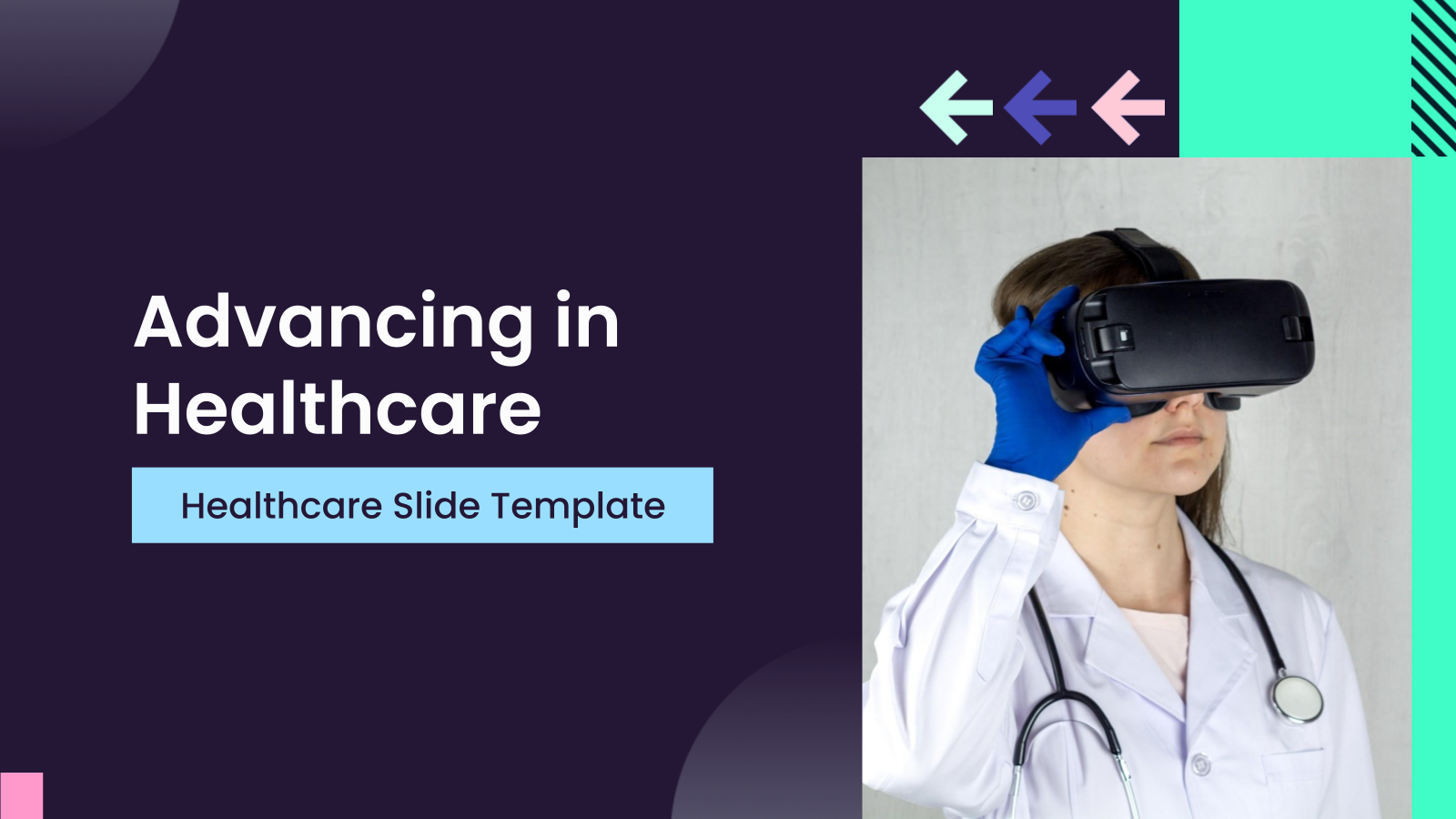
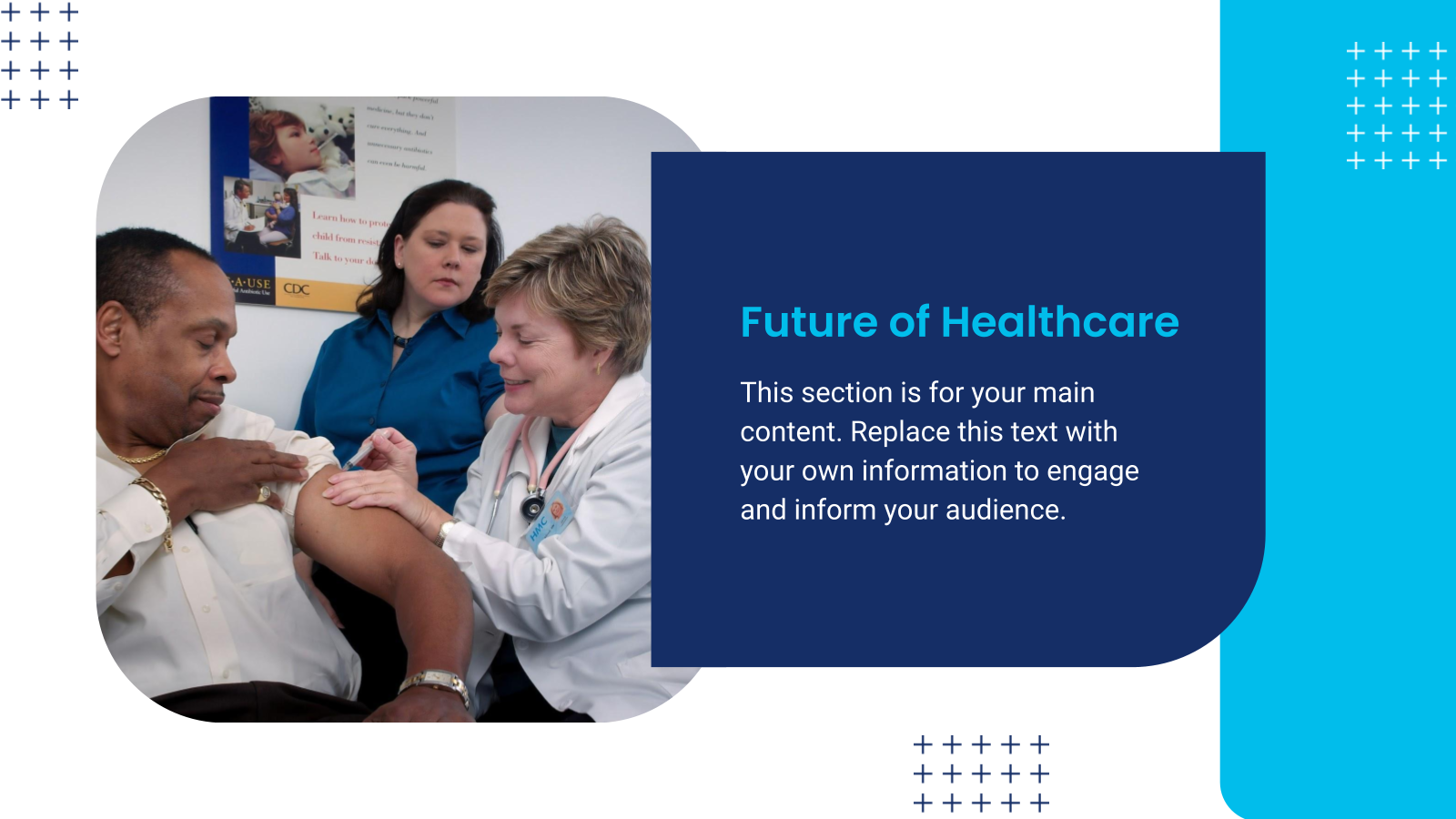
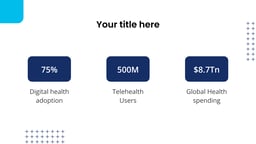
A medical presentation template is a pre-built slide deck structured for healthcare content like clinical data, research findings, case studies, and treatment plans. Instead of starting from a blank slide, healthcare professionals and students can drop in their content and get a consistent, presentation-ready format for clinical, academic, or training settings.
Where Can You Use This Medical Presentation Template?
These healthcare presentation templates fit any setting where healthcare information needs to be shared clearly, from hospitals and medical schools to conferences and clinical teams. Common uses include:
- Studies & Research: Present objectives, methodology, data, and conclusions clearly using structured, professional layouts.
- Clinical Case Presentations: Show patient history, diagnosis, treatment, and outcomes in an easy-to-follow format.
- Training & Development: Perfect for lectures, CME sessions, and academic presentations requiring clear organization.
- Patient Awareness: Explain procedures and treatments simply with clean, visual slides.
- Healthcare Meetings: Use for briefings, case reviews, quality discussions, and compliance updates.
- Versatility: Suitable to create medical presentation or detailed discussion while maintaining a professional look.
How to Use This Pesentation Template?
- Microsoft PowerPoint: Click on Download > Click on “PowerPoint” > Click on the downloaded file to make a copy and start customizing/editing the template
- Google Slides: Click on Download > Click on “Google Slides” > Click on “Use Template” to make a copy and start customizing/editing the template
Create presentations in seconds. Enter text and SlidesAI creates customizable slides based on that text in seconds that go well with all our templates, too.
Create Presentations Easily in Google Slides and PowerPoint
14M+Installs
 Install add-in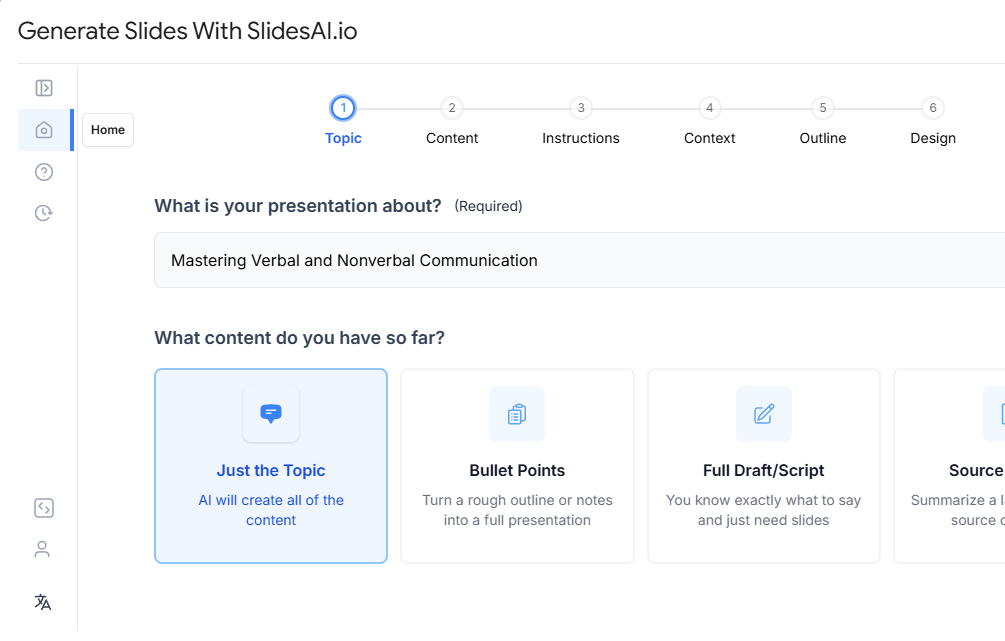
Frequently Asked Questions
1. Can I match hospital or institutional branding?
Yes, you can customize fonts, colors, logos, and layouts within your presentation template.
2. Are these templates suitable for all medical specialties?
Yes, these templates are flexible and work across medicine, dentistry, nursing, pharmacy, and public health.
3. Are they suitable for academic and conference presentations?
Yes, the professional design makes them ideal for journals, conferences, grand rounds, and academic settings.
4. Is special software required?
No, you only need Microsoft PowerPoint or Google Slides.
5. Do they work in Google Slides and PowerPoint?
Yes, each version works as both Google Slides and PowerPoint, so it’s fully cross-platform compatible.”
6. Are they suitable for evidence-based presentations?
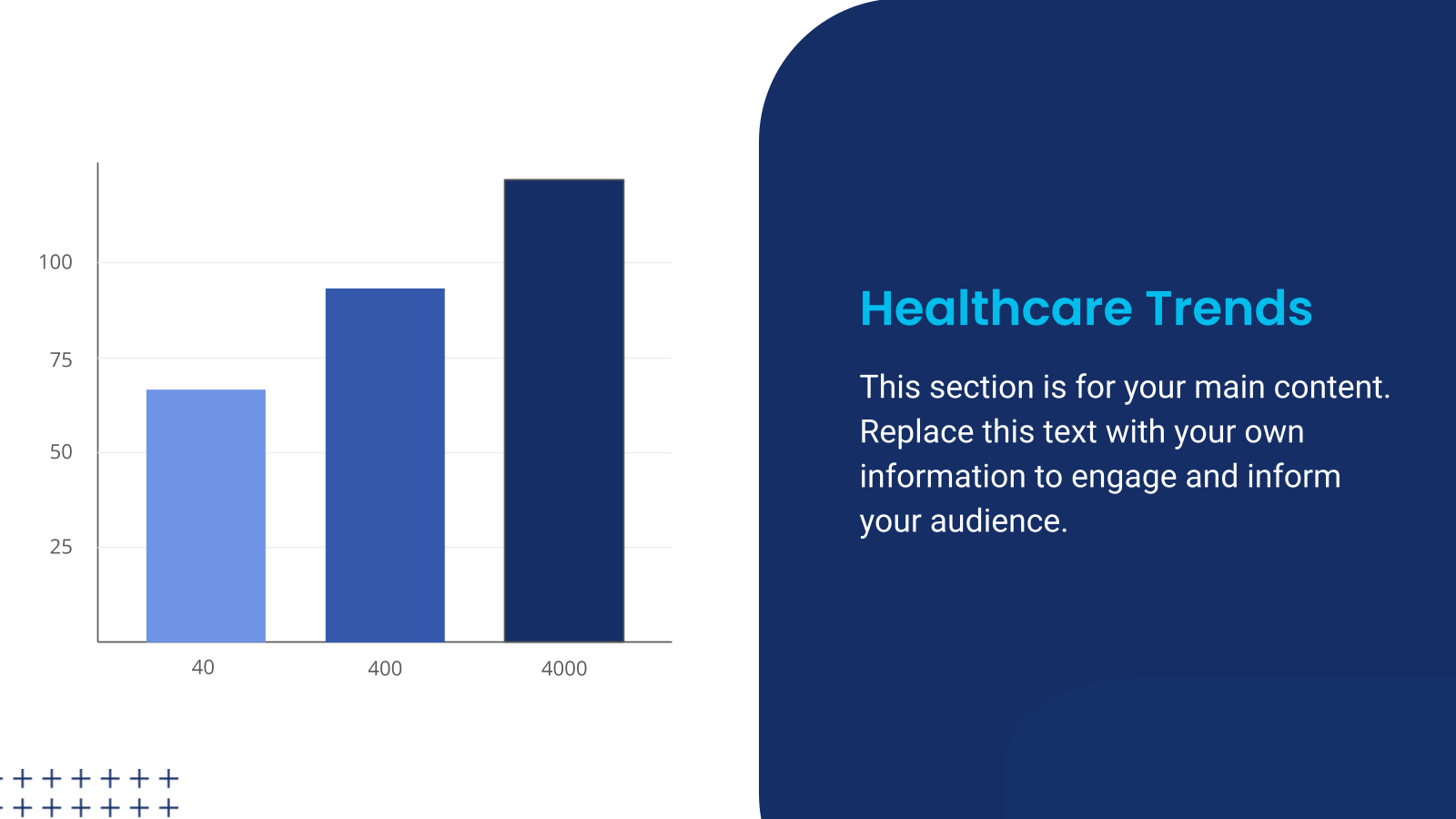
Yes, the layouts support charts, references, clinical data, and statistical analysis.
7. Can confidential patient data be presented?
Yes, but ensure all patient identifiers are removed, and HIPAA or institutional privacy guidelines are followed.
8. Are these templates useful for compliance training?
Yes, they work well for regulatory, safety, and hospital policy presentations.
9. Can I include medical images like X-rays or MRIs?
Yes, this template supports diagnostic images, lab reports, and scans clearly.
10. Do they support data visualization?
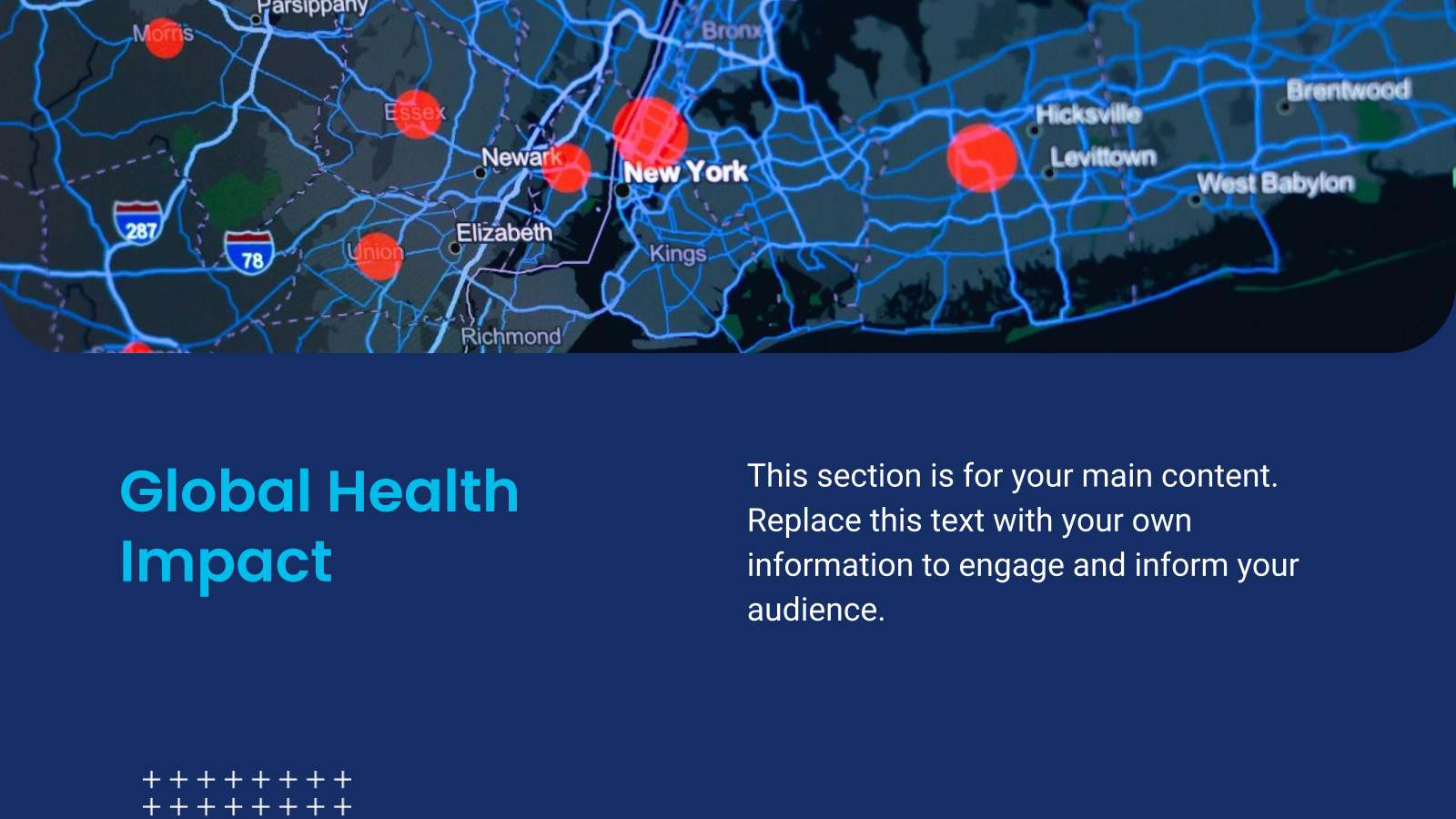
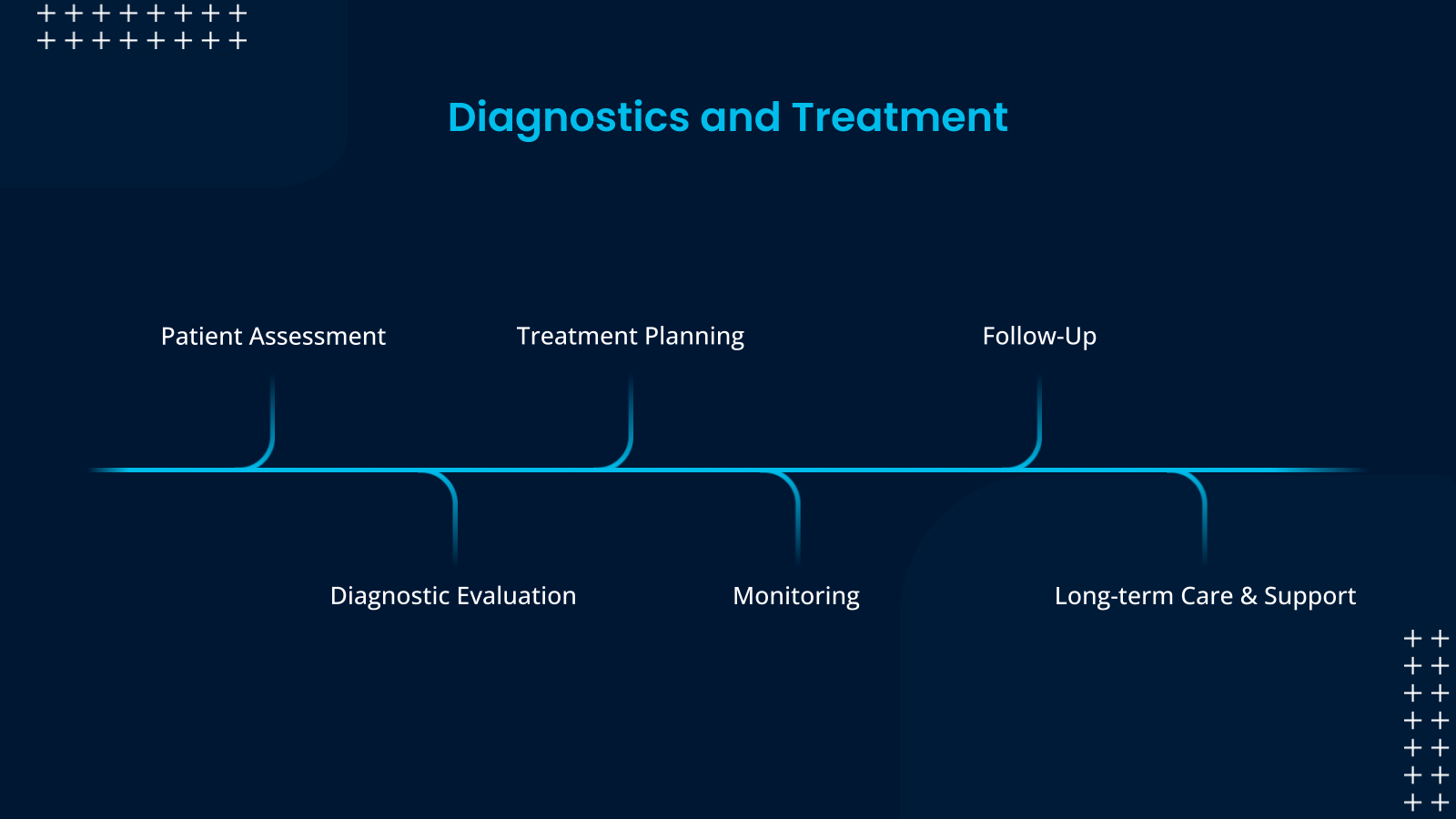
Yes, they are optimized for charts, graphs, infographics, and timelines.
11. Can interdisciplinary teams use them?
Yes, doctors, nurses, administrators, and allied professionals can collaborate using structured slides.
12. Can medical students use them?
Yes, students can use this template for exams, viva presentations, and coursework.
13. Are they suitable for virtual presentations?
Yes, these presentation templates look professional on both projectors and virtual platforms.
14. Are they beginner-friendly?
Yes, even users without design experience can easily customize and present confidently.
15. Do they include reference slides?
Yes, the dedicated layouts allow proper citation and acknowledgment formatting.