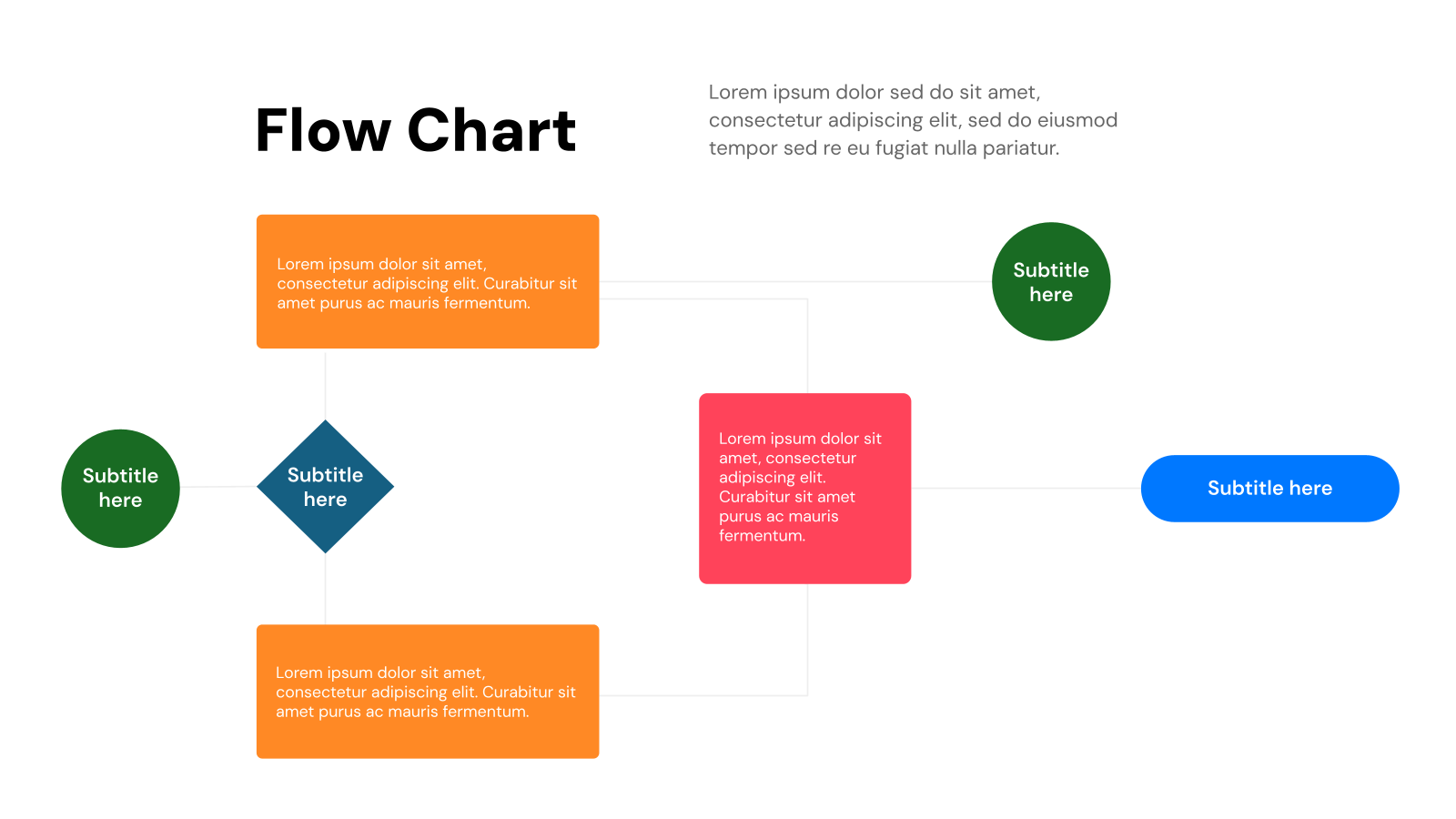
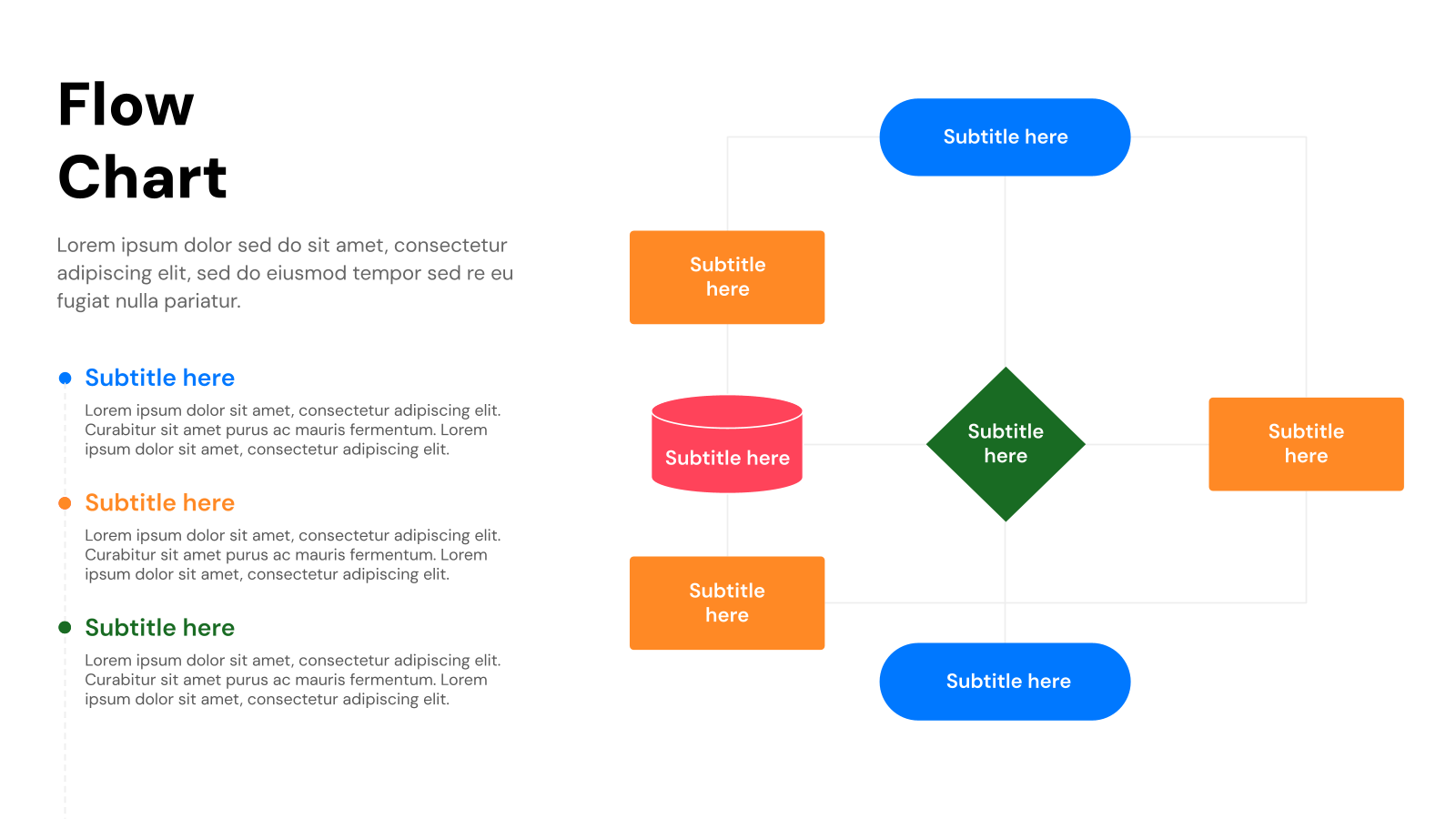
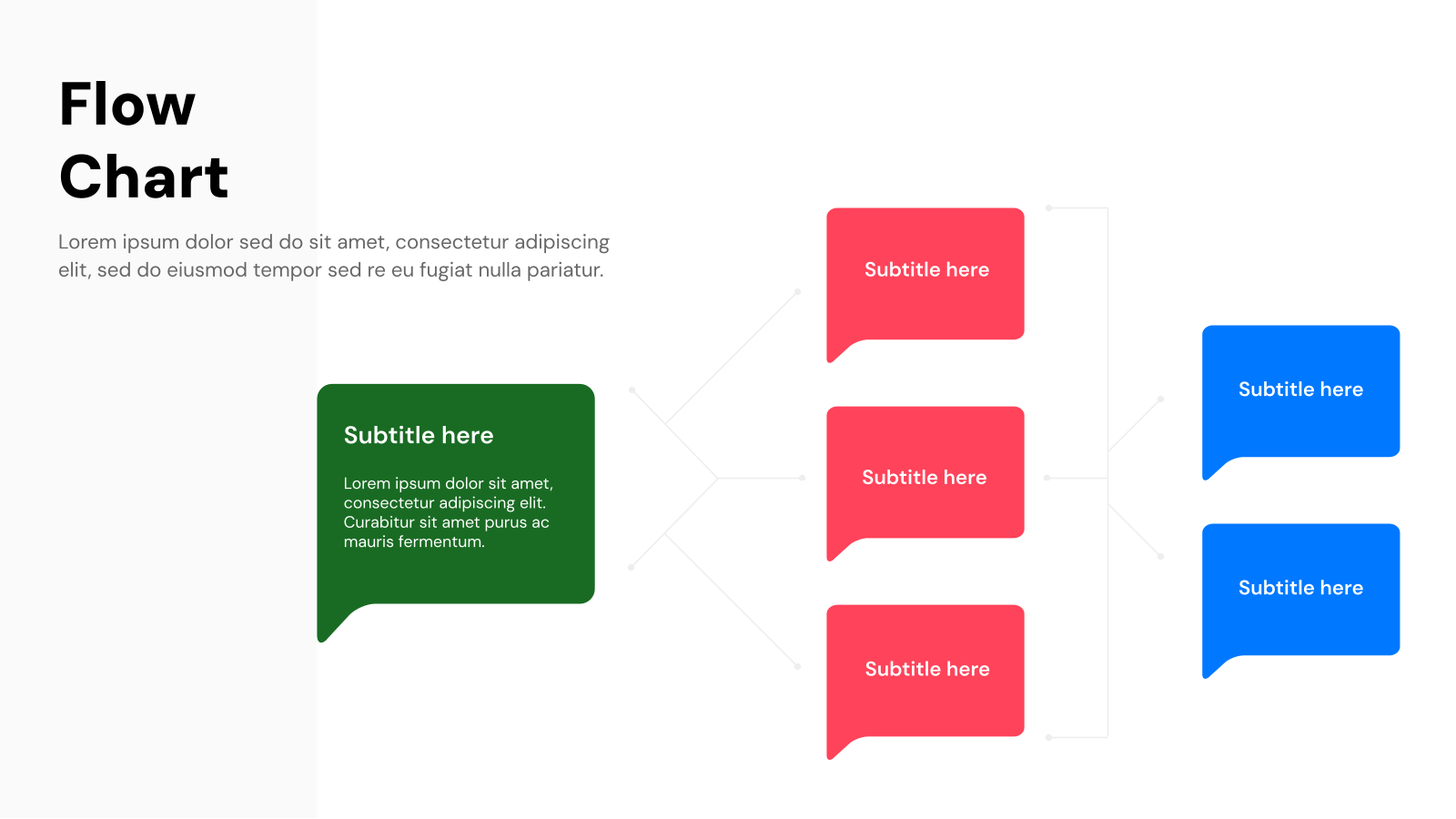
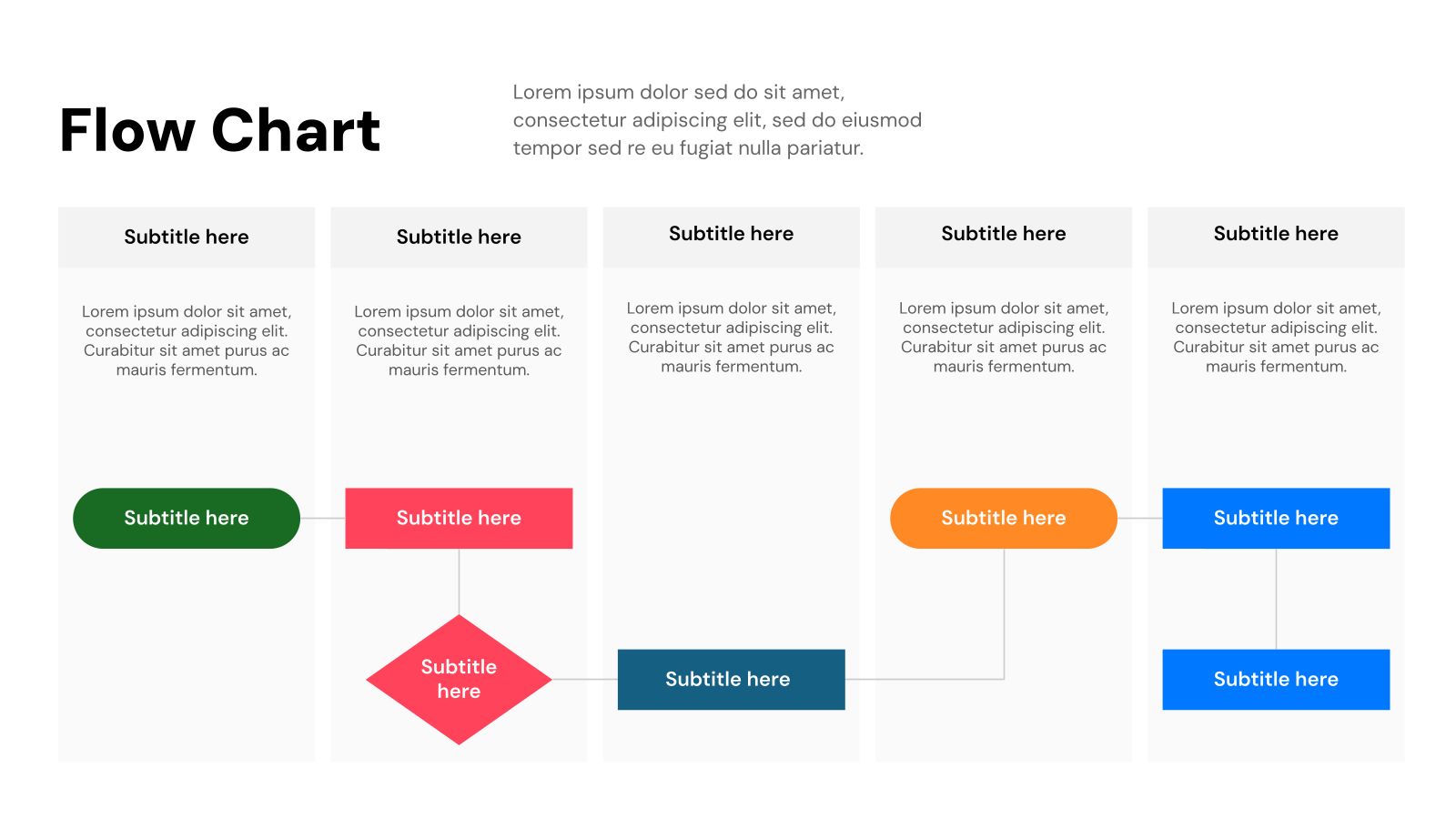
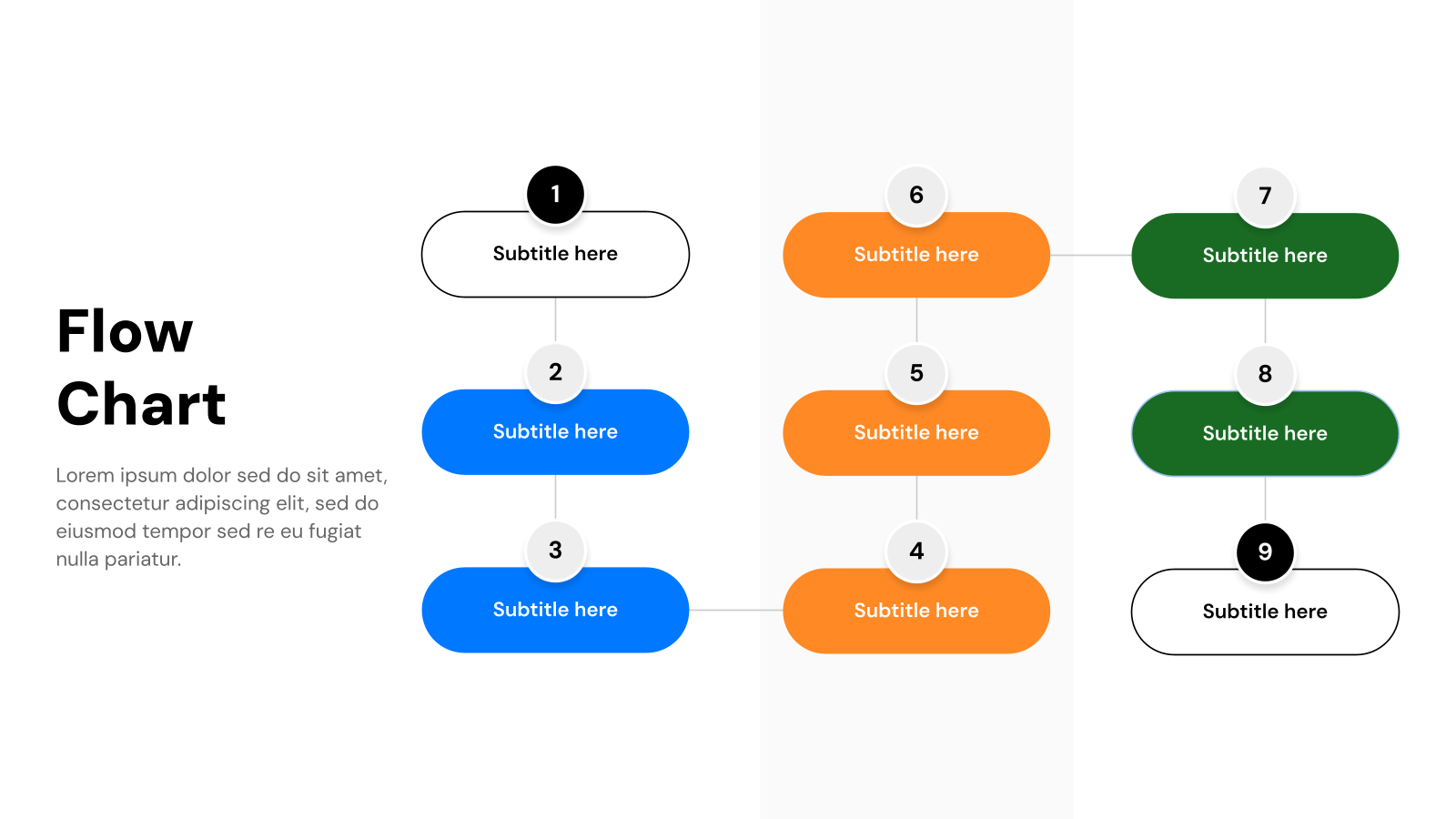
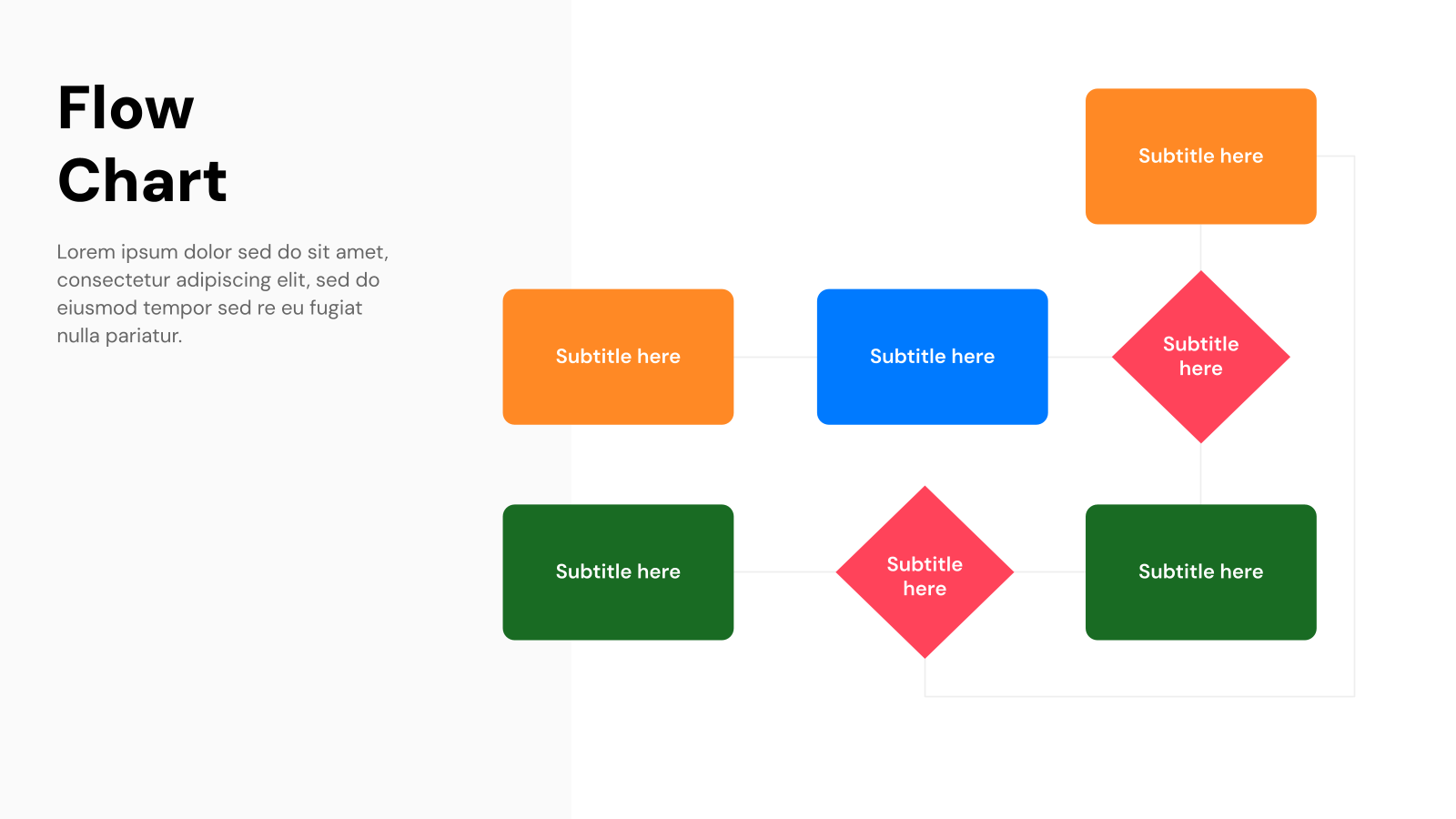
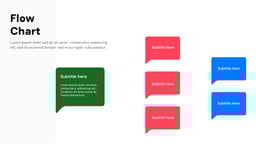
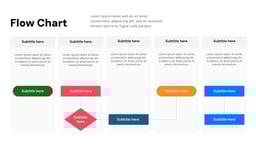
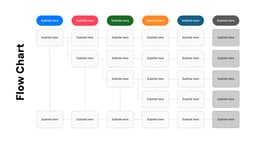
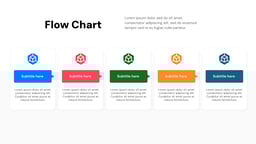
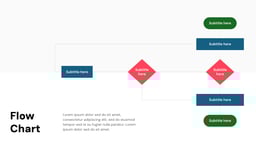
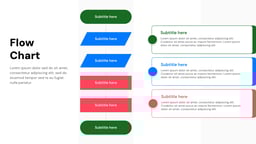
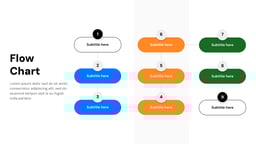
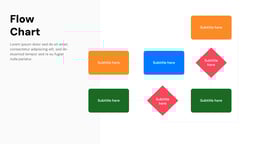
What is the Flow Chart Template?
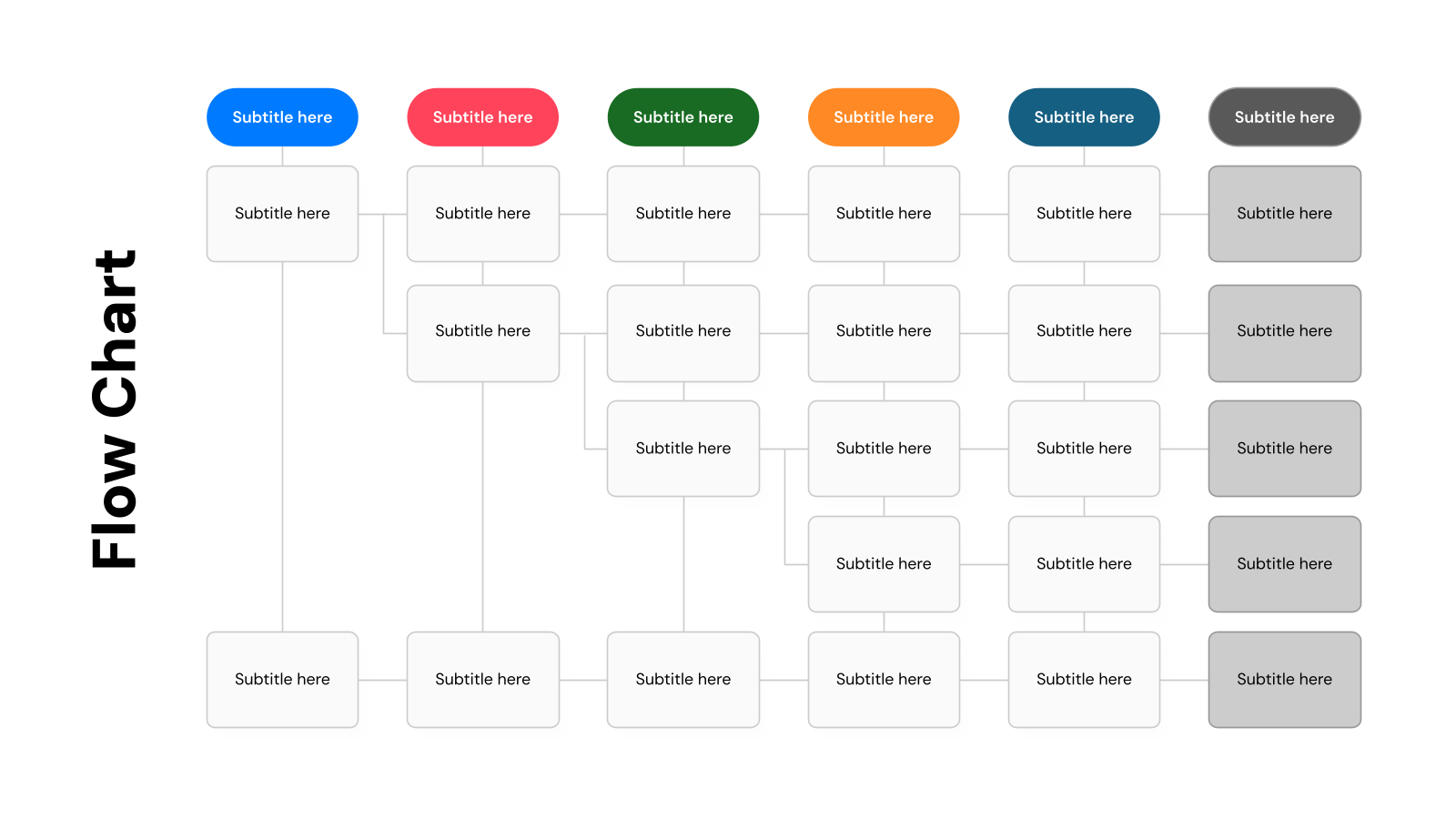
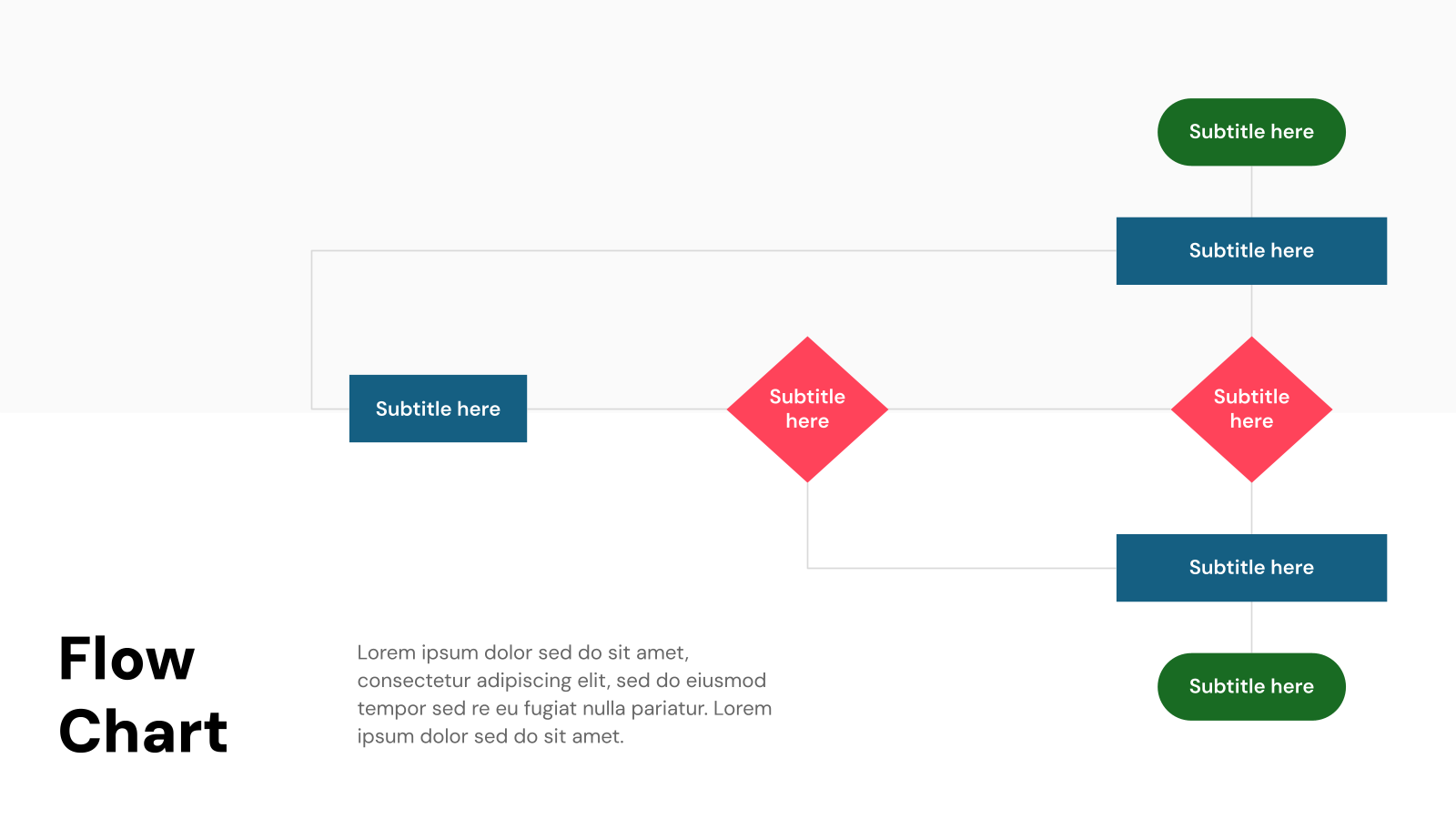
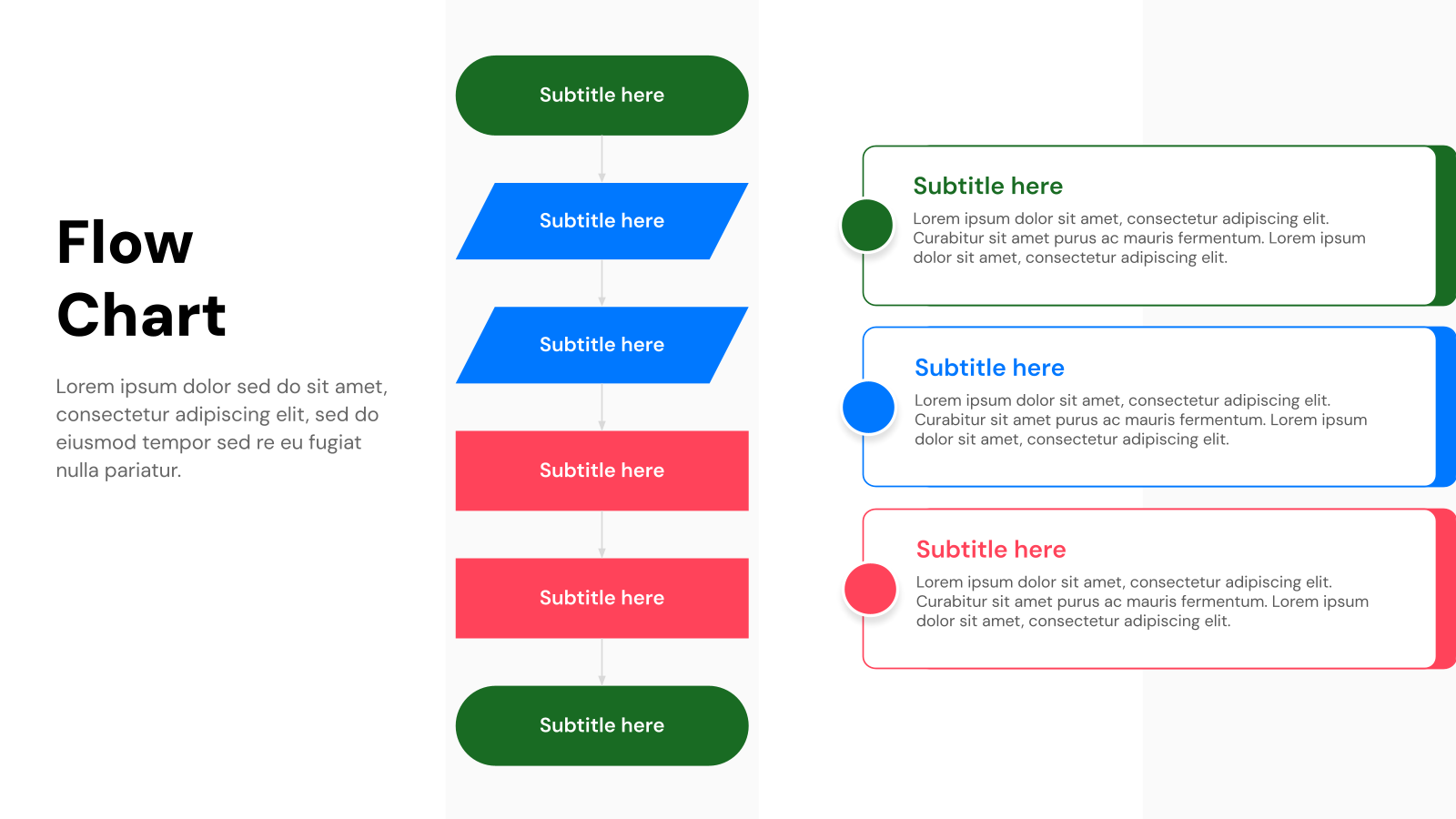
A flowchart is a visual diagram that shows the steps of a process in a clear, organized sequence using shapes and arrows. A flowchart presentation template provides a ready-made structure to map processes easily, helping teams understand workflows, identify improvements, and ensure tasks follow the correct order.
How Flow Chart Presentation Templates Are Used?
- Business Processes: Map workflows like supply chains or operations to identify delays and improve efficiency.
- Decision-Making: Outline choices, outcomes, and next steps for approvals, troubleshooting, or customer support.
- Project Management: Visualize timelines, task dependencies, and responsibilities to track project progress.
- Marketing & Sales Funnels: Illustrate customer journeys and lead stages to improve marketing strategies.
- Education: Break down complex concepts or processes into simple, easy-to-follow steps for learners.
What Makes SlidesAI’s Flow Chart Templates Stand Out?
SlidesAI simplifies this process with ready-made templates that help you organize your ideas clearly and professionally.
- Ready-to-Use Templates: Pre-designed slides save time so you can focus on your content instead of formatting.
- Full Customization: Easily adjust fonts, colors, layouts, and design elements to match your branding.
- AI-Assisted Editing: SlidesAI automatically organizes your content into clear, well-structured slides.
- Uniform Design: Built-in themes ensure a consistent and professional look across all slides.
- Professional Results: Create polished presentations easily, even without design expertise.
Create Presentations Easily in Google Slides and PowerPoint
14M+Installs
 Install add-in
How to Use Flow Chart Templates?
- Microsoft PowerPoint: Click on Download > Click on “PowerPoint” > Click on the downloaded file to make a copy and start customizing/editing the template
Related Read – How to Create a Flow Chart in PowerPoint? - Google Slides: Click on Download > Click on “Google Slides” > Click on “Use Template” to make a copy and start customizing/editing the template
Related Read – How to Create a Flow Chart in Google Slides?
Create presentations in seconds. Enter text and SlidesAI creates customizable slides based on that text in seconds, which goes well with all our templates too
Build Stunning Slides in Seconds with AI
- No design skills required
- 3 presentations/month free
- Don't need to learn a new software

Frequently Asked Questions About Flow Chart Template
What’s the best font to use for flow chart presentation slides?
Use simple, legible fonts like Arial, Calibri, or Helvetica. Ensure that the text is large enough to be easily read on all devices.
How can I ensure my flow chart is aligned properly in PowerPoint or Google Slides?
Use the alignment tools available in both PowerPoint and Google Slides (under “Arrange” > “Align”) to neatly align and distribute elements.
How can I add icons to my flow chart in PowerPoint or Google Slides?
Both platforms allow you to insert icons from their built-in libraries (PowerPoint’s “Insert” > “Icons” or Google Slides’ “Insert” > “Image” for uploading icons) to enhance your flow chart’s visual appeal.
What’s the best way to organize a complex flow chart?
For complex flow charts, break them down into smaller sections or use layers to make the chart easier to follow. You can also use color coding or grouping similar steps together.