If you’re running a business or startup, you already know how important it is to pitch ideas clearly, share updates with your team, and keep your clients in the loop. But creating presentations from scratch takes time, and not everyone has the design skills to make them shine. That’s where AI presentation tools come in. These platforms can help you turn raw ideas, notes, or even entire reports into polished slides in just minutes. In this blog, we’ll walk you through the best AI presentation tools available in 2026 that can save you time and help you present like a pro. Let’s get started.
Best AI Presentation Makers for Business & Startups
| AI tools | Business/star features | Best for | Export Options | Pricing (USD) |
|---|---|---|---|---|
| SlidesAI | Quick deck generation, multi-platform | Professionals, founders | Google Slides, PPT | Free, Pro $8.33/mo, Premium $16.67/mo |
| BeautifulAI | Brand control, analytics | Enterprises, startup teams | PPTX, PDF | Pro $12/mo |
| Pitch | Focused on startup collaboration with shared templates & live editing for quick iterations | Sales & investor decks | PPTX, PDF, web | Free, Pro $20/mo |
| Prezent.ai | Brand-compliant storytelling, industry-specific presentation creation, expert services, contextual AI agents | Business and Enterprise team | PPTX, PDF | Free trial |
| Canva | Brand kit and marketing-focused designs | Creative branding, campaigns | PPTX, PDF, etc | Free, Pro $15/mo |
| Visme | AI-infographics, dashboards, branded visuals | Reporting & metrics | PPTX, PDF, video | $12.25/mo |
| Zoho Show AI | Cost-effective, simple automation for fast, consistent presentation creation | Budget-conscious startups | PPTX, PDF | Starter – US$2.50/month |
| Storydoc | Highly personalized, interactive presentations are ideal for engaging startups to impress investors or clients | Investor pitches | Web | $17.40/per month |
| Gamma | AI formatting, quick decks, interactive exports | Fast startup decks | Web, PDF | Free, plus £6/month, pro £15/month |
| PlusAI | Native to PowerPoint & Slides, brand templates, slide rewriting, data snapshots | Business reports | PPTX, Google Slides | From $10/user/mo |
| Prezi AI | Dynamic, non-linear flows, interactive pitch decks | Client-facing, product pitches | PPTX, PDF, web | Standard $7/mo |
10 Best AI Presentation Makers for Business & Startups
1. SlidesAI: Best for Seamless Workflow
SlidesAI is built for businesses and startups that want to speed up presentation work without shifting to new platforms. It works directly inside Google Slides and PowerPoint, so you don’t need to learn anything new. You just paste your topic, text, document, or even a YouTube link, and SlidesAI builds a full deck around it. The content, design, layout, and even relevant visuals are all handled by the AI. With over 15 million downloads and thousands of five-star reviews, SlidesAI has already proved itself for teams that make presentations regularly.
Features
- Works inside Google Slides and PowerPoint
- Create presentations from documents, scripts, or links
- Automatically adds design, layout, and relevant images
- Supports over 100 languages
- Built-in tools to rephrase or translate content
- Upload documents and turn them into slides
- Video export feature coming soon
Who It Works Best For
- Startups and small businesses working on a budget
- Teachers and trainers who need quick slide decks
- Sales teams creating client presentations
- Consultants turning notes into pitch decks
- Multilingual teams
- Professionals with tight deadlines
SlidesAI.io allows teams to create presentations with ChatGPT by converting ideas, documents, and outlines into structured slides more efficiently.
Create Presentations Easily in Google Slides and PowerPoint
14M+Installs
 Install add-in
2. Beautiful.ai: Best for Team Collaboration
Beautiful.ai makes your slides look good without needing a designer. It has Smart Slides that adjust the layout, font, and spacing automatically as you type. That means no fiddling around with formatting. It also connects with tools like Salesforce, Slack, and Dropbox, so it fits easily into your team’s workflow. If your business cares about brand consistency, locked slide templates help you keep everything on-brand. Teams save a lot of time because the design part is already taken care of.
What You Get
- Smart Slides that adjust fonts, colors, and spacing
- AI that writes and designs slides from prompts
- Built-in image generator for custom visuals
- Locked slides so brand content stays untouched
- Team collaboration with version control
- Integrates with Salesforce, Slack, Monday.com, Webex
- Export as PPT, PDF, JPEG
- 14-day free trial to test everything out
Who It Works Best For
- Marketing teams that need visual consistency
- Sales teams who track engagement through Salesforce
- Agencies and consultants with multiple projects
- Teams that share and approve content together
- Companies with compliance rules around messaging
3. Pitch: Best for Sales and Fundraising Teams
Pitch is more than just a tool for making slides. It’s built for teams that treat presentations as part of their business strategy. You get real-time analytics to track which slides people view and how long they stay on them. If you’re in sales, marketing, or fundraising, this kind of insight can really shape your next move. You also get speaker notes, timers, and the option to embed video right into your slides, so your pitch is ready for live or remote delivery.
What You Get
- Over 100 professional templates
- Real-time collaboration with your team
- Beautiful transitions and animations
- Analytics showing viewer behavior
- Speaker view with notes and controls
- Shared asset library for brand consistency
- Video recording built into slides
- Deal rooms to keep related files together
- Mobile apps to present from your phone
Who It Works Best For
- Sales teams who want feedback on deck performance
- Founders pitching to investors
- Design-focused teams that care about visuals
- Remote teams who need async approval
- Marketers who track content performance
4. Prezent.ai: Best for Business and Enterprise Teams
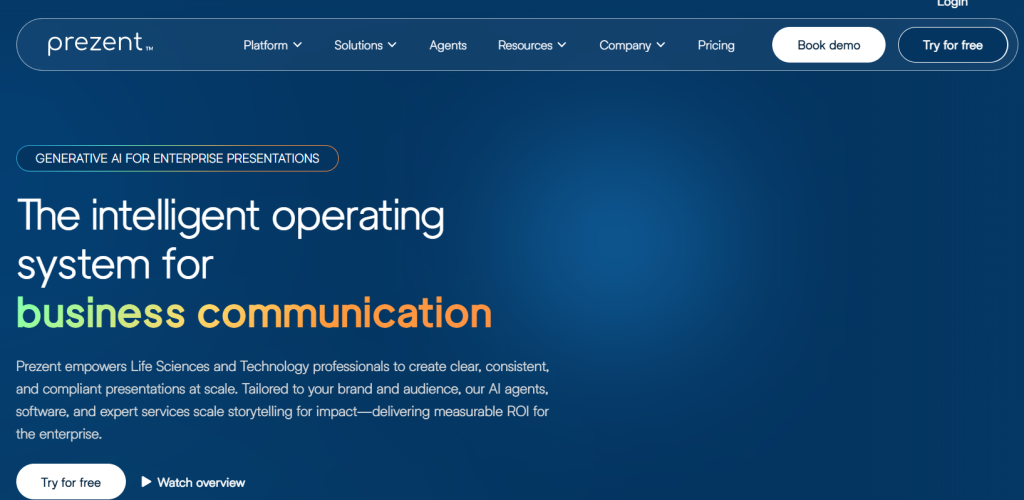
Prezent.ai is an advanced, AI-driven presentation platform built to help professionals create high-quality, executive-ready presentations in minutes. Unlike generic slide tools that mainly focus on design, Prezent emphasizes structured business storytelling, ensuring every slide aligns with corporate standards, audience expectations, and strategic goals.
What You Get
- AI-powered presentation creation customized to your industry, company, and audience
- Contextual AI (Astrid) that understands brand guidelines, business goals, and storytelling frameworks
- Template converter to instantly transform slides into branded company templates
- Built-in slide and presentation libraries with best-practice layouts
- Expert services for overnight presentation delivery by specialists
- Learning resources and courses to improve business communication skills
Who It Works Best For
- Enterprise teams with strict brand and compliance requirements
- Life sciences, biopharma, and healthcare organizations
- Technology and telecom companies preparing executive or customer decks
- Chiefs of Staff and strategy teams creating leadership presentations
- Sales, marketing, and customer success teams building QBRs and reviews
5. Canva: Best for Visual Content at Scale
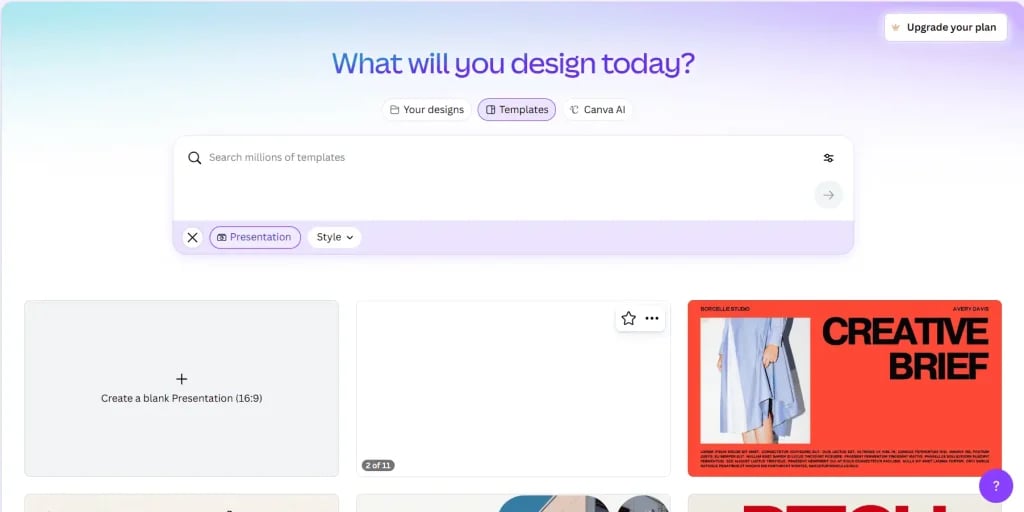
Canva is already known for being easy to use, and now it’s packed with AI tools that take things up a notch. If you’re not a designer but still want something that looks polished, Canva gives you everything—from stock visuals to slide templates to AI-written content. Magic Design takes a simple idea and builds a full presentation for you. You can even turn slides into social media posts, videos, or animated infographics. It’s an all-in-one workspace for creative teams.
What You Get
- AI-generated slide decks from text prompts
- Magic Write for rewriting and summarizing content
- Magic Charts and Insights for data visuals
- AI image generation and animation
- Brand kit to lock in your fonts, logos, and colors
- Interactive elements like games and calculators
- Translate slides into over 100 languages
- Desktop player for offline presenting
- Team sharing and real-time editing
Who It Works Best For
- Marketing and social media teams
- Small businesses and solo creators
- Nonprofits working on fundraising decks
- Agencies building content for multiple platforms
- Global teams collaborating across languages
6. Visme: Best for Brand-Consistent Content
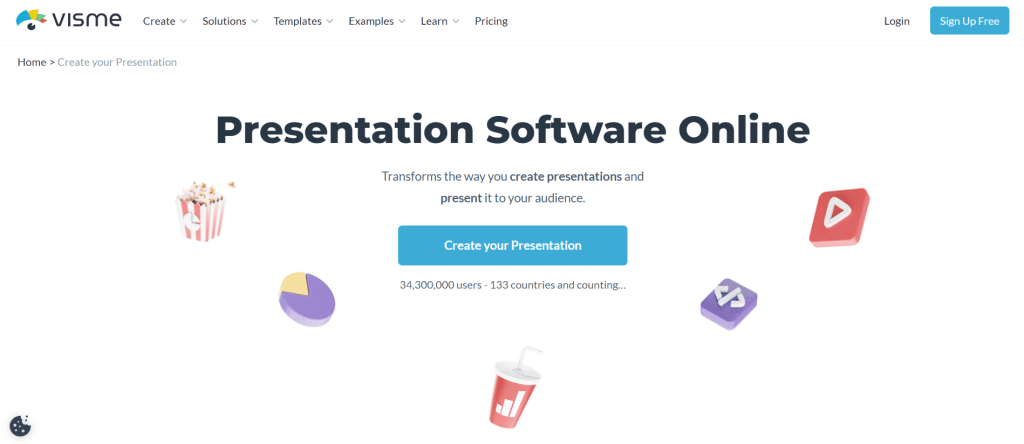
Visme is more than just a presentation tool. It’s a full content creation platform where you can build everything from reports to social posts, and keep your branding consistent across all of it. Their AI Designer helps you turn a short brief into a complete deck. You can add interactive elements, manage brand assets, and even schedule content to publish. If your team works on lots of different content types, Visme brings it all into one workspace.
What You Get
- AI Designer to build slides from text prompts
- Templates for infographics, videos, one-pagers, and more
- Brand Wizard pulls styles from your website
- Tools for visualizing data in creative ways
- Interactive effects like hover menus and click actions
- Real-time team collaboration
- Asset library with logos, fonts, icons
- Engagement tracking to see how people interact
- Export in various formats or share as a web link
Who It Works Best For
- Marketing and communication teams
- Agencies managing content for multiple clients
- Business owners creating branded materials
- Sales teams building polished proposals
- Enterprises keeping brand look consistent
7. Zoho Show: Free and Business-Ready
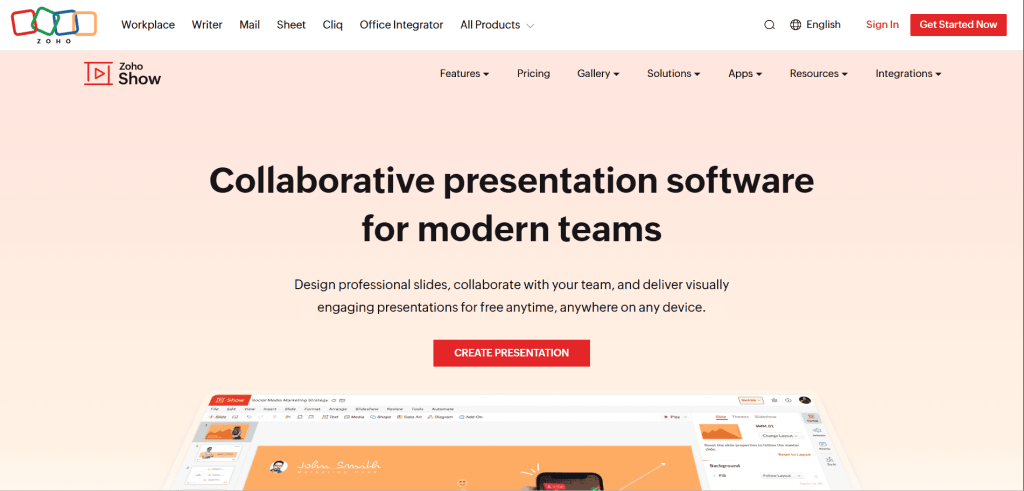
If you’re already using Zoho tools, Zoho Show fits right into your workflow. Even if you’re not, it’s still a powerful, free presentation platform that’s built for teams, educators, and professionals who want great design without extra cost. Its AI assistant, Zia, takes your rough ideas and turns them into polished presentations in seconds. The interface is clean, simple, and distraction-free. With strong integration across the Zoho ecosystem, it becomes even more useful for companies handling CRM, emails, reports, and projects in one place.
What You Get
- Zia AI to build slides from basic prompts
- Over 100 templates for sales, pitches, and proposals
- Simple interface that only shows what you need
- Real-time team editing and “@mentions”
- Slide and font libraries for consistency
- Charts and infographics for visual data
- Supports audio, video, and animations
- Cross-platform compatibility with PowerPoint
- Export in multiple formats including HTML and PDF
- Present from smart TVs or control from your phone
- Connects with other Zoho tools and apps
- Free forever with optional upgrades
Who It Works Best For
- Teams already using Zoho products
- Schools and educators looking for a free tool
- Small businesses managing multiple projects
- Global teams working across devices and platforms
- Anyone who wants a solid, free alternative to PowerPoint
8. Storydoc: Best for Interactive Sales Presentations
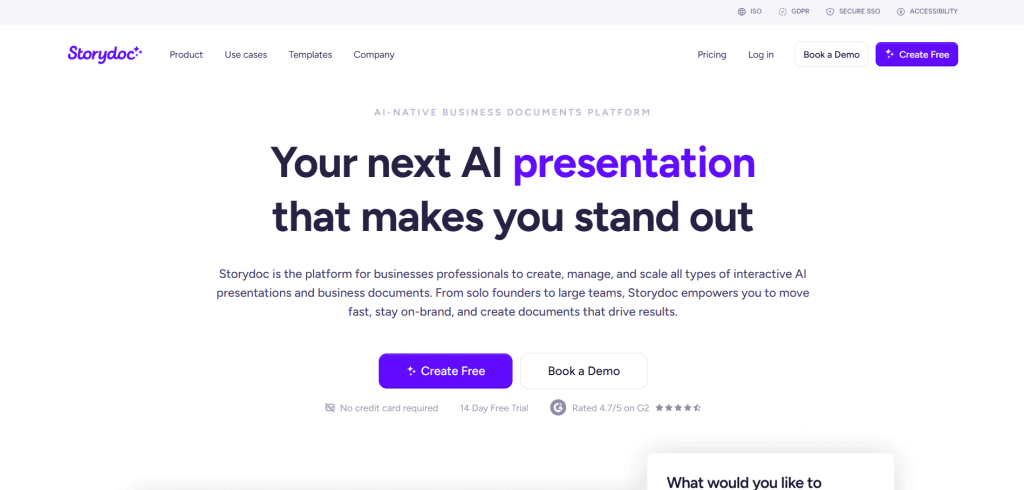
Storydoc is made for teams that want to go beyond static slides. Instead of traditional presentations, you get interactive experiences that help close deals faster. It’s packed with features like embedded calendars, videos, and buttons, all aimed at making your proposals feel more alive. Sales teams love Storydoc because it shows exactly how prospects interact with the content. That means you can fine-tune your pitch based on what gets the most attention.
What You Get
- AI-generated sales and proposal documents
- Interactive design with buttons, forms, and videos
- Personalization powered by live CRM data
- Real-time analytics tracking opens, clicks, and scrolls
- Easy collaboration and feedback workflows
- Asset library for brand consistency
- Optimized for mobile viewing
- Works with Salesforce, HubSpot, and other CRMs
- Zapier and API integrations for automation
- Share via links or export as PDF
- Enterprise security with full compliance
Who It Works Best For
- Sales teams wanting to track prospect interest
- Revenue operations teams looking for conversion data
- Agencies sending client proposals
- Nonprofits building donor decks
- Recruiters crafting standout job materials
- Customer success managers creating QBRs
9. Gamma: Best for Modern, Design-First Teams
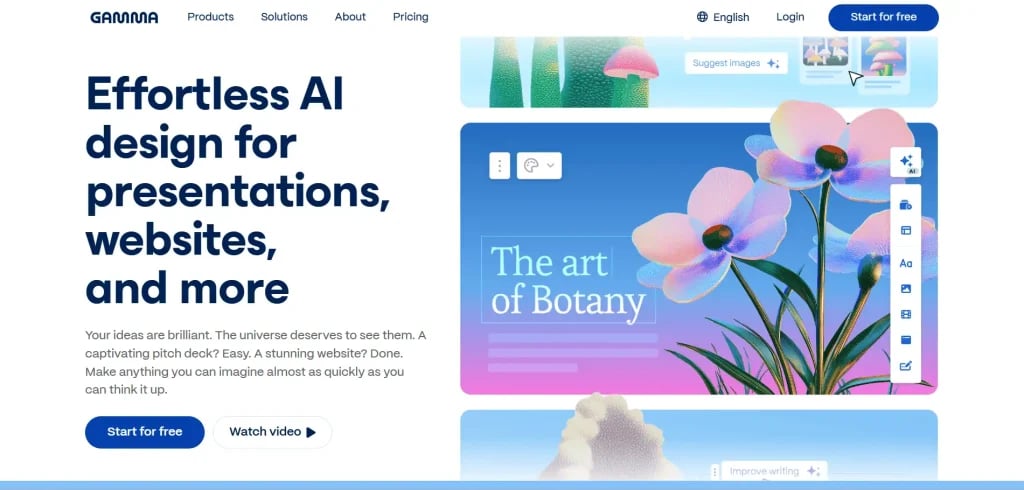
Gamma is for teams that want their presentations to feel sleek and ahead of the curve. It runs on a mix of over 20 AI models that handle everything from layout to copywriting. The tool helps you create impressive designs without a lot of manual effort. What makes Gamma stand out is that you can turn your slides into websites. So whether you’re pitching investors or updating a client, your presentation can live online and look great on any device.
What You Get
- Smart AI engine with over 20 models working together
- Instant presentations from outlines or pasted content
- Themes that follow design best practices
- Brand import tool to keep your style consistent
- AI tools to translate, refine, and organize content
- Team editing in real time
- AI image generator for visuals
- Export to Google Slides, PPT, PDF, PNG, or web
- Option to publish as a website or landing page
- Track how viewers interact with your slides
- Beta API for automation and integration
Who It Works Best For
- Creative professionals building visually strong decks
- Startups wanting modern, investor-ready designs
- Agencies creating branded content for clients
- Educators or creators who need both slides and web formats
- Executives prepping board presentations or company updates
10. Plus AI: Best for PowerPoint and Google Slides Power Users
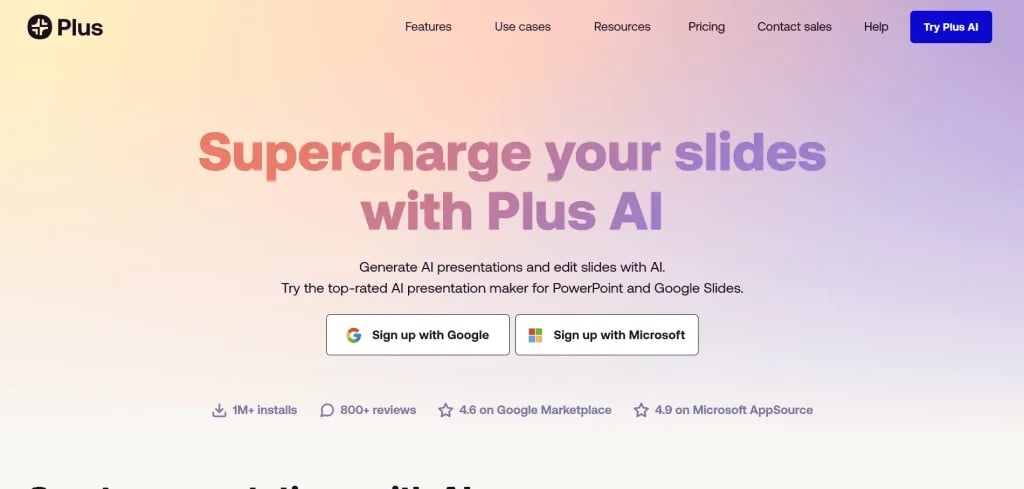
Plus AI doesn’t try to replace your tools. Instead, it works right inside PowerPoint and Google Slides, giving you AI help without changing the way you already work. Built by people who understand how consultants and businesses use presentations, Plus AI fits into your workflow with native support for templates, file formats, and corporate styles. It’s a great option if your team already relies heavily on PowerPoint but wants to speed things up.
What You Get
- Works natively in PowerPoint and Google Slides
- Creates slides or full presentations from prompts
- Turns documents like PDFs or Word files into slide decks
- Slide remixing for updated layouts
- Large library of slide templates
- Follows strict security standards (SOC 2 Type II)
- Maintains brand styles with custom templates
- Exports real native PPTX files
- 7-day free trial before subscribing
- Pricing tiers for individual or large teams
Who It Works Best For
- Big companies needing branded, secure presentations
- Consultants and legal firms that rely on PowerPoint
- Design agencies producing client decks
- Global teams need standard formats across regions
- Professionals who want AI help without giving up control
11. Prezi: Best for Non-Linear and Interactive Presentations
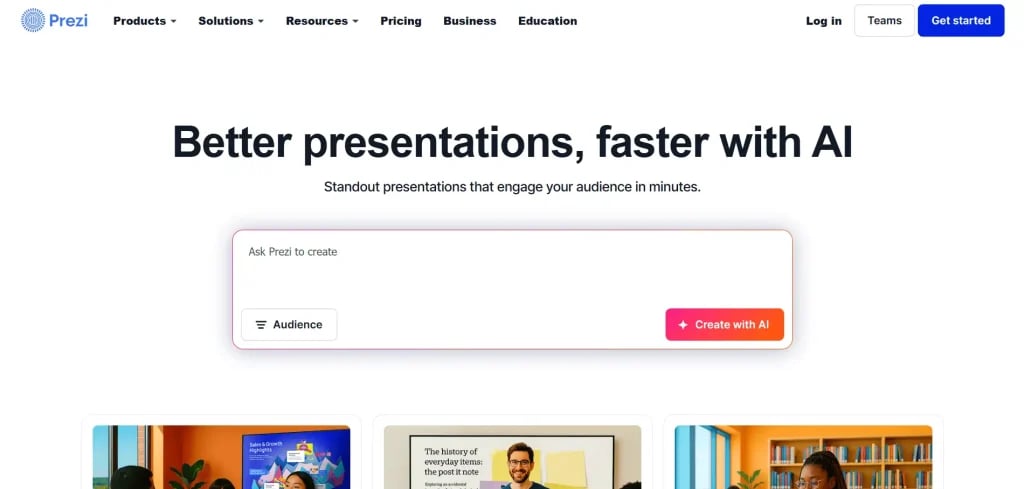
Prezi is different from regular slide tools. Instead of going slide by slide, you use an open canvas where you can zoom into sections and explore ideas more freely. It’s designed to help you tell stories in a more engaging way. Now with added AI, Prezi can even help structure your ideas, suggest talking points, and improve your content. If you want your presentations to feel less like a lecture and more like a journey, this is the one to try.
What You Get
- Zoomable open canvas for non-linear presentations
- AI assistant to help plan and structure your slides
- Templates tailored for different topics
- Large media library with photos, GIFs, and video
- Unique video feature that shows you and your content together
- Navigation tools for both the presenter and the audience
- Compatible with all devices
- Share via public link or export as video
- Strong track record with over 15 years of use
Who It Works Best For
- Educators and trainers need dynamic visuals
- Creative teams looking to break the mold
- Sales reps who want to tailor live demos
- Conference speakers and panelists
- Product teams preparing for launch events
Build Stunning Slides in Seconds with AI
- No design skills required
- 3 presentations/month free
- Don't need to learn a new software

Why Use an AI Presentation Maker?
Here’s why using an AI presentation maker makes sense for your workflow:
For Businesses
1. Saves Time and Increases Productivity
Creating slides can take hours, especially when you’re juggling multiple tasks. AI presentation tools cut down that time by auto-generating content, layouts, and visuals based on what you type in. You spend less time formatting and more time focusing on actual work.
2. Keeps Your Brand Consistent
When different departments make their own decks, the look and tone can feel all over the place. AI tools help maintain a unified design by sticking to your brand guidelines. This means all your presentations stay clean, professional, and aligned with your company’s voice.
3. Smart Content Suggestions
Sometimes, it’s hard to figure out how to explain something or what to include. AI presentation tools suggest headlines, bullet points, and layouts based on your topic. This improves how clearly your message comes across, which is especially helpful in client meetings or team updates.
For Startups
1. Fast-Track Your Pitch Decks
Startups often need to present their idea to investors in a short amount of time. AI tools help you create investor-friendly pitch decks quickly without needing to start from scratch. The result is a polished presentation that tells your story clearly and confidently.
2. No Designer Needed
Most new startups don’t have a dedicated design team. AI presentation makers take that stress off your plate by handling design on their own. You just bring your idea, and the tool helps turn it into something that looks good and feels professional.
3. Scales with Your Growth
As your startup grows, your communication needs grow too. AI tools can support this shift by letting you quickly build internal decks, team updates, client pitches, or even training materials. They’re flexible enough to work at every stage of your journey.
Build Stunning Slides in Seconds with AI
- No design skills required
- 3 presentations/month free
- Don't need to learn a new software
Closing Thoughts
AI presentation tools have made it much easier for businesses and startups to share ideas without spending hours on design. Whether you’re building a pitch deck, updating your team, or preparing for a client meeting, these tools help you work faster and present with more confidence. As more platforms add smart features and better design options, creating clean and professional slides will only get simpler. No matter the size of your team, the right tool can save time and help you communicate your ideas more clearly.
Explore The Best AI Presentation Tools by Use Case
Every presentation serves a different purpose. Whether you’re building a sales deck, presenting financial insights, teaching a class, or unveiling a new product, each scenario calls for its own structure, narrative approach, and set of features. To make your search easier, we’ve put together specialized guides tailored to distinct roles, industries, and presentation goals.
- Best AI Presentation Makers for Sales Professionals
- Best AI Presentation Makers for Marketing Teams
- Best AI Presentation Makers for Finance Teams
- Best AI Presentation Makers for Product Launch Success
- Best AI Presentation Tools for HR Teams
- Best AI Presentation Tools to Create Lesson Plan Slides
- Best AI Presentation Tools for Students
Explore our detailed comparisons to find the AI presentation tools best suited to what you’re trying to achieve. Each guide breaks down practical use cases, essential capabilities, pricing considerations, and ideal users, so you can make an informed choice without spending hours experimenting with multiple platforms.
Frequently Asked Questions (FAQs)
1. How secure are AI-powered presentation tools for sensitive business data?
Most trusted tools like SlidesAI, Microsoft Copilot, Pitch, Visme, and Beautiful.ai are built with strong security features. They usually include encryption, single sign-on, and enterprise-grade protection to keep your business information safe while teams work together online.
2. Can AI create presentations from a document or text automatically?
Yes, several AI tools can do this with just a few clicks. Platforms like SlidesAI, PlusAI, and Slidebean can turn a document, PDF, or written content into a full slide deck without needing you to build each slide manually.
3. How do AI presentation makers maintain brand consistency?
Tools like Beautiful.ai, Canva, and Visme let you set up brand kits. You can save your logo, fonts, and color palette so that every presentation follows your branding automatically. This makes it easier for teams to stay consistent across all materials.
4. What AI presentation tool works best with ChatGPT?
SlidesAI is a great option if you want something that connects smoothly with ChatGPT. You can write a prompt, generate content with ChatGPT, and SlidesAI turns that into slides for you. It helps speed up the entire process.
5. Can AI presentation makers help reduce the time spent designing slides?
Definitely. AI tools suggest layouts, organize your content, and format your slides without much effort from your side. You don’t have to waste time dragging elements around or picking templates manually.


![14 Best AI Presentation Tools for Students [2026]](https://cdn.slidesai.io/cdn-cgi/image/width=828,format=auto/https://cms-media.slidesai.io/wp-content/uploads/2025/03/31161413/Presentation-Tools-for-Students.png)