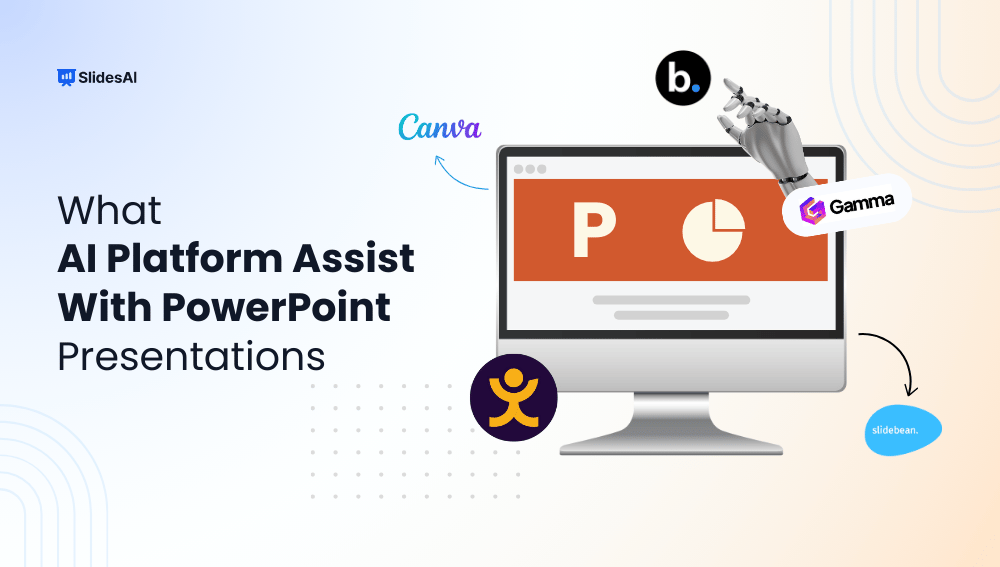
Creating a PowerPoint presentation just got easier, thanks to AI. Whether you’re a student, marketer, or business professional, AI-powered tools can now help you brainstorm content, design clean slides, and save hours of manual work. Instead of starting from scratch, these platforms let you focus on your message while they handle layout, structure, and even visuals. In this blog, we’ll explore some of the best AI presentation maker platforms that assist with PowerPoint presentations so that you can work smarter, not harder.
Best AI Presentation Maker of 2026
1. SlidesAI
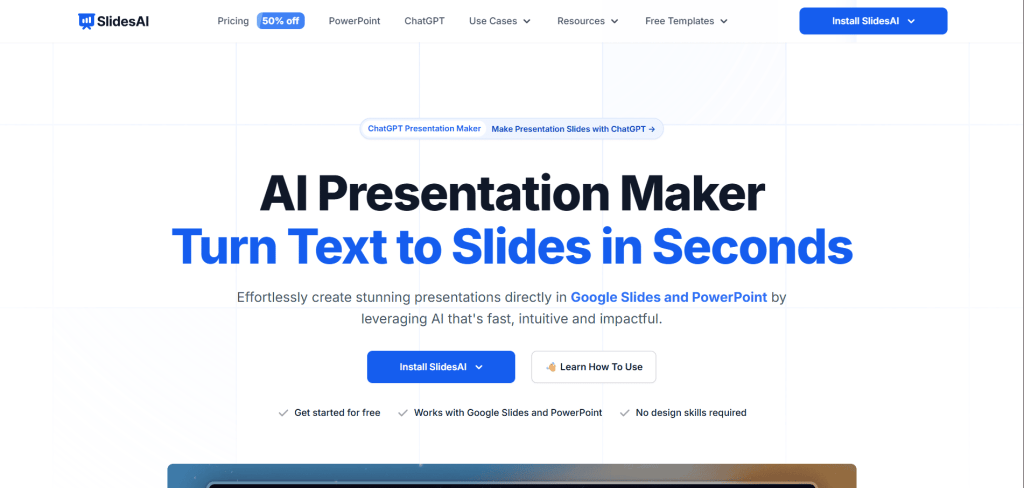
SlidesAI stands out as one of the best AI PPT presentation makers in 2026, especially for users looking to turn text into full presentations with minimal effort. Whether you’re a student, marketer, educator, or business professional, SlidesAI simplifies the process of building slide decks by generating outlines, visuals, speaker notes, and more, all from a simple prompt or script.
Key Features:
- Automatically converts text into structured slide presentations
- Offers pre-set design themes and layouts
- Generates AI-powered speaker notes and scripts
- Supports AI-generated stock or custom images
- Allows for slide expansion, rewriting, and translation
- Includes voice-over support for video presentations
- Easy export to Google Slides or PowerPoint
Pricing:
- Free Plan: Limited features and slide count
- Pro Plan: Starts at $16/month (billed annually), offering more slides, themes, and export options
- Premium Plan: Custom pricing for teams and enterprises with advanced collaboration tools
The ChatGPT-powered presentation maker helps turn prompts and ideas into structured presentation slides more efficiently.
2. Prezent.ai
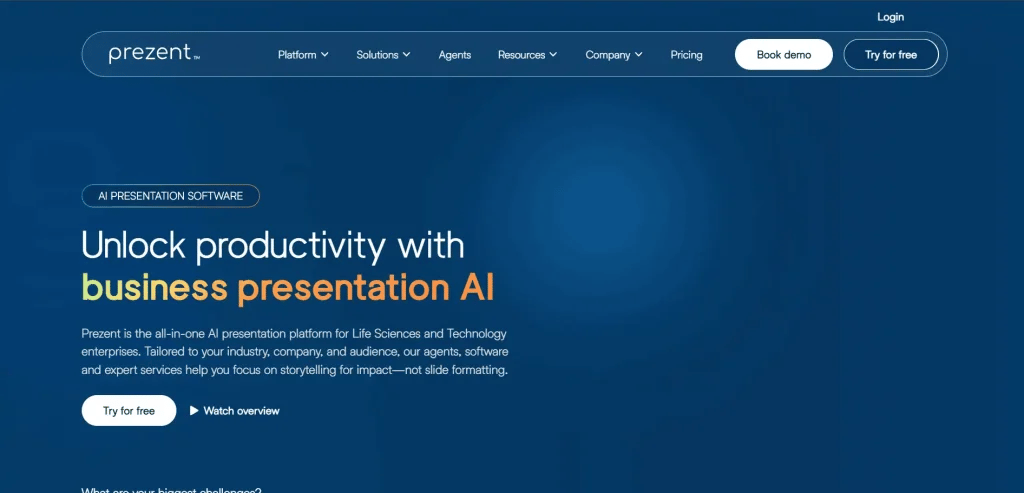
Prezent.ai is an AI-powered enterprise presentation platform designed to help professionals create high-quality, brand-aligned slides in minutes. Trusted by Fortune 2000 companies and fast-growing startups, it enables teams to produce investor decks, business reviews, and executive presentations without relying heavily on designers. With its intelligent AI assistant, Astrid, Prezent understands your brand, industry, and audience to generate polished, context-specific presentations effortlessly.
Key Features:
- Over 35,000 professionally designed templates to ensure brand consistency
- AI-powered assistant (Astrid) that adapts presentations to your industry, audience, and brand
- Synthesis to summarize long content into concise executive overviews
- Template Converter to instantly adapt old decks to company branding
- Learning resources including storytelling frameworks and best-practice libraries
- Collaboration-friendly features designed for an enterprise team
Pricing:
Custom Pricing: Tailored quotes based on company size, use case, and requirements
Demo Access: Individual users can request a demo to explore the platform’s capabilities
3. Jotform Presentation Agents
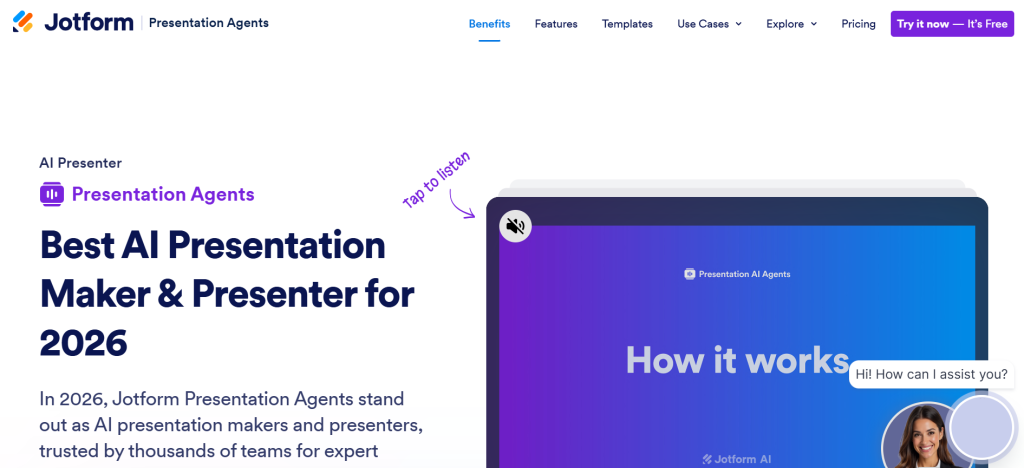
Jotform Presentation Agents are a great way to easily create engaging presentations and have an AI Agent narrate your slides. You can now turn your content into professional-grade presentations with minimal effort. They allow you to save time on formatting and design, and focus on the message instead.
Key Features:
- AI-powered narration and slide creation
- App integrations for advanced workflows
- Collaborative and sharing features
- Customization options for branding
Pricing:
- Free Plan: Unlimited presentations, but limited monthly agent conversations
- Paid Plans: Start from $34 per month. Comes with higher form and agent limits.
- Enterprise Plan: Unlimited features, dedicated support, multiuser platform, custom brandin,g and domain.
4. Beautiful.ai
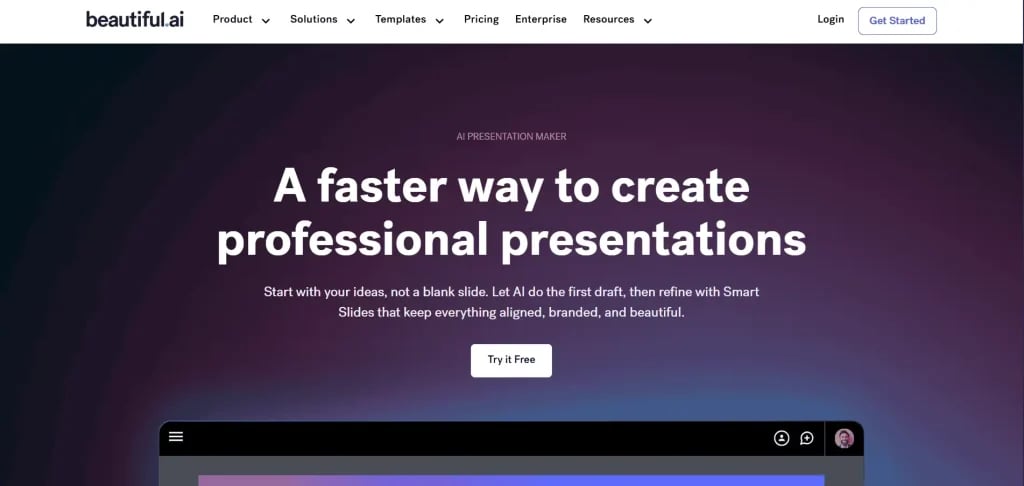
Beautiful.ai is a powerful AI presentation maker designed to take the stress out of slide design. In 2025, it continues to be a go-to tool for professionals who want stunning, on-brand presentations without spending hours tweaking layouts. The platform uses smart templates and AI-assisted formatting to help users focus on their message while the tool handles the visuals.
Key Features:
- Smart templates that auto-adjust design as you add content
- AI-powered slide formatting and layout suggestions
- Brand control tools for consistent company-wide presentations
- Collaboration features for teams to co-edit in real time
- Integration with PowerPoint and Slack
- AI content generation for titles, bullet points, and visuals
- Analytics to track viewer engagement (for Pro users)
Pricing:
- Pro Plan: $12/month (billed annually) – ideal for individuals
- Team Plan: $40/user/month – includes branding tools and collaboration
- Enterprise: Custom pricing – offers admin controls, SSO, and advanced security
5. SketchBubble AI
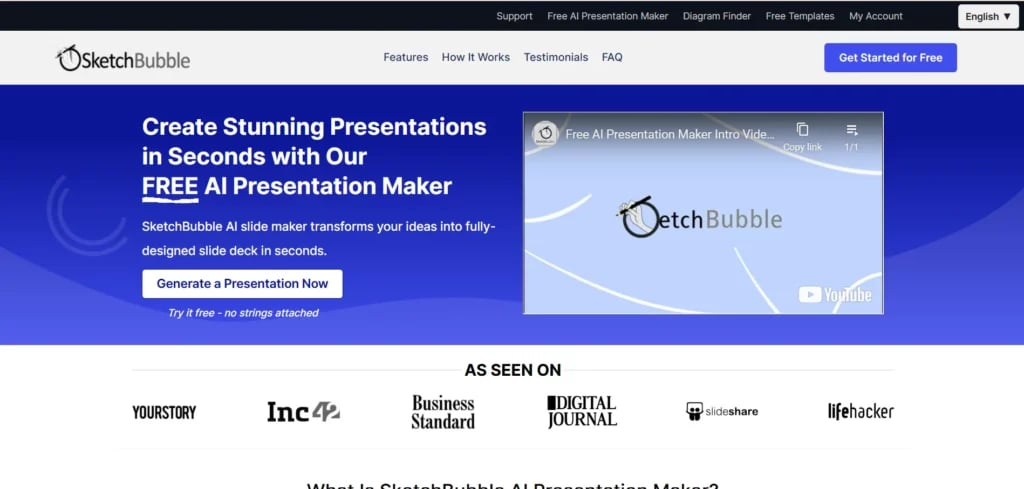
SketchBubble AI is the smartest way to create professional presentations without the usual stress of slide design. Powered by advanced artificial intelligence, it transforms your ideas into polished decks in minutes – making it the best AI tool for PPT generation. Whether you need a quick pitch, a detailed report, or a compelling business proposal, SketchBubble AI ensures your slides look sharp, impactful, and tailored to your goals. And with seamless collaboration through Google Slides, you can work with your team in real time, no matter where they are.
Key Features:
- New users receive 500 free credits to explore and create presentations effortlessly
- Instantly converts PDFs into editable PowerPoint decks, saving hours of rework
- AI-driven slide generation with clear structure and professional design
- Effortless collaboration via Google Slides for team projects and feedback
- Export and edit with full flexibility in PowerPoint or Google Slides
- Watermark-free exports, even for free users.
Pricing:
- Free Plan: One-time 500 AI credits for new users.
- Monthly Billing: $15/month
- Annual Billing: $10/month
6. Storydoc
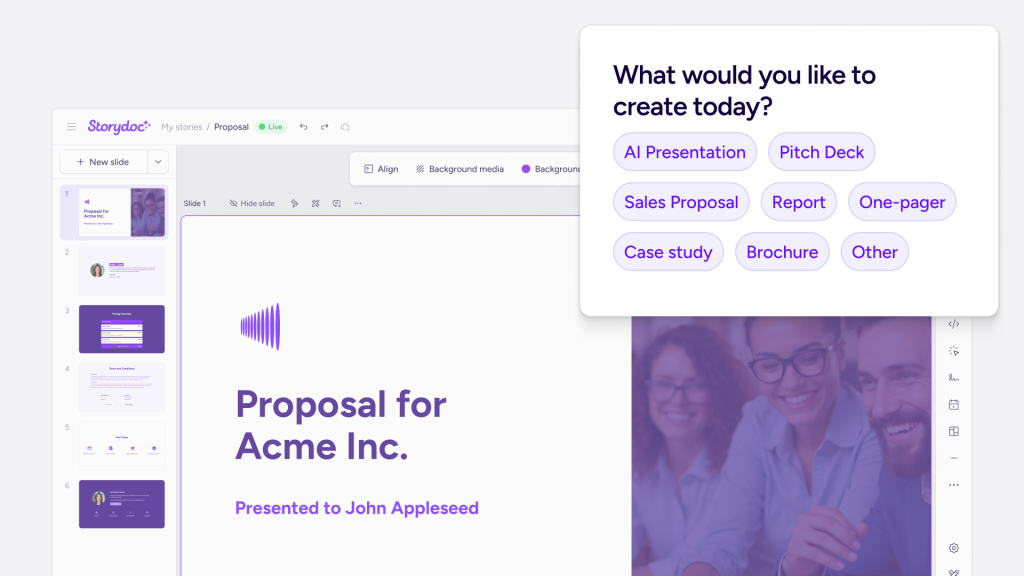
Storydoc is a business AI presentation maker that replaces static slide decks with interactive, scroll-based presentations. Feed its content brain with past materials and brand guidelines and tell its AI assistant what you need, and it generates a full deck from scratch, automatically pulling in your brand’s fonts, colors, and logo. What sets it apart from typical AI deck builders is its ability to connect to your CRM and personalize each version with live data, plus track exactly how viewers engage with it after you hit send.
Key Features:
- AI presentations generated from a prompt, template, or existing content
- Interactive, scroll-based format with embedded video, calendars, and forms
- CRM-driven personalization populating presentations with live customer data
- Engagement analytics for each slide and alerts when prospects open or interact with a deck
- Brand editor that auto-pulls fonts, colors, and logos from your website or existing materials
Pricing:
- Starter: $19.80/month (billed annually) — 5 active documents, limited AI credits, basic analytics
- Pro: $36/month (billed annually) — 30 active documents, unlimited templates, CRM integrations, advanced analytics
- Teams: Get customized offers from their sales teams
7. Tome
Tome is a modern AI-powered storytelling platform that redefines how presentations are created. Instead of traditional slide-by-slide editing, Tome lets users craft immersive, narrative-driven decks using AI. In 2025, it’s gaining popularity among professionals, educators, and creators who want to turn ideas into visual stories quickly and intuitively, with minimal design effort.
Key Features:
- AI-driven slide generation from prompts, documents, or outlines
- Narrative-focused interface for storytelling presentations
- Auto-generated visuals and layouts tailored to your content
- Integration with Figma, GIPHY, and live web content
- Supports video, image, and audio embeds for rich presentations
- Collaborative editing and sharing features
- Responsive design for mobile and desktop viewing
Pricing:
- Free Plan: Limited AI credits and basic features
- Tome Plus: $10/ month Unlocks all non-signature content, accessible on one device only. Available on monthly payments.
- Tome Exclusive: $7 per month. Includes everything in Tome plus, includes a signature course, billed annually. Accessible on 6 devices. You get a 33% off on the Tome shop and signature courses.
8. Gamma
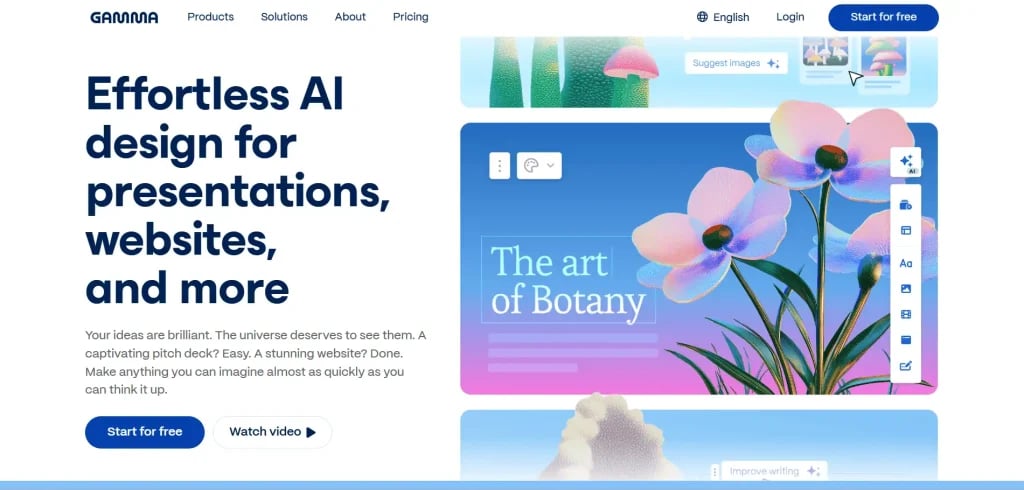
Gamma is a modern AI platform offering a fresh approach to presentation design. It enables users to generate entire slide decks, or even documents and web pages, from a single prompt or uploaded content. With its research-backed AI, templates, and multimedia capabilities, Gamma streamlines the creation process for professionals and educators alike.
Key Features:
- Turn text prompts or uploads (Word, PDFs, URLs) into structured presentations in seconds
- Includes a wide variety of presentation themes, templates for pitch decks, webinars, and educational materials
- Supports embeds like YouTube, Spotify, GIFs, charts, forms, and more within slides
- Offers an AI chatbot for editing help, smart layout suggestions, and drag-and-drop customization
- Analytics tracking for engagement and custom branding options (Pro tier)
Pricing:
- Free Plan: One-time 400 AI credits (up to 10 cards per presentation); no monthly refresh
- Plus Plan: $8–10/month (billed annually); unlimited AI creation, premium image generation, removes “Made with Gamma” branding
- Pro Plan: $15–20/month (annually billed); unlimited credits, premium AI models, custom fonts, deeper analytics, password protection
9. Canva Magic Design
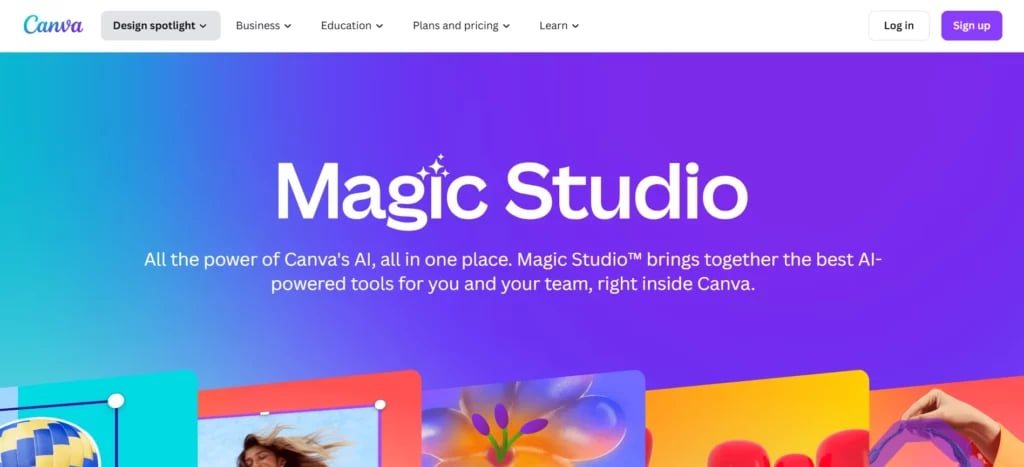
Canva’s Magic Design is a powerful AI presentation generator, seamlessly embedded within Canva’s Visual Suite. It’s ideal for users who want to turn a quick prompt into a polished presentation in seconds without leaving the Canva ecosystem.
Key Features:
- Generates a full slide deck from a short text prompt, complete with cohesive layouts and color schemes
- Offers multiple versions of slide decks to choose from, including auto-created charts and visually relevant visuals
- Integrated with Canva’s suite of AI tools like Magic Write (text editing), Magic Media (image & video generation), Magic Animate, and Magic Charts for quick polish
- Supports brand customization, such as color palettes and templates—but manual insertion of logos and fonts is still required
Pricing:
- Free Plan: Limited to 10 Magic Design uses per month and shared credits across AI features
- Pro Plan: ($12.99/month): Unlimited Magic Design use, full access to AI tools like Magic Write, Magic Media, and brand kit features
- Teams & Enterprise: Custom pricing for organizations. Includes collaborative features and admin controls for workflow management.
10. Visme
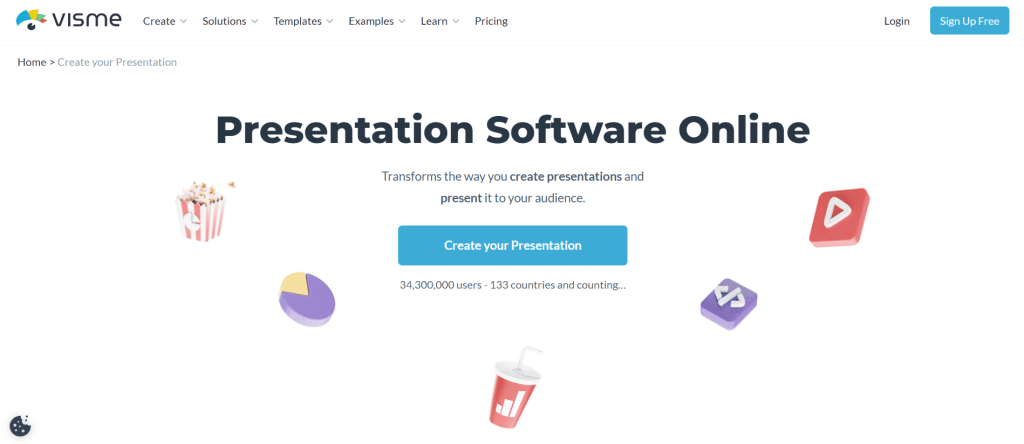
Visme is a versatile AI-enabled visual content platform that goes beyond traditional presentation tools to help users create persuasive slides, infographics, reports, and more. While not AI-native like some slide-focused tools, Visme’s AI Presentation Maker allows users to generate full slide decks, including text, images, and layout, in just minutes from a simple prompt
Key Features
- AI-Powered Slide Generation: Type in a prompt and watch Visme generate a full presentation with suggested layouts, visuals, and text
- AI Writer & Image Generator: Automatically craft speaker notes, summaries, or captions, and generate custom visuals based on prompts
- Data Visualization Tools: Choose from multiple charts and widgets; connect slides to live data for interactive dashboards
- AI Brand Wizard: Automatically apply fonts, colors, and logo to generated presentations for consistent branding
- Interactive & Multimedia Support: Add animations, audio, voiceovers, hover elements, and embed videos or external content for engagement
- Collaboration & Sharing Options: Work in real-time with colleagues, export to PPTX, PDF, HTML5, or share via live link with analytics tracking
Pricing
- Basic (Free): Includes up to 10 AI-generated presentations and limited access to templates and assets
- Starter Plan: Around $12.25/month billed annually, unlocking full AI tools and more design flexibility
- Pro Plan: Approximately $24.75/month billed annually, offering unlimited AI generations, analytics, and collaboration tools
- Teams & Enterprise: Custom pricing with advanced workspace controls, additional AI credits, and team-based collaboration features
11. Simplified AI Presentation Maker
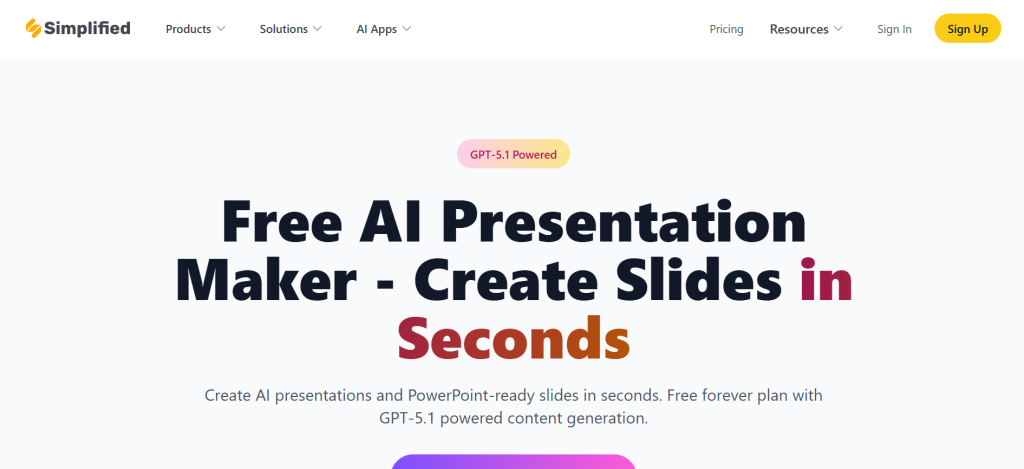
Simplified stands out as an all-in-one AI platform that includes an easy-to-use AI Presentation Maker, making slide creation fast and intuitive. Whether you’re crafting a casual deck or a polished report, Simplified empowers users to generate fully editable presentations from a brief topic prompt, eliminating countless hours of manual design and format work.
Key Features:
- One-click AI generation: Enter your topic (up to 20 words) and instantly get a preformatted 10-slide presentation, complete with titles, content points, and visuals.
- Customizable templates and branding: Tailor layouts, fonts, colors, and apply your brand kit seamlessly.
- Full control after generation: Edit text, swap images, reorder slides, and polish the deck directly within the platform.
- AI-powered extra productivity tools: Includes features like voice cloning, text-to-speech narration, social media resizing, and built-in chat support.
- Supports multiple formats & export options: Export slides as PPTX, PDF, image files, or share via a live link accessible to anyone.
Pricing:
- Free Forever: Limited to 10-slide decks and shared AI credits across Simplified’s features.
- Simplified One: $29/month, up to 50 AI presentations per month, and one brand kit.
- Business Plan: $79/month, 200 presentations monthly, multiple brand kits, team sharing, and collaboration.
- Agency Plan: $119/month, 500 presentations, up to five branding designs, full collaboration tools.
12. Decktopus AI
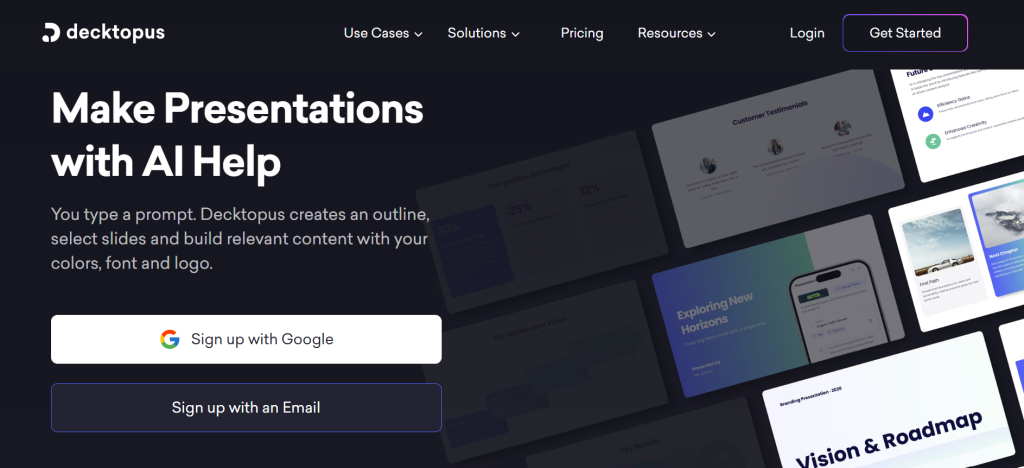
Decktopus AI streamlines the process of creating presentations by turning your ideas into fully formatted slides in just a few clicks. Designed to speed up slide creation, it’s perfect for professionals, educators, and decision-makers who want high-impact presentations without spending hours on layout and design.
Key Features:
- Generates entire slide decks based on your input topic, outline, or script
- Offers a wide range of clean, professional templates suited for different use cases (e.g., training, sales, education)
- Supports AI-powered content suggestions, including bullet points, key takeaways, and relevant visuals
- Automatically formats layouts, fonts, and spacing for polished and consistent slide design
- Provides presenter notes and export options (PPTX, PDF) for easy sharing
Pricing:
- Lite Plan ($9.99/user/month): Offers basic features like 150 AI credits, PDF export, speaker notes, tips, and AI edits
- Pro AI Plan ($14.99/user/year): Includes 750 AI credits/month, removes Decktopus watermark, adds analytics, AI editing, and full export options
- Business AI Plan ($34.99/user/year or ~$49.99/user/month): Adds team collaboration, brand customization, custom domain, webhook access, and form tracking
- Enterprise Plan: Custom pricing with advanced branding, multiple user seats, document import, and concierge support
13. Sendsteps AI Presentation Maker
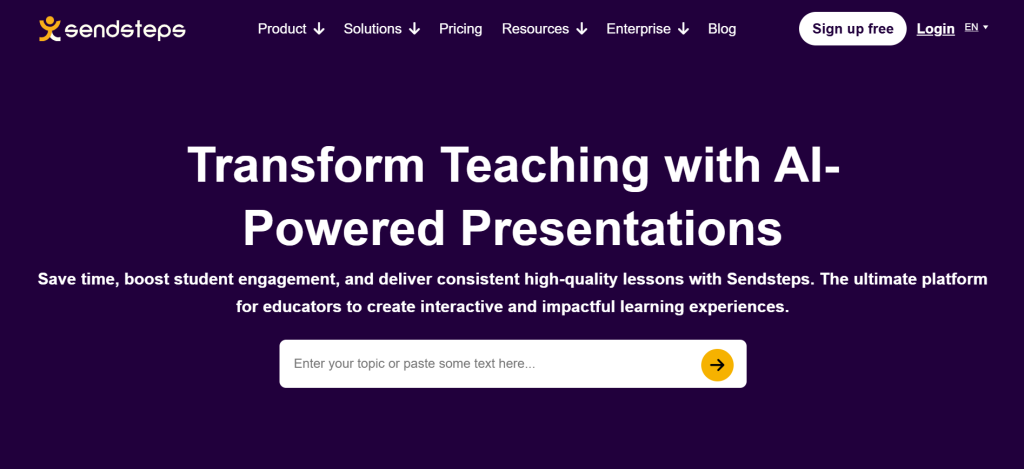
Sendsteps is an AI-powered platform tailored to educators, trainers, and business professionalswho want to create engaging and interactive presentations quickly and efficiently. It stands out by combining auto-generated slide content with real-time audience interaction, turning conventional presentations into dynamic experiences.
Key Features:
- AI Presentation Creation: Generates full presentations from initial input, whether a topic description or a document upload, saving hours of manual work
- Interactive Tools: Includes built-in live polls, quizzes, word clouds, and Q&A features to engage audiences directly within the presentation
- Multilingual Support: Creates presentations in up to 86 languages to suit international or multilingual audiences
- Speaker Notes & Export Options: Provides automated speaker notes and supports export to PowerPoint, PDF, or integration with Microsoft PowerPoint
- Compliance & Security: Adheres to GDPR standards and is ISO 27001 certified, making it suitable for enterprise and educational use.
Pricing:
- Free Plan: Limited to 2 AI-generated presentations per month and basic interactive features (English only)
- Starter Plan ($6.50–$9.50/month): Includes up to 5 AI presentations and PowerPoint exports, with expanded language support and audience size limits
- Professional Plan ($13.50–$19.50/month): Unlimited AI presentations, full export options, brand customization, and advanced poll types included.
14. Kroma.ai
Kroma.ai stands out as a powerful AI-enhanced presentation platform tailored for startups, consultants, and business professionals. It excels at transforming your ideas into visually compelling, data-driven decks using expert-designed templates and a massive library of assets. Simplifying slide creation while maintaining high design standards, Kroma.ai is ideal for users who need polished, persuasive presentations without the complexity.
Key Features:
- Pre-built expert templates for pitches, proposals, and reports
- Automated data visualizations, charts, and infographics
- Access to over one million creative assets like stock visuals and slides
- Custom branding tools including colors, logos, and styles
- Collaborative editing and cloud-based interface for team workflows
Pricing:
- Explorer Plan (Free): Limited templates and one high-quality download per month
- Premium Plan ($40/month): Unlimited template access, expert decks, asset downloads, and priority support
- Enterprise Plan ($1,700/year): Includes multiple user seats, concierge support, and branded team content
15. Prezi AI
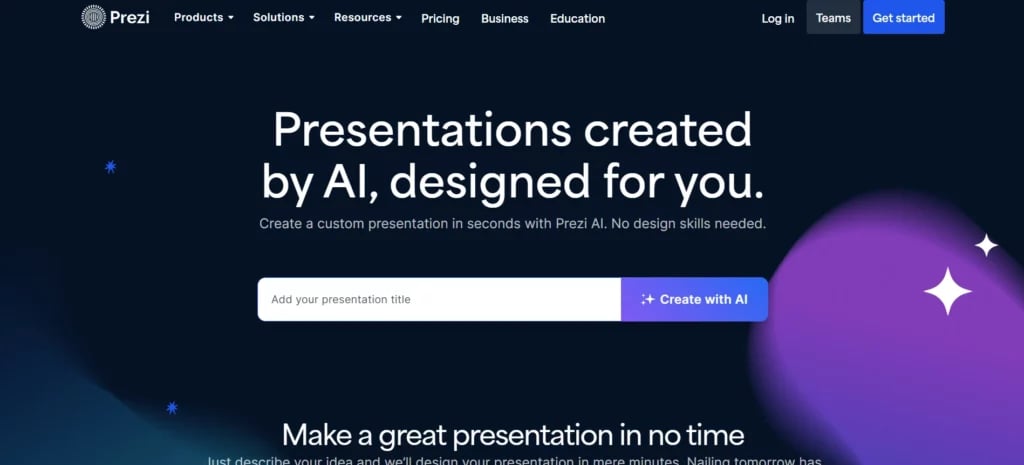
Prezi AI reimagines presentation design with engaging, non-linear storytelling on a zoomable canvas. Instead of static slides, it transforms ideas into visual stories, making it ideal for educators, marketers, and presenters who want to captivate audiences with intuitive pacing and dynamic visuals.
Key Features:
- Generate presentations from a prompt or document, including PowerPoint, Word, or PDF formats.
- AI-assisted outline creation and content structuring, with easy edits and reordering options
- Suggests layouts, color palettes, and stylistic elements tailored to your content through the AI Assistant panel.
- Turn text into visual stories using flow charts, zooming frames, and interactive movement to emphasize key ideas.
- Works within Prezi Present editor to fine-tune designs, add media, and customize presentation animations.
Pricing:
- Free Tier: Basic access with limited AI features and templates
- Standard/Plus: Includes full AI-generated presentation functionality with styling options
- Teams/Enterprise: Offers collaboration tools, advanced customization, analytics, and admin controls
16. Pitch AI Presentation Maker

Pitch has emerged as a leading AI presentation tool that combines sleek design with powerful automated features. It makes it easy to start with AI-generated slides and then customize them freely, ideal for teams, startups, and professionals looking for polished, interactive decks.
Key Features:
- Start a presentation with AI: enter a prompt, select fonts and colors, and receive a ready-to-edit slide deck in seconds.
- Wide selection of expert-made templates and slide layouts, including timelines, diagrams, and grids.
- Reach beyond static slides with integrations for embeds like YouTube, Giphy, Unsplash, and more.
- Real-time collaboration features: edit with teammates, assign tasks, leave comments, and share live interactive links.
- Smart design tools for alignment, grouping, transitions, and animations—no manual fiddling required.
- Built-in engagement analytics: track slide views, visitor behavior, and interaction metrics for pitch effectiveness.
Pricing:
- Free Plan: Unlimited decks, templates, and basic AI generation (with Pitch branding and limited advanced features).
- Standard/Plus: Includes full AI deck generation, custom fonts, and enhanced branding capabilities.
- Teams/Enterprise: Adds analytics, team collaboration tools, admin controls, and advanced export options.
17. Visus.ai
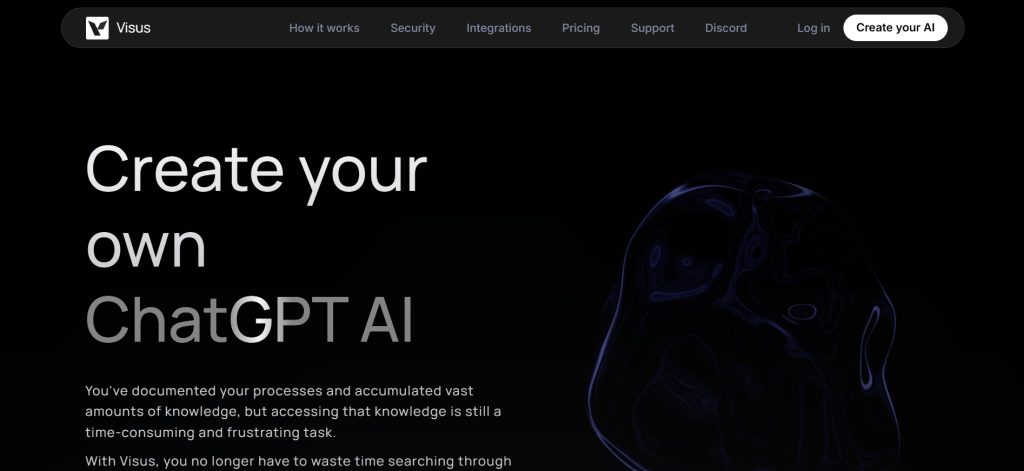
Visus.ai is an AI-powered platform that enables users to train a custom ChatGPT-like assistant on their own documents and knowledge base. Although it’s not a slide-specific presentation maker, it improves productivity by letting users find precise answers and extract structured content from large volumes of documents, making it useful for preparing detailed presentation material.
Key Features:
- Custom AI training on documents, PDFs, or knowledge repositories for instant access to relevant content
- Natural language queries that retrieve answers based strictly on trained materials
- Secure data handling with AES-256 encryption and configurable access controls
- Integrations with tools like Google Drive, Slack, Notion, Confluence, and Microsoft Teams
- Unlimited document storage and configurable message limits based on plan
Pricing:
- Free Plan: $0 per member; includes 1 AI instance, up to 1,500 messages/month, unlimited files, and one user
- Standard Plan: $20/month/member; unlimited messages, AI instances, and folders (up to 10 users)
- Business Plan: $50/month/member; includes role-based access, public AI instances, and support for up to 100 users
- Enterprise: Custom pricing; features include SOC 2 compliance, SAML/SSO, and advanced fine-tuning
18. Presentations.AI
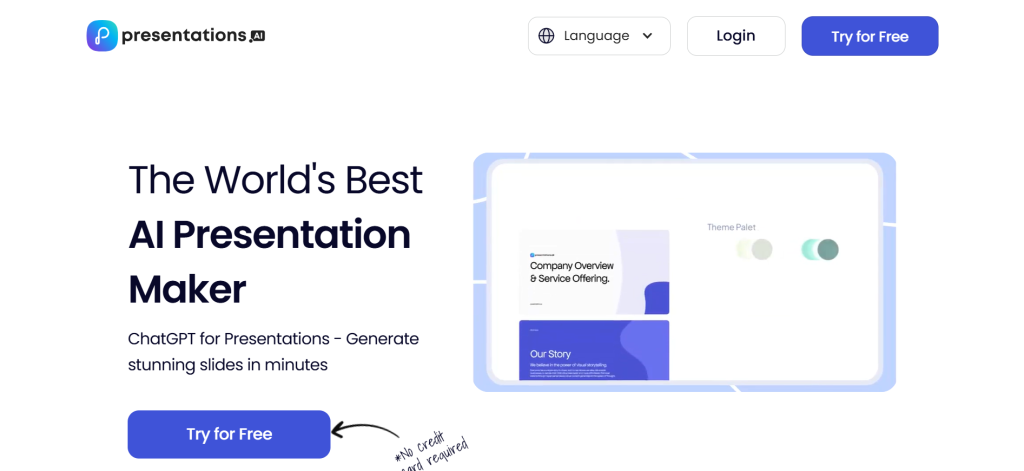
Presentations.AI offers a professional-grade, AI-native platform built specifically for creating persuasive, high-impact slide decks. It seamlessly transforms ideas, documents, or prompts into polished presentations without sacrificing brand consistency or strategic clarity.
Key Features:
- Generates entire presentations from text prompts, documents, or outlines with AI-powered structuring and design
- Automatically adjusts templates to match your brand identity using built-in Brand Sync
- Offers analytics dashboards to track slide views, engagement, and performance
- Supports export to PowerPoint and PDF with high fidelity and layout integrity
- Enterprise-grade security (SOC 2 Type II compliant) and admin controls for business or team use
Pricing:
- Starter: Free plan with limited AI credits (up to 40 slides); includes basic sharing tools
- Pro: $16–20 per month (billed annually) or $198 per year; includes 5,000 AI credits, custom fonts, analytics, and export options
- Enterprise: Custom pricing for teams; includes unlimited AI credits, security compliance, team management, and admin features
19. Slidebean
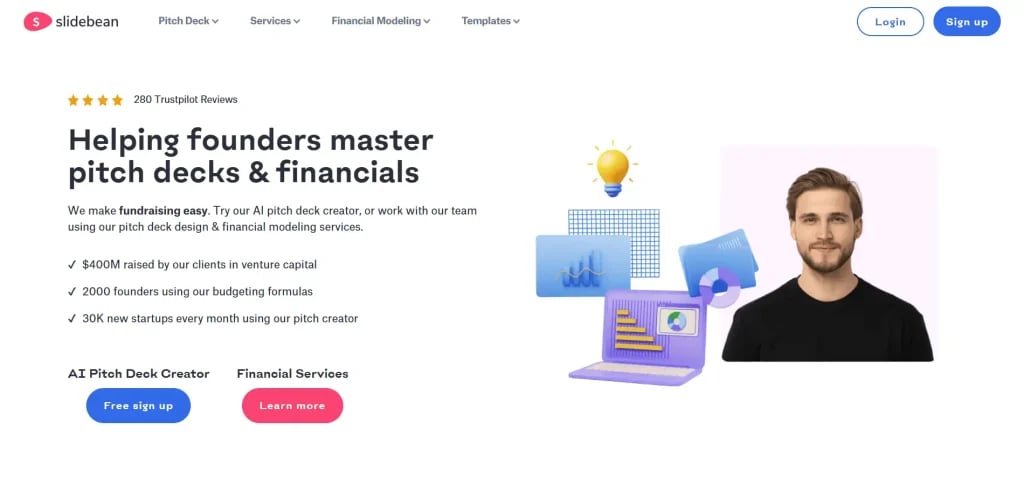
Slidebean is a web-based AI presentation platform designed to help users quickly build polished, professional slide decks without needing design expertise. It’s particularly well-suited for startup founders, consultants, and small business professionals who require pitch-ready, visually engaging presentations with minimal manual work.
Key Features:
- AI-powered pitch deck generator that crafts slide layouts automatically based on input content.
- An extensive library of professional templates and collaboration tools for team editing.
- Built-in data visualization tools to turn complex figures into clean charts and graphics.
- Presentation analytics to track viewer engagement and slide completion rates.
Pricing:
- Free Plan: Create unlimited decks online, but exporting or sharing requires a paid plan
- All-Access / Starter Plan ($8/month, billed annually): Gives full platform access, pitch templates, and basic analytics
- Accelerator Plan ($99/month): Adds expert consulting support, pitch strategy calls, and priority assistance.
How to Choose the Right AI Presentation Tool
With so many AI presentation tools available today, picking the best AI presentation maker online depends on your specific needs, budget, and preferences. Whether you’re creating decks for school, business meetings, or marketing campaigns, choosing the right tool can save time and elevate your results.
- Select the tool as per your use case: Different tools suit different purposes. For example, business users may prefer data-driven tools, while marketers might value visual storytelling and branding flexibility.
- Set a budget that matches your needs: Free plans may work for casual users, but professionals may benefit more from premium features that justify the cost.
- Ensure the platform has the features you need: Look for essentials like templates, collaboration options, brand kits, or export formats based on your workflow.
- Assess AI features and functionality: Check if the AI enhances productivity, such as generating slide content, designs, or analytics, not just basic automation.
- Test ease of use and output quality: A user-friendly interface and high-quality final presentations are key to saving time and delivering impact. Most platforms offer free trials; make the most of them.
Who Can Benefit From AI PowerPoint Assistants?
AI PowerPoint assistants aren’t just for tech-savvy users; they’re built to help anyone create presentations faster and better. Here’s who can benefit the most:
- Students & Educators – Easily build class presentations or lessons with ready-made content, visuals, and structure.
- Corporate Professionals – Corporate professionals can save hours crafting polished slides for meetings, reports, or pitches with AI-generated designs and data visualizations.
- Marketers & Designers – Bring campaigns and ideas to life using branded templates, smart layouts, and stunning visuals—no design team needed.
- Freelancers & Consultants – Create professional proposals and project updates quickly, making a strong impression without spending too much time.
- Content Creators & Influencers – Turn blogs, videos, or scripts into eye-catching presentations that are perfect for sharing online or with your community.
How Can an AI Platform Assist With PowerPoint Presentations?
AI platforms are transforming how we create PowerPoint presentations, making them faster and smarter. Some of the best AI PowerPoint presentation makers make sure there is less effort required, and the outcome is professional and great. From structuring content to adding visuals and narration, these tools make the whole process seamless.
They can help you:
- Create a clear presentation outline
- Generate a full presentation from a topic or text
- Add AI-generated images, charts, and media
- Write speaker notes or presentation scripts
- Visualize data through auto-designed charts and graphs
- Automatically design slides with consistent layouts
- Add a realistic voice-over to narrate your slides
Choosing the best AI presentation maker tool comes down to aligning the platform’s capabilities with your goals, whether that’s simplifying content creation, enhancing design, or saving time. By evaluating your use case, budget, required features, and ease of use, you can confidently pick a tool that not only meets your needs but also elevates the quality of your presentations.
Create Presentations Easily in Google Slides and PowerPoint
14M+Installs
 Install add-in
Frequently Asked Questions
1. What is the best AI presentation maker?
SlidesAI stands out as one of the best AI presentation makers available today. It turns text into professional presentations in seconds, saving time and effort. While platforms like Beautiful.ai or Tome offer similar capabilities, SlidesAI is especially known for its smooth integration with Google Slides and its intuitive, user-friendly interface.
2. What is the best free AI presentation maker?
SlidesAI offers a generous free plan that’s ideal for students, educators, and professionals alike. It allows you to generate AI-powered presentations directly from your text input. Tools like Canva and Tome also have free versions, SlidesAI’s seamless Google Slides compatibility gives it a distinct edge for users looking for fast, editable results without switching platforms.
3. Are AI presentation tools suitable for corporate or business use?
Yes, and SlidesAI is a great example. It’s perfect for business users who want to create pitch decks, reports, or client presentations quickly, without compromising on quality. SlidesAI helps teams save time on formatting and design, letting them focus more on messaging. Many AI tools are catching up, but SlidesAI remains a top choice for professionals using Google Workspace.
4. Which AI presentation maker is best for educators and students?
SlidesAI is highly effective for both students and educators. It simplifies content creation, encourages creativity, and works directly within Google Slides, making it perfect for schools already using Google Classroom or similar tools. While tools like Canva and Prezi are also popular, SlidesAI is especially useful for converting notes, essays, or lesson plans into structured, visually appealing slides.
5. Can ChatGPT make a presentation?
Yes, ChatGPT can make a presentation. It can generate slide content, outlines, titles, and speaker notes, helping you structure your deck quickly. While it doesn’t natively design slides, pairing ChatGPT with tools like SlidesAI lets you instantly turn the generated content into polished, professional presentations.

![14 Best AI Presentation Tools for Students [2026]](https://cdn.slidesai.io/cdn-cgi/image/width=828,format=auto/https://cms-media.slidesai.io/wp-content/uploads/2025/03/31161413/Presentation-Tools-for-Students.png)