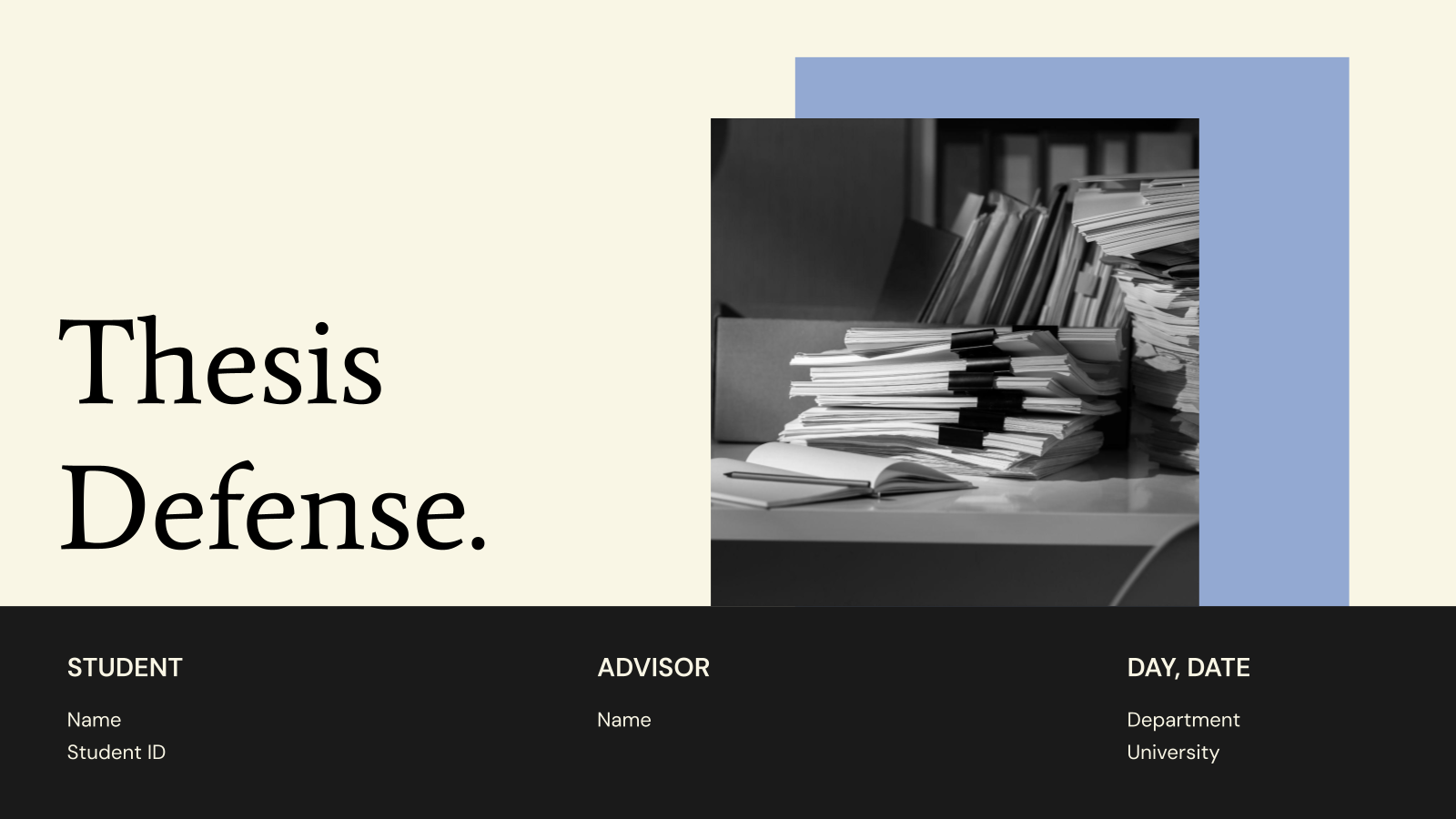

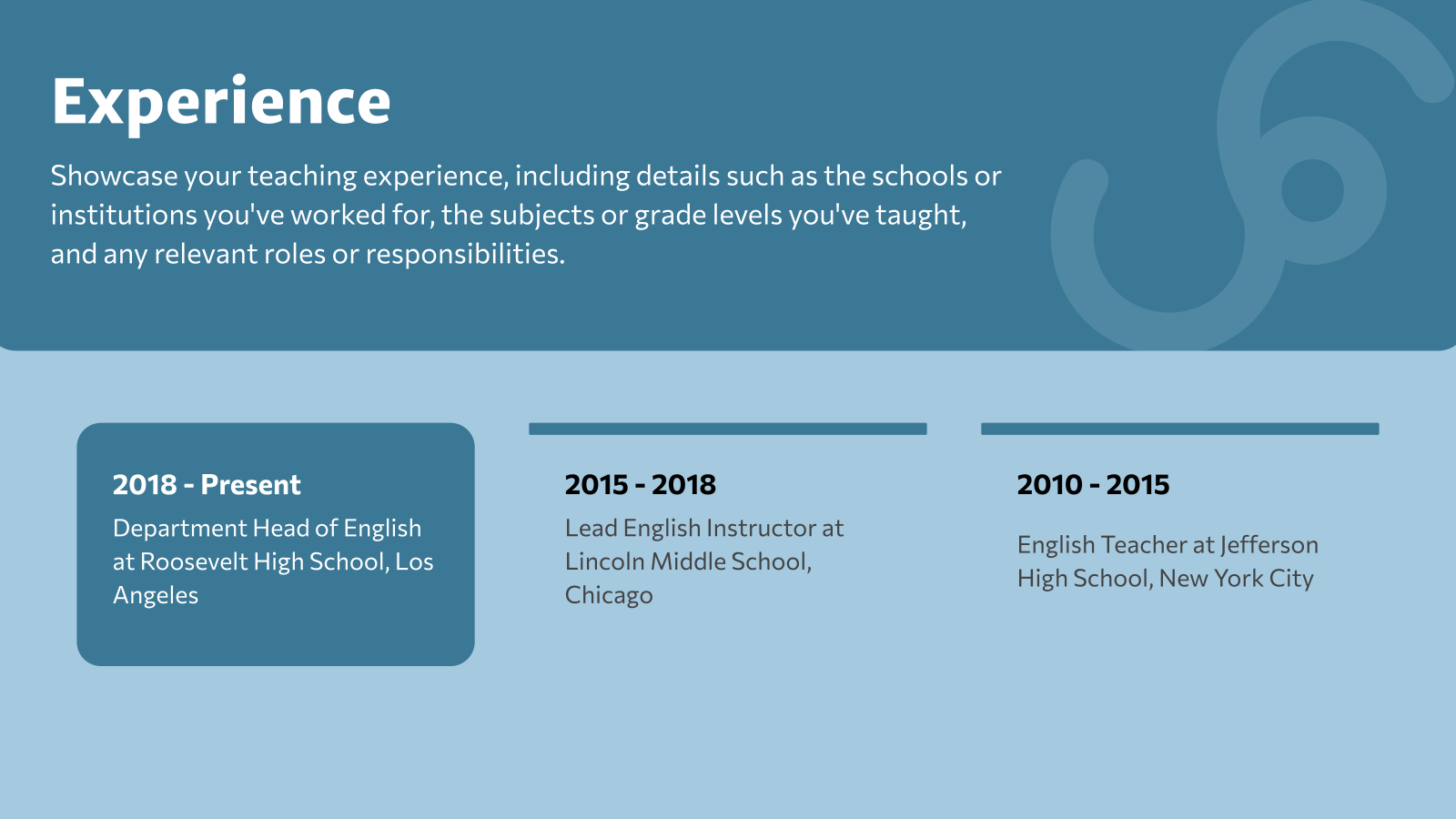
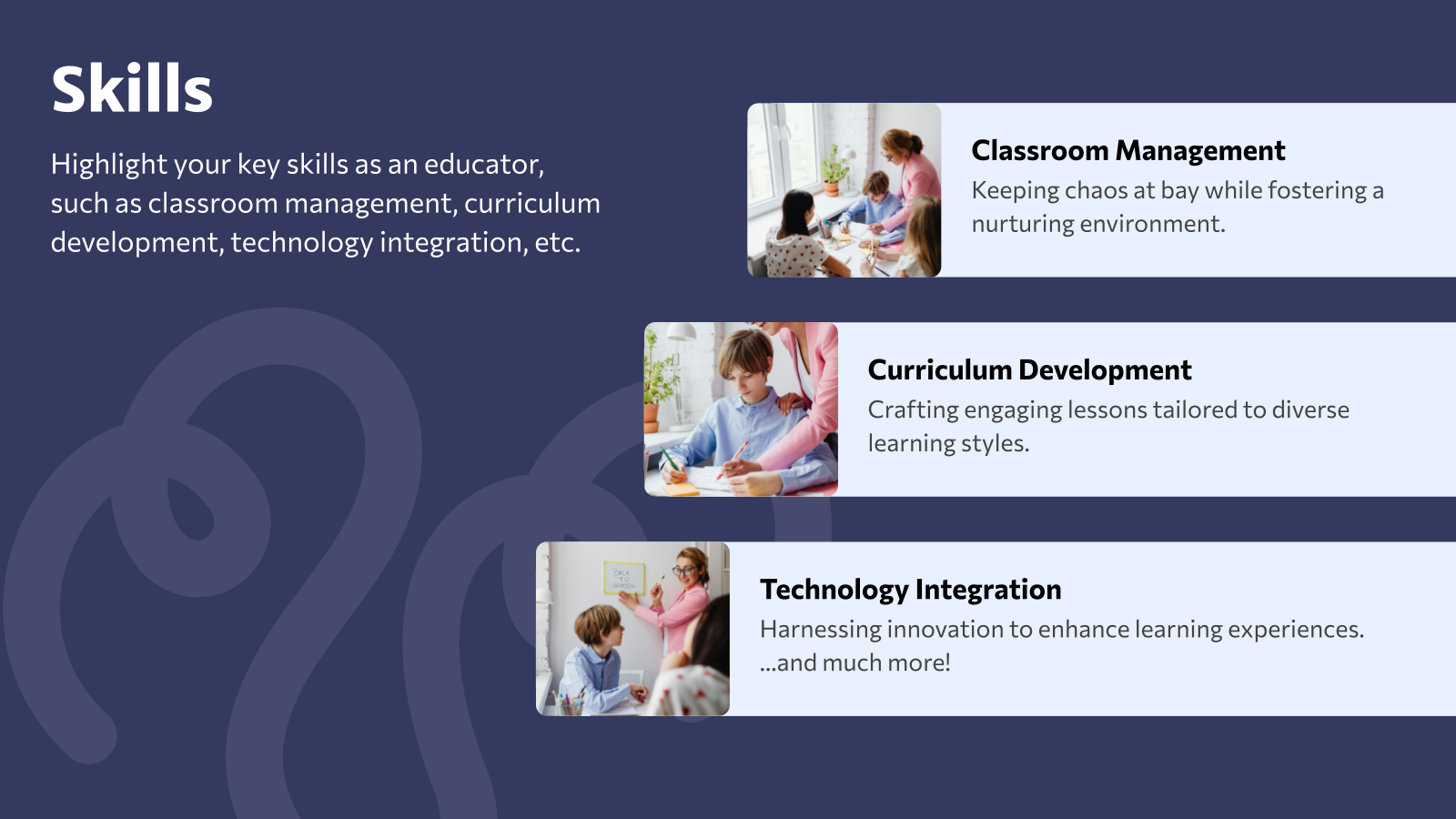


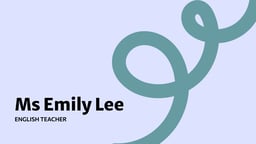

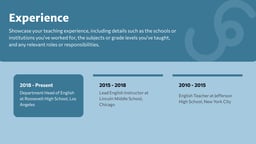


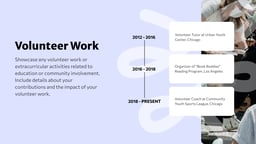

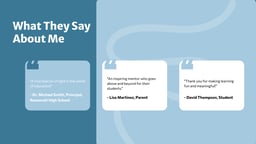


What is Educator Portfolio Template?
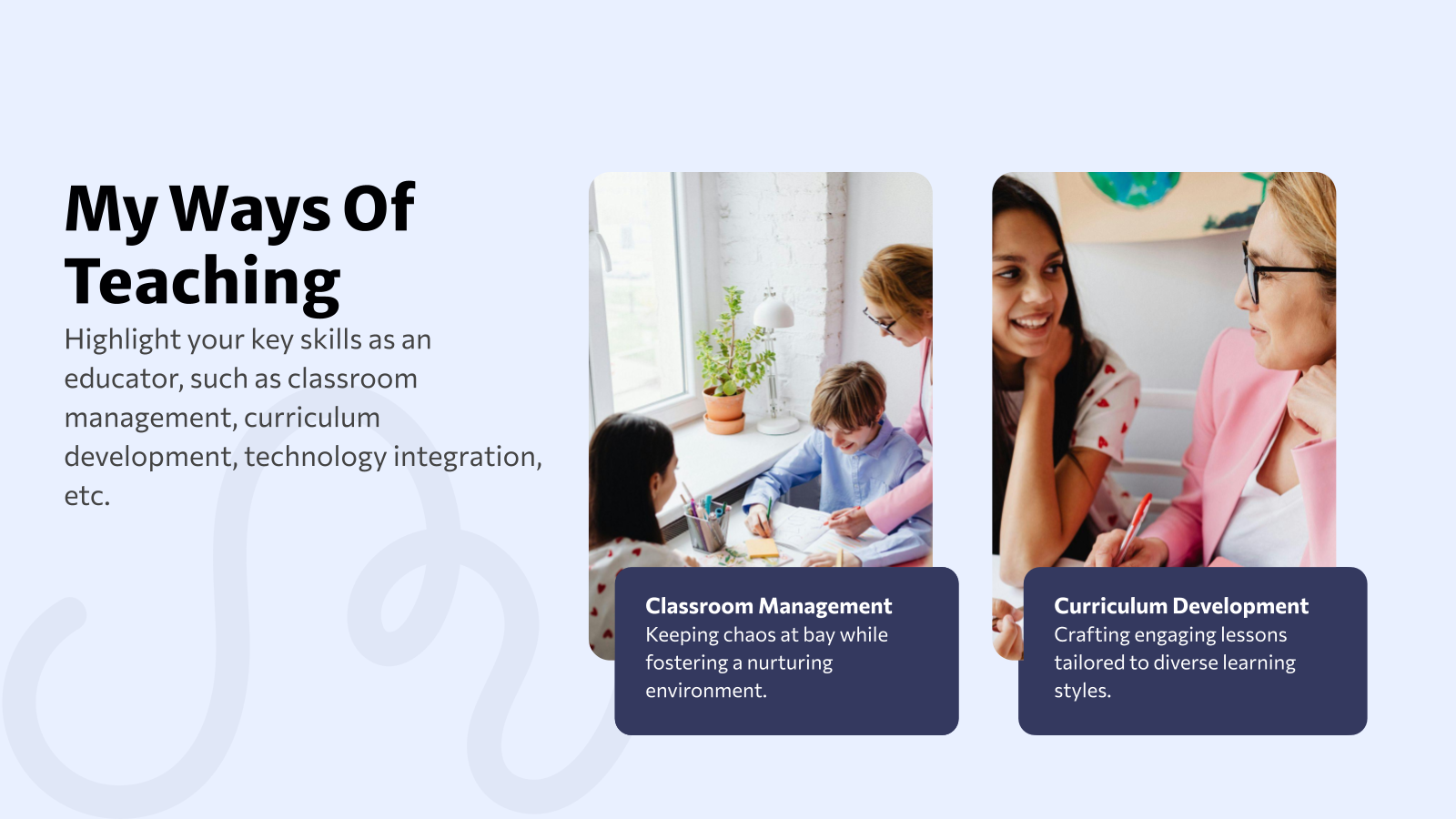
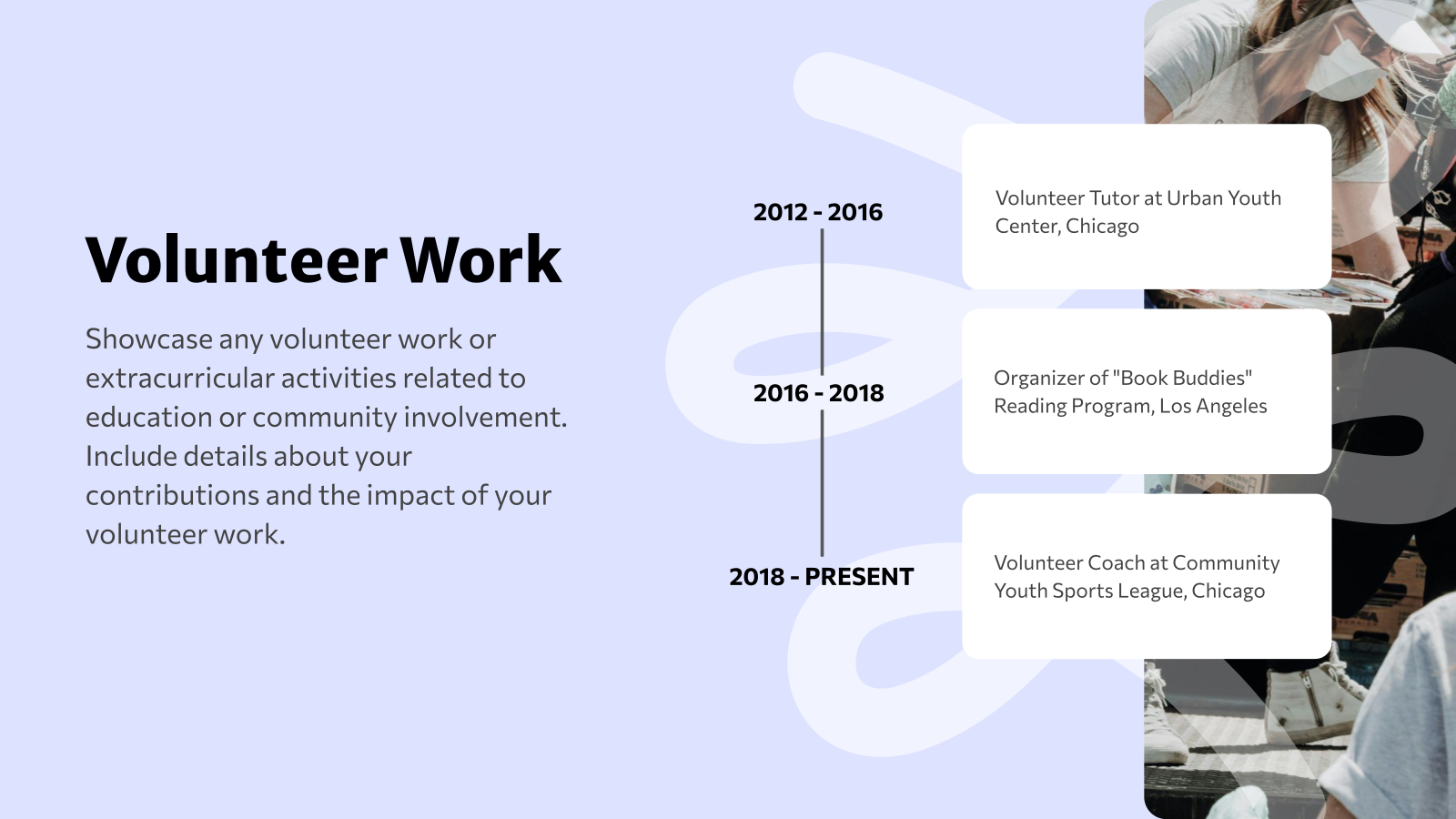
An Educator Portfolio Template is a ready-made presentation layout used by educators and teachers to showcase their professional experience, teaching philosophy, achievements, and skills. It helps organize important information such as lesson plans, certifications, classroom projects, and student outcomes in a clear and professional format.
Where Can You Use This Educator Portfolio Presentation Template?
This template fits any setting where you need to showcase your teaching background, from job applications and performance reviews to conferences and classroom use. Here’s where it works best:
- Presenting Teaching Experience: Helps educators showcase their teaching background and qualifications.
- Showcasing Lesson Plans: Useful for presenting teaching methods and lesson planning approaches.
- Highlighting Certifications and Awards: Displays professional certifications, achievements, and recognitions.
- Demonstrating Classroom Projects: Allows teachers to present classroom activities, projects, and student work.
- Job Applications and Evaluations: Helps create professional portfolios for teaching job applications or performance reviews.
What Makes Our Educator Portfolio Template Special?
- Time-Saving: Ready-to-use slides help you create a professional portfolio faster.
- Easy to Customize: Quickly edit slides to add your experience and teaching details.
- Professional Design: Clean and modern layouts that present your portfolio clearly.
- Well-Structured Slides: Helps organize achievements, skills, and teaching philosophy.
How to Use This Educator Portfolio Presentation Template?
- Microsoft PowerPoint: Click on Download > Click on “PowerPoint” > Click on the downloaded file to make a copy and start customizing/editing the template
- Google Slides: Click on Download > Click on “Google Slides” > Click on “Use Template” to make a copy and start customizing/editing the template
Build Stunning Slides in Seconds with AI
- No design skills required
- 3 presentations/month free
- Don't need to learn a new software


Frequently Asked Questions
1. Are these educators’ portfolio templates suitable for all teaching levels?
Yes. They work well for preschool teachers, K–12 educators, college faculty, tutors, and other education professionals.
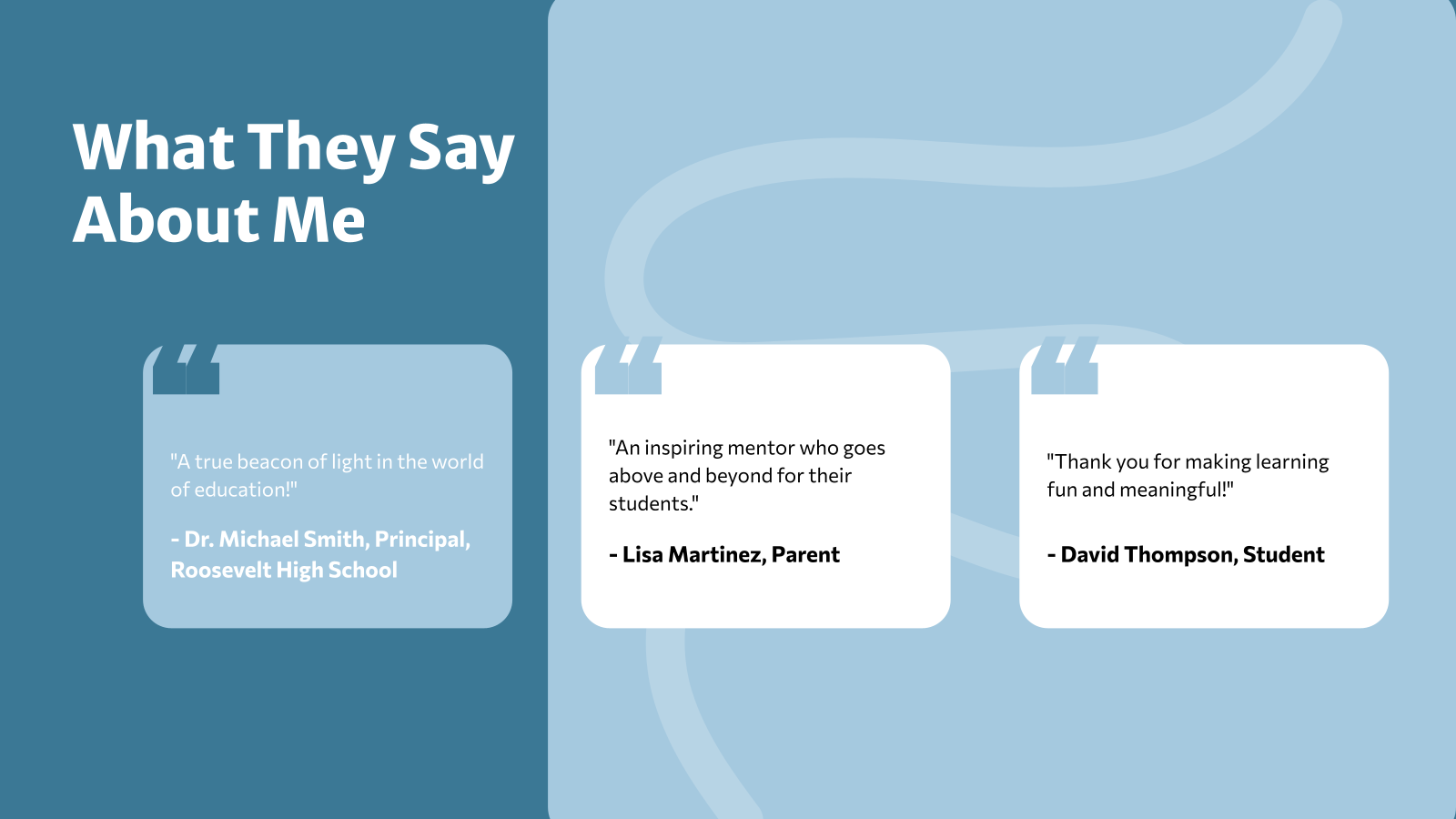
2. Should I include testimonials or feedback in my portfolio?
Yes. Including student, parent, or peer feedback can strengthen your credibility and showcase teaching impact.
3. Is any additional software required?
No. You only need Microsoft PowerPoint or access to Google Slides to use the template.
4. Can I customize the professional portfolio template for teachers to reflect my teaching style?
Yes. You can modify fonts, layouts, colors, and visuals to match your personal philosophy and approach.
5. Can I add lesson plans and teaching resources?
Yes. You can include lesson outlines, classroom activities, assessments, and instructional materials to highlight your expertise.
6. Can I update my portfolio as my career progresses?
Yes. This template is fully editable, making it easy to add new certifications, achievements, and experience.
7. Is this teacher’s portfolio template helpful for online or remote teaching roles?
Absolutely. It allows you to present digital tools, virtual classroom experience, and remote teaching strategies effectively.
8. Can I insert videos or external links?
Yes. You can add links to digital classrooms, published work, teaching blogs, or recorded lessons.
9. What is the ideal length for an educator’s portfolio presentation?
Most portfolios include 10-15 slides to maintain clarity and focus without overwhelming the viewer.
10. Do these portfolio templates for teachers work in both Google Slides and PowerPoint?
Yes. The portfolio template for teachers is compatible with both platforms.
11. Is it better to share my portfolio digitally or in print?
Digital formats are easier to update and share, especially for applications and interviews, though printed copies can be useful for in-person meetings.