
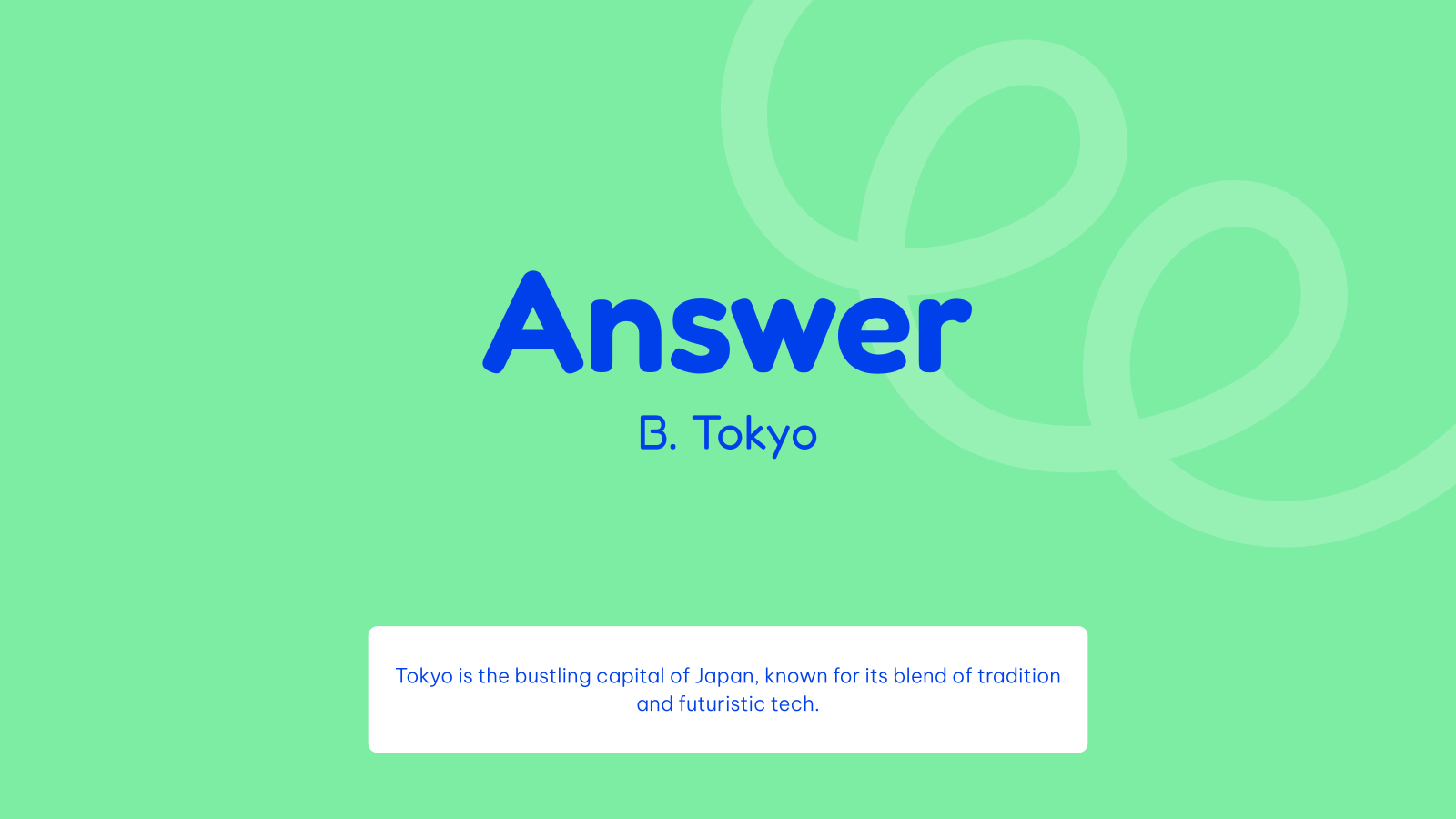

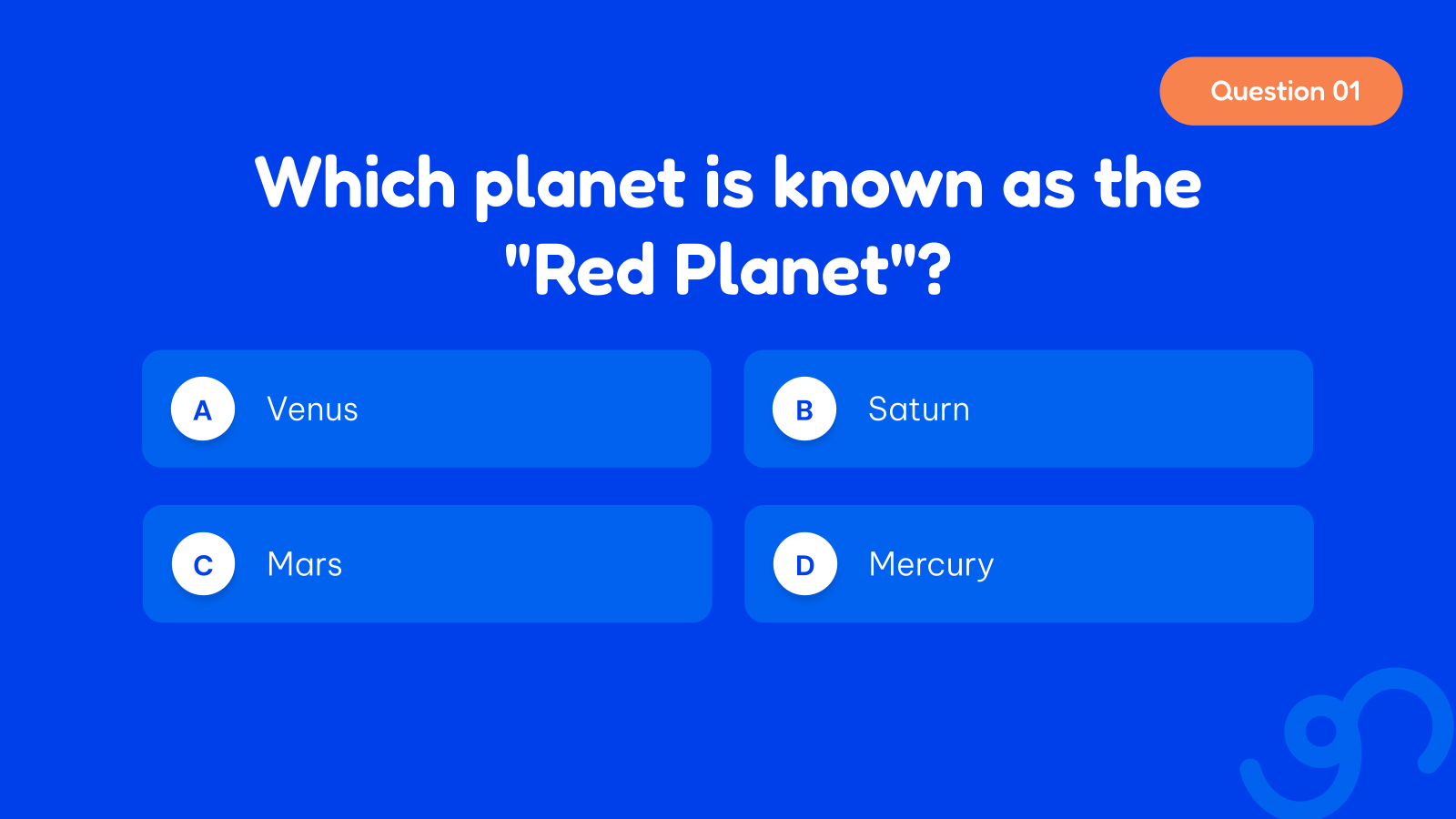
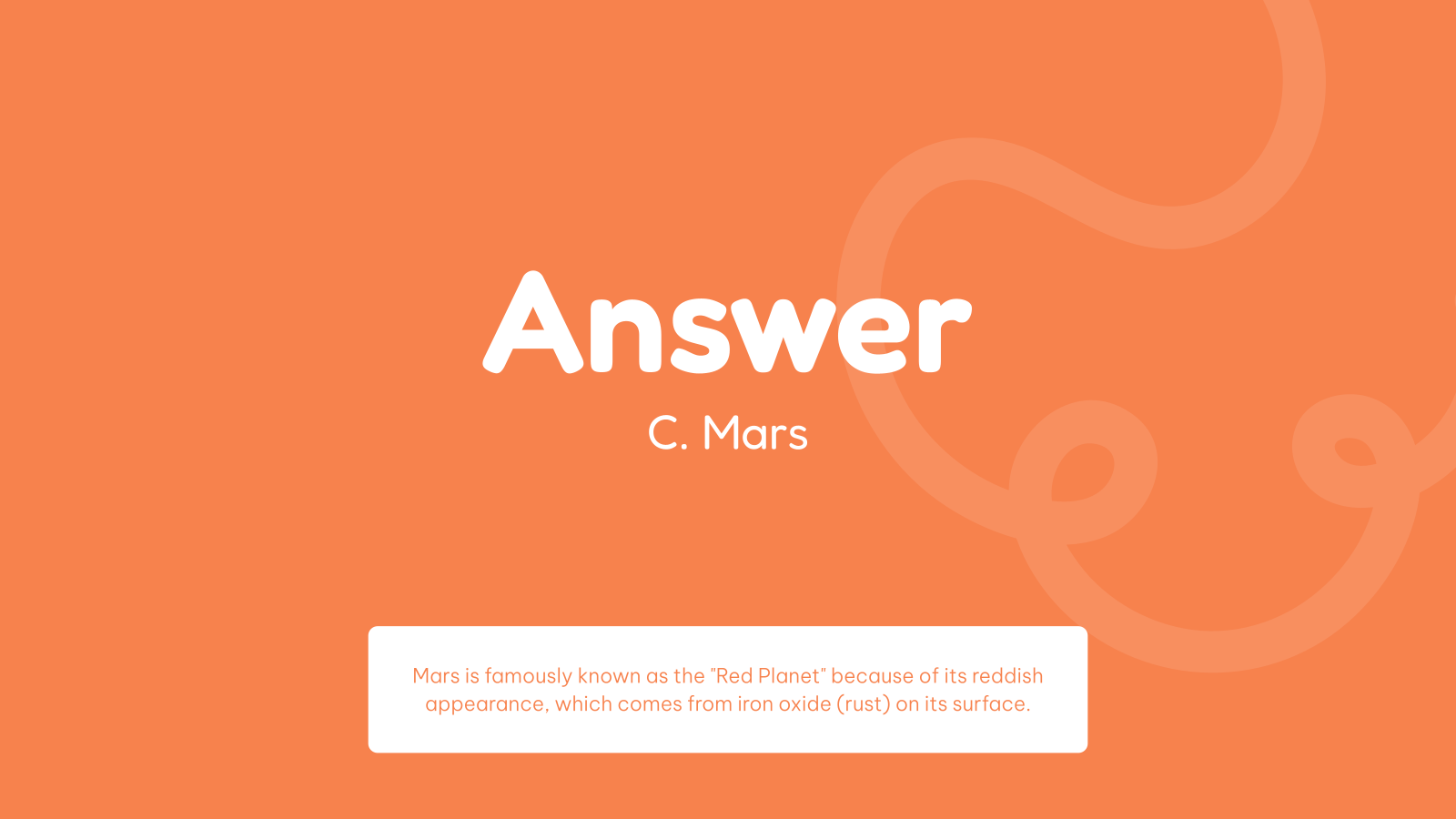






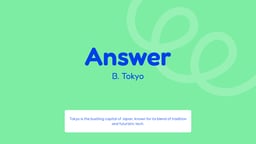

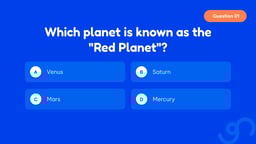
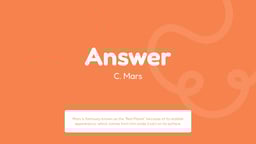



What is this Quiz Presentation Template?
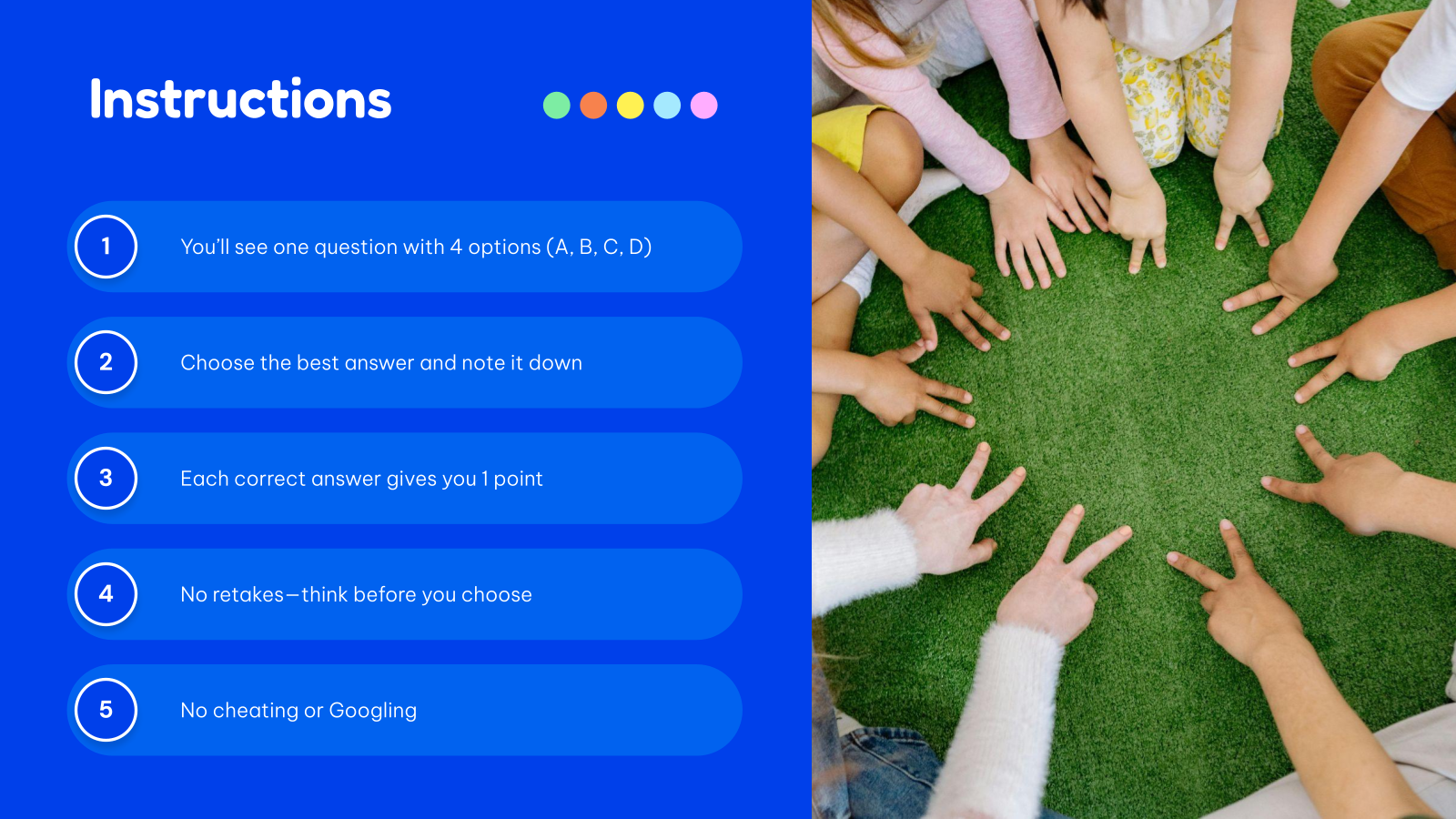
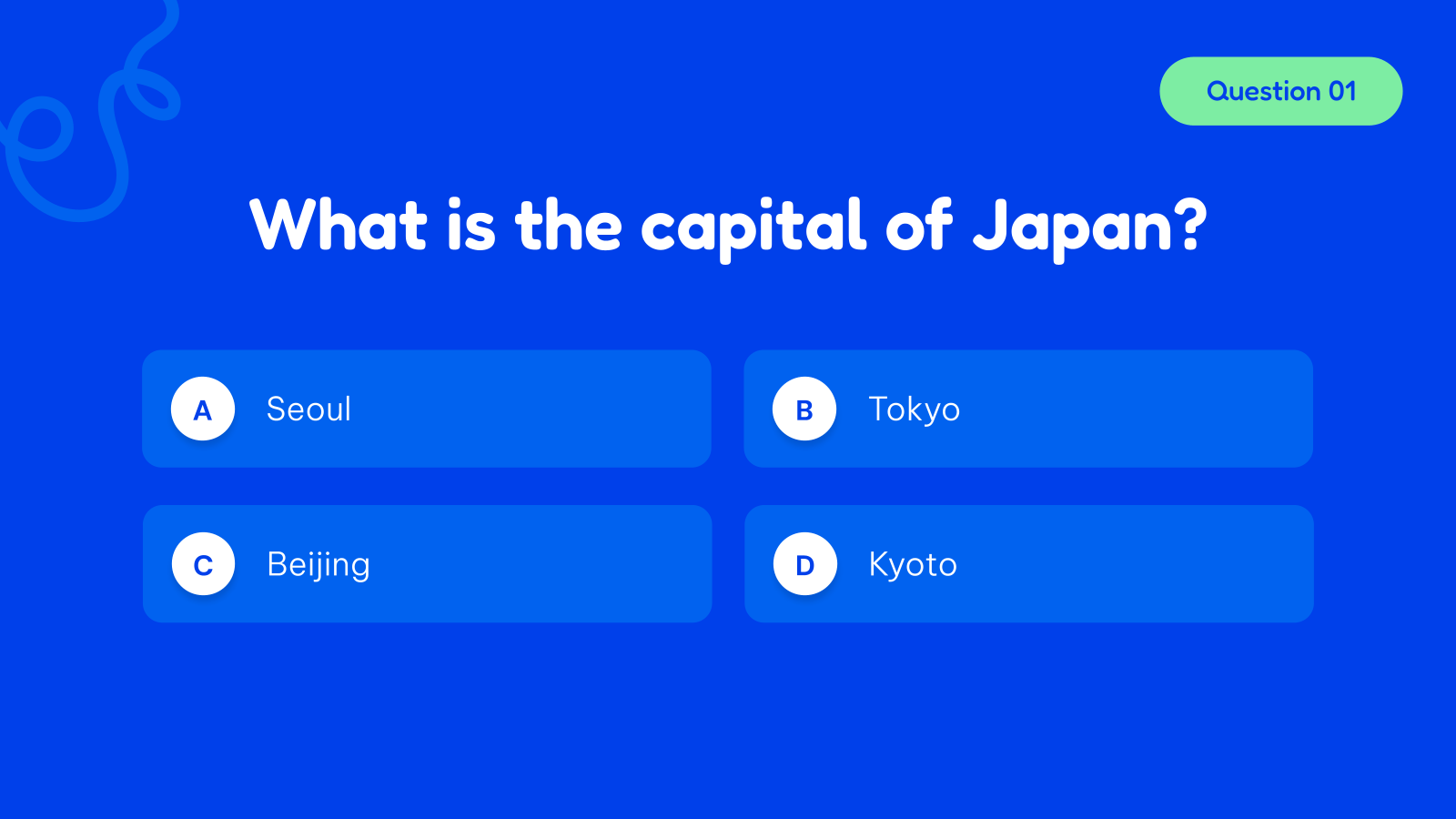
SlidesAI’s Quiz Presentation Template is an interactive and customizable slide deck designed to create engaging quizzes for education, training, or entertainment. It allows you to add multiple question formats, track responses, and personalize content effortlessly. Ideal for both Google Slides and PowerPoint, this template helps turn static presentations into dynamic quiz experiences.
Where You Can Use It
- Classroom Learning & Education – Conduct quizzes, tests, and revision sessions for students
- Corporate Training Programs – Assess employee knowledge and reinforce learning
- Workshops & Seminars – Engage participants with interactive quiz activities
- Online Classes & Webinars – Run live quizzes during virtual sessions
- Fun Events & Trivia Games – Create entertaining quizzes for team-building or social events
Why Educators and Trainers Choose This Template?
- Interactive & Engaging Format – Turns boring slides into active quiz experiences
- Fully Customizable Slides – Easily edit questions, answers, visuals, and branding
- Supports Multiple Question Types – Flexible for different quiz formats and topics
- Works with Google Slides & PowerPoint – No additional tools required
- AI-Powered Efficiency – Create and customize presentations faster with SlidesAI
Build Stunning Slides in Seconds with AI
- No design skills required
- 3 presentations/month free
- Don't need to learn a new software


How to use this Quiz Presentation Template?
- Microsoft PowerPoint: Click on Download > Click on “PowerPoint” > Click on the downloaded file to make a copy and start customising/editing the template
- Google Slides: Click on Download > Click on “Google Slides” > Click on “Use Template” to make a copy and start customising/editing the template
Create presentations in seconds. Enter text and SlidesAI creates customizable slides based on that text in seconds that go well with all our templates too.
Create Presentations Easily in Google Slides and PowerPoint
14M+Installs

Frequently Asked Questions:
1. Is this template suitable for classrooms?
Absolutely, it is ideal for teachers to conduct quizzes, assessments, and revision sessions.
2. Does the template support multiple question types?
Yes, you can include MCQs, true/false, fill-in-the-blank, or image-based questions.
3. Do I need design skills to use this template?
No, the template is pre-designed, so no design expertise is required.
4. Can I track quiz scores using this template?
Yes, you can structure slides to show correct/incorrect answers and track scores manually or interactively.
5. How do I make the quiz interactive?
You can use hyperlinks or buttons to navigate between questions and answer slides.
6. Does it save time compared to manual creation?
Yes, using a template significantly reduces design and setup time.