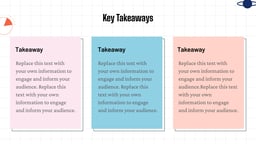
What Are Newton’s Laws of Motion Presentation Templates?
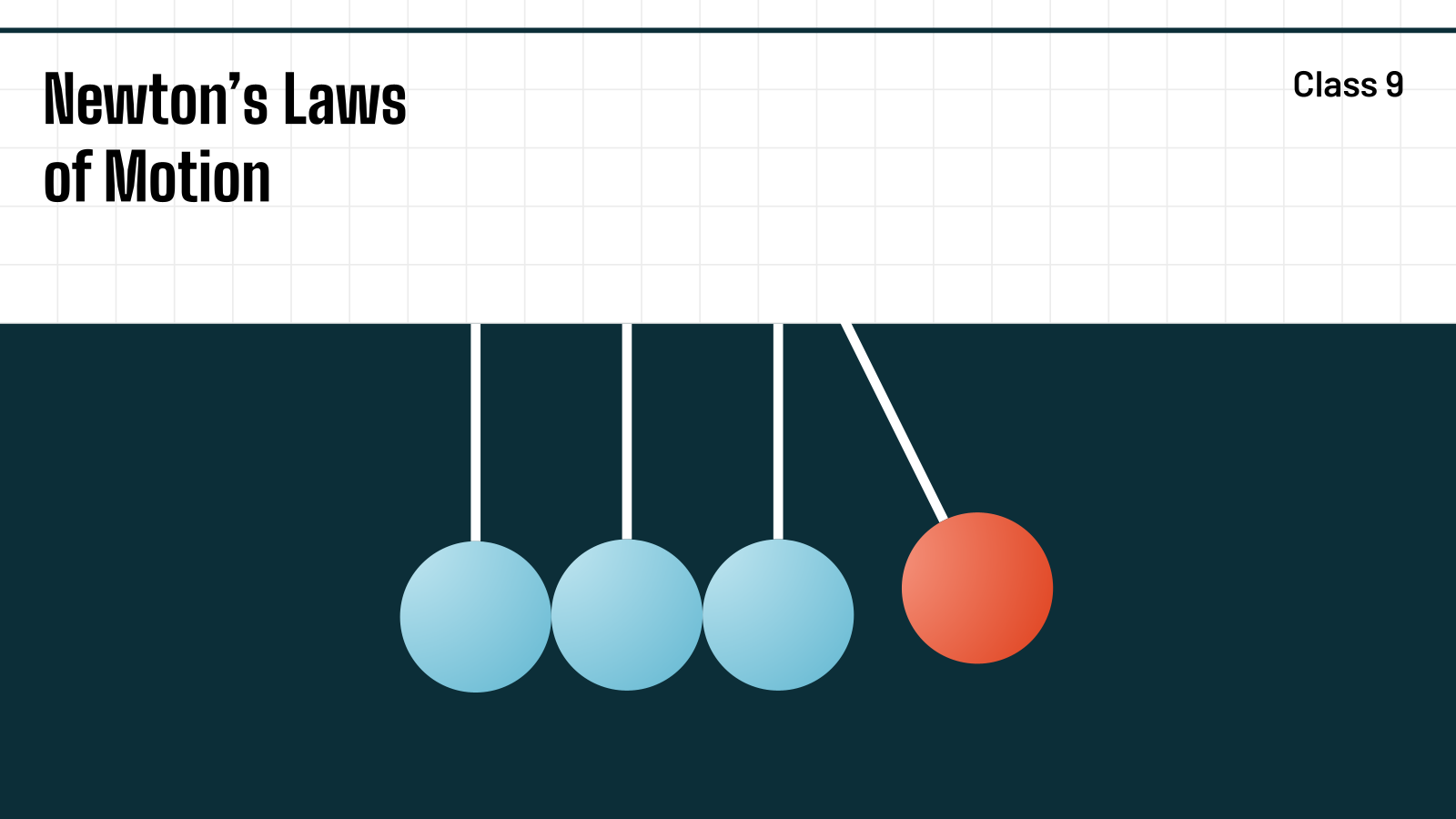
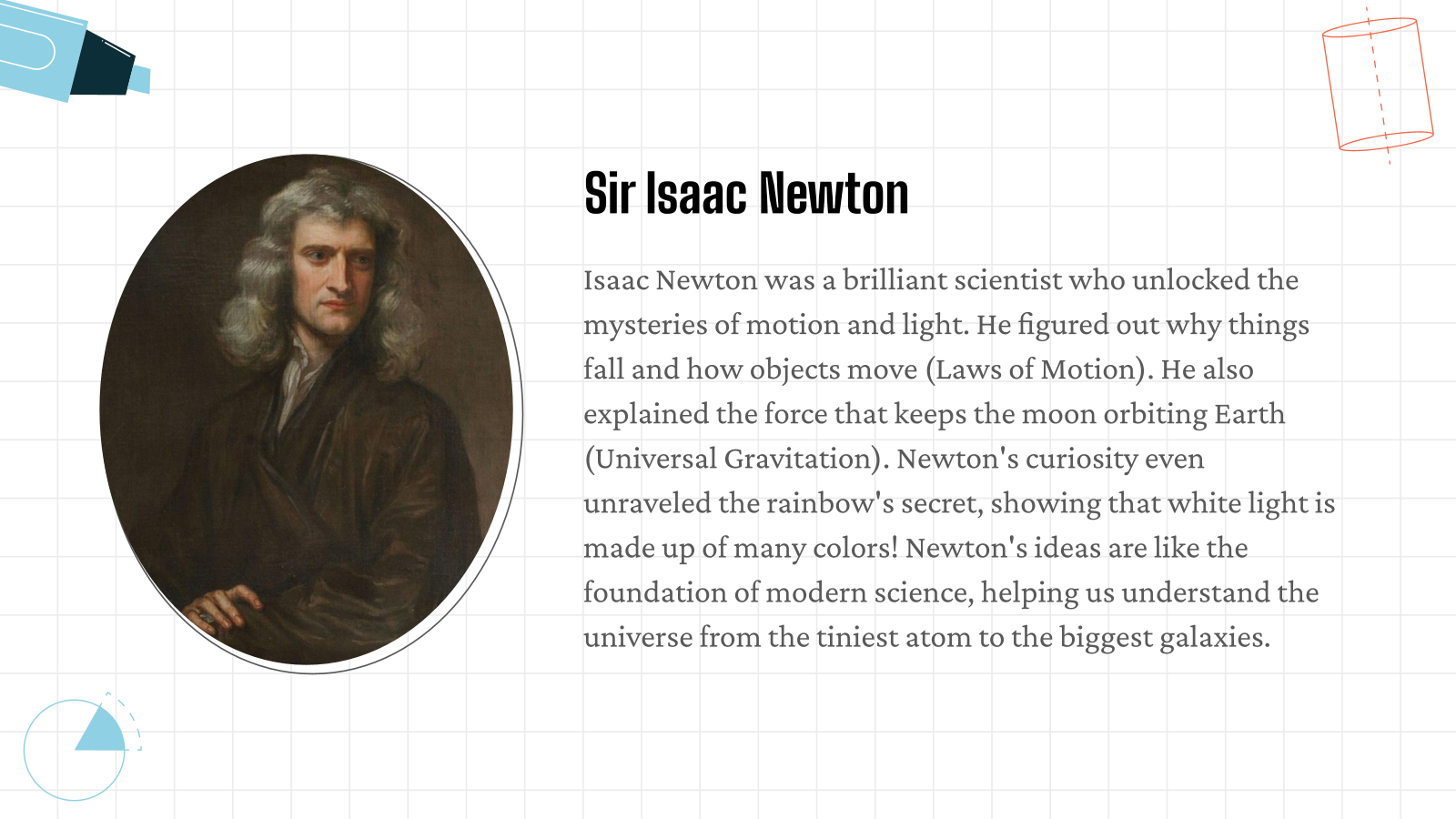
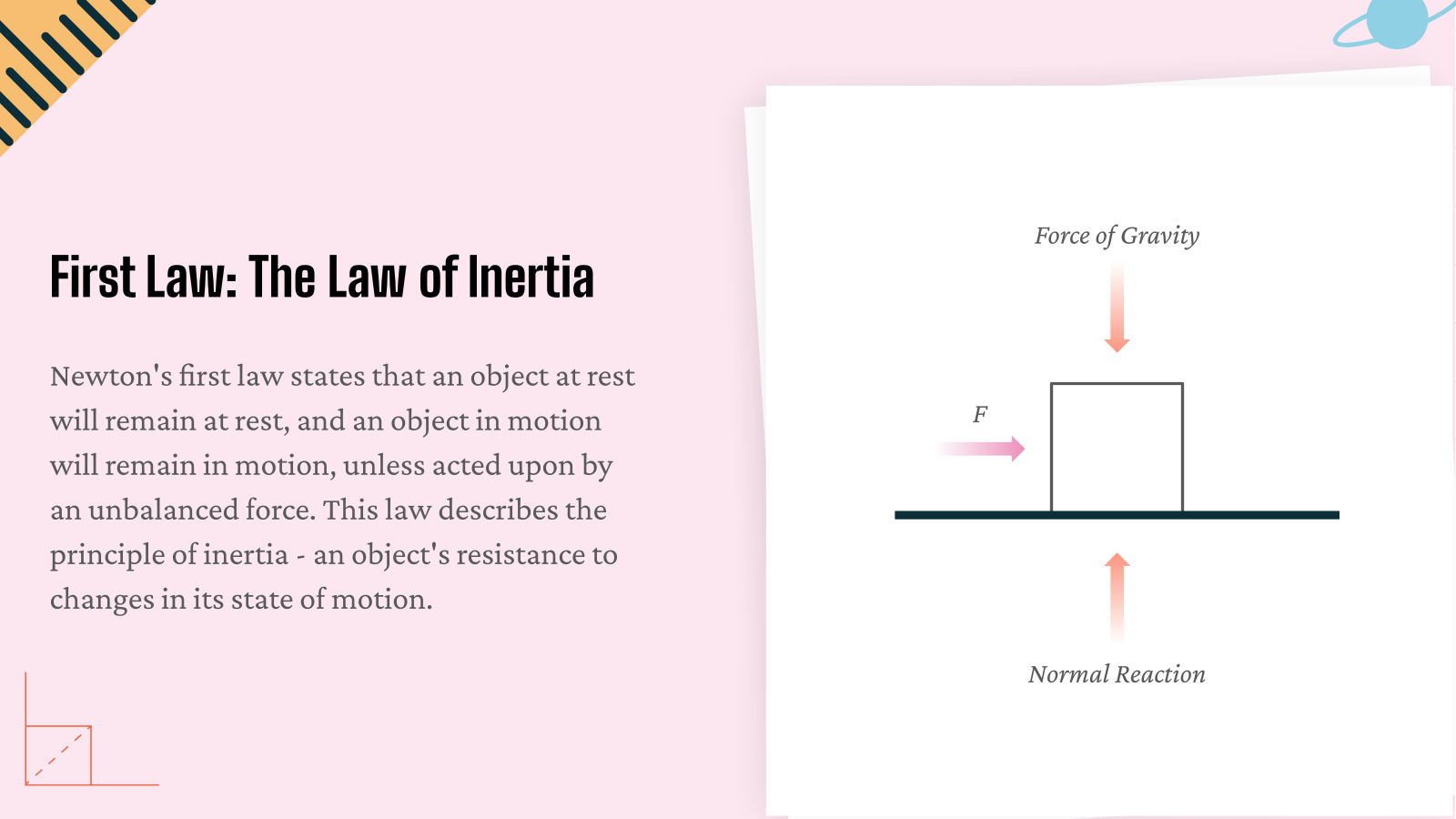
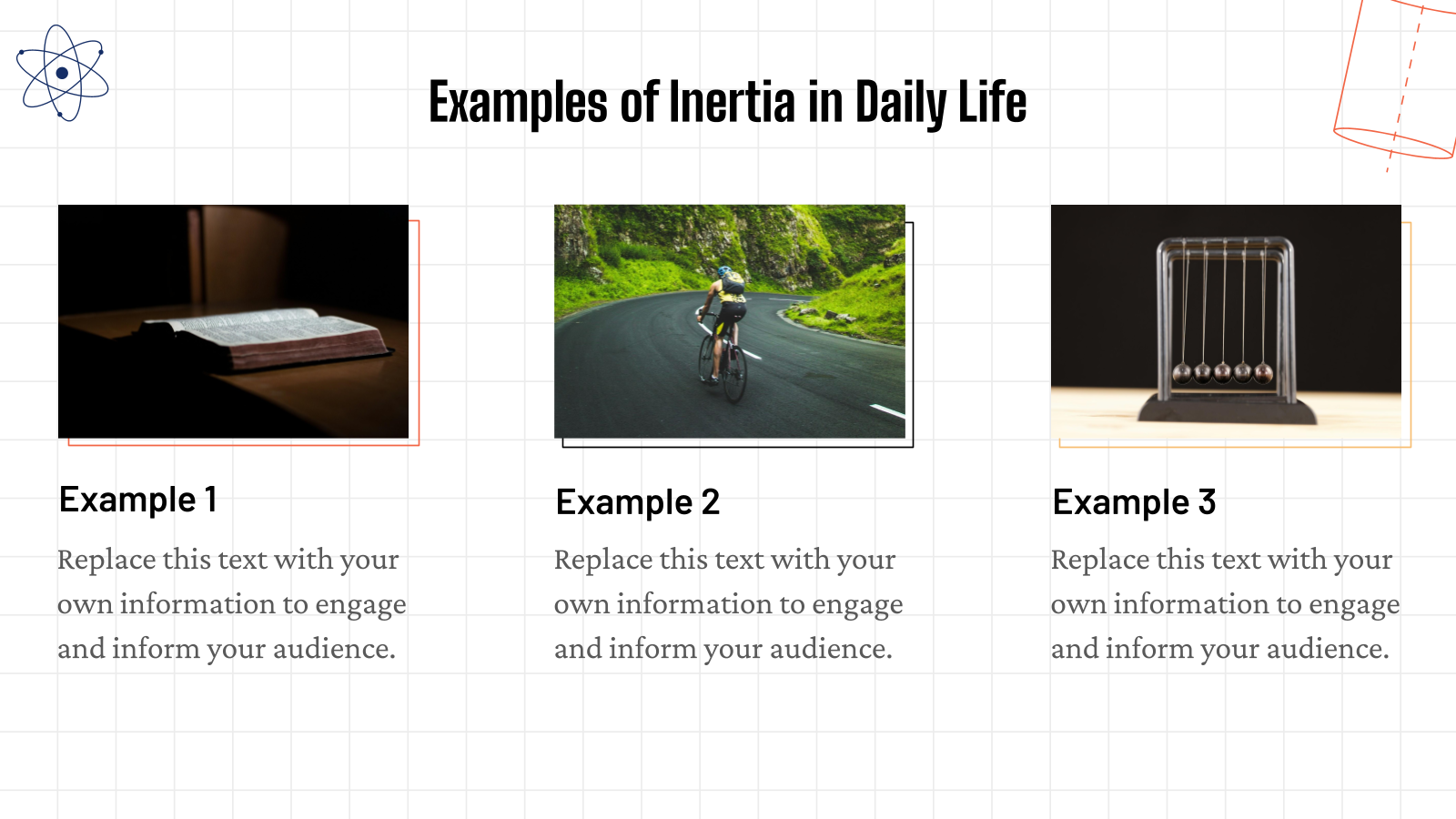
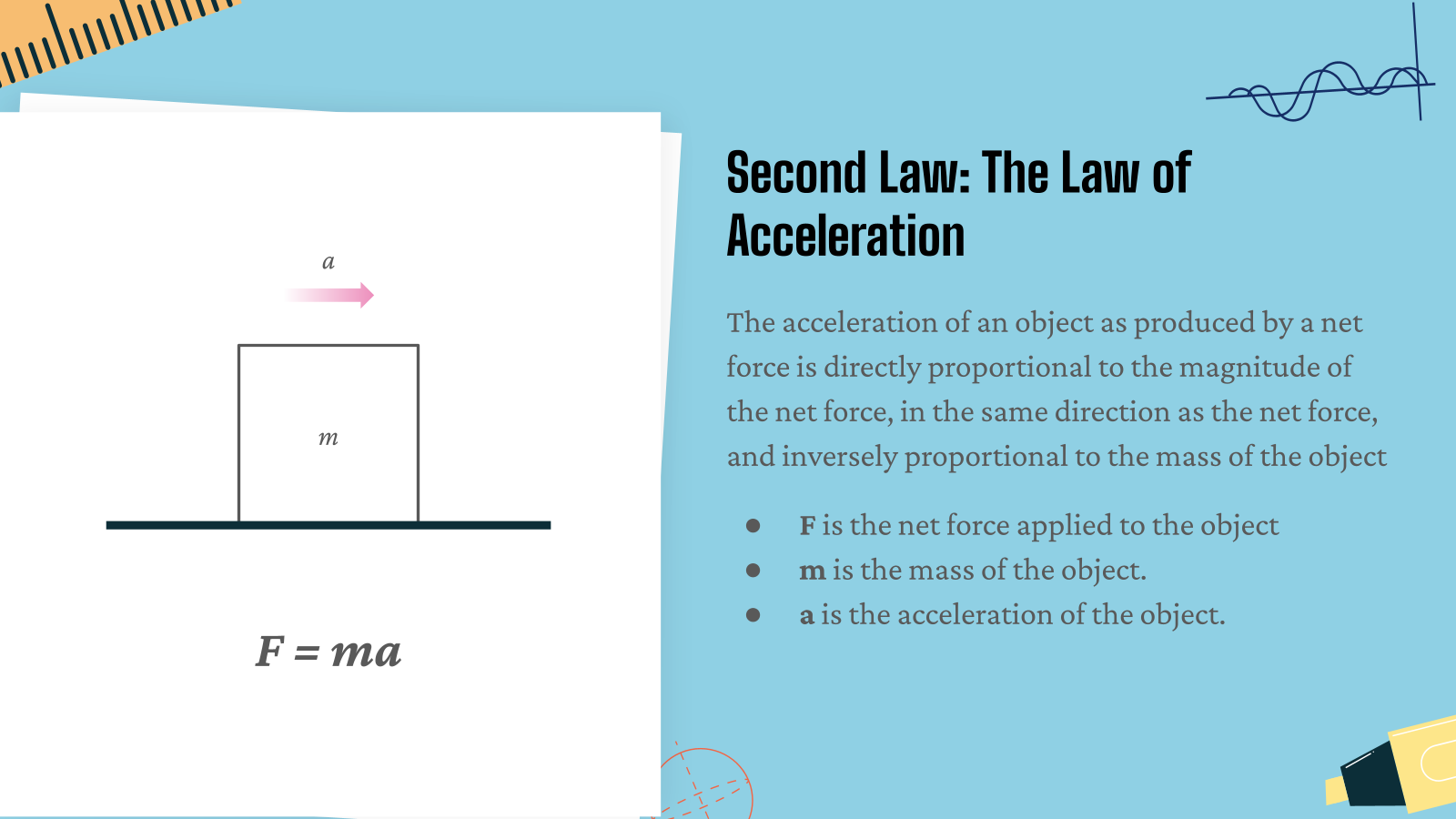
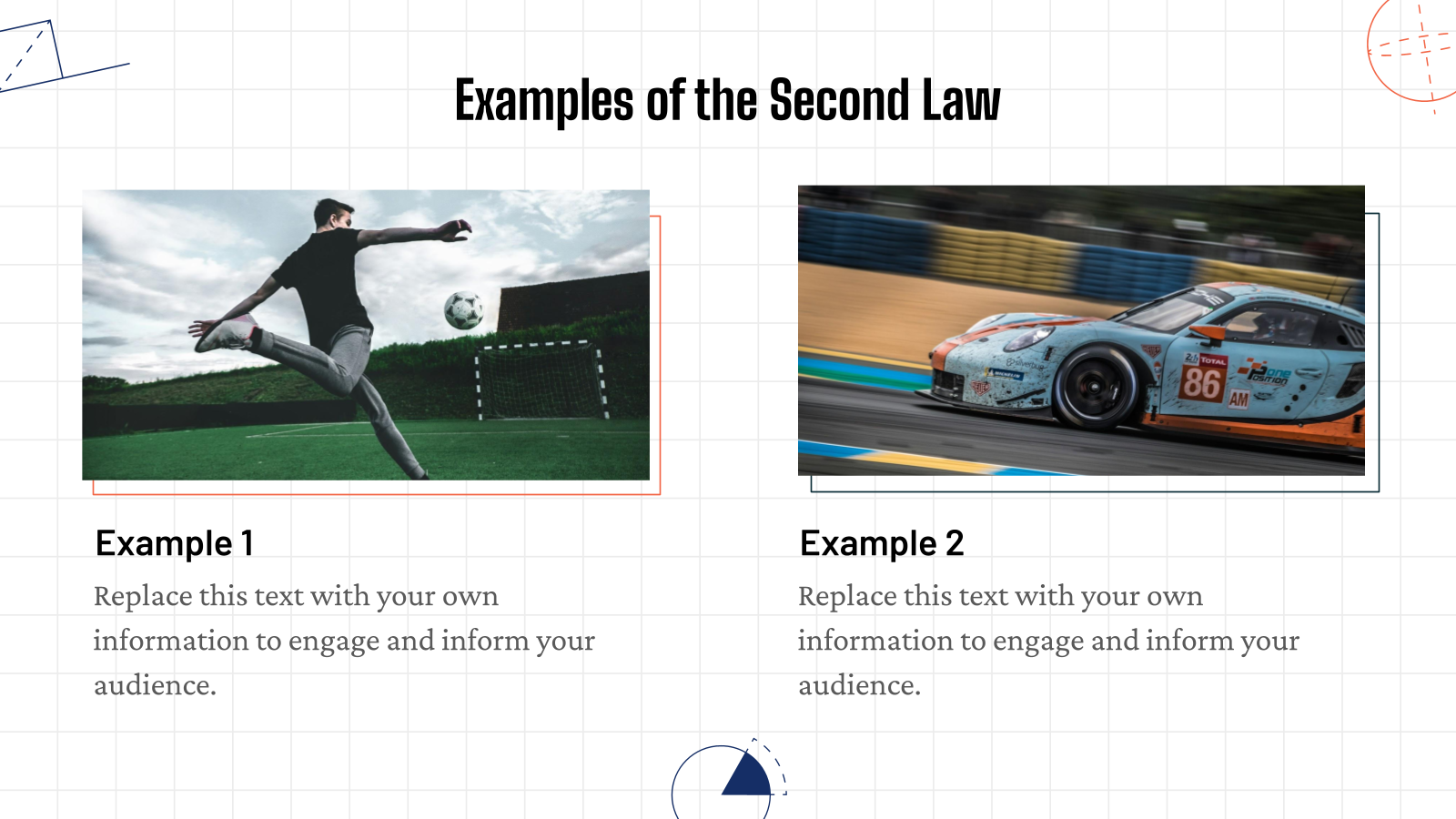
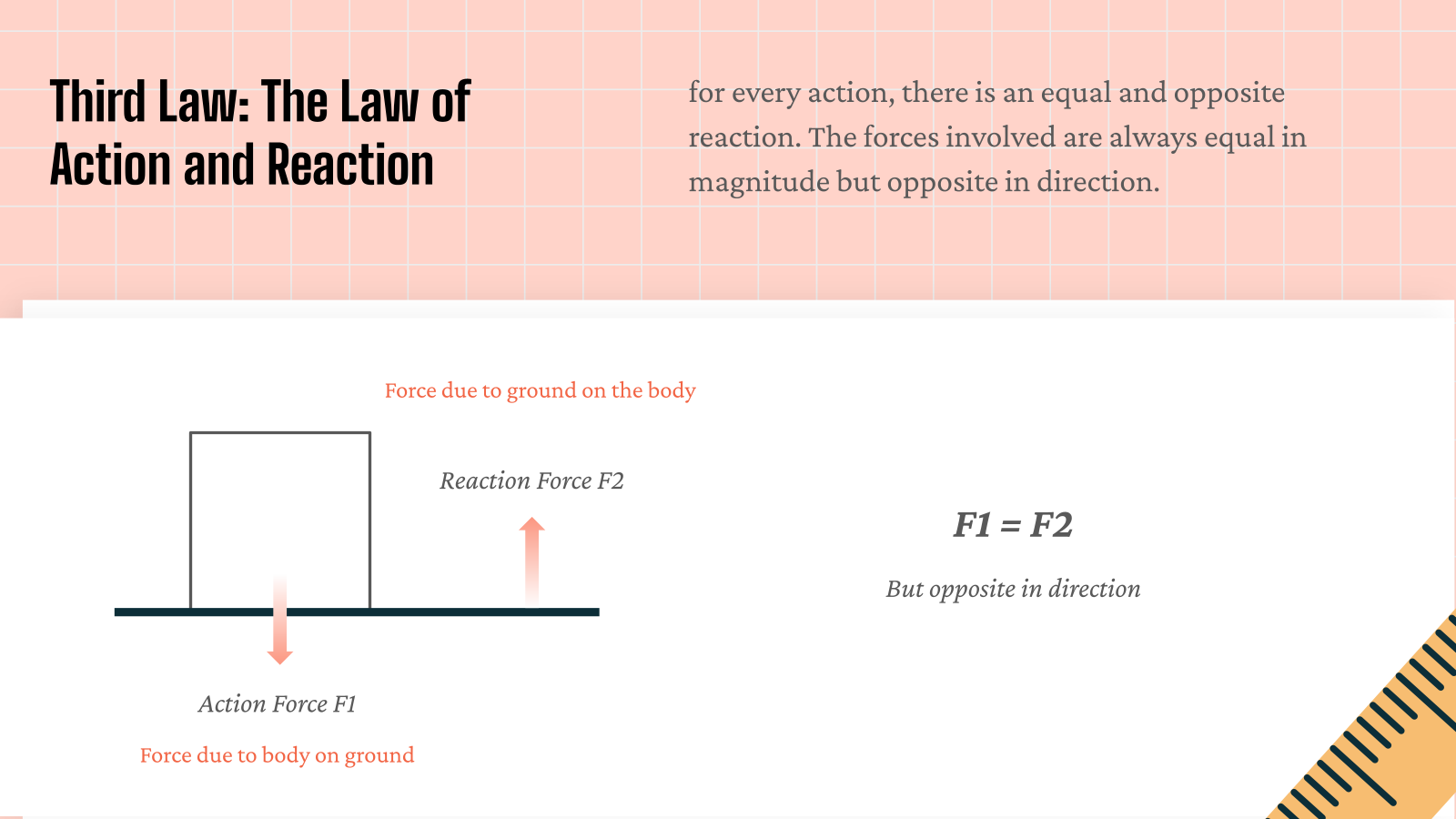
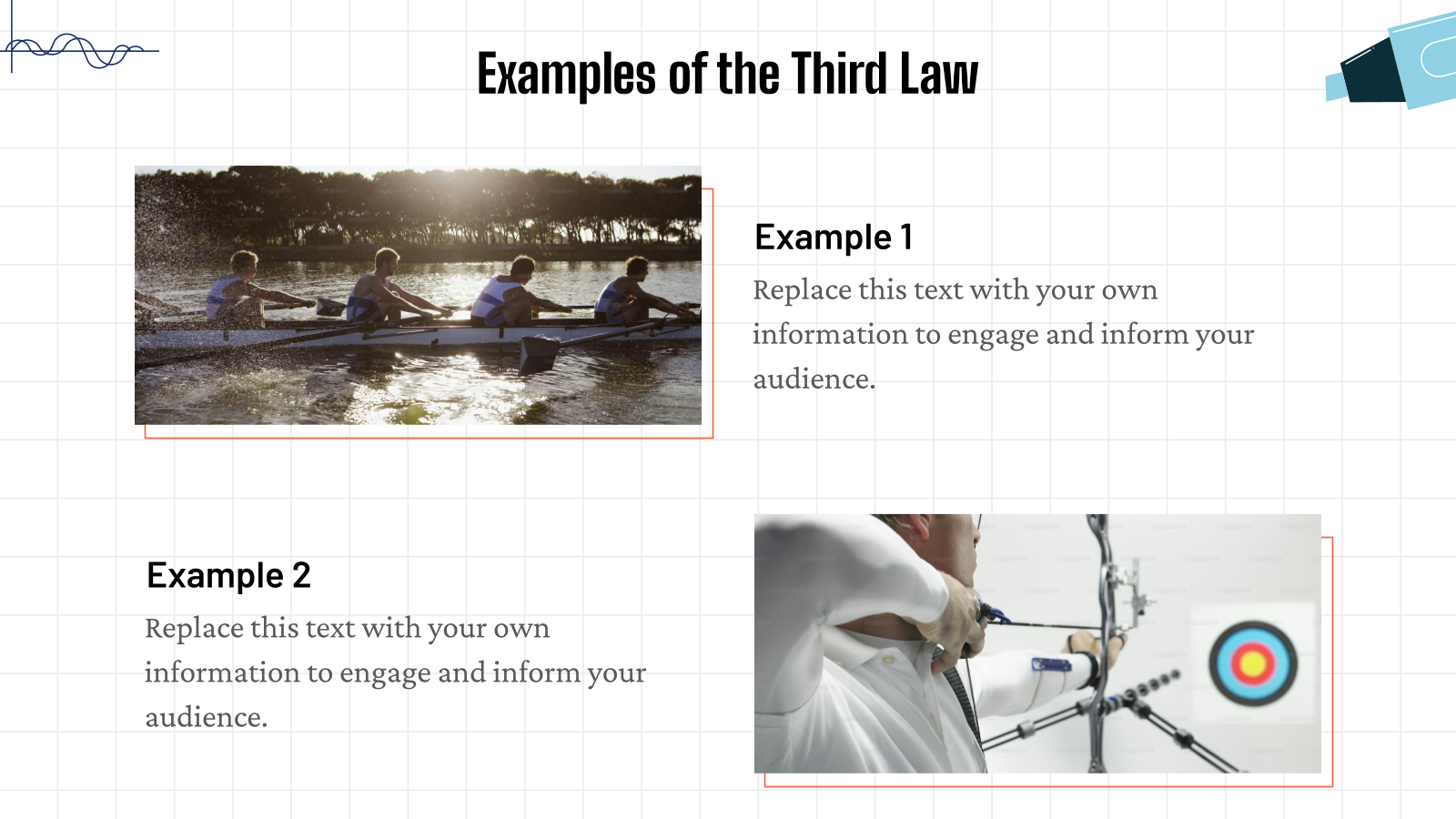
Newton’s Laws of Motion Presentation Templates are pre-designed slides used to explain the three laws of motion discovered by Isaac Newton. These templates help present concepts, examples, and diagrams in a clear and visual way using tools like PowerPoint or Google Slides.
Where Can You Use This Newton’s Laws of Motion Template?
- Classroom Teaching – Teachers use it to explain Newton’s three laws of motion to students.
- School and College Projects – Students use these templates for science presentations and assignments.
- Physics Lessons and Training – Helpful for explaining motion, force, and related physics concepts.
- Educational Workshops – Used in science workshops or seminars to demonstrate physics principles.
- Online Learning Presentations – Useful for creating educational content for online classes or tutorials.
Why Choose Our Newton’s Laws of Motion PPT Template?
- Educational Design – Slides are designed to explain physics concepts clearly.
- Easy to Edit – You can quickly add text, diagrams, and examples.
- Well-Structured Slides – Helps present Newton’s laws in an organized way.
- Fully Customizable – Change colors, fonts, and layouts easily.
- Compatible with Popular Tools – Works with PowerPoint and Google Slides.
How to Use This Newton’s Laws of Motion Slides Template?
- Microsoft Powerpoint: Click on Download > Click on “PowerPoint” > Click on the downloaded file to make a copy and start customising/editing the template.
- Google Slides: Click on Download > Click on “Google Slides” > Click on “Use Template” to make a copy and start customising/editing the template.
Create Presentations Easily in Google Slides and PowerPoint
14M+Installs
 Install add-in
Frequently Asked Questions
1. Can I use this template for a college physics assignment?
Yes, this template works well for college-level science assignments since it already includes structured slides for explaining force, motion, and Newton’s three laws with room to add your own examples and data.
2. Does this template work for high school or middle school students?
Yes, the layout is simple enough for middle and high school physics lessons, and slides can be edited to match the reading level of your class.
3. Can I add my own diagrams or images to the slides?
Yes, you can insert your own diagrams, images, or examples on any slide by deleting the placeholder graphic and uploading your own image file.
4. Can I remove slides I don’t need from this template?
Yes, you can delete any slide by right-clicking it in the slide panel and selecting delete, without affecting the rest of the template’s design.
5. Can multiple people edit this template together at the same time?
Yes, if you use the Google Slides version, you can share the file and collaborate with other students or teachers in real time.
6. Will the template still look correct after I edit it?
Yes, the template is built on a structured layout, so edits to text, color, or images stay aligned with the design as long as you work within the existing placeholders.