秒でノートからプレゼンテーションへ
顧客の声
SlidesAIについて人々が何と言っているかご覧ください

Maria Vasilyeva
Great! In a few seconds you can get a structured presentation with a photo, it saves me a lot of time! Great tool! Thank you Anurag!

John Little
Just starting to play with the app. It was recommended by a friend and so far so good! Also, the tech support was fast and beneficial!

Oghale Agbawhe
This app exceeded my expectations. It is very useful and convenient, saves time and eliminates the stress of manually creating PowerPoints. I highly recommend it!

hassanain ali
working fantastic and very helpful. Saving me so much time by automatically generate sub-titles on each pages and analyze my paragraph to points form! highly recommend! The support is super fast and helpful, I didn’t even expect to get such a fast responds at late night time
Widi Oremo
Amazing product. It was very easy to use and intuitive. I was also assisted very promptly by its creator and team when I needed help.

Marcelo Caballero
Genial, te reduce los tiempos y bloqueos mentales para realizar una presentacion de algun tema en especifico. asi es posible concentrarse en los detalles. Muy Util.
どうやって動作するのか?
ノートを洗練されたプレゼンテーションに変換
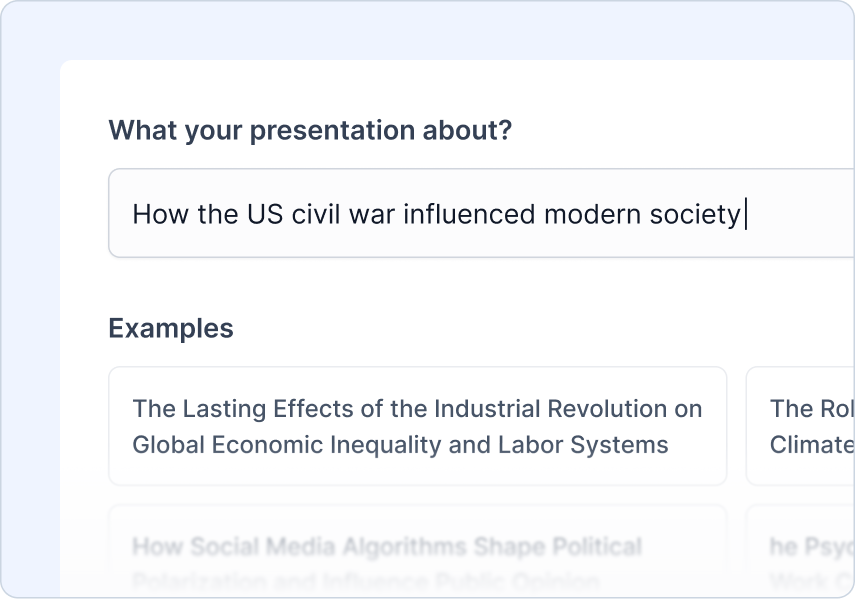
トピックを入力
プレゼンテーションでカバーしたいテーマを入力してください。これがすべての基礎を築きます。
例:"米国南北戦争が現代社会に与えた影響"
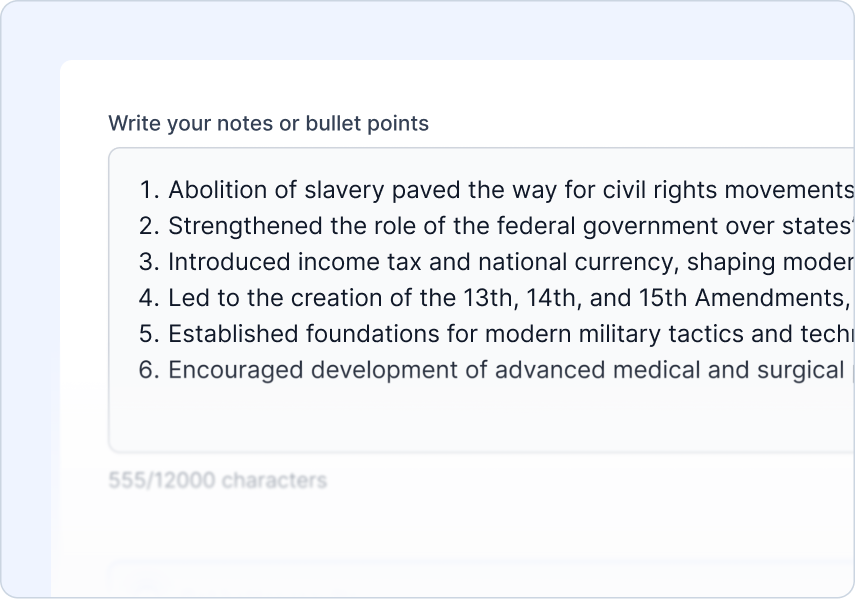
ノートをアップロード
プレゼンテーションを生成するために使用されるノートまたはテキストコンテンツをアップロードしてください。
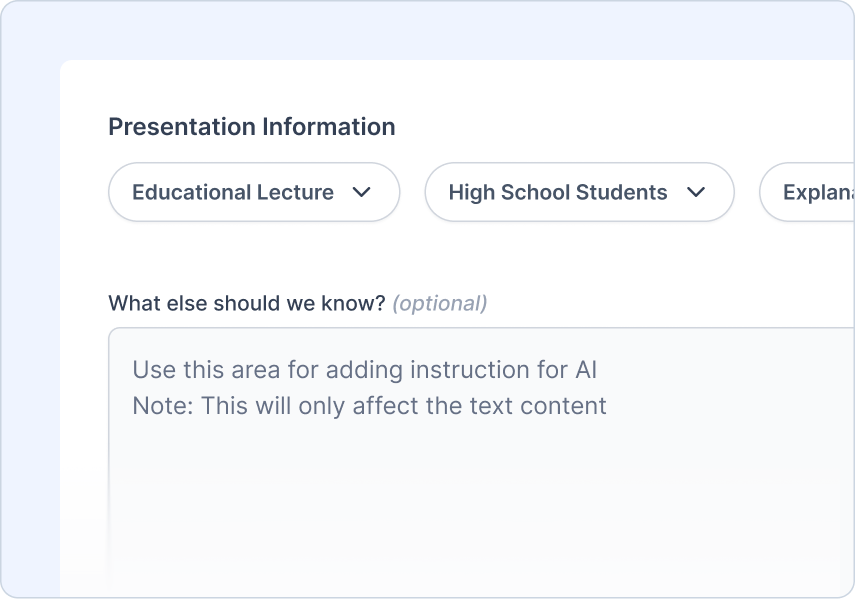
指示を追加
聴衆が誰なのか、どのようなプレゼンテーションを作成しているのか、そして望むトーンを教えてください
あなたができること:
 観客のタイプを選ぶ
- プレゼンテーションの種類を選ぶ
- 声のトーンを設定する
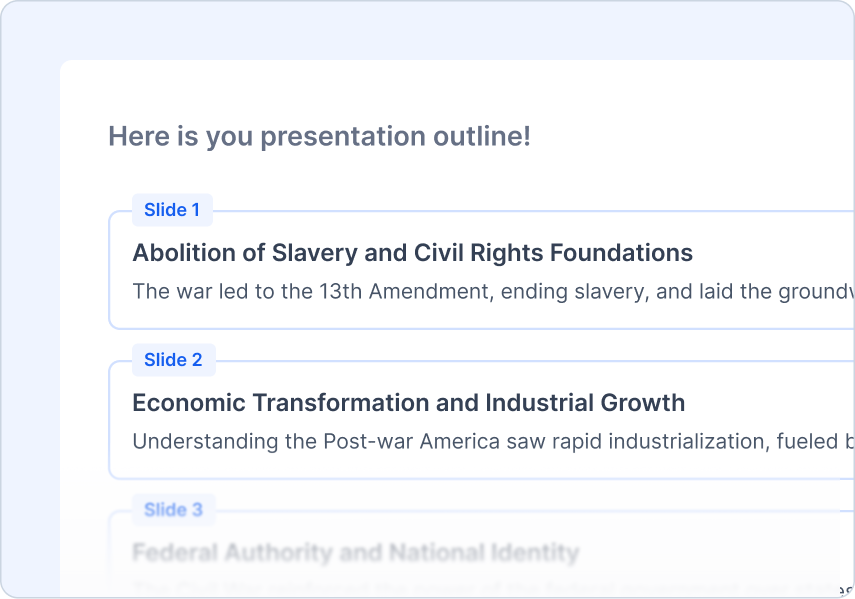
アウトラインを見直す
AIが生成したアウトラインを見直し、調整します。
あなたができること:
- アウトラインのクイックプレビュー
- ワンクリックで再生成
- コンテンツを簡単に追加/削除/編集
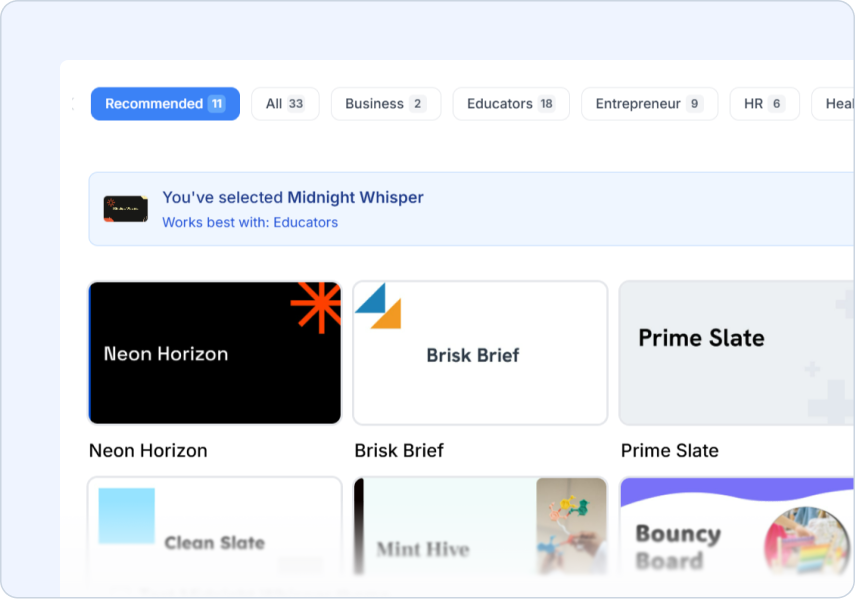
テーマを選ぶ
トピックに合ったデザインスタイルを選びます。
あなたができること:
- プロがデザインしたテンプレート
- AIとストック画像の提案
- ロゴをアップロードしてください
Frequently Asked Questions
We've compiled a list of the most common questions we get asked.
- 最適な結果を出すためには、ノートはどの形式にするべきですか?
ノートからPPTへの変換は、箇条書き、構造化されたテキスト、または会議ノートが最適です。SlidesAIはあなたのノートを論理的なスライドに整理し、主要な情報と洞察を保持します。
- ノートの長さに制限はありますか?
さまざまな長さのノートをアップロードできます!SlidesAIは、短い会議ノートから広範な研究ノートまで、すべてを処理し、よく構成されたプレゼンテーションスライドに整理します。
- SlidesAIはノートを論理的なスライドに再構成しますか?
はい!SlidesAIは自動的にノートを一貫したプレゼンテーションの流れに構造化し、明確なスライドの移行を作成し、関連したポイントを一緒に組織して最大の効果を発揮します。
- 手書きのノートをアップロードできますか、それとも入力されたテキストのみですか?
現在、ノートからPPTへの変換は入力されたテキストで動作します。手書きのノートの場合、それらを転記するか、OCRツールを使用して最初にテキストに変換してください。
- SlidesAIは私のノートから重要なポイントを保持しますか?
もちろんです!SlidesAI はあなたのノートから重要な情報を特定して強調し、プレゼンテーションに全ての重要なポイントが含まれて適切に強調されることを保証します。
- SlidesAIを使用するにはGoogle Workspaceアカウントが必要ですか?
いいえ。SlidesAIは通常のGmailアカウントでも使用できます。Google Workspace MarketplaceからSlidesAIをインストールし、Googleスライドから実行してください。
- Googleスライドからどのように実行しますか?
Google Workspace MarketplaceからSlidesAIをインストールした後、Googleスライドのプレゼンテーションを開き、拡張機能 > SlidesAI.io > スライドを生成 の順に移動します。
- 私たちはGoogleスライドを使用していませんが、それでもSlidesAIを使用できますか?
はい。SlidesAIはGoogleスライド、Microsoft PowerPoint、およびウェブアプリと連携しているため、チームに合ったワークフローでプレゼンテーションを作成できます。
- PowerPointでSlidesAIをどのように使用しますか?
PowerPoint アドインをインストールして、PowerPoint 内でシームレスにプレゼンテーションを作成および編集しましょう。