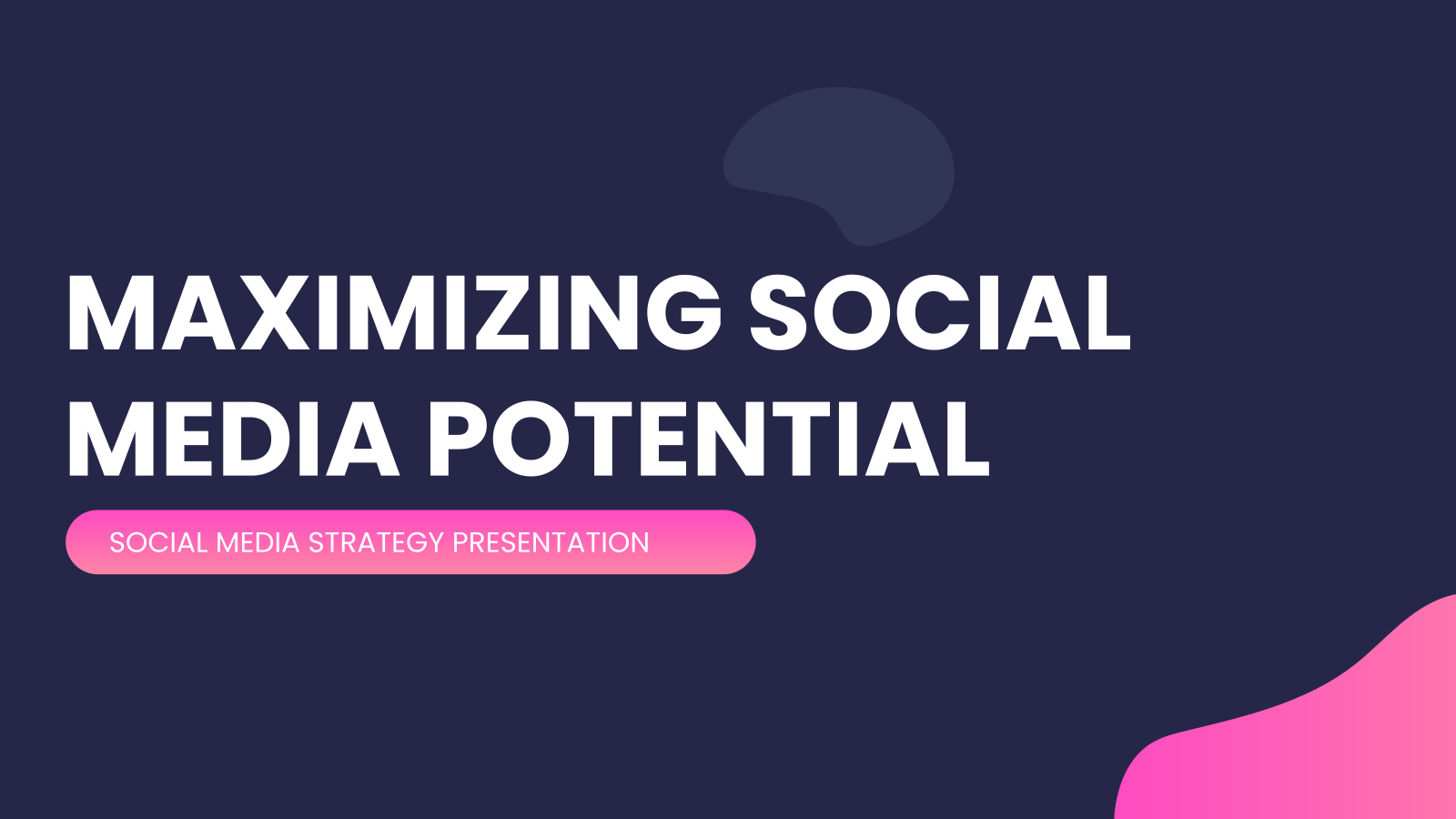



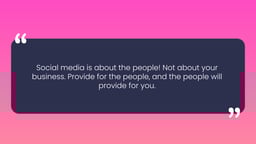


What is a Social Media Strategy Presentation Template?
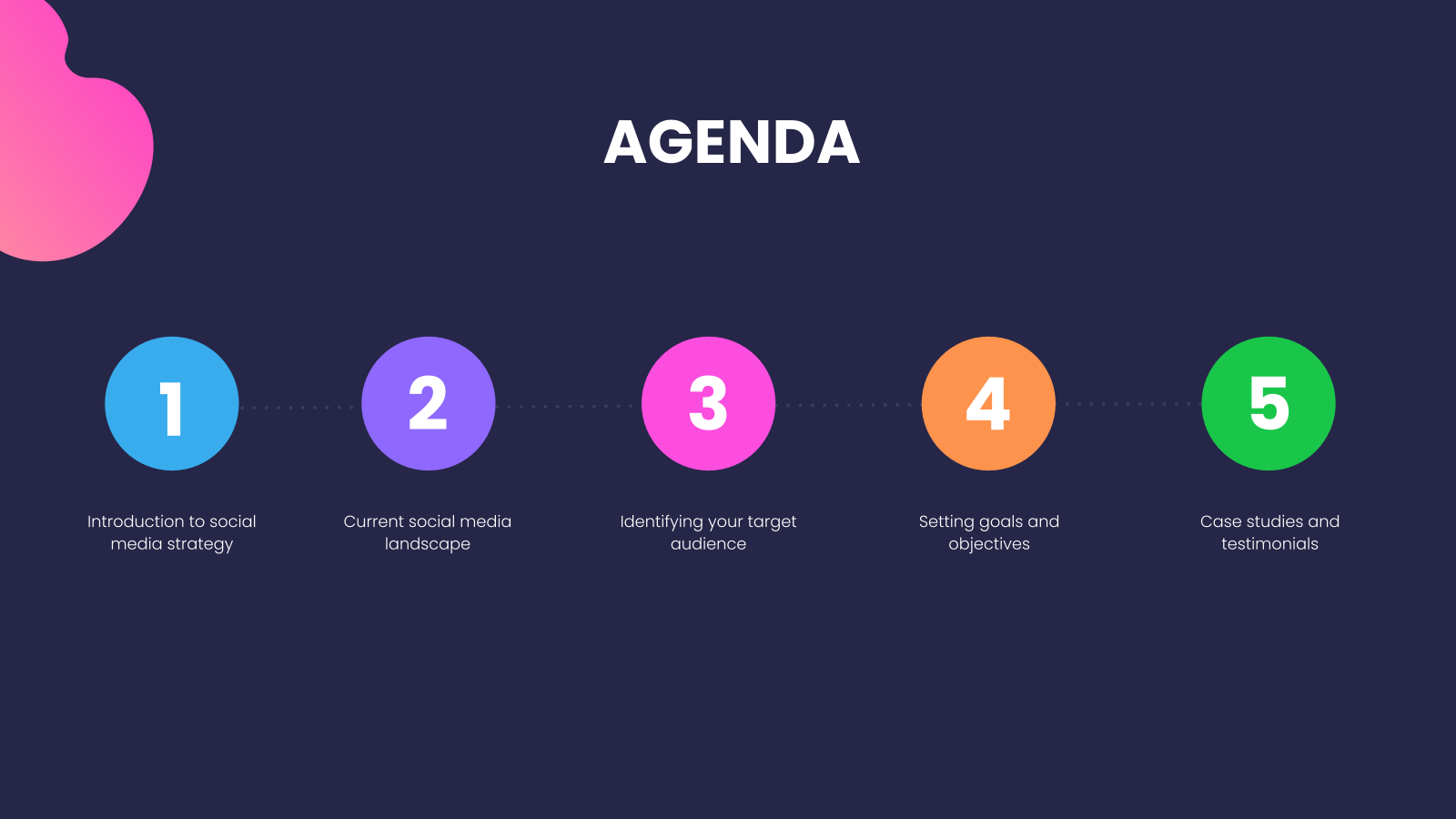
A Social Media Strategy Template is a ready-made framework used to plan, organize, and manage social media activities. It helps businesses outline their goals, target audience, and content plan in one place. The template also includes a posting schedule, so teams can stay consistent without building the structure from scratch.
How Can This Social Media Strategy PPT Template be Used?
This template adapts to however you’re using it, whether you’re presenting a plan to your team, pitching a client, or mapping out content for the quarter ahead. Here’s how to put it to work:
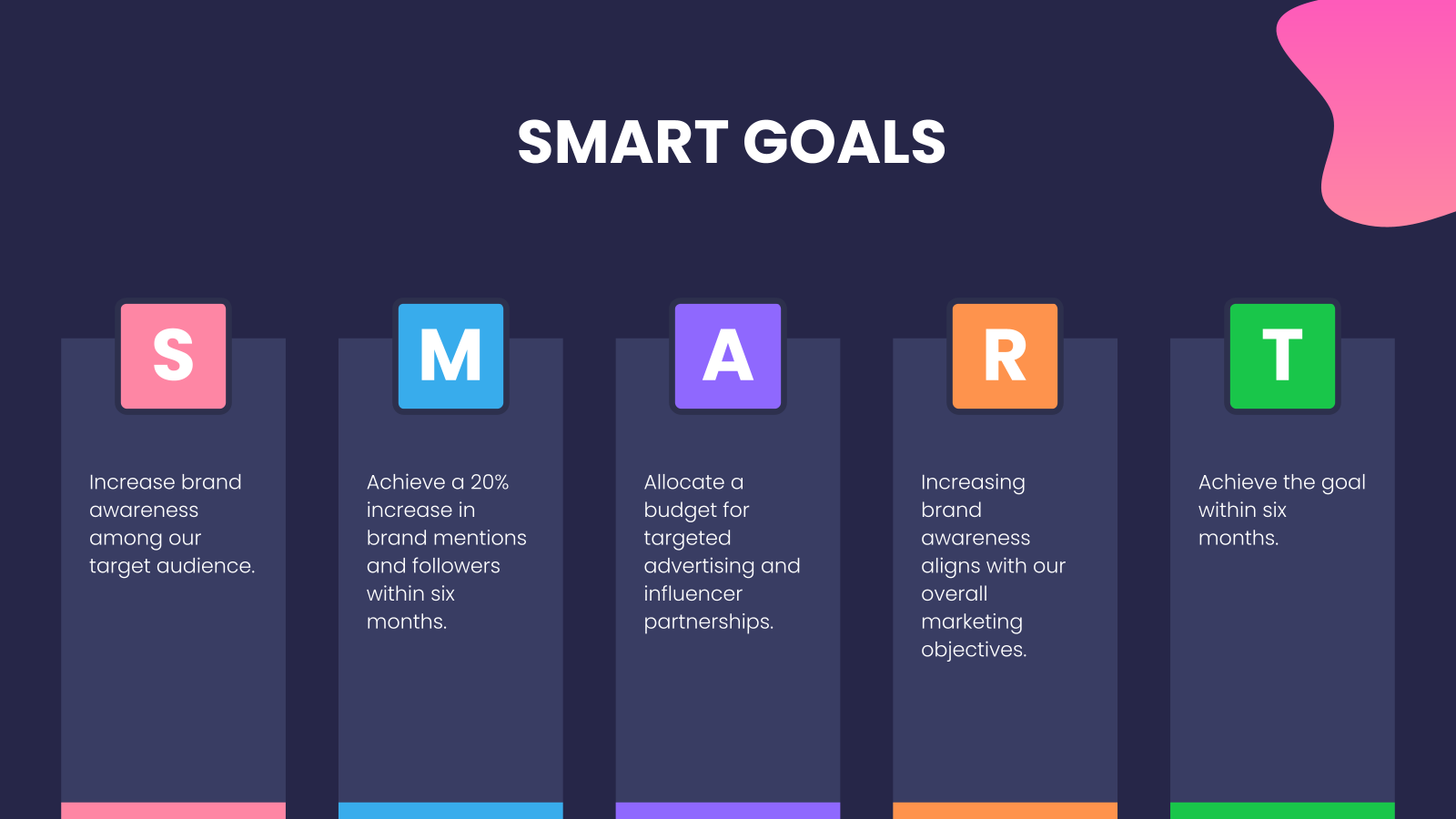
- Set Clear Goals: Helps define goals like brand awareness, engagement, leads, or sales in a simple visual format.
- Align Teams: Makes sure teams and stakeholders understand the target audience, platforms, and strategy.
- Plan Campaigns and Content: Helps organize campaigns, posting schedules, and content ideas.
- Track Performance: Makes it easier to show results, progress, and improvements.
- Present Strategies: Useful for explaining social media plans to clients or decision-makers.
Why Choose Our Social Media Strategy Template?
- Easy to Customize: Simple to edit according to your brand or project needs.
- Clear Structure: Helps organize goals, content plans, and strategies in one place.
- Professional Design: Makes your strategy presentation look clean and engaging.
- Time-Saving: Ready-to-use slides help you create a strategy quickly.
Build Stunning Slides in Seconds with AI
- No design skills required
- 3 presentations/month free
- Don't need to learn a new software


How to Use This Social Media Strategy Presentation Template?
- Microsoft PowerPoint: Click on Download > Click on “PowerPoint” > Click on the downloaded file to make a copy and start customizing/editing the template.
- Google Slides: Click on Download > Click on “Google Slides” > Click on “Use Template” to make a copy and start customizing/editing the template.
Create Presentations Easily in Google Slides and PowerPoint
14M+Installs

Frequently Asked Questions
1. Do these templates work for all social media platforms?
Yes. The template supports strategies for platforms like Instagram, Facebook, LinkedIn, X (Twitter), TikTok, and YouTube.
2. Can I customize the template for my brand or a client?
Yes. You can easily update colors, fonts, icons, layouts, and content to match brand or client requirements.
3. Is this template suitable for agencies and freelancers?
Yes. It works well for agencies, freelancers, consultants, and in-house marketing teams presenting strategies.
4. Do I need design experience to use this template?
No. The layout is beginner-friendly and designed for easy customization.
5. Can I update the slides as strategy data changes?
Yes. Charts, tables, and text fields are fully editable, so updates are quick and simple.
6. How long should a social media strategy presentation be?
Most presentations include 10 to 20 slides, depending on how many platforms and metrics are covered.
7. Who should use a social media strategy presentation template?
This template is ideal for social media managers, marketing teams, agencies, startups, and business owners.
8. Can this template be used for monthly or quarterly planning?
Yes. You can reuse it for monthly, quarterly, or annual planning by updating goals and performance data.
9. Does the template support paid social media strategies?
Yes. You can include slides for paid campaigns, budgets, targeting, creatives, and performance metrics.
10. Is this suitable for client-facing presentations?
Indeed, the clean design makes it suitable for pitching strategies or sharing campaign results.
11. What metrics should be included in a social media strategy presentation?
Common metrics include reach, impressions, engagement rate, follower growth, CTR, conversions, and ROAS.
12. Is this template beginner-friendly?
Yes. The structured layout helps beginners understand how to present a social media strategy clearly.
13. Can I add competitor or industry analysis slides?
Yes. You can add competitor benchmarks, SWOT analysis, or industry trends as needed.
14. Does this template work for both B2B and B2C strategies?
Yes. You can customize platforms, messaging, and content formats for both audiences.
15. Can my team collaborate on this presentation?
Yes. When used in Google Slides or shared PowerPoint files, team members can collaborate in real time.
16. What content formats can be included in the slides?
You can include posts, reels, stories, carousels, videos, live streams, and user-generated content.