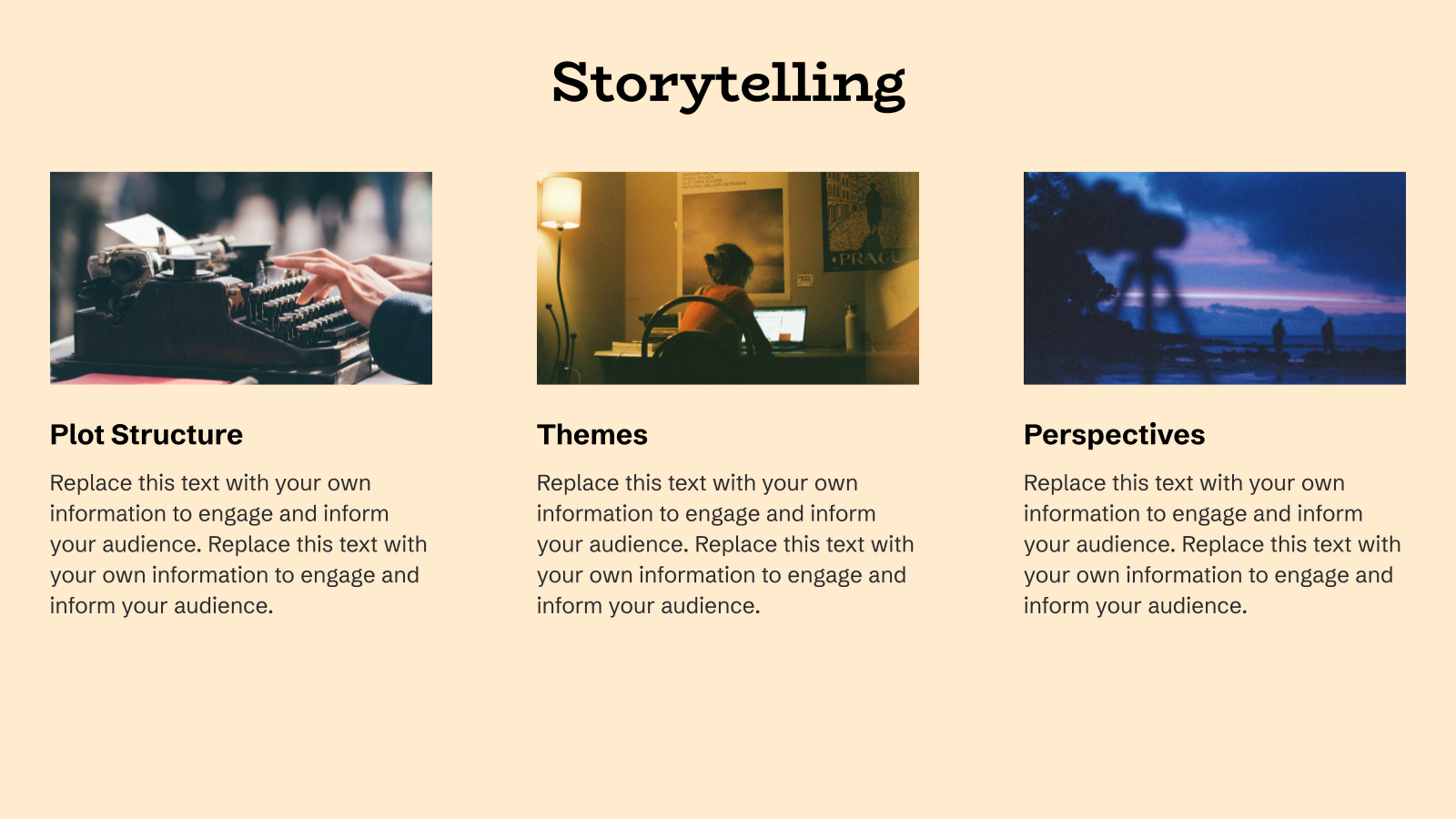
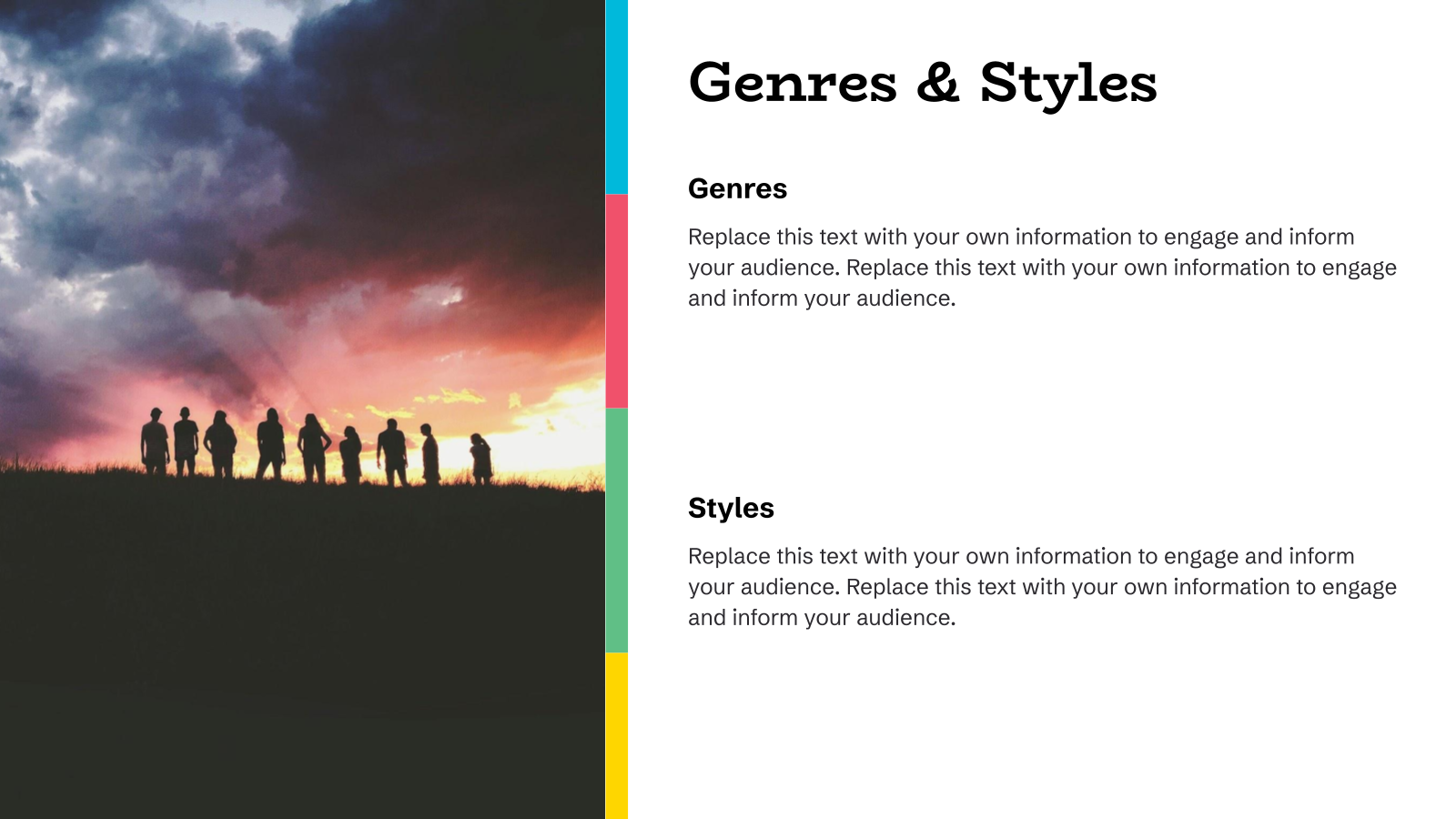
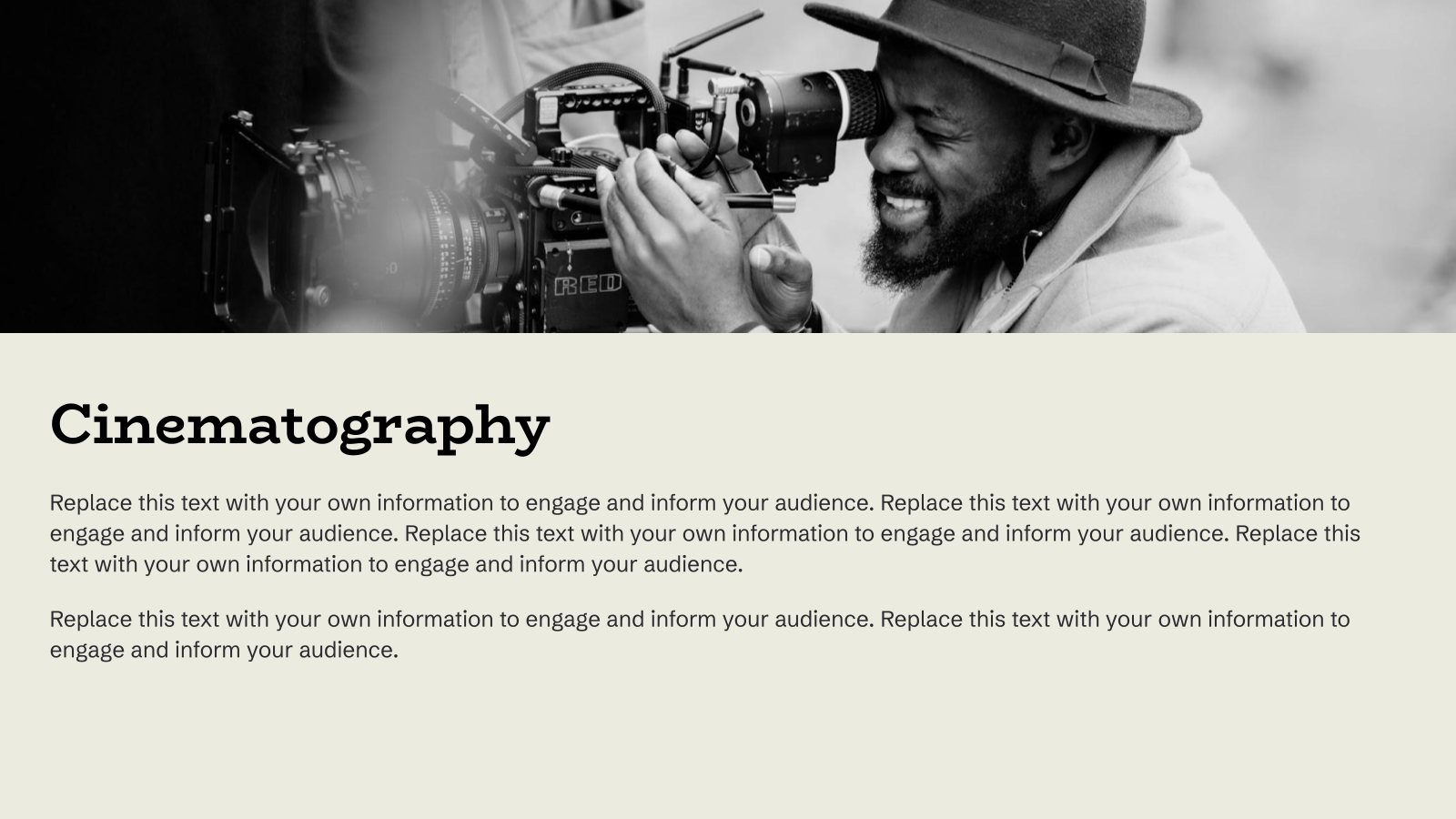
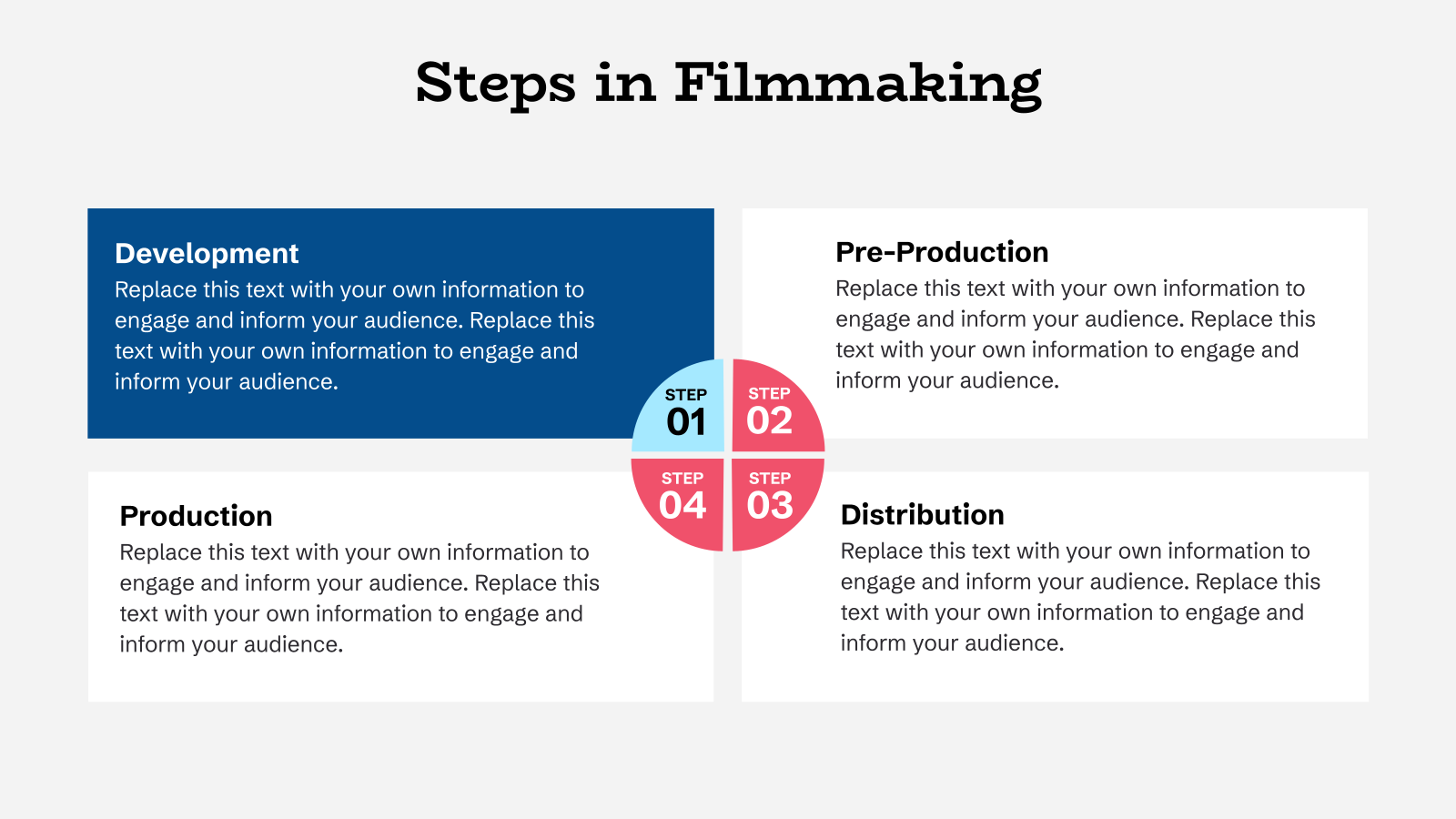


What Are Film Pitch Deck Templates?
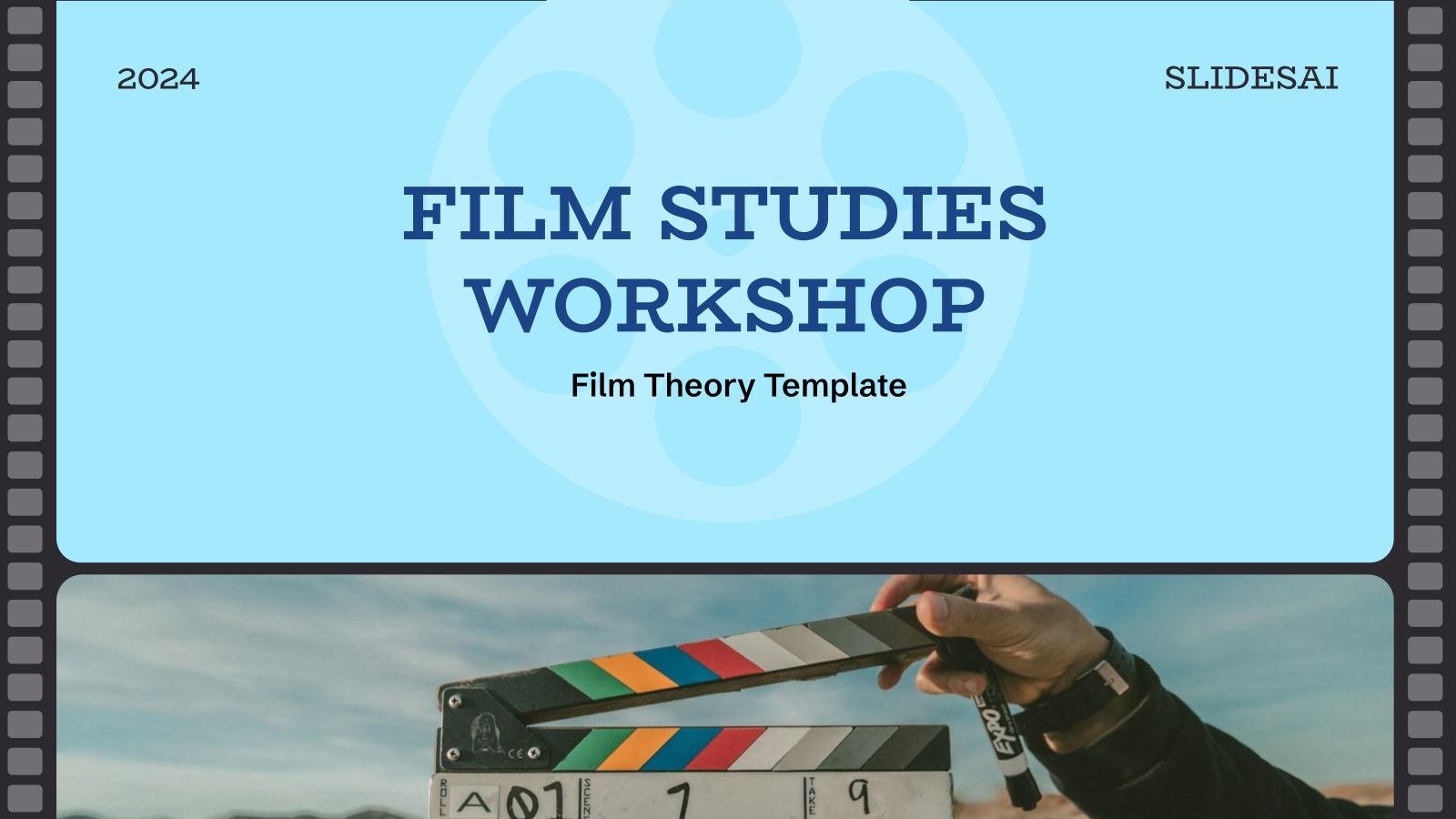
Film Pitch Deck Templates are pre-designed presentation slides used to present a film idea. They help showcase the story, characters, visual style, budget, and production plan to investors, producers, or studios.
What are the Application of Film Pitch Deck PPT Template?
- Film Idea Pitching: Used to present movie concepts to producers or investors.
- Investor Meetings: Helps explain budget, timeline, and expected returns.
- Production Planning: Used to outline story, cast, and production details.
- Film Festivals & Events: Useful for showcasing film ideas at industry events.
- Creative Team Collaboration: Helps align directors, writers, and producers on the project.
Why Choose Our Film Pitch Deck Template?
- Cinematic Design: Visually appealing slides for storytelling.
- Easy to Customize: Edit text, images, and visuals easily.
- Well-Structured Slides: Covers story, characters, budget, and timeline.
- Saves Time: Ready-made slides speed up your pitch creation.
Professional Look: Helps make a strong impression on investors and producers.
How to Use This Film Pitch Deck Presentation Template?
- Microsoft PowerPoint: Click on Download > Click on “PowerPoint” > Click on the downloaded file to make a copy and start customising/editing the template
- Google Slides: Click on Download > Click on “Google Slides” > Click on “Use Template” to make a copy and start customising/editing the template
Frequently Asked Questions
1. Is this Film Pitch Deck Template free to use?
Yes. This template can be used for both personal and commercial film pitches. However, reselling or redistributing the template itself is not permitted.
2. Can I use this template in both Google Slides and PowerPoint?
Yes. The template is fully compatible with Google Slides and Microsoft PowerPoint.
3. Who should use Film Pitch Deck Templates?
These templates are ideal for filmmakers, screenwriters, producers, directors, students, and production companies.
4. What should a film pitch deck include?
A film pitch deck typically includes a logline, synopsis, genre, tone, visual references, target audience, budget overview, and production timeline.
5. Can I customize visuals, fonts, and colors?
Absolutely. All design elements including images, typography, colors, and layouts are fully editable.
6. Do I need design experience to edit this template?
No. The template is designed to be beginner-friendly while still meeting professional industry standards.
7. Is this template suitable for independent films and big productions?
Yes. The flexible layout works well for indie films, student projects, and large-scale productions alike.
8. Can I use this template for streaming platform pitches?
Yes. The template is suitable for pitching content to streaming platforms, studios, and distributors.
9. How do I download and start using the template?
Simply click the Download button, open the template in Google Slides or PowerPoint, and start editing immediately.