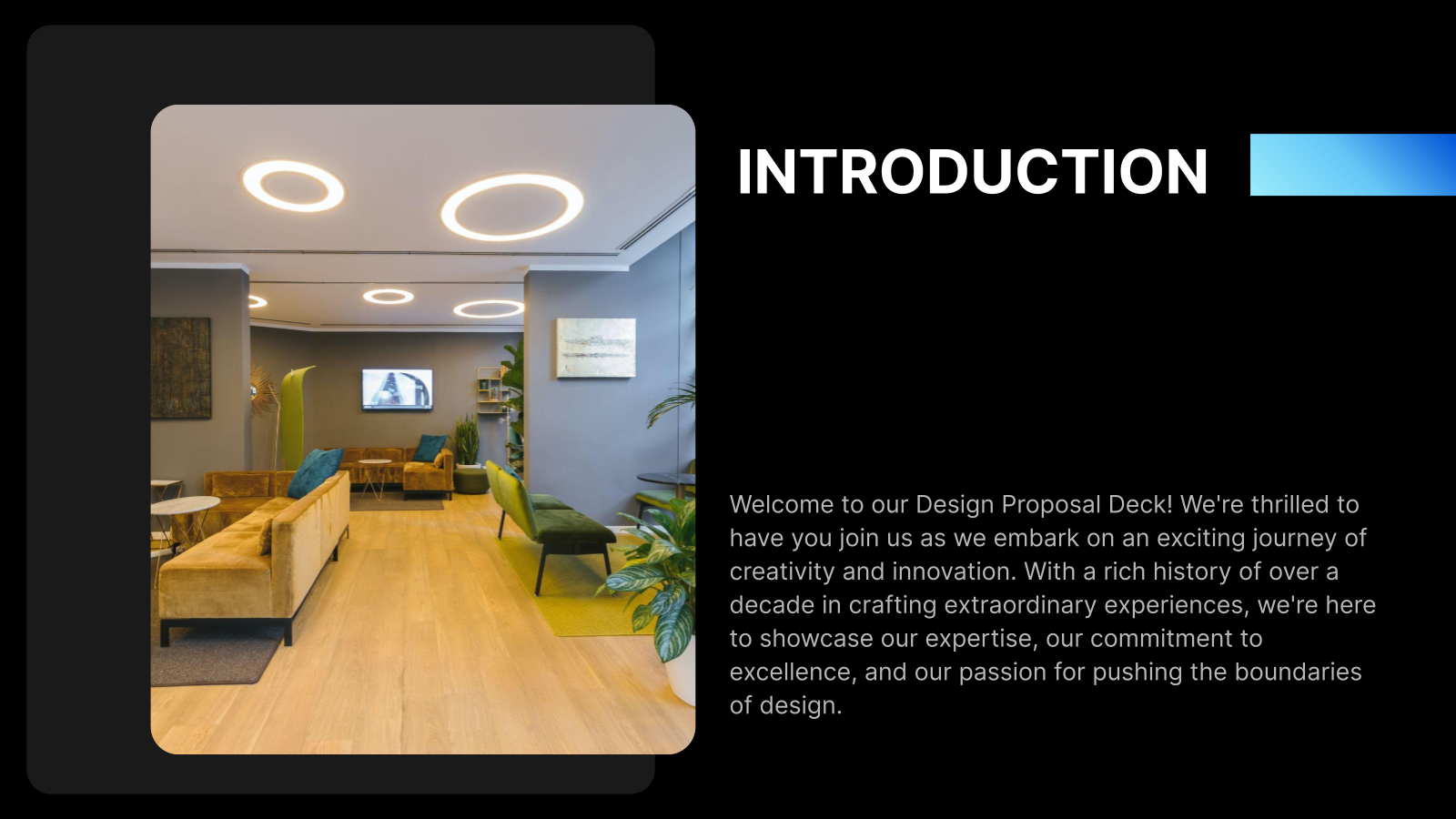
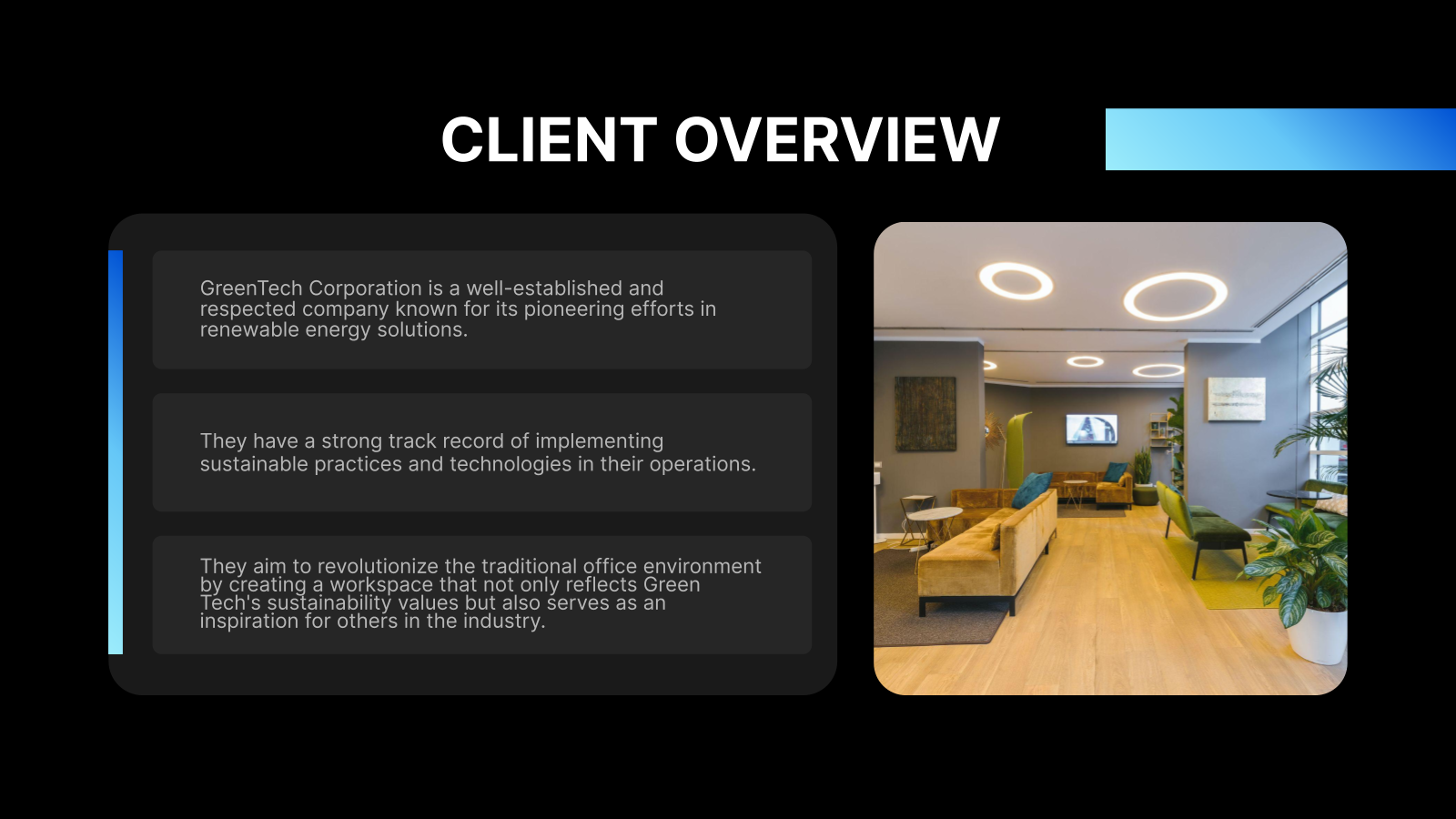
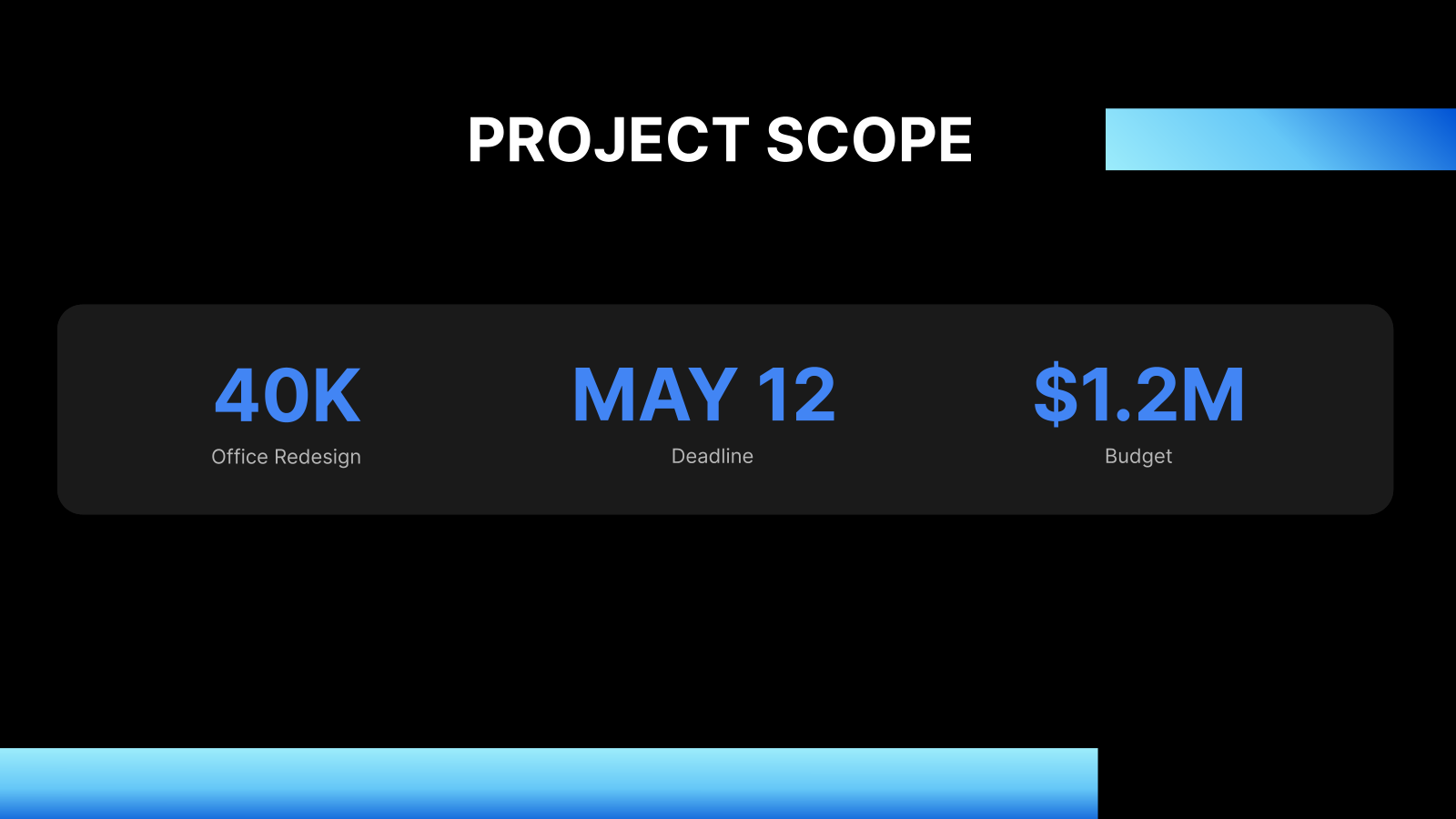
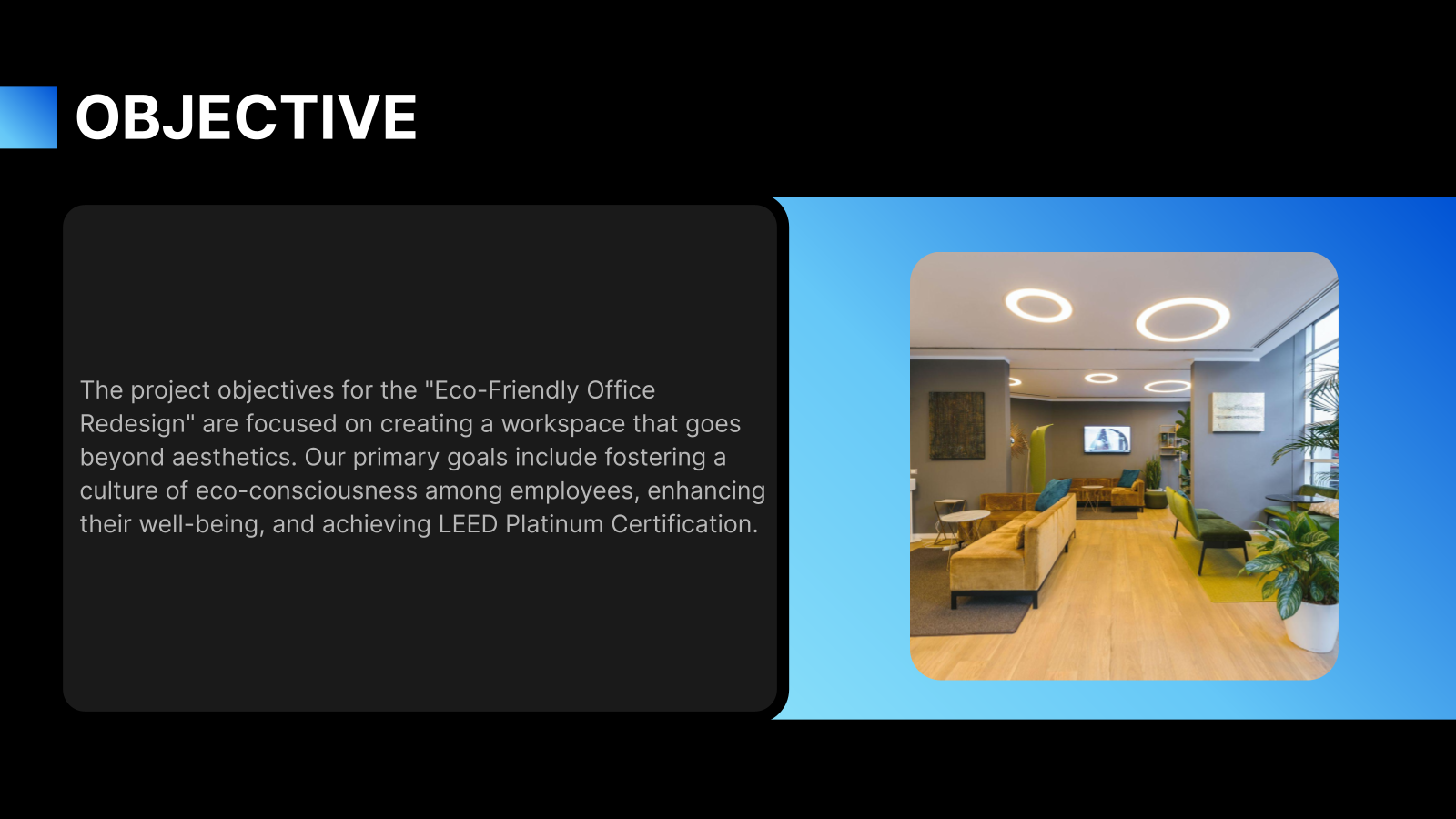
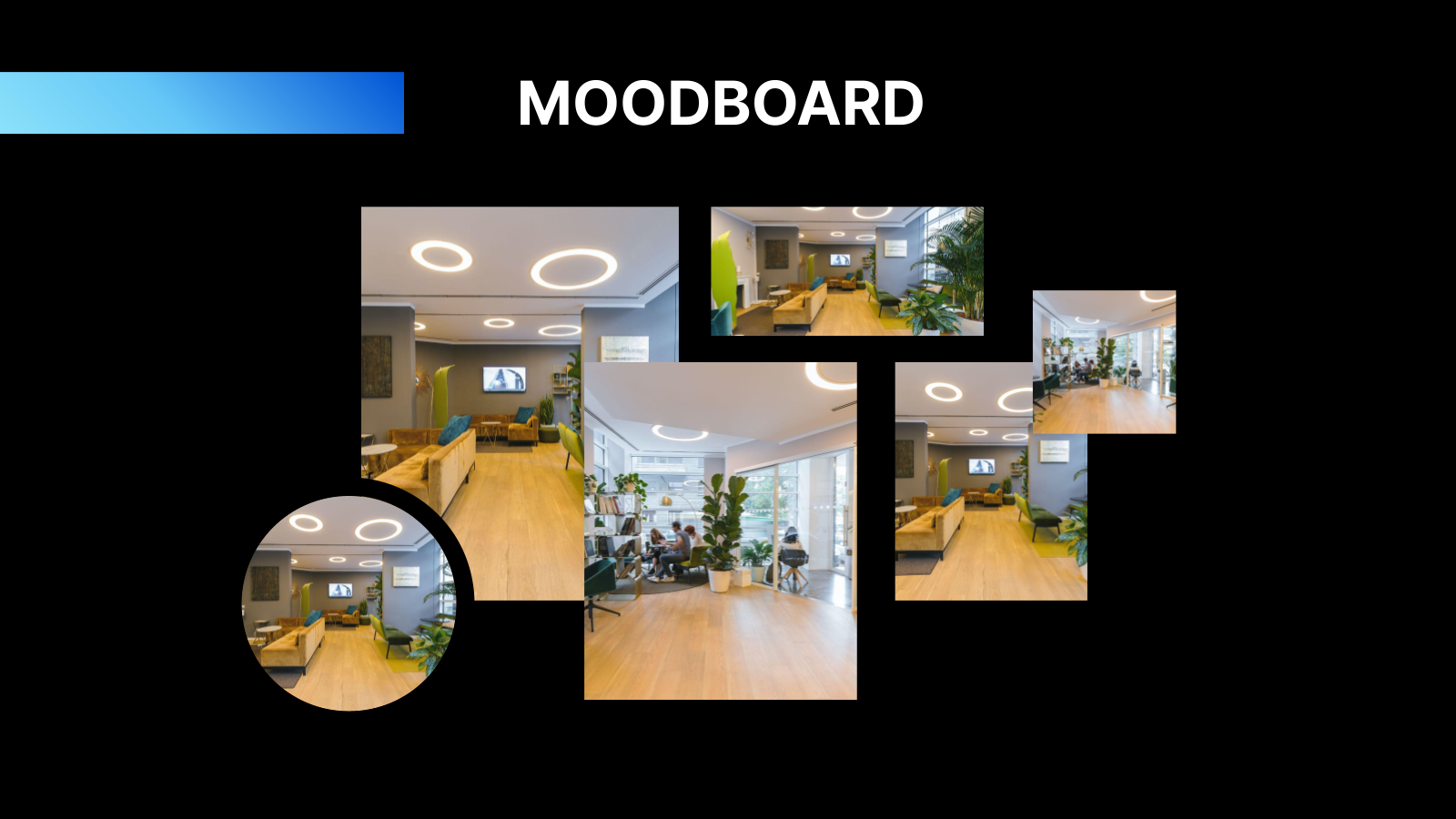
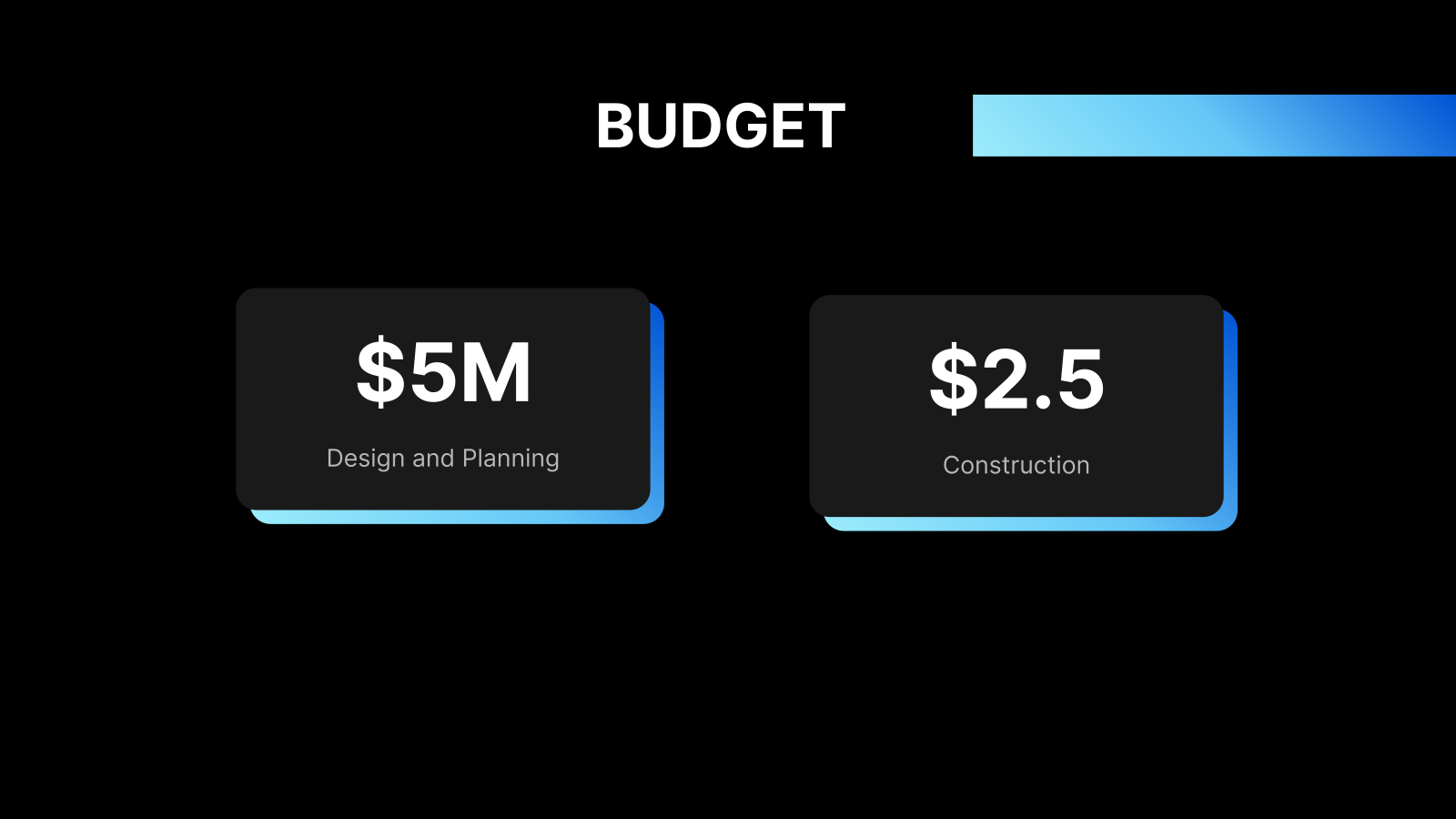





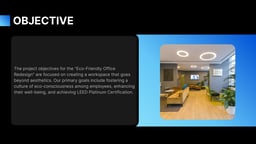


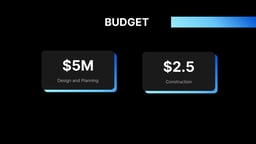

What is this Design Proposal Presentation Template?
This Design Proposal Presentation Template by SlidesAI is a professionally structured slide deck designed to present creative concepts, project ideas, and design solutions in a clear and visually compelling way. It helps designers, agencies, and businesses showcase their approach, process, and value effectively to clients or stakeholders. Built for easy customization, it simplifies turning ideas into persuasive presentations.
Applications of Design Proposal Presentation Template
- Client Design Proposals – Present branding, UI/UX, or creative concepts to clients in a structured and professional format.
- Agency Pitch Decks – Showcase your design process, portfolio, and strategy to win new projects or contracts.
- Freelancer Project Presentations – Pitch design ideas, revisions, or project plans to individual clients.
- Startup Product Design Pitches – Explain product design, user experience, and visual direction to investors or teams.
- Internal Team Presentations – Align stakeholders on design strategies, workflows, and project execution plans.
Why choose SlidesAI’s Design Proposal Presentation Template?
- Ready-to-use structured slides – Includes essential sections like problem, solution, process, and visuals for clear storytelling.
- Fully customizable design – Easily edit text, colors, images, and layouts to match your brand or project needs.
- Saves time and effort – Eliminates the need to design from scratch, letting you focus on your ideas and creativity.
- Professional and visually engaging – Helps communicate design concepts more effectively with clean and modern layouts.
Create Presentations Easily in Google Slides and PowerPoint
- No design skills required
- 3 presentations/month free
- Don't need to learn a new software


How to use SlidesAI’s Design Proposal Presentation Template?
- Microsoft PowerPoint: Click on Download > Click on “PowerPoint” > Click on the downloaded file to make a copy and start customising/editing the template
- Google Slides: Click on Download > Click on “Google Slides” > Click on “Use Template” to make a copy and start customising/editing the template
Create presentations in seconds. Enter text and SlidesAI creates customizable slides based on that text in seconds that go well with all our templates, too.
Create Presentations Easily in Google Slides and PowerPoint
14M+Installs
Frequently Asked Questions:
1. Does this template work for branding projects?
Yes, you can use it to present brand identity, logos, typography, and visual guidelines.
2. Can I use this template for UI/UX design proposals?
Yes, it works perfectly for UI/UX presentations, including user flows, wireframes, and design concepts.
3. Is this template suitable for client presentations?
Absolutely, it is specifically designed to present ideas professionally and impress clients.
4. Can startups use this template?
Yes, startups can use it to present product design and user experience strategies.
5. Does this template support showcasing before-and-after design comparisons?
Yes, you can easily use its layout to present design improvements or transformations visually.
6. Can I present my design process step-by-step using this template?
Absolutely, the template includes process-oriented slides to explain your approach from research to final execution.
7. Are there slides for timelines and project milestones?
Yes, the template includes slides where you can present timelines, phases, and key deliverables.
8. Is this template suitable for pitching design ideas to non-design stakeholders?
Yes, it simplifies complex design concepts into clear, easy-to-understand slides.