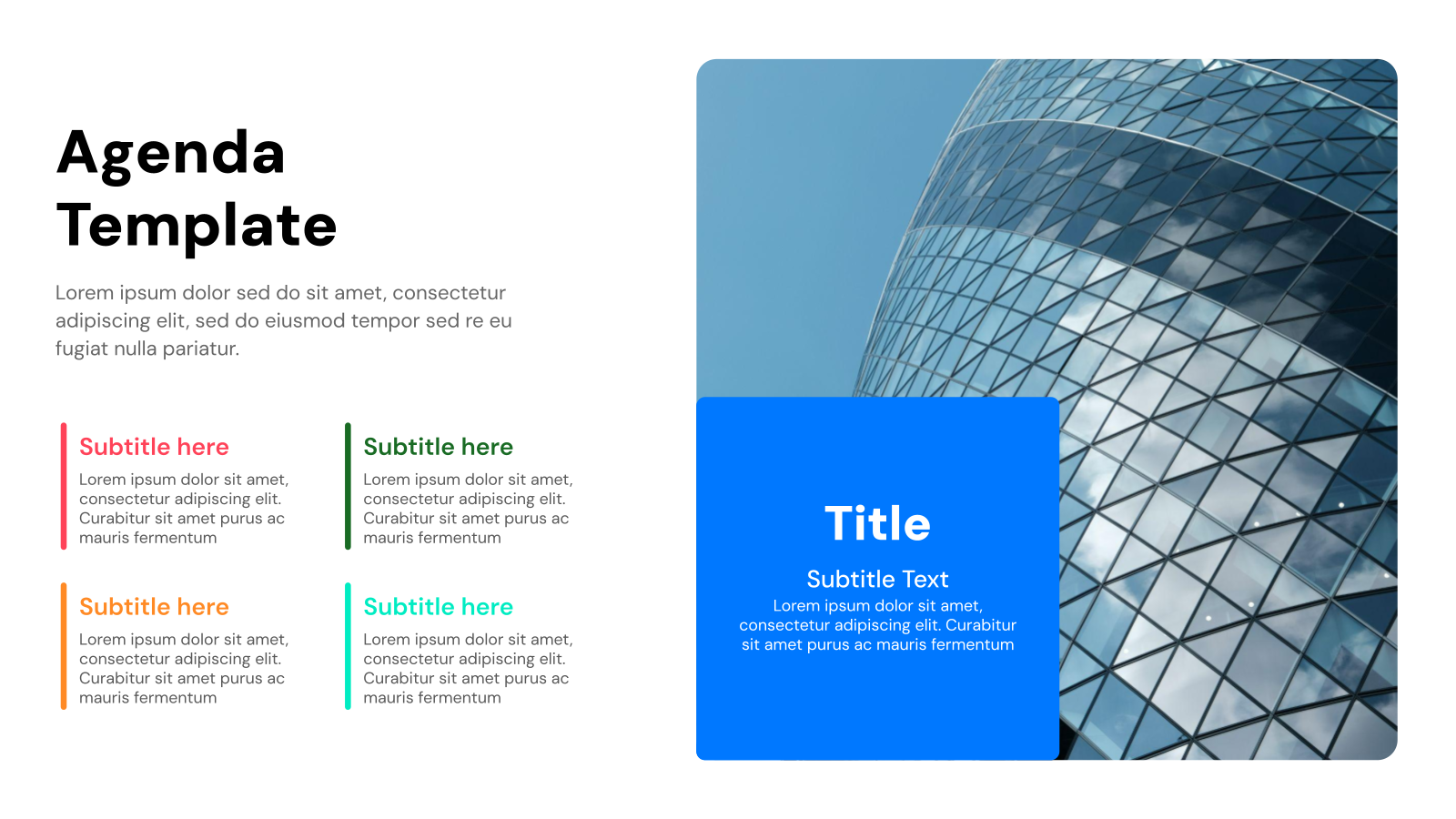
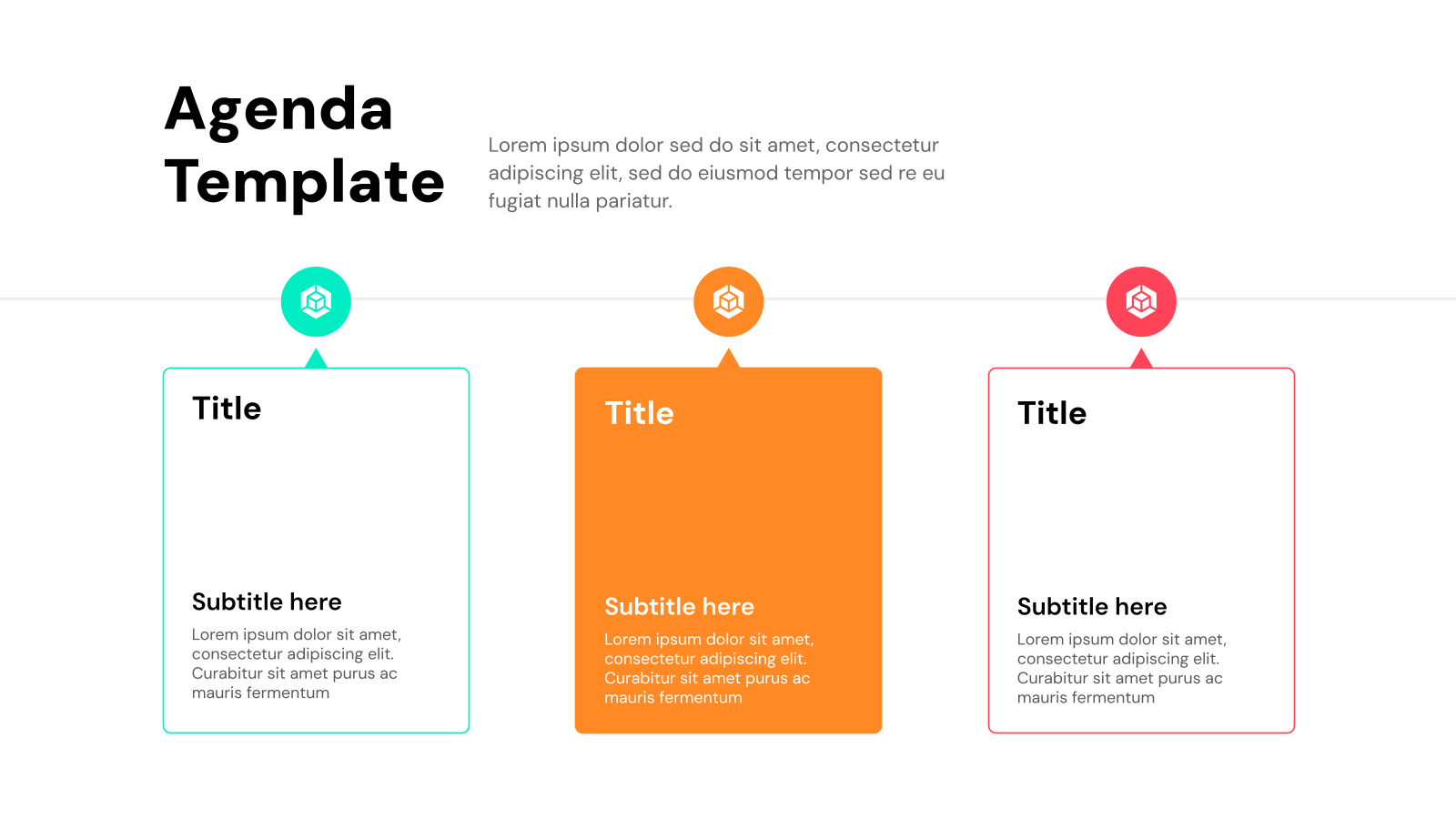
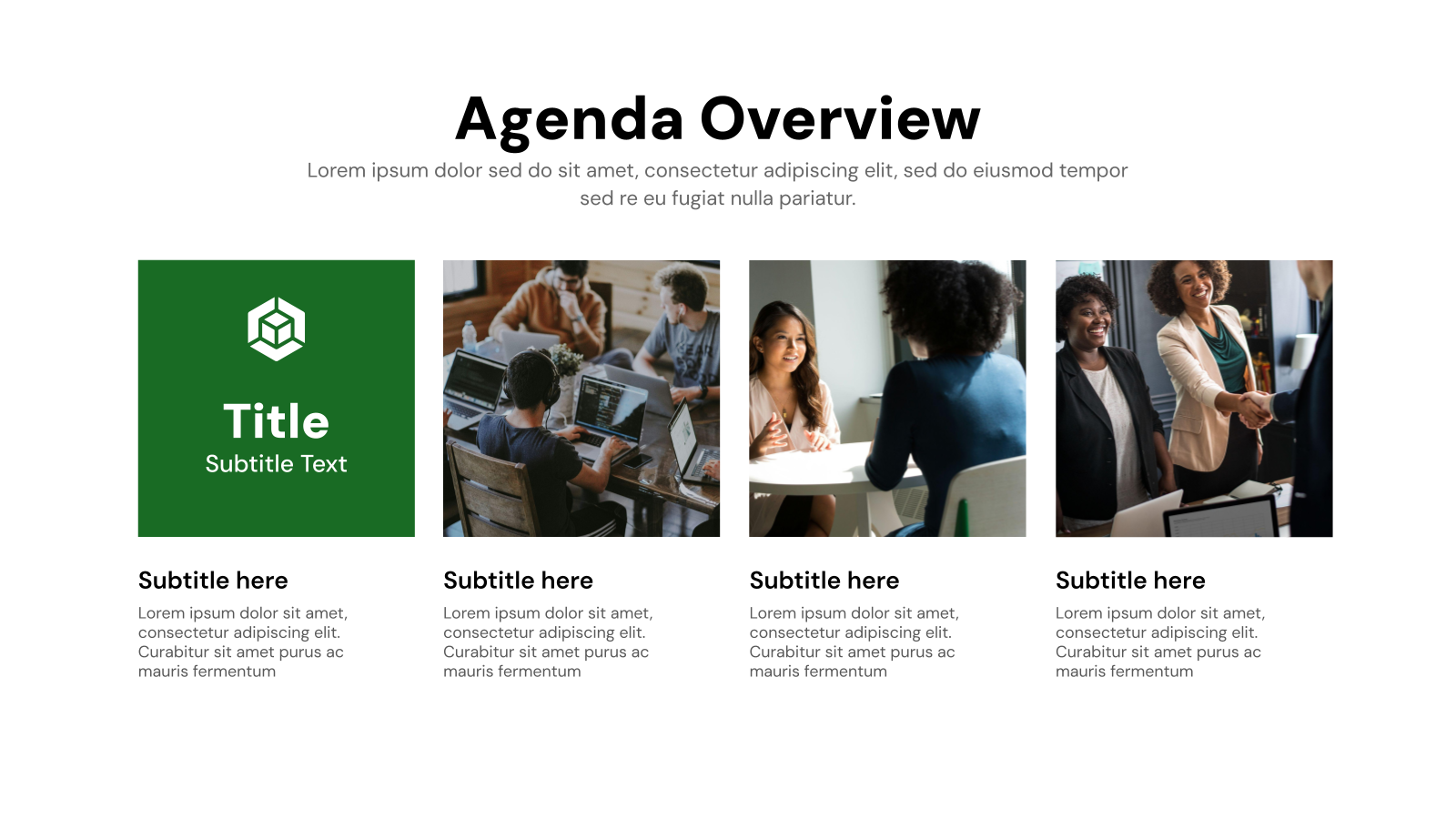
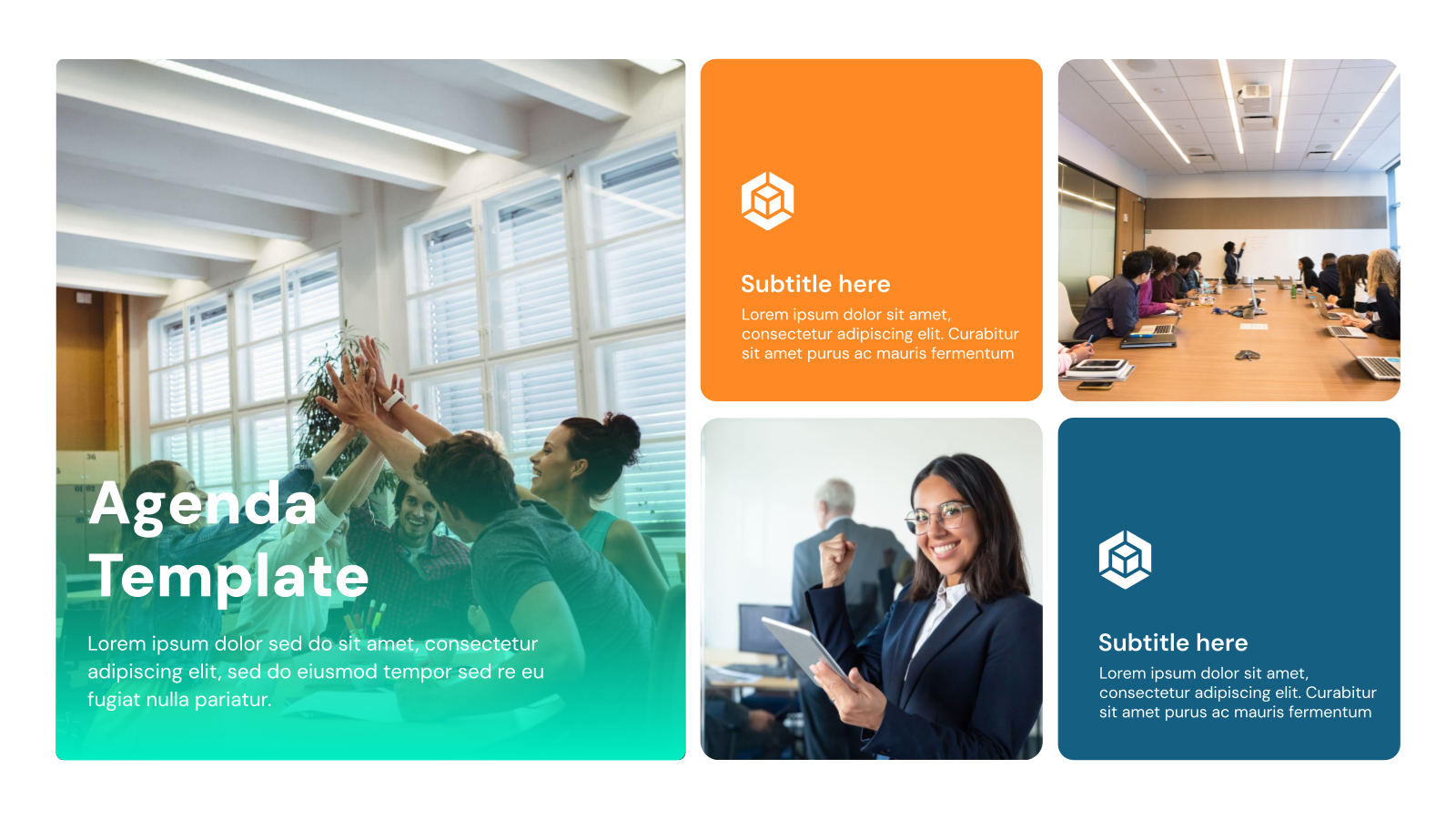
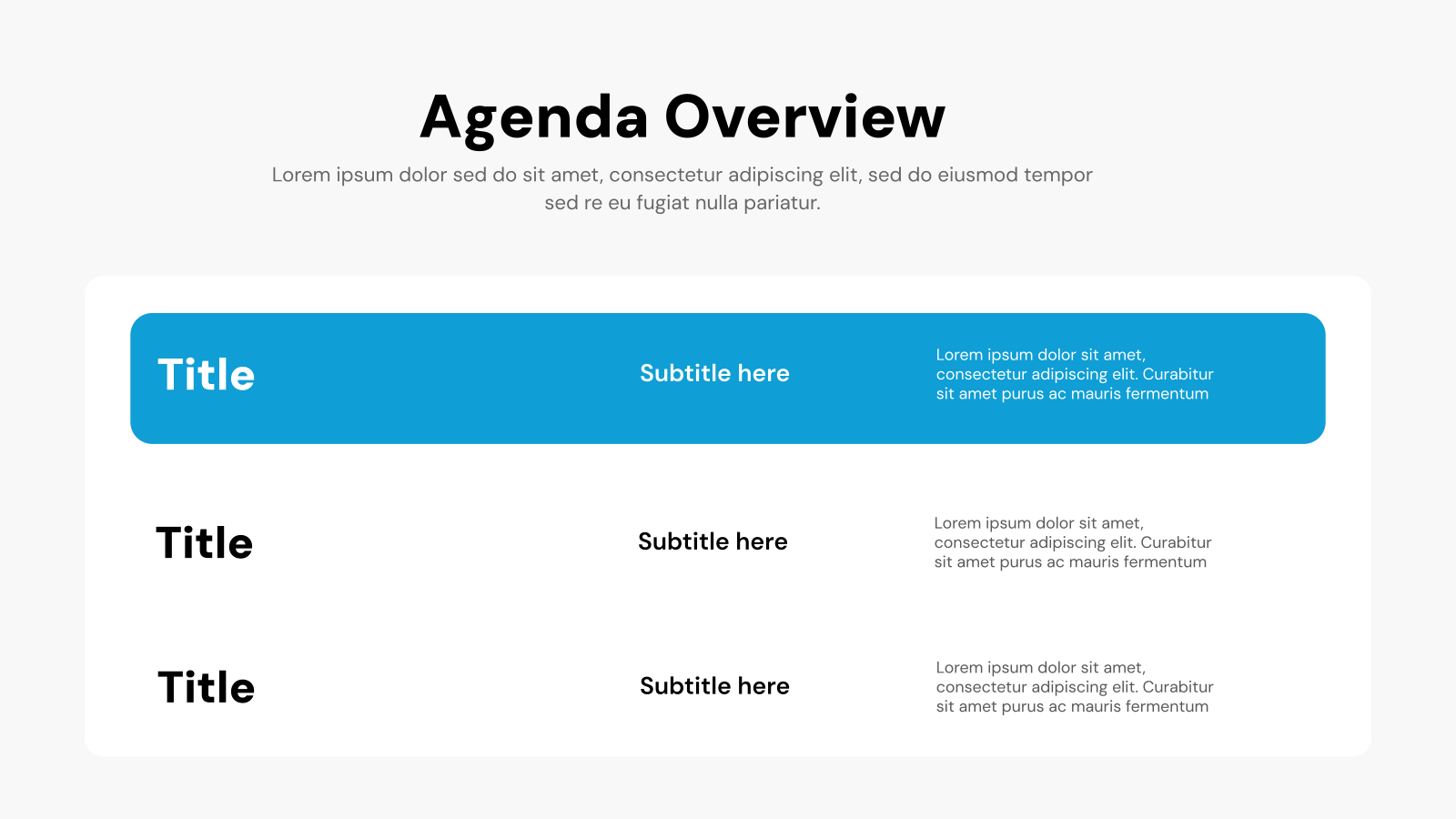
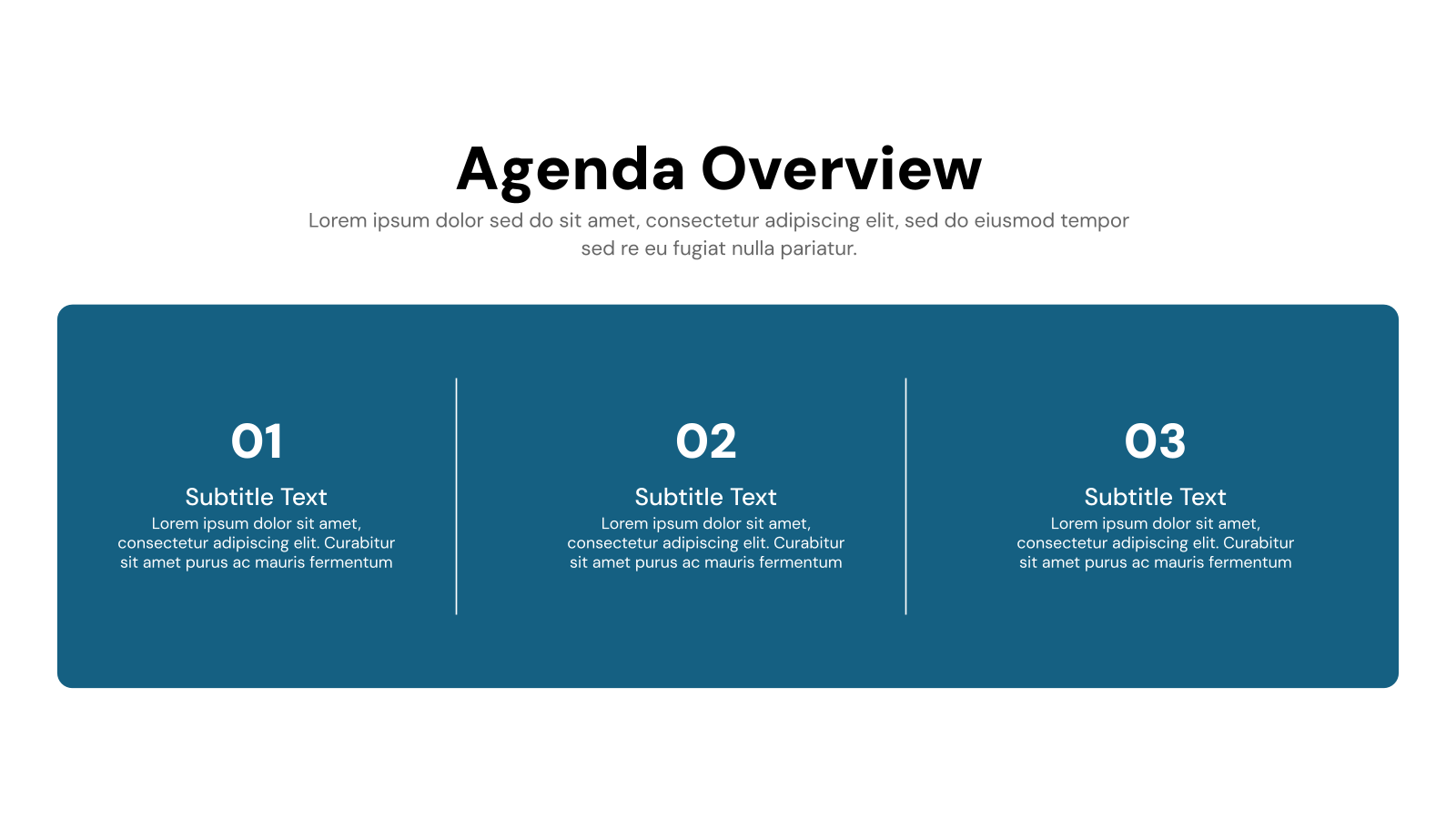
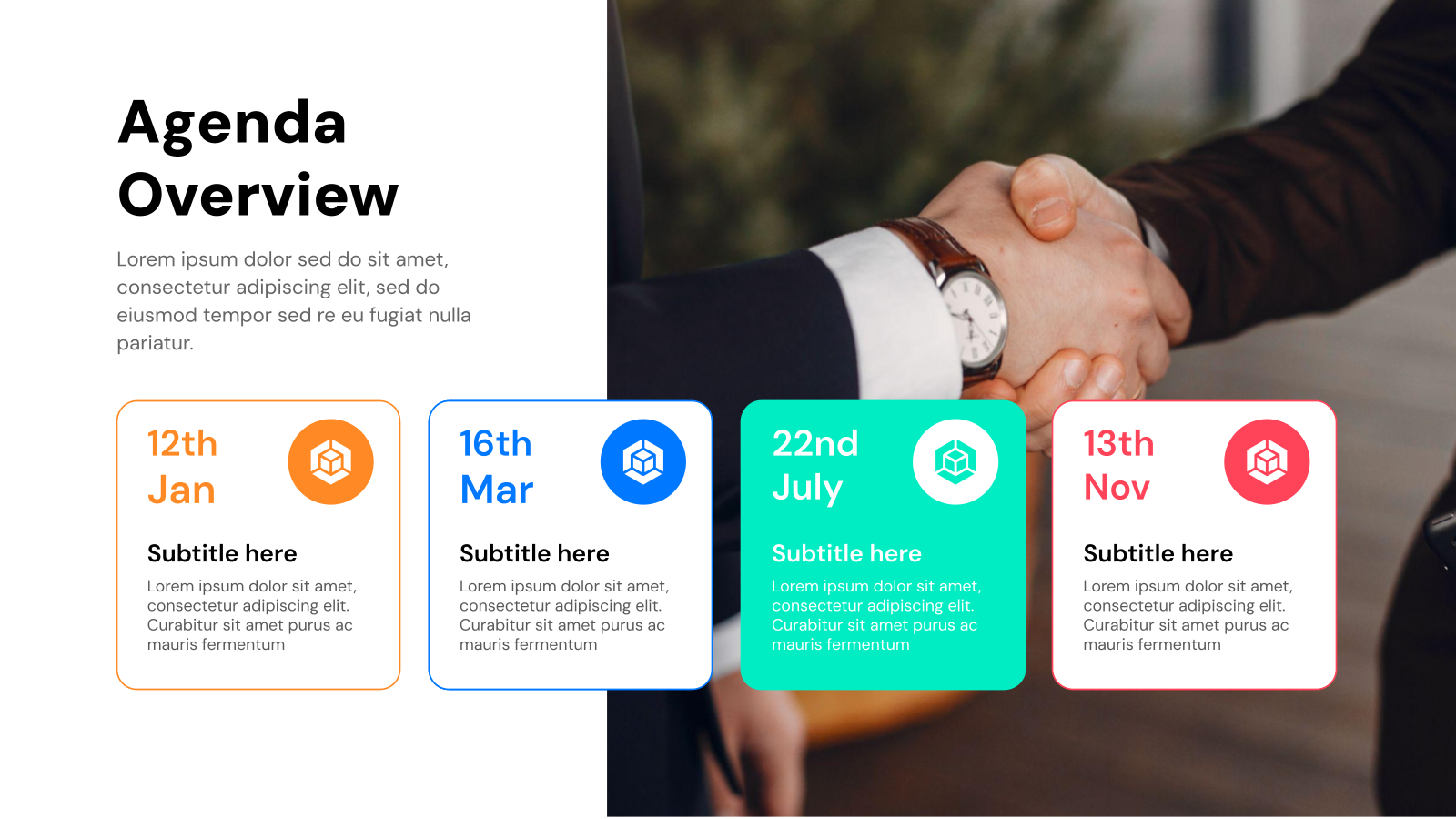
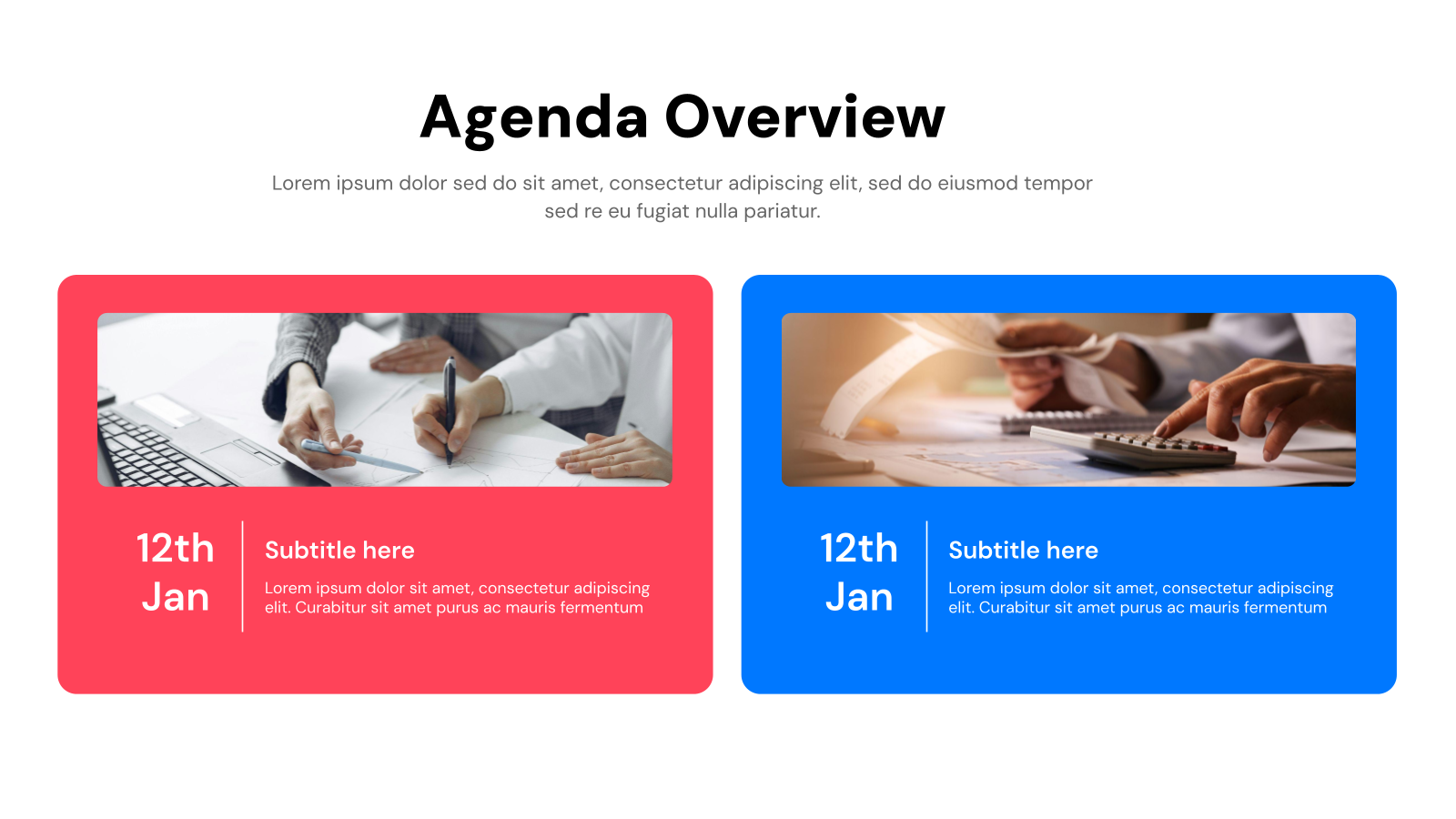
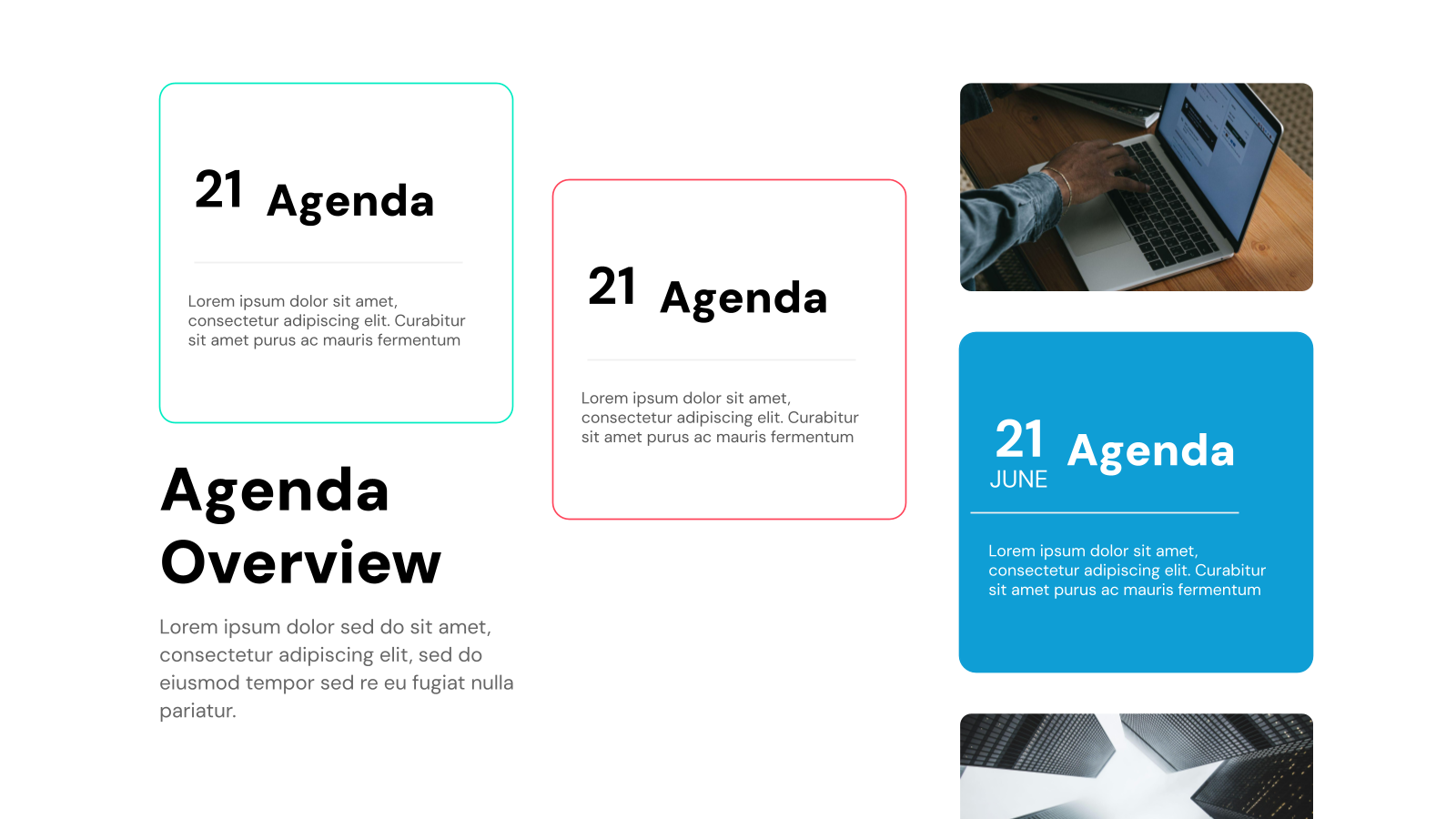
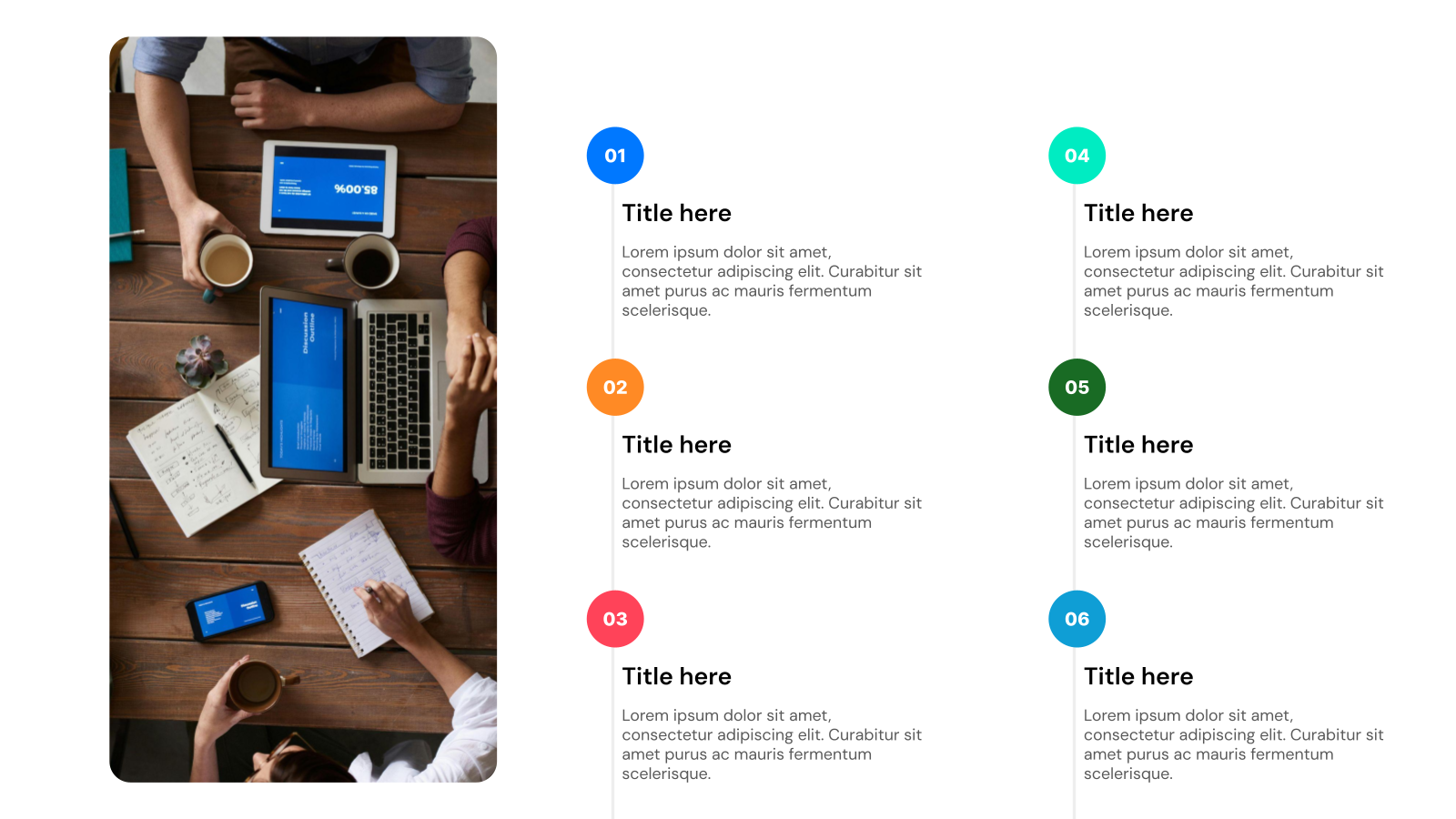


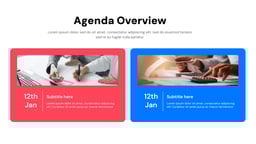
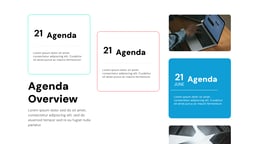
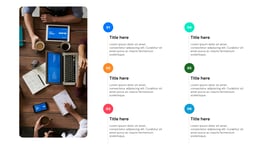
What is this Agenda Slide Template?
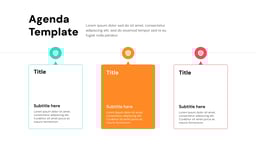
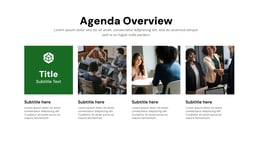
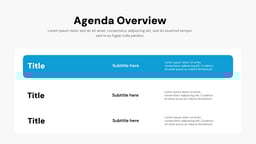
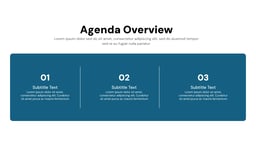
The Agenda Slide Template is a pre-designed slide that helps organize and present the main topics of your presentation clearly. It outlines the flow of a meeting or presentation so the audience knows what will be covered.
Applications of Agenda Slide Templates.
Agenda slides aren’t just for stuffy presentations. These versatile tools can be used in a variety of situations to bring structure and focus. Here are just a few examples:
- Streamline Meetings: Keep discussions on track with a clear agenda slide outlining key topics and estimated times.
- Boost Project Management: Plan project phases, assign tasks, and track deadlines visually with an agenda slide template.
- Enhance Personal Productivity: Prioritize your daily, weekly, or monthly goals with a personal agenda slide template.
- Plan Events with Ease: Create a clear and informative event agenda slide outlining activities, speakers, and presentations.
- Spark Productive Brainstorms: Frame your brainstorming session with clear topics and discussion points using an agenda slide template.
Intrigued by the power of agenda slide templates? Let’s dive deeper! In this post, we’ll explore the best practices for using these templates, and even some resources to find great free and paid options.
What Makes These Agenda Presentation Templates Special?
- Pre-Designed Slides: Start faster with professionally designed templates from SlidesAI. Simply choose a template that fits your topic and begin creating without any design experience.
- Effortless Customization: Easily adjust layouts, fonts, colors, and content to match your message and brand while keeping full design flexibility.
- AI-Powered Content: Enter your outline or key points, and SlidesAI automatically generates well-structured, visually appealing slides for Google Slides.
- Visual Harmony Guaranteed: Built-in themes and color palettes ensure your presentation maintains a consistent and polished visual style.
- Professional Presentations in Minutes: Create high-quality, professional presentations quickly using ready-made templates that save hours of design work.
Build Stunning Slides in Seconds with AI
- No design skills required
- 3 presentations/month free
- Don't need to learn a new software


How to Use This Agenda Presentation Template?
- Microsoft PowerPoint: Click on Download > Click on “PowerPoint” > Click on the downloaded file to make a copy and start customising/editing the template
Related Read – How to Create a PowerPoint Agenda Slide? - Google Slides: Click on Download > Click on “Google Slides” > Click on “Use Template” to make a copy and start customising/editing the template
Create Presentations Easily in Google Slides and PowerPoint
14M+Installs

Frequently Asked Questions (FAQs)
Do your templates come in different styles?
Yes, absolutely! We offer a wide range of agenda templates, from classic and minimalist for a formal tone to creative and thematic options to match a specific event. Choose the one that best suits the overall feel of your presentation.
Can I customize the templates to match my brand or theme?
You can definitely personalize them! Our SlidesAI agenda templates are fully customizable. You can change fonts, colors, backgrounds, and other design elements to perfectly align with your brand or the theme of your presentation.
Will these templates work in both Google Slides and PowerPoint?
Many templates will, but it’s always best to check first. While many agenda templates are compatible with both Google Slides and PowerPoint, it’s a good idea to confirm the template file format is compatible with your chosen software before downloading or purchasing.
Can I share the templates with others?
Sharing is easy! You can share agenda templates with colleagues in a couple of ways. You can either send them the template file directly or, if it’s stored online, share a link so they can access and edit it as needed.
Do I need any special software to use these templates?
Nope, just common presentation tools! You’ll just need either Microsoft PowerPoint or access to Google Slides, which is a free online presentation tool.
Is there a difference between making agenda slides in PowerPoint and Google Slides?
The basic steps will be similar, but there may be slight variations in features. We can cover those differences in a future question.