AI productivity tools can take a lot of routine work off your plate. You can use them to write and edit content, research information, manage projects, organise your calendar, take meeting notes, or automate repetitive tasks. With so many options available now, the real challenge is figuring out which tools are actually worth using. In this guide, we’ve rounded up some of the best AI productivity tools and explained what each one does best.
Quick Summary: Best AI Productivity Tools
- SlidesAI: Best for creating presentations. It turns text, documents, and prompts into polished slide decks within minutes.
- Venngage AI: Best for creating visual content. It turns data, ideas, and reports into professional infographics, diagrams, and marketing visuals.
- Grammarly: Best for writing and editing. It improves grammar, clarity, tone, and sentence flow wherever you write.
- Midjourney: Best for AI image generation. It creates high-quality visuals for marketing, content, and creative projects.
- Runway: Best for generating and editing AI-powered video content.
- HeyGen: Best for creating talking-head videos with AI avatars.
- ChatGPT: Best overall AI assistant for writing, research, brainstorming, coding, and everyday work.
- Claude: Best for long-form analysis and coding, especially when you need to work with lengthy documents or complex code.
- Perplexity: Best for AI research. It searches the web, gives you cited answers, and makes it easy to check the sources.
- Gemini: Best for Google Workspace users who want AI inside Docs, Gmail, Sheets, and other Google apps.
- Microsoft Copilot: Best for Microsoft 365 users. It helps you create documents, analyse spreadsheets, summarise meetings, and work faster across Office apps.
- NotebookLM: Best for working with your own documents. You can chat with PDFs, notes, and reports while getting answers backed by citations.
- ClickUp: Best for project management. It combines tasks, docs, chat, and AI into one workspace for teams.
- Notion AI: Best for knowledge management. It helps you organise, search, and summarise everything stored in your Notion workspace.
- Motion: Best for AI scheduling. It automatically plans your tasks and meetings around your priorities and deadlines.
- Reclaim: Best for focus-time management. It protects deep work, habits, and important tasks on your calendar automatically.
- Fireflies.ai: Best for meeting notes. It records meetings, creates transcripts, and highlights action items without manual note-taking.
- Otter.ai: Best for meeting transcription. It delivers live transcripts, searchable notes, and AI-generated meeting summaries.
- Shortwave: Best for AI email management. It organises your inbox, summarises threads, and drafts emails in your writing style.
- Zapier: Best for workflow automation. It connects your apps and automates repetitive tasks without requiring code.
- Gumloop: Best for AI agents. It helps you build intelligent workflows that can search, generate content, and take actions across your tools.
- Make: Best for customizable automation. It gives you a visual builder for creating advanced workflows across thousands of apps.
What Is an AI Productivity Tool?
An AI productivity tool is software that uses artificial intelligence to help you get work done with less manual effort.
Depending on the tool, it can help you write content, find information, summarise documents, manage tasks, plan your schedule, take meeting notes, create presentations, or automate repetitive work. Instead of handling everything manually, you can give the tool a prompt or set up a workflow and let AI take care of part of the process. These tools can save time and make daily work easier for both individuals and teams.
How AI Tools Can Improve Productivity?
Here’s how AI tools can help to improve your productivity:
- Automating Repetitive Tasks: Think about the small jobs you repeat every day. Sorting emails. Copying information between systems. Creating routine reports. Writing similar responses to customers.AI can handle many of these tasks automatically. That gives you more time for work that requires judgement, creativity, or actual decision-making.
- Getting Started When You’re Stuck: Sometimes the hardest part of a task is simply getting started. You have an empty document, a vague idea, or a problem that you don’t quite know how to approach.AI can give you a starting point. You can ask it for an outline, a few ideas, a first draft, or different ways to approach the problem. You may not use its first answer as-is, but having something to work from is often much easier than staring at a blank screen.
- Getting a Second Opinion: AI can also be useful when you want to think something through before making a decision.You can give it an idea, plan, email, or piece of work and ask it to point out gaps, suggest alternatives, or challenge your assumptions. It won’t always get things right, so you still need to use your own judgement, but having another perspective can help you spot things you may have missed.
- Learning as You Work: You don’t always have time to stop what you’re doing and learn something from scratch.AI can explain unfamiliar terms, walk you through a process, simplify technical information, or answer follow-up questions as you work. Instead of spending half an hour searching through different pages for a basic explanation, you can get an answer and continue with the task in front of you.
Best AI Productivity Tools
There isn’t one AI tool that does everything perfectly. Some are better for research, while others focus on writing, scheduling, meetings, or automation.
Here are the tools worth looking at based on what you actually need to get done.
AI Content Creation
1. SlidesAI: Best for Presentations
Building a presentation can take much longer than the actual presentation deserves.
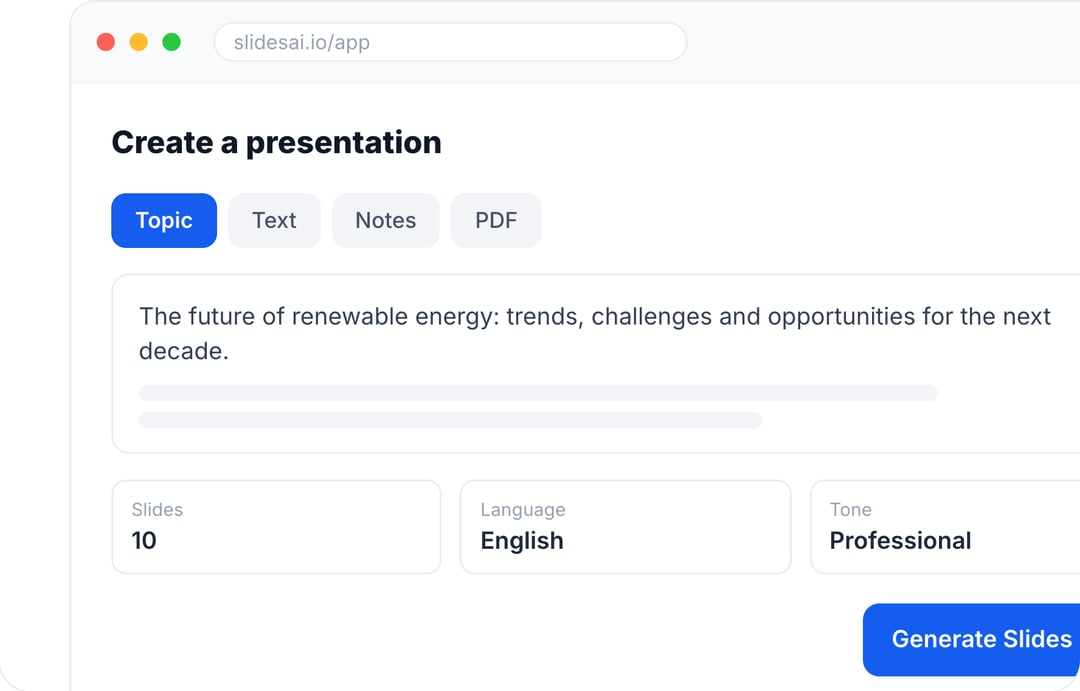
SlidesAI helps speed that process up by turning text or prompts into editable slide decks. It can organise your information into sections, create slides, suggest visuals, and handle much of the initial formatting.
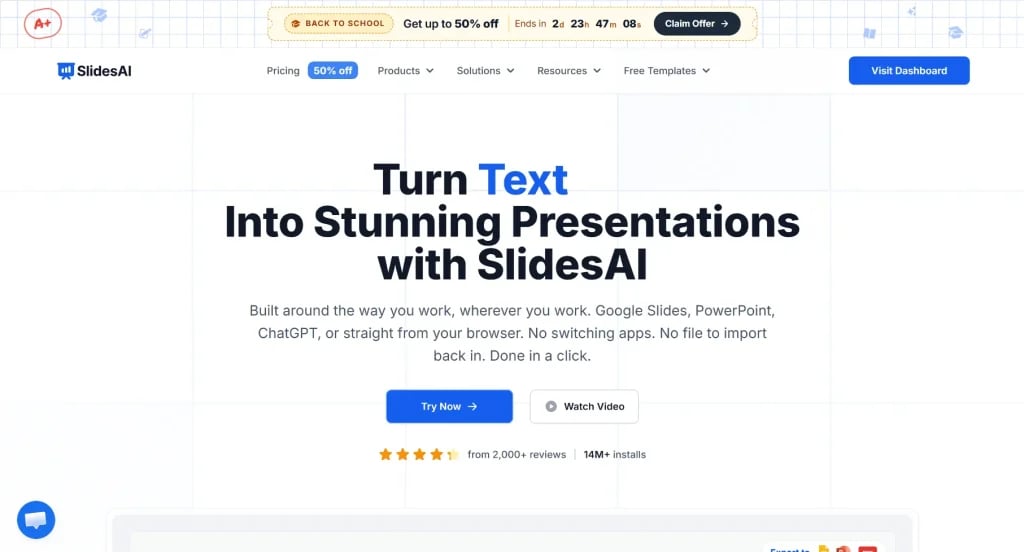
Save hours on slide creation by using an AI presentation maker that automatically generates structured, visually appealing presentations.
Create Presentations in Minutes With SlidesAI
- Start with a topic, text, notes, or PDF
- Generate slides in minutes
- Customize your presentation with ease
2. Venngage AI: Best for Turning Your Work Into Visuals
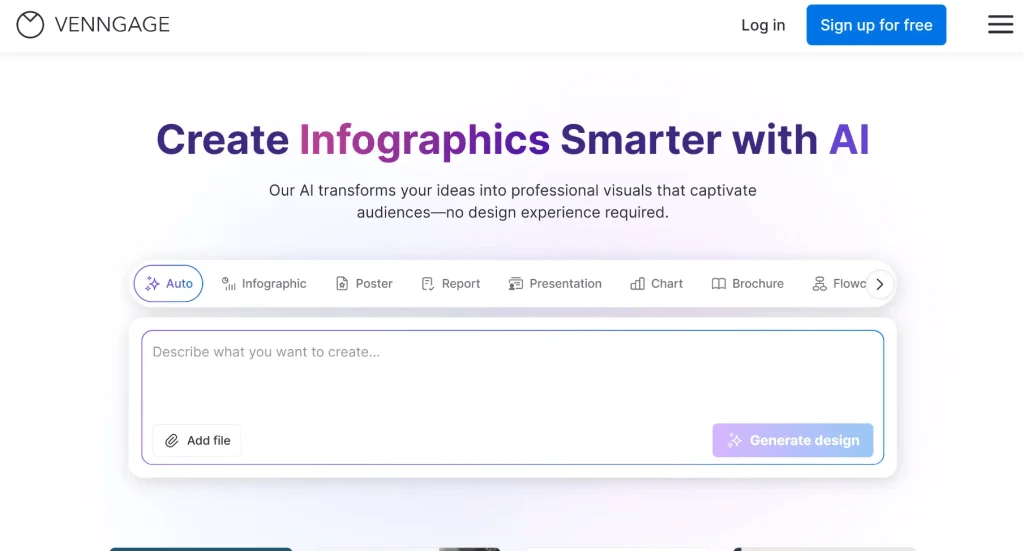
Venngage AI is useful when the work is done, but you still need to make it visual. You might have the data for a report, the findings for an infographic, or the outline for a visual, but designing it all can easily turn into another task.
With 100+ AI design generators, Venngage AI can turn your information into infographics, reports, diagrams, marketing materials, and other visuals with just a single prompt. You can then fine-tune the result in the editor, with built-in tools like the AI Designer, AI Image Generator, AI Icon Generator, and AI Writing Assistant helping you get the final design where you want it.
3. Grammarly: Best for Writing and Editing
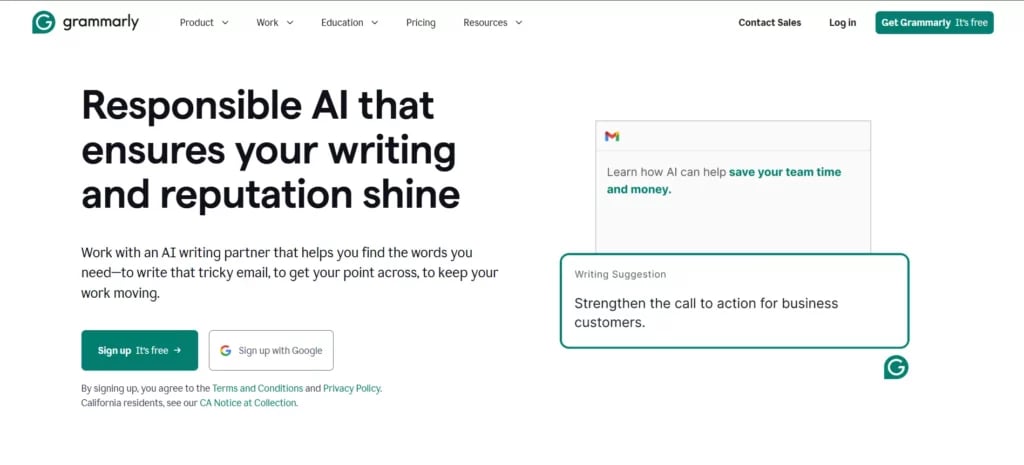
Grammarly is useful when you already have something written but want to make it better.
It can catch grammar mistakes, improve clarity, adjust tone, and help rewrite awkward sentences. Because it works across browsers and different writing applications, you can use it while writing emails, reports, articles, or other everyday content.
4. Midjourney: Best for AI Image Generation
Midjourney is a great option when you need original visuals without creating them from scratch yourself.
You can describe the image you want and generate artwork in a wide range of styles. It works well for concept images, marketing content, blog visuals, social media posts, and creative projects.
For people who aren’t trained designers, that can make visual content much easier to produce.

5. Runway: Best for AI Video Creation
Runway brings AI into video creation and editing.
You can generate video from text or images, work with existing clips, extend scenes, and make other edits from the same workspace. It is particularly useful for creators and marketing teams that need to produce more video without expanding the amount of manual production work.
6. HeyGen: Best for AI Avatar Videos
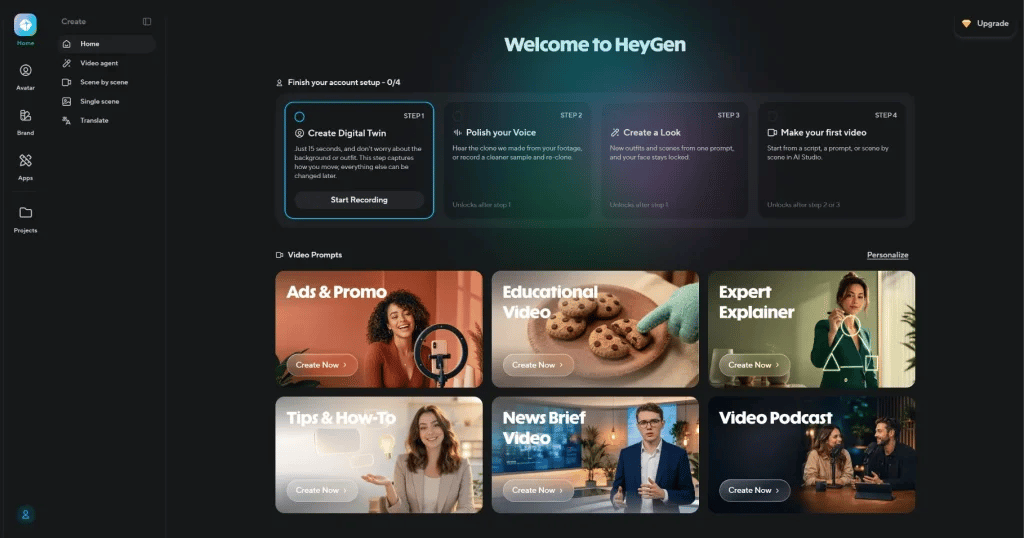
HeyGen focuses on AI-generated presenter videos.
You can create a talking avatar from a photo or recording and provide a script for the avatar to deliver. The platform also supports features such as voice generation, lip syncing, translation, and branding.
That makes it useful for training videos, product explainers, internal communication, and content that needs to be produced in multiple languages.
Related Read: 12 Best AI Image Generators to Elevate Your Presentations
AI Assistants and Research
7. ChatGPT: Best Overall AI Assistant
ChatGPT is a good starting point if you want one AI tool that can handle a bit of everything. You can use it to draft emails, brainstorm ideas, summarise documents, analyse data, write code, or simply think through a problem.
It is particularly useful when you don’t want to jump between several different AI tools for everyday tasks.

8. Claude: Best for Long-Form Analysis
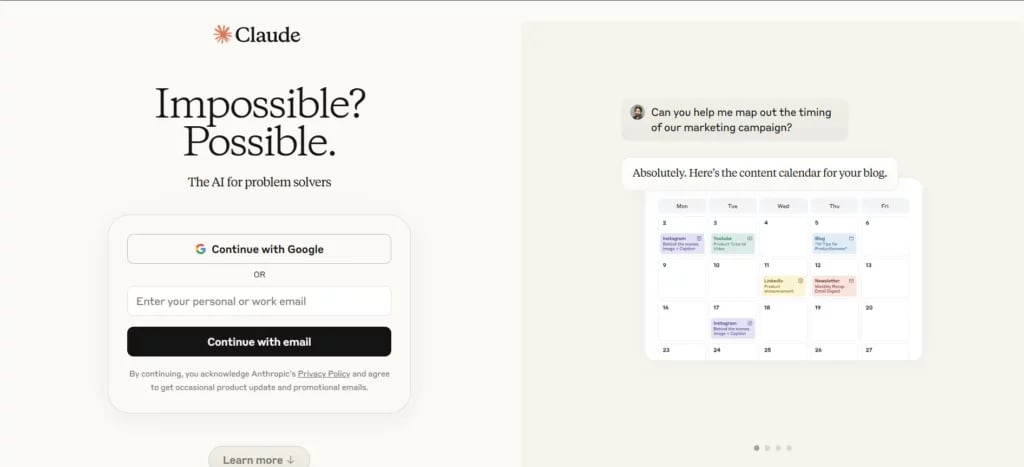
Claude is particularly useful when you’re dealing with a lot of information at once.
You can give it lengthy reports, research papers, transcripts, or technical documents and ask it to summarise, compare, or analyse them. It is also useful when you need to pull specific information from a large document without reading every page yourself.
If your work involves a lot of reading, Claude can save a considerable amount of time.
9. Perplexity: Best for AI Research
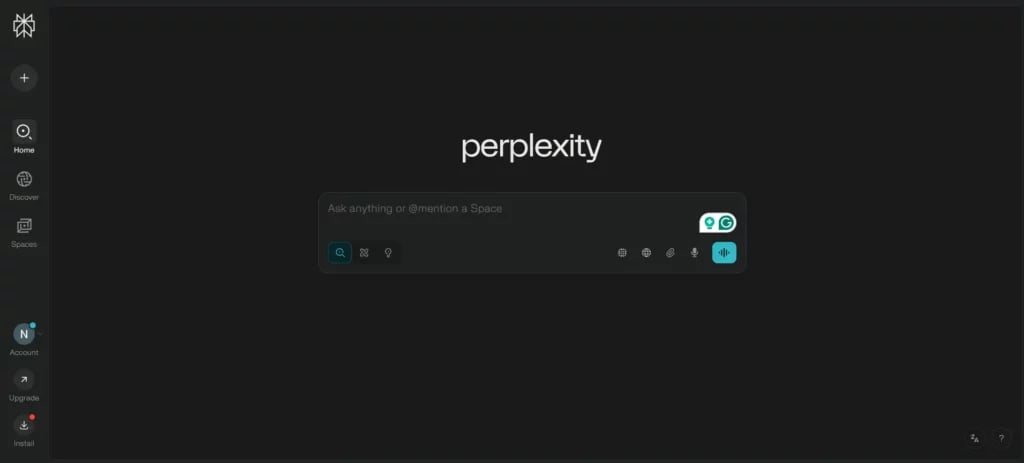
Perplexity takes a different approach from a standard chatbot. Search is at the centre of the experience.
Ask a question and it searches the web, builds a response, and provides sources that you can check yourself. This makes it particularly useful for research, competitor analysis, market research, and questions where current information matters.
You don’t have to take an answer at face value because you can follow the citations and see where the information came from.
10. Gemini: Best for Google Workspace
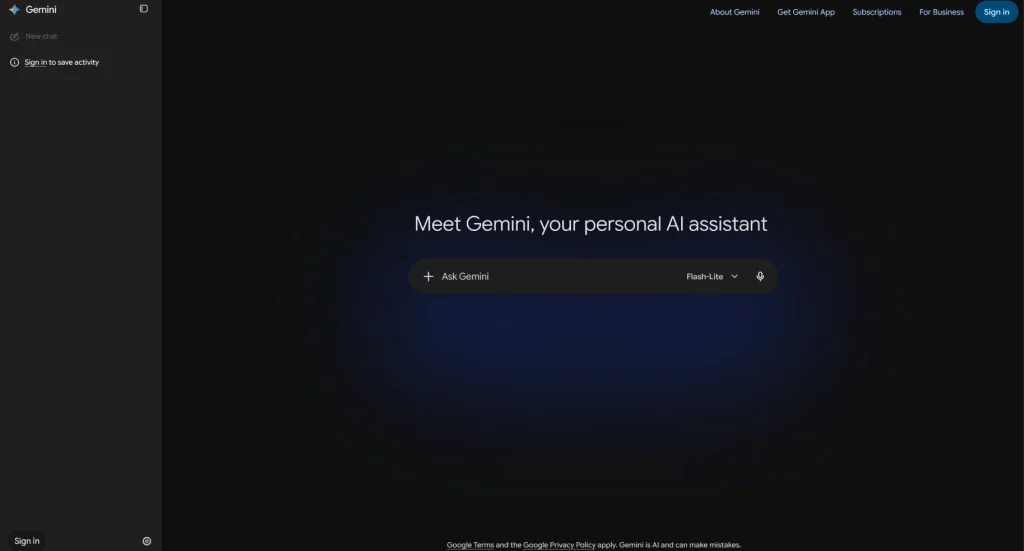
If your entire working day happens inside Google Workspace, Gemini makes a lot of sense.
It works across products such as Gmail, Docs, Sheets, and Slides, helping with tasks like drafting emails, summarising documents, working with data, and creating content.
The main advantage is that you can bring AI into tools you already use rather than constantly moving information between different applications.
11. Microsoft Copilot: Best for Microsoft 365
Microsoft Copilot brings AI into familiar Microsoft 365 applications such as Word, Excel, PowerPoint, Outlook, and Teams.
That means you can use AI while working on the document, spreadsheet, presentation, or meeting you’re already dealing with. For businesses that rely heavily on Microsoft 365, this can make AI adoption much easier.

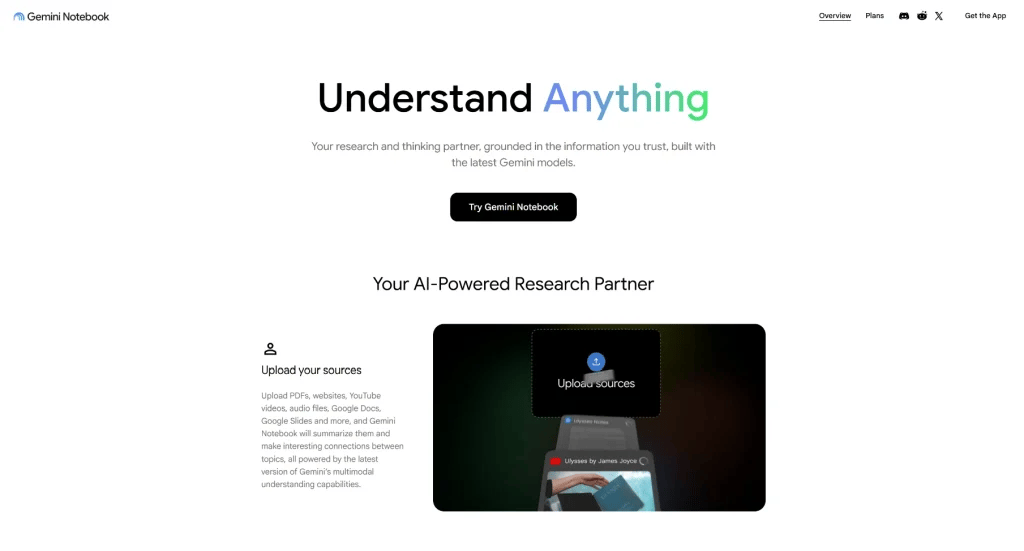
12. NotebookLM: Best for Your Own Documents
NotebookLM is useful when you want AI to work specifically with your own sources.
Upload documents such as PDFs, Google Docs, presentations, or other supported sources, and you can ask questions about them. It can create summaries and other useful outputs while keeping its responses grounded in the material you’ve provided.
AI Work Management
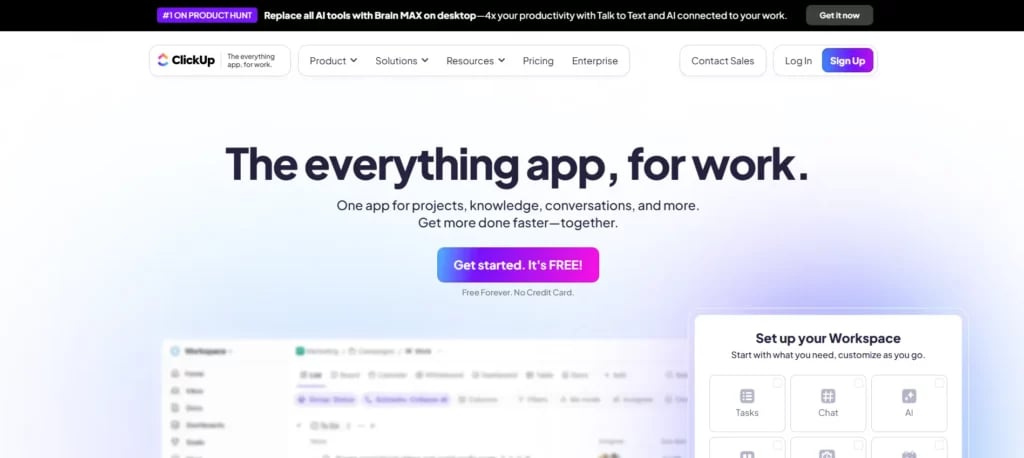
13. ClickUp: Best for Project Management
ClickUp combines tasks, documents, chat, and project management in one workspace. Its AI features can help create project plans, summarise information, generate updates, and handle some of the routine work around managing projects.
14. Notion AI: Best for Knowledge Management
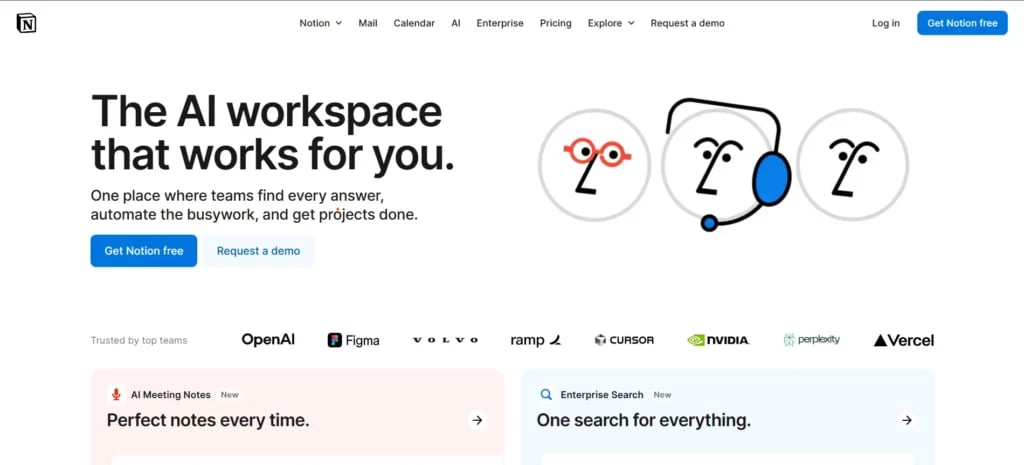
Notion can become difficult to navigate once a team has years of documents, meeting notes, project pages, and internal information stored inside it.
Notion AI helps make that information easier to access. You can ask questions in natural language, summarise pages, and find information without manually searching through your entire workspace.
For teams that use Notion as their central knowledge base, this can make a noticeable difference.
15. Motion: Best for AI Scheduling
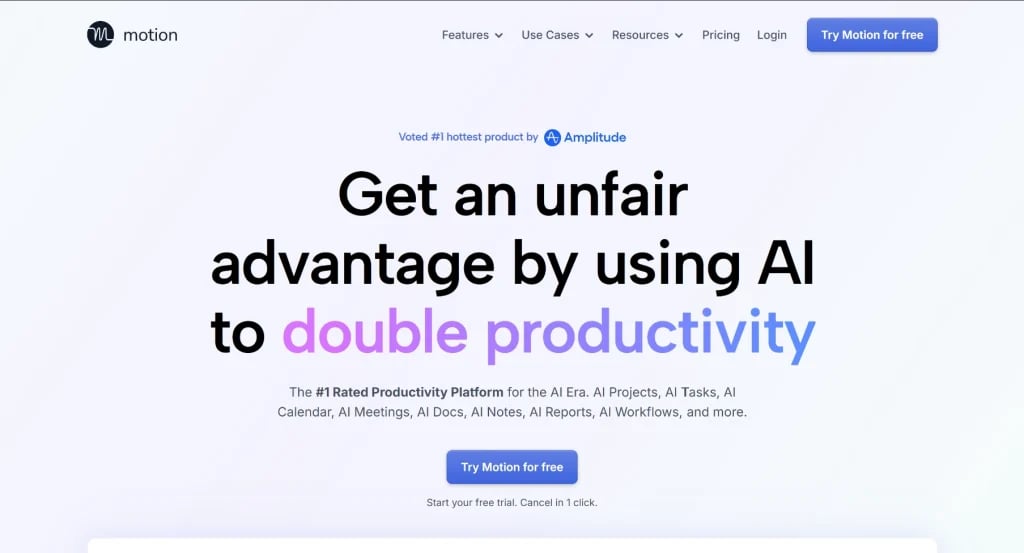
Motion is built around a simple problem: you have more things to do than space in your calendar.
The platform automatically schedules tasks around meetings, deadlines, and priorities. When something changes, it can adjust the schedule rather than making you rebuild your entire day manually.
That makes it useful if you regularly create ambitious to-do lists and then spend half the day rearranging them.
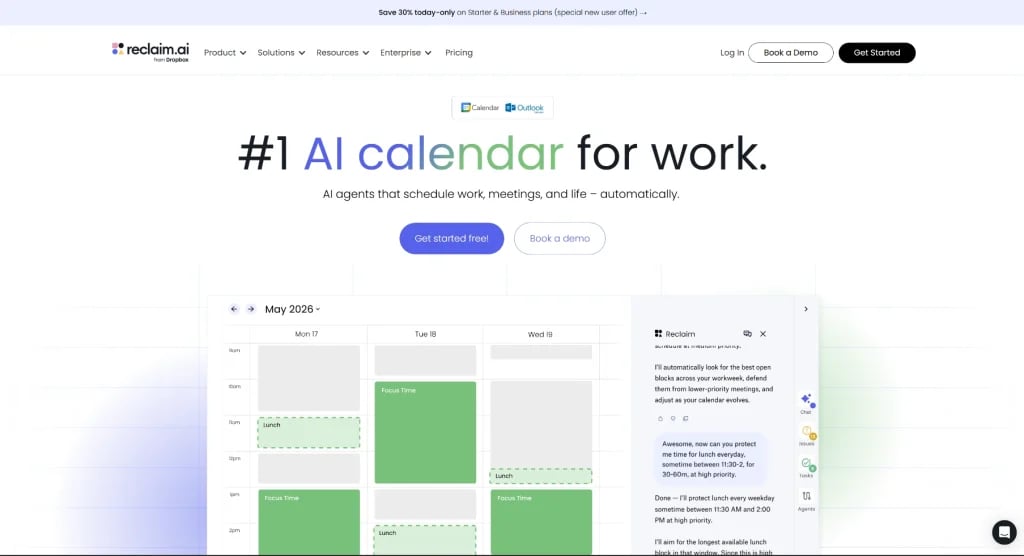
16. Reclaim: Best for Focus-Time Management
Reclaim works with your calendar to protect time for important work.
You can set priorities, habits, tasks, and focus-time goals, and the platform finds space for them around your existing commitments. If a meeting gets added, Reclaim can move things around to protect the time you’ve already set aside.
It’s particularly useful if your calendar tends to fill up before you get enough time for actual focused work.
AI Communication
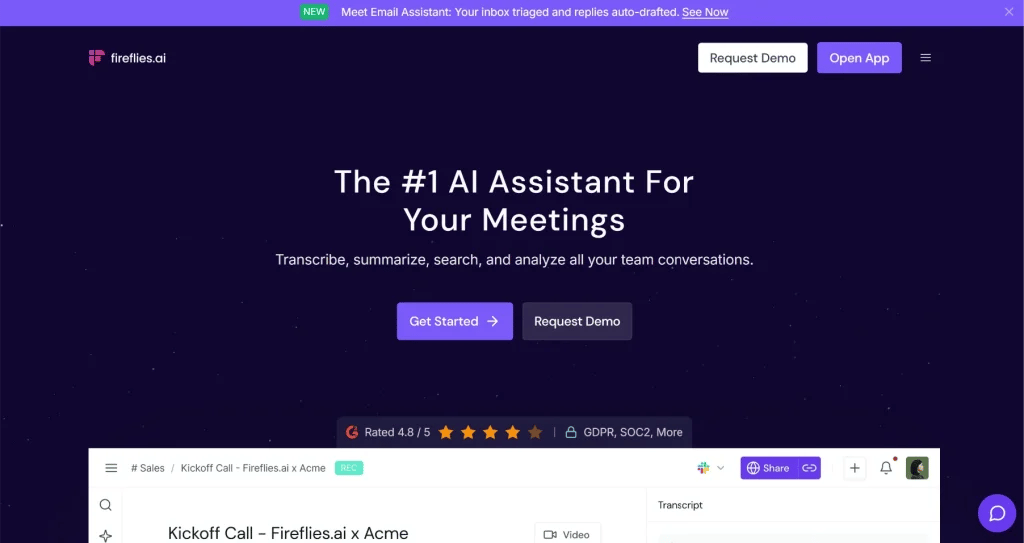
17. Fireflies.ai: Best for Meeting Notes
Fireflies.ai can join your online meetings, record conversations, create transcripts, and produce summaries.
Instead of trying to listen carefully while typing notes at the same time, you can let the AI capture the conversation. It can also identify action items and important topics, making it easier to follow up after the meeting.
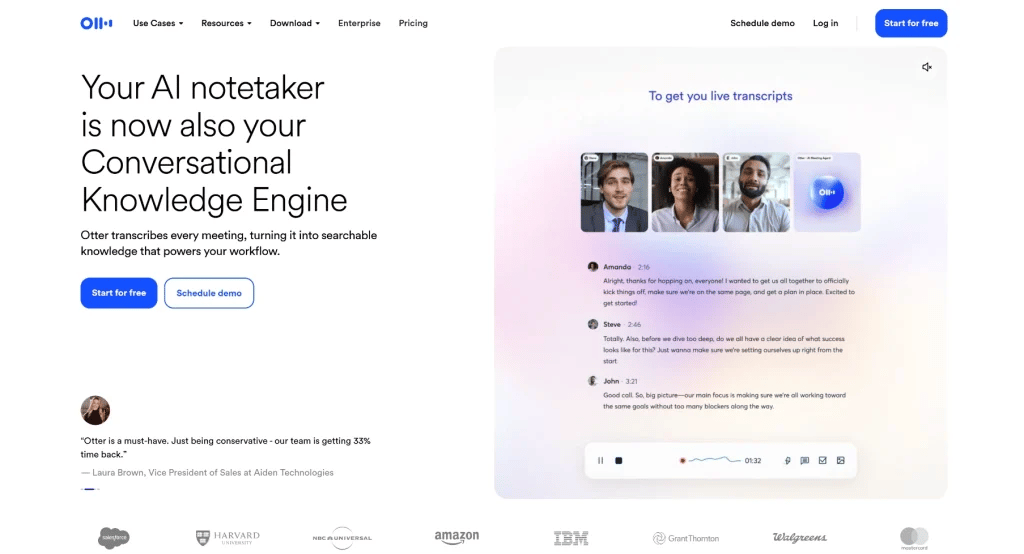
18. Otter.ai: Best for Meeting Transcription
Otter.ai focuses heavily on transcription.
It can transcribe meetings in real time and turn those conversations into searchable notes and summaries. Its AI meeting features can also capture information from scheduled calls and highlight decisions or action items.
If you often need to revisit what was said in a meeting, having a searchable transcript can be far more useful than relying on memory.
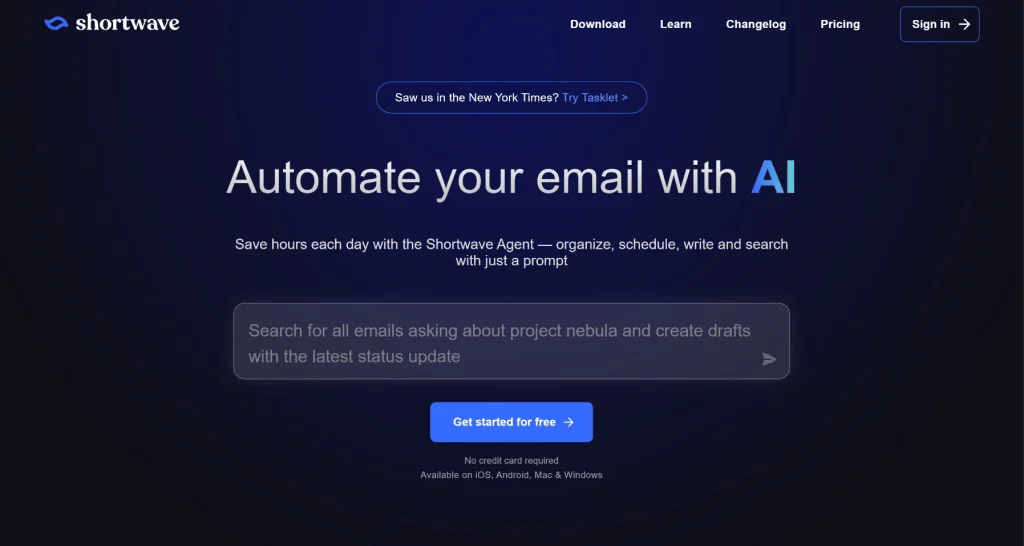
19. Shortwave: Best for AI Email Management
Shortwave is an AI-focused email client built around Gmail.
It offers tools for organising your inbox, searching through old messages, summarising conversations, and drafting replies. Its Ghostwriter feature can also help create emails based on your writing style.
For anyone who spends a large part of the day inside their inbox, this can turn email from a constant distraction into something easier to manage.
AI Automation
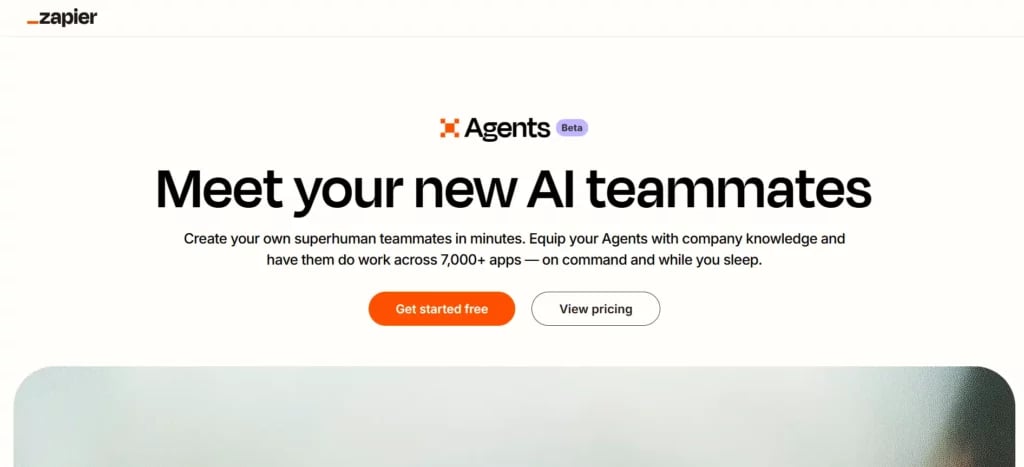
20. Zapier: Best for Workflow Automation
Zapier connects different applications and lets you automate actions between them without writing code.
You can create workflows that move information between apps, send notifications, generate content, summarise information, or trigger AI actions when something happens.
It is particularly useful when you keep doing the same sequence of tasks manually.
21. Gumloop: Best for AI Agents
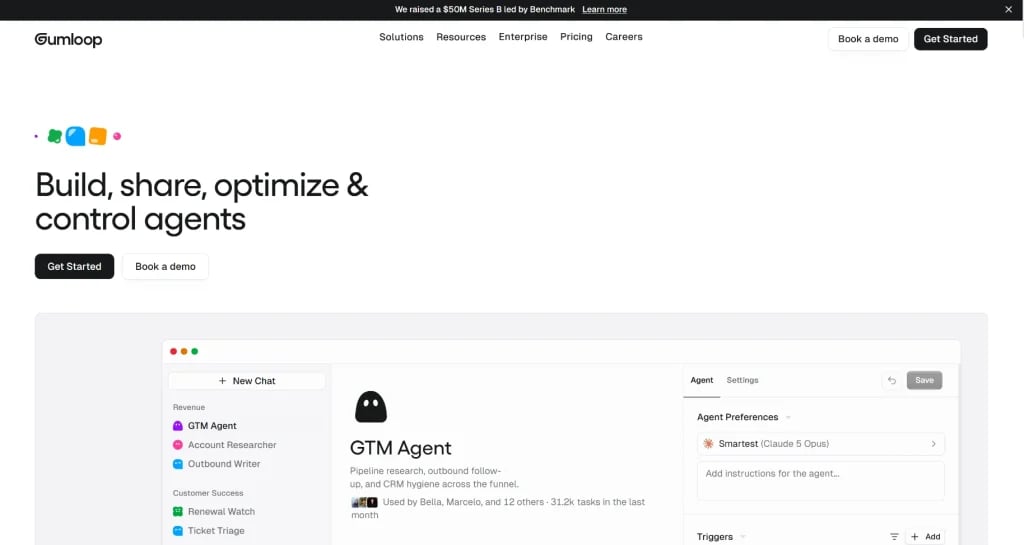
Gumloop focuses on more advanced AI workflows and agents. Instead of simply saying “when this happens, do that,” you can build workflows where AI interacts with your tools and data and handles several steps toward a larger goal.
22. Make: Best for Customizable Automation
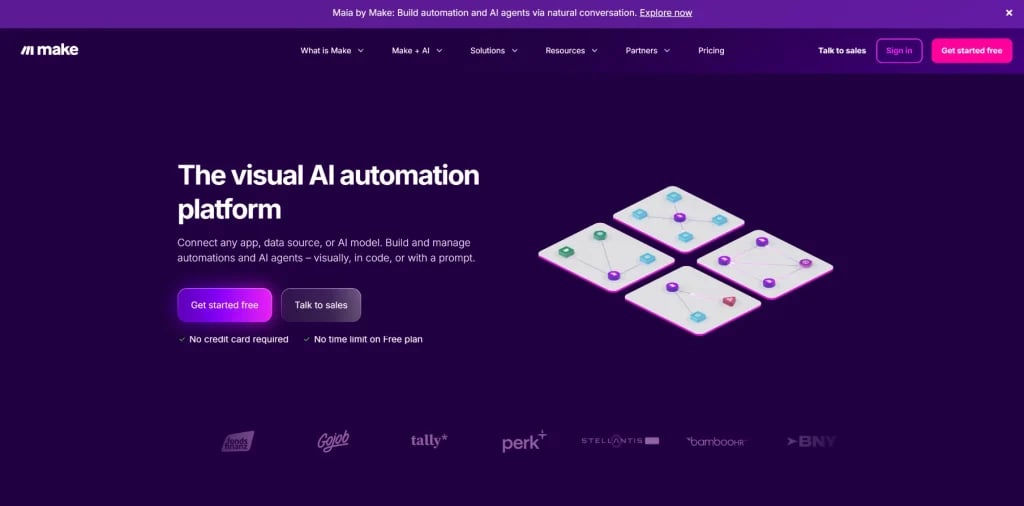
Make gives you a visual way to build complex automations.
You can connect thousands of applications and create workflows using a drag-and-drop interface. It also supports AI-powered workflows and agents, giving you more control over how information moves between different steps.
If you want detailed control over your automations without building everything from scratch in code, Make is worth considering.
How to Choose the Best AI Tool?
The best AI productivity tool depends on where your time is actually going. Here’s what to keep in mind while choosing one:
- Scope and Functionality: Start with the problem you want to solve. A tool that does ten things you don’t need isn’t particularly useful if it handles your main task poorly.
- Integrations: Check whether the tool works with the applications you already use. Adding another platform can create more work if you constantly have to move information between systems.
- User Experience: The tool should be easy enough for your team to use without needing technical help every time something changes.
- Security: Look at how the provider handles your data, including privacy, encryption, permissions, and compliance. This matters even more when you’re connecting AI to company information.
- Scalability: Think beyond your current needs. A tool that works for one person should still be useful when you add more users, data, and workflows.
Conclusion
AI productivity tools are becoming part of everyday work, but you don’t need to adopt every new tool you see. Start with the part of your day that takes too much time, find a tool that solves that specific problem, and build from there. Whether you need help writing, researching, managing projects, organising your calendar, or automating repetitive work, there is probably an AI tool that can take some of that load off your hands.
- Top 19 Best AI Pitch Deck Generators
- AI Tools for Teachers to Boost Productivity and Engagement
- Top 11 AI Tools Every Student Should Know About
- 15 Best AI Tools for Consultants