秒でスクリプトからプレゼンテーションへ
客户推荐
看看大家对 SlidesAI 的评价

Maria Vasilyeva
Great! In a few seconds you can get a structured presentation with a photo, it saves me a lot of time! Great tool! Thank you Anurag!

John Little
Just starting to play with the app. It was recommended by a friend and so far so good! Also, the tech support was fast and beneficial!

Oghale Agbawhe
This app exceeded my expectations. It is very useful and convenient, saves time and eliminates the stress of manually creating PowerPoints. I highly recommend it!

hassanain ali
working fantastic and very helpful. Saving me so much time by automatically generate sub-titles on each pages and analyze my paragraph to points form! highly recommend! The support is super fast and helpful, I didn’t even expect to get such a fast responds at late night time
Widi Oremo
Amazing product. It was very easy to use and intuitive. I was also assisted very promptly by its creator and team when I needed help.

Marcelo Caballero
Genial, te reduce los tiempos y bloqueos mentales para realizar una presentacion de algun tema en especifico. asi es posible concentrarse en los detalles. Muy Util.
它是如何工作的?
将脚本转换为可直接使用的演示文稿
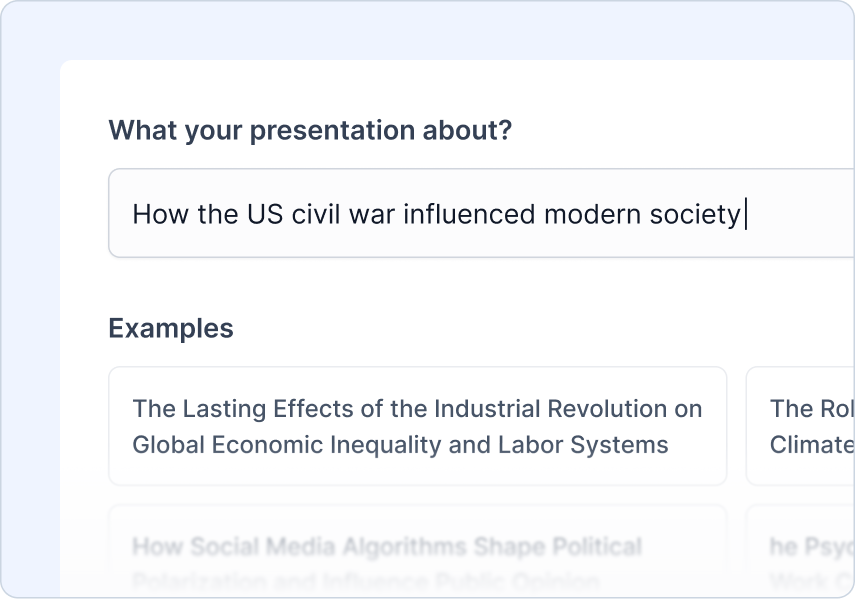
输入您的主题
输入您希望演示涵盖的主题。这为其他所有内容奠定了基础。
例子:"美国内战如何影响现代社会"
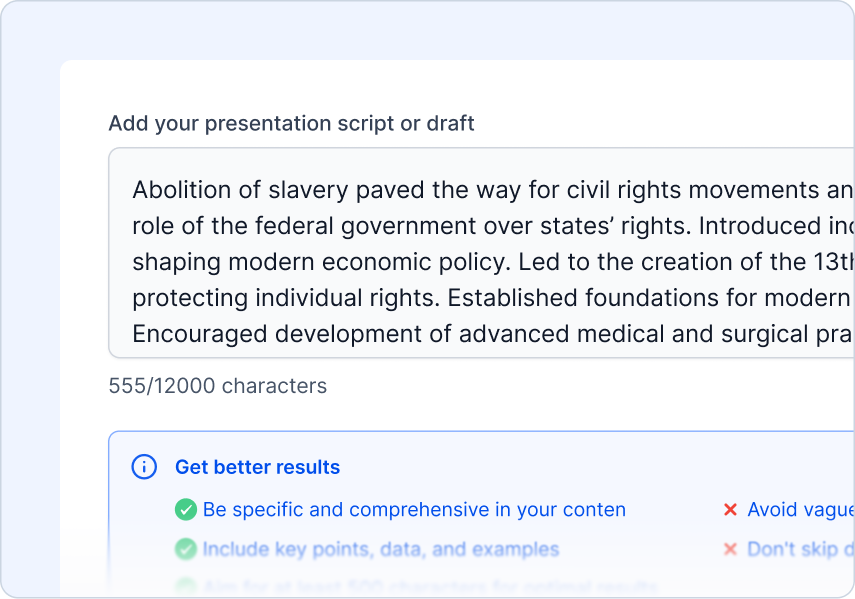
上传您的脚本
上传您的脚本或文档,它将被转换为幻灯片。
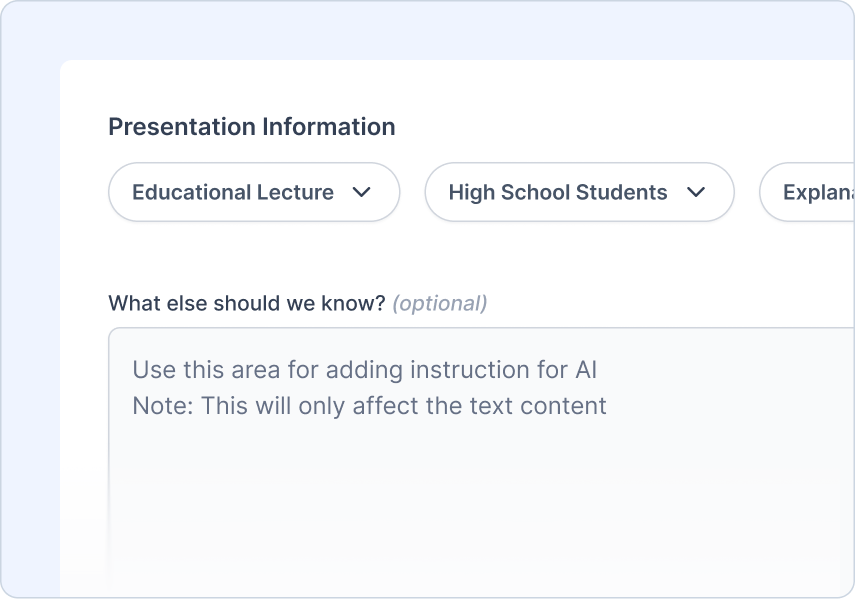
添加您的指令
告诉我们观众是谁,您正在创建哪种类型的演示,以及您想要的语气
您可以做的事情:
 选择受众类型
- 选择演示类型
- 设置语气
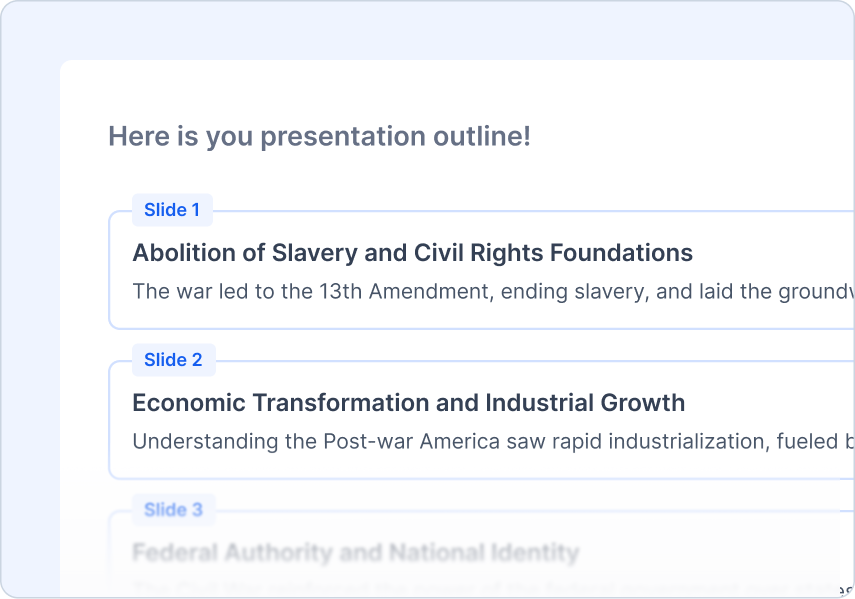
审查大纲
审查并调整AI生成的大纲。
您可以做的事情:
- 快速大纲预览
- 一键重新生成
- 轻松添加/删除/编辑内容
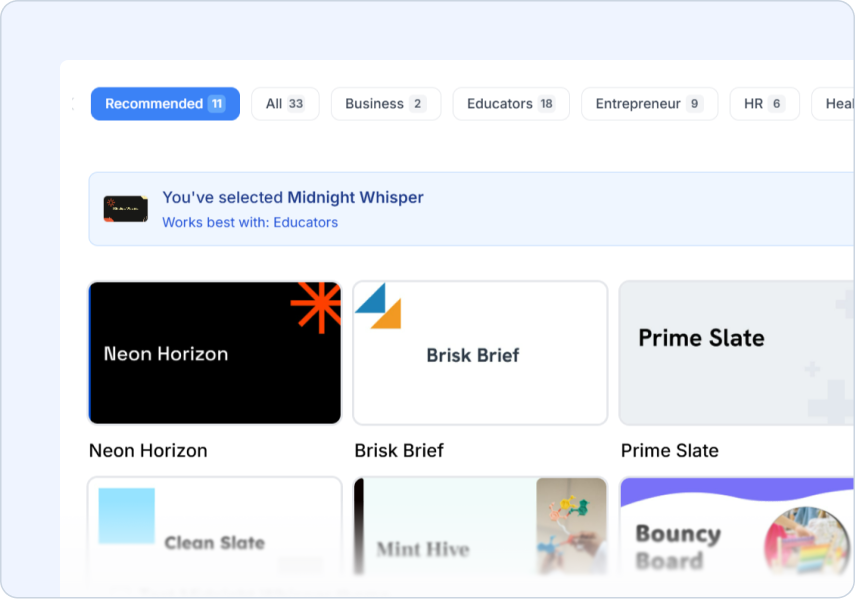
选择主题
选择与您的主题相匹配的设计风格。
您可以做的事情:
- 专业设计的模板
- AI和库存图像建议
- 上传您的标志
Frequently Asked Questions
We've compiled a list of the most common questions we get asked.
- 我可以上传视频转录作为脚本吗?
当然可以!脚本到 PPT 与视频转录、会议记录或任何录音内容完美兼容。SlidesAI 会识别关键谈话要点,并从您的脚本中创建引人入胜的幻灯片。
- SlidesAI 如何将脚本分解为演示幻灯片?
SlidesAI 会分析您的脚本,以识别主要主题、支持点和自然中断。它创建的幻灯片会遵循您的叙述逻辑,同时突出显示最重要的信息。
- 我的脚本中的演讲者备注会被保留吗?
是的!SlidesAI 可以将重要的上下文和详细说明保留为演讲者备注,同时为您的观众创建简洁明了的幻灯片内容。
- 我可以在脚本中包含对话或多位发言者吗?
可以!脚本到 PPT 有效处理多位发言者的内容和对话,将不同观点和对话组织成结构化的演示幻灯片。
- SlidesAI 能够自动识别关键谈话要点吗?
当然可以!SlidesAI会自动识别脚本中的重点、引用和要点,确保您的演示文稿传达核心信息。
- 什么时候应该使用脚本转PPT功能?
当您明确知道想要表达的内容时,可以使用脚本转PPT功能。SlidesAI会保留您的原话,并将其组织成幻灯片,不改动您的内容,非常适合准备好的演讲、展示或特定信息传达。
- 我需要拥有 Google Workspace 帐户才能使用 SlidesAI 吗?
不需要。您可以使用常规的 Gmail 帐户使用 SlidesAI。从 Google Workspace Marketplace 安装 SlidesAI 并从 Google Slides 运行。
- 我如何从 Google Slides 运行它?
从 Google Workspace Marketplace 安装 SlidesAI 后,打开一个 Google Slides 演示文稿,然后转到扩展程序 > SlidesAI.io > 生成幻灯片。
- 我们不使用 Google Slides,仍然可以使用 SlidesAI 吗?
可以。SlidesAI 可以与 Google Slides、Microsoft PowerPoint 和网络应用程序配合使用,因此您可以使用适合您团队的工作流程创建演示文稿。
- 如何在 PowerPoint 中使用 SlidesAI?
安装我们的 PowerPoint 插件,可以在 PowerPoint 中无缝创建和编辑演示文稿。