



What is a Post-Event Recap Template?
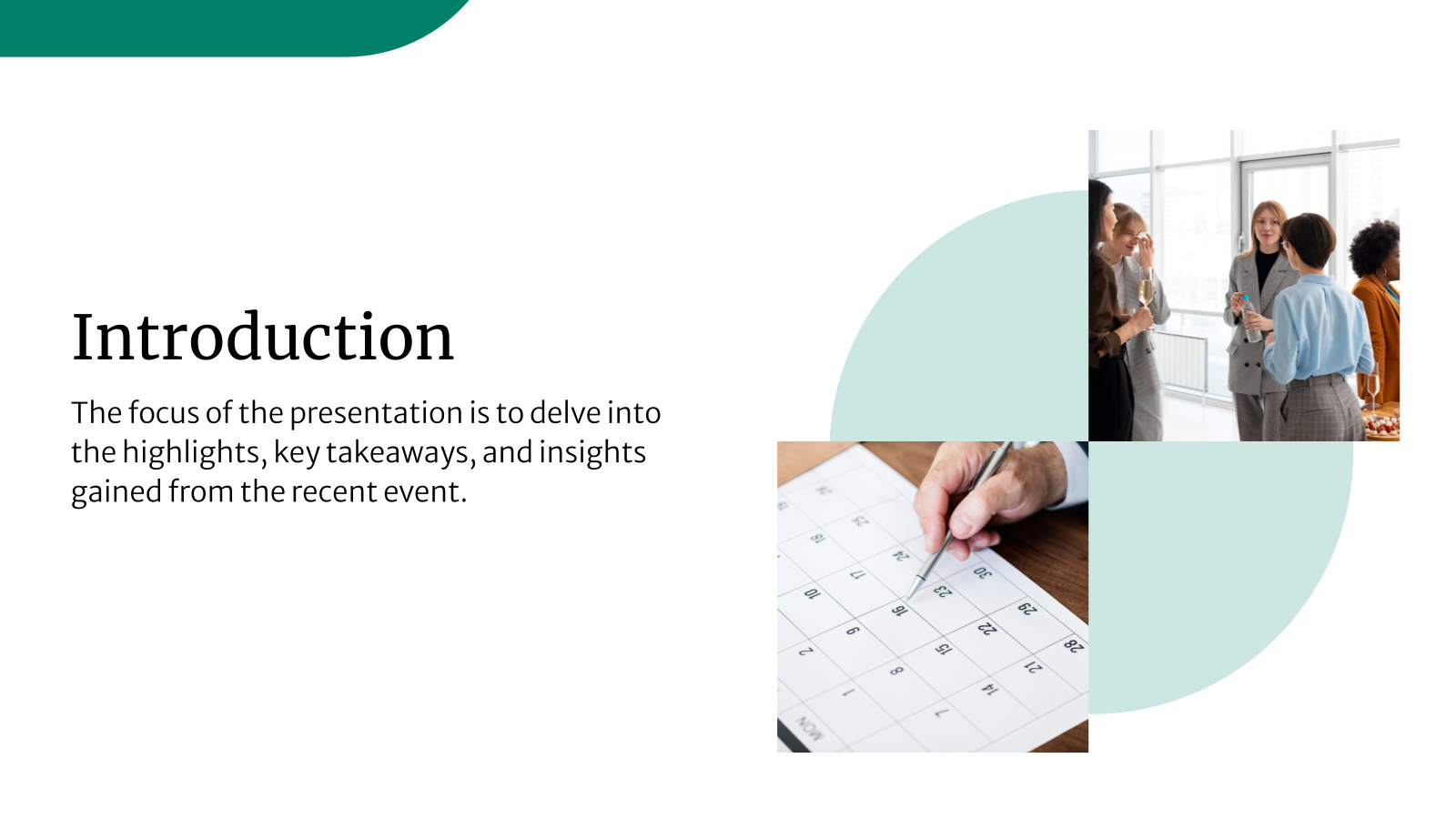
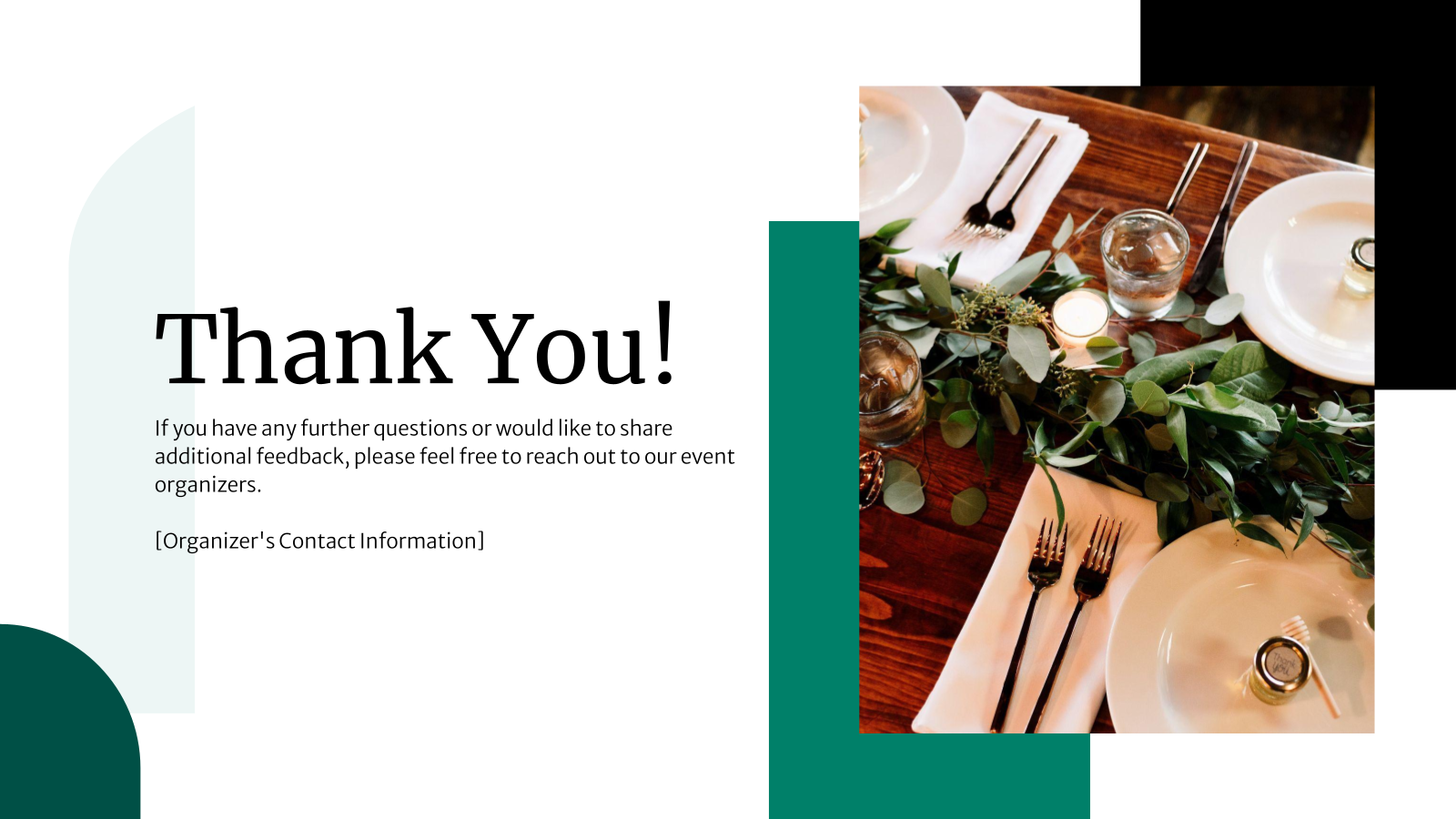
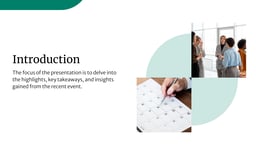
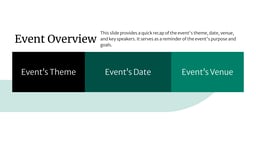
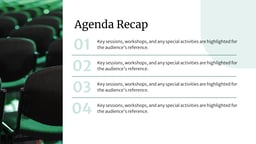
A post-event recap template is a pre-designed presentation layout used to summarize what happened during an event. It helps you present key outcomes, highlights, metrics, and insights in a structured and visual way that is easy to understand.
You use a post-event recap after an event is completed. It allows you to review performance, share learnings, and communicate results with stakeholders, clients, or internal teams using Google Slides or PowerPoint.
Applications of a Post-Event Recap Template
A post-event recap template helps you turn event outcomes into a clear, shareable summary. It provides a structured way to document results and insights so they can be reviewed, shared, and referenced later. Majorly, they do the following for you:
-
Showcase the Success of the Event
Summarize key achievements such as attendance numbers, engagement levels, and major milestones using clear visuals and structured slides.
-
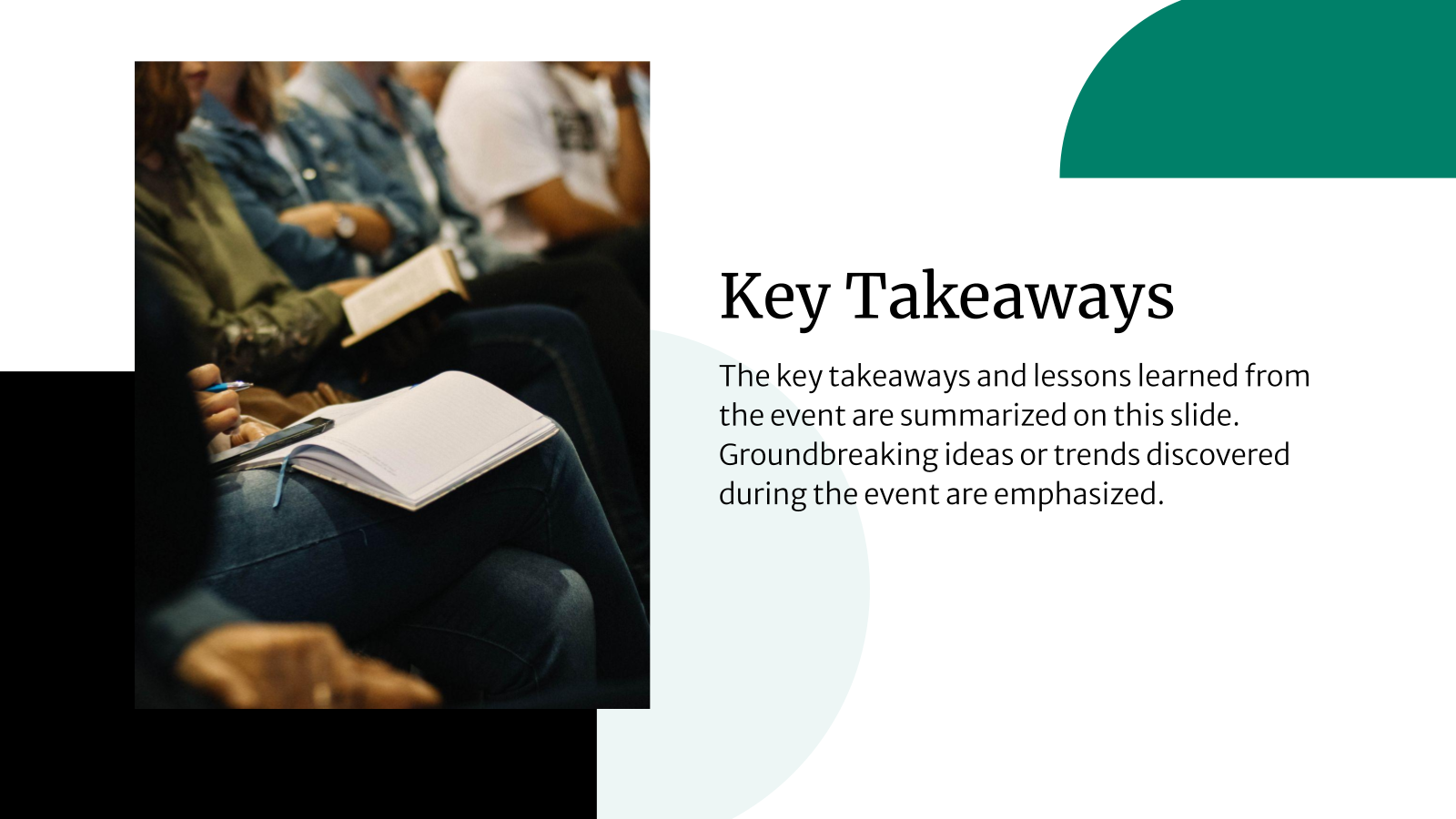
Communicate the Takeaways
Capture important insights, learnings, and discussion points from the event for sponsors, leadership teams, or internal stakeholders.
-
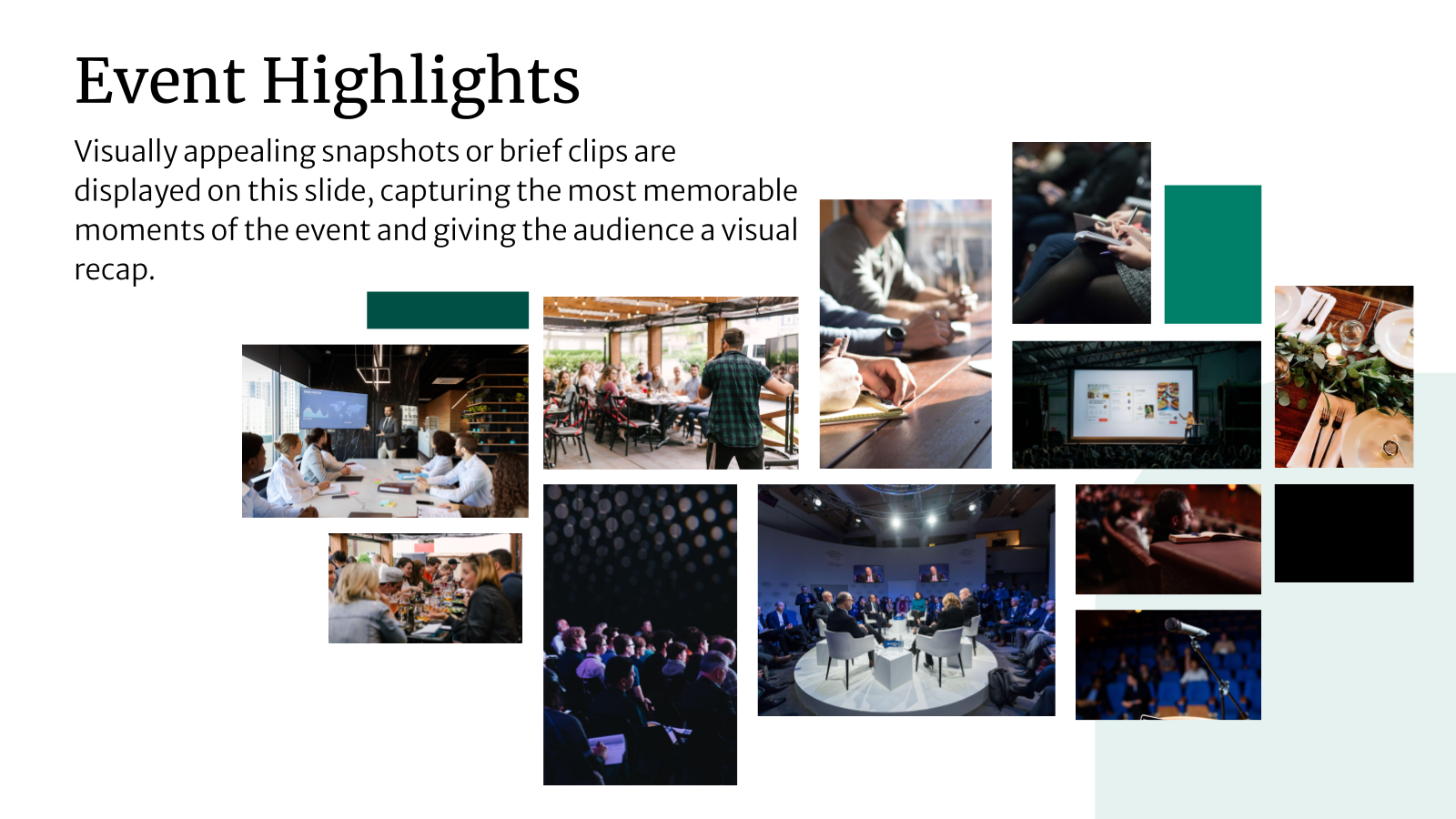
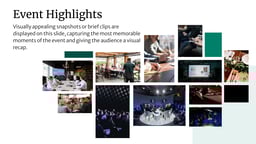
Mark Event Highlights
Include photos, videos, speaker moments, and memorable sessions to bring the event experience to life visually.
-
Measure Event Performance
Present metrics like registrations, attendance rates, feedback scores, and ROI using charts and summaries that are easy to interpret.
-
Support Future Event Planning
Use recap slides as reference material to improve strategies, planning, and execution for upcoming events.
What Makes These Post-Event Recap Presentation Templates Special?
SlidesAI’s post-event recap templates are designed to make reporting simple while delivering professional results.
- Ready-to-Use Slide Structures: Pre-designed layouts help you skip the design work and focus on insights, storytelling, and results.
- Full Customization Flexibility: Each post-event review template allows you to edit layouts, fonts, colors, visuals, and content to match your brand or event theme.
- AI-Powered Slide Creation: With SlidesAI on Google Slides, you can enter your content outline and let AI generate clean, visually balanced slides instantly.
- Consistent Visual Styling: Built-in themes and color palettes help maintain a uniform look across all slides.
- Professional Results Without Design Skills: Even beginners can create polished, client-ready post-event recap templates without prior design experience.
How to Use This Post-Event Recap Presentation Template?
Using this post-event recap presentation template is quick and straightforward. You can start editing right away in these platforms you already use, with no extra tools or setup required.
- Microsoft PowerPoint: Click on Download > Click on “PowerPoint” > Click on the downloaded file to make a copy and start customizing/editing the template
- Google Slides: Click on Download > Click on “Google Slides” > Click on “Use Template” to make a copy and start customizing/editing the template
All you need to do is enter your text, and SlidesAI creates customizable slides that work seamlessly with all templates.
Create presentations in seconds!
Tips for Post-Event Recap Presentation Slides
A strong post-event recap template helps you tell a clear story about what happened, what worked, and what comes next. These tips help you design an effective post-event review using Google Slides or PowerPoint.
Visual & Layout Best Practices:
- Keep Slides Visually Engaging: Use high-quality images, icons, and charts to highlight key moments without overcrowding your slides.
- Maintain Consistent Branding: Stick to your brand colors, fonts, and design style to ensure a cohesive and professional look.
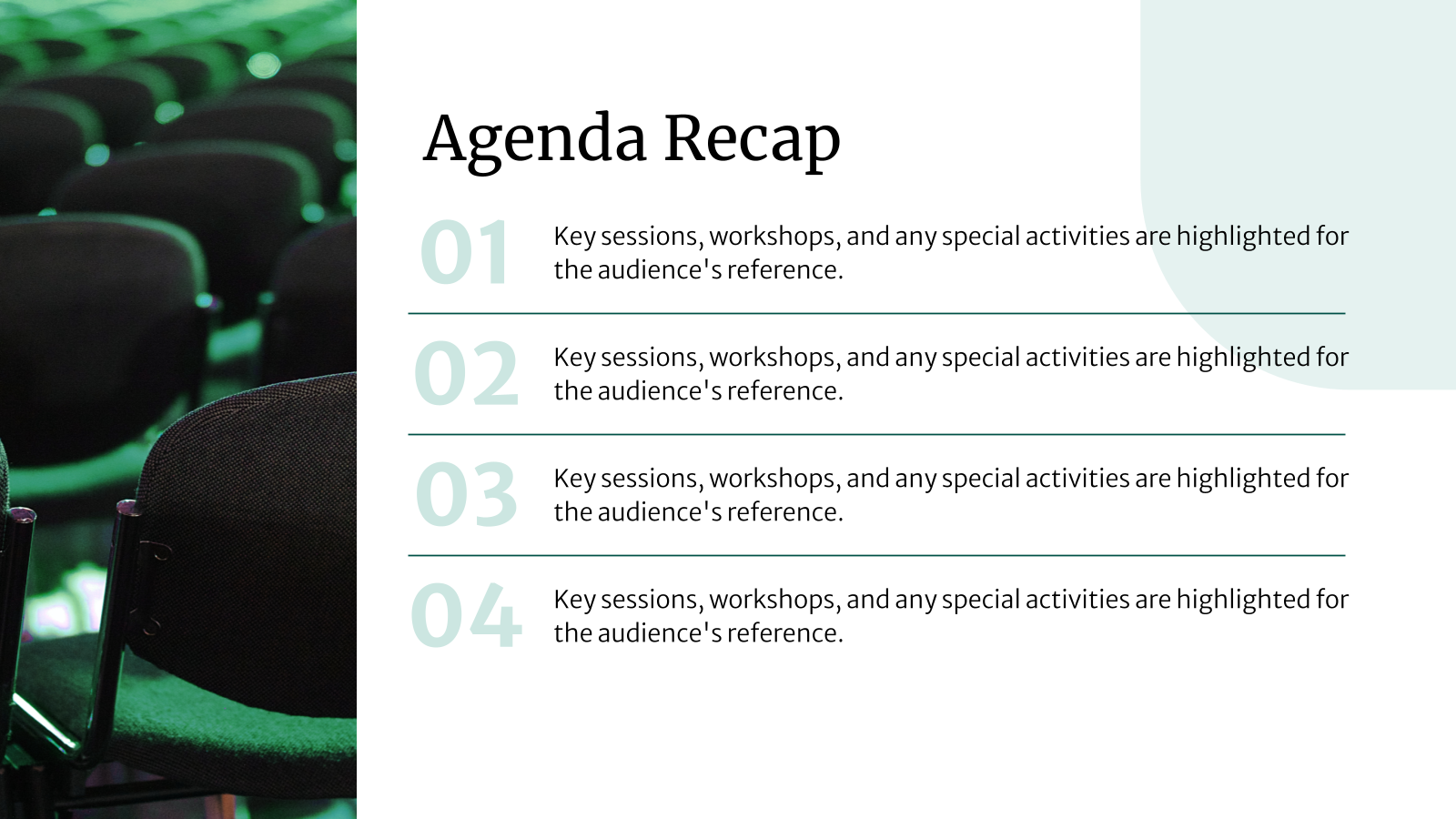
- Create Clear Content Sections: Organize slides into sections like overview, highlights, metrics, feedback, and next steps for better flow.
- Balance Visuals and Text: Let visuals do most of the storytelling and keep text short, clear, and impactful.
Content Planning & Messaging Tips:
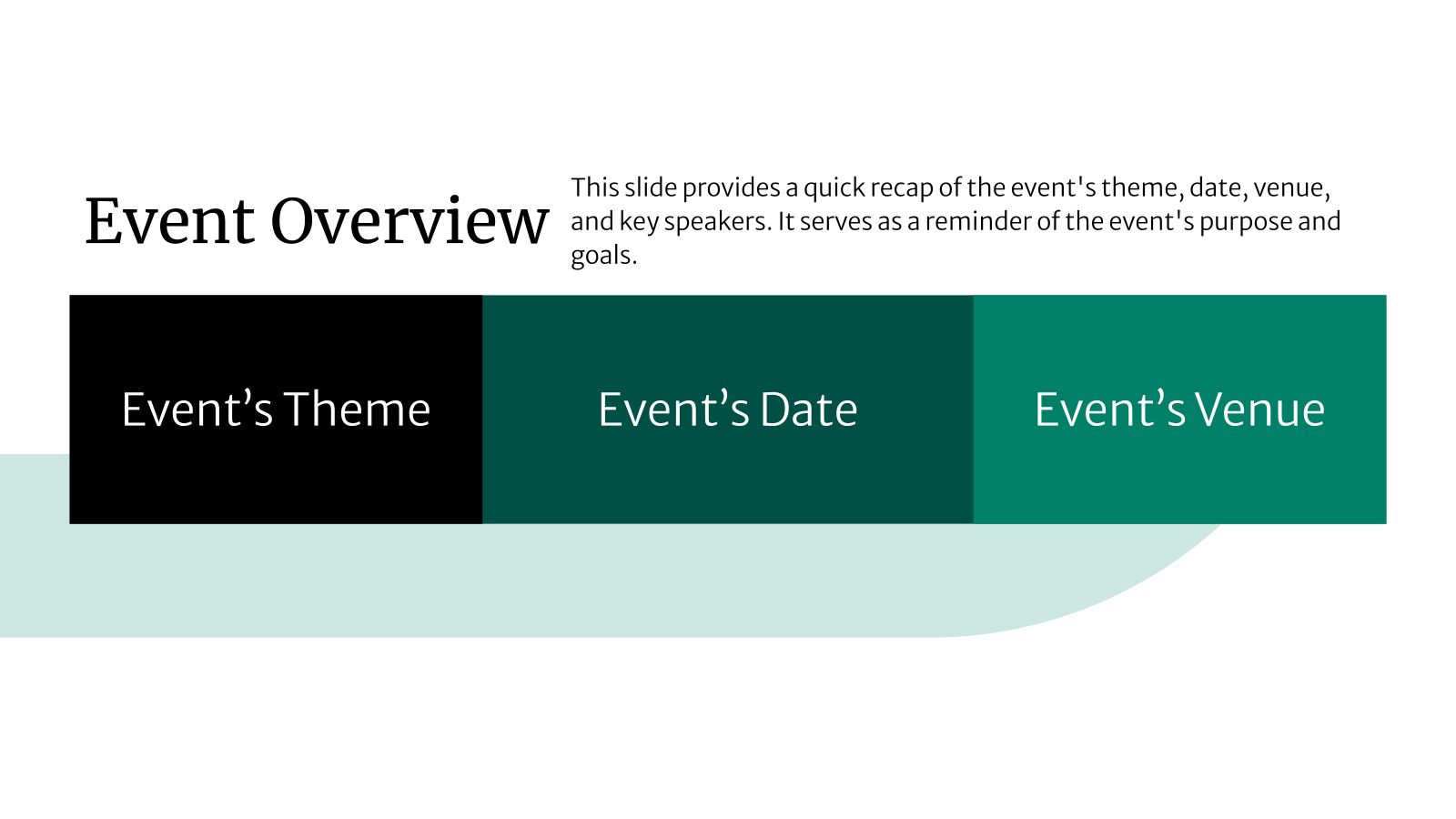
- Begin with an Event Overview: Include the event name, date, format, location, and purpose to set context for the post-event recap.
- Focus on Key Moments: Highlight standout speakers, sessions, announcements, or activities that defined the event.
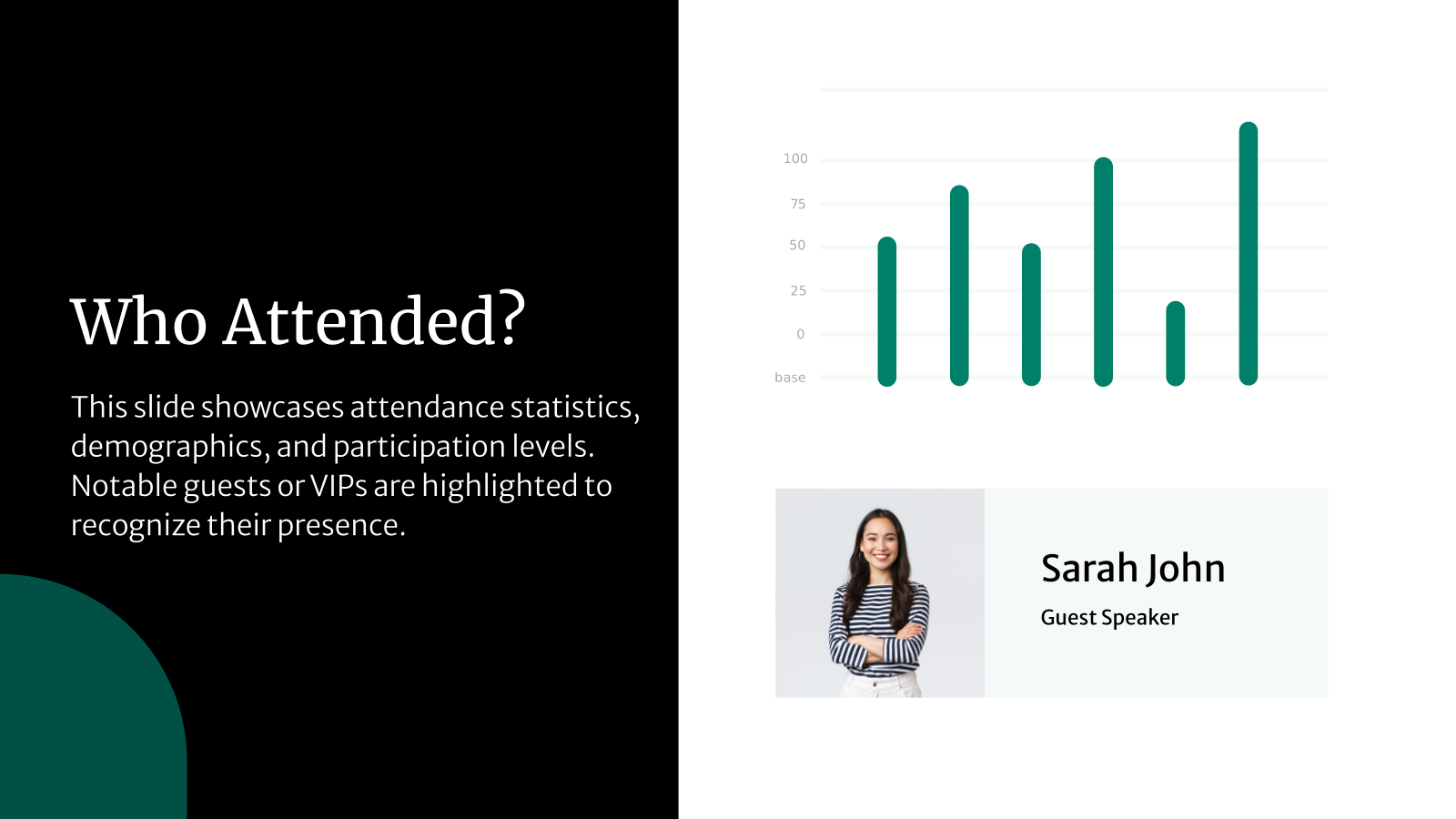
- Present Meaningful Data: Share relevant statistics such as attendee count, engagement levels, and survey results.
- End With Clear Next Steps: Summarize follow-up actions, recommendations, or plans for future events.
Technical & Formatting Tips
- Use Structured Templates: Starting with a post-event recap template saves time and ensures consistency.
- Maintain Clean Alignment: Proper spacing and alignment improve readability and professionalism.
- Optimize Slides for Sharing: Make sure slides look good on-screen and when exported as PDFs.
- Proofread Before Sharing: Double-check text, numbers, and names to avoid errors in your final post-event review template.
Frequently Asked Questions
1. What types of events can this template be used for?
This post-event recap template works well for conferences, webinars, workshops, corporate events, product launches, and networking sessions.
2. Can I customize the template to match my brand?
Yes. You can adjust fonts, colors, images, layouts, and content to align with your brand or event identity.
3. Does the template support event metrics and analytics?
Absolutely. The post-event review template includes sections for attendance data, engagement metrics, feedback summaries, and outcomes.
4. Is the template compatible with both Google Slides and PowerPoint?
Most post-event recap templates work in both platforms. Always confirm the file format before downloading.
5. Can I share the recap with clients or stakeholders?
Yes. You can share the editable file or export the presentation as a PDF.
6. Can I add photos and videos from my event?
Yes. The templates support images, embedded videos, and media placeholders.
7. Are speaker highlights included in the template?
Many layouts include dedicated sections for speakers, panelists, or special contributors.
8. Can attendee feedback or survey results be added?
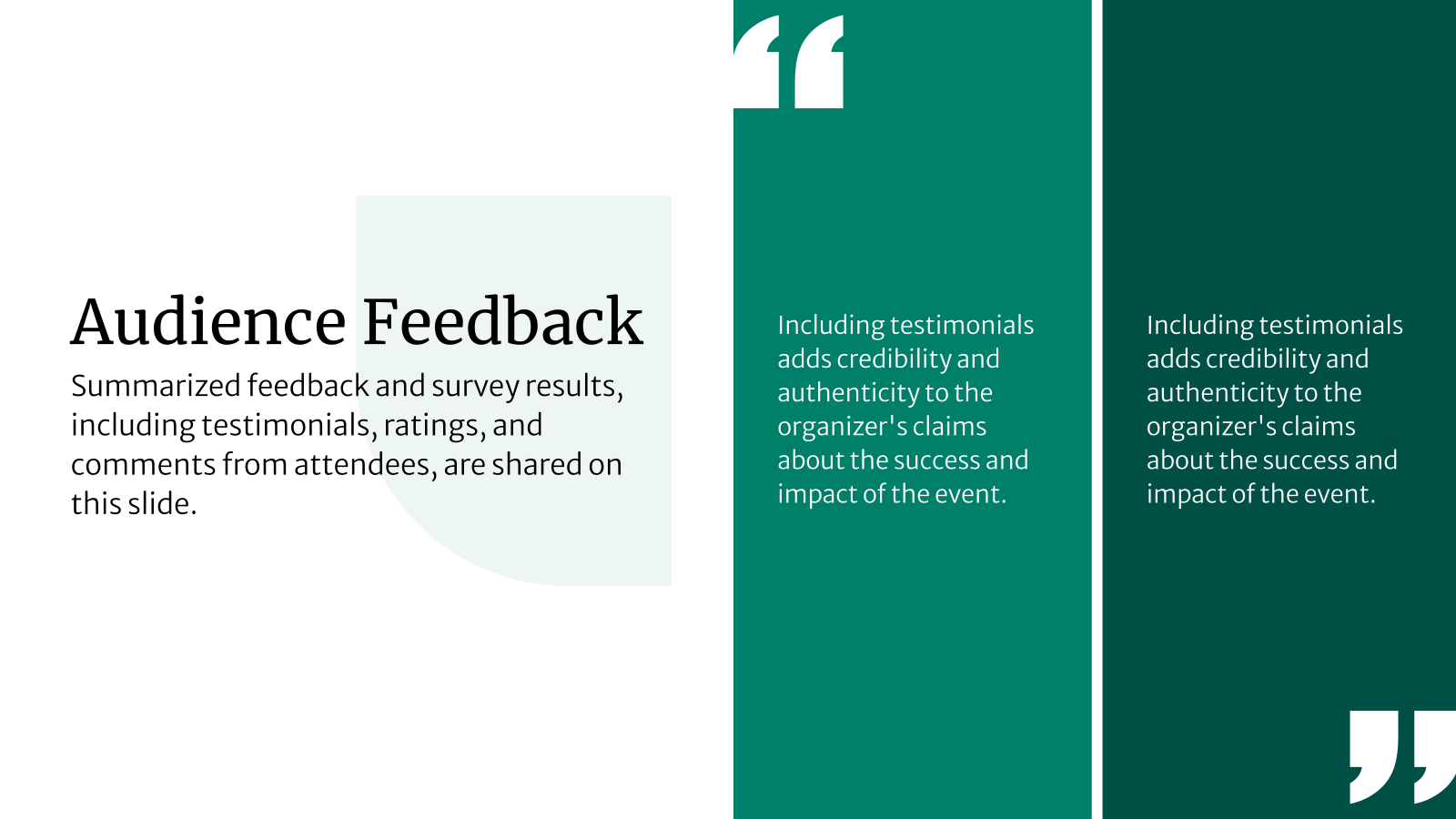
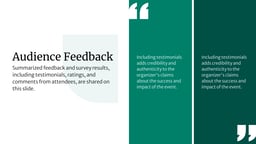
Yes. You can include charts, ratings, quotes, and summaries to present feedback clearly
9.Can the template be reused for different event types?
Definitely. The post-event recap template can be adapted for conferences, workshops, webinars, or internal meetings.
10. Do I need design experience to use this template?
No. The layouts are easy to edit and beginner-friendly.
11. Can I export the presentation as a PDF?
Yes. The final post-event recap presentation can be exported as a PDF for sharing.
12. Is this template suitable for large or multi-day events?
Yes. The flexible layouts support detailed metrics and multi-day event summaries.

Key Takeaways
- A post-event recap template helps you summarize event outcomes, highlights, and metrics in a clear, visual format that is easy to review and share.
- Using a structured post-event recap presentation makes it easier to communicate results, insights, and learnings with stakeholders, clients, and internal teams.
- These templates support effective post-event reviews by organizing data, visuals, and feedback into logical sections that tell a complete event story.
- A well-designed post-event review template helps track performance, measure ROI, and document what worked and what can be improved for future events.
- SlidesAI’s post-event recap templates combine ready-made layouts, customization, and AI-powered slide creation to deliver professional results without design experience.