Key Takeaways
- AI can help design professional slides with consistent layouts and colors.
- Long paragraphs can be condensed into clear, readable bullet points automatically.
- AI generates charts, graphs, and infographics to make data visually engaging.
- Slide sequences and visual storytelling can be improved for better audience engagement.
- Tools like SlidesAI save time, maintain consistency, and enhance overall presentation quality.
Creating a polished, engaging presentation doesn’t have to be stressful. You can instantly improve a PowerPoint presentation with AI. Imagine turning a long, text-heavy report into a clean, visual presentation in minutes, with charts and layouts that look professional. That’s what AI can do for you.
It can automate mundane tasks, leaving you more time to focus on your content and story. Read on to learn more!
How to Improve a PowerPoint Presentation With AI?
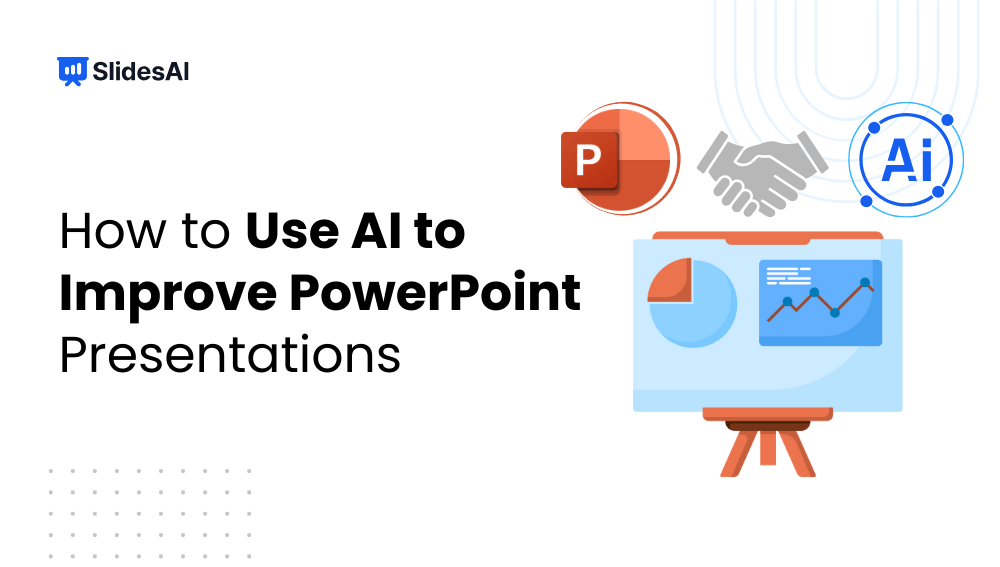
You can now use AI to improve a PowerPoint presentation by refining your visuals, simplifying text, and enhancing storytelling flow. Let’s explore how AI can turn a basic deck into a professional, audience-ready presentation.
1. Create Visually Professional Slides With AI
AI can automatically recommend fonts, color schemes, and slide layouts that complement your content. This guarantees that your presentation looks polished and consistent throughout.
Why It’s Important:
- Being consistent makes your slides easier to read and gives them a polished appearance.
- Beautiful images draw in and hold the interest of your audience.
- They also save time by eliminating the need to manually change layouts and colors.
Pro Tip: To make slides stand out, incorporate your own style with AI recommendations. An AI agent can further enhance this process by automating design decisions and adapting slide layouts based on user intent and content context.
Check out the best presentation websites for inspiration
2. Use AI to Refine and Summarize Text
AI can turn lengthy paragraphs into clear, easy-to-read bullet points. When combined with AI search, it extracts and highlights only the most important information, keeping your slides concise, focused, and impactful.
Why it’s important:
- Facilitates your audience’s understanding of difficult concepts.
- Maintains the organization and interest of your presentation.
- Steers clear of cluttered slides that confuse rather than educate.
Example: You can effectively summarize your points in 5-7 clear bullet points from a 500-word report.
Learn about common presentation mistakes to avoid
3. Create Intelligent Infographics and Charts
AI can instantly convert your data into infographics, graphs, or charts in PowerPoint. No more tedious formatting or manual plotting.
Why it’s Important:
- Assists in clearly conveying information without overpowering your audience.
- Saves hours when compared to manually creating charts
- It visually highlights trends, comparisons, and insights.
Advice: Rather than replacing your bullet points, use AI-generated images to enhance them.
4. Enhance Your Visual Storytelling
AI can help arrange your slides logically and suggest visual cues that support your story. This ensures your presentation flows smoothly from start to finish.
Why It’s Important:
- Creates a coherent sequence of ideas, keeping the audience engaged.
- Emphasizes key points visually for better retention.
- Makes presentations memorable rather than forgettable.
Pro Tip: Pair AI suggestions with your own narrative to make your story more compelling.
Explore presentation aids to make your slides even better
5. Add Speaker Notes and Scripts
AI can generate structured speaker notes aligned with each slide. Within minutes, you can have a ready-made guide to present confidently.
Why It’s Important:
- Maintains smooth flow during your talk.
- Ensures you cover all essential points.
- Reduces preparation time and boosts confidence.
Explore our Best AI Presentation Makers Guide
How SlidesAI Takes Your Presentations to the Next Level?
SlidesAI isn’t just another AI presentation maker tool! It’s like having a personal presentation assistant that turns your ideas into fully designed slides in minutes. With its AI PowerPoint Generator, you don’t have to worry about formatting, color schemes, or layouts. This tool focuses on turning your content into a clean, visually appealing presentation while you focus on your story.
How SlidesAI Improves a PowerPoint Presentation With AI?
- Automatically Organizes Content: Your text is structured into slides that flow naturally, so your story makes sense from start to finish.
- Suggests Professional Layouts: AI recommends clean designs, keeping fonts, spacing, and colors consistent.
- Adds Visual Elements: Icons, graphics, and images are automatically suggested to highlight key points.
- Maintains Cohesion: Ensures every slide looks connected and polished, avoiding mismatched styles.
Who Can Benefit From SlidesAI?
SlidesAI is built for anyone who needs fast, professional presentations, whether it’s for work, school, or content creation.
- Business Professionals: Create pitch decks, team reports, or client presentations with minimal effort.
- Educators and Trainers: Transform lesson plans or teaching materials into engaging slides that students remember.
- Students: Quickly turn essays, assignments, or research notes into polished presentations.
- Content Creators: Convert blogs, scripts, or long-form content into visually compelling slides.
Key Advantages of Using SlidesAI
Using SlidesAI isn’t just about speed. It also enhances the overall quality and professionalism of your presentation. It equips you in the following ways:
- Efficiency: AI automates repetitive tasks like formatting and slide design.
- Professional Design: Even without design skills, your slides look polished and cohesive.
- Enhanced Engagement: Visual suggestions keep your audience focused and improve comprehension.
- Consistent Quality: Colors, fonts, and layouts remain uniform throughout, giving a professional finish.
- Better Storytelling: SlidesAI helps structure your ideas for a smooth narrative flow.
Best Practices for Using AI in PowerPoint
When you are striving to learn about how to improve a PowerPoint presentation with AI. It’s critical to know that, even with AI, the way you guide is the key. Here are tips to get the best output:
- Provide Clear Prompts: Be specific! State if you want summary slides, charts, or visuals. Include tone and style.
- Give Accurate Input: The more precise your text or data, the better the slides.
- Know Your Audience: AI works best when it understands who the slides are for. So, define your audience with utmost clarity.
- Organize Before Input: Structuring your ideas first ensures coherent slides.
- Review and Refine: Don’t rely on AI blindly. Check and tweak slides to fit your style.
- Use Visual Guidance: Specify the kind of charts, diagrams, or images you want.
- Preview Slides: Always test in Slide Show mode to catch alignment or readability issues.
Take Your PowerPoint From Basic to Professional With SlidesAI
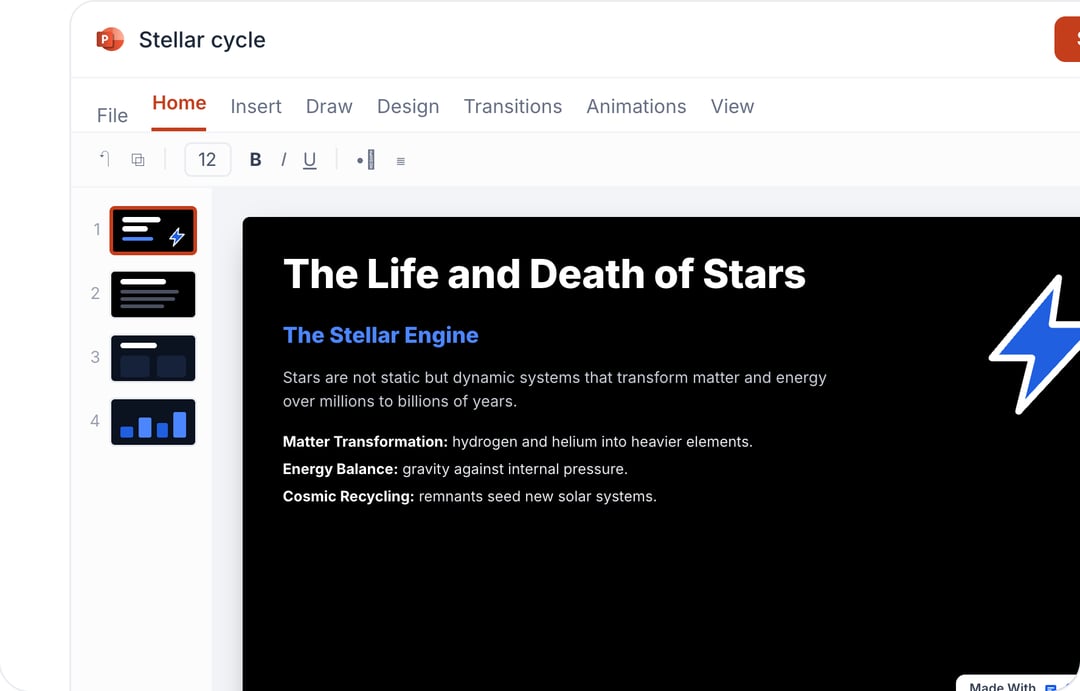
- Improve your slide content with AI
- Create polished layouts faster
- Work directly inside PowerPoint

Conclusion
AI can dramatically improve how you create and present PowerPoint slides. From professional layouts and clear text to dynamic visuals and speaker notes, AI tools like SlidesAI help you save time, communicate effectively, and impress your audience. The result? Faster, smarter, and more engaging presentations without the stress.
Frequently Asked Questions Around Using AI to Create PowerPoint Presentation
1. How to improve a PowerPoint presentation with AI?
AI suggests layouts, summarizes text into bullet points, generates charts, organizes slides logically, and can even create speaker notes. This saves you time and makes your slides clearer and more engaging.
2. Can beginners use AI for presentations?
Absolutely. AI simplifies design and content creation, making it easy for anyone to make professional, visually appealing slides.
3. Can AI help me structure the best sequence for my slides?
Yes. AI can arrange slides logically, ensuring your story flows smoothly and highlights the most important points effectively.
4. Are AI-generated slides fully editable?
Yes, you can tweak AI suggestions, change visuals, or adjust layouts to suit your style while maintaining professional quality.