
Creating a good presentation takes more than just nice slides. If you’ve been using Google Slides and feel like it’s starting to limit your ideas, you’re not imagining it. Sometimes, the tools we use every day can feel a bit too basic or predictable. That’s where trying something new can help. There are several alternatives to Google Slides that offer fresh features, better visuals, and more ways to keep your audience interested. In this guide, we’ll walk you through seven standout options that can take your presentations to the next level.
A Quick Glance at the Best Alternatives to Google Slides
| Tool | Best For | Strengths | Limitations | Pricing ( 2026) |
| SlidesAI | Students, educators, business professionals | Text-to-slides in seconds, 50+ templates, multi-lingual presentation creation, AI image generation | Need mannual editing, No offline access | Free plan; Pro from $12/month |
| Microsoft PowerPoint | Professionals & enterprises | Robust features, rich templates, advanced animations, and offline support | Heavier software, less intuitive UI for new users | Starts at $69.99 |
| Keynote | Apple users & creatives | Sleek design, easy animation, seamless Apple ecosystem integration | macOS/iOS only, limited collaboration with non-Apple users | Free (for Apple users) |
| Canva | Beginners & visual storytelling | Extremely easy to use, huge asset library, great design templates | Limited slide transitions and advanced controls | Free plan; Pro from $15/month |
| Visme | Business & marketing presentations | Strong for infographics/data viz, branding tools, interactive elements | Slightly steeper learning curve for beginners | Free plan; Paid from $29/month |
| Zoho Show | Team collaboration & cloud-based use | Real-time editing, good integrations, clean interface | Smaller template library, fewer animations | Free (with Zoho account) |
| Mentimeter | Audience interaction & live polls | Real-time engagement, live quizzes, polls, word clouds | Limited slide design functionality for traditional presentations | Free plan; Pro from $17.99 |
| Prezi | Dynamic storytelling | Zooming transitions, non-linear structure, eye-catching animations | Can be confusing to structure for traditional slides | Free plan; Paid from $15/month |
Create Presentations Easily in Google Slides and PowerPoint
14M+Installs
 Install add-in
Top 8 Google Slides Alternatives for Engaging Presentations
Here’s a detailed look at some of the best Google Slides alternatives you can explore.
1. SlidesAI
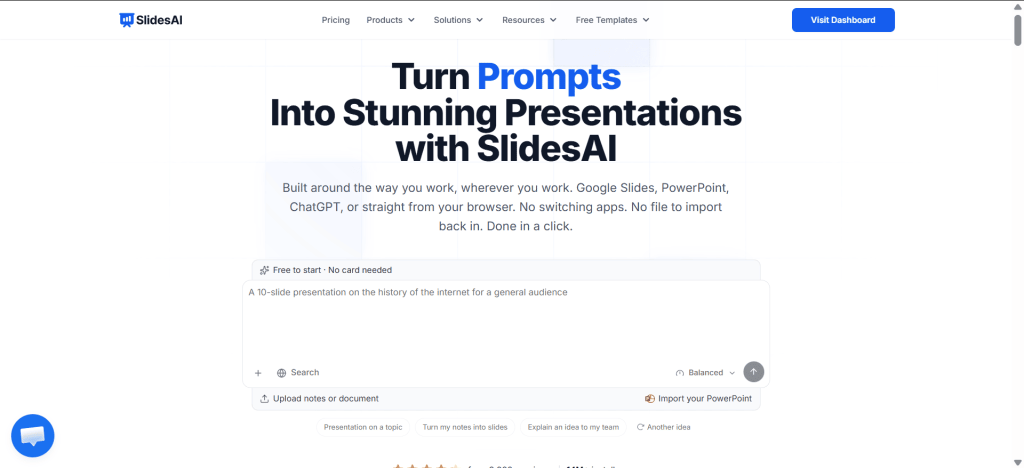
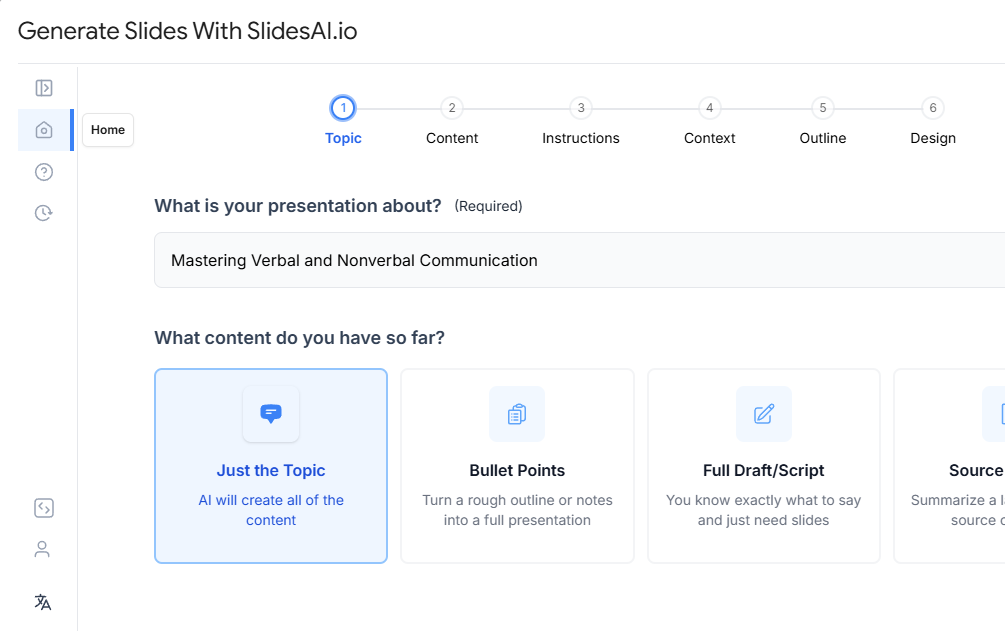
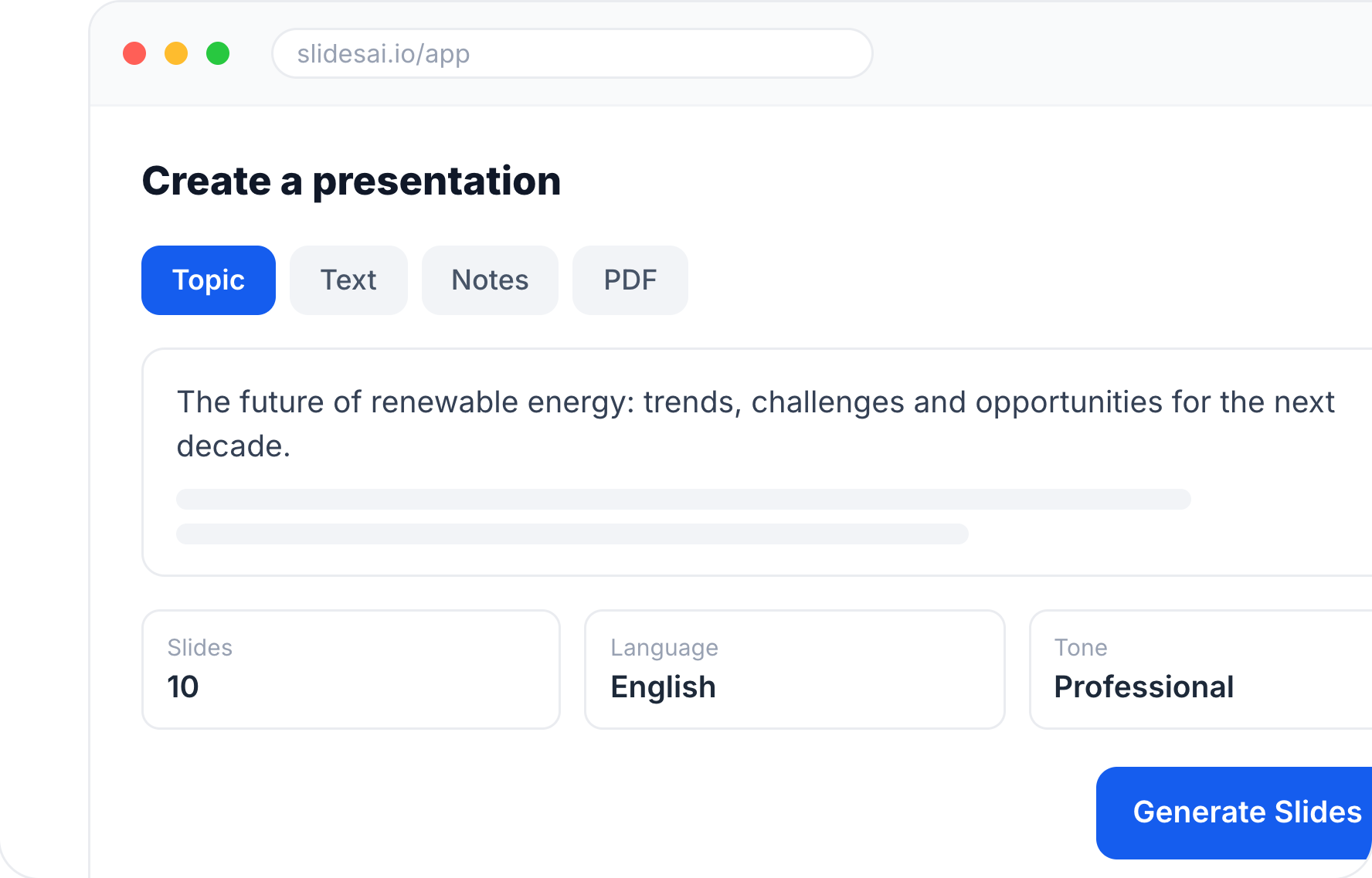
SlidesAI is an AI presentation maker tool that turns a topic, notes, a script, a PDF, or a Word document into a complete, editable deck. You open the web app in your browser, describe what you need, and get a structured presentation without installing anything. If you prefer to stay inside your usual tools, SlidesAI also works as an add-on for Google Slides and PowerPoint, and it can generate decks through ChatGPT too.
What sets SlidesAI apart from other Google Slides alternatives is that you control the story before the design is applied. You review and edit an outline first, then SlidesAI writes the slide text and designs the deck. Because the final deck exports as a native file, you can keep editing it in Google Slides or PowerPoint afterward.
Top Features:
- Multiple input formats: Create slides from a topic, notes, a script, a PDF, or a Word document.
- Editable outline: Review the outline with one line per slide, rewrite any title, or drag slides into a new order before the deck is built.
- AI editing with approval: Ask SlidesAI to rewrite a slide, then accept or reject each change.
- Brand Kit: Upload your own PowerPoint template and every new deck uses your colors, fonts, logo, and layouts. Pro and Premium plans also let you upload custom fonts.
- Native exports and sharing: Export to PDF, PowerPoint or Google Slides, present directly, or share a link.
- Free tools: Includes a PowerPoint summarizer, PDF to PPT converter, Word to PPT converter, and a PowerPoint compressor.
Pricing:
-
Basic: Free plan with 200 AI credits per month.
-
Pro: $10/month when billed annually, offering higher AI credit limits, longer input capacity, and document support.
-
Premium: $20.83/month when billed annually, offering unlimited presentations and higher AI credit limits.
Best For:
Students, educators, business professionals, and anyone who wants to turn a topic or document into a polished presentation without spending hours on design or layout.
Try AI Presentation Maker by SlidesAI
- Start with a topic, text, notes, or PDF
- Generate slides in minutes
- Customize your presentation with ease
2. Microsoft PowerPoint
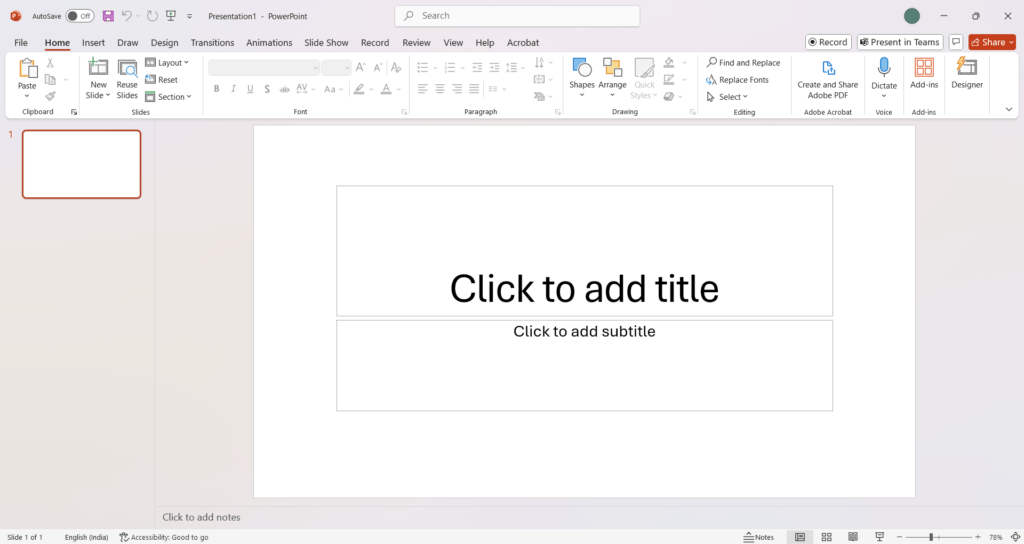
Microsoft PowerPoint is a well-known name in the presentation world. It’s part of the Microsoft 365 suite and has been a reliable tool for years. PowerPoint gives you complete control over your slides, with professional templates, animations, transitions, and design tools. Whether you’re building a business deck, a classroom lesson, or a creative project, PowerPoint can handle it. When comparing Google Slides vs PowerPoint, many users prefer PowerPoint for its advanced features, offline access, and deeper customization. It also supports real-time collaboration, so teams can work on presentations together, no matter where they are.
Top Features:
- Wide selection of slide templates and design ideas
- Built-in animations, transitions, and cinematic effects
- 3D models, icons, and SmartArt graphics
- Presenter view with notes and collaborative editing
- Morph transition, embedded audio/video, and Zoom for slides
- Screen recording and sharing features
Pricing:
- Included in Microsoft 365, starting at $74/year for personal use
- Business plan starts at $9.90/user/month
- Free web version available with limited features
Best For:
Students, teachers, business professionals, and creative users who want a full-featured and reliable tool for building presentations.
Looking for a faster way to create presentations? Try the AI PowerPoint Generator to turn your ideas into professional slides with AI.
3. Keynote
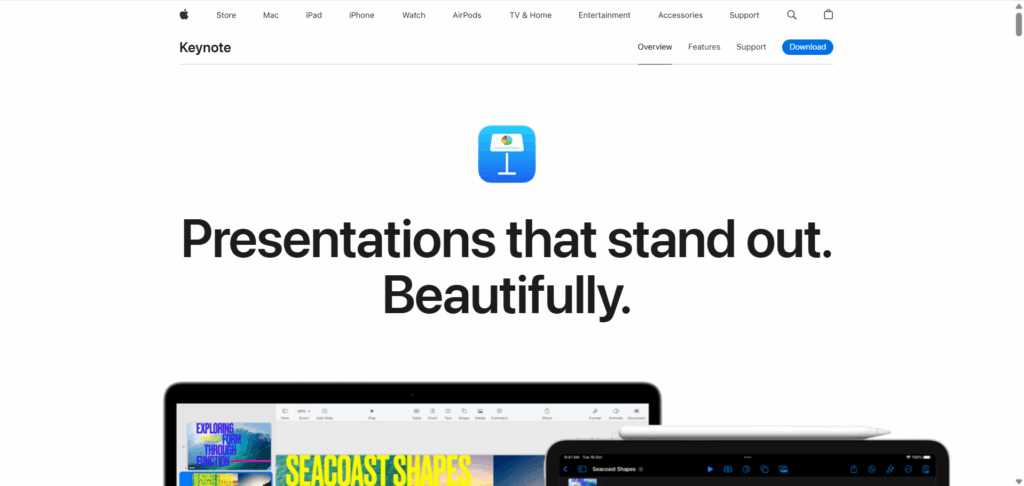
Keynote is Apple’s answer to presentation design and is known for its clean layouts and smooth animations. It comes free with any Mac, iPad, or iPhone and works beautifully across the Apple ecosystem. Keynote makes it easy to create stylish presentations with minimal effort. It also allows real-time collaboration and lets you export files in formats like PowerPoint and PDF, making it easy to share with others.
Top Features:
- Elegant templates and professional animations
- Real-time collaboration and automatic iCloud sync
- Drag-and-drop interface for easy design
- Presenter tools and interactive features
- Works offline and exports across multiple platforms
Pricing:
- Completely free for Apple device users
Best For:
Apple users looking for a smooth, visually polished, and easy-to-use tool for both solo and collaborative presentations
Also Read : Keynote vs Google Slides
4. Canva
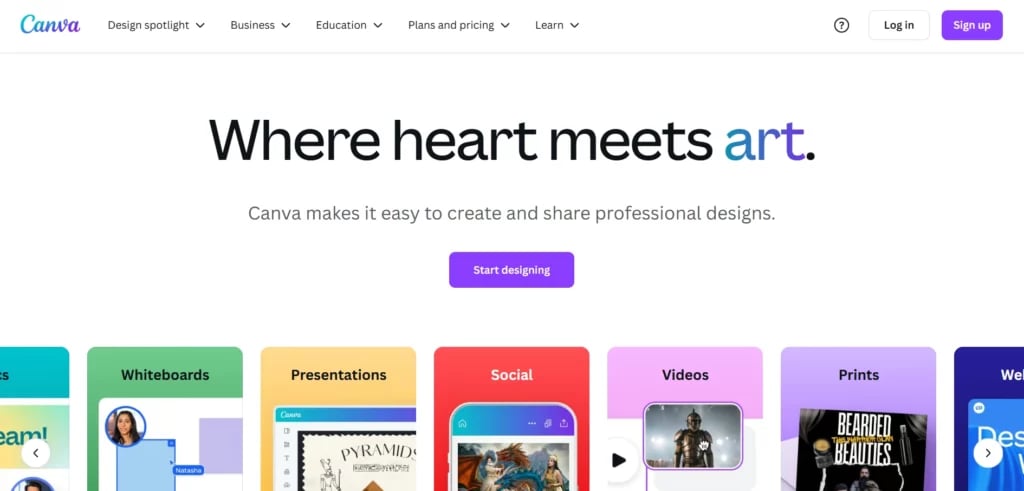
Canva is perfect for those who want great-looking slides without needing design experience. It uses a simple drag-and-drop editor and offers access to thousands of templates, fonts, images, and icons. Canva is ideal for team projects, especially when maintaining brand consistency is important. It also includes AI-powered tools and lets you export your presentations into formats like PowerPoint.
Top Features:
- Access to over 250,000 templates and 100 million+ design assets
- Drag-and-drop editor with real-time team collaboration
- Brand Kits for consistent branding
- AI tools for fast design suggestions
- 1TB cloud storage on Pro and Team plans
- Integrations with PowerPoint and other third-party apps
Pricing:
- Free plan available
- Pro: $15/month or $120/year per user
- Teams: $10/user/month (minimum 3 users)
- Enterprise: Custom pricing
- Free access for eligible educators and nonprofits
Best For:
Designers, small teams, teachers, nonprofits, and anyone who wants eye-catching slides without needing design skills
5. Visme
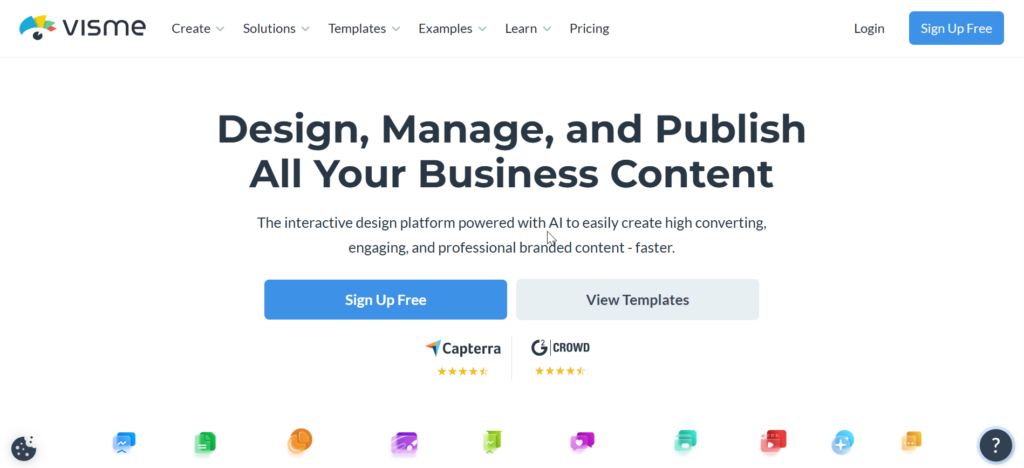
Visme is built for users who want to go beyond basic slides. It’s a powerful visual content tool that lets you create presentations, infographics, reports, and more. Visme’s interactive features, templates, and data visualization tools make it ideal for businesses and educators who want to tell compelling visual stories. With drag-and-drop design and collaborative tools, it’s both easy and powerful.
Top Features:
- Templates for presentations, charts, infographics, and documents
- AI-powered content suggestions
- Tools for creating interactive charts and widgets
- Brand control and analytics dashboard
- Team folders and collaboration options
Pricing:
- Basic plan is free
- Starter: $12.25/month
- Pro: $24.75/month (billed yearly)
- Enterprise: Custom pricing
Best For:
Businesses, educators, marketers, and teams who want highly visual and interactive presentations
6. Zoho Show
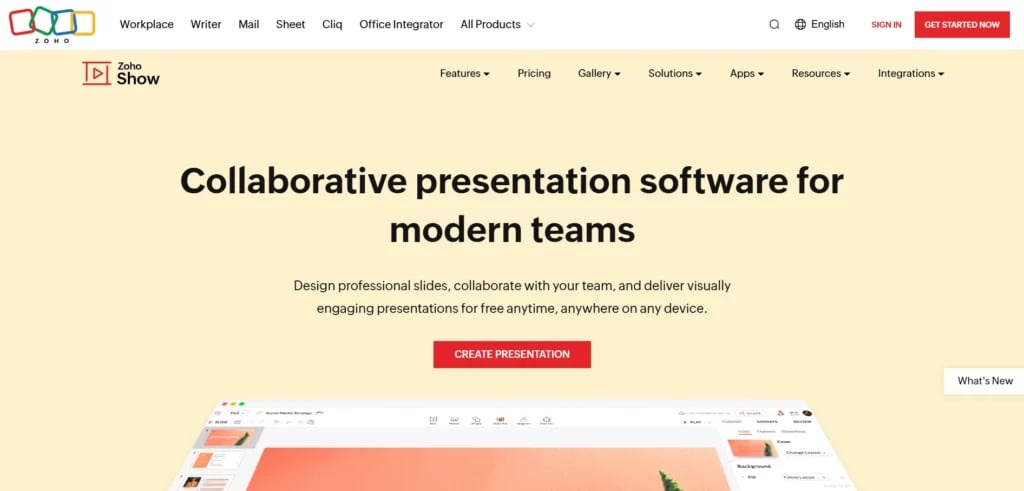
Zoho Show is a simple, cloud-based tool that focuses on seamless collaboration. It’s part of the Zoho suite, so it works well with other Zoho apps. The interface is clean and beginner-friendly, yet it includes advanced features like real-time editing, animation effects, and version control. You can also work offline and sync changes later.
Top Features:
- Real-time collaboration with team members
- 30+ animations and customizable objects
- Embeds multimedia and external content
- Presenter view, broadcasting, and edit history
- Detailed privacy and access settings
Pricing:
- Free version includes solid core features
- Paid plans start from $2 per month billed annually.
Best For:
Startups, small businesses, and users already using Zoho apps who want a dependable and easy-to-use presentation tool
7. Mentimeter
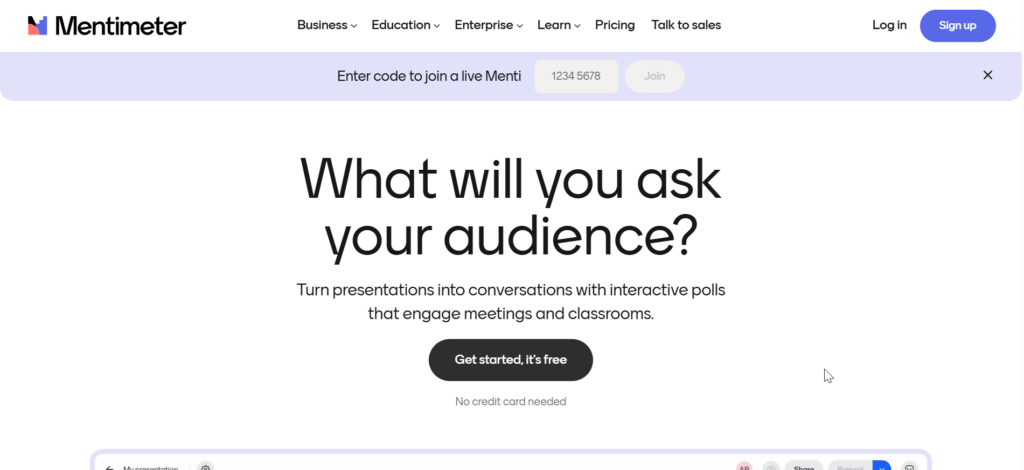
Mentimeter is perfect for interactive sessions. It turns your presentation into a two-way conversation by adding live polls, quizzes, word clouds, and Q&A slides. Participants join in using their phones, making it great for classes, workshops, or team meetings. It’s a fun way to boost participation and gather instant feedback.
Top Features:
- Live polls, quizzes, and audience Q&A
- Real-time responses from mobile devices
- Integration with PowerPoint and Google Slides
- Export results to Excel or PDF
- Team sharing and custom branding on higher plans
Pricing:
- Free plan: limited to 50 participants/month and 2 questions per presentation
- Basic: $13/month
- Pro: $27/month (business) or $16/month (education)
- Enterprise: Custom pricing
Best For:
Teachers, trainers, HR professionals, and presenters who want to actively involve their audience during sessions
8. Prezi
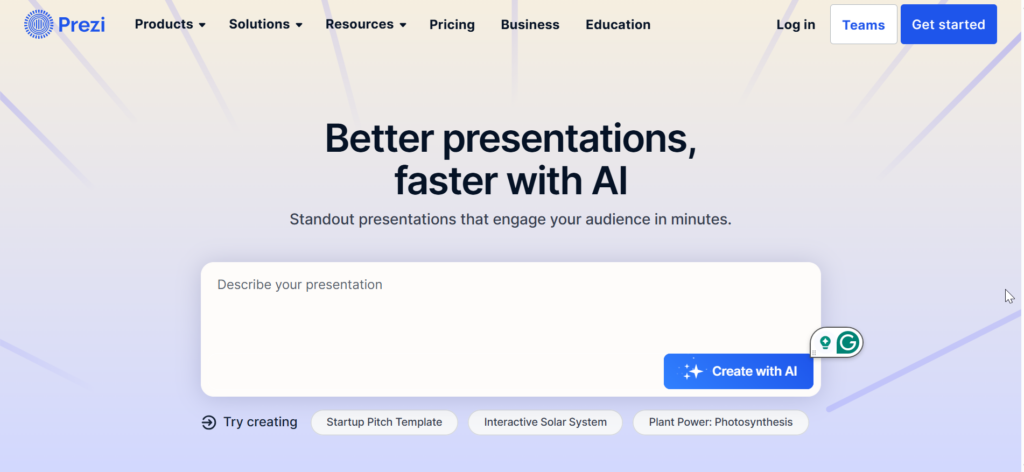
Prezi offers a unique way to present that’s very different from standard slides. Instead of going slide by slide, Prezi lets you zoom in and out of a large canvas, which works really well for storytelling or big-picture topics. It feels dynamic and fresh, and it’s especially popular in classrooms, marketing teams, and sales presentations.
Top Features:
- Zoomable canvas with smooth transitions
- Create branching presentations with custom paths
- Record videos with Prezi Video
- Analytics and branding on premium plans
- Access offline with Plus and Premium plans
Pricing:
- Free version with basic features
- Plus: $15/month
- Premium: $25/month
- Teams: $39/month
Best For:
Educators, marketers, sales teams, and anyone who wants a more visual and engaging approach to presentations
Looking for ready-made designs instead of starting from scratch? Explore our collection of free AI presentation templates to create professional Google Slides and PowerPoint presentations in minutes.
Closing Thoughts
Choosing the right presentation tool depends on what you need and how you like to work. Whether you want something simple, design-heavy, or built for teamwork, there’s an option out there that fits. Try a few, explore their features, and see what helps you share your ideas better. Sometimes, a small change in tools can bring a major change in how your message lands.