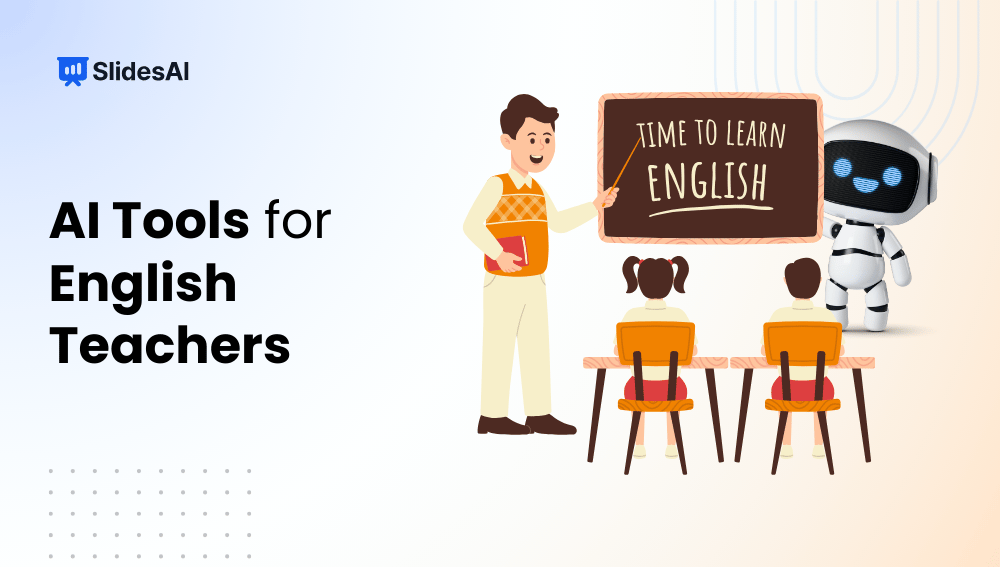
If you’re an English teacher, you already know how much time goes into planning lessons, grading essays, and giving feedback. Between all the marking and prep work, your evenings can disappear before you even catch your breath. That’s where AI tools come in. They don’t replace your teaching, but they do take some of the load off. Whether it’s generating grammar exercises, summarising texts, or giving instant writing feedback, these tools help you focus more on your students and less on the repetitive tasks. Let’s walk through a few that can genuinely make your week a little lighter.
Why English Teachers Should Use AI Tools?
Let’s break down why English teachers should use AI tools in classrooms:
1. Save Time
Grading essays, giving feedback, and planning lessons take hours. AI tools can take over some of these tasks so you don’t have to start from scratch each time. You can set up auto-grading for objective questions, get suggestions for writing feedback, or even build a lesson outline in minutes. This gives you more time to focus on your students rather than admin work.
2. Personalize Learning
Every student in your class learns at a different pace. AI tools help you tweak lessons to match each student’s needs. You can adjust the reading level of a passage, offer extra grammar practice to some, or give advanced writing tasks to others. These tools help you reach every learner without having to create separate plans from scratch.
3. Enhance Creativity
Need writing prompts? Looking for a fun quiz? AI can generate fresh ideas that go beyond the usual textbook material. Whether you are teaching poetry, grammar, or persuasive writing, AI tools can give you creative content to spark student interest. It can also help you build slides or assessments that feel more engaging and less repetitive.
4. Improve Student Writing
AI writing assistants can support students in real-time by checking grammar, suggesting better words, and helping with sentence structure. This gives students immediate feedback, which helps them learn as they write. It also saves you time since fewer rough drafts come back with the same small errors.
5. Simplify Content Creation
Creating worksheets, reading exercises, and slide decks takes time. AI can do this in minutes. You can feed it a topic or a learning objective, and it will give you something usable. This makes it easier to plan lessons ahead, add variety to your classroom, and update your resources without starting from zero.
Related Post: AI Tools for Teachers to Boost Productivity and Engagement
Top AI Tools for English Teachers
| Tool Name | Best For | How It Helps English Teachers |
|---|---|---|
| SlidesAI | Rapid lesson plan presentations and visual storytelling for literature or grammar | Converts lesson notes, texts, or topics into structured slide decks in minutes, saving preparation time and adding professional visuals for poems, stories, and language concepts. It also helps teachers quickly create vocabulary slides and essay outline decks, making ideas clearer for visual learners. |
| ChatGPT | Generating prompts, explanations, and dialogue for reading, writing, and speaking tasks | Creates reading questions, writing prompts, and grammar explanations at different difficulty levels, which supports mixed-ability classrooms. It can simulate novel discussions or build role-play scripts, helping students practise speaking and critical thinking. |
| Quizlet | Vocabulary building and exam-prep quizzes | Allows teachers to create flashcards, tests, and interactive games for vocabulary, idioms, and literary terms. Student progress data shows which words or concepts need more revision, making review sessions more focused. |
| QuillBot | Paraphrasing and revision practice | Shows students how to rephrase sentences, adjust structure, and simplify complex text during writing lessons. Teachers can also use it to create easier or more advanced reading versions for differentiated instruction. |
| Wordtune | Polishing style, tone, and clarity | Suggests alternate phrasings to help students make their writing clearer, more formal, or more expressive. Teachers often use it during live editing sessions to explain tone changes and writing choices. |
| Grammarly | Proofreading and writing mechanics | Identifies grammar, spelling, and punctuation mistakes and explains the rules behind them. Teachers can spot common error patterns across the class and plan focused lessons on issues like sentence structure or punctuation. |
| Drops | Gamified vocabulary practice | Offers short, visual vocabulary sessions that work well as warm-ups or homework. The game-style format helps younger learners and ESL students remember word meanings through repetition and imagery. |
| Memrise | Long-term vocabulary and phrase retention | Uses spaced repetition, videos, and memory cues to help students remember words, pronunciation, and phrases. Teachers can assign decks focused on phrasal verbs, collocations, or everyday language use. |
| Twee | Fast quiz and worksheet generation | Creates comprehension questions, grammar exercises, and rubrics from any text within minutes. This helps teachers prepare frequent assessments and differentiated worksheets without spending hours planning. |
| MagicSchool | All-purpose teacher AI toolkit | Provides educator-focused tools for lesson planning, text leveling, prompt creation, and rubric building. English teachers can quickly adjust reading levels and create writing supports for ELL and SEN students. |
| ConkerAI | Essay feedback and planning automation | Delivers structured feedback on student writing, covering organisation, clarity, and vocabulary use. It also supports long-term assignment and unit planning while keeping grading consistent. |
| Duolingo | Daily grammar and vocabulary practice for ESL | Gives students short, adaptive lessons covering grammar, vocabulary, listening, and speaking. Teachers can track progress and use classroom time for discussions and communication instead of drills. |
1.SlidesAI
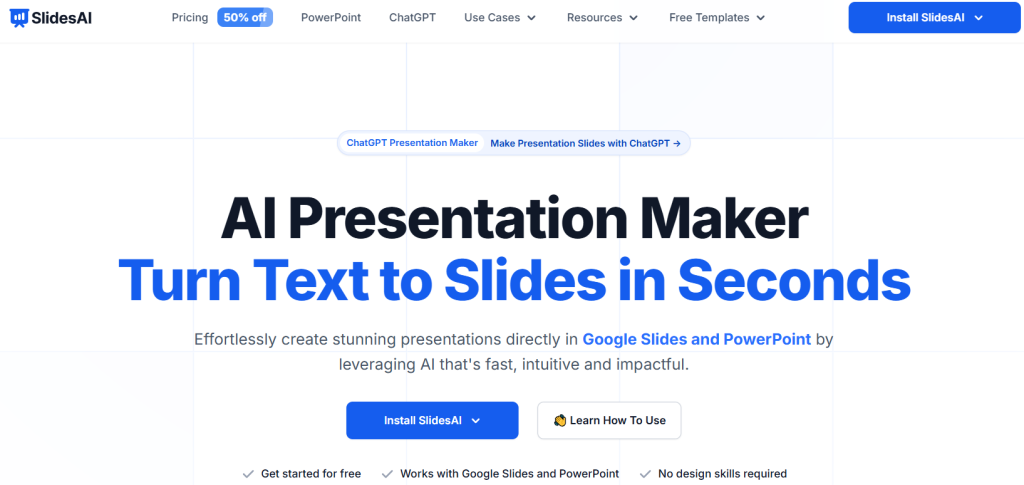
SlidesAI is an AI-powered tool that turns your lesson notes, text prompts, or ideas into clean, professional-looking slide decks in seconds. Whether you’re working in Google Slides or PowerPoint, this tool handles the design and formatting so you don’t have to. For English teachers, it’s perfect for turning themes like Shakespearean sonnets or vocabulary sets into engaging presentations. You can focus more on how you teach, not how your slides look. It also supports multiple languages, which helps in diverse classrooms.
Key Features
- Converts text into slides instantly
- 150+ templates with custom layouts and tones
- AI-powered visuals and image suggestions
- Can rephrase, shorten, or translate content
- Supports over 100 languages and exports to PPTX
Best For
- Last-minute lesson slides
- Teaching with visuals in literature or grammar
- Multilingual classroom needs
How It Helps English Teachers
- Summarizes heavy texts into easy-to-understand slides
- Creates themed vocabulary decks with pictures
- Builds structured essay outlines for writing practice
Create Presentations Easily in Google Slides and PowerPoint
14M+Installs
 Install add-in
2. ChatGPT
ChatGPT is a conversational AI tool that helps you generate responses, write content, and explore ideas across any topic. As an English teacher, you can use it to create dialogues, break down grammar rules, or draft essay outlines. You simply type your prompt, and it replies in a way that feels like a back-and-forth conversation. It’s useful for tailoring lessons to different student levels or brainstorming new activities for class.
Key Features
- Remembers previous messages for smoother conversations
- Accepts input in text, images, or code
- Lets you build custom GPTs for specific needs
- Offers voice-based interaction
- Works with many plugins and APIs
Best For
- Creating comprehension or discussion questions
- Role-play activities or scenarios
- Coming up with creative writing ideas
How It Helps English Teachers
- Gives individual feedback on student writing
- Builds pronunciation drills with audio support
- Simulates literature debates for group prep or class discussions
3. Quizlet
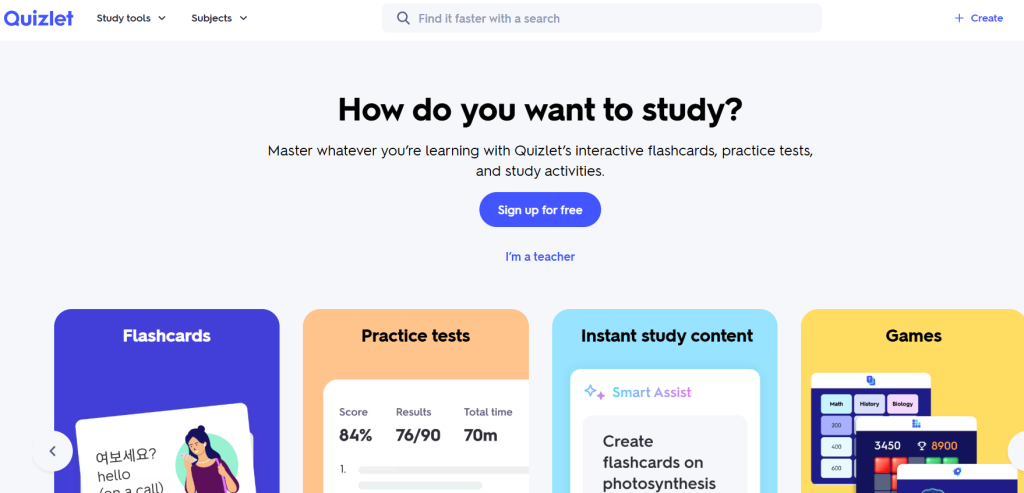
Quizlet lets you build digital flashcards, quizzes, and games to help students learn and remember concepts. It’s powered by AI, so you can create a study set quickly by uploading notes or a topic. For English classes, it’s great for SAT vocabulary, irregular verbs, or literary terms. Students stay engaged with interactive games like Match or Gravity, and the tool adjusts based on how well they’re doing.
Key Features
- Study sets made from notes or topics
- Modes include flashcards, matching games, tests
- Multiplayer live games
- Tracks student progress with spaced repetition
- Includes diagram-based learning
Best For
- Reinforcing vocabulary
- Preparing for exams like TOEFL or literature tests
- Fun class reviews and group games
How It Helps English Teachers
- Saves time by creating idiom or phrasal verb sets
- Highlights areas where the class struggles in grammar
- Makes vocabulary contests more fun through game-based learning
4. QuillBot
QuillBot is an AI writing assistant that helps rewrite and polish sentences while keeping the original meaning. Teachers can use it to show how to improve sentence structure, revise student work, or create different reading levels for one text. You can also choose different tones, like Formal or Creative, which helps students see how writing style changes meaning.
Key Features
- Rewrites text using different tone modes
- Grammar check and plagiarism scan
- Summariser and citation builder
- AI detector
- Real-time co-writer
Best For
- Helping students rework awkward writing
- Practising essay editing and clarity
- Breaking down dense texts into simpler ones
How It Helps English Teachers
- Shows how to replace words or shift sentence structure
- Encourages ethical writing by checking AI-generated content
- Summarises long articles into brief excerpts for annotation
5. Wordtune
Wordtune helps improve student writing by suggesting better ways to phrase ideas, adjust tone, or expand and shorten content. It works in real time and fits right into Google Docs or browser-based writing. You can use it in class to demo how a passive sentence becomes more lively or how to expand a short idea into a detailed one. It’s great for editing sessions and creative writing.
Key Features
- Suggests rewrites based on context
- Options to shorten, expand, or change tone
- Switches between casual and formal
- Reworks dull or unclear sentences
- Works with most browsers and apps
Best For
- Editing personal stories
- Improving debate writing
- Practising business or formal writing
How It Helps English Teachers
- Teaches tone shifts and rhetorical devices
- Helps students adapt reading levels in class
- Creates argument counterpoints for critical thinking
6. Grammarly
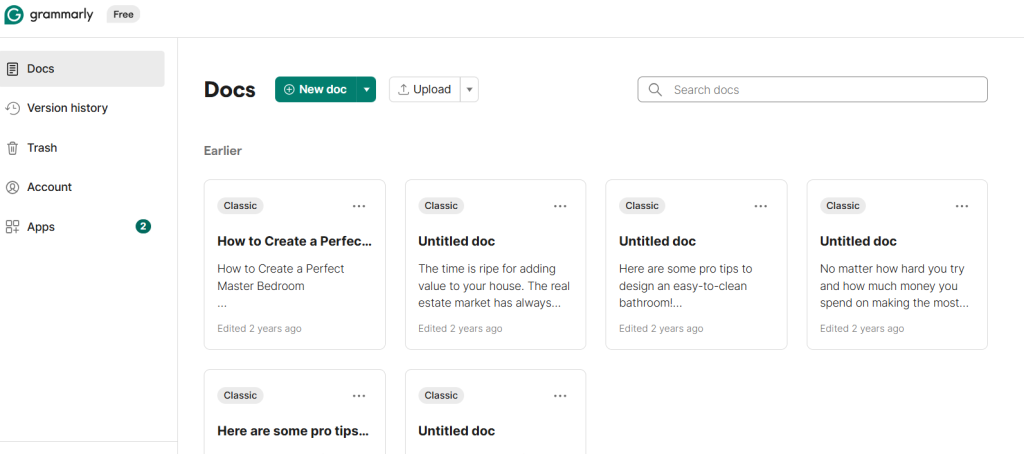
Grammarly is a writing assistant that goes beyond basic grammar checks. It looks at tone, clarity, and plagiarism while also giving real-time corrections. For English teachers, Grammarly is useful for checking homework, providing consistent feedback, and modelling academic writing. You can even use it to teach lessons on subject-verb agreement, passive voice, or punctuation.
Key Features
- Live grammar and spelling corrections
- Detects tone and clarity
- Plagiarism checker
- Built-in style guides like AP or Chicago
- Features for class-wide error tracking
Best For
- Proofreading student work
- Analysing tone in writing
- Teaching formal punctuation
How It Helps English Teachers
- Gives data on frequent class-wide mistakes
- Shows students how to write in a formal academic voice
- Encourages use of inclusive and respectful language
7. Drops
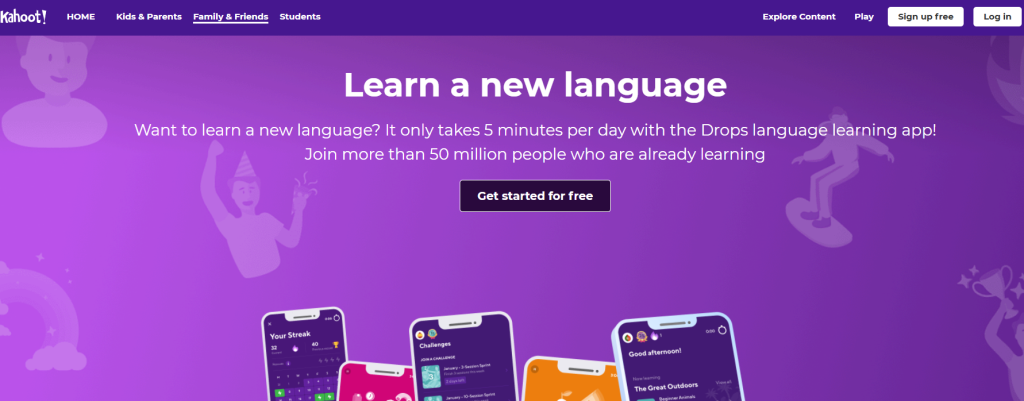
Drops teaches vocabulary through short, five-minute visual games. Each word comes with images and quick activities that help the meaning stick. You can assign themes like emotions, travel, or food and let students play at home. It’s perfect for ESL students and anyone just starting out with English.
Key Features
- Uses image associations for vocabulary
- Short 5-minute practice sessions
- Gamified rewards and streaks
- Works offline
- Custom vocab decks
Best For
- Learning beginner vocabulary
- Exploring themes like food or travel
- Daily review homework
How It Helps English Teachers
- Builds word recognition for early learners
- Explains idioms using images for better understanding
- Encourages self-paced learning at home
8. Memrise
Memrise mixes memes, videos, and native-speaker clips to help students remember language patterns in context. It uses spaced repetition and humour to make abstract grammar easier to understand. Teachers can create their own vocab paths or grammar quizzes and let students practise independently.
Key Features
- Native speaker video clips
- Meme-style vocabulary aids
- Reviews that adapt based on performance
- Community-created content
- Works offline
Best For
- Improving pronunciation and listening
- Teaching idioms or common phrases
- Helping students remember grammar
How It Helps English Teachers
- Offers examples in different accents for real-world listening
- Lets you build custom grammar units
- Makes revision more fun and more likely to get done
9. Twee
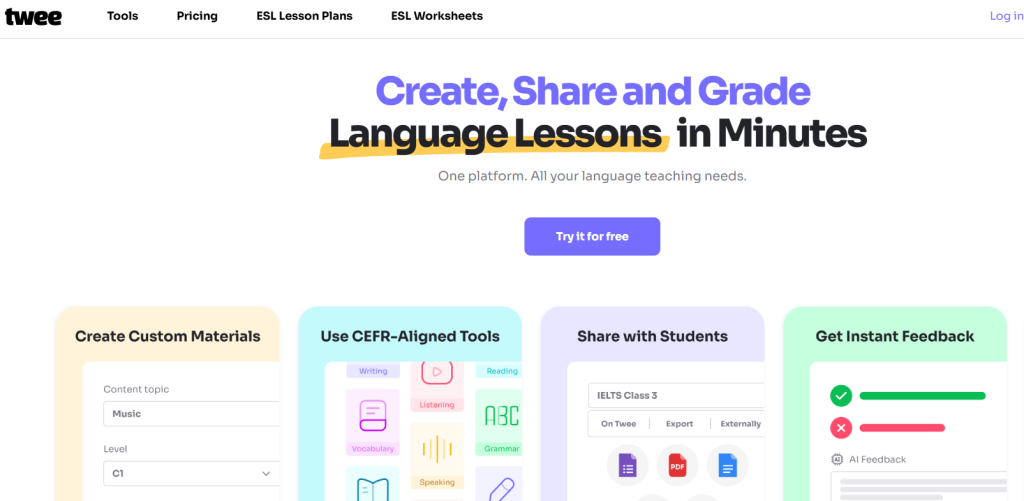
Twee is a tool for generating quizzes, rubrics, and lesson ideas from any reading or topic. Teachers copy a passage into the tool, and it creates multiple-choice or short answer questions instantly. You can also get a grading rubric along with it. This saves you hours of planning time and ensures your assessments stay aligned with standards.
Key Features
- Creates quizzes and worksheets with one click
- Auto-grading and data analysis
- Differentiates content by ability
- Connects with learning platforms
- Aligns with Bloom’s taxonomy
Best For
- Quick assessment creation
- Preparing students for tests
- Mixing up content levels
How It Helps English Teachers
- Builds close reading questions from any passage
- Shows which skills need extra work using quiz data
- Helps create fair and useful rubrics for writing tasks
10. MagicSchool
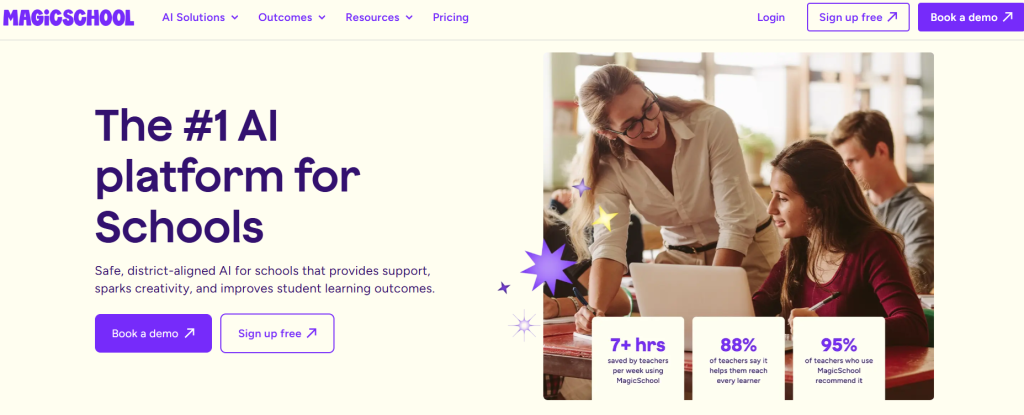
MagicSchool offers over 80 AI tools designed just for teachers. Whether you need a text leveler, a rubric generator, or a brain break, this platform does it all. English teachers use it to adjust reading difficulty, write IEPs for writing support, or build writing prompts from poems and plays.
Key Features
- Huge set of teacher-focused tools
- Simplifies text for all reading levels
- Creates lesson plans and IEPs
- Supports different learning needs
- Keeps student privacy protected
Best For
- Creating accessible lessons
- Generating classroom resources
- Meeting IEP or differentiation goals
How It Helps English Teachers
- Adjusts texts like Romeo & Juliet for struggling readers
- Creates thoughtful questions for novel studies
- Builds scaffolds to support English language learners
11. ConkerAI
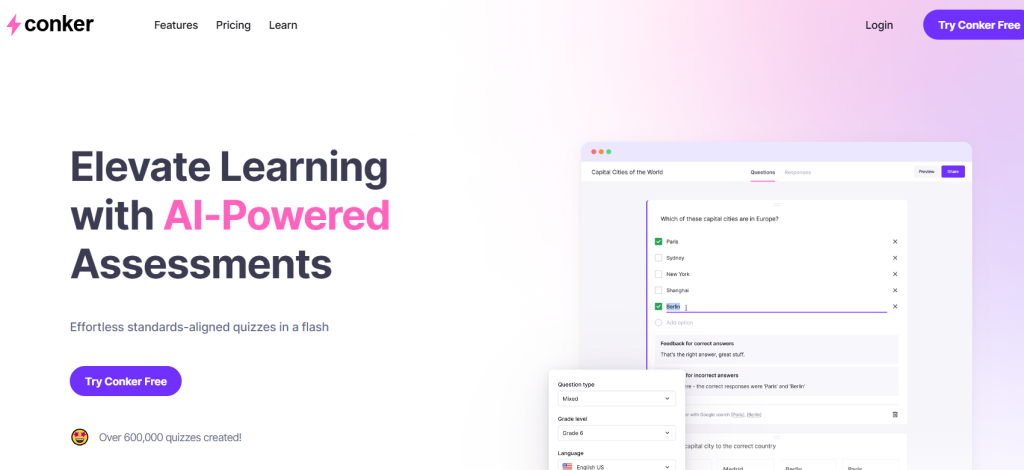
ConkerAI is built to make your teaching life easier by automating feedback, lesson planning, and student data tracking. English teachers can use it to upload essays and get instant feedback on structure, vocabulary, or grammar. It also helps with long-term planning, like creating a semester curriculum or identifying at-risk students.
Key Features
- Essay feedback and comments
- Long-term lesson planning tools
- Tracks student progress and behaviour
- Voice-to-text support
- Works across subjects
Best For
- Grading writing assignments
- Organising units and planning
- Spotting learning patterns early
How It Helps English Teachers
- Provides detailed, custom comments on student writing
- Helps track progress in reading and writing
- Transcribes spoken stories to help students edit their work
12. Duolingo
Duolingo uses AI to teach language through games, stories, and podcasts. Students progress at their own pace, and you can monitor their growth using Duolingo for Schools. It’s especially helpful for grammar and vocabulary practice, both in and outside the classroom. Streaks and leaderboards keep students coming back every day.
Key Features
- Lessons that adjust to student level
- Fun stories and podcasts for context
- School-friendly dashboards
- Speech recognition tools
- Free access with optional upgrades
Best For
- Supporting ESL learners
- Building grammar and vocab daily
- Homework that students actually do
How It Helps English Teachers
- Uses storytelling to explain grammar rules
- Lets you check student performance on tenses or modals
- Adds motivation through daily goals and friendly competition
How AI Helps English Teachers in the Classroom?
Here’s how AI fits into your routine:
- Automated Grading: Tools like Gradescope help you quickly check essays, grammar quizzes, and short answers. This means less time marking and more time focusing on student growth.
- Lesson Planning: Platforms like ChatGPT and LessonPlans.ai can generate lesson outlines, worksheets, prompts, or even creative writing ideas in minutes.
- Student Engagement: SlidesAI can turn your ideas into visual, interactive slides to keep students interested and active in class.
- Feedback and Assessment: Tools like Grammarly and QuillBot support students as they write, offering real-time corrections and suggestions to improve clarity and tone.
Benefits of Using AI in English Teaching
The biggest benefit of using AI is the time it saves. But that’s just the beginning. Here’s what else it brings to the table:
- Personalized Feedback: AI can look at each student’s writing and give tailored suggestions, helping them improve without waiting for your full review.
- Time Efficiency: From checking assignments to creating learning materials, AI saves hours each week.
- Better Engagement: You can use AI-powered games, quizzes, and visual content to turn dry topics into fun learning experiences.
- Wider Access to Resources: Whether it’s a last-minute grammar activity or a detailed literature lesson plan, AI gives you instant access to quality content.
Challenges of Using AI Tools in English Teaching
AI tools are helpful, but they’re not perfect. Here are a few things to keep in mind:
- Overreliance on AI: Some students might start depending too much on tools like Grammarly or QuillBot without understanding the rules behind the suggestions.
- Accuracy issues: AI sometimes misses the deeper meaning or tone of student writing, especially in creative or reflective pieces.
- Data privacy: Always check if the tool stores student information or shares it. Protecting student data should be a priority.
- Maintaining real connection: No AI tool can replace the bond between you and your students. Use these tools to support instruction, not replace your personal feedback and guidance.
Closing Thoughts
AI tools can make a real difference in your weekly workload as an English teacher. When used thoughtfully, they save time, support student writing, and help you plan better lessons without adding stress. These tools work best as helpers in the background, giving you more space to focus on teaching, guiding discussions, and building strong connections with your students.
Build Stunning Slides in Seconds with AI
- No design skills required
- 3 presentations/month free
- Don't need to learn a new software

English teachers spend a huge chunk of their time marking essays, planning lessons, and giving feedback, often well into the evening. AI tools are changing that by taking care of the repetitive parts so you can focus on the work that actually matters. Here are the top AI tools that can genuinely give English teachers their time back.
- 12 Best AI Image Generators to Elevate Your Presentations
- AI Tools for Teachers to Boost Productivity and Engagement
- Top 11 AI Tools Every Student Should Know About
- Best AI Tools for Productivity
- 15 Best AI Tools for Consultants
- Top 12 AI Tools for Science Teachers
- 14 AI Tools for Maths Teachers to Use in the Classroom
Frequently Asked Questions Related to AI Tools for English Teachers
1. How can AI help improve English writing skills?
AI tools like Grammarly, QuillBot, and Wordtune help students write better by fixing grammar, improving vocabulary, and offering suggestions to make sentences clearer. These tools give real-time feedback, so students can learn and improve as they write.
2. Can AI tools replace English teachers?
Not at all. AI tools are meant to support you, not take your place. They handle repetitive tasks like checking grammar or formatting, so you can spend more time helping students think deeply and express themselves clearly.
3. Are AI tools suitable for non-native English teachers?
Yes. If you’re a non-native English teacher, AI tools can be a great support system. They help you check your lesson content for accuracy, suggest better phrasing, and even offer creative ways to present new topics.
4. Which AI tool is best for creating English lesson slides?
SlidesAI is a helpful choice when you want to turn your lesson text into a clean, ready-to-teach presentation. It saves time by building slides that are well-formatted and easy to share.
5. Do AI tools help with speaking and listening skills?
Yes, they do. Tools like Speechify can read text aloud to improve listening, while conversation simulators like ChatGPT can help students practise speaking by holding simple back-and-forth chats.
6. Are these AI tools free for classroom use?
Many AI tools offer free versions with basic features. If you want more advanced options, you might need to upgrade to a paid plan or check if there’s a version made for schools.
7. What risks are associated with using AI in education?
You’ll want to watch out for students depending too much on AI or copying content without thinking. AI can also reflect bias sometimes. That’s why your guidance is so important. You help students use these tools responsibly and remind them that learning means more than just getting the right answer.