If you’re teaching science, you’re already juggling experiments, explanations, and endless questions from curious students. But there’s good news. AI tools are now making it easier to plan lessons, simplify complex concepts, and even check student understanding without spending hours after class. Whether you’re teaching physics, biology, or chemistry, these tools can save you time and bring a fresh twist to your classroom. In this list, we’ll walk you through some of the best AI tools that science teachers are using today to make learning more interactive, organised, and less stressful for everyone involved.
Why AI Matters in Science Education?
Here’s why AI is playing an important role in science education today:
- AI can help simplify your lesson planning and content creation by generating outlines, quizzes, or even visual materials based on your syllabus.
- It lets you offer more personalised learning paths, so each student gets support that fits their pace and understanding.
- Many AI platforms provide instant feedback and show performance data, helping you spot which concepts need reteaching.
- Visual learners benefit a lot too. With AI-generated simulations, animations, and models, you can bring complex science topics to life.
- You can also cut down on grading time and reduce paperwork by using tools that auto-assess quizzes or track student progress.
Related Post: AI Tools for Teachers to Boost Productivity and Engagement
Top AI Tools for Science Teachers
| Tool Name | Best For | How It Helps Science Teachers |
|---|---|---|
| SlidesAI | Rapid creation of science slide decks | Converts notes and outlines into ready-to-teach presentations, saving prep time and improving visual clarity. |
| Labster | Virtual, interactive STEM lab simulations | Provides safe, curriculum-aligned virtual labs so students can practice experiments even with limited facilities. |
| Curipod | Interactive, student-centered science lessons | Turns topics into live polls, drawings, and questions so every student participates and misconceptions surface. |
| ChatGPT | On-demand explanations and content generation | Creates differentiated explanations, questions, and prompts for any science topic in minutes. |
| Graded.Pro | Fast grading of written science work | Automates scoring suggestions and feedback on lab reports and short answers, reducing grading workload. |
| Diffit | Differentiated science reading materials | Adapts complex science texts to multiple reading levels with questions and vocab support for all learners. |
| MagicSchool AI | Comprehensive planning of science units and resources | Offers task-specific tools to generate labs, quizzes, and plans tailored to grade level and standards. |
| Eduaide | Full lesson and unit design for science | Builds structured, standards-aligned lessons with activities, assessments, and scaffolds for diverse learners. |
| EdPuzzle | Interactive video-based science lessons | Adds questions and voice notes to videos so teachers can track understanding and make viewing active. |
| SciSpace | Using real research in the classroom | Simplifies research papers into teachable insights and helps integrate current science into lessons. |
| Gradescope | Large-scale grading of science exams and assignments | Speeds up and standardizes grading of handwritten and digital work with detailed analytics. |
| HeyScience | Research-driven advanced or project-based science work | Summarizes and connects research articles, fueling inquiry projects and up-to-date class discussions. |
1. SlidesAI
If you’re a science teacher who often ends up spending too much time building slides, SlidesAI is a tool you’ll want to keep close. It’s one of the best AI tools out there for turning lesson notes, outlines, or plain text into clean and well-organised presentations in seconds. You can drop in a topic like “photosynthesis” or “layers of the Earth,” and it will quickly give you a set of slides you can adjust to fit your class. You can then add diagrams, tweak the layout, and match the tone to your students’ grade level.
Key Features
- Turns any text or outline into slides instantly
- Works with Google Slides and lets you export to PowerPoint
- Offers a wide variety of templates, themes, and colour schemes
- Comes with tools to rephrase, expand, or shorten your slide content
- Supports multiple languages for ELL classrooms
- Suggests images and icons for science topics
- You can regenerate one slide at a time without starting over
Best For
- Teachers who want to make professional slides without spending hours designing.
- Anyone looking to turn unit plans into structured lessons quickly.
How It Helps Science Teachers
- It takes away the hassle of formatting so you can focus more on labs, activities, or discussions.
- You can easily adjust the depth of content depending on the class level, helping with differentiation.
- Complex science topics like energy transfer, genetics, or the water cycle become easier to follow when laid out clearly.
Create Presentations Easily in Google Slides and PowerPoint
14M+Installs
 Install add-in
2. Labster
Labster is like a full virtual science lab packed into your computer. Students can explore biology, chemistry, physics, and other lab-based topics by actually walking through simulations and using virtual tools. This works well when real lab time is limited or certain experiments are too risky or costly to do in person. Instead of just watching videos, students actively interact with the experiments.
Key Features
- Wide range of virtual labs across science subjects
- Realistic 3D lab environments and equipment
- Built-in quizzes and real-time feedback
- Matches with popular curricula and learning standards
- Teacher dashboard to track student progress
- Integrates with platforms like Moodle, Canvas, and more
- Students can access labs anytime
Best For
- Schools with limited lab equipment or safety restrictions
- Flipped classrooms or blended learning setups
How It Helps Science Teachers
- Gives students hands-on lab experience without needing real chemicals or setups
- Reduces your grading load by automatically assessing simulations
- Links theory with practice so students better understand concepts like chemical bonding or DNA extraction
3. Curipod
Curipod helps you turn science topics into full interactive lessons. You just type in a topic like “Newton’s Laws” or “ecosystems,” and it gives you slides, polls, drawings, and open-ended questions that students can respond to in real time. It’s a great way to move beyond just explaining and get your students thinking and responding live in class.
Key Features
- Generates full lessons with polls, questions, and activities in minutes
- Students can respond using drawings, word clouds, text, or multiple-choice
- You see live student responses and participation
- Comes with feedback tools and rubrics
- Students join with a code—no login needed
- Pre-made activities and full lessons included
Best For
- Making science classes more interactive and student-focused
- Warm-ups, exit tickets, or on-the-spot checks
How It Helps Science Teachers
- You can instantly see who’s confused or who needs more help
- Great for drawing diagrams like circuits, food chains, or water cycles
- Lets quieter students contribute without having to speak up
4. ChatGPT
ChatGPT works like your personal teaching assistant. You can ask it to explain a topic in simple terms, create quizzes, generate lab prompts, or even brainstorm project ideas. Whether you’re planning lessons or looking for new ways to explain a tricky concept, it’s a fast and flexible support tool.
Key Features
- Chat-style interaction for idea generation
- Adjusts tone and reading level based on your request
- Creates worksheets, quizzes, or project prompts
- Supports multiple languages
- Helps with code explanations for data or STEM integration
- Custom instructions for your teaching style
Best For
- Planning and preparing lessons quickly
- Creating alternate explanations and question sets
How It Helps Science Teachers
- You can get versions of the same concept for different grade levels
- It helps you come up with analogies, lab scenarios, and reflection prompts
- Saves time on rubrics and feedback writing
A ChatGPT presentation maker can help science teachers turn complex concepts, experiment findings, and lesson materials into clear, structured presentation slides.
5. Graded.Pro
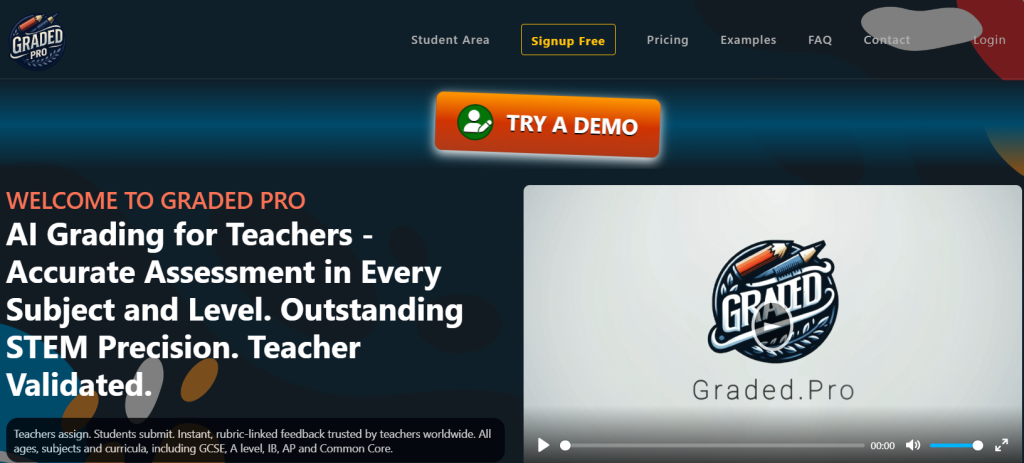
Graded.Pro helps science teachers grade student work faster. You upload essays, lab reports, or short answers, and the AI gives suggestions for scores and comments. You can adjust everything before finalising, but it removes the repetitive work of writing the same feedback over and over.
Key Features
- AI-assisted scoring for science writing and reports
- Custom rubrics to match your grading style
- Feedback suggestions on strengths and improvement areas
- Connects with your classroom systems to import grades
- Handles many submissions at once
- Focus on privacy and secure storage
Best For
- Grading science essays or large batches of lab reports
- Keeping feedback consistent across many students
How It Helps Science Teachers
- Cuts down grading time while still giving personal feedback
- Makes it easier to score based on experimental design or analysis
- Lets you spend more time on planning labs or supporting students
6. Diffit
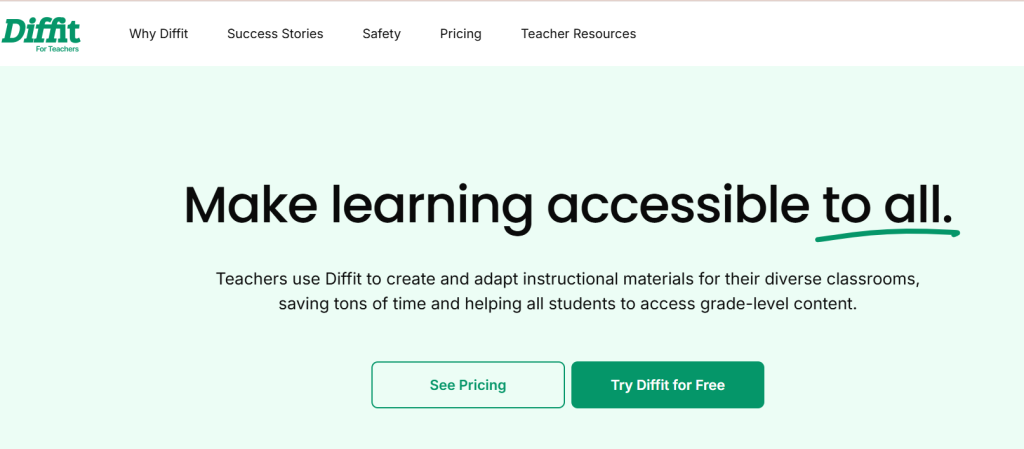
Diffit is a great tool for simplifying reading materials for science classes. If you have a dense article or scientific text, Diffit can break it down into simpler versions for different reading levels. You also get vocabulary lists, discussion questions, and summaries to help guide your lesson.
Key Features
- Rewrites articles at different reading levels
- Generates questions and vocab lists
- Can work with PDFs, web pages, or pasted text
- Supports multilingual classrooms
- Exports to Google Docs or Slides
Best For
- Helping mixed-ability students access the same science content
- Adding literacy elements to your science lessons
How It Helps Science Teachers
- You can tailor content for every group without rewriting everything
- Great for ELL students or struggling readers
- Makes science more approachable without watering down the ideas
7. MagicSchool AI
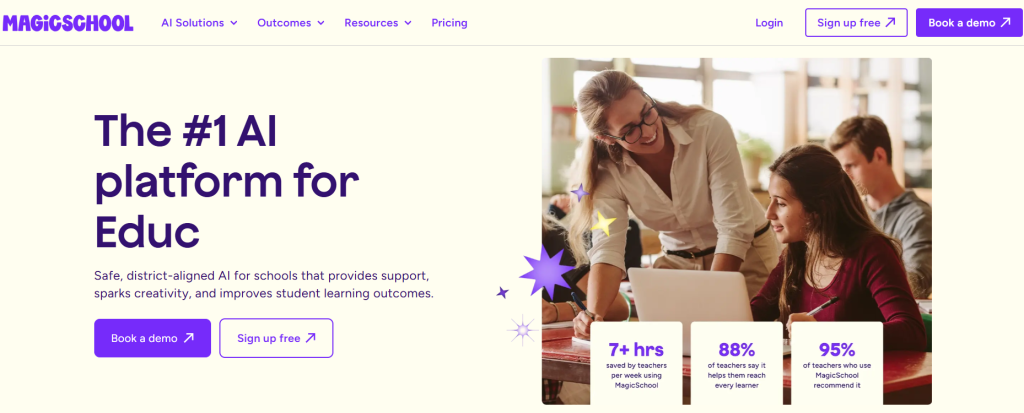
MagicSchool AI gives you ready-to-use tools for pretty much everything including lab ideas, quizzes, rubrics, exit tickets, parent emails, and more. You don’t have to think of prompts. You just pick a tool, fill out a form, and the AI does the rest. It’s designed specifically for teachers, which means less fluff and more results.
Key Features
- Over 60 tools for lesson planning, assessments, and communication
- Focused tools for science instruction, labs, and experiments
- Options to include grade level and student needs
- Privacy-focused and safe for schools
- Export to docs, slides, or learning platforms
Best For
- Busy science teachers who want fast results
- Planning full units or classroom activities quickly
How It Helps Science Teachers
- Gives you everything from lab prompts to quiz questions in one place
- Helps with planning for diverse learners, including IEP and ELL modifications
- Removes the guesswork from lesson prep so you can focus on teaching
8. Eduaide
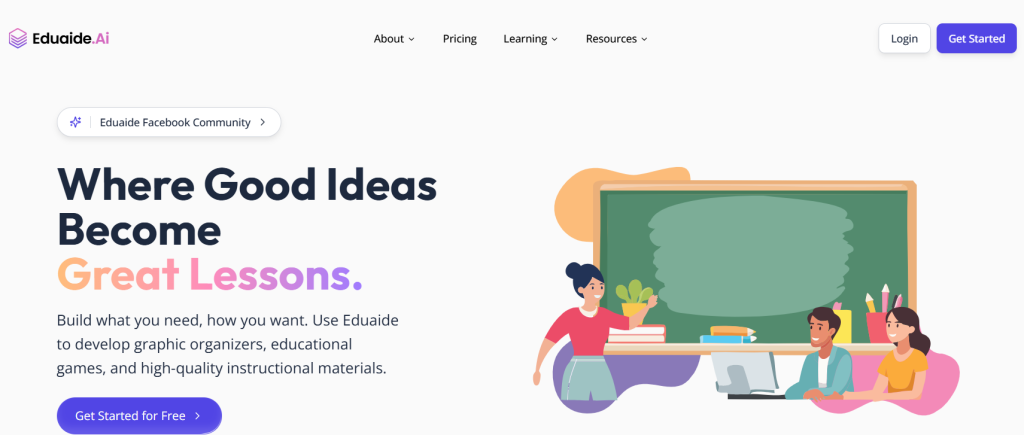
Eduaide walks you through the full planning process, from setting goals to generating assessments. It’s especially good for science because it includes activity suggestions like experiments, modeling tasks, and inquiries. If you’re starting a new unit or want to create more structured lessons, this tool gives you a strong foundation.
Key Features
- Creates full units and lessons with learning goals and activities
- Suggests inquiry-based and hands-on tasks
- Aligns plans with standards
- Offers scaffolding and differentiation support
- Includes rubrics and feedback tools
- Lets you edit and export everything
Best For
- Planning entire science units with rich lesson sequences
- New teachers who want extra structure
How It Helps Science Teachers
- Helps you mix lectures, experiments, and discussions
- Encourages deeper learning through guided questions and tasks
- Takes the pressure off by giving a clear lesson outline
9. EdPuzzle
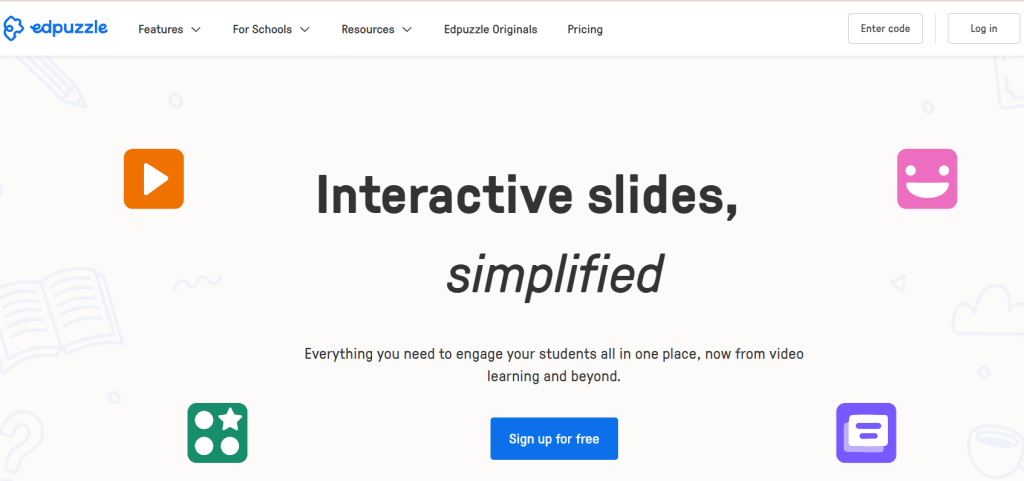
EdPuzzle lets you turn videos into interactive lessons. Whether it’s a YouTube science clip or your own lab demo, you can insert questions, pause for explanations, and track student understanding as they watch.
Key Features
- Embed multiple types of questions into videos
- Add voice notes or custom explanations
- Prevents skipping ahead
- Tracks who watched and how they performed
- Works with YouTube, your own videos, or their library
- Connects with Google Classroom and other LMS
Best For
- Flipped classrooms or assigning science videos as homework
- Checking understanding after demonstrations
How It Helps Science Teachers
- Makes sure students focus on key points like lab safety steps or reaction sequences
- Lets you monitor progress and reteach if needed
- Perfect for reinforcing tricky concepts with short, guided videos
10. SciSpace
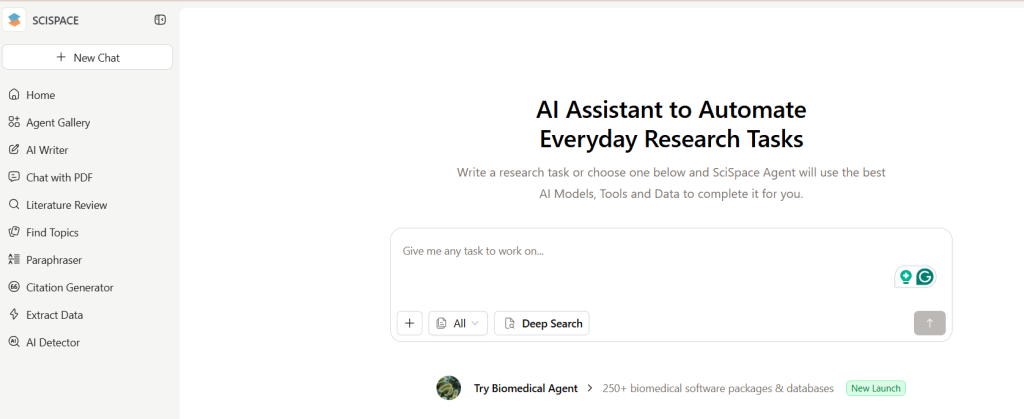
SciSpace helps teachers and students understand real research papers. If you want to bring current science findings into your lessons, this tool explains dense academic language in simpler terms. You can highlight graphs, results, or terms and get an instant breakdown.
Key Features
- AI summaries of research papers and figures
- Tools for highlighting, annotations, and notes
- Helps find relevant papers with smart search
- Creates summaries, concept lists, and citations
- Can be used collaboratively
Best For
- Introducing research articles to older students
- Using real-world science in class discussions
How It Helps Science Teachers
- You can pull out figures and findings without spending hours reading
- Helps students understand how science works outside the textbook
- Good for projects and science discussions around current discoveries
11. Gradescope
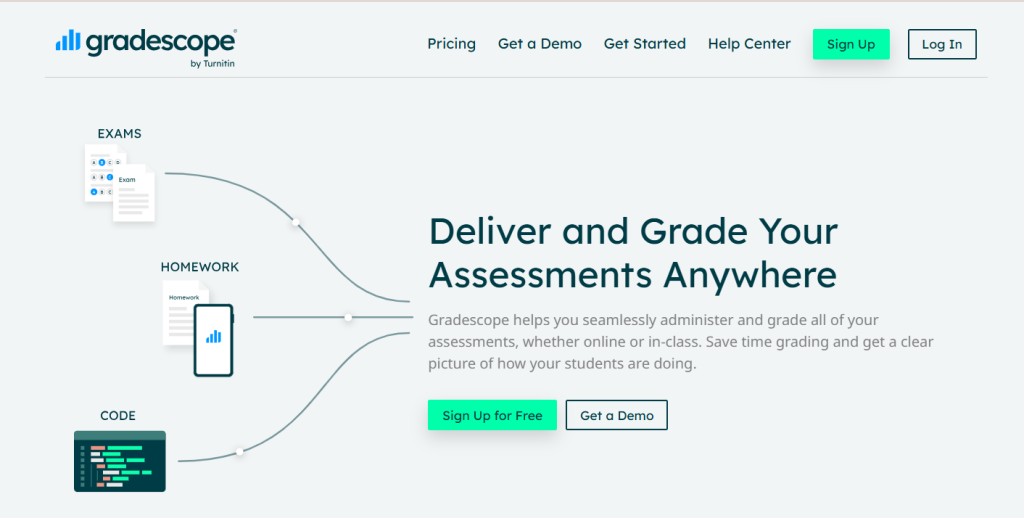
Gradescope is designed for faster, smarter grading. You can scan handwritten science exams or accept digital submissions, then apply rubrics to score consistently. It’s helpful for classes with written work like diagrams, math problems, or short explanations.
Key Features
- Accepts written, scanned, or digital submissions
- Rubric-based grading tools
- AI sorts similar answers for batch grading
- Shows analytics by question or topic
- Works with classroom platforms
Best For
- Large classes and tests that require detailed grading
- Department-wide assessments or midterms
How It Helps Science Teachers
- Makes grading written science work faster and more consistent
- Helps you see which questions students struggle with the most
- Lets multiple teachers grade together without confusion
12. HeyScience
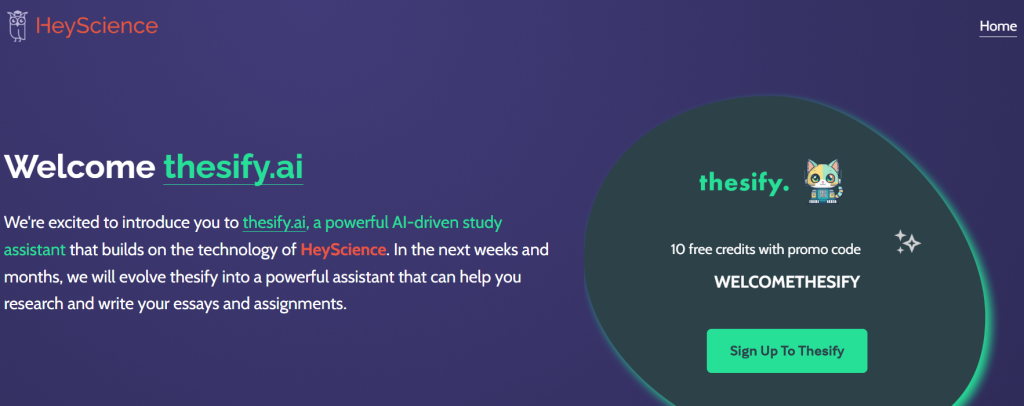
HeyScience brings current scientific research into your classroom. It helps you find and understand research papers and then builds summaries, discussion questions, and visual links between topics. If you teach advanced students or want to run research projects, this tool gives you the support you need.
Key Features
- Finds and explains science papers based on your topic
- Summarises methods, results, and key findings
- Connects papers on similar themes
- Provides discussion questions and lesson prompts
- Visual maps for exploring related ideas
- Collaboration features for research projects
Best For
- Advanced science classes or student research work
- Keeping up with the latest science discoveries
How It Helps Science Teachers
- Simplifies research articles into student-friendly summaries
- Helps build inquiry lessons around real-world science problems
- Makes it easy to connect different ideas and spark deeper discussions
How to Integrate AI Tools in Science Classrooms?
Adding AI to your classroom doesn’t mean giving up control or relying fully on technology. It’s about finding new ways to support your teaching and help your students learn better. Here are a few practical steps you can take to bring AI into your science lessons.
1. Start Small
You don’t need to use five new tools at once. Pick just one AI tool to begin with. Something like Labster, which offers virtual science labs, or SlidesAI, which helps you create interactive presentations quickly. Take time to explore what it can do, try it out during one topic, and see how your students respond.
2. Blend with Traditional Methods
AI tools work best when you mix them with your usual teaching style. For example, after using a virtual simulation to explain a concept, you can follow it up with a hands-on lab in class. This helps students connect digital learning with real experiences, making science feel more grounded and relatable.
3. Encourage Student Interaction
Give your students the chance to use AI tools themselves. Whether it’s exploring simulations, answering AI-generated questions, or experimenting with data tools, this boosts their curiosity and builds digital skills. You’ll notice that students often ask better questions and become more involved when they interact with content in new ways.
4. Use AI for Assessment
Some tools, like Gradescope and Extramarks, make your job easier when it comes to tracking how your students are doing. You can use these platforms to check answers, review responses, and spot learning gaps. The feedback comes quickly and gives you a clear picture of who’s keeping up and who might need more support.
5. Stay Updated
AI in education is changing fast. You don’t have to keep up with everything, but it helps to join teacher groups, watch webinars, or follow a few online forums. You’ll find tips from other science teachers, hear about tools that actually work in real classrooms, and stay informed without feeling overwhelmed.
Benefits of AI Tools for Science Teachers
1. Saves Time in Lesson Prep and Grading
AI can take care of repetitive tasks like creating quizzes, checking multiple-choice answers, or organising lesson content. This means you get more time to focus on your students, especially the ones who need extra support.
2. Personalises Learning for Different Students
No two students learn the same way. AI tools can adapt lessons and content based on how a student is performing. This helps you reach fast learners and struggling students without splitting the class in two.
3. Builds Curiosity with Simulations and Visuals
Science comes alive when students can see how things work. AI-powered tools like simulations, animations, and interactive models make even complex topics easier to understand. This keeps students interested and helps them ask better questions.
4. Makes Student Progress Easy to Track
Instead of flipping through dozens of notebooks, AI platforms give you a simple dashboard that shows who is improving and who needs help. This helps you plan your next steps and focus your energy where it’s needed most.
5. Turns Science into an Enjoyable Experience
When students are more involved, science doesn’t feel like a chore. AI tools help create a fun, hands-on learning environment where students can explore, experiment, and learn through trial and error.
Challenges to Consider
While AI tools can really make your work easier and help students learn better, there are some things you should keep in mind before jumping in.
1. Ensuring Data Privacy and Student Safety
Whenever you use AI tools, you are likely dealing with student data. This could include names, grades, learning patterns, or even voice and video recordings. It is important to choose tools that follow proper data protection rules. Always check if the platform keeps student information safe and does not misuse it. As a teacher, you play a role in protecting your students’ privacy, so it is worth taking this seriously.
2. Avoiding Over-Dependence on Automation
AI can do a lot, from making presentations to grading quizzes, but it is not a replacement for your professional judgement. Relying too much on automation can take away the personal touch that students need. Use AI to support your work, not take it over completely. The goal is to make teaching smoother, not to hand it off to a machine.
3. Addressing Digital Access Inequalities
Not every student has the same access to devices, internet, or a quiet space to work. When you use AI tools or digital platforms, keep in mind that some students might be left behind because of these limitations. Try to offer alternatives when possible and make sure all students can participate equally, whether they are working at home or in the classroom.
4. Providing Teacher Training for Effective Implementation
AI tools are powerful, but they work best when you know how to use them well. Many teachers feel unsure or overwhelmed when starting out with new technology. That is why proper training and support are essential. Make time to explore the tools, attend workshops if available, and learn from other teachers who are already using AI. When you feel confident, the tools become more useful and less stressful.
Closing Thoughts
AI is slowly becoming a helpful partner for science teachers, making planning, teaching, and tracking progress a lot smoother. You do not need to use every tool at once. Even one or two can make your lessons clearer and your workload lighter. As you explore these tools at your own pace, you will find new ways to support your students and bring science to life in a more engaging and organised way.
Build Stunning Slides in Seconds with AI
- No design skills required
- 3 presentations/month free
- Don't need to learn a new software

Science lessons are packed with complex concepts, lab work, and endless student questions, which leaves little time for hours of lesson prep. AI tools are helping science teachers build better materials, simplify dense content, and keep students more engaged without the extra workload. Here are the top tools making a real difference in science classrooms today.
- Top 19 Best AI Pitch Deck Generators
- 12 Best AI Image Generators to Elevate Your Presentations
- AI Tools for Teachers to Boost Productivity and Engagement
- Top 11 AI Tools Every Student Should Know About
- Best AI Tools for Productivity
- 15 Best AI Tools for Consultants
- 14 AI Tools for Maths Teachers to Use in the Classroom
- 12 Best AI Tools for English Teachers to Save Hours a Week
Frequently Asked Questions Related to AI Tools for Science Teachers
1. How can AI help in teaching science more easily?
AI can take care of repetitive tasks like grading or making slides, so you get more time to focus on teaching. It also helps create interactive lessons with videos or simulations and gives instant feedback to students. That means your students get a more engaging and tailored learning experience.
2. Do AI tools replace science teachers?
Not at all. AI tools are there to support your teaching, not replace it. They can make lessons smoother and save you time, but your role as the teacher stays at the centre. Your guidance, personal connection with students, and subject knowledge are still what matter most.
3. Are AI tools too expensive for classroom use?
Most AI tools have free versions, and even the paid ones usually cost less than ₹800 a month. This makes them quite affordable, especially when you see the kind of time and effort they save in planning and teaching.
4. Are AI tools helpful for students too?
Yes, students can benefit a lot from AI. They can revise lessons, take practice quizzes, explore science concepts through interactive tools, or use research tools like SciSpace. It gives them more control over their own learning.
5. Do I need to be tech-savvy to use AI tools?
No, you don’t need any special skills. Most AI tools are built to be easy to use. Platforms like SlidesAI, Curipod, or EdPuzzle are designed for teachers, so you can use them without any coding or technical know-how.
6. Can AI personalize science lessons for different students?
Yes, it can. AI tools can adjust the level of difficulty, suggest extra practice, and give feedback based on how each student is doing. This helps every student learn at their own pace without feeling left behind.
7. Can AI improve engagement in science classes?
Definitely. AI-powered visuals, simulations, and quizzes can bring scientific concepts to life. This keeps students interested and makes the subject more enjoyable and easier to understand.
8. What are some free AI tools I can try as a science teacher?
You can start with free versions of ChatGPT, SlidesAI, Curipod, Diffit, and EdPuzzle. These tools are easy to use and great for lesson planning, presentations, quizzes, and more. Once you’re comfortable, you can explore advanced tools like Labster or Gradescope.
9. How can schools make sure AI is used responsibly in science education?
Schools should set clear rules around AI use. This includes privacy, avoiding plagiarism, and using AI as a learning aid, not a shortcut. It’s also important to talk to students about using these tools the right way.
10. Can AI tools support online or hybrid science teaching?
Yes. Most AI tools work online, so they fit well in remote or hybrid classrooms. You can share slides, videos, quizzes, or even interactive labs with students who are learning from home.
11. What AI trends should I look out for in science education?
Soon, we might see real-time lab simulations using AR or VR, smarter tutoring tools, and dashboards that track student progress more closely. AI will likely keep growing as a tool to support both teaching and learning in science.

![14 Best AI Presentation Tools for Students [2026]](https://cdn.slidesai.io/cdn-cgi/image/width=828,format=auto/https://cms-media.slidesai.io/wp-content/uploads/2025/03/31161413/Presentation-Tools-for-Students.png)