
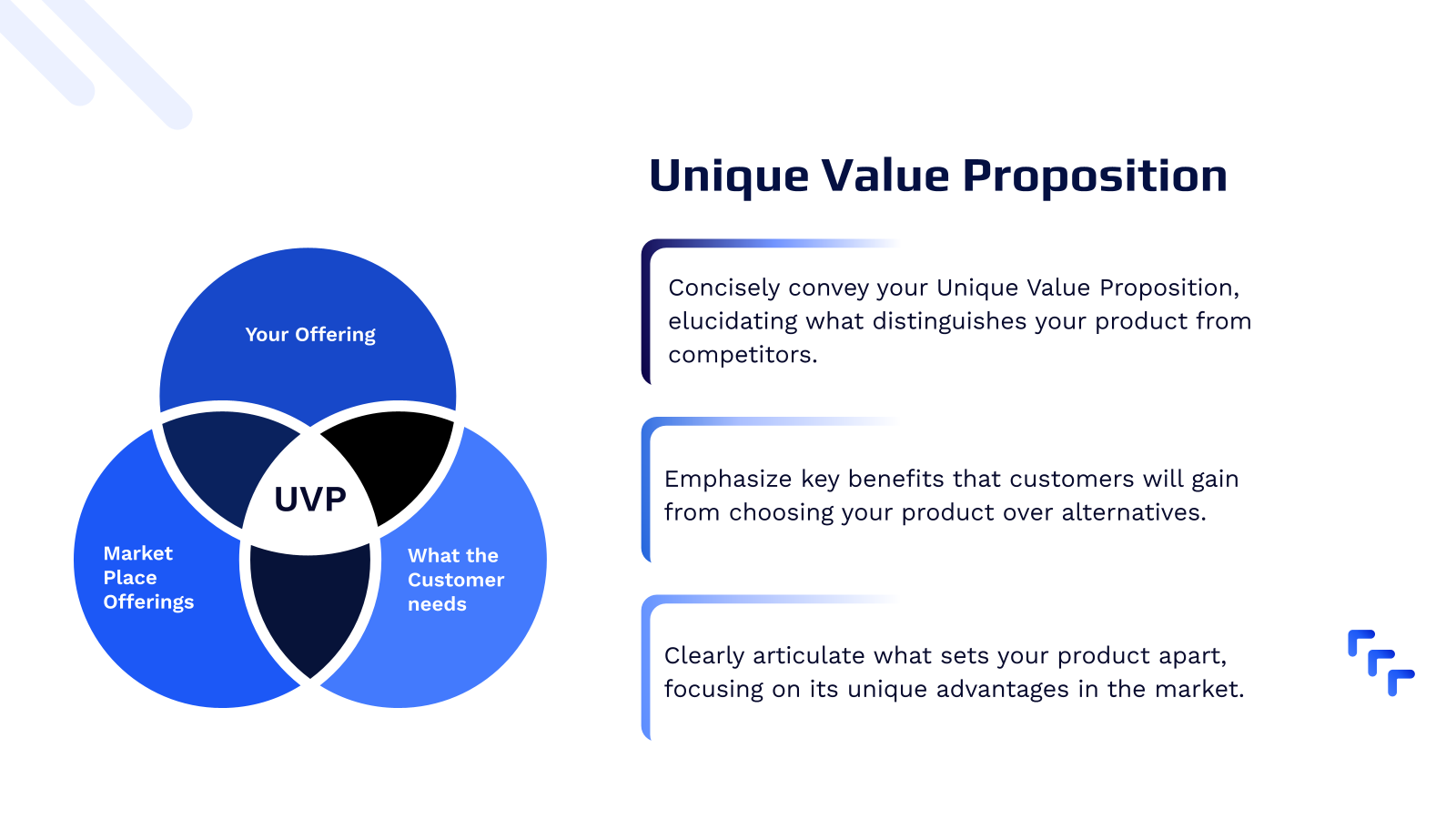
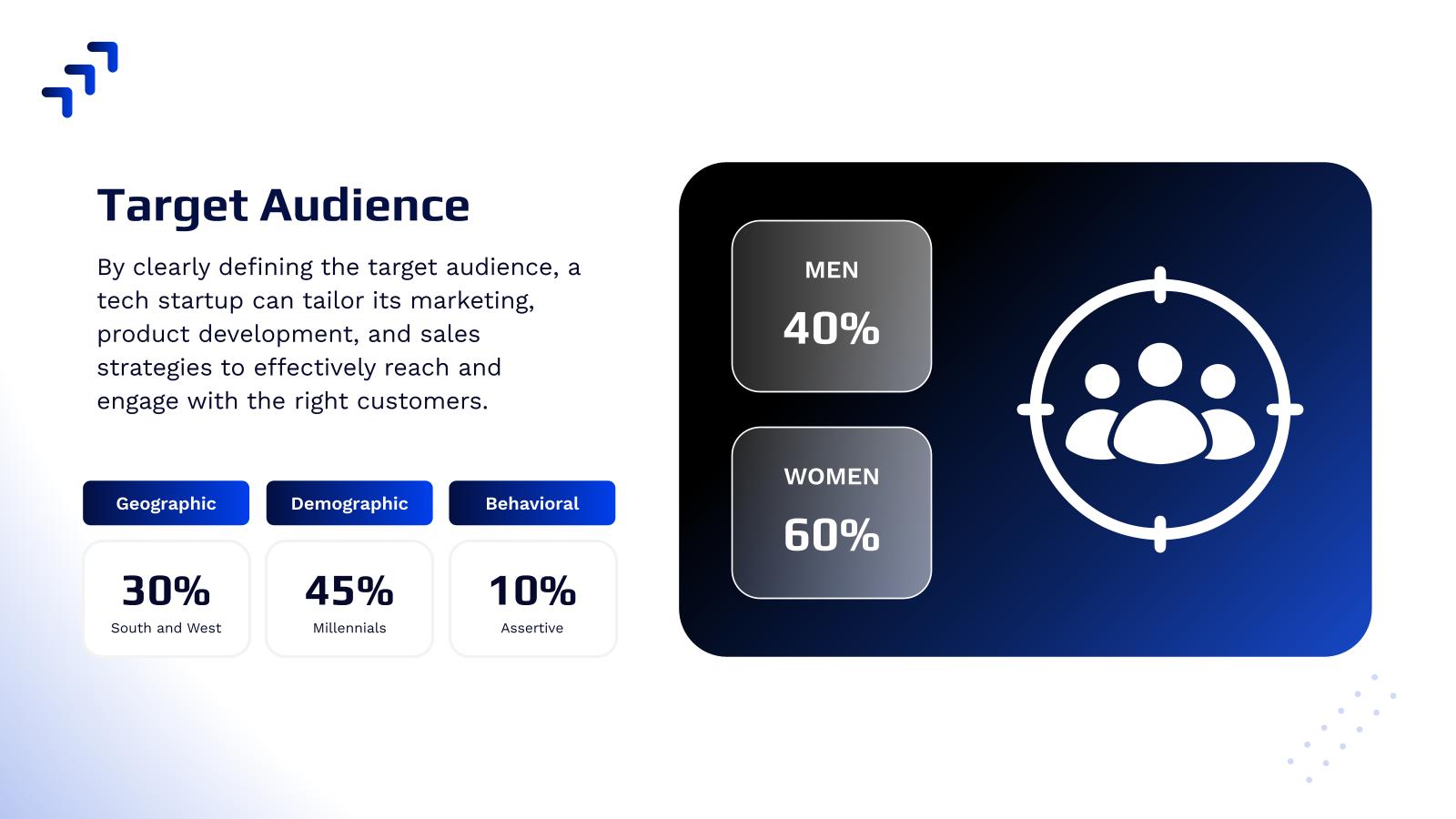

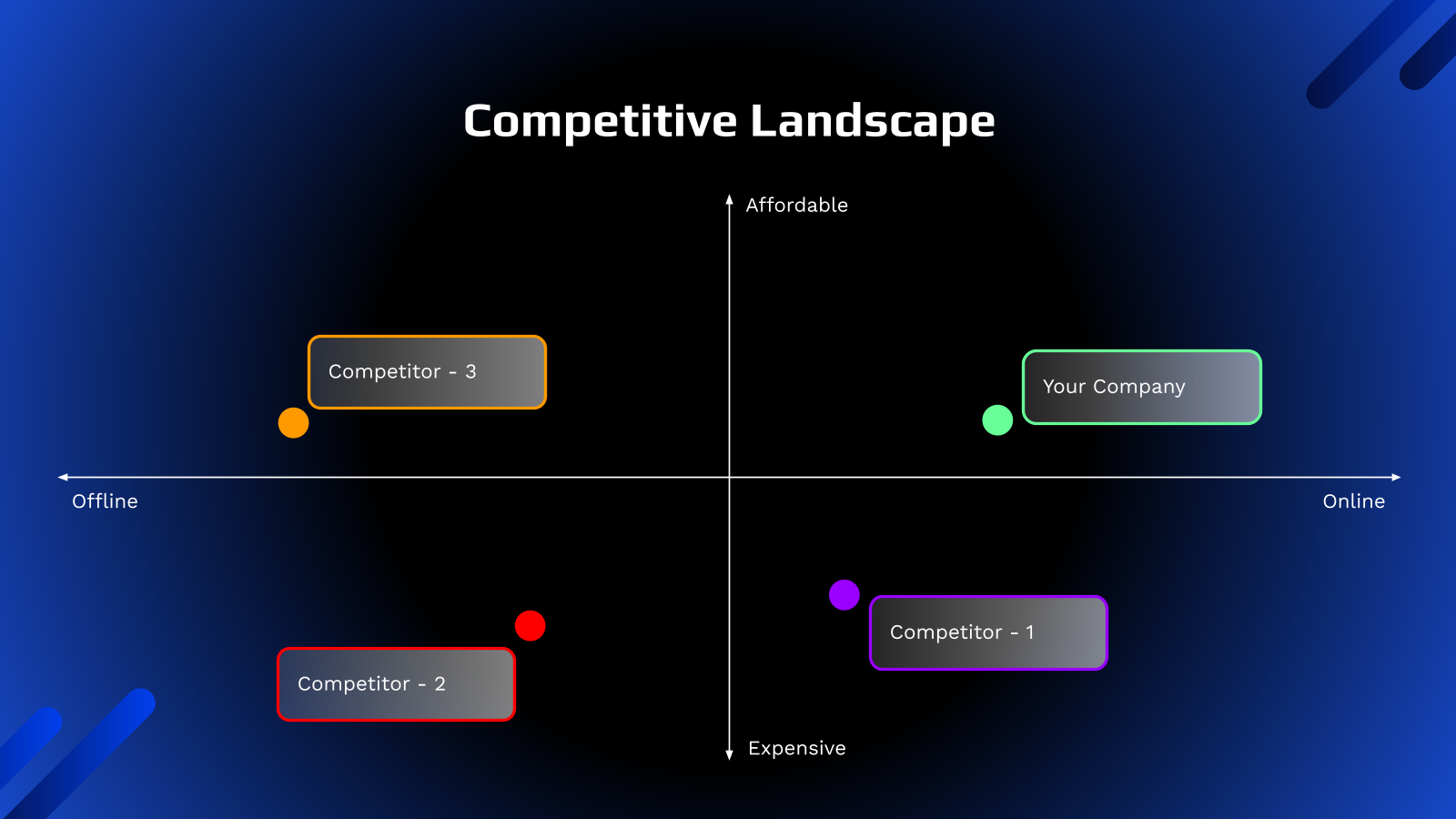
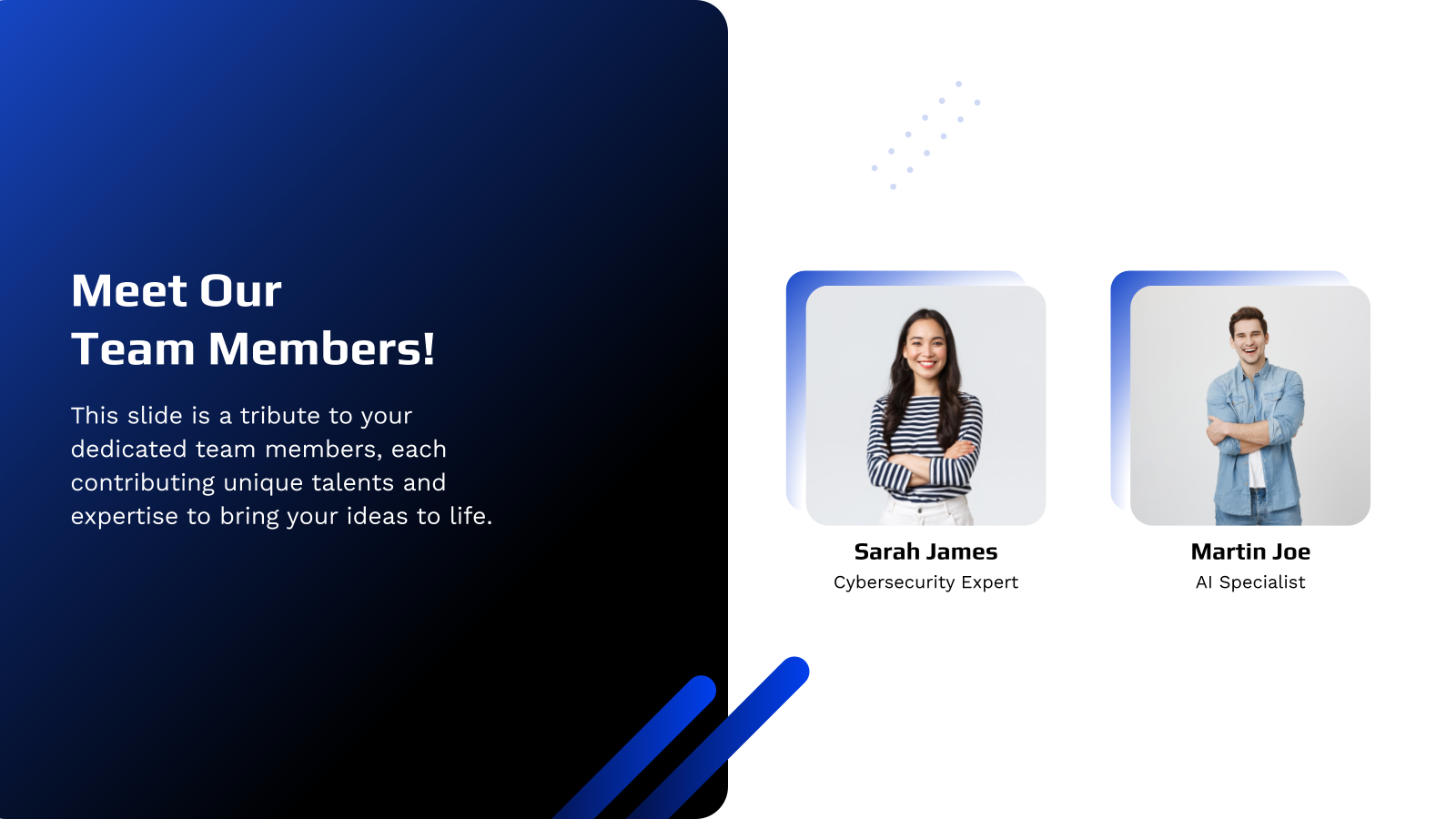





What is a Tech Startup Template?
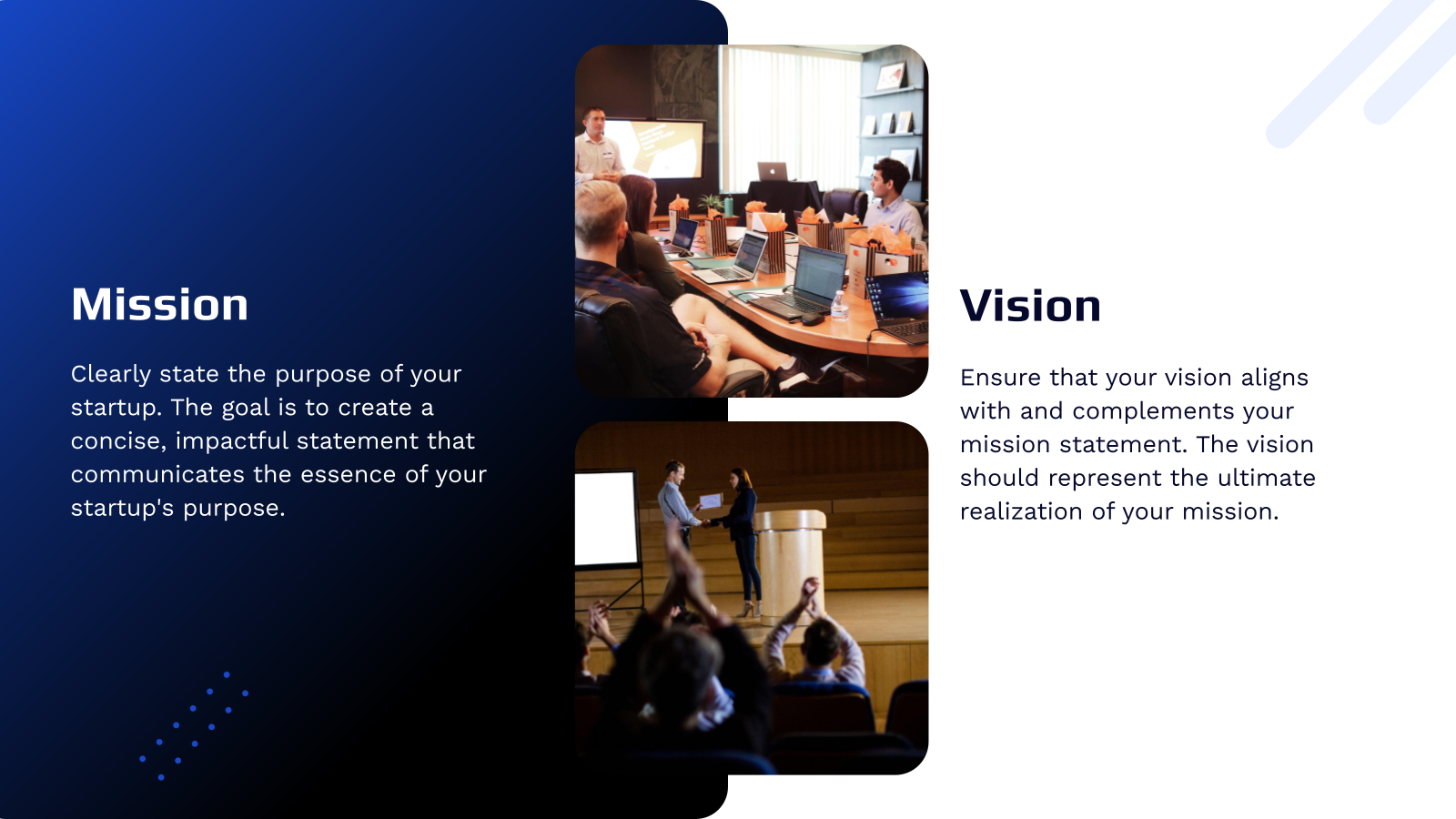
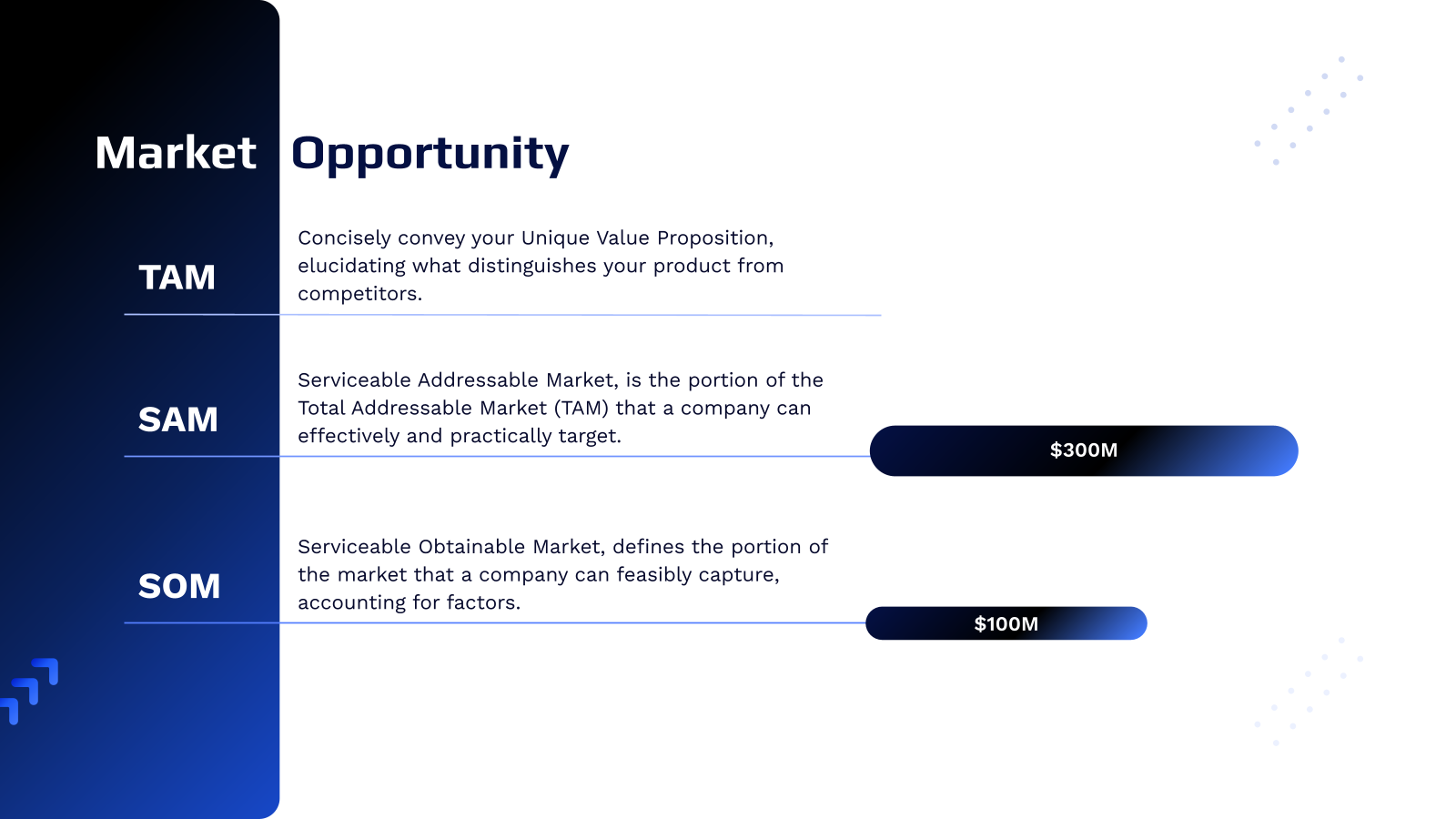
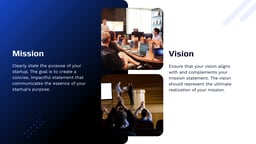
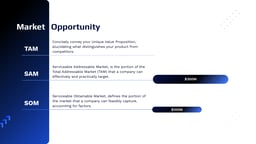
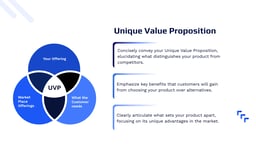
A tech startup template is a pre-designed presentation layout created for startups to showcase their business ideas, products, market opportunities, and growth strategy. It includes structured slides like company overview, problem–solution, business model, and roadmap, helping founders focus on their message without worrying about design or formatting.
Applications of Tech Startup Templates
Here are some common ways startups use these templates:
- Investor Pitches: Present your idea, traction, and plans to secure funding from VCs or angel investors.
- Demo Day Presentations: Share your progress at incubators or accelerators with a well-structured story.
- Strategic Partnerships: Use the template to explain your value and goals while approaching potential collaborators.
- Sales Pitches: Customise the slides to position your product in front of leads and decision-makers.
- Grant Applications: Present your social impact, innovation, and roadmap to qualify for startup grants.
- Internal Reporting: Keep your team, mentors, or board members updated with a clean and consistent format.
- Product Showcases: Highlight new features or upcoming releases during launches or webinars.
Why Use SlidesAI’s Tech Startup Pitch Deck Presentation Templates?
If you’re a startup founder or part of a small team preparing to pitch, SlidesAI’s presentation templates are built to make your life easier. Here’s what sets us apart:
- Built-In Pitch Structure: The template follows a proven pitch flow with slides for problem, solution, market size, business model, and funding ask, so you can focus on presenting your story clearly.
- You’re in Control of the Design: Easily customize layouts, fonts, colors, and content to match your startup’s branding and industry.
- AI Helps You Build Faster: SlidesAI can automatically generate slides from your idea or outline, saving time on design and formatting.
- Everything Looks Consistent: Pre-selected themes, fonts, and color palettes keep your entire presentation clean, professional, and visually consistent.
- Polished and Investor-Ready: These templates help you create a professional pitch deck that looks credible and ready for investor presentations.
Build Stunning Slides in Seconds with AI
- No design skills required
- 3 presentations/month free
- Don't need to learn a new software


How to Use This Tech Startup Pitch Deck Presentation Template?
- Microsoft PowerPoint: Click on Download > Click on “PowerPoint” > Click on the downloaded file to make a copy and start customising/editing the template
- Google Slides: Click on Download > Click on “Google Slides” > Click on “Use Template” to make a copy and start customising/editing the template
Create presentations in seconds. Enter text and SlidesAI creates customizable slides based on that text in seconds that go well with all our templates too.
Create Presentations Easily in Google Slides and PowerPoint
14M+Installs

Frequently Asked Questions (FAQs)
1. Who is this pitch deck template for?
This template is built for tech startups at any stage. Whether you’re just starting with an idea, have an MVP, or already showing traction, it helps you present your vision to investors, accelerators, or potential partners.
2. What slides are included in the template?
The template includes slides for your problem, solution, product, market size, business model, traction, technology, competition, go-to-market plan, team, financials, and funding ask. These cover the standard investor expectations.
3. Can I customize the design and content?
Yes, everything in the template is fully editable. You can tweak the text, change the visuals, adjust layouts, update fonts and colours, and add your branding without needing extra tools.
4. Does this template work with Google Slides?
Yes, the template is compatible with Google Slides. You can open it online, edit it easily, and share it with your team for smooth collaboration.
5. Do I need design experience to use this template?
Not at all. The slides are built using simple layouts and clean visual structure. Even if you’ve never designed a presentation before, you’ll find it easy to use.
6. Is this template suitable for investor presentations?
Yes, it is. The structure follows investor-friendly pitch formats, helping you present your story clearly and show value, market traction, and future plans in a focused way.
7. Can I use this template for demo days or accelerator programs?
Absolutely. It’s great for demo day pitches, startup competitions, incubator applications, and early-stage investor decks. The layout makes it easy to highlight your business potential.
8. Does the template support AI-generated content?
Yes. If you use it with SlidesAI, you can generate pitch deck content just by entering your startup details. The AI helps structure your message and save time.
9. Can I add or remove slides as needed?
Yes, you have complete control. You can duplicate, delete, or rearrange slides to suit your pitch flow. This makes it easy to customise based on who you’re presenting to.
10. Will this template help save time?
Yes. The pre-designed format helps you skip the design hassle and focus on the content. You can build a polished pitch deck much faster than starting from scratch.