If you teach maths, you already know how much time goes into planning lessons, checking work, and making sure every student keeps up. The good news is, AI tools are making that a lot easier. From auto-generating practice problems to solving step-by-step equations and tracking student progress, AI is giving maths teachers a helping hand where it counts. In this blog, we’ll walk you through the top AI tools that are actually useful in a maths classroom. Whether you want to save time, personalise learning, or just make your lessons more engaging, there’s something here that can help.
Why Math Teachers Should Use AI Tools?
If you teach math, AI tools can genuinely make your day-to-day work easier and more meaningful. Let’s look at how they help inside and outside the classroom.
1. Personalized Learning
Every student learns differently. Some pick up concepts quickly, while others need more time. AI tools help you adjust the pace and difficulty of lessons based on how each student is doing. This means you can meet individual needs without having to plan a separate lesson for everyone. Students get the kind of practice they need, and you get more time to focus on supporting them.
2. Automated Grading
Marking worksheets, practice problems, and daily quizzes takes up a lot of time. AI can step in to handle repetitive grading tasks, especially for objective questions like multiple choice or numerical answers. You can use that saved time for lesson planning, classroom discussions, or one-on-one check-ins with students who need more help.
3. Visual Learning Support
Some math topics are hard to explain with just words and equations. AI tools can create clear visual aids, graphs, and step-by-step animations to show how a problem is solved. When students can see how something works, they often understand it faster and remember it better. This kind of support helps you break down tricky topics more easily.
4. Interactive Lessons
Teaching math doesn’t have to follow the same format every day. AI tools bring in interactive elements like games, simulations, and quick quizzes that students can do on their devices. This keeps them involved and turns passive lessons into active learning experiences. Students get more excited about math, and you see better participation and focus.
5. Instant Feedback
With AI, students don’t have to wait for the next day to know if they were right or wrong. They get feedback right away, whether they are solving equations, plotting graphs, or practicing word problems. This helps them learn from mistakes on the spot and build confidence. It also gives you real-time insight into who’s keeping up and who might need extra support.
Related Post: AI Tools for Teachers to Boost Productivity and Engagement
Top AI Tools for Math Teachers
| Tool Name | Best For | How It Helps Math Teachers |
|---|---|---|
| SlidesAI | Rapid creation of lecture slides on trigonometry or statistics | Reduces prep time by automating slide formatting, freeing energy for interactive problem-solving sessions |
| Maths.ai | Breaking down complex calculus or algebra problems | Generates unlimited practice with explanations for class demos and tracks student progress to personalize remediation |
| eSpark Learning | Differentiating instruction in multi-level classrooms | Automates differentiation, allowing focus on small-group interventions and provides data-driven insights for targeted reteaching |
| Symbolab | Multi-step equation solving and graphing | Models logical reasoning for classroom walkthroughs and generates worksheets for varied practice |
| Numbas | High-stakes randomized exams preventing cheating | Saves grading time on large classes and provides immediate feedback loops |
| Math Whiteboard | Live graphing of functions or animations | Visualizes abstract concepts dynamically and facilitates remote or hybrid classes |
| Mathos AI | Grading large homework sets efficiently | Cuts assessment time dramatically and enables targeted interventions |
| Duolingo Math | Daily foundational practice | Supplements class with fun homework and tracks engagement via streaks |
| ChatGPT | Instant concept clarification | Acts as on-demand co-teacher and generates tailored resources |
| MagicSchool | Planning differentiated units | Speeds curriculum design and personalizes assignments |
| Khanmigo | Guided practice sessions | Provides 1:1 tutoring at scale and insights for class planning |
| Mathway | Quick verifications | Models solutions accurately and saves verification time |
| Photomath | Handwritten homework scans | Visualizes solving processes and aids diverse learners |
| Math Solver by Cymath | Algebraic manipulations | Generates practice steps and explains manipulations |
1. SlidesAI
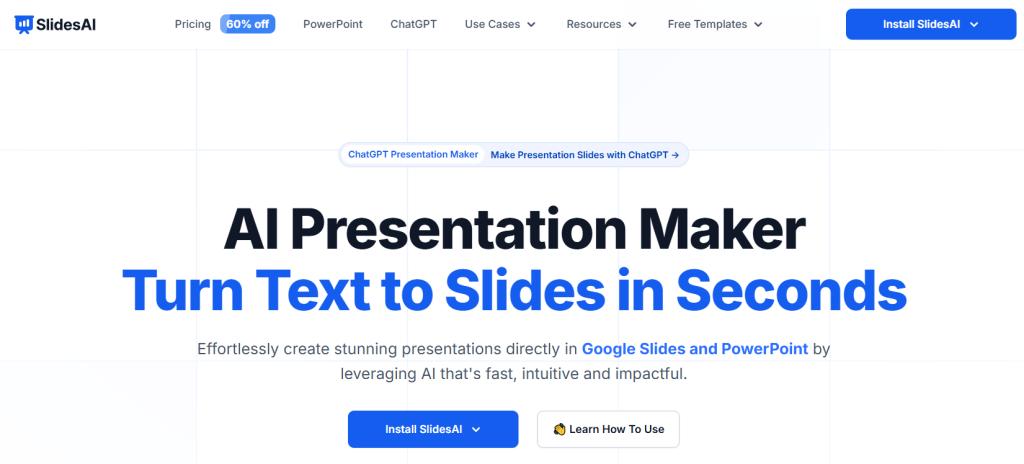
SlidesAI is a smart presentation tool that turns your notes or text prompts into clean, editable slides within seconds. Whether you use Google Slides or PowerPoint, it helps you skip the design hassle and go straight into teaching. For math teachers, this means transforming equations, geometry topics, or lesson plans into ready-to-use visual presentations. You can input formulas, theorems, or even word problems and let the AI generate slides with diagrams, graphs, or visuals. You still have full control to tweak the tone, layout, and content before presenting.
Key Features
- AI-generated slides from text prompts with 150+ templates
- Supports over 100 languages
- Tools to edit, rephrase, shorten, and add visuals
- Works with Google Slides and PowerPoint
Best For
- Making trigonometry or statistics slides fast
- Customizing lessons for different learning levels
- Showing geometry theorems or data sets with visuals
How It Helps Math Teachers
- Saves time on formatting, letting you focus more on student questions
- Makes abstract ideas like functions or probability easy to see and understand
- Lets you update slides on the fly by adding fresh examples or live problems
Create Presentations Easily in Google Slides and PowerPoint
14M+Installs
 Install add-in
2. Maths.ai
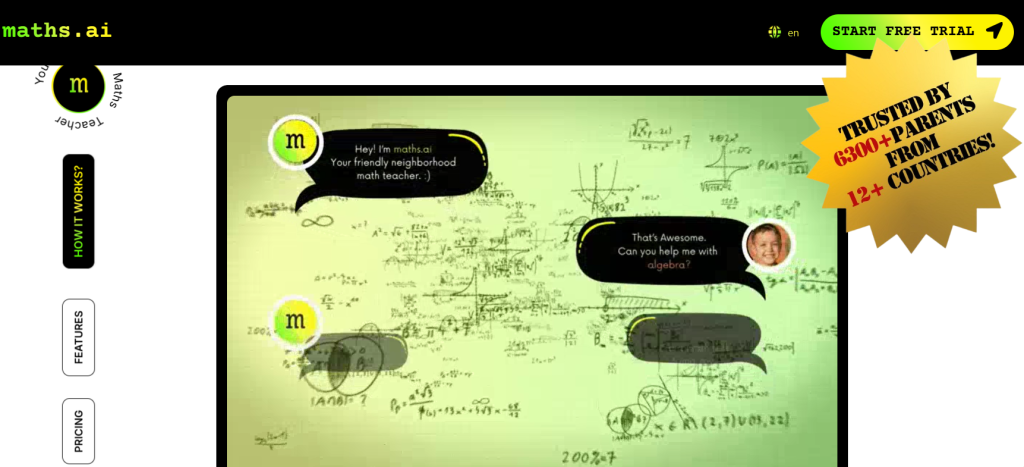
Maths.ai works like a personal math tutor that explains problems step-by-step using text or voice input. As a teacher, you can use it to show students how to solve complex equations or generate extra questions for practice. It adapts to each learner’s pace, so even if students are struggling with integrals or algebra, they can build confidence without pressure.
Key Features
- Step-by-step breakdowns for any math topic
- Learns the student’s level and adjusts difficulty
- Supports voice input for hands-free help
- Flexible pricing for different access needs
Best For
- Breaking down calculus or tricky algebra topics
- Supporting students with homework help
- Giving teachers a quick refresher on advanced concepts
How It Helps Math Teachers
- Creates unlimited problem sets with clear solutions for class use
- Helps you track where a student needs more support
- Reduces your load by handling tutoring and practice question creation
3. eSpark Learning
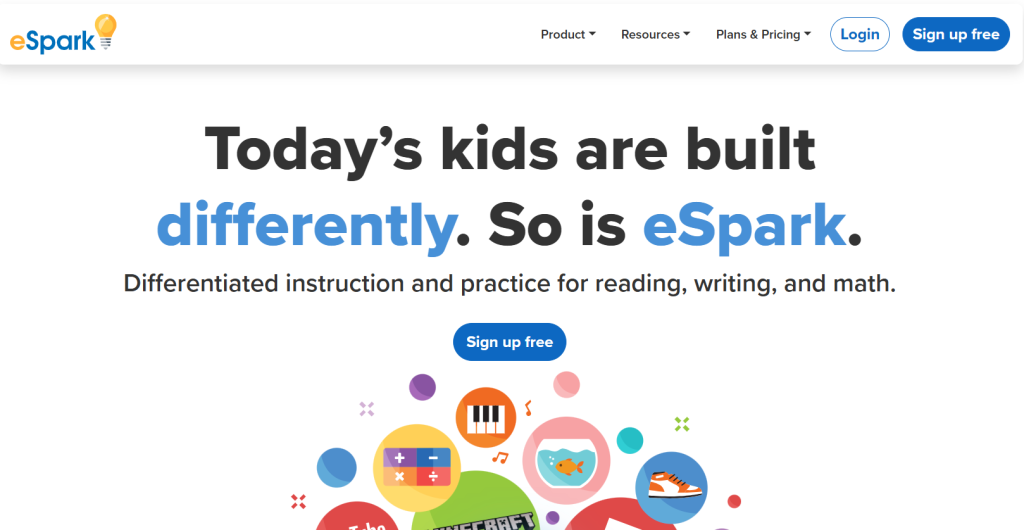
eSpark turns math lessons for younger students into interactive adventures. Designed for K-5 learners, it mixes quizzes, videos, and games that adjust to each student’s level. You can assign topics like place value or multiplication and then use the dashboard to see how everyone is progressing. It’s a playful, data-driven way to personalise learning without losing structure.
Key Features
- Adaptive playlists that adjust to student needs
- Teacher dashboards for monitoring and planning
- Fun videos and games that work offline too
- Aligned with learning standards
Best For
- Teaching mixed-level elementary classes
- Building number sense and fluency
- Using as homework or class stations
How It Helps Math Teachers
- Lets you focus on small-group instruction while the app supports others
- Keeps kids engaged so they’re motivated to learn daily
- Gives you clear data to plan reteaching or support
4. Symbolab
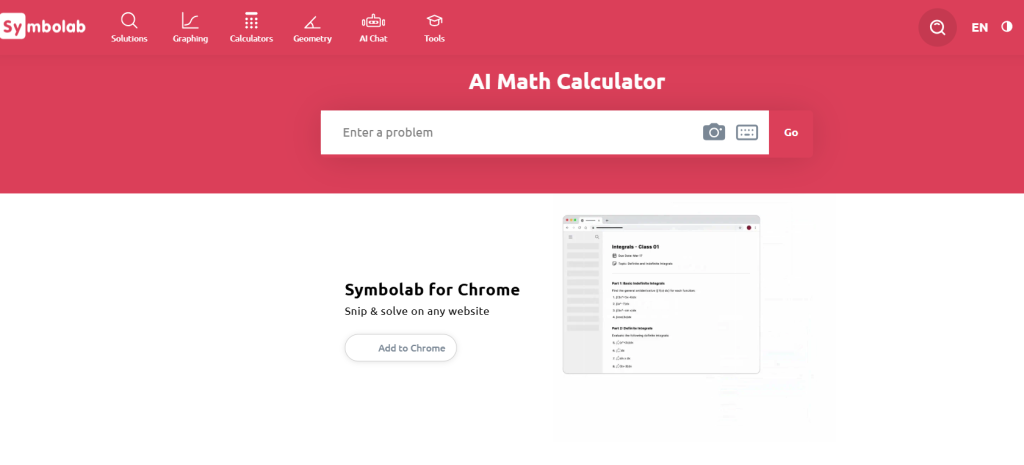
Symbolab is a tool that solves and explains math problems in detail. From calculus to trigonometry, it handles it all with text, photo, or natural language input. You can use it in class to walk through solutions, show how to break down problems, or double-check your own examples.
Key Features
- Step-by-step solving with rule-based logic
- Recognizes both typed and photographed problems
- Includes interactive graphs and printable practice sheets
- Offers help via chat for tricky steps
Best For
- Teaching students how to think through multi-step problems
- Demonstrating geometry proofs or graphing
- Creating custom quizzes
How It Helps Math Teachers
- Reinforces problem-solving skills with full breakdowns
- Saves time with auto-generated practice sheets
- Works well for visual learners who need extra support
5. Numbas
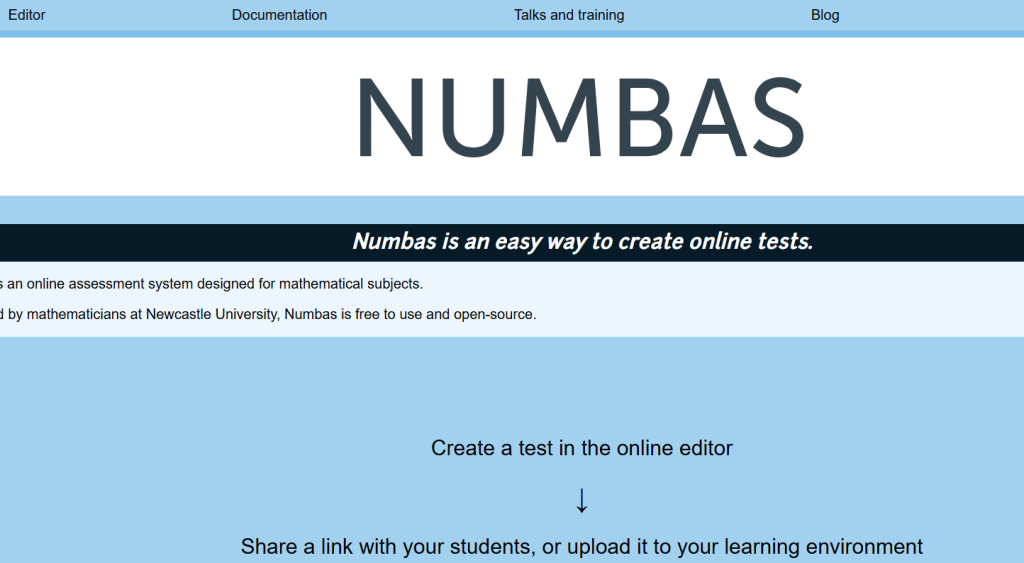
Numbas is a browser-based assessment platform that lets you build dynamic math tests with automatic grading. You can randomize questions, embed diagrams, and integrate it with your LMS like Moodle. It’s great for practice or formal testing, and it even works offline.
Key Features
- Drag-and-drop question editor with no coding
- Auto-marks typed expressions and choices
- Adds videos and graphs to questions
- Supports LMS integration
Best For
- Creating secure, cheat-resistant online tests
- Generating unlimited practice sets
- Embedding interactive visuals in assessments
How It Helps Math Teachers
- Cuts down marking time significantly
- Gives instant feedback to help students improve
- Supports accessible and adaptive testing options
6. Math Whiteboard
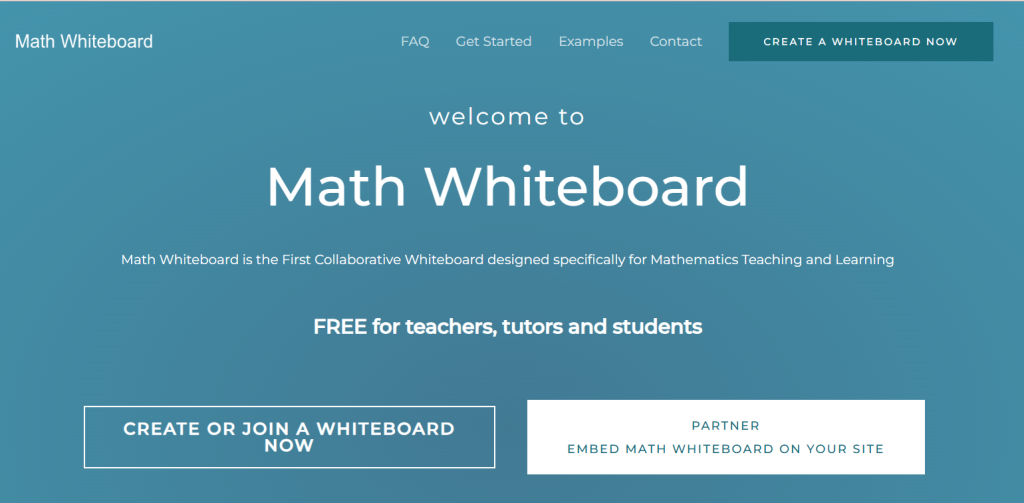
Math Whiteboard is like a shared digital notebook where you and your students can write, draw, and solve problems together. It supports handwritten math, live graphing, and even animations. Perfect for real-time teaching, whether in person or online.
Key Features
- Recognizes handwriting and solves using CAS
- Lets multiple users collaborate live
- Import PDFs to write on top of worksheets
- Offers templates and example boards
Best For
- Visualising concepts like rates of change
- Drawing graphs or solving equations in groups
- Annotating digital versions of student work
How It Helps Math Teachers
- Makes abstract maths more visual and easy to explain
- Works great in hybrid or remote teaching setups
- Combines drawing and solving in one space
7. Mathos AI
Mathos AI helps with grading, giving feedback, and tutoring all at once. You upload lesson materials and the tool uses them to review homework, give hints, and track progress. It’s like an assistant that supports every student individually without you needing to do extra work.
Key Features
- AI grading with detailed error feedback
- Links hints to your lessons and videos
- Tracks how each student is progressing
- Works at scale with entire classes
Best For
- Speeding up homework checking
- Guiding students through learning gaps
- Making tutoring scalable
How It Helps Math Teachers
- Reduces the time you spend grading
- Helps identify who needs more help and on what
- Keeps every student moving at their own pace
8. Duolingo Math
Duolingo Math teaches basic and intermediate concepts through fun, interactive lessons. It’s designed for younger learners or students needing practice with decimals, fractions, or shapes. You can assign it as homework and monitor streaks and progress.
Key Features
- Small lesson chunks with gamified streaks
- Tools like interactive clocks and shapes
- Tracks progress with XP and quests
- Designed to reduce math anxiety
Best For
- Making daily practice a habit
- Teaching fractions, measurements, and basics
- Engaging students who struggle with math
How It Helps Math Teachers
- Adds fun to homework or review sessions
- Helps you spot who’s practicing regularly
- Builds confidence in reluctant learners
9. ChatGPT
ChatGPT is an AI chatbot that answers questions, solves problems, and generates practice materials. As a math teacher, you can use it to build quizzes, walk through complex topics, or give instant feedback in simple language. You control the prompts to match your lessons.
Key Features
- Explains math using natural language
- Creates quizzes, summaries, or examples
- Offers step-by-step solutions
- Flexible for any level or topic
Best For
- Quick clarifications during lessons
- Custom question generation
- Advanced topic breakdowns
How It Helps Math Teachers
- Works as a virtual co-teacher
- Helps you plan or improvise during class
- Supports one-on-one and group learning
A ChatGPT presentation maker can help math teachers organize formulas, problem-solving methods, and lesson content into structured presentation slides for the classroom.
10. MagicSchool
MagicSchool.ai is a toolkit for teachers that includes lesson plan generators, rubrics, feedback tools, and math-specific content. You can use it to quickly create differentiated tasks, assess student work, or automate feedback in seconds.
Key Features
- Custom lesson and quiz creation
- Templates for feedback and rubrics
- Activities designed for different student needs
- Built for teachers across subjects
Best For
- Planning differentiated math lessons
- Automating grading or assessment rubrics
- Saving prep time
How It Helps Math Teachers
- Speeds up content creation
- Helps you personalise learning
- Gives more time to interact with students
11. Khanmigo
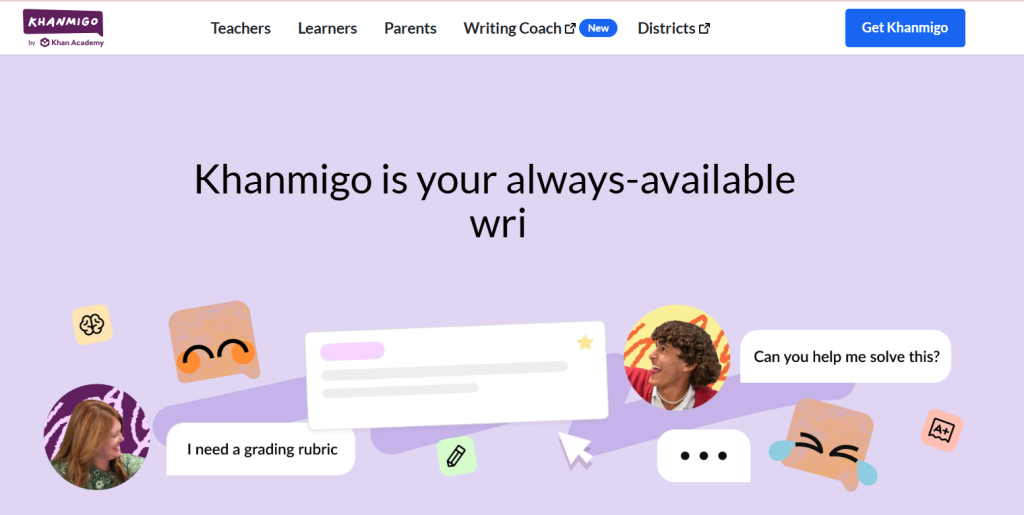
Khanmigo is the AI assistant from Khan Academy that uses gentle, guided questions to help students work through math without giving away answers. You can assign practice and get insights on where students are doing well or need help.
Key Features
- Socratic prompts that guide learning
- Tracks progress and performance
- Aligned with full curriculum
- Designed for teacher monitoring
Best For
- Supporting students with personalized help
- Encouraging thinking instead of guessing
- Integrating into daily class practice
How It Helps Math Teachers
- Provides one-on-one style support at scale
- Gives you data to inform teaching
- Reduces the time spent re-explaining common errors
12. Mathway
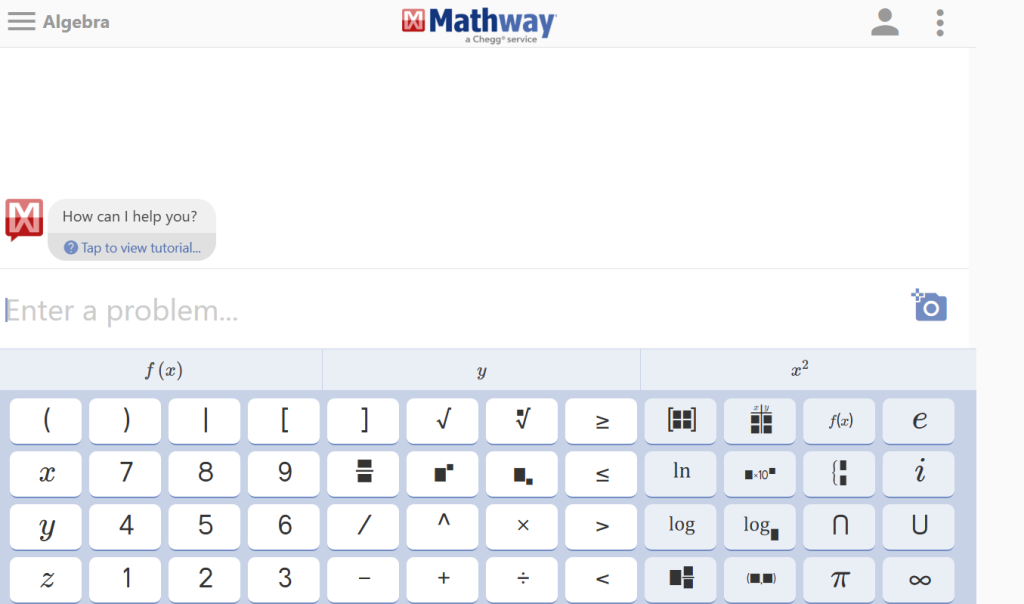
Mathway solves a wide range of math problems instantly and shows the steps. You can type or scan questions. It’s great for verifying your answers or helping students study on their own.
Key Features
- Solves problems across all math levels
- Scan or type input
- Step-by-step explanations
- Graphing options
Best For
- Quick answer checks
- Helping students with homework
- Exploring multiple solving methods
How It Helps Math Teachers
- Acts as a backup tool for solving or teaching
- Supports independent student learning
- Saves time when checking problem sets
13. Photomath
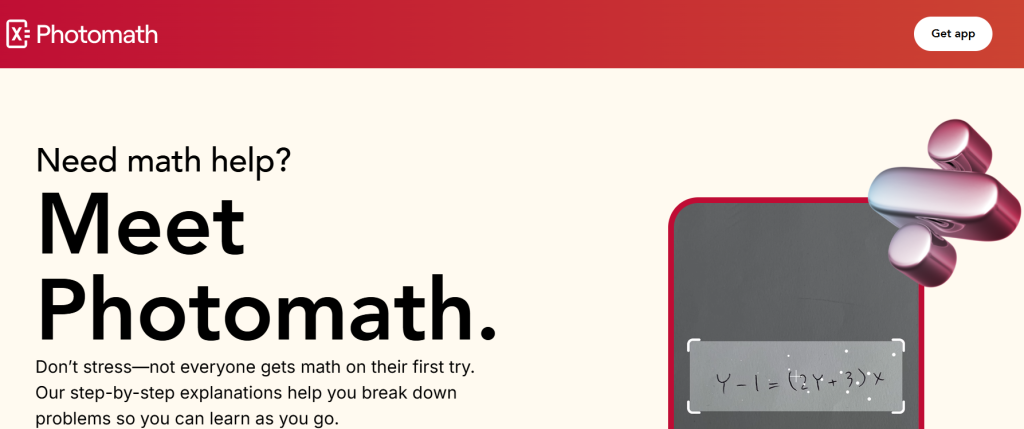
Photomath uses your phone’s camera to scan and solve math problems. It not only solves them but also animates and explains each step. It works well in class projections or as a take-home assistant for students.
Key Features
- Solves handwritten or printed problems
- Animations that explain every step
- Supports various solving methods
- Handles word problems too
Best For
- Showing students how to work through problems
- Helping visual learners understand concepts
- Assigning self-paced review
How It Helps Math Teachers
- Brings problem-solving to life with visuals
- Helps students revise without relying on memorisation
- Encourages active learning through tech
14. Math Solver by Cymath
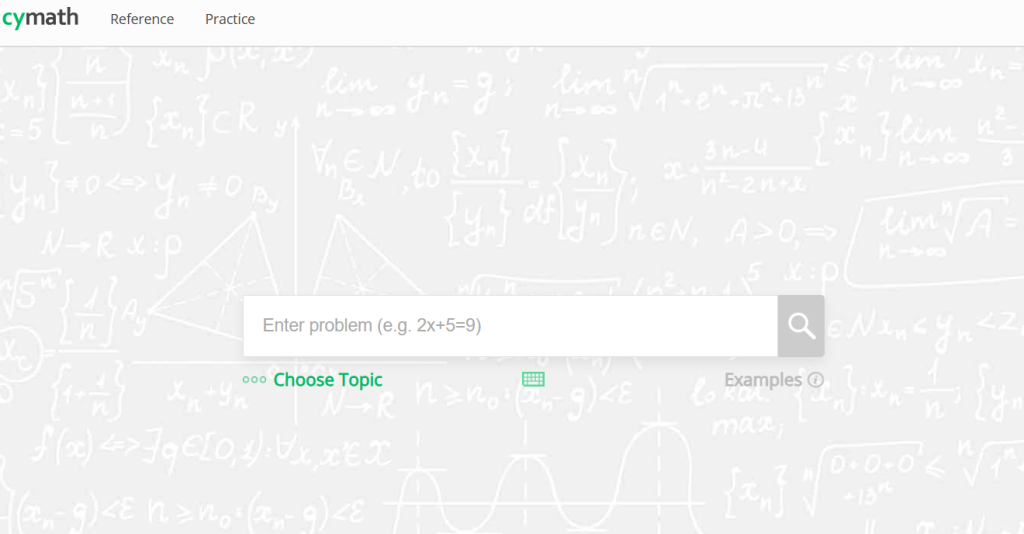
Cymath is a lightweight math solver focused on algebra, calculus, and trigonometry. You can type in a problem and it walks through the solution steps. Great for building practice sets or verifying steps.
Key Features
- Simple math input with clean layout
- Detailed solving steps
- Covers algebra and calculus
- Mobile-friendly
Best For
- Creating targeted practice problems
- Explaining tricky steps to students
- Quick checks during lesson planning
How It Helps Math Teachers
- Saves time on routine math solving
- Reinforces how each step is connected
- Helps students build solving confidence
How to Implement AI Math Tools in Your Classroom?
Here’s how you can implement AI math tools in your classroom:
1. Identify Needs and Choose Tools
Start by figuring out where your students need the most help. Is it solving problems faster, understanding concepts, or getting personalised practice? Once you know the gap, look into different AI math tools that match those needs. There are plenty out there, so take time to research and test a few. Try them out yourself or check demo versions if available. Choose the ones that fit your teaching style, your students’ level, and your school’s resources.
2. Train Teachers and Students
Before jumping in, make sure both you and your students know how to use the tool. Even a simple walkthrough can help build confidence. You do not need to master every feature, just enough to get started smoothly. You can also use video tutorials or quick guides. Show students how the tool fits into their learning, not just how to click buttons. When both sides feel comfortable, the tool becomes part of learning instead of a distraction.
3. Implement and Integrate
Start small. Pick one lesson or one class to try it out. See how it blends with your existing methods. You do not need to replace what already works. Let the tool support your teaching, not take over. Plan lessons that combine traditional problem-solving with AI features like hints, step-by-step guidance, or feedback. Use the AI tool in real assignments where students can apply their learning, not just practice drills.
4. Monitor and Adjust
Keep an eye on how students are using the tool. Many AI platforms offer built-in analytics to show progress, mistakes, and engagement levels. Use that data to guide your next steps. Also, double-check the AI-generated content before sharing it in class. It is important to ensure accuracy and alignment with your curriculum. Based on what you observe, make changes to how often or where you use the tool. The goal is to keep improving both teaching and learning outcomes.
Benefits of Using AI Tools in Math Teaching
Here are some practical ways AI can support your math classroom, making your teaching more efficient and your students more engaged:
1. Saves Time
AI tools help you cut down on prep work by automating lesson plans, quizzes, and even step-by-step problem demonstrations. You can spend less time planning and more time focusing on your students.
2. Adapts to Each Student
With AI tutors and adaptive platforms, the content adjusts to each student’s level. Struggling students get extra support, while advanced learners stay challenged. It makes your teaching more flexible without needing extra hands.
3. Keeps Students Interested
Math can feel dry at times, but AI tools often bring in interactive and visual elements that make lessons more engaging. Graphs, animations, and simulations help bring concepts to life and make it easier for students to stay focused.
4. Gives Instant Feedback
Instead of waiting to grade a paper, AI tools give students instant answers along with explanations. This helps them learn where they went wrong and understand the correct method, not just the solution.
5. Works Well with Your Existing Setup
Many AI tools connect smoothly with platforms like Google Classroom and other LMS tools. You don’t need to change your entire workflow. The tools fit right in and help you manage lessons, assignments, and student progress all in one place.
Closing Thoughts
AI tools are not here to replace how you teach math, but to support you where it matters most. When used thoughtfully, they can save time, help you reach every student, and make lessons clearer and more engaging. As these tools continue to improve, they give you more space to focus on explaining concepts, answering questions, and building confidence in your classroom.
Build Stunning Slides in Seconds with AI
- No design skills required
- 3 presentations/month free
- Don't need to learn a new software

Math teaching comes with unique challenges, from explaining step-by-step problem solving to helping students who all learn at different speeds. AI tools are now making it easier to personalise learning, generate practice problems, and build engaging lesson slides without spending hours on prep. Here are the best AI tools that can make a real difference in your maths classroom.
- Top 19 Best AI Pitch Deck Generators
- 12 Best AI Image Generators to Elevate Your Presentations
- AI Tools for Teachers to Boost Productivity and Engagement
- Top 11 AI Tools Every Student Should Know About
- Best AI Tools for Productivity
- 15 Best AI Tools for Consultants
- Top 12 AI Tools for Science Teachers
- 12 Best AI Tools for English Teachers to Save Hours a Week
Frequently Asked Questions Related to AI Tools for Math Teachers
1. How can AI help math teachers in the classroom?
AI can save you a lot of time by handling tasks like grading, creating quizzes, generating practice questions, and explaining tough concepts step by step. It also gives you insights into how each student is doing so you can support them better.
2. Is SlidesAI useful for math teachers?
Yes. If you ever feel short on time, SlidesAI lets you turn your math notes or lesson plans into clean, professional slides in just a few clicks. It’s a helpful tool for quick prep before class.
3. Can AI replace math teachers?
No. AI is here to assist, not replace. It can help with planning and support, but it cannot replace the way you connect with students, guide them, or adapt to their emotions and learning styles.
4. Are AI tools safe for classroom use?
Most tools made for education, like Khanmigo and SlidesAI, follow strong data privacy rules. They are designed to be safe and suitable for students and classroom environments.
5. Can AI tools customize lesson plans for different student levels?
Yes. Many AI tools let you adjust content based on each student’s pace or level. This helps you include everyone without having to create separate lesson plans from scratch.
6. Are AI-generated worksheets and quizzes customizable?
Definitely. Most platforms let you edit the questions, difficulty level, and format. You can change what you need to match your teaching style or your students’ needs.



![14 Best AI Presentation Tools for Students [2026]](https://cdn.slidesai.io/cdn-cgi/image/width=828,format=auto/https://cms-media.slidesai.io/wp-content/uploads/2025/03/31161413/Presentation-Tools-for-Students.png)